On this page
A real estate agent wins or loses a lead in the first hour, and a booking link that works beats a voicemail every time. The eight tools below mix full real estate CRMs with simple schedulers, and every price was checked on the vendor site on November 27, 2026. Prices run from five dollars a month to three hundred ninety-nine dollars a month, with most CRMs charging per user. Follow Up Boss is our first pick — the CRM that pairs lead follow-up with booking, calling and pipelines in one place.
How we researched this
We started with the booking and CRM tools agents actually use, then read each price on the vendor pricing page on November 27, 2026 and noted the trial each plan carries. We judged them for an agent who follows up leads daily and needs booking, calling and pipelines without a big team. We left out kvCORE, Chime and BoomTown because all three are quote-only, and we skipped tools that cannot track a lead past the first call.
Compare the tools
| Name | Best for | Starting price | Free plan | |
|---|---|---|---|---|
 Follow Up Boss | Agents who live on lead follow-up and need booking beside pipelines | $58/user/month | No free plan; 14-day free trial | Visit |
 LionDesk | Agents who follow up by call and text and want video texting built in | $25/user/month | No free plan; free trial available | Visit |
 Real Geeks | Agents who buy internet leads and need them worked fast | $399/month | No free plan; no free trial | Visit |
 Wise Agent | Small teams that want a full CRM for one flat price | $49/month | No free plan; 14-day free trial | Visit |
 Top Producer | Busy agents who want a proven CRM with deep market data | $179/user/month | No free plan; free trial available | Visit |
 Calendly | Agents who only need fast showing bookings beside another CRM | $10/user/month | Free plan available | Visit |
 Acuity Scheduling | Agents who want buyers to answer questions before each showing | $16/month | No free plan; 7-day free trial | Visit |
 Setmore | Solo agents who need online booking at the lowest price here | $5/user/month | Free plan for up to 4 users | Visit |
The appointment scheduling software for real estate agents, compared
1. Follow Up Boss
Best for: Agents who live on lead follow-up and need booking beside pipelines
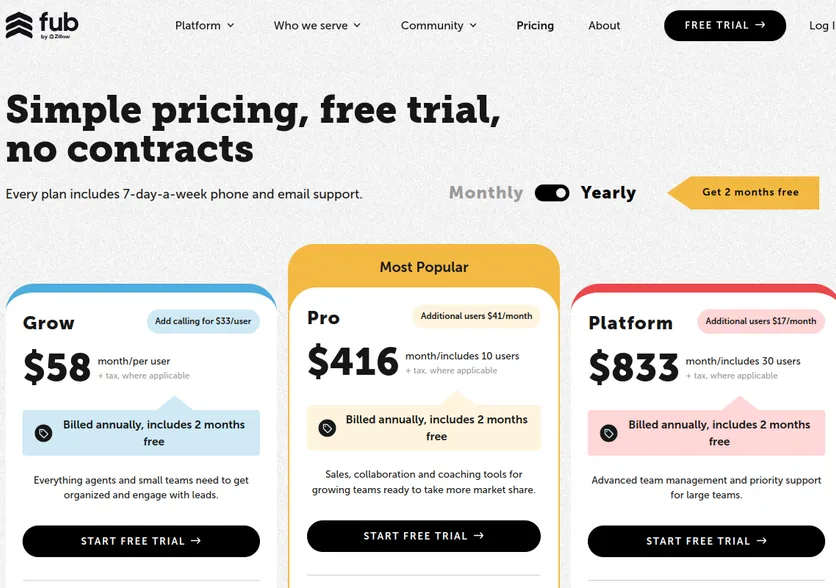
Paid tool Starting price: $58/user/month · Fifty-eight dollars per user a month billed annually for the Grow plan, or sixty-nine dollars per user a month billed monthly
Free plan: No free plan; 14-day free trial
Follow Up Boss is the real estate CRM agents use to follow up leads fast, with booking, calling, texting and pipelines in one login. This Follow Up Boss Grow plan costs fifty-eight dollars per user a month billed annually and covers lead routing and smart lists. An agent who lives on follow-up gets booking plus a pipeline that never lets a lead go cold.
What we like
- Lead follow-up, calling and booking in one CRM
- Smart lists surface the hottest leads first
- Pipelines show every open deal at a glance
Watch out for
- Per-user pricing adds up fast across a team
- Calling add-on costs extra on the Grow plan
How to try it
- Open the Follow Up Boss site and start the 14-day trial
- Connect your lead sources and set up smart lists
- Share your booking link in follow-up messages
2. LionDesk
Best for: Agents who follow up by call and text and want video texting built in
Paid tool Starting price: $25/user/month · Twenty-five dollars per user a month for the Starter plan; some listings show thirty dollars a month
Free plan: No free plan; free trial available
LionDesk is the real estate CRM that pairs booking with video texting, calling and lead follow-up for agents who work by phone. This LionDesk Starter plan costs twenty-five dollars per user a month and covers the CRM, texting and task reminders. An agent who follows up by call and text gets a CRM built around the conversation.
What we like
- Video texting makes follow-up feel personal
- Calling and texting built into the CRM
- Low starting price for a full agent CRM
Watch out for
- Starter price varies across listings
- Now part of Lone Wolf, so the brand may change
How to try it
- Open the LionDesk site and start your trial
- Add your leads and set up video texting
- Turn on booking and task reminders
3. Real Geeks
Best for: Agents who buy internet leads and need them worked fast
Paid tool Starting price: $399/month · Three hundred ninety-nine dollars a month on a twelve-month term, plus a five hundred dollar one-time setup fee
Free plan: No free plan; no free trial
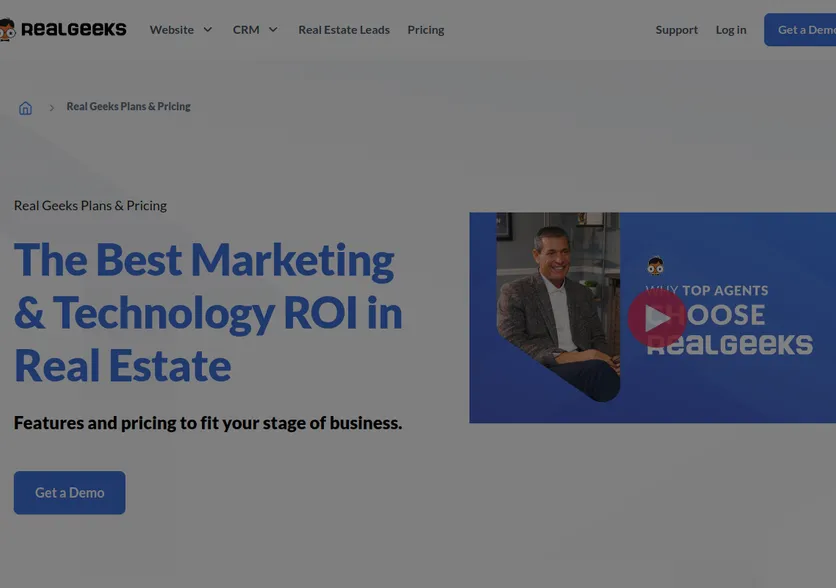
Real Geeks is the lead generation and CRM platform agents use to capture leads, book showings and track deals from one dashboard. This Real Geeks Platform plan costs three hundred ninety-nine dollars a month on a twelve-month term and includes two users. An agent who buys leads and needs them worked fast gets a CRM built for speed.
What we like
- Lead generation and CRM in one platform
- Built for speed on new internet leads
- Two users included on the Platform plan
Watch out for
- Five hundred dollar one-time setup fee applies
- Lead packages cost extra on top of the plan
How to try it
- Open the Real Geeks site and request a demo
- Set up your lead capture pages and CRM
- Start working new leads from the dashboard
4. Wise Agent
Best for: Small teams that want a full CRM for one flat price
Paid tool Starting price: $49/month · Forty-nine dollars a month for the CRM plan, or four hundred ninety-nine dollars a year
Free plan: No free plan; 14-day free trial
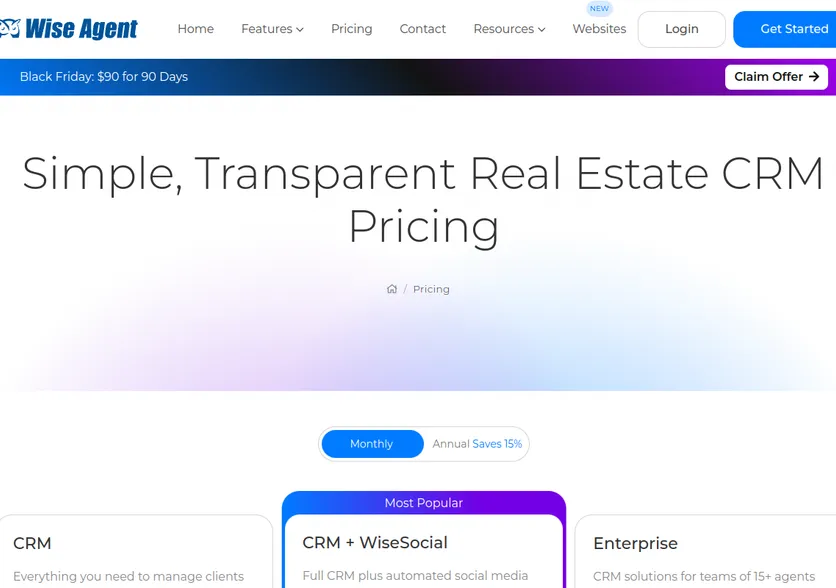
Wise Agent is the flat-price real estate CRM agents use for booking, follow-up, transactions and marketing without per-seat billing. This Wise Agent CRM plan costs forty-nine dollars a month, or four hundred ninety-nine dollars a year, for up to five team members on a shared login. A small team gets a full CRM for one flat price instead of a bill per agent.
What we like
- Flat price for up to five team members
- Transactions and marketing beside booking
- One login covers the whole small team
Watch out for
- Extra logins cost twenty dollars a month each
- Shared login suits small teams, not large ones
How to try it
- Open the Wise Agent site and start the 14-day trial
- Add your team to the shared login
- Set up booking, follow-up and transaction checklists
5. Top Producer
Best for: Busy agents who want a proven CRM with deep market data
Paid tool Starting price: $179/user/month · One hundred seventy-nine dollars per user a month for the Pro plan; the same vendor page also shows other figures, so confirm at checkout
Free plan: No free plan; free trial available
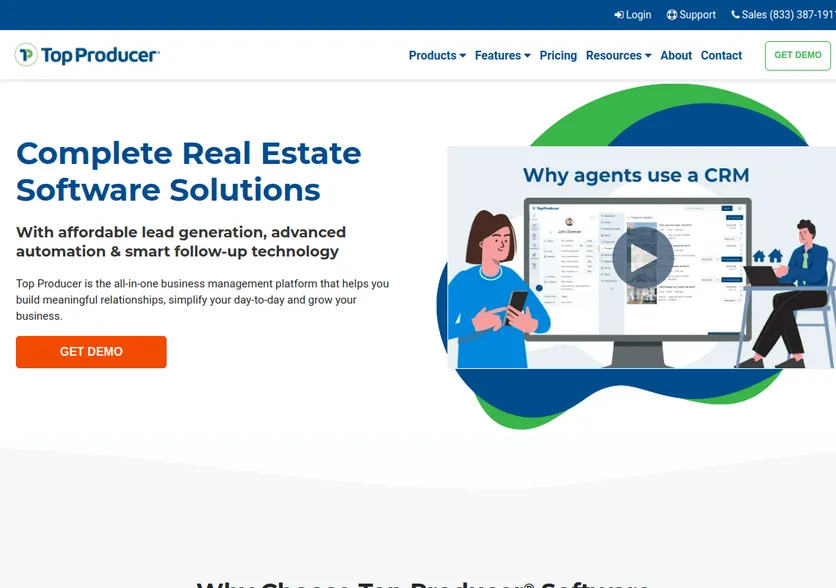
Top Producer is the long-running real estate CRM that pairs booking with lead management, marketing and market reports for busy agents. This Top Producer Pro plan costs one hundred seventy-nine dollars per user a month and covers the CRM, leads and marketing tools. An agent who wants a proven system with deep market data gets booking plus a full sales toolkit.
What we like
- Long track record with working agents
- Market reports and marketing beside the CRM
- Deep lead management for busy pipelines
Watch out for
- Same vendor page shows other Pro prices, so confirm at checkout
- Higher price than most CRMs in this list
How to try it
- Open the Top Producer site and start your trial
- Import your leads and set up market reports
- Share booking links with new enquiries
6. Calendly
Best for: Agents who only need fast showing bookings beside another CRM
Paid tool Starting price: $10/user/month · Ten dollars per user a month billed annually for the Standard plan, or twelve dollars per user a month billed monthly
Free plan: Free plan available
Calendly is the simple scheduler agents use when a lead should pick a showing time without waiting for a callback. This Calendly Standard plan costs ten dollars per user a month billed annually and adds group scheduling for open house slots. An agent who tracks deals in another CRM gets fast showing bookings at a low price.

What we like
- Leads book in under a minute with no account
- Group scheduling suits open house days
- Lowest learning curve of any scheduler here
Watch out for
- No pipeline or lead tracking, so deals live elsewhere
- Reminders and payments need higher plans or add-ons
How to try it
- Open the Calendly site and create a showing event type
- Set your availability and buffers
- Share the booking link in your listing replies
7. Acuity Scheduling
Best for: Agents who want buyers to answer questions before each showing
Paid tool Starting price: $16/month · Sixteen dollars a month billed annually for the Emerging plan, or twenty dollars a month billed monthly; Squarespace now owns Acuity and calls it Squarespace Scheduling
Free plan: No free plan; 7-day free trial
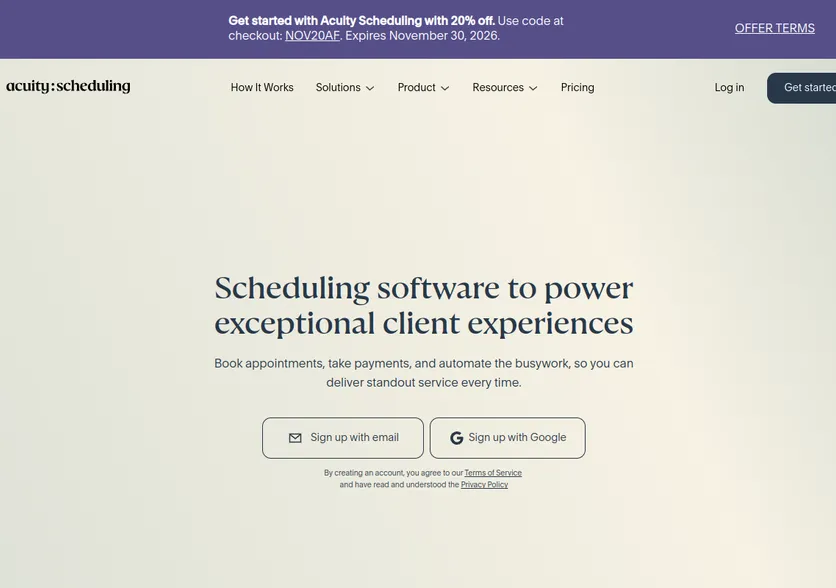
Acuity Scheduling is the Squarespace booking tool agents use for showing appointments, pre-qualification questions and reminders on a branded page. This Acuity Scheduling Emerging plan costs sixteen dollars a month billed annually and covers one staff calendar with reminders. An agent who wants buyers to answer a few questions before the showing gets them built into the booking step.
What we like
- Buyer questions built into the booking step
- Deposits and payments taken at booking time
- Branded booking page that matches your listings
Watch out for
- Plan names vary across sources after the Squarespace rebrand
- Emerging covers one calendar, so multi-agent teams pay more
How to try it
- Open the Acuity Scheduling site and start the trial
- Build your showing form with buyer questions
- Embed the booking page on your listings site
8. Setmore
Best for: Solo agents who need online booking at the lowest price here
Paid tool Starting price: $5/user/month · Five dollars per user a month billed annually for the Pro plan, or twelve dollars per user a month billed monthly; the free plan covers up to four users
Free plan: Free plan for up to 4 users
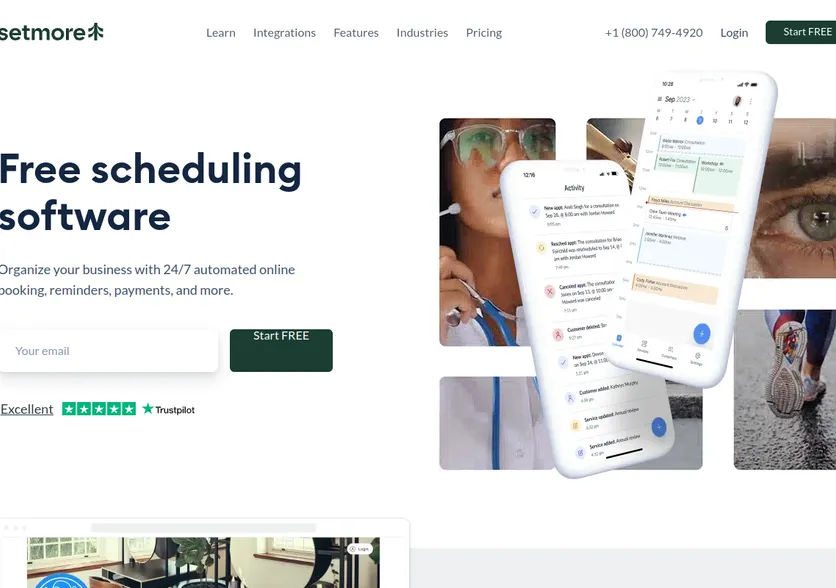
Setmore is the low-cost scheduler for agents who need online booking, staff calendars and reminders without paying for a full CRM. This Setmore Pro plan costs five dollars per user a month billed annually and adds reminders and a booking page. A solo agent can take showing bookings on a website the same day they sign up.
What we like
- Cheapest paid plan in this comparison
- Free plan covers up to four users
- Booking page live within minutes of signup
Watch out for
- No CRM or pipeline, so leads stay elsewhere
- Monthly billing costs more than double the annual rate
How to try it
- Open the Setmore site and create your booking page
- Add your calendar and set your showing hours
- Turn on reminders and share the booking link
Prices above were checked on each vendor’s own website on Nov 27, 2026 and can change — the vendor’s page is the final word. Vendor links are editorial: nobody paid to be listed or ranked here. Vendors who want a featured listing can see how it works on our Get listed page.
What real estate agent scheduling costs in 2026
An agent pays for scheduling in two ways, the subscription and the leads that go cold while waiting for a callback. A per-user CRM looks cheap for one agent and steep for a team of ten, so multiply the seat price by your real headcount before you compare. Full CRMs cost more because they carry pipelines, calling and lead routing beside the diary, while simple schedulers stay cheap by booking only.
Start with a trial on two tools and run a real lead through each one. Check that the booking link reaches the lead fast, that reminders cut no-shows, and that the pipeline shows every open deal at a glance. Pick the tool whose booking flow leads finish on their phones, because a CRM that needs a phone call to book is not saving you time.
Before you buy
- Match the tool to your lead volume, because a solo agent and a ten-agent team need different pipelines.
- Check that booking links reach leads fast, because a lead that waits an hour often calls another agent.
- Confirm the price covers every user, because per-seat billing multiplies fast across a team.
- Test the calling and texting tools, because booking without follow-up leaves deals half done.
- Ask about lead routing and integrations, because a CRM that cannot take leads from your portal wastes time.
Official websites
Official websites of the products reviewed above. Features and prices were checked against these sites when this guide was written, and they can change, so confirm on the vendor site before you buy.
Frequently asked questions
Which scheduling software is best for real estate agents in 2026?
Follow Up Boss is the best overall pick at fifty-eight dollars per user a month, with lead follow-up, booking, calling and pipelines in one CRM. Wise Agent is the best budget pick at forty-nine dollars a month for a flat team price. Calendly is the best simple pick at ten dollars per user a month for agents who only need fast showing bookings.
How much does real estate agent scheduling software cost?
Prices in this list run from five dollars per user a month for Setmore to three hundred ninety-nine dollars a month for Real Geeks, with most CRMs landing between twenty-five and one hundred seventy-nine dollars per user a month. Full CRMs cost more because they add pipelines, calling and lead routing. Add setup fees and lead packages to the subscription before you compare totals.
Do real estate agents need a CRM or just a scheduler?
Agents with steady lead flow need a CRM, because booking alone cannot track a lead from first call to closing. Follow Up Boss, LionDesk and Wise Agent all pair booking with pipelines and follow-up reminders. A simple scheduler suits agents who already track deals in another CRM and only need a booking link.
Can a real estate agent use Calendly instead of a CRM?
Yes, if the agent already tracks leads and deals in another system, because Calendly books showings fast and costs little. The trade-off is that lead details live in several places, so the agent copies them between tools. A real estate CRM suits agents who want booking, calling and pipelines in one login.
Is there a free scheduling tool for real estate agents?
Calendly and Setmore both offer free plans, so a new agent can start taking bookings without paying. Free plans limit users, event types or features, so check the caps before you rely on them. Most working agents move to a paid CRM once leads and showings grow.
Need everyday business help too? Try Toolsvine's free business tools right in your browser.
Browse Business Tools tools