On this page
A small team loses its week to double bookings and group polls long before it loses a client. The eight tools below all handle team scheduling, and every price was checked on the vendor site on November 27, 2026. Prices run from five dollars per user a month to nineteen dollars per seat a month, with most team plans landing between nine and sixteen dollars. Calendly is our first pick — the scheduler teams adopt fastest, with routing forms and group booking in one place.
How we researched this
We started with the scheduling tools small teams actually share, then read each price on the vendor pricing page on November 27, 2026 and noted the trial each plan carries. We judged them for a team of two to twenty people who books internal meetings, client calls and group sessions without a receptionist. We left out enterprise suites that price by quote, and we skipped single-user tools that cannot share a diary across a team.
Compare the tools
| Name | Best for | Starting price | Free plan | |
|---|---|---|---|---|
 Calendly | Teams that want fast booking with routing and round robin | $10/user/month | Free plan available | Visit |
 Acuity Scheduling | Service teams that want deposits and intake forms at booking time | $16/month | No free plan; 7-day free trial | Visit |
 Setmore | Small teams that need shared calendars at the lowest price here | $5/user/month | Free plan for up to 4 users | Visit |
 Doodle | Teams that book group meetings and want polls that end email chains | $16/seat/month | Free plan available | Visit |
 YouCanBookMe | Teams that take client calls on rotation and want fair load sharing | $16.20/member/month | Free plan available | Visit |
 SimplyBook.me | Service teams that book appointments and classes from one page | $11.90/month | Free plan with 50 bookings a month | Visit |
 Appointlet | Small teams that book demos and sales calls and want a lightweight tool | $9/member/month | Free plan for up to 5 members | Visit |
 Motion | Busy teams that want meetings and tasks planned together automatically | $19/seat/month | No free plan; 7-day free trial | Visit |
The appointment scheduling software for small teams, compared
1. Calendly
Best for: Teams that want fast booking with routing and round robin
Paid tool Starting price: $10/user/month · Ten dollars per user a month billed annually for the Standard plan, or twelve dollars per user a month billed monthly
Free plan: Free plan available
Calendly is the team scheduler most small teams adopt first, with booking links, routing forms and round robin that share meetings fairly. This Calendly Standard plan costs ten dollars per user a month billed annually and adds group scheduling and routing. A team that books client calls every day gets shared diaries without a receptionist.

What we like
- Routing forms send each booking to the right person
- Round robin shares meetings fairly across the team
- Fastest setup of any team scheduler here
Watch out for
- Team features need the Standard plan, not free
- Per-user billing adds up as the team grows
How to try it
- Open the Calendly site and create your team
- Add routing forms and round robin rules
- Share booking links with clients and colleagues
2. Acuity Scheduling
Best for: Service teams that want deposits and intake forms at booking time
Paid tool Starting price: $16/month · Sixteen dollars a month billed annually for the Emerging plan, or twenty dollars a month billed monthly; Squarespace now owns Acuity and calls it Squarespace Scheduling
Free plan: No free plan; 7-day free trial
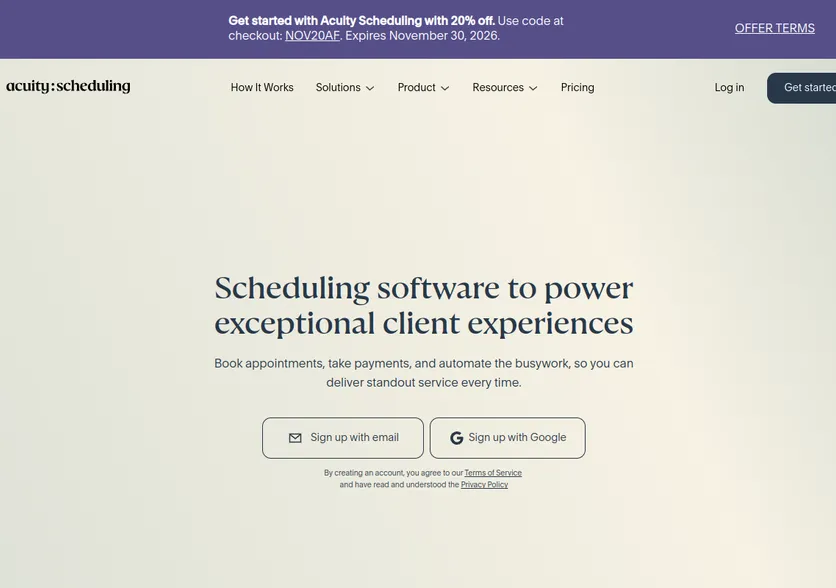
Acuity Scheduling is the Squarespace booking tool small teams use for client appointments, intake forms and payments on a branded page. This Acuity Scheduling Emerging plan costs sixteen dollars a month billed annually and covers one staff calendar with reminders. A team that wants clients to pay a deposit at booking gets the payment taken before the meeting.
What we like
- Intake forms and payments at booking time
- Branded booking page that matches your site
- Simple setup for a small service team
Watch out for
- Plan names vary across sources after the Squarespace rebrand
- Emerging covers one calendar, so teams pay more
How to try it
- Open the Acuity Scheduling site and start the trial
- Build your booking form and payment rules
- Share the branded booking page with clients
3. Setmore
Best for: Small teams that need shared calendars at the lowest price here
Paid tool Starting price: $5/user/month · Five dollars per user a month billed annually for the Pro plan, or twelve dollars per user a month billed monthly; the free plan covers up to four users
Free plan: Free plan for up to 4 users
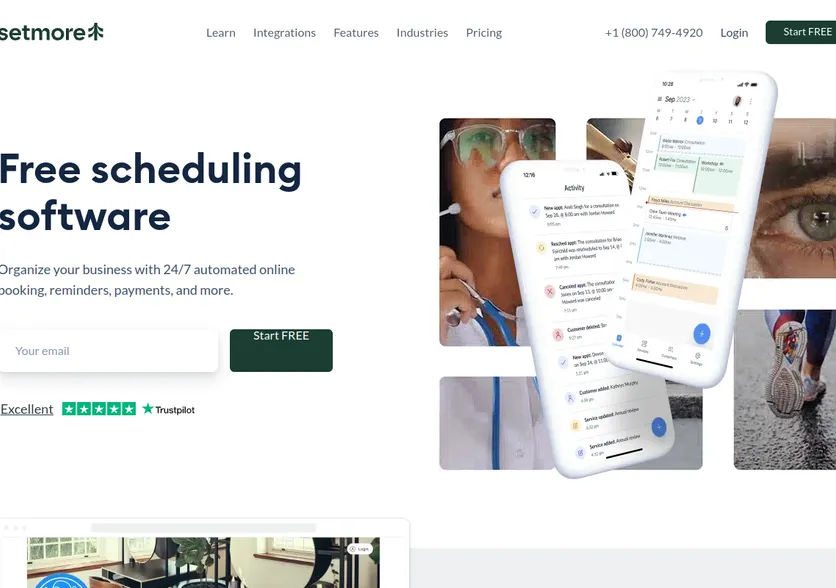
Setmore is the low-cost team scheduler for small teams that need shared calendars, staff booking pages and reminders without a big bill. This Setmore Pro plan costs five dollars per user a month billed annually and adds reminders and a team booking page. A team of up to four can start free and upgrade only when the diary fills.
What we like
- Cheapest paid plan in this comparison
- Free plan covers up to four users
- Team booking page live within minutes
Watch out for
- No round robin, so load sharing is manual
- Monthly billing costs more than double the annual rate
How to try it
- Open the Setmore site and create your team page
- Add staff calendars and working hours
- Turn on reminders and share the booking link
4. Doodle
Best for: Teams that book group meetings and want polls that end email chains
Paid tool Starting price: $16/seat/month · Sixteen dollars per seat a month billed annually for the Team plan, or twenty-one dollars per seat a month billed monthly, with a two-user minimum
Free plan: Free plan available
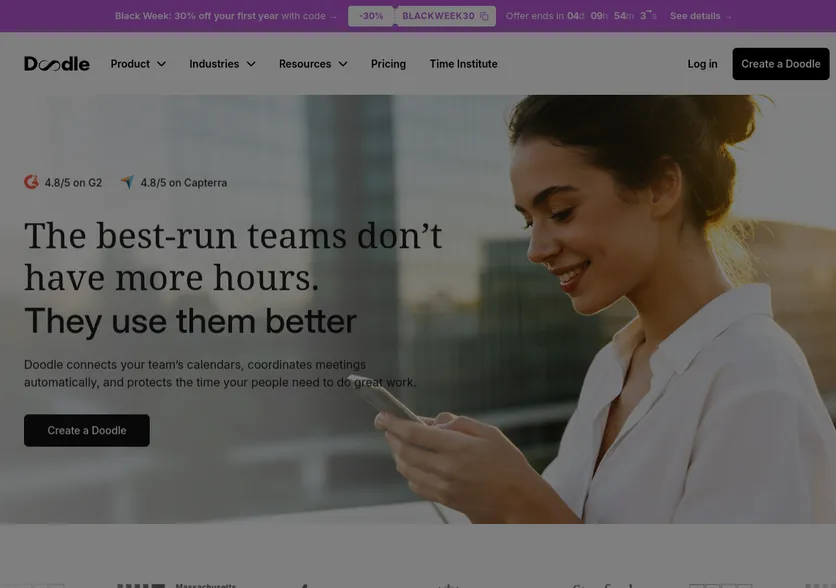
Doodle is the group scheduling tool teams use to find a time that suits everyone, with polls, booking pages and team calendars in one place. This Doodle Team plan costs sixteen dollars per seat a month billed annually and covers at least two users with shared scheduling. A team that books group meetings daily gets polls plus booking without the email chains.
What we like
- Group polls end the back-and-forth emails
- Team plan covers shared scheduling from two seats
- Simple enough for the whole team to adopt
Watch out for
- Team plan needs at least two users
- Polls suit internal meetings more than client booking
How to try it
- Open the Doodle site and create your team
- Set up group polls and booking pages
- Share the booking link with clients and colleagues
5. YouCanBookMe
Best for: Teams that take client calls on rotation and want fair load sharing
Paid tool Starting price: $16.20/member/month · Sixteen dollars and twenty cents per member a month billed annually for the Team plan, or eighteen dollars per member a month billed monthly
Free plan: Free plan available
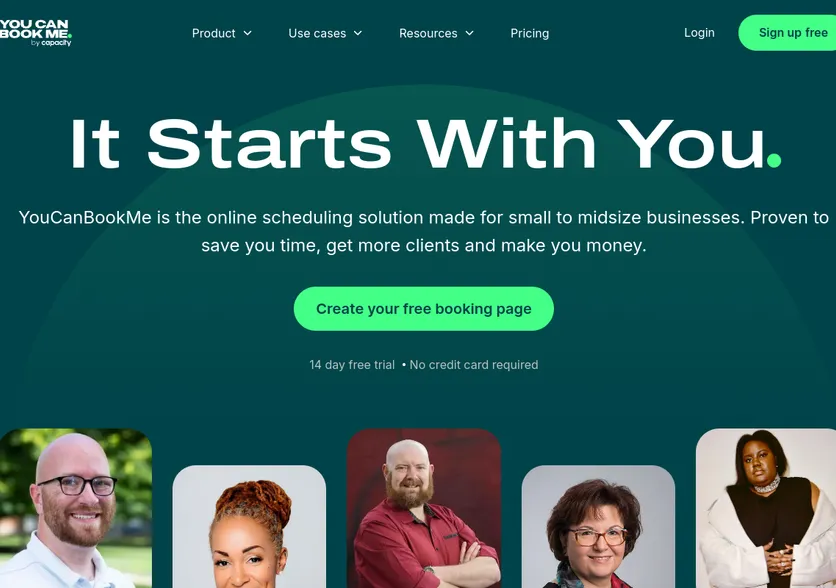
YouCanBookMe is the team scheduler that turns a shared calendar into a booking page, with round robin, reminders and payments built in. This YouCanBookMe Team plan costs sixteen dollars and twenty cents per member a month billed annually and shares bookings across the team. A team that takes client calls on rotation gets fair load sharing without manual rotas.
What we like
- Round robin shares bookings across the team
- Reminders and payments built into the plan
- Booking page matches your brand
Watch out for
- Team pricing is per member, so costs scale with headcount
- Smaller brand than Calendly, with fewer integrations
How to try it
- Open the YouCanBookMe site and connect your calendar
- Set up round robin and reminder rules
- Share your team booking page with clients
6. SimplyBook.me
Best for: Service teams that book appointments and classes from one page
Paid tool Starting price: $11.90/month · Eleven dollars and ninety cents a month billed annually for the Basic plan, or thirteen dollars and ninety cents a month billed monthly
Free plan: Free plan with 50 bookings a month
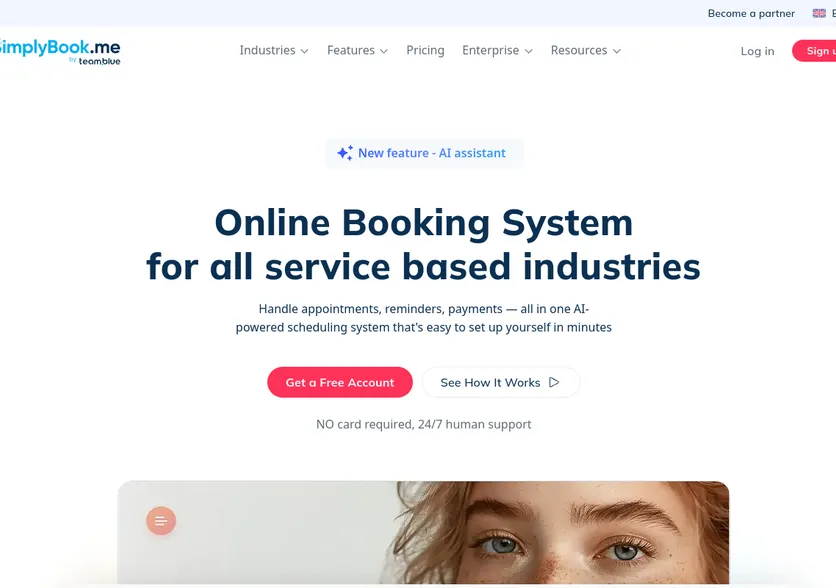
SimplyBook is the booking platform small teams use for client appointments, classes and services, with a booking page and reminders included. This SimplyBook Basic plan costs eleven dollars and ninety cents a month billed annually and covers fifty bookings a month on the free tier. A service team that books appointments and classes gets one system for both.
What we like
- Booking page covers appointments and classes
- Free plan includes fifty bookings a month
- Many add-ons for deposits and memberships
Watch out for
- Interface feels busier than simpler schedulers
- Add-ons can push the price above the base plan
How to try it
- Open the SimplyBook.me site and create your booking page
- Add your services, staff and classes
- Turn on reminders and share the booking link
7. Appointlet
Best for: Small teams that book demos and sales calls and want a lightweight tool
Paid tool Starting price: $9/member/month · Nine dollars per member a month billed annually for the Premium plan, or twelve dollars per member a month billed monthly
Free plan: Free plan for up to 5 members
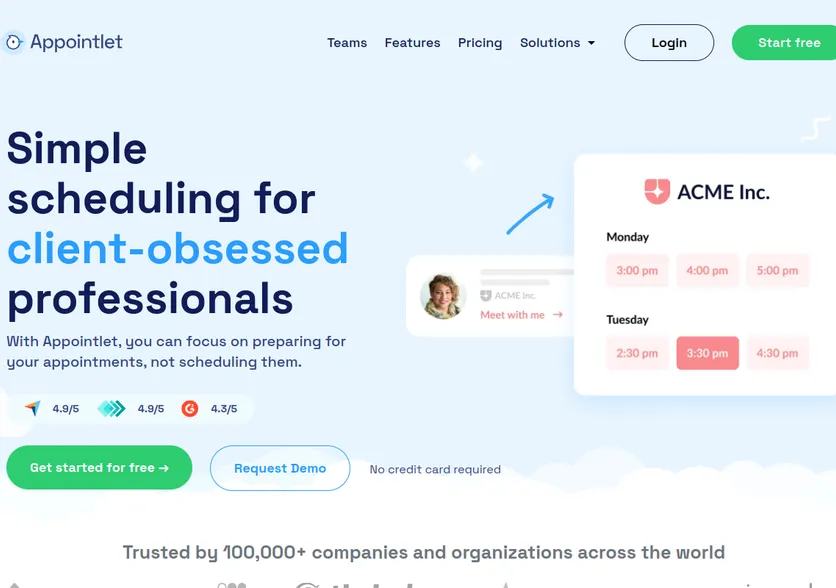
Appointlet is the lightweight team scheduler that plugs into a website and lets clients book meetings, demos and calls without back-and-forth email. This Appointlet Premium plan costs nine dollars per member a month billed annually and adds round robin and custom branding. A small team that books demos and sales calls gets a simple tool that stays out of the way.
What we like
- Lightweight tool that stays out of the way
- Round robin and branding on the Premium plan
- Free plan covers five members
Watch out for
- Fewer features than the bigger team schedulers
- Premium needed for round robin and branding
How to try it
- Open the Appointlet site and start with the free plan
- Add your team and set up round robin
- Embed the booking widget on your website
8. Motion
Best for: Busy teams that want meetings and tasks planned together automatically
Paid tool Starting price: $19/seat/month · Nineteen dollars per seat a month billed annually for the Pro AI Teams plan, or twenty-nine dollars per seat a month billed monthly
Free plan: No free plan; 7-day free trial
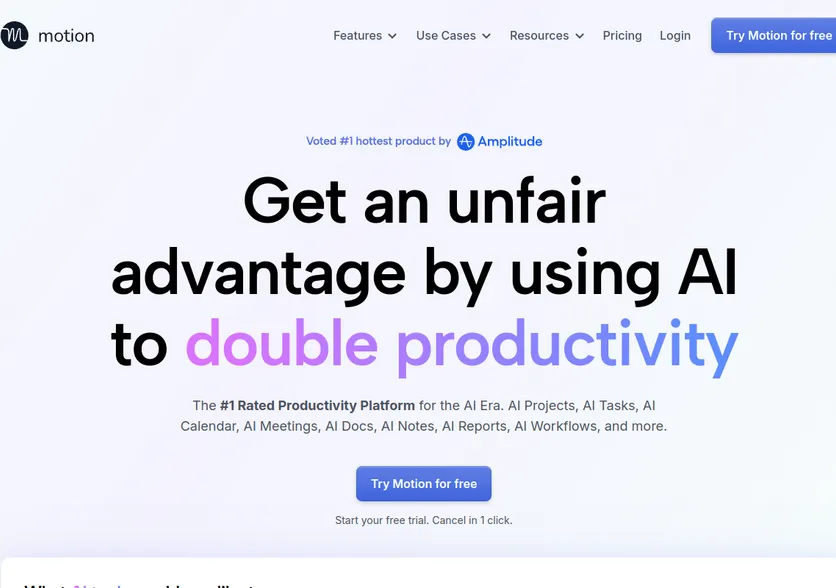
Motion is the AI planner small teams use to schedule meetings and tasks together, moving work around the calendar automatically. This Motion Pro AI Teams plan costs nineteen dollars per seat a month billed annually and plans each member's day around meetings. A busy team that juggles tasks and calls gets a calendar that plans itself.
What we like
- Plans tasks and meetings together automatically
- Team view shows who is free and who is loaded
- AI rescheduling saves hours of diary juggling
Watch out for
- No free plan, only a seven-day trial
- Seats sell in bundles, so small teams pay for spares
How to try it
- Open the Motion site and start the 7-day trial
- Connect calendars and add your tasks
- Let Motion plan each day around meetings
Prices above were checked on each vendor’s own website on Nov 27, 2026 and can change — the vendor’s page is the final word. Vendor links are editorial: nobody paid to be listed or ranked here. Vendors who want a featured listing can see how it works on our Get listed page.
What small team scheduling costs in 2026
A small team pays for scheduling in two ways, the subscription and the hours lost to polls and double bookings. A per-seat price looks small for two people and steep for twenty, so multiply the seat rate by your real headcount before you compare. Team plans cost more because they add shared calendars, routing and round-robin booking, while single-user tools stay cheap by serving one diary only.
Start with a trial on two tools and run a real week of meetings through each one. Check that group booking works, that round robin shares the load fairly, and that the calendar blocks holidays without manual edits. Pick the tool the whole team actually uses, because a scheduler only one person opens is worse than a shared calendar everyone checks.
Before you buy
- Count your seats first, because per-seat pricing changes the bill more than any feature list.
- Check that group booking works, because a team scheduler must handle more than one-to-one calls.
- Confirm round robin is included, because fair load sharing is the point of a team plan.
- Test the calendar sync, because a scheduler that misses an Outlook event double books the team.
- Ask about guest booking, because clients should book without creating an account or calling.
Official websites
Official websites of the products reviewed above. Features and prices were checked against these sites when this guide was written, and they can change, so confirm on the vendor site before you buy.
Frequently asked questions
Which scheduling software is best for small teams in 2026?
Calendly is the best overall pick at ten dollars per user a month, with routing forms, group scheduling and round robin in one place. Setmore is the best budget pick at five dollars per user a month for teams that only need shared calendars and reminders. Motion is the best pick for busy teams at nineteen dollars per seat a month, because it plans the day around meetings.
How much does small team scheduling software cost?
Prices in this list run from five dollars per user a month for Setmore to nineteen dollars per seat a month for Motion, with most team plans landing between nine and sixteen dollars per seat a month. Per-seat billing means a ten-person team pays ten times the sticker price, so multiply before you compare. Add extra-user fees and add-ons to the subscription before you sign.
Do small teams need round robin booking?
Yes, once more than two people take the same kind of meeting, because round robin shares the load instead of overloading one diary. Calendly, YouCanBookMe and Appointlet all offer round robin on team plans. A team that books one-to-one calls only can manage without it, but growing teams feel the gap fast.
Can a small team use a free scheduler?
Yes, Calendly, Setmore, Doodle and SimplyBook all offer free plans, so a small team can start without paying. Free plans limit users, event types or features, so check the caps before you rely on them. Most teams move to a paid plan once shared calendars, routing and reminders matter.
What is the difference between Calendly and Motion for teams?
Calendly books meetings fast and routes them to the right person, while Motion plans the whole day and moves tasks around meetings automatically. Calendly suits teams that mainly need booking links, and Motion suits teams whose days fill with tasks and deadlines. A team that only books client calls should start with Calendly.
Need everyday productivity help too? Try Toolsvine's free productivity tools right in your browser.
Browse Productivity Tools tools