On this page
A remote team cannot pass a headset around the office, so the AR editor has to work in a browser from anywhere. The eight editors below all let a distributed team build augmented reality together, and every price was checked on the vendor site on November 27, 2026. Prices run from eight dollars a month to two hundred twenty dollars a month, with most editors landing under one hundred dollars. ZapWorks is our first pick — the editor with team seats, templates and analytics for remote teams that ship AR together.
How we researched this
We started with the no-code AR editors remote teams actually share, then read each price on the vendor pricing page on November 27, 2026 and noted the trial each plan carries. We judged them for a distributed team that needs browser editing, shared seats and comments without a central office. We left out 8th Wall because the service is shutting down, and we skipped tools that charge only in euros or hide prices behind a sales call.
Compare the tools
| Name | Best for | Starting price | Free plan | |
|---|---|---|---|---|
 ZapWorks | Remote teams that ship AR campaigns together in a browser | $220/month | No free plan; 14-day free trial | Visit |
 PlugXR | Remote teams that want AI to build AR from a prompt | $79/month | Free version available | Visit |
 TotalAR | Remote teams that want AR on packaging and print with QR codes | $90/month | Free Basic plan with 5 codes | Visit |
 EasyAR | Remote teams that build AR into their own apps | $39/month | Free Personal edition for non-commercial use | Visit |
 MyWebAR | Remote teams that want browser AR anyone can open from a link | $25/month | Free Creator plan for non-commercial use | Visit |
 Web-AR.Studio | Remote teams that need simple browser AR at the lowest price here | $8/month | Free plan available | Visit |
 WorldCAST | Remote teams that present AR live to clients | $10/cast/month | Free Creator tier with unlimited views | Visit |
 Overly | Remote teams that want web AR charged per experience | $23/experience/month | No free plan; free trial available | Visit |
The best AR WYSIWYG editor software for remote teams, compared
1. ZapWorks
Best for: Remote teams that ship AR campaigns together in a browser
Paid tool Starting price: $220/month · Two hundred twenty dollars a month billed annually for the Pro plan, or three hundred fifteen dollars a month billed monthly; the Developer plan costs twelve dollars and ninety-nine cents a month for non-commercial use
Free plan: No free plan; 14-day free trial
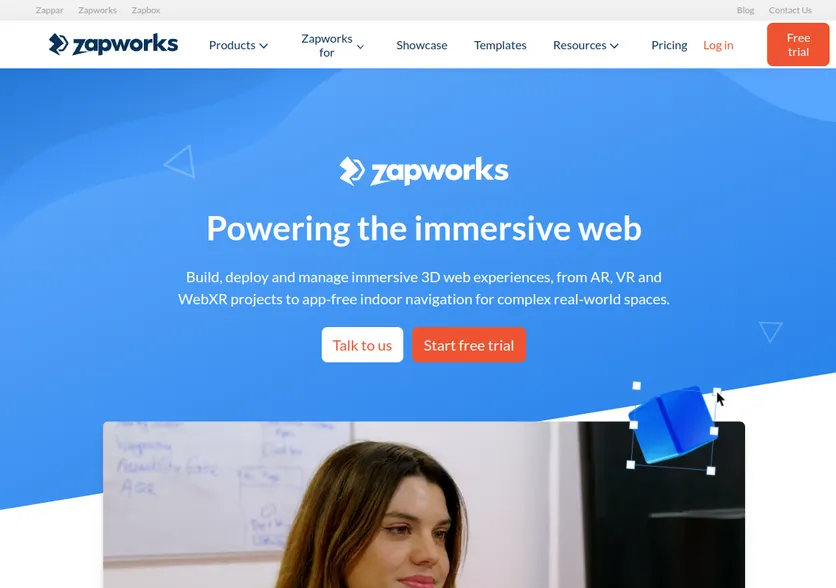
ZapWorks is the AR studio remote teams use to build campaigns together in a browser, with templates, team seats and analytics in one place. This ZapWorks Pro plan costs two hundred twenty dollars a month billed annually and covers twelve thousand views a year for three team members. A distributed team that ships AR together gets a studio built for collaboration.
What we like
- Team seats and templates in one studio
- Browser editor that works from anywhere
- Analytics show what customers actually did
Watch out for
- Enterprise plan required above ten million in revenue
- Pro caps views at twelve thousand a year
How to try it
- Open the ZapWorks site and start the 14-day trial
- Invite your team and pick a template
- Build your first experience together and publish
2. PlugXR
Best for: Remote teams that want AI to build AR from a prompt
Paid tool Starting price: $79/month · Seventy-nine dollars a month for the Starter bundle; annual billing saves twenty percent
Free plan: Free version available
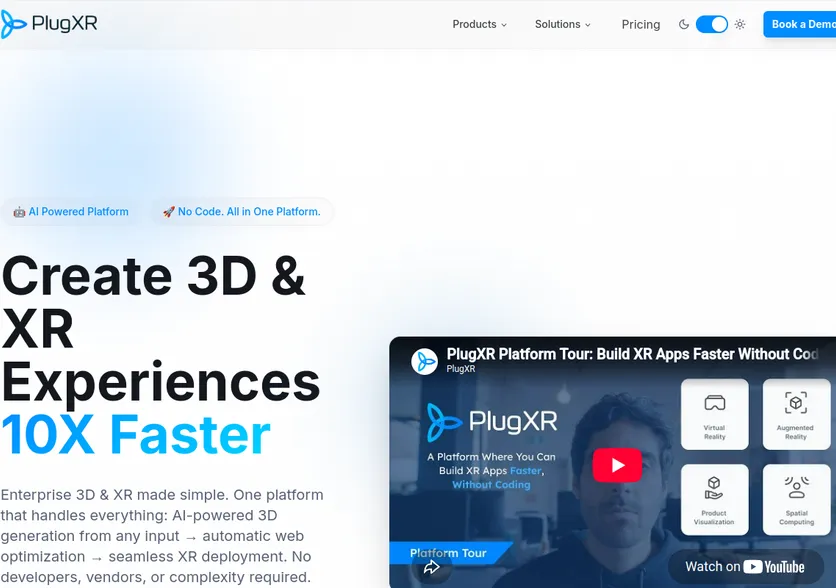
PlugXR is the browser AR editor remote teams use to build product demos and training experiences together, with AI generation to start from a prompt. This PlugXR Starter bundle costs seventy-nine dollars a month and covers one AR experience with AI generation. A remote team that wants AI-built AR fast gets a builder that works from anywhere.
What we like
- AI generation builds AR from a prompt
- Browser editor with no downloads
- Low starting price for a full builder
Watch out for
- Starter covers only one experience
- Modules like the 3D configurator cost extra
How to try it
- Open the PlugXR site and start your trial
- Describe your experience and let AI build it
- Share the project link with your team
3. TotalAR
Best for: Remote teams that want AR on packaging and print with QR codes
Paid tool Starting price: $90/month · Ninety dollars a month billed annually for the Pro plan
Free plan: Free Basic plan with 5 codes
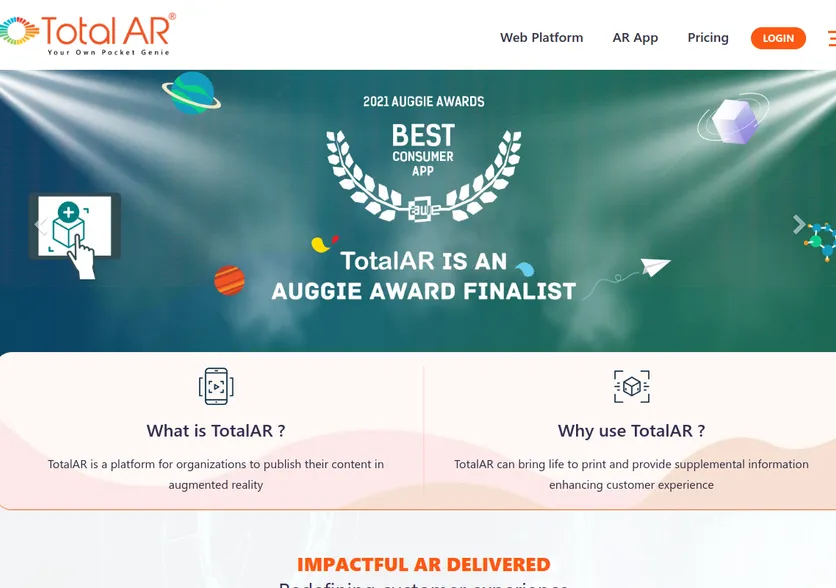
TotalAR is the simple AR editor remote teams use to turn images and products into scannable experiences, with QR codes anyone can open. This TotalAR Pro plan costs ninety dollars a month billed annually and covers unlimited codes and scans. A remote team that wants AR on packaging and print gets a tool that ships to the web.
What we like
- Simple builder for packaging and print AR
- Free Basic plan with five codes
- Scans tracked in the dashboard
Watch out for
- Extra scans cost five cents each on Pro
- Fewer templates than the bigger editors
How to try it
- Open the TotalAR site and create a free account
- Upload your image and add AR content
- Share the QR code with your team and customers
4. EasyAR
Best for: Remote teams that build AR into their own apps
Paid tool Starting price: $39/month · Thirty-nine dollars a month for the Professional edition
Free plan: Free Personal edition for non-commercial use
EasyAR is the AR toolkit remote teams use to add tracking and recognition to apps, with a no-code editor beside the SDK for developers. This EasyAR Professional edition costs thirty-nine dollars a month and covers commercial use with cloud recognition. A remote team that builds AR into its own app gets tracking that works from anywhere.

What we like
- Cloud recognition that works at scale
- Editor beside a full SDK for developers
- Low monthly price for commercial use
Watch out for
- Classic edition costs extra as a one-time fee
- Editor is simpler than a full campaign studio
How to try it
- Open the EasyAR site and create an account
- Pick the Professional edition
- Build your experience with the editor or SDK
5. MyWebAR
Best for: Remote teams that want browser AR anyone can open from a link
Paid tool Starting price: $25/month · Twenty-five dollars a month billed annually for the Pro plan, or thirty-nine dollars a month billed monthly
Free plan: Free Creator plan for non-commercial use
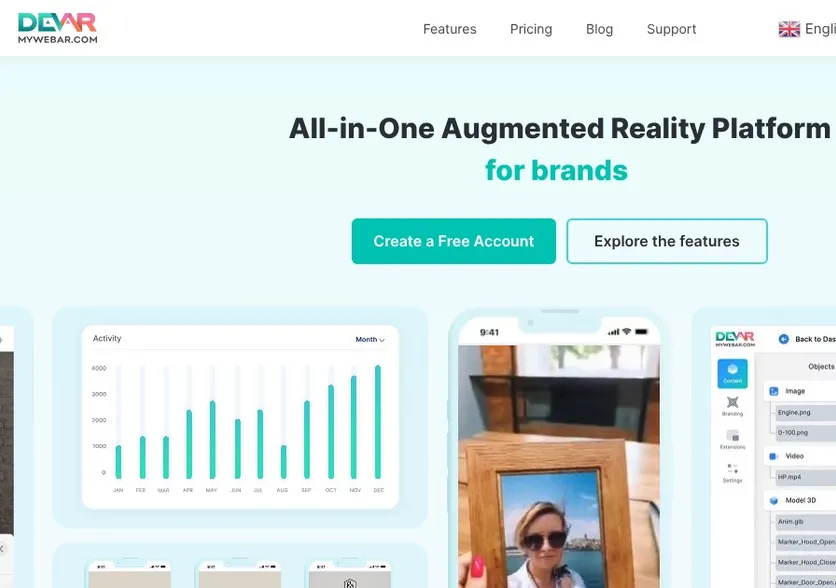
MyWebAR is the browser AR editor remote teams use to build experiences that open from a link, so nobody needs to install an app. This MyWebAR Pro plan costs twenty-five dollars a month billed annually and covers commercial use with analytics. A remote team that wants AR anyone can open gets a builder that ships to the web.
What we like
- Browser AR with no app download
- Free Creator plan for non-commercial use
- Analytics on the Pro plan
Watch out for
- Ultimate plans cost far more than Pro
- Free plan is non-commercial only
How to try it
- Open the MyWebAR site and start with the free plan
- Build your experience in the browser editor
- Share the project link with your remote team
6. Web-AR.Studio
Best for: Remote teams that need simple browser AR at the lowest price here
Paid tool Starting price: $8/month · Eight dollars a month billed annually for the Standard plan
Free plan: Free plan available
Web AR Studio is the low-cost AR editor remote teams use to build browser experiences fast, with AI credits and templates built in. This Web AR Studio Standard plan costs eight dollars a month billed annually and covers five hundred AI credits a month. A remote team that needs simple browser AR at the lowest price gets started for under ten dollars.
What we like
- Lowest price in this comparison
- AI credits included on the Standard plan
- Free plan to try before paying
Watch out for
- Business and Unlimited plans cost far more
- Smaller brand than ZapWorks or Unity
How to try it
- Open the Web-AR.Studio site and create a free account
- Pick a template and build your experience
- Share the link with your team
7. WorldCAST
Best for: Remote teams that present AR live to clients
Paid tool Starting price: $10/cast/month · Ten dollars per cast a month for business use, with unlimited views; creating casts is free for personal use
Free plan: Free Creator tier with unlimited views
WorldCAST is the AR casting tool remote teams use to share live AR experiences, with unlimited views and a free tier for creators. This WorldCAST business plan costs ten dollars per cast a month with unlimited views. A remote team that presents AR live to clients gets a tool built for casting, not just building.
What we like
- Free Creator tier with unlimited views
- Business plan costs ten dollars per cast a month
- Built for live AR presentations
Watch out for
- Partner tier needs a five hundred dollar setup fee
- Smaller brand than the bigger editors
How to try it
- Open the WorldCAST site and create a free account
- Build your first cast in the editor
- Share the cast link with unlimited viewers
8. Overly
Best for: Remote teams that want web AR charged per experience
Paid tool Starting price: $23/experience/month · About twenty-three dollars per experience a month for the Pro plan, listed by the vendor as nineteen euros and ninety-nine cents; some directories list fourteen dollars a month
Free plan: No free plan; free trial available
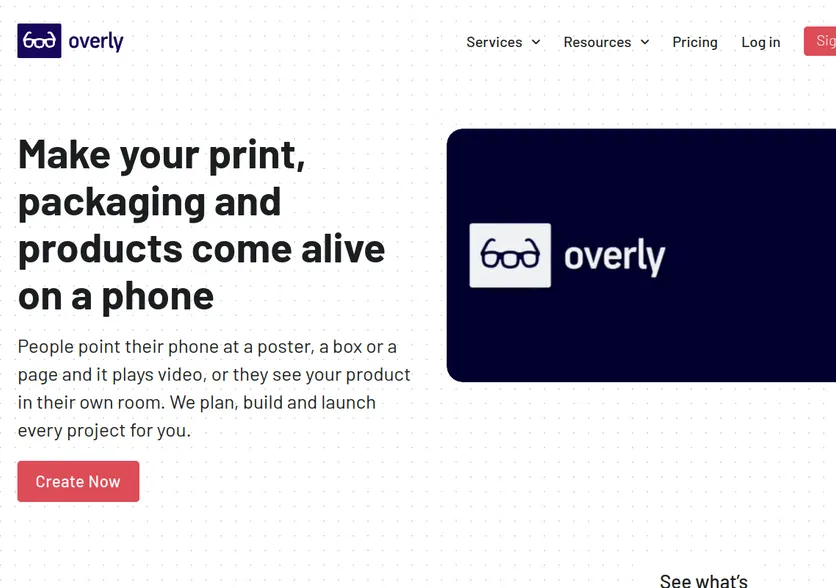
Overly is the AR editor remote teams use to build web AR experiences from a browser, with a simple builder and analytics built in. This Overly Pro plan costs about twenty-three dollars per experience a month, listed by the vendor as nineteen euros and ninety-nine cents. A remote team that wants browser AR per experience gets a builder that charges by what it ships.
What we like
- Simple browser editor for web AR
- Charges per experience, not per seat
- Analytics built into the plan
Watch out for
- Some directories list a lower price, so confirm at checkout
- No permanent free plan, only a trial
How to try it
- Open the Overly site and start your free trial
- Build your experience in the browser editor
- Publish and share the link with your team
Prices above were checked on each vendor’s own website on Nov 27, 2026 and can change — the vendor’s page is the final word. Vendor links are editorial: nobody paid to be listed or ranked here. Vendors who want a featured listing can see how it works on our Get listed page.
What remote team AR editors cost in 2026
A remote team pays for an AR editor in two ways, the subscription and the hours lost when a tool only works on one machine. A per-seat price looks small for two people and steep for twenty, so multiply the seat rate by your real headcount before you compare. Editors with team seats and comments cost more because they carry collaboration beside the builder, while single-user editors stay cheap by serving one person only.
Start with a trial on two editors and build a real campaign with your whole team in each one. Check that the browser editor works from anywhere, that team seats share the same project, and that comments land on the right scene. Pick the editor your remote team finishes using, because a tool only one person opens is worse than a builder the whole team ships with.
Before you buy
- Check that the editor runs in a browser, because a remote team cannot install the same desktop tool everywhere.
- Confirm team seats are included, because per-seat billing multiplies fast across a distributed team.
- Test shared projects and comments, because remote work needs feedback on the scene itself.
- Count your yearly views, because view caps force upgrades faster than any feature list.
- Ask about analytics, because a campaign without scan and view data cannot prove its worth.
Official websites
Official websites of the products reviewed above. Features and prices were checked against these sites when this guide was written, and they can change, so confirm on the vendor site before you buy.
Frequently asked questions
Which AR WYSIWYG editor is best for remote teams in 2026?
ZapWorks is the best overall pick at two hundred twenty dollars a month, with team seats, templates and analytics for remote teams that ship AR together. MyWebAR is the best budget pick at twenty-five dollars a month for browser AR anyone can open from a link. WorldCAST is the best pick for live casts at ten dollars per cast a month, with unlimited views.
How much does remote team AR editor software cost?
Prices in this list run from eight dollars a month for Web-AR.Studio to two hundred twenty dollars a month for ZapWorks, with most editors landing under one hundred dollars a month. Per-seat billing and view caps both change the real price, so count your seats and views before you compare. Add AI credits and extra views to the subscription before you sign.
Can a remote team build AR without meeting in person?
Yes, every editor in this list runs in a browser, so a distributed team can build the same project from anywhere. Templates, shared projects and comments keep the work together, and most editors publish to a web link or QR code. A team that needs custom interactions can still add code, but most campaigns never need it.
What is the difference between ZapWorks and MyWebAR for remote teams?
ZapWorks is a full AR studio with templates, team seats and analytics for campaigns at scale. MyWebAR is a lighter browser editor that publishes AR to a web link with no app download. A team that ships big campaigns should start with ZapWorks, while a team that needs simple browser AR fast should start with MyWebAR.
Is there a free AR editor for remote teams?
WorldCAST offers a free Creator tier with unlimited views, and TotalAR, EasyAR and MyWebAR all offer free tiers for non-commercial use. Free plans limit seats, views or branding, so check the caps before you rely on them. Most remote teams move to a paid plan once campaigns, seats and brand control matter.
Need everyday developer help too? Try Toolsvine's free developer tools right in your browser.
Browse Developer Tools tools