On this page
A blog that nobody finds is a diary, so the platform has to handle technical SEO, speed and structure while the writer writes. The eight tools below cover hosted blogs, headless publishing and design-led builders, with every price read from the vendor pricing page on November 27, 2026. Cheap plans hide limits on plugins, members and custom domains, so we note every cap. WordPress.com leads our picks because it pairs the biggest theme and plugin library with managed hosting at four dollars a month.
How we researched this
We started with the blog platforms search-focused writers actually publish on, then read each price on the vendor pricing page on November 27, 2026 and noted the plugin, member and domain limits each plan carries. We judged them for a blogger who needs fast pages, clean technical SEO and a custom domain without hiring a developer. We dropped Blogger because it is free with no paid tier to compare, and we left out self-hosted WordPress because its cost depends on the host you choose.
Compare the tools
| Name | Best for | Starting price | Free plan | |
|---|---|---|---|---|
| WordPress.com | Bloggers who want the biggest theme and plugin library with managed hosting | $4/month | Free plan with a WordPress subdomain and ads | Visit |
| Ghost | Writers who want speed, memberships and newsletters without plugin clutter | $9/month | No free plan; 14-day free trial | Visit |
 Wix | Bloggers who want drag-and-drop design with SEO tools built in | $17/month | Free plan with a Wix subdomain and ads | Visit |
 Squarespace | Bloggers who want beautiful design and simple SEO controls | $19/month | No free plan; 14-day free trial | Visit |
| HubSpot Content Hub | Bloggers already on HubSpot who want SEO tools, forms and analytics in one system | $20/seat/month | No free plan; free trial available | Visit |
 Webflow | Bloggers who want full design control with clean technical SEO | $23/month | Free Starter plan for two unhosted sites | Visit |
 Framer | Bloggers who want a beautiful fast site with almost no setup | $15/month | Free plan for a hobby site on a Framer subdomain | Visit |
| Medium | Writers who want readers on day one without running a site | $5/month | Free account can publish; membership unlocks earnings | Visit |
The blog software for seo, compared
1. WordPress.com
Best for: Bloggers who want the biggest theme and plugin library with managed hosting
Paid tool Starting price: $4/month · Four dollars a month for the Personal plan billed annually, renewing at five dollars; Premium lists at eight dollars, Business at twenty-five dollars and Commerce at forty-five dollars; plan names may have changed to Explorer, Creator and Entrepreneur
Free plan: Free plan with a WordPress subdomain and ads
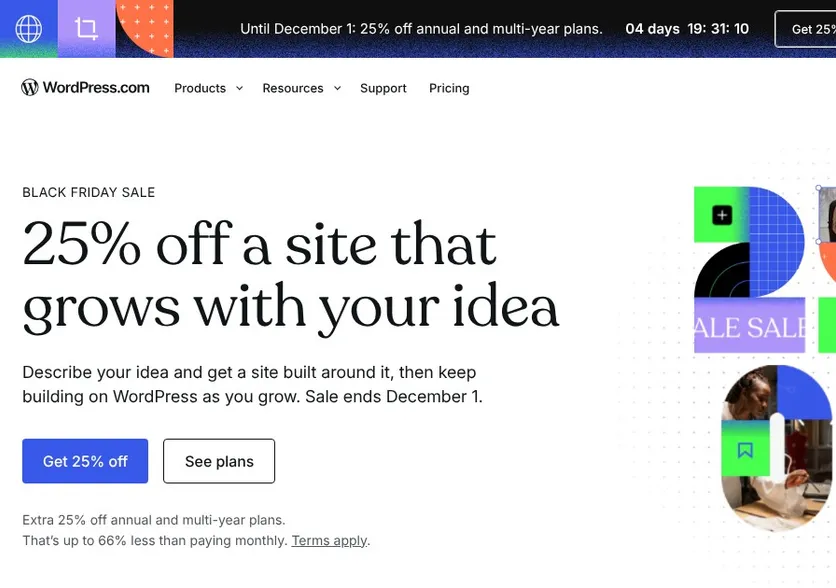
WordPress powers more blogs than any other platform, and the hosted version removes the server work while keeping the famous editor and plugin library. This WordPress service lists the Personal plan at four dollars a month billed annually, with plugin installs now starting on Personal. A blogger who wants the biggest theme and plugin library with managed hosting gets it here, though the cheapest plan still shows ads unless you upgrade.
What we like
- Biggest theme and plugin library of any blog platform
- Managed hosting with no server work to do
- Plugin installs now start on the Personal plan
Watch out for
- Cheapest plan still shows ads unless you upgrade
- Upper-tier plan names may have changed recently
How to try it
- Open the WordPress site and create a free account
- Pick a theme and publish a first post
- Add a custom domain when the blog is ready
2. Ghost
Best for: Writers who want speed, memberships and newsletters without plugin clutter
Paid tool Starting price: $9/month · Nine dollars a month for the Starter plan billed annually, covering five hundred members; Creator lists at twenty-five dollars, Team at fifty dollars and Business at one hundred ninety-nine dollars
Free plan: No free plan; 14-day free trial
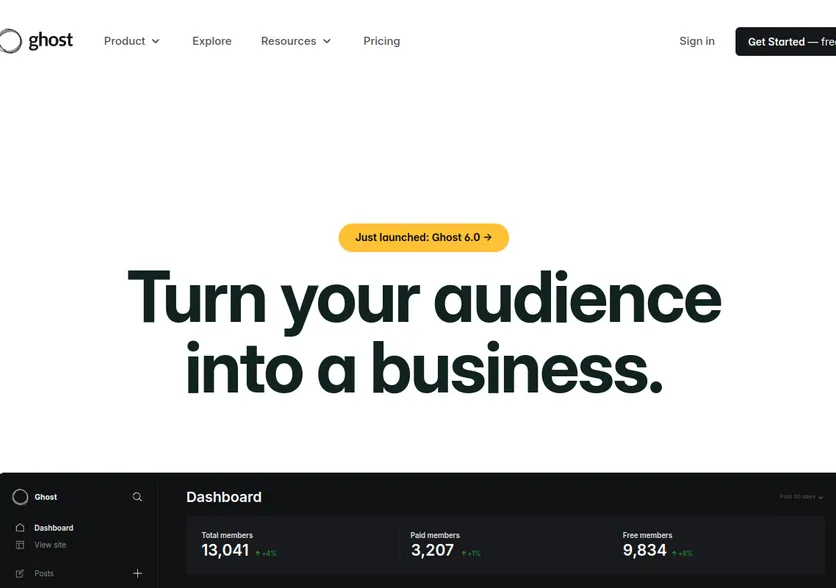
Ghost is the open-source publishing platform built for writers who want speed, memberships and newsletters without plugin clutter. This Ghost service lists Ghost Pro Starter at nine dollars a month billed annually, covering five hundred members. A blogger who wants a fast site, paid memberships and email newsletters in one place gets them here, though the theme and integration choices are narrower than WordPress.
What we like
- Fast pages with no plugin weight to slow them down
- Memberships and newsletters built in, not bolted on
- Clean editor that stays out of the writing
Watch out for
- Theme and integration choices are narrower than WordPress
- Member caps force an upgrade as the audience grows
How to try it
- Open the Ghost site and start the free trial
- Import posts or write a first article
- Turn on memberships and send a first newsletter
3. Wix
Best for: Bloggers who want drag-and-drop design with SEO tools built in
Paid tool Starting price: $17/month · Seventeen dollars a month for the Light plan billed annually; Core lists at twenty-nine dollars, Business at thirty-nine dollars and Business Elite at one hundred fifty-nine dollars
Free plan: Free plan with a Wix subdomain and ads
Wix is the drag-and-drop builder that lets a blogger design a site without touching code, with SEO tools built into every plan. This Wix service lists the Light plan at seventeen dollars a month billed annually, with a custom domain and light storage. A blogger who wants design freedom and simple SEO settings gets them here, though the templates lock once a site is published.
What we like
- Drag-and-drop design with no code to write
- SEO tools built into every plan
- Huge template library for every kind of blog
Watch out for
- Templates lock once a site is published
- Light plan storage is tight for image-heavy blogs
How to try it
- Open the Wix site and pick a blog template
- Drag the layout into shape and publish a first post
- Check the SEO settings panel before launch
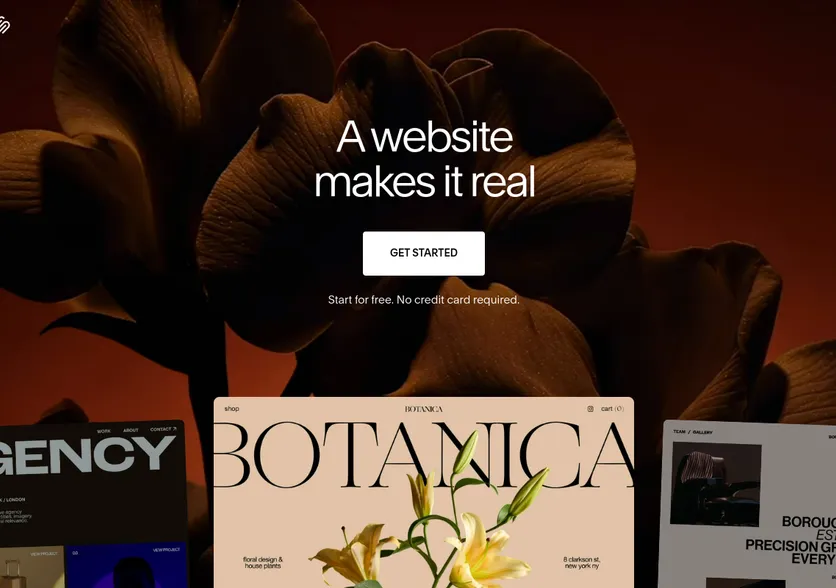
4. Squarespace
Best for: Bloggers who want beautiful design and simple SEO controls
Paid tool Starting price: $19/month · Basic plan, $19 a month billed annually ($25 billed monthly); Core $29, Plus $49 and Advanced $99 a month billed annually. Squarespace renamed its plans in February 2026 (Personal became Basic, Business became Core, Commerce Basic became Plus, Commerce Advanced became Advanced) and raised prices in July 2026.
Free plan: No free plan; 14-day free trial
Squarespace is the design-first builder whose templates make a new blog look polished from the first post. This Squarespace service lists the Basic plan at nineteen dollars a month billed annually, with a custom domain and SSL included. A blogger who values beautiful design and simple SEO controls gets them here, though the platform is less flexible than WordPress once the site grows.
What we like
- Templates look polished from the first post
- Custom domain and SSL included on every plan
- Simple SEO controls that beginners understand
Watch out for
- Less flexible than WordPress once the site grows
- Prices rose in 2026, so older guides show lower rates
How to try it
- Open the Squarespace site and start the free trial
- Pick a template and publish a first post
- Connect a custom domain before launch
5. HubSpot Content Hub
Best for: Bloggers already on HubSpot who want SEO tools, forms and analytics in one system
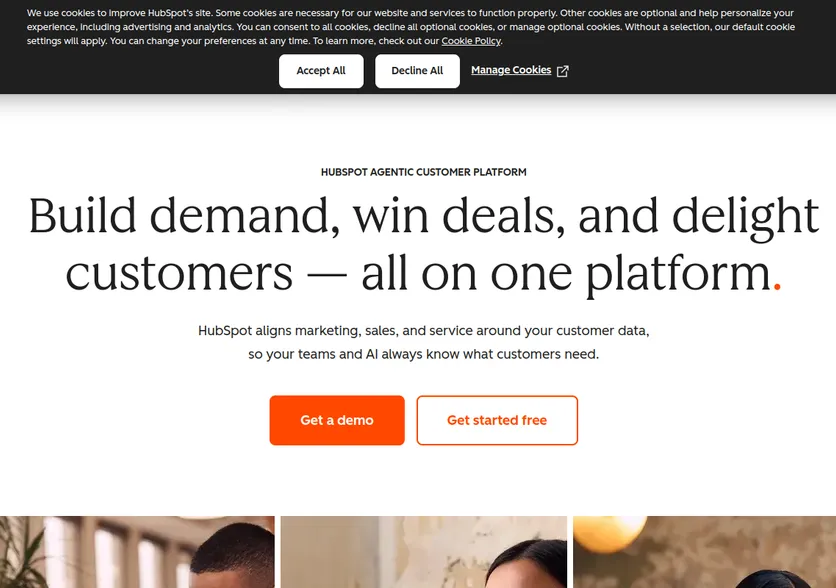
Paid tool Starting price: $20/seat/month · Twenty dollars per seat a month for the Starter plan; Professional lists at five hundred dollars a month and Enterprise at one thousand five hundred dollars; new-customer offers are lower and are not the list price
Free plan: No free plan; free trial available
HubSpot Content Hub is the CMS for bloggers who already run marketing on HubSpot, with SEO recommendations and smart content built in. This HubSpot Content Hub product lists Starter at twenty dollars per seat a month, with the full CRM behind it. A blogger who wants SEO tools, forms and analytics in one system gets them here, though the per-seat price climbs fast once a team grows.
What we like
- SEO recommendations built into the editor
- Full CRM behind the blog for lead capture
- Forms and analytics in the same system
Watch out for
- Per-seat pricing climbs fast once a team grows
- Overkill for a solo blog with no marketing team
How to try it
- Open the HubSpot site and start a Content Hub trial
- Build a first blog post with the SEO recommendations
- Connect a form and watch leads flow into the CRM
6. Webflow
Best for: Bloggers who want full design control with clean technical SEO
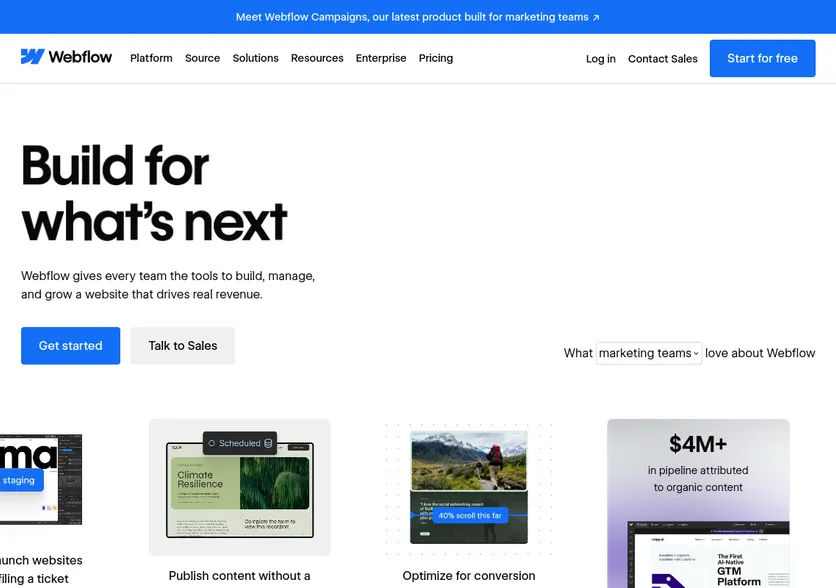
Paid tool Starting price: $23/month · Twenty-three dollars a month for the CMS site plan billed annually, covering two thousand items and three editors; Basic lists at fourteen dollars but has no CMS, and Business lists at thirty-nine dollars
Free plan: Free Starter plan for two unhosted sites
Webflow is the visual builder that gives designers full control over a blog layout without writing code, and it ships clean HTML that search engines read well. This Webflow service lists the CMS site plan at twenty-three dollars a month billed annually, covering two thousand items and three editors. A blogger who wants a custom design with strong technical SEO gets it here, though the learning curve is steeper than Wix or Squarespace.
What we like
- Full design control with no code to write
- Clean HTML that search engines read well
- CMS handles two thousand items on the paid plan
Watch out for
- Learning curve is steeper than Wix or Squarespace
- Basic plan has no CMS, so blogs need the CMS plan
How to try it
- Open the Webflow site and create a free account
- Build a blog layout with the visual designer
- Publish to the CMS plan when the design is ready
7. Framer
Best for: Bloggers who want a beautiful fast site with almost no setup
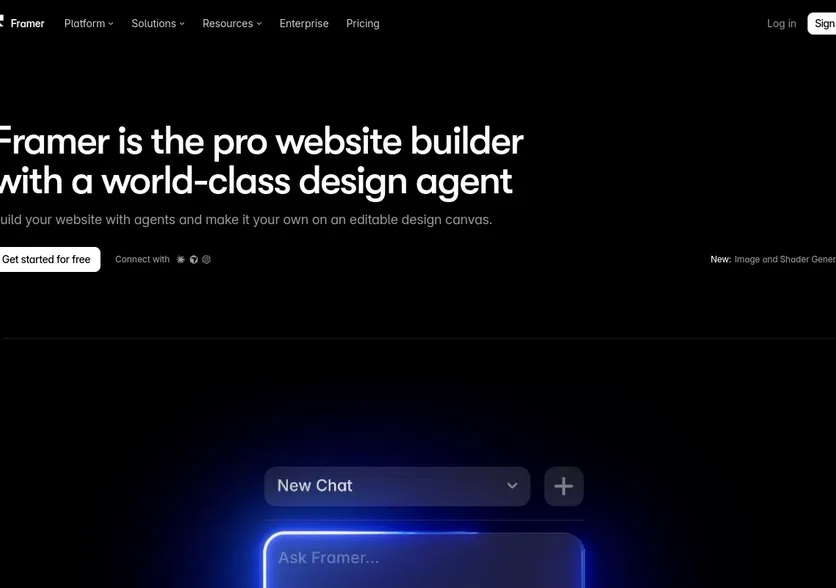
Paid tool Starting price: $15/month · Fifteen dollars a month for the Basic plan billed annually, the cheapest plan with a CMS; Mini lists at five dollars without a CMS and Pro at thirty dollars
Free plan: Free plan for a hobby site on a Framer subdomain
Framer is the design tool turned website builder, and its blogs load fast with a modern editor that designers love. This Framer service lists the Basic plan at fifteen dollars a month billed annually, the cheapest plan with a CMS. A blogger who wants a beautiful site with almost no setup gets it here, though the CMS limits and SEO controls are lighter than Webflow.
What we like
- Beautiful templates with almost no setup
- Fast pages with a modern editor
- Cheapest CMS plan in this list at fifteen dollars
Watch out for
- CMS limits and SEO controls are lighter than Webflow
- Mini plan has no CMS, so blogs need Basic or higher
How to try it
- Open the Framer site and create a free account
- Pick a template and publish a first post
- Upgrade to Basic for the CMS and a custom domain
8. Medium
Best for: Writers who want readers on day one without running a site
Paid tool Starting price: $5/month · Five dollars a month for Medium membership, or fifty dollars a year; Friend of Medium lists at fifteen dollars a month; a free account can publish but membership is needed for the Partner Program
Free plan: Free account can publish; membership unlocks earnings
Medium is the publishing platform where a blogger can reach readers on day one, because the audience is already there. This Medium service lists membership at five dollars a month, or fifty dollars a year, while a free account can publish without paying. A writer who wants reach without running a site gets it here, though the blog lives on Medium, not on a domain the writer owns.
What we like
- Built-in audience from the first post
- No site to run, update or secure
- Partner Program pays writers for member reads
Watch out for
- The blog lives on Medium, not on a domain you own
- Reach depends on the platform algorithm
How to try it
- Open the Medium site and create a free account
- Write and publish a first story
- Join the Partner Program to earn from reads
Prices above were checked on each vendor’s own website on Nov 27, 2026 and can change — the vendor’s page is the final word. Vendor links are editorial: nobody paid to be listed or ranked here. Vendors who want a featured listing can see how it works on our Get listed page.
What blog software for SEO costs in 2026
A blog platform bill has two parts: the subscription and the cost of the limits you hit later. The subscription runs from four to twenty-three dollars a month in this list, but a plan without plugins, members or a custom domain can force an upgrade in the first month. Check the plugin access, the member cap and the domain rules before you pay, because the cheapest plan is dear if it cannot grow with the blog.
Start with the free plan or trial and publish five real posts on it. Check the page speed, the sitemap and the social preview, then search for the post and see how it looks in the results. Pick the platform whose posts rank and read well on the cheapest plan you can live with, because moving a blog later costs links.
Before you buy
- Check whether the cheapest plan includes a custom domain, because a subdomain weakens the brand and the search result.
- Confirm plugin and theme access before you buy, because SEO plugins are the first thing cheap plans lock away.
- Test page speed on a real post, because a slow blog loses readers before the content gets a chance.
- Ask who owns the content and the audience, because a platform blog can vanish with the account.
- Count members and posts against the plan cap, because membership limits decide when the price jumps.
Official websites
Official websites of the products reviewed above. Features and prices were checked against these sites when this guide was written, and they can change, so confirm on the vendor site before you buy.
Frequently asked questions
Which blog software is best for SEO in 2026?
WordPress leads for most bloggers because it pairs the biggest theme and plugin library with managed hosting at four dollars a month. Ghost is the best pick for writers who want speed, memberships and newsletters without plugin clutter. Webflow is the best pick for designers who want full layout control with clean technical SEO, while Medium suits writers who want readers on day one.
How much does blog software cost?
Blog software runs from four dollars a month for WordPress Personal to twenty-three dollars a month for the Webflow CMS plan. Ghost Starter costs nine dollars a month, Framer Basic fifteen dollars, Squarespace Basic nineteen dollars and Wix Light seventeen dollars. HubSpot Content Hub starts at twenty dollars per seat a month, and Medium membership costs five dollars a month, so a solo blogger can start for under twenty dollars a month.
Is WordPress.com or Ghost better for SEO?
WordPress is better for most bloggers because its plugin library covers every SEO job, from sitemaps to schema to redirects, and the theme choice is far wider. Ghost is better for writers who want speed and memberships without plugins, because its pages load fast and newsletters are built in. A blogger who needs plugins and flexibility should pick WordPress, while a writer who wants speed and simplicity should pick Ghost.
Can I start a blog for free?
Yes, several tools in this list start free. WordPress, Wix and Framer all offer free plans with a subdomain, and Medium lets a free account publish stories. Webflow has a free Starter plan for unhosted sites, while Ghost, Squarespace and HubSpot offer free trials instead. A free plan works for testing, but a custom domain is worth the upgrade once the blog grows.
Do I need a custom domain for SEO?
A custom domain helps because it builds a brand readers remember and links point to a site you own. Search engines can rank a subdomain, but the authority stays with the platform, not with you, and moving later costs links. Every paid plan in this list includes a custom domain except the cheapest tiers, so the upgrade is usually worth it once the blog is serious.
Need everyday SEO help too? Try Toolsvine's free SEO tools right in your browser.
Browse SEO Tools tools