
On this page
Business email should be boring in the best way: mail arrives, the address shows your domain, and nobody thinks about it again. The difference is price, storage and what else comes in the box. One costs about a dollar a mailbox, one costs about ten, and the two biggest names cost exactly the same per user. Below are seven services compared on price, storage, domains and free trials, with every price checked on the vendor site. Google Workspace is our first pick — the best overall pick, with Gmail on your domain plus Docs, Drive and Meet.
How we researched this
We started from the email services small teams actually pay for, then checked each price on the vendor's own pricing page on November 25, 2026, and noted the free plan or free trial each one offers. We judged them for a normal small business, someone who needs reliable mail on their own domain without hiring an IT team, and we ranked price, storage and domain support ahead of extra apps.
Compare the tools
| Name | Best for | Starting price | Free plan | |
|---|---|---|---|---|
 Google Workspace | Teams that live in Gmail, Docs and Drive every day | $7/user/month | Free trial | Visit |
 Microsoft 365 | Teams that exchange Word, Excel and PowerPoint files with clients | $7/user/month | Free trial | Visit |
 Zoho Mail | Small teams that want the cheapest real mailbox per person | $1/user/month | Free plan | Visit |
 Proton Mail | Businesses that handle sensitive mail and want encryption built in | $6.99/user/month | Free plan | Visit |
 Fastmail | Small teams that want fast, ad-free email without a full suite | $5/user/month | Free trial | Visit |
 IceWarp | Teams that want email, chat, files and video in one cheap bundle | $1.35/user/month | Free trial | Visit |
 Titan Email | Small teams that want business email with invoicing and booking built in | $2/mailbox/month | No free plan | Visit |
The business email tools, compared
1. Google Workspace
Best for: Teams that live in Gmail, Docs and Drive every day
Paid tool Starting price: $7/user/month · Business Starter on annual commitment; $8.40 per user per month billed monthly; Business Standard $14 and Business Plus $22 on annual commitment; 14-day free trial
Free plan: Free trial
Google Workspace is the default business email choice for teams that already work in Google tools. This Google Workspace plan gives every user a custom-domain Gmail inbox with 30 GB of pooled storage, video meetings, Docs, Sheets and Slides, plus an admin console for the whole team. It is the simplest pick when your team already knows Gmail inside out.

What we like
- Gmail on your own domain with a familiar inbox
- Docs, Drive and Meet included in the same price
- Simple admin console for adding and removing users
Watch out for
- No desktop Office apps, only web and mobile versions
- Storage is pooled, so one heavy user can eat the shared total
How to try it
- Open the Google Workspace pricing page and pick Business Starter
- Add your domain and verify it with Google
- Create inboxes for the team and start the 14-day trial
2. Microsoft 365
Best for: Teams that exchange Word, Excel and PowerPoint files with clients
Paid tool Starting price: $7/user/month · Business Basic on annual billing; $8.40 per user per month billed monthly; no-Teams version $5.40 on annual billing; Business Standard $14 and Business Premium $22; one-month free trial
Free plan: Free trial
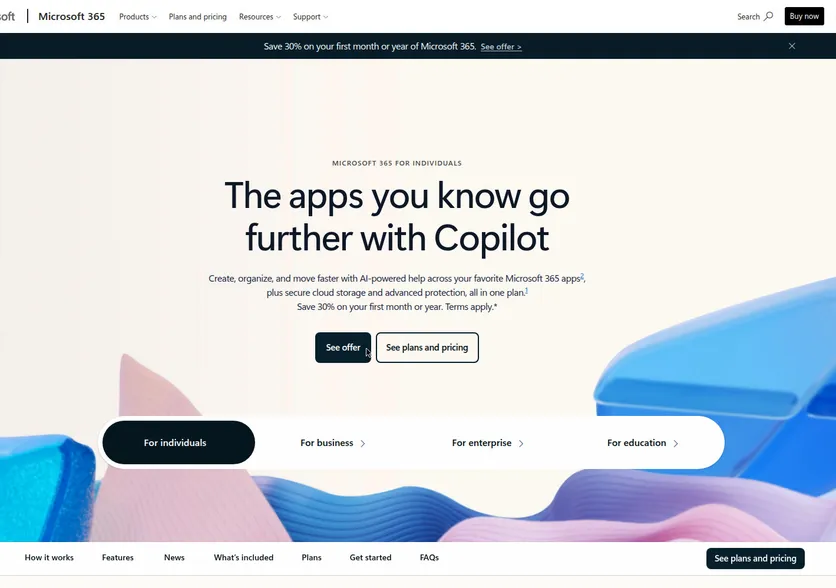
Microsoft 365 is the business email choice for teams that live in Office files and Outlook. This Microsoft 365 plan pairs a custom-domain Exchange mailbox with Teams chat and meetings, 1 TB of OneDrive storage per user, and the web and mobile Office apps. It is the pick when clients expect Word and Excel files to open exactly as sent.
What we like
- Outlook with Exchange mail that clients trust
- Teams chat and meetings in the same plan
- One terabyte of OneDrive storage per user
Watch out for
- Business Basic has no desktop Office apps
- The price rose in July 2026, so older comparisons quote less
How to try it
- Open the Microsoft 365 business pricing page and pick Business Basic
- Add your domain and verify it with Microsoft
- Create mailboxes for the team and start the trial
3. Zoho Mail
Best for: Small teams that want the cheapest real mailbox per person
Paid tool Starting price: $1/user/month · Mail Lite 5 GB, annual billing only; 10 GB version $1.25 per user per month; Mail Premium $4 per user per month; 15-day free trial of higher tiers
Free plan: Free plan
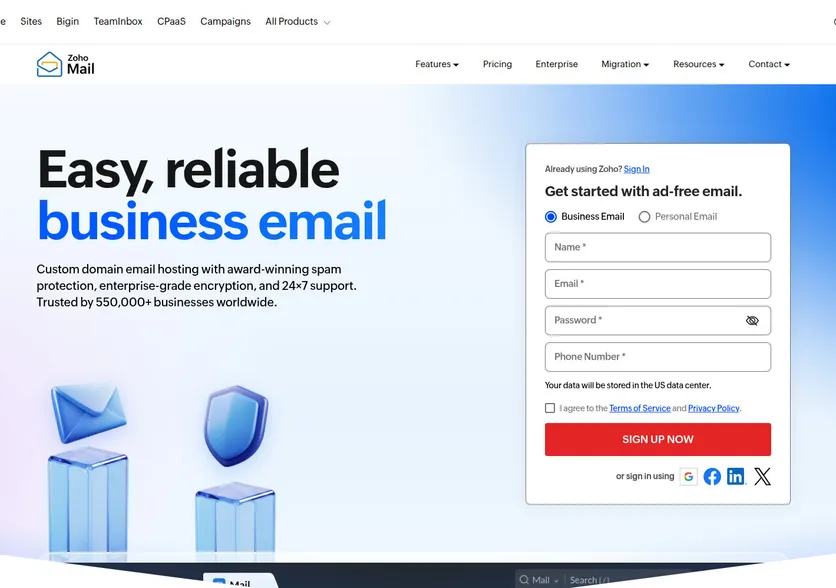
Zoho Mail is the cheapest paid mailbox on this list, and it still feels like a grown-up email service. This Zoho Mail plan gives every user a custom-domain inbox with IMAP, POP and ActiveSync, mobile apps, calendar and migration help for about a dollar a month. The catch is storage, which starts at 5 GB per user on the cheapest tier.
What we like
- Cheapest paid mailbox here by a wide margin
- Real admin console with mobile apps included
- Free plan covers up to five users
Watch out for
- Only 5 GB of storage on the cheapest tier
- Mail plans are annual billing only, with no monthly option
How to try it
- Open the Zoho Mail pricing page and pick Mail Lite
- Add your domain and verify it with Zoho
- Create mailboxes and import old mail with the migration tool
4. Proton Mail
Best for: Businesses that handle sensitive mail and want encryption built in
Paid tool Starting price: $6.99/user/month · Mail Essentials on annual billing; $7.99 per user per month billed monthly; Workspace Standard $12.99 and Workspace Premium $19.99 on annual billing; 14-day free trial
Free plan: Free plan
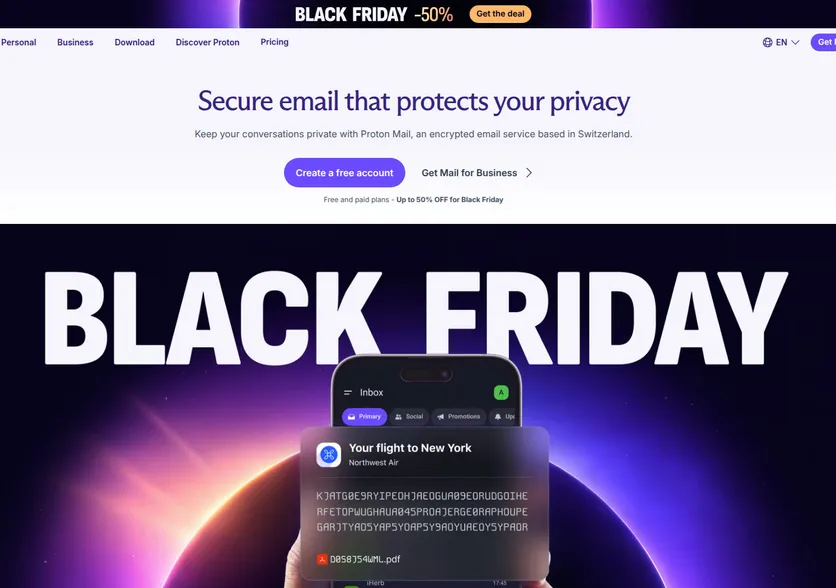
Proton Mail is the privacy-first choice, with encryption that even the provider cannot break. This Proton Mail plan gives every user an encrypted custom-domain inbox with 15 GB of storage, three custom domains, ten addresses per user, calendar and Drive. It costs about the same as the big suites, so you pay for privacy rather than for extra apps.
What we like
- Zero-access encryption keeps stored mail private
- Swiss privacy law covers the whole service
- Calendar and Drive included in the same plan
Watch out for
- No desktop Office suite in the price
- External mail apps need the Proton Bridge app
How to try it
- Open the Proton Mail business pricing page and pick Mail Essentials
- Add your domain and verify it with Proton
- Create mailboxes and import old mail with Easy Switch
5. Fastmail
Best for: Small teams that want fast, ad-free email without a full suite
Paid tool Starting price: $5/user/month · Standard plan on annual billing; $6 per user per month billed monthly; Basic $3 per user per month on annual billing but no custom domain; Professional $9; 30-day free trial
Free plan: Free trial
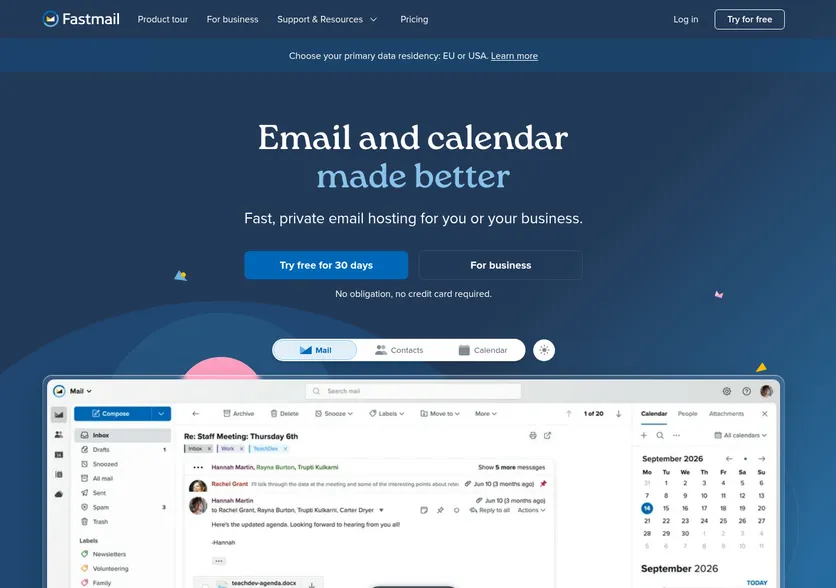
Fastmail is the email-only choice for teams that want a great inbox and nothing else. This Fastmail plan gives every user 60 GB of storage, custom-domain email, masked email addresses, calendars, contacts and fast apps on every device. It has no office suite, no ads and no tracking, which is exactly the point for buyers who only need mail done well.
What we like
- Fast apps with masked email for sign-ups
- 60 GB of storage per user on Standard
- No ads, no tracking and no office suite bloat
Watch out for
- Custom domains start on Standard, not on Basic
- No phone support and no office suite included
How to try it
- Open the Fastmail pricing page and pick Standard
- Add your domain and verify it with Fastmail
- Create mailboxes and import old mail from your current provider
6. IceWarp
Best for: Teams that want email, chat, files and video in one cheap bundle
Paid tool Starting price: $1.35/user/month · Core plan on annual billing; $1.50 per user per month billed monthly; Essential $2.25 and Business $4.05 per user per month on annual billing; free trial
Free plan: Free trial
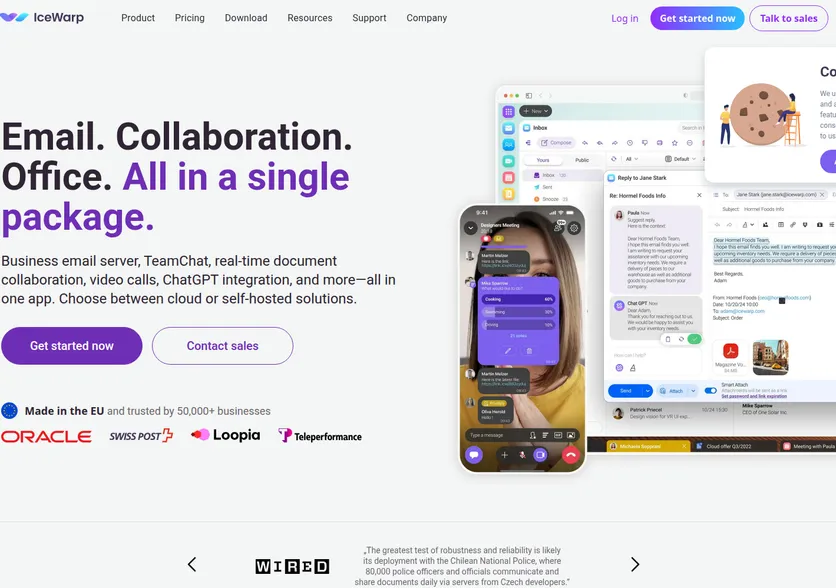
IceWarp is the budget bundle on this list, packing email, calendar, chat, files and video calls into one low price. This IceWarp plan starts with 2 GB of mail storage per user on Core, then grows to 50 GB on Essential and 200 GB on Business, with document editing and conferencing added along the way. It is the cheapest way to replace a whole suite rather than just an inbox.
What we like
- Cheapest bundle here, with chat and video included
- Cloud or self-hosted, whichever your team prefers
- Document editing and conferencing on higher tiers
Watch out for
- Only 2 GB of mail on the cheapest Core tier
- No ActiveSync or document editing on Core
How to try it
- Open the IceWarp pricing page and compare Core, Essential and Business
- Start the free trial with your domain
- Add users and test chat, files and video before you pay
7. Titan Email
Best for: Small teams that want business email with invoicing and booking built in
Paid tool Starting price: $2/mailbox/month · Business Pro entry plan, billed annually; Premium $2.50 and Ultra $6.99 per mailbox per month (Titan's own site)
Free plan: No free plan
Titan Email is business email built for small teams. It gives you mail on your own domain with calendar, contacts and 10 GB of storage, plus invoicing, appointment booking and email campaigns in the same inbox. The entry plan costs about two dollars a mailbox a month. Read more at Titan Email.

What we like
- 10 GB storage on the entry plan, with webmail and mobile apps
- Invoicing, appointment booking and email campaigns in the same inbox
- One-click import moves your old mail and contacts across
Watch out for
- No free plan — every mailbox is paid
- Sold through many hosts at different prices, so confirm the total at checkout
How to try it
- Open titan.email and pick the Business Pro plan
- Add your domain, or register one on the spot
- Import your old mail with one click and start sending
Prices above were checked on each vendor’s own website on Nov 25, 2026 and can change — the vendor’s page is the final word. Vendor links are editorial: nobody paid to be listed or ranked here. Vendors who want a featured listing can see how it works on our Get listed page.
What business email costs in 2026
Price is the first filter, and the range is wide. The cheapest mailbox here costs about a dollar a month, the most expensive costs about seven times as much, and the two biggest suites land on exactly the same per-user price. The table below uses the headline price each vendor shows on its own pricing page, checked on November 25, 2026. Annual billing is the cheapest term for most tools here.
Before you pay, run this short checklist. First, confirm the plan includes your own domain, because the cheapest tier sometimes does not. Second, check storage per user and whether it is pooled across the team. Third, read the renewal price, because first-year offers can jump sharply. Fourth, start the free trial and import a real inbox before you move the whole team.
Before you buy
- Confirm the plan includes your own domain, because the cheapest tier sometimes does not, as Fastmail Basic shows.
- Check storage per user and whether it is pooled, because Google Workspace pools 30 GB while Microsoft 365 gives 1 TB per user.
- Read the renewal price before you buy, because first-year offers can jump sharply and Microsoft 365 rose in July 2026.
- Start the free trial and import a real inbox, because Fastmail gives thirty days while Google Workspace gives fourteen.
- Check the storage on the cheapest tier, because Zoho Mail Lite starts at 5 GB while IceWarp Core starts at 2 GB.
Official websites
Official websites of the products reviewed above. Features and prices were checked against these sites when this guide was written, and they can change, so confirm on the vendor site before you buy.
Frequently asked questions
Which business email software is best overall in 2026?
For most small teams, Google Workspace, because Business Starter costs about seven dollars a user a month and includes Gmail, Docs, Drive and Meet in one familiar package. The catch is storage, which is pooled across the team, which is why Microsoft 365 is the better pick if you live in Office files, and Zoho Mail is the better pick if price matters most.
How much does business email cost per user per month?
It ranges from about one dollar to about seven dollars per user a month. Zoho Mail Lite costs about a dollar, IceWarp Core costs about a dollar and a half, Titan Email costs about two dollars a mailbox, Fastmail Standard costs about five dollars, and Google Workspace and Microsoft 365 both cost about seven dollars, which is the most here.
Is there free business email software?
Yes, three of the seven. Zoho Mail has a free plan for up to five users, Proton Mail has a free personal plan you can test first, and Fastmail has no free plan but offers a 30-day free trial. Google Workspace and Microsoft 365 also offer free trials, so you can test the full inbox before you pay anything.
Can I use my own domain with these email tools?
Yes, every tool here supports it, though the details differ. Google Workspace and Microsoft 365 include a custom domain in the base price, Zoho Mail and Fastmail add it on paid tiers, and Proton Mail supports up to three custom domains on Mail Essentials. Check the storage and domain limits on the plan you pick, because the cheapest tier is not always the one that includes your domain.
Can I try business email software before paying?
Start with the free trial where one exists, and run the same three jobs through each one: send mail from your domain, set up a shared calendar, and import an old inbox. Check spam filtering, mobile apps and admin controls while you test, and ask the person who will manage mail daily which inbox felt fastest. The cheapest mailbox is rarely the cheapest deal if the team avoids using it.
Need a quick business calculation before you choose? Try the free business tools on Toolsvine — no sign-up needed.
Browse Business Tools tools