On this page
A wrong commission payment costs a sales org twice, once in the money and once in the trust of the rep who was underpaid. The seven tools below cover the full range, from seventeen-dollar workhorses to the enterprise engine that has defined the category. Every price was checked on the vendor site on November 27, 2026, and most tools publish a per-user rate you can compare. QuotaPath is our first pick — transparent pricing, fast setup and the easiest path off spreadsheets.
How we researched this
We started with the compensation tools sales orgs actually buy, then read each price on the vendor pricing page on November 27, 2026 and noted the platform fees each plan carries. We judged them for a sales org that pays reps every month and needs calculations reps trust, statements they understand and an audit trail finance can defend. We dropped CaptivateIQ, Everstage, Performio and Varicent because none publishes a price, and we kept Xactly only through its AWS Marketplace listing.
Compare the tools
| Name | Best for | Starting price | Free plan | |
|---|---|---|---|---|
 Spiff | Salesforce teams that want commissions calculated inside their CRM | $75/user/month | No free plan; demo available | Visit |
 QuotaPath | Growing sales teams that want published pricing and a fast setup | $35/user/month | No free plan; 14-day free trial | Visit |
| Commissionly | Small teams that want flat, simple commission plans at a fixed price | $75/month | No free plan; free trial available | Visit |
| Qobra | Fast-growing B2B teams that want reps to see every commission calculation | $39/user/month | Free plan available | Visit |
 QCommission | QuickBooks and Salesforce shops that want a low-cost commission engine | $17/user/month | No free plan; demo available | Visit |
 Sales Cookie | Small businesses that want month-to-month billing with no contract | $40/user/month | No free plan; 14-day free trial | Visit |
| Xactly | Large enterprises that need the deepest commission engine available | $250,000/year | No free plan; demo available | Visit |
The compensation management software for sales orgs, compared
1. Spiff
Best for: Salesforce teams that want commissions calculated inside their CRM
Paid tool Starting price: $75/user/month · Seventy-five dollars per user a month billed annually; non-Salesforce connectors cost two hundred fifty dollars a month each, and implementation runs through Salesforce or its partners
Free plan: No free plan; demo available
Spiff is Salesforce's incentive compensation tool, calculating commissions natively where the deals already live. This Spiff plan costs seventy-five dollars per user a month billed annually and adds real-time earnings views for reps and managers. A sales org already on Salesforce gets commission automation without a second system to sync.
What we like
- Native Salesforce integration with no sync delays
- Reps see live earnings forecasts
- Strongest option for Salesforce-native teams
Watch out for
- Sold as an add-on on top of Sales Cloud
- Annual contract required with no monthly option
How to try it
- Open the Salesforce Spiff page and book a demo
- Connect your Salesforce deals and build your first commission plan
- Turn on rep dashboards so sellers see earnings in real time
2. QuotaPath
Best for: Growing sales teams that want published pricing and a fast setup
Paid tool Starting price: $35/user/month · Thirty-five dollars per user a month billed annually for Growth, plus a five-hundred-twenty-five-dollar monthly platform fee covering the first five users; Premium costs fifty dollars per user a month with an eight-hundred-dollar platform fee
Free plan: No free plan; 14-day free trial
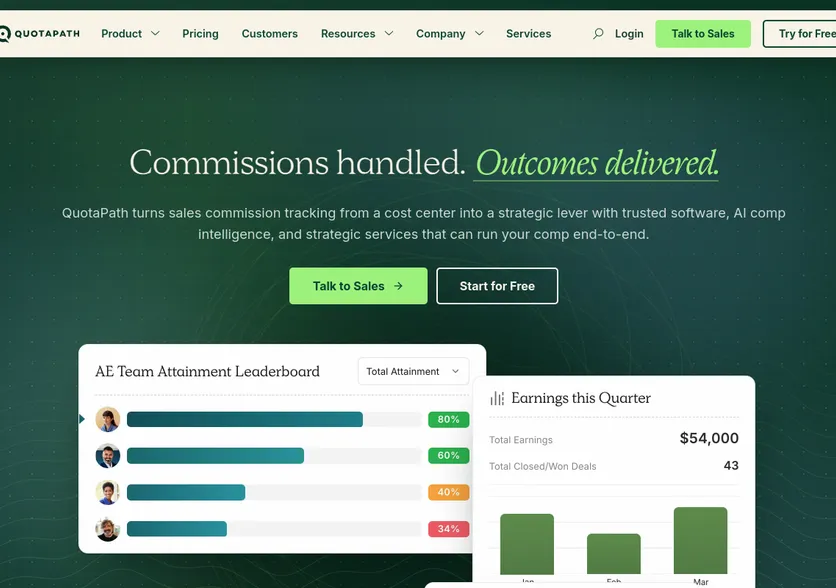
QuotaPath is the commission platform for growing teams that want transparent pricing, HubSpot and Salesforce integrations, and statements reps can read. This QuotaPath Growth plan costs thirty-five dollars per user a month billed annually, plus a five-hundred-twenty-five-dollar monthly platform fee that covers the first five users. A sales org of fifteen to one hundred fifty reps gets commission automation live in days instead of months.
What we like
- Only tool here with fully published pricing
- Fastest setup of the mid-market options
- Deep HubSpot integration for HubSpot teams
Watch out for
- Platform fee adds up for very small teams
- Premium features need the higher tier
How to try it
- Open the QuotaPath site and start the 14-day trial
- Connect HubSpot or Salesforce and import your deals
- Build your plan and send the first rep statements
3. Commissionly
Best for: Small teams that want flat, simple commission plans at a fixed price
Paid tool Starting price: $75/month · Seventy-five dollars a month for the Individual plan; Small Business costs two hundred dollars a month for five users and Medium Business costs three hundred fifty dollars a month for ten users
Free plan: No free plan; free trial available
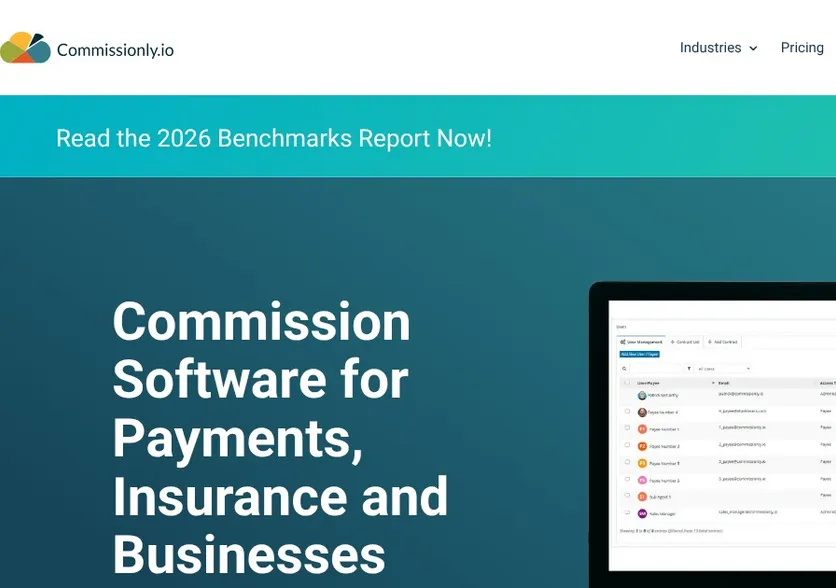
Commissionly is the straightforward commission tool for small to mid-market companies that want automated calculations without enterprise complexity. This Commissionly Individual plan costs seventy-five dollars a month and covers one user with manual uploads, three commission sources and one hundred records. A small sales org that still runs commissions in spreadsheets gets automation at a price a single rep's deal can cover.
What we like
- Simple interface that finance learns in a day
- Flat monthly price with no per-seat surprises
- Now part of Fullcast's RevOps platform
Watch out for
- Individual plan covers only one user and one hundred records
- Some directories list lower prices that do not match the vendor page
How to try it
- Open the Commissionly site and start a trial
- Upload your sales data and set up your commission rules
- Run the first calculation and send statements to your reps
4. Qobra
Best for: Fast-growing B2B teams that want reps to see every commission calculation
Paid tool Starting price: $39/user/month · Thirty-nine dollars per user a month for the Basic plan, as listed by the vendor; some directories list twenty-nine dollars, so confirm the rate at checkout
Free plan: Free plan available
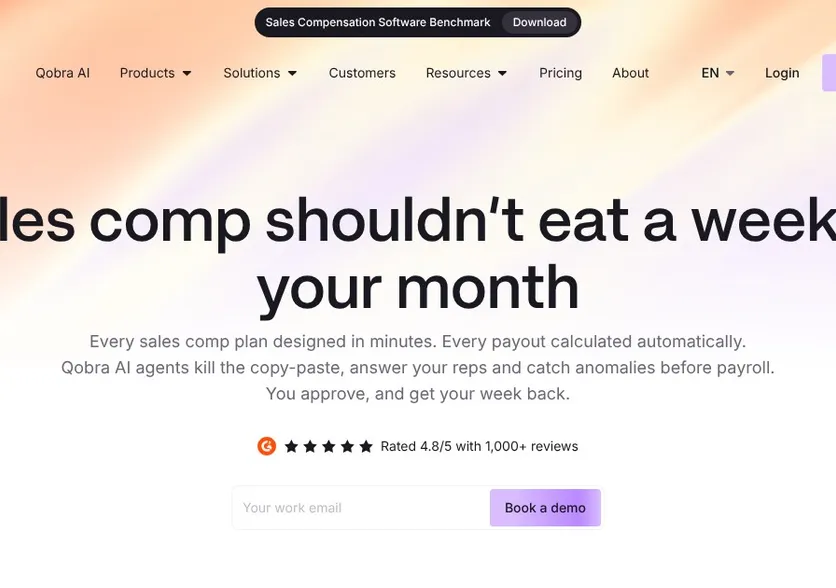
Qobra is the all-in-one sales compensation platform for revenue, finance and operations leaders who want to replace spreadsheets with automation and transparency. This Qobra Basic plan costs thirty-nine dollars per user a month and adds automated calculations with a rep-facing view of every payout. A growing B2B team gets commission plans that reps trust because they can see the maths behind each payment.
What we like
- Reps see the calculation behind every payout
- Strong plan builder for growing teams
- New AI agents help design and review plans
Watch out for
- Higher packs are quote-based with no published price
- Smaller review base than the enterprise names
How to try it
- Open the Qobra site and book a demo
- Import your CRM data and build your first plan
- Share the rep dashboard so sellers track their own earnings
5. QCommission
Best for: QuickBooks and Salesforce shops that want a low-cost commission engine
Paid tool Starting price: $17/user/month · Seventeen dollars per user a month for the Pro plan; Premier costs twenty-five dollars per user a month and Enterprise costs thirty-nine dollars, with edition minimums from two hundred dollars a month
Free plan: No free plan; demo available
QCommission is the long-running commission software from CellarStone, built for teams that need flat, tiered and quota-based plans without a big budget. This QCommission Pro plan costs seventeen dollars per user a month and covers two to five hundred payees with over a million transaction lines a year. A finance team that runs commissions from QuickBooks or Salesforce gets a proven engine at the lowest entry price here.

What we like
- Cheapest entry price in this comparison
- Works with QuickBooks, Salesforce and other CRMs
- Running since 2000 with a large user base
Watch out for
- Interface looks dated next to newer tools
- Vendor pricing page uses monthly minimums, not a flat rate
How to try it
- Open the QCommission site and book a demo
- Connect QuickBooks or Salesforce and import transactions
- Set up your tiered or quota-based plan and run the first cycle
6. Sales Cookie
Best for: Small businesses that want month-to-month billing with no contract
Paid tool Starting price: $40/user/month · Forty dollars per user a month for the Business plan, or sixty dollars for Business+; dashboard-disabled users cost fifteen dollars a month, and every payee plus admin counts as a user
Free plan: No free plan; 14-day free trial
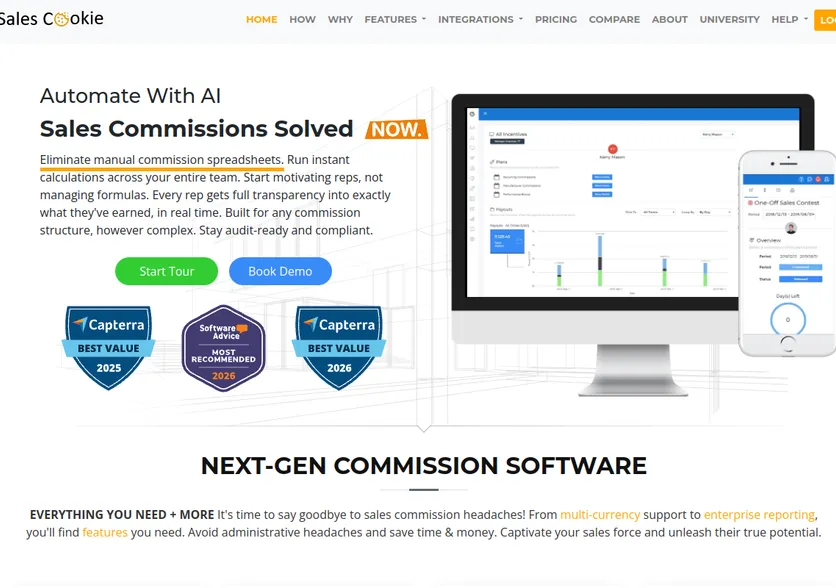
Sales Cookie is the commission software for small teams that want published pricing, no long-term contract and no setup fee. This Sales Cookie Business plan costs forty dollars per user a month and covers full plan logic, dashboards, statements and approvals with pay-as-you-go billing. A small business leaving spreadsheets gets enterprise-style commission logic without signing a year away.
What we like
- Month-to-month billing with no contract
- No setup fee and first plan configured free
- Price unchanged for existing customers for years
Watch out for
- Counts admins as users, so the seat count runs higher
- Custom integrations need the Business+ plan
How to try it
- Open the Sales Cookie site and start the 14-day trial
- Connect your CRM and build your first incentive plan
- Run the calculation and send statements to your reps
7. Xactly
Best for: Large enterprises that need the deepest commission engine available
Paid tool Starting price: $250,000/year · Two hundred fifty thousand dollars a year for five hundred users on a twelve-month contract, from the AWS Marketplace listing, about five hundred dollars per user per year; the vendor publishes no price on its own site and implementation is quoted separately
Free plan: No free plan; demo available
Xactly Incent is the enterprise sales performance platform that has defined the category for two decades, pairing commission calculation with territory and quota planning. This Xactly listing prices a twelve-month contract at two hundred fifty thousand dollars a year for five hundred users, about five hundred dollars per user per year. A large enterprise with hundreds of payees and complex crediting rules gets the most battle-tested engine in the market.
What we like
- Deepest calculation engine in this comparison
- Twenty-plus years of pay benchmarking data
- ASC 606 commission accounting on higher tiers
Watch out for
- No published price on the vendor site, so expect a sales process
- Implementation commonly adds fifty thousand dollars or more
How to try it
- Open the Xactly site and request a demo
- Share your plan complexity and payee count with sales
- Review the quote and the separate implementation scope
Prices above were checked on each vendor’s own website on Nov 27, 2026 and can change — the vendor’s page is the final word. Vendor links are editorial: nobody paid to be listed or ranked here. Vendors who want a featured listing can see how it works on our Get listed page.
What sales compensation software costs in 2026
The per-user rate is only part of the bill, because platform fees and implementation change the total by thousands. QuotaPath adds a five-hundred-twenty-five-dollar monthly platform fee to its thirty-five-dollar rate, and enterprise tools add implementation fees of five thousand dollars or more. Add the platform fee, the admin seats and the setup cost before you compare two tools.
Run one real commission cycle through two tools before you sign, using your own deals and your own plan rules. Check that reps understand their statements, that finance can trace every calculation, and that plan changes do not need a vendor ticket. Pick the tool whose statements your reps stop questioning, because a commission tool that creates disputes costs more than the one that prevents them.
Before you buy
- Count every admin as well as every rep, because several tools charge for the people who run the plans as well as the people who earn commission.
- Ask what the platform fee covers, because a low per-user rate can hide a five-hundred-dollar monthly base fee.
- Check how plan changes are handled, because a tool that routes every tweak through vendor support slows the sales year.
- Confirm the CRM sync is real-time or daily, because commissions calculated on stale deals create disputes with reps.
- Ask for the implementation fee in writing, because setup can add thousands of dollars to the first-year bill.
Official websites
Official websites of the products reviewed above. Features and prices were checked against these sites when this guide was written, and they can change, so confirm on the vendor site before you buy.
Frequently asked questions
Which compensation management software is best for sales orgs in 2026?
QuotaPath is the best overall pick at thirty-five dollars per user a month, with published pricing and the fastest setup. Spiff is the best choice for Salesforce teams at seventy-five dollars per user a month. QCommission is the best budget pick at seventeen dollars per user a month for QuickBooks and Salesforce shops.
How much does compensation management software cost?
Published prices in this list run from seventeen dollars per user a month for QCommission to seventy-five dollars per user a month for Spiff, with most tools landing between thirty-five and seventy-five dollars. Quote-only enterprise tools cost far more, with median contracts from thirty thousand to eighty thousand dollars a year. Add platform fees and implementation to the per-user rate before you compare.
Do sales orgs need compensation software or are spreadsheets enough?
Yes, if the team has more than a handful of reps, because spreadsheet errors in commissions destroy trust with sellers. A dedicated tool calculates every plan the same way, shows reps the maths and keeps an audit trail. Small teams with simple plans can stay on spreadsheets longer, but the first dispute usually ends that.
Why do some compensation tools have no published price?
CaptivateIQ, Everstage, Performio, Varicent and Xactly publish no price and sell by quote, so they do not appear with a verified rate here. Xactly is included through its AWS Marketplace listing of two hundred fifty thousand dollars a year for five hundred users. Expect a sales conversation and a separate implementation fee with any of them.
Is there a free compensation tool for sales teams?
Qobra offers a free plan, and QuotaPath and Sales Cookie both offer free trials, so a small team can test the workflow before paying. Free plans and trials limit users or features, so check the caps before you rely on them. Most teams move to a paid plan once commissions run monthly.
Running the business side too? Try Toolsvine's free business tools right in your browser.
Browse Business Tools tools