On this page
A startup that runs its app in containers needs a platform that stays cheap at two nodes and scales to two hundred without a rewrite. The eight tools below cover the full stack, from Docker and Portainer for local work to Kubernetes on DigitalOcean, Linode, AWS, Google, Azure and Vultr. Every price was checked on the vendor site on November 27, 2026, and most start free or at ten to twelve dollars a node a month. Docker is our first pick — the platform every startup knows, with a free Personal plan and nine dollars a month for Pro.
How we researched this
We started with the containerization tools that early teams actually run, from Docker on a laptop to managed Kubernetes on the major clouds, then read each price on the vendor pricing page on November 27, 2026 and noted the node cost, the control plane fee and what the free tier covers. We judged them for a startup that needs to ship from a free tier, keep one cluster cheap while it finds product market fit, and scale to more nodes without migrating. We left out tools whose prices are quote-only or whose vendor pages publish no dollar figures at all.
Compare the tools
| Name | Best for | Starting price | Free plan | |
|---|---|---|---|---|
 Docker | Every startup that needs containers, images and a registry in one place | $9/user/month | Free Personal plan | Visit |
| Portainer | Startups that manage containers on their own servers or a small cloud | $1,045/year | Free Business Edition; up to 3 nodes | Visit |
| DigitalOcean Kubernetes | Startups that want the simplest managed Kubernetes with a free control plane | $12/node/month | No free plan; $5 free credit for new accounts | Visit |
| Linode Kubernetes Engine | Startups already on Akamai that want simple managed Kubernetes | $12/node/month | No free plan; $100 free credit for new accounts | Visit |
| Amazon EKS | Startups already on AWS that need managed Kubernetes | $0.10/cluster/hour | No free plan; AWS free tier applies to new accounts | Visit |
| Google Kubernetes Engine | Startups on Google Cloud that want Autopilot or standard Kubernetes | $0.10/cluster/hour | Free tier; $74.40 monthly credit covers one cluster | Visit |
| Azure Kubernetes Service | Startups already on Azure that need managed Kubernetes | $0.10/cluster/hour | Free tier; control plane at $0 | Visit |
| Vultr Kubernetes Engine | Startups that want the cheapest managed Kubernetes node | $10/node/month | No free plan; free credit for new accounts | Visit |
The containerization software for startups, compared
1. Docker
Best for: Every startup that needs containers, images and a registry in one place
Paid tool Starting price: $9/user/month · Nine dollars per user a month billed annually for Pro, or eleven dollars billed monthly; Team costs fifteen dollars and Business twenty-four dollars; Personal is free
Free plan: Free Personal plan
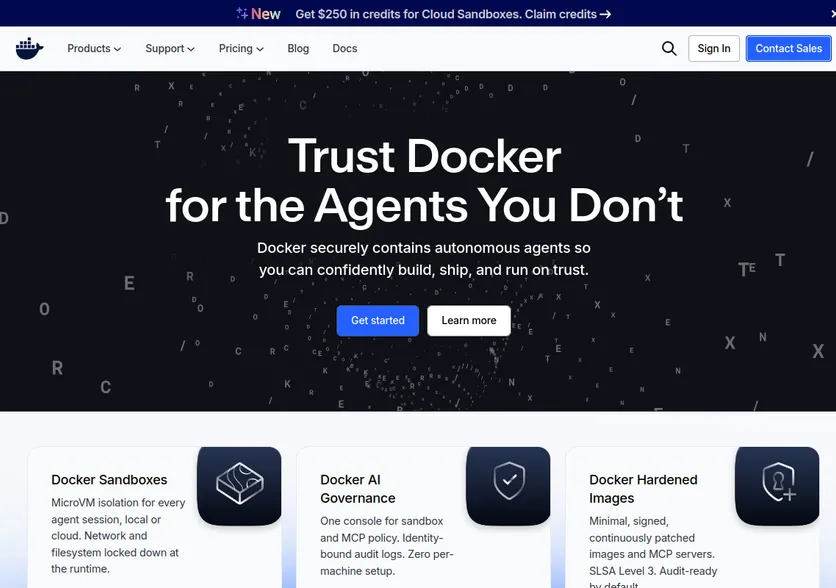
Docker is the container toolkit every startup already has, from Docker Desktop on a laptop to Docker Hub for sharing images with the team. This Docker Pro plan costs nine dollars per user a month billed annually and adds more image pulls, private repositories and team management. A startup that builds in containers starts here, because every cloud and CI tool already speaks Docker.
What we like
- Largest image ecosystem by far
- Free Personal plan for small teams
- Every cloud and CI tool speaks Docker
Watch out for
- Free plan limits image pulls
- Business plan needed for SSO and advanced security
How to try it
- Open the Docker site and create a free Personal account
- Install Docker Desktop on your laptop and build your first image
- Push the image to Docker Hub and deploy it to your cloud
2. Portainer
Best for: Startups that manage containers on their own servers or a small cloud
Paid tool Starting price: $1,045/year · One thousand forty-five dollars a year for Starter covering five nodes; Scale costs two thousand ninety-five dollars a year for five nodes; Home and Student costs one hundred fifty-five dollars a year for up to fifteen nodes for non-commercial use; Business Edition is free for up to three nodes
Free plan: Free Business Edition; up to 3 nodes
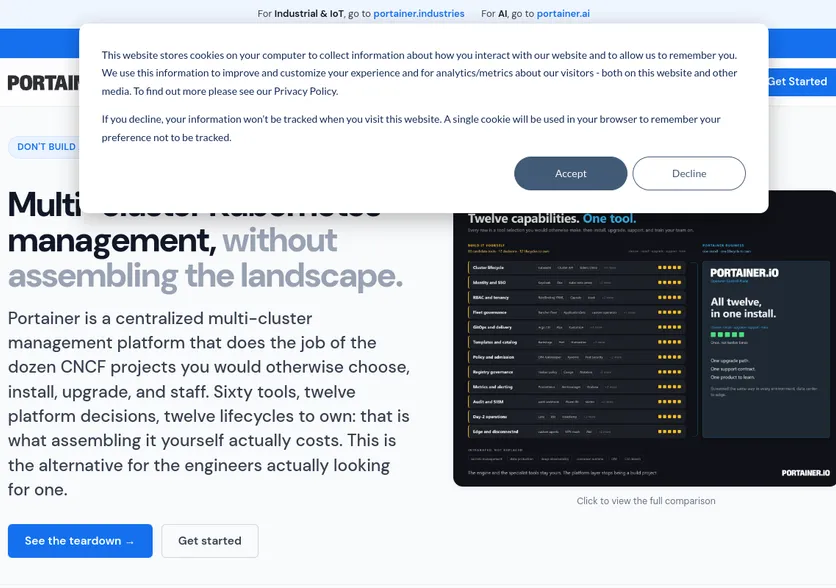
Portainer is the container management console for teams that run Docker or Kubernetes on their own servers and want a simple dashboard instead of a command line. This Portainer Starter plan costs one thousand forty-five dollars a year for five nodes and adds role-based access and support. A startup that hosts its own nodes gets a clean web console for every container, image and volume.
What we like
- Simple web dashboard for Docker and Kubernetes
- Free for up to three nodes
- Runs on your own servers, no cloud lock-in
Watch out for
- Starter is a yearly licence, not monthly billing
- Community Edition is now hobby-only, not for commercial use
How to try it
- Open the Portainer site and download the Business Edition trial
- Install Portainer on your Docker or Kubernetes host
- Add your nodes and manage containers from the dashboard
3. DigitalOcean Kubernetes
Best for: Startups that want the simplest managed Kubernetes with a free control plane
Paid tool Starting price: $12/node/month · Twelve dollars a month per Basic node; CPU-optimized nodes start at forty-two dollars and General Purpose at sixty-three dollars; the control plane is free and high availability costs forty dollars a month; block storage starts at ten dollars a month
Free plan: No free plan; $5 free credit for new accounts
DigitalOcean Kubernetes is the managed Kubernetes service for teams that want a free control plane and predictable node prices, with no hidden fees. This DigitalOcean Kubernetes Basic node costs twelve dollars a month, and the control plane is free. A startup that wants Kubernetes without a cloud bill that needs a spreadsheet gets it here.
What we like
- Control plane is free, no hourly cluster fee
- Predictable twelve-dollar nodes
- Simple dashboard and one-click apps
Watch out for
- No free plan, only a five-dollar credit
- High availability costs forty dollars a month extra
How to try it
- Open the DigitalOcean site and create an account
- Create a Kubernetes cluster and pick your node size
- Deploy your containers and add a load balancer when ready
4. Linode Kubernetes Engine
Best for: Startups already on Akamai that want simple managed Kubernetes
Paid tool Starting price: $12/node/month · Twelve dollars a month per two-gigabyte node; the standard control plane is free and high availability starts at about sixty dollars a cluster a month; LKE Enterprise costs about three hundred dollars a cluster a month
Free plan: No free plan; $100 free credit for new accounts
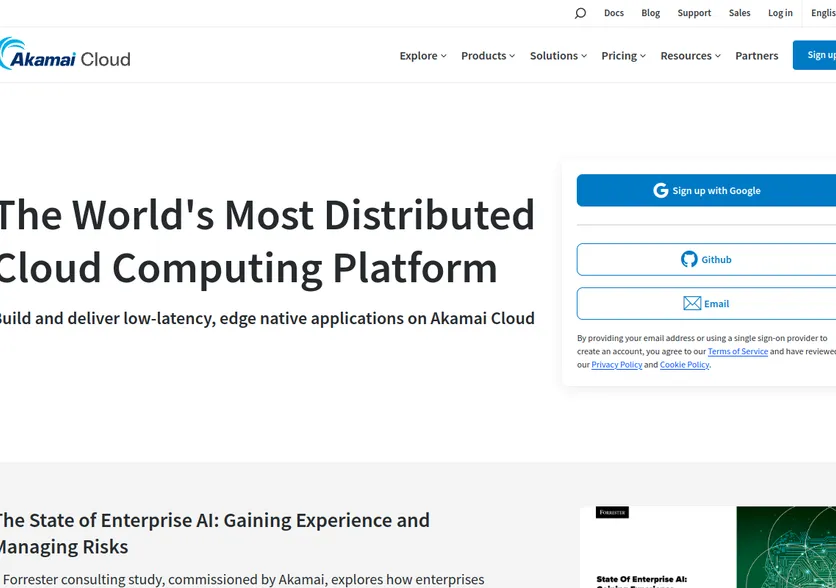
Linode Kubernetes Engine is the managed Kubernetes service from Akamai for teams that want a free control plane and simple node pricing on a smaller cloud. This Linode Kubernetes Engine two-gigabyte node costs twelve dollars a month, and the standard control plane is free. A startup that already runs on Linode gets Kubernetes in the same account, with the same support team.
What we like
- Control plane is free
- Simple twelve-dollar nodes
- One-hundred-dollar credit for new accounts
Watch out for
- Twelve-dollar node price was not shown on the vendor page on our check
- High availability starts at about sixty dollars a cluster a month
How to try it
- Open the Linode site and create an account
- Create a Kubernetes cluster and pick your node plan
- Deploy your containers and add a load balancer when ready
5. Amazon EKS
Best for: Startups already on AWS that need managed Kubernetes
Paid tool Starting price: $0.10/cluster/hour · Ten cents per cluster hour, about seventy-three dollars a month for a cluster running all month; extended support costs sixty cents per cluster hour; worker nodes are billed separately at EC2 rates
Free plan: No free plan; AWS free tier applies to new accounts
Amazon EKS is the managed Kubernetes service for teams already on AWS, running the control plane on Amazon infrastructure with deep integration to the rest of the cloud. This Amazon EKS cluster costs ten cents per cluster hour, about seventy-three dollars a month for a cluster that runs all month. A startup that already stores data and runs services on AWS gets Kubernetes in the same account, with the same billing.
What we like
- Deep integration with the rest of AWS
- Runs the control plane on Amazon infrastructure
- Wide choice of node types and sizes
Watch out for
- Control plane fee runs before any nodes
- Worker nodes are billed separately at EC2 rates
How to try it
- Open the Amazon EKS site and sign in to your AWS account
- Create a cluster and pick your node groups
- Deploy your containers with kubectl or the AWS console
6. Google Kubernetes Engine
Best for: Startups on Google Cloud that want Autopilot or standard Kubernetes
Paid tool Starting price: $0.10/cluster/hour · Ten cents per cluster hour; a seventy-four-dollar-forty-cent monthly credit covers one zonal or Autopilot cluster; Autopilot bills per pod resources instead of nodes
Free plan: Free tier; $74.40 monthly credit covers one cluster
Google Kubernetes Engine is the managed Kubernetes service for teams on Google Cloud, with a standard mode and an Autopilot mode that bills per pod instead of per node. This Google Kubernetes Engine cluster costs ten cents per cluster hour, and a monthly credit covers one zonal or Autopilot cluster. A startup that already runs on Google Cloud gets Kubernetes in the same account, with the same billing and support.
What we like
- Monthly credit covers one cluster
- Autopilot bills per pod, not per node
- Deep integration with Google Cloud services
Watch out for
- Control plane fee applies after the credit is used
- Autopilot pricing is harder to predict than node pricing
How to try it
- Open the Google Kubernetes Engine site and sign in to Google Cloud
- Create a cluster in standard or Autopilot mode
- Deploy your containers with kubectl or the Google Cloud console
7. Azure Kubernetes Service
Best for: Startups already on Azure that need managed Kubernetes
Paid tool Starting price: $0.10/cluster/hour · Ten cents per cluster hour for the Standard tier, about seventy-three dollars a month; the Free tier costs nothing for the control plane; worker nodes are billed separately at virtual machine rates
Free plan: Free tier; control plane at $0
Azure Kubernetes Service is the managed Kubernetes service for teams on Microsoft Azure, with a free tier for the control plane and a standard tier for production clusters. This Azure Kubernetes Service Standard tier costs ten cents per cluster hour, about seventy-three dollars a month, while the Free tier costs nothing for the control plane. A startup that already runs on Azure gets Kubernetes in the same account, with the same billing and Microsoft support.
What we like
- Free tier for the control plane
- Deep integration with Azure services
- Wide choice of node sizes and regions
Watch out for
- Standard tier fee runs before any nodes
- Worker nodes are billed separately at virtual machine rates
How to try it
- Open the Azure Kubernetes Service site and sign in to Azure
- Create a cluster and pick your node pool
- Deploy your containers with kubectl or the Azure portal
8. Vultr Kubernetes Engine
Best for: Startups that want the cheapest managed Kubernetes node
Paid tool Starting price: $10/node/month · Ten dollars a month per Regular Cloud Compute node with one virtual CPU and two gigabytes of RAM; the control plane is free and high availability costs thirty dollars a month; load balancers cost ten dollars a month and block storage ten cents per gigabyte a month
Free plan: No free plan; free credit for new accounts
Vultr Kubernetes Engine is the managed Kubernetes service for teams that want the lowest node price in this list, with a free control plane and simple flat pricing. This Vultr Kubernetes Engine Regular Cloud Compute node costs ten dollars a month for one virtual CPU and two gigabytes of RAM. A startup that wants Kubernetes at the lowest node price gets it here, with load balancers and block storage at flat rates.
What we like
- Cheapest node price in this list
- Control plane is free
- Flat ten-dollar load balancers and simple storage pricing
Watch out for
- Smaller ecosystem than the big three clouds
- High availability costs thirty dollars a month extra
How to try it
- Open the Vultr site and create an account
- Create a Kubernetes cluster and pick your node plan
- Deploy your containers and add a load balancer when ready
Prices above were checked on each vendor’s own website on Nov 27, 2026 and can change — the vendor’s page is the final word. Vendor links are editorial: nobody paid to be listed or ranked here. Vendors who want a featured listing can see how it works on our Get listed page.
What containerization costs a startup in 2026
A startup can containerize for free, because Docker Personal, Portainer on three nodes and the free control planes on several clouds cost nothing to start. The first real bill is the worker nodes, usually ten to twelve dollars a month each on DigitalOcean, Linode or Vultr, or ten cents a cluster hour on AWS, Google and Azure. A single cluster with three small nodes runs about thirty-six dollars a month, plus storage and a load balancer.
Keep the cluster small until the traffic proves it needs more. Run one node for staging and two for production, turn on high availability only when downtime costs more than forty dollars a month, and watch storage and load balancer fees, which are the charges that creep up. Pick the platform your team already knows, because a familiar dashboard beats a cheaper one nobody can debug.
Before you buy
- Start on the free tier first, because a paid control plane burns budget before you have customers.
- Check the control plane fee, because ten cents an hour adds seventy-three dollars a month before any nodes.
- Compare node prices at the same size, because a twelve-dollar node and a forty-two-dollar node are not equal.
- Ask whether the control plane is free, because DigitalOcean and Vultr charge nothing for it while AWS charges by the hour.
- Count the nodes you really need, because three nodes at twelve dollars a month beats one node at sixty-three.
Official websites
Official websites of the products reviewed above. Features and prices were checked against these sites when this guide was written, and they can change, so confirm on the vendor site before you buy.
Frequently asked questions
Which containerization software is best for startups in 2026?
Docker is the best overall pick at nine dollars a user a month for Pro, with a free Personal plan and the largest ecosystem of images and tools. DigitalOcean Kubernetes is the best managed pick at twelve dollars a node a month with a free control plane, and Vultr Kubernetes Engine matches it at ten dollars a node. Portainer is the best pick for managing local clusters at one thousand forty-five dollars a year for five nodes.
How much does managed Kubernetes cost a startup?
Managed Kubernetes costs ten to twelve dollars a node a month on Vultr and DigitalOcean, with a free control plane, or ten cents a cluster hour on AWS, Google and Azure, which is seventy-three dollars a month for the control plane. A three-node cluster on DigitalOcean runs about thirty-six dollars a month, while the same cluster on AWS adds seventy-three dollars for the control plane. High availability costs forty dollars a month on DigitalOcean and sixty dollars on Linode.
Is Docker free for a startup?
Yes, Docker Personal is free for individuals and small businesses, and it covers Docker Desktop, Docker Hub and the basic build and scan tools. The free plan limits image pulls and private repositories, and teams that need more seats, more pulls or SSO move to Pro at nine dollars a user a month. A startup with a handful of developers can run on the free plan until it outgrows the pull limits.
Which cloud should a startup pick for Kubernetes?
Pick the cloud your team already uses, because the cheapest node price means nothing if the team cannot debug the cluster. DigitalOcean and Vultr are the simplest starts, with free control planes and ten to twelve dollar nodes, while AWS, Google and Azure suit teams already on those clouds. Linode Kubernetes Engine is the pick for teams that want a simple managed service with a free control plane and a one-hundred-dollar credit.
Need more developer help? Try Toolsvine's free developer tools right in your browser.
Browse Developer Tools tools