On this page
SaaS companies live or die by content: blog posts, guides, and landing pages are how buyers discover the product long before a demo. The right software keeps that machine organized, from the first keyword to the published page and the signup it brings. This comparison covers eight paid tools with prices checked on the vendor site on November 27, 2026. For most SaaS teams, HubSpot Marketing Hub is the best single platform.
How we researched this
We compared paid tools that publish US dollar prices and fit how SaaS companies actually run content: planning, creation, distribution, and measurement. Each tool was scored on how well it fits a SaaS workflow, its pricing transparency, and whether it works for a small team as well as a large one. Quote-only platforms and tools with no public price were left out.
Compare the tools
| Name | Best for | Starting price | Free plan | |
|---|---|---|---|---|
 HubSpot Marketing Hub | SaaS teams that want marketing, content, and sales data in one place | $20/seat/month | Free plan | Visit |
 Semrush | SaaS teams that plan content around keyword gaps and competitor moves | $139.95/month | Free plan; 7-day free trial | Visit |
| CoSchedule | SaaS marketing teams that run a busy calendar across blog, email, and social | $29/month | Free plan (15 posts on 1 profile) | Visit |
 Airtable | SaaS teams that track content, campaigns, and assets in flexible databases | $20/user/month | Free plan | Visit |
 Notion | SaaS teams that keep docs, wikis, and content plans in one workspace | $10/month | Free plan | Visit |
 monday.com | SaaS teams that manage content production as a visual workflow | $9/month | Free plan | Visit |
 Asana | SaaS teams that run content projects with deadlines, dependencies, and approvals | $10.99/month | Free plan | Visit |
 Content Harmony | SaaS teams that standardize briefs across in-house writers and freelancers | $99/month | $10 trial for 10 workflows | Visit |
The content marketing software for saas companies, compared
1. HubSpot Marketing Hub
Best for: SaaS teams that want marketing, content, and sales data in one place
Paid tool Starting price: $20/seat/month · Twenty dollars per seat a month is the Starter list price; HubSpot currently shows a new-customer discount to seven dollars per seat a month billed annually; Professional costs eight hundred dollars a month.
Free plan: Free plan
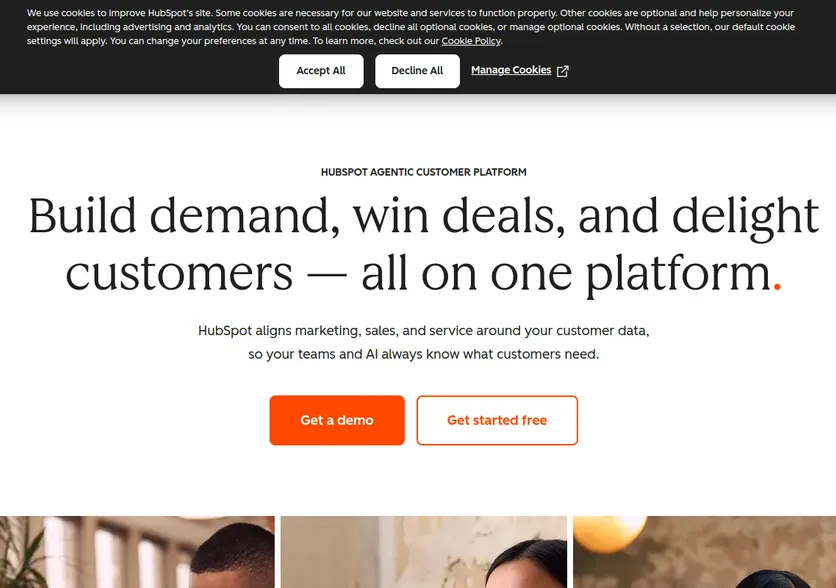
HubSpot Marketing Hub is the all-in-one pick for SaaS companies: campaigns, email, landing pages, and content analytics live beside the CRM, so every asset can be traced to a signup or a deal. Starter lists at twenty dollars per seat a month, which is low for what it covers. It fits SaaS teams that want one system instead of five disconnected tools.
What we like
- Campaigns tied to CRM and revenue
- Covers email, pages, and analytics
- Low Starter list price
Watch out for
- Full reporting needs Professional at $800 a month
- Discount shown today is for new customers only
How to try it
- Set up campaigns for each product line and content theme.
- Build landing pages and emails inside HubSpot.
- Review the campaign reports to see which assets drive signups.
2. Semrush
Best for: SaaS teams that plan content around keyword gaps and competitor moves
Paid tool Starting price: $139.95/month · One hundred thirty-nine dollars and ninety-five cents a month for the Pro plan billed monthly, or one hundred seventeen dollars and thirty-three cents a month billed annually; Guru costs two hundred forty-nine dollars and ninety-five cents a month.
Free plan: Free plan; 7-day free trial
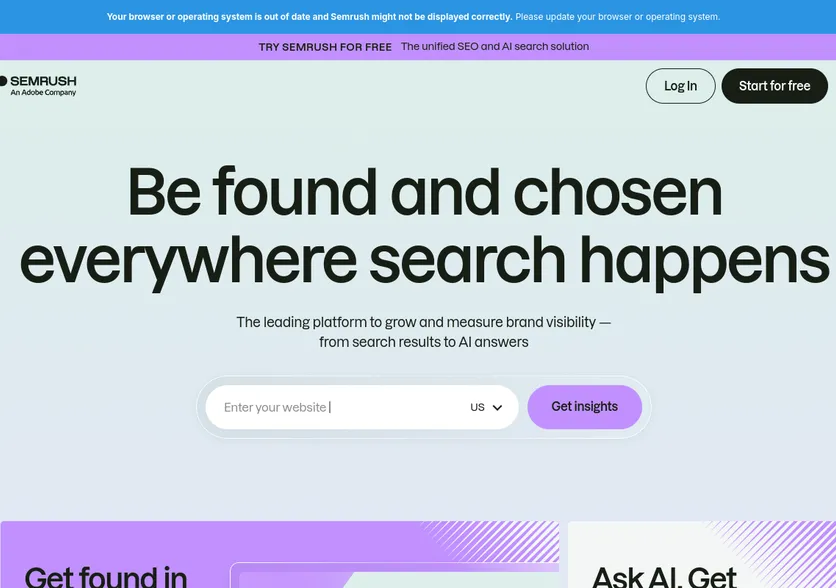
Semrush helps SaaS marketers find the keywords their buyers search and the gaps competitors already own, then audit the content library against them. Pro starts at one hundred thirty-nine dollars and ninety-five cents a month, and its Content Audit scores every page. It is the research engine behind many SaaS content programs.
What we like
- Deep keyword and competitor data
- Content Audit scores the whole library
- Replaces several research tools
Watch out for
- Priciest tool in this comparison
- Pro limits projects and reports
How to try it
- Run a keyword gap analysis against your top three competitors.
- Build a content plan from the gaps worth winning.
- Audit your library each quarter and refresh what slips.
3. CoSchedule
Best for: SaaS marketing teams that run a busy calendar across blog, email, and social
Paid tool Starting price: $29/month · Twenty-nine dollars a month for the Starter plan billed annually, or thirty-nine dollars billed monthly; Professional costs forty-nine dollars a month billed annually.
Free plan: Free plan (15 posts on 1 profile)
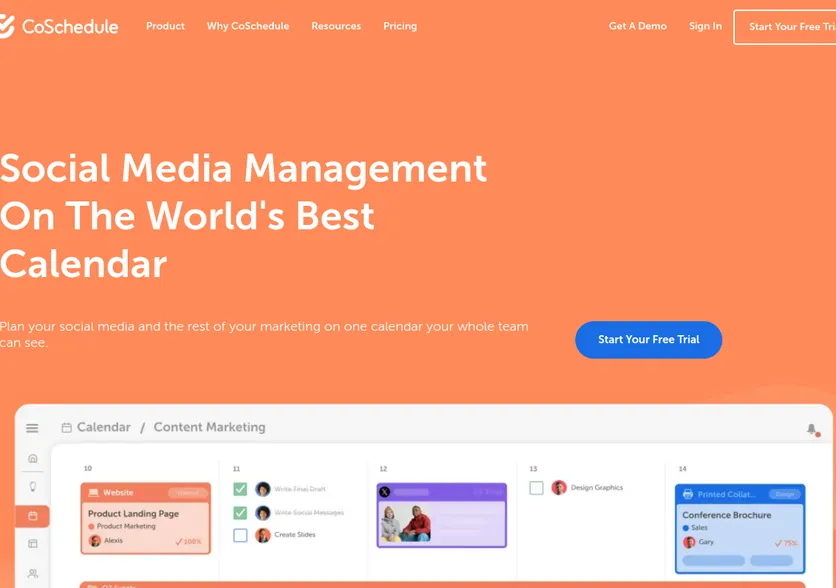
CoSchedule is built around the marketing calendar: blog posts, emails, and social campaigns sit on one timeline with assignments and approvals. Starter costs twenty-nine dollars a month billed annually, and the free plan covers fifteen posts on one profile. For SaaS teams juggling many channels, it keeps everyone on the same schedule.
What we like
- One calendar for blog, email, and social
- Approvals keep publishing on schedule
- Low entry price
Watch out for
- No SEO research built in
- Free plan covers only 15 posts on one profile
How to try it
- Build your content calendar for the next quarter.
- Assign each piece to an owner with a due date.
- Track social, email, and blog publishing from one board.
4. Airtable
Best for: SaaS teams that track content, campaigns, and assets in flexible databases
Paid tool Starting price: $20/user/month · Twenty dollars per user a month for the Team plan billed annually, or twenty-four dollars billed monthly; Business costs forty-five dollars per user a month.
Free plan: Free plan
Airtable turns content planning into a database: every article gets a status, owner, deadline, and channel, all filterable in views your team actually uses. The Team plan costs twenty dollars per user a month billed annually, and the free plan covers small teams. SaaS marketers use it as a flexible content hub that adapts to their process.

What we like
- Flexible views for any workflow
- Automations reduce manual follow-ups
- Strong free plan
Watch out for
- Needs setup to fit your process
- Costs grow with each seat
How to try it
- Create a base for content with fields for status, owner, and channel.
- Build views for the calendar, the pipeline, and the published list.
- Automate reminders when a piece moves to the next stage.
5. Notion
Best for: SaaS teams that keep docs, wikis, and content plans in one workspace
Paid tool Starting price: $10/month · Ten dollars per user a month for the Plus plan billed annually, or twelve dollars billed monthly; the free plan covers unlimited pages for individuals.
Free plan: Free plan
Notion is where many SaaS teams write, plan, and store everything: briefs, brand guides, and content calendars live in one searchable workspace. Plus costs ten dollars per user a month billed annually, and the free plan is generous for individuals. It works best as the team's content brain, with publishing handled elsewhere.

What we like
- Docs, wikis, and databases in one place
- Very low per-user price
- Flexible enough for any team
Watch out for
- No built-in publishing or SEO tools
- Can get messy without structure
How to try it
- Build a content calendar database with statuses and owners.
- Store briefs, brand voice, and research in linked pages.
- Share the workspace with writers and reviewers.
6. monday.com
Best for: SaaS teams that manage content production as a visual workflow
Paid tool Starting price: $9/month · Nine dollars per seat a month for the Basic plan billed annually, or twelve dollars billed monthly; Standard costs twelve dollars per seat a month billed annually.
Free plan: Free plan
monday.com turns content production into color-coded boards where every article moves from idea to published with owners and deadlines attached. Basic costs nine dollars per seat a month billed annually, and automations handle the handoffs. It suits SaaS teams that want the pipeline visible at a glance.

What we like
- Visual boards anyone can read
- Automations handle handoffs
- Low entry price
Watch out for
- Basic plan has limited automations
- Costs grow with each seat
How to try it
- Set up a board with stages from brief to published.
- Assign owners and due dates to every piece.
- Use automations to notify the next person when a stage changes.
7. Asana
Best for: SaaS teams that run content projects with deadlines, dependencies, and approvals
Paid tool Starting price: $10.99/month · Ten dollars and ninety-nine cents per user a month for the Starter plan billed annually, or thirteen dollars and forty-nine cents billed monthly; Advanced costs twenty-four dollars and ninety-nine cents per user a month.
Free plan: Free plan
Asana keeps SaaS content projects on track with tasks, timelines, and approvals, so nothing slips between the brief and the publish date. Starter costs ten dollars and ninety-nine cents per user a month billed annually, and templates make repeatable workflows easy. It is a solid pick when content is one of many projects the team manages.

What we like
- Strong project templates
- Timelines and dependencies included
- Integrates with most marketing tools
Watch out for
- Advanced features cost more than double
- Can feel heavy for tiny teams
How to try it
- Create a content project from a template with stages and owners.
- Set dependencies so reviews start only when drafts are ready.
- Track the timeline weekly and fix bottlenecks early.
8. Content Harmony
Best for: SaaS teams that standardize briefs across in-house writers and freelancers
Paid tool Starting price: $99/month · Ninety-nine dollars a month for the Standard plan with twelve content workflows, or about eighty-nine dollars a month paid annually; a ten-dollar trial buys ten workflows.
Free plan: $10 trial for 10 workflows
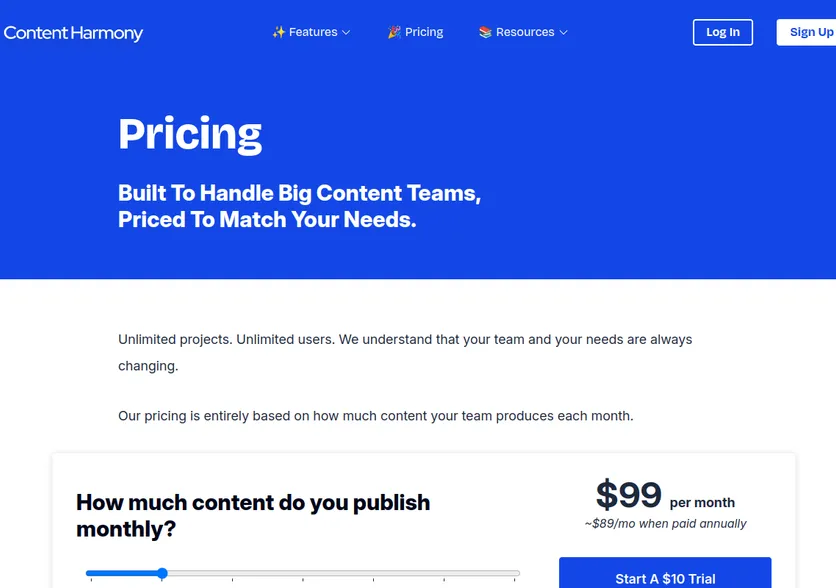
Content Harmony gives SaaS content leads a repeatable system: each keyword becomes a research-backed brief with an outline, questions, and a grade. Standard costs ninety-nine dollars a month for twelve workflows, and the ten-dollar trial covers ten workflows. It keeps quality consistent when several people write for the same brand.
What we like
- Briefs built from ranking pages
- Ten-dollar trial for real work
- Keeps freelance quality consistent
Watch out for
- Workflows cap monthly output
- No traffic or revenue reporting
How to try it
- Create a workflow for your next target keyword.
- Send the brief to your writer or freelancer.
- Grade the draft and publish only when it clears the bar.
Prices above were checked on each vendor’s own website on Nov 27, 2026 and can change — the vendor’s page is the final word. Vendor links are editorial: nobody paid to be listed or ranked here. Vendors who want a featured listing can see how it works on our Get listed page.
How SaaS teams should run content marketing
Pick one planning tool and one research tool, then stop buying software and start publishing. A calendar tool like CoSchedule or monday.com keeps the pipeline visible, while a research tool like Semrush or Content Harmony makes sure each piece targets a keyword worth winning. Review the pipeline every week, measure signups by source every month, and double down on the topics that bring trials. Consistency beats tooling: a team that publishes two solid articles a week will outgrow one that shops for software.
Before you buy
- Confirm the tool covers planning, creation, and reporting, or budget for a second tool.
- Check how many users and projects the entry plan allows before the price jumps.
- Make sure it integrates with your CMS, CRM, and social channels without paid connectors.
- Test the calendar and approval workflow with your real team before committing.
- Ask what happens to your data if you cancel, and whether export is included.
Official websites
Official websites of the products reviewed above. Features and prices were checked against these sites when this guide was written, and they can change, so confirm on the vendor site before you buy.
Frequently asked questions
What is the best content marketing software for SaaS companies?
HubSpot Marketing Hub is the best all-in-one pick because it covers campaigns, content, and CRM reporting in one system. If your budget is smaller, CoSchedule plus Frase covers planning and briefs for far less. The right choice depends on whether you need one platform or a best-of-breed stack.
How much does content marketing software cost for a SaaS company?
Entry plans here run from nine dollars a month for monday.com Basic to one hundred thirty-nine dollars and ninety-five cents a month for Semrush Pro. A workable SaaS stack usually costs between thirty and eighty dollars a month per person, depending on how many tools you combine.
Is there free content marketing software for SaaS?
Yes, most of these tools have free plans: HubSpot, Airtable, Notion, monday.com, Asana, and CoSchedule all offer one. Free plans limit seats or features, so they work for testing and small teams, but a growing SaaS team will need a paid plan within months.
Should I buy a calendar tool or a research tool first?
The calendar is the biggest difference. CoSchedule and monday.com plan work across channels, while Semrush and Content Harmony focus on research and briefs. Pick a planning tool first, then add a research tool; buying two research tools wastes money. A calendar keeps the whole team publishing on time, which matters more than another research subscription.
How do SaaS teams measure content marketing ROI?
Track signups, trials, and demo requests by source, not just traffic. HubSpot does this natively, while other stacks need goals set up in analytics. Without conversion tracking, you will know which articles get read but not which ones bring customers.
Need more marketing tools for your SaaS? Try Toolsvine's free marketing calculators right in your browser.
Browse Marketing & Ads Calculators tools