On this page
A nonprofit signs contracts with donors, grant makers, landlords and vendors, and every dollar spent chasing signatures is a dollar off the mission. The eight tools below cover the full range, from free plans for a handful of agreements a month to flat-priced archives the whole organization can search. Every price was checked on the vendor site on November 27, 2026, and the list runs from eight dollars a user a month to four hundred fifty dollars a month. PandaDoc is our first pick — the low-cost tool that pairs templates with unlimited e-signatures for donor and grant paperwork.
How we researched this
We started with the contract tools nonprofits actually buy, then read each price on the vendor pricing page on November 27, 2026 and noted the trial each plan carries. We judged them for a charity that signs donor agreements and grants on a tight budget and needs every dollar to show. We dropped Ironclad, Juro and Agiloft because none publishes a price a nonprofit can budget against without a sales call.
Compare the tools
| Name | Best for | Starting price | Free plan | |
|---|---|---|---|---|
 PandaDoc | Nonprofits that send donor agreements, grants and volunteer forms at volume | $19/user/month | Free plan | Visit |
 signNow | Nonprofits that need low-cost signing for many occasional senders | $8/user/month | 7-day free trial | Visit |
 Zoho Contracts | Nonprofits that want full lifecycle tools at a low per-user price | $25/user/month | Free plan for 3 users and 10 contracts | Visit |
 DocuSign | Nonprofits that need trusted e-signatures donors recognize | $25/user/month | 30-day free trial | Visit |
 Dropbox Sign | Nonprofits that already store files in Dropbox | $15/month | Free plan; 30-day free trial | Visit |
 Zoho Sign | Nonprofits already using Zoho apps for email and CRM | $10/user/month | Free plan with 5 envelopes a month | Visit |
 Signeasy | Nonprofits that sign inside Google Workspace or Microsoft 365 | $10/month | 14-day free trial | Visit |
 ContractSafe | Larger nonprofits where many staff need to look up contracts | $450/month | No free plan; free trial available | Visit |
The contract management software for nonprofits, compared
1. PandaDoc
Best for: Nonprofits that send donor agreements, grants and volunteer forms at volume
Paid tool Starting price: $19/user/month · Nineteen dollars per user a month for the Starter plan billed annually, or thirty-five dollars per user a month billed monthly; Business costs forty-nine dollars per user a month and Starter covers at most two seats
Free plan: Free plan
A nonprofit that sends donor agreements, grant paperwork and volunteer forms every week needs templates and signing that keep up, and PandaDoc delivers both at a low per-seat price. This PandaDoc Starter plan costs nineteen dollars per user a month billed annually and covers unlimited documents and e-signatures. A small team that issues standard agreements all week gets templates, tracking and signing in one subscription, plus a free plan to start.

What we like
- Cheapest paid entry in this comparison
- Free plan covers five documents a month
- Document tracking shows when a donor opens the file
Watch out for
- Starter covers at most two seats, so bigger teams pay Business prices
- CRM integrations only arrive on the Business plan
How to try it
- Open the PandaDoc site and start with the free plan
- Turn your donor agreement into a reusable template
- Send a test document and watch the signing status
2. signNow
Best for: Nonprofits that need low-cost signing for many occasional senders
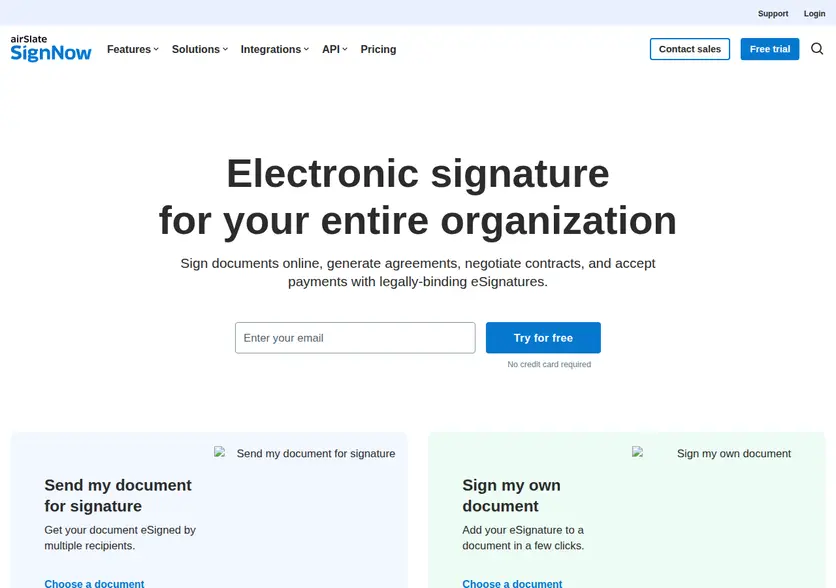
Paid tool Starting price: $8/user/month · Eight dollars per user a month for the Business plan billed annually, or twenty dollars per user a month billed monthly; Business Premium costs eighteen dollars per user a month billed annually
Free plan: 7-day free trial
A nonprofit with board members, volunteers and staff who each sign a few documents a year can keep signing cheap with signNow, which charges a flat monthly rate with unlimited users. This signNow Business plan costs eight dollars per user a month billed annually and includes templates, bulk sending and payments. A charity that sends a handful of agreements a month avoids paying a per-seat premium for a tool it barely opens.
What we like
- Unlimited users on every plan
- Cheapest signing option in this comparison
- Bulk sending and payments included
Watch out for
- Only one hundred signature invites per account a year on the entry plan
- No contract repository or renewal alerts included
How to try it
- Open the signNow site and start the trial
- Upload your volunteer agreement as a template
- Send a test document and check the signing status
3. Zoho Contracts
Best for: Nonprofits that want full lifecycle tools at a low per-user price
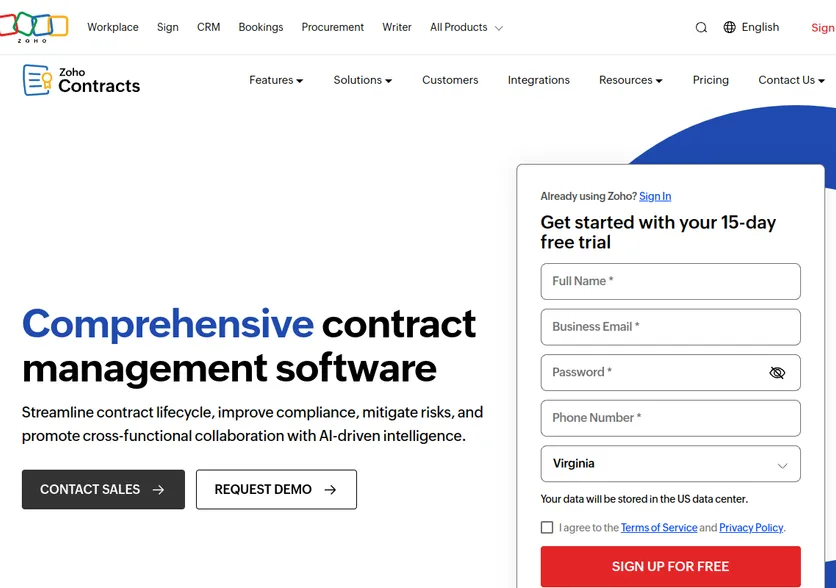
Paid tool Starting price: $25/user/month · Twenty-five dollars per full user a month on annual billing; cheaper Lite users cover approvers and collaborators, and a free plan covers three users and ten contracts
Free plan: Free plan for 3 users and 10 contracts
A nonprofit watching every dollar can still run the full contract lifecycle on Zoho Contracts, with drafting, approvals and e-signatures for twenty-five dollars per user. This Zoho Contracts plan costs twenty-five dollars per full user a month on annual billing, and a free plan covers three users and ten contracts. A small charity that wants the whole lifecycle without a four-figure monthly bill gets it here, especially if the organization already runs Zoho.
What we like
- Full lifecycle tools at twenty-five dollars per user
- Free plan covers three users and ten contracts
- Cheaper Lite users cover approvers and collaborators
Watch out for
- Fewer AI review features than the premium CLM tools
- Best value only if the team already uses Zoho
How to try it
- Open the Zoho Contracts site and start the free plan
- Add your grant templates and approval chain
- Connect Zoho Sign and send a first agreement
4. DocuSign
Best for: Nonprofits that need trusted e-signatures donors recognize
Paid tool Starting price: $25/user/month · Standard plan, $25 a user a month billed annually upfront ($300 a year); $30 a month on an annual commitment billed monthly; $45 month to month. Personal $10 a month billed annually upfront ($11 billed monthly); Business Pro $40 a month billed annually upfront ($45 billed monthly); Enterprise is quoted. Standard includes 100 envelopes per user a year.
Free plan: 30-day free trial
When a nonprofit asks donors and partners to sign, the brand on the envelope matters, and DocuSign eSignature remains the default choice people trust. This DocuSign Standard plan costs twenty-five dollars per user a month billed annually upfront on annual billing billed monthly and includes one hundred envelopes per user a year. A charity that sends pledge forms and partnership agreements to outside parties gets signatures back fast, with an audit trail nobody questions.

What we like
- The most recognized e-signature brand
- Templates and reminders cut chasing time
- Audit trail stands up in a dispute
Watch out for
- One hundred envelopes per user a year, then you pay more
- No contract repository or renewal alerts included
How to try it
- Open the DocuSign site and start the trial
- Upload a template and set your signing order
- Send a test envelope and check the audit trail
5. Dropbox Sign
Best for: Nonprofits that already store files in Dropbox
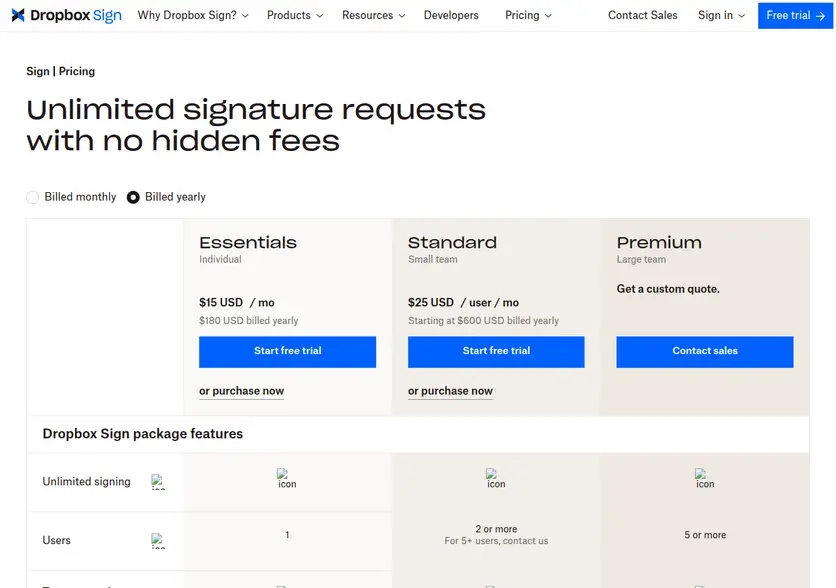
Paid tool Starting price: $15/month · Fifteen dollars a month for the Essentials plan billed annually, covering one user; Standard costs twenty-five dollars per user a month billed annually with a two-seat minimum, and a short-term promotional rate is not the list price
Free plan: Free plan; 30-day free trial
A nonprofit that already keeps its files in Dropbox can sign them where they live with Dropbox Sign, without moving documents to another system. This Dropbox Sign Essentials plan costs fifteen dollars a month billed annually and covers one user with templates and signing. A small charity that stores grant files in Dropbox gets signatures on the same files, with a free plan for signing only.
What we like
- Signing lives beside your Dropbox files
- Simple templates for repeat agreements
- Free plan covers signing-only use
Watch out for
- Essentials covers one user, so teams pay Standard prices
- No contract repository or renewal alerts included
How to try it
- Open the Dropbox Sign site and start the free trial
- Pick a grant file from your Dropbox folders
- Send it for signature and watch the status
6. Zoho Sign
Best for: Nonprofits already using Zoho apps for email and CRM
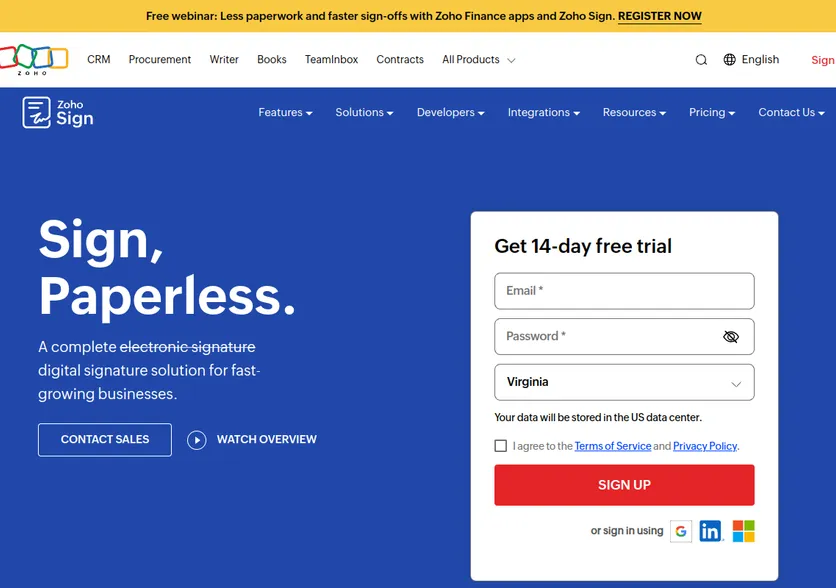
Paid tool Starting price: $10/user/month · Ten dollars per user a month for the Standard plan billed annually, with twenty-five envelopes per user a month; Professional costs sixteen dollars and Enterprise costs twenty-two dollars per user a month
Free plan: Free plan with 5 envelopes a month
A nonprofit already running on Zoho apps can add e-signatures for ten dollars per user, with certificate-based signing that suits grant and compliance paperwork. This Zoho Sign Standard plan costs ten dollars per user a month billed annually and includes twenty-five envelopes per user a month. A small team that signs donor and vendor agreements inside its Zoho workflow gets signatures without another subscription.
What we like
- Free plan covers five envelopes a month
- Certificate-based signatures for compliance work
- Fits naturally beside other Zoho apps
Watch out for
- No contract repository or renewal alerts included
- Best value only if the team already uses Zoho
How to try it
- Open the Zoho Sign site and start the free plan
- Upload your donor agreement as a template
- Send a test document and check the signing status
7. Signeasy
Best for: Nonprofits that sign inside Google Workspace or Microsoft 365
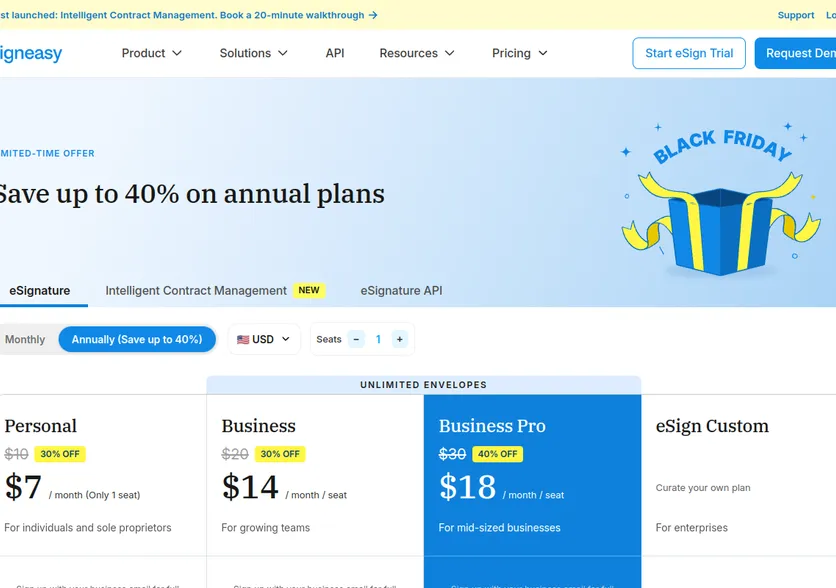
Paid tool Starting price: $10/month · Ten dollars a month for the Personal plan billed annually, with five signature requests a month; Business costs twenty dollars per seat a month and Business Pro costs thirty dollars per seat a month
Free plan: 14-day free trial
A nonprofit that lives in Google Workspace or Microsoft 365 can sign without leaving its inbox, because Signeasy meets staff inside the tools they already open. This Signeasy Personal plan costs ten dollars a month billed annually and covers unlimited self-signing with five signature requests a month. A small charity that sends a few agreements a month gets signing that feels like part of email, not another system to learn.
What we like
- Works inside Google Workspace and Microsoft 365
- Simple signing with a short learning curve
- Unlimited self-signing on the Personal plan
Watch out for
- Personal caps at five signature requests a month
- No contract repository or renewal alerts included
How to try it
- Open the Signeasy site and start the trial
- Connect your Google Workspace or Microsoft 365 account
- Send a test agreement from your inbox
8. ContractSafe
Best for: Larger nonprofits where many staff need to look up contracts
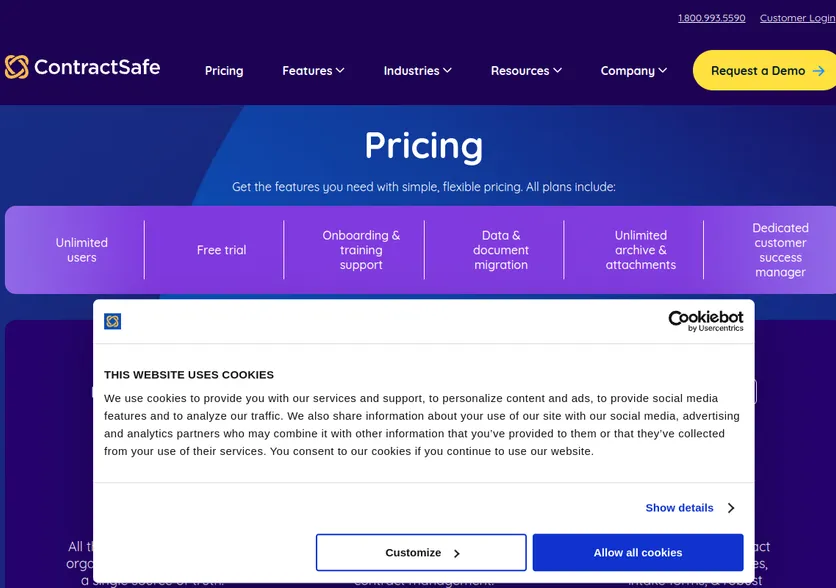
Paid tool Starting price: $450/month · Four hundred fifty dollars a month for the Organize plan billed annually with unlimited users; month-to-month billing costs five hundred forty dollars a month
Free plan: No free plan; free trial available
A larger nonprofit with grants, leases and vendor agreements across departments needs one archive everyone can search, and ContractSafe covers unlimited users for a flat price. This ContractSafe Organize plan costs four hundred fifty dollars a month billed annually and includes OCR search, AI data extraction and renewal alerts. A charity that answers constant questions about where an agreement lives gives every department read access without paying per seat.
What we like
- Unlimited users on every plan
- OCR search finds terms inside scanned contracts
- Migration and onboarding are included
Watch out for
- No drafting tools on the entry plan
- Month-to-month billing costs five hundred forty dollars a month
How to try it
- Open the ContractSafe site and start the free trial
- Upload your signed agreements and let OCR index them
- Turn on renewal alerts for your grants and leases
Prices above were checked on each vendor’s own website on Nov 27, 2026 and can change — the vendor’s page is the final word. Vendor links are editorial: nobody paid to be listed or ranked here. Vendors who want a featured listing can see how it works on our Get listed page.
What nonprofit contract software costs in 2026
A nonprofit pays for contract software in two ways, the subscription and the staff hours lost to chasing signatures. An eight-dollar signing tool looks cheap until a grant deadline passes while a form sits unsigned, so weigh reminders, templates and mobile signing against the sticker price. Free plans cover the lightest use, and a small charity can often run on one for a year before the caps start to bite.
Start free on two tools and send real agreements through each one. Check that donors can sign from a phone without an account, that reminders go out on time, and that the archive finds an old grant agreement in seconds. Pick the tool your donors actually finish signing, because a polished system that donors abandon costs more than the subscription.
Before you buy
- Match the tool to your grant cycle, because a nonprofit that signs donor agreements monthly needs templates, not a repository.
- Check the free plan limits first, because a small nonprofit can often run on a free tier for a year.
- Confirm the price covers every staff member, because per-user billing multiplies fast when volunteers need access.
- Test the signing flow on a phone, because donors and board members sign from mobile more than from a desk.
- Ask about nonprofit discounts, because several vendors cut prices for registered charities on request.
Official websites
Official websites of the products reviewed above. Features and prices were checked against these sites when this guide was written, and they can change, so confirm on the vendor site before you buy.
Frequently asked questions
Which contract management software is best for nonprofits in 2026?
PandaDoc is the best overall pick at nineteen dollars per user a month, with templates, tracking and unlimited e-signatures for donor and grant paperwork. signNow is the best budget pick at eight dollars per user a month for nonprofits with many occasional senders. Zoho Contracts is the best full-lifecycle pick at twenty-five dollars per user a month, with drafting, approvals and signing together.
How much does contract management software cost for nonprofits?
Prices here run from eight dollars per user a month for signNow to four hundred fifty dollars a month for ContractSafe, with most signing tools landing between ten and thirty dollars a month. A small nonprofit can often run on a free plan for a year, since PandaDoc and Zoho offer free tiers. Ask vendors about nonprofit discounts before paying list price, because several cut prices for registered charities.
Do nonprofits need paid contract management software?
Yes, if the nonprofit signs donor agreements, grants and vendor contracts every month, because templates and reminders save staff hours that would otherwise go to chasing signatures. A charity that signs a handful of agreements a year can run on a free plan instead. Start free, track how many documents you send in a month, and pay only when the caps start to bite.
What is the difference between a repository and a signing tool?
A repository stores signed agreements, searches them and alerts you before renewals, which suits a nonprofit with many grants and leases. A signing tool only collects signatures on documents you already have, which suits a charity that mostly signs donor forms. Buy the signing tool first if chasing signatures is the pain, and add the repository when finding old agreements becomes the problem.
Is there a free contract management tool for nonprofits?
PandaDoc offers a free plan for five documents a month, Zoho Contracts has a free plan for three users and ten contracts, and Zoho Sign has a free plan for five envelopes a month, so a small nonprofit can start without paying. Free plans limit documents, users or envelopes, so check the caps before relying on them. Most nonprofits move to a paid plan once the document count grows.
Need everyday business help too? Try Toolsvine's free business tools right in your browser.
Browse Business Tools tools