On this page
Cleaning crews run their business from phones and a few office PCs, and that makes them an easy target: one phishing email can lock the booking system, and one stolen phone can expose client addresses and key codes. The right protection has to be simple enough for a team with no IT person, and cheap enough to fit a small-business budget. We compared seven tools on published price, ease of setup and what they actually cover. Microsoft Defender for Business is our first pick — the cheapest endpoint protection in this comparison, already inside Microsoft 365 Business Premium.
How we researched this
We started with the security tools a cleaning business can actually run without an IT department, then read each price on the vendor site on November 27, 2026 and noted the trial each plan carries. We judged them for a small crew that books jobs on phones, stores client addresses and key codes, and works from a few office computers. We dropped quote-only endpoint platforms and consumer antivirus products because a business needs a business licence, a central console and a published price it can budget around.
Compare the tools
| Name | Best for | Starting price | Free plan | |
|---|---|---|---|---|
| Microsoft Defender for Business | Cleaning businesses already paying for Microsoft 365 Business Premium | $3/user/month | No free plan; 30-day free trial | Visit |
 Bitdefender GravityZone | Cleaning businesses that want strong endpoint protection at a low per-device price | $38.50/device/year | No free plan; 30-day free trial | Visit |
| Webroot Business Endpoint Protection | Cleaning businesses with older office PCs and a tiny budget | $30/endpoint/year | No free plan; 30-day free trial | Visit |
 Kaspersky Small Office Security | Cleaning businesses with a file server and a mix of PCs and phones | $230/year | No free plan; 30-day free trial | Visit |
 Norton Small Business | Cleaning businesses that want one subscription for every device type | $99.99/year | No free plan; 60-day money-back guarantee | Visit |
 Keeper Business | Cleaning businesses sharing logins for booking and payment apps | $2/user/month | No free plan; 14-day free trial | Visit |
 Huntress Managed EDR | Cleaning businesses with fifty or more endpoints and no IT staff | $8.99/endpoint/month | No free plan; demo available | Visit |
The cybersecurity software for cleaning businesses, compared
1. Microsoft Defender for Business
Best for: Cleaning businesses already paying for Microsoft 365 Business Premium
Paid tool Starting price: $3/user/month · Three dollars per user a month billed annually for up to three hundred users, with five devices per user; included in Microsoft 365 Business Premium at twenty-two dollars per user a month; server protection costs three dollars per server
Free plan: No free plan; 30-day free trial
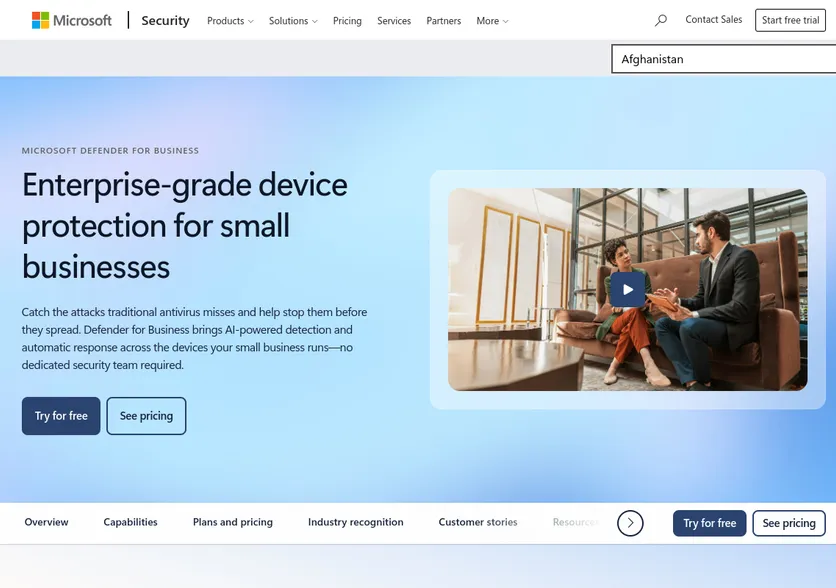
This Microsoft Defender for Business plan is the cheapest endpoint protection in this comparison, and it is included free inside Microsoft 365 Business Premium. Automated investigation and response handles common threats without an analyst, which suits a cleaning business with no IT staff. The plan covers up to three hundred users with five devices each, so one subscription protects the office PCs and every crew phone.
What we like
- Cheapest published endpoint price in this comparison
- Included free inside Microsoft 365 Business Premium
- Automated investigation and response with no analyst needed
Watch out for
- Capped at three hundred users before you must move to Defender for Endpoint
- Standalone purchase needs an eligible Microsoft 365 plan
How to try it
- Check whether your Microsoft 365 Business Premium plan already includes it
- Turn on Defender for Business from the Microsoft 365 admin centre
- Run the onboarding wizard on five devices before a full rollout
2. Bitdefender GravityZone
Best for: Cleaning businesses that want strong endpoint protection at a low per-device price
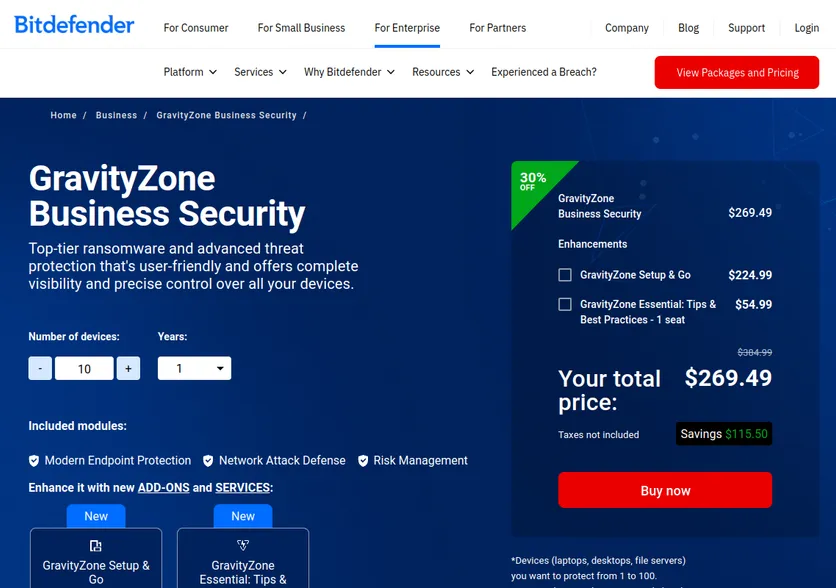
Paid tool Starting price: $38.50/device/year · Thirty-eight dollars and fifty cents per device a year for Business Security at the ten-device list price of three hundred and eighty-four dollars and ninety-nine cents a year; Small Business Security lists at thirty-two dollars and fifty cents per device a year and Business Security Premium at eighty-eight dollars; a thirty percent first-term promotion is shown on the vendor store
Free plan: No free plan; 30-day free trial
This Bitdefender GravityZone plan offers the lowest published per-device price among the standalone endpoint vendors in this comparison. A central cloud console lets the owner set policies for every device from one screen, which matters when the crew works across job sites. The protection record in independent lab tests is strong, so a small business gets enterprise-grade detection without an enterprise budget.
What we like
- Lowest published per-device price among the standalone endpoint vendors here
- Central cloud console with policy control for every device
- Award-winning protection record in independent lab tests
Watch out for
- Full endpoint detection and response needs the Premium tier
- Online purchase stops at one hundred devices
How to try it
- Open the Bitdefender business page and pick the ten-device Business Security pack
- Install the agent from the cloud console on a test machine
- Set the web access and device control policies before you enrol the fleet
3. Webroot Business Endpoint Protection
Best for: Cleaning businesses with older office PCs and a tiny budget
Paid tool Starting price: $30/endpoint/year · Thirty dollars per endpoint a year billed annually, with a five-endpoint minimum that makes the smallest order one hundred and fifty dollars a year; now sold as OpenText Core Endpoint Protection
Free plan: No free plan; 30-day free trial
This Webroot Business Endpoint Protection agent is built to run on older and low-spec machines, which fits the second-hand office PC many cleaning businesses still use. The price is a simple per-endpoint figure with no tier maze, and the smallest order is five endpoints at one hundred and fifty dollars a year. A cloud console with policy and group controls lets the owner manage the whole fleet from the office.
What we like
- Lightest agent here, built for older and low-spec machines
- Simple per-endpoint price with no tier maze
- Cloud console with policy and group controls
Watch out for
- No Linux or mobile device support
- Five-endpoint minimum even for a one-person shop
How to try it
- Open the Webroot business page and start the thirty-day trial
- Install the agent on your oldest Windows machine first
- Set the group policies in the web console before you enrol the rest
4. Kaspersky Small Office Security
Best for: Cleaning businesses with a file server and a mix of PCs and phones
Paid tool Starting price: $230/year · Two hundred and thirty dollars a year for five users at the standard renewal rate, covering five computers, five mobile devices and one file server; the first year is two hundred and five dollars as an introductory price; larger packs cover up to forty-five users
Free plan: No free plan; 30-day free trial
This Kaspersky Small Office Security licence covers a Windows file server alongside five computers and five mobile devices, which matches a cleaning business that stores bookings on a small office server. Ransomware rollback restores encrypted files automatically, and one web portal manages every device without an IT person. The renewal price is twenty-five dollars above the first year, so check the cart before the trial converts.
What we like
- Covers a Windows file server in the same licence
- Ransomware rollback restores encrypted files automatically
- One web portal manages every device without an IT person
Watch out for
- Renewal costs twenty-five dollars more than the first year
- No detection and response for teams that need to hunt threats
How to try it
- Open the Kaspersky Small Office Security page and start the thirty-day trial
- Add your file server and five office computers to the portal
- Check the renewal price in the cart before the trial converts
5. Norton Small Business
Best for: Cleaning businesses that want one subscription for every device type
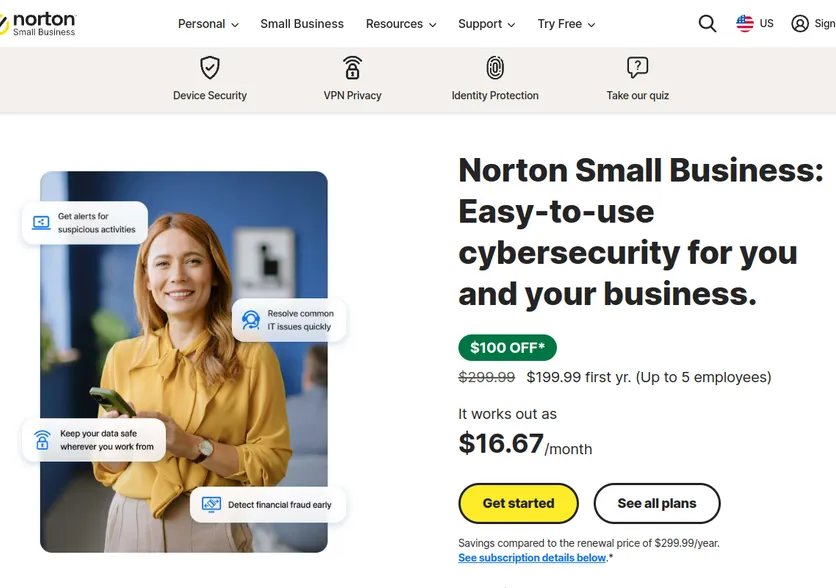
Paid tool Starting price: $99.99/year · Ninety-nine dollars and ninety-nine cents a year for five devices; ten devices cost one hundred and forty-nine dollars and ninety-nine cents a year and twenty devices cost two hundred and forty-nine dollars and ninety-nine cents a year
Free plan: No free plan; 60-day money-back guarantee
This Norton Small Business plan covers PCs, Macs, phones and tablets under one subscription, which suits a crew that mixes device types. The pricing is a simple device count with no per-user maths, starting at ninety-nine dollars and ninety-nine cents a year for five devices. A firewall and safe browsing are included on every device, so staff phones get the same protection as the office computer.
What we like
- One subscription covers PCs, Macs, phones and tablets
- Simple device-count pricing with no per-user maths
- Includes a firewall and safe browsing on every device
Watch out for
- No central admin console for managing staff devices
- Renewal pricing can rise above the first-year price
How to try it
- Open the Norton Small Business page and pick the five-device plan
- Install Norton on one device from each type your team uses
- Turn on the firewall and safe browsing before you add the rest
6. Keeper Business
Best for: Cleaning businesses sharing logins for booking and payment apps
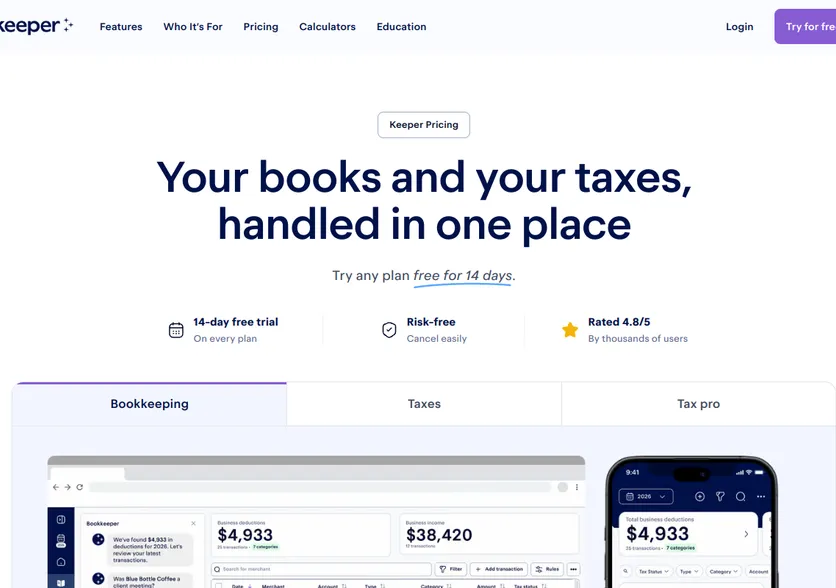
Paid tool Starting price: $2/user/month · Two dollars per user a month billed annually for Business Starter, covering five to ten users; Business costs four dollars per user a month with shared team folders and delegated administration, and Enterprise costs six dollars per user a month
Free plan: No free plan; 14-day free trial
This Keeper Business vault costs two dollars per user a month for the Starter plan, the cheapest business vault in this comparison. Zero-knowledge encryption keeps the stored logins private even from Keeper itself, and every user gets a free Family plan for their personal passwords. Shared team folders let the crew use the booking and payment apps without anyone seeing the password itself.
What we like
- Cheapest business vault in this comparison
- Zero-knowledge encryption with strong compliance certifications
- Free Family plan included for every user on Business
Watch out for
- Starter caps at ten users before the price doubles
- Single sign-on and provisioning wait for Enterprise
How to try it
- Open the Keeper pricing page and start the fourteen-day trial
- Create shared folders for each team or site
- Turn on two-factor authentication for every vault before you invite staff
7. Huntress Managed EDR
Best for: Cleaning businesses with fifty or more endpoints and no IT staff
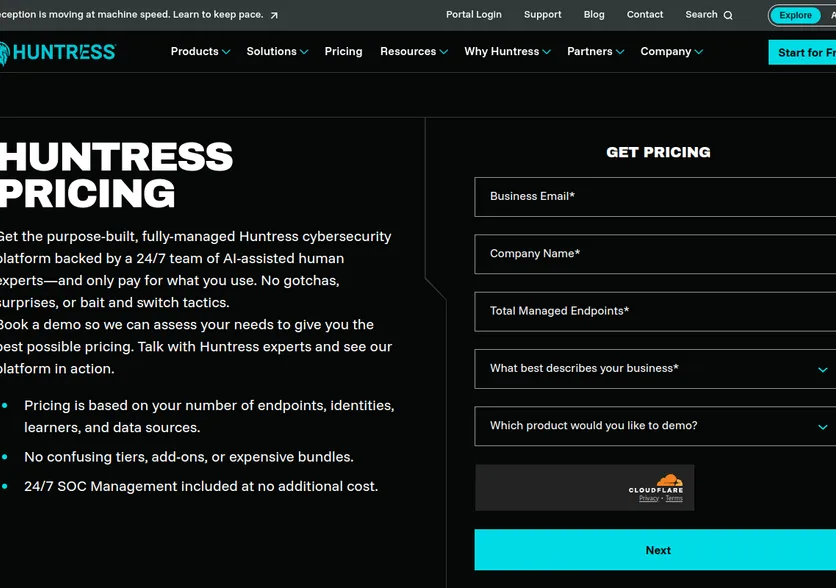
Paid tool Starting price: $8.99/endpoint/month · Eight dollars and ninety-nine cents per endpoint a month for Managed EDR at the fifty to ninety-nine endpoint band on a twelve-month term; the rate falls to seven dollars and ninety-nine cents at one hundred endpoints and five dollars and forty-nine cents at five hundred; direct buyers need a fifty-seat minimum per product
Free plan: No free plan; demo available
This Huntress Managed EDR service pairs its agent with a staffed security operations centre that watches alerts around the clock, which is the closest a small business gets to hiring a security team. Managed Microsoft Defender antivirus is included at no extra cost, and ransomware canaries catch encryption before it spreads across the office. The direct purchase needs at least fifty endpoints per product, so this is the pick for a larger cleaning company with many crews.
What we like
- A staffed security operations centre watches alerts around the clock
- Managed Microsoft Defender antivirus is included at no extra cost
- Ransomware canaries catch encryption before it spreads
Watch out for
- Direct purchase needs at least fifty endpoints per product
- Identity and log monitoring are priced as separate products
How to try it
- Open the Huntress pricing page and check the Managed EDR band for your endpoint count
- Book a demo and ask how the security operations centre handles a real alert
- Trial the agent on a small group of endpoints before you enrol the fleet
Prices above were checked on each vendor’s own website on Nov 27, 2026 and can change — the vendor’s page is the final word. Vendor links are editorial: nobody paid to be listed or ranked here. Vendors who want a featured listing can see how it works on our Get listed page.
How a cleaning business should protect its phones and PCs
Start with the devices that touch client data: the office computer that holds the booking system and the phones your crew uses to check job details and collect payments. Turn on protection on every device before you worry about advanced features, because an unprotected phone is a bigger risk than a missing firewall rule. A password manager is the second purchase, since shared logins for booking and payment apps are the most common way a small team gets compromised.
Keep the setup simple enough that a new hire can be protected in ten minutes. A central console that lets the owner see every device at a glance beats a collection of per-device installs that nobody checks. When a tool asks for a minimum seat count, count the phones as well as the computers, and check whether the renewal price is higher than the first-year price before you commit.
Before you buy
- Count phones as well as office PCs when you check device minimums
- Check whether the renewal price is higher than the first-year price
- Make sure the plan covers the file server or booking system you run
- Pick a tool with a central console the owner can check in minutes
- Add a password manager for the shared logins your crew uses daily
Official websites
Official websites of the products reviewed above. Features and prices were checked against these sites when this guide was written, and they can change, so confirm on the vendor site before you buy.
Frequently asked questions
What is the cheapest security tool for a cleaning business?
Microsoft Defender for Business costs three dollars per user a month billed annually, and it is included free inside Microsoft 365 Business Premium, which many small businesses already pay for. Keeper Business costs two dollars per user a month for password management, and Webroot Business Endpoint Protection costs thirty dollars per endpoint a year. A cleaning business can protect a five-person crew for under fifty dollars a month with Defender plus Keeper.
Do cleaning businesses really need cybersecurity software?
Yes, because cleaning crews hold the exact data attackers want: client names, home addresses, alarm codes and payment details, usually on phones with no protection. A phishing email that locks the booking system can cost a week of jobs, and a stolen phone can expose every client on the route. Small service businesses are targeted precisely because attackers expect no IT staff.
Should we protect staff phones or just office computers?
Protect both, because the phones carry the booking app, the client list and the payment app, and they travel to every job site. Most endpoint plans cover five devices per user or price per device, so a phone costs the same as a PC. Pick a tool that covers mobile devices in the same licence, such as Kaspersky or Norton, rather than a Windows-only product. Check the licence covers phones before you buy, because some business plans do not.
How do we share logins without sharing passwords?
Use a password manager with shared team folders, such as Keeper Business or a similar vault, so each staff member logs in with their own account and never sees the password itself. When someone leaves, remove their access and the shared passwords stay safe instead of needing a full reset. Keeper Business Starter costs two dollars per user a month for five to ten users, which is the cheapest vault in this comparison.
What happens if ransomware locks our booking system?
Ransomware encrypts your files and demands payment, and the only reliable recovery is a backup that the ransomware could not reach. Keep a copy of your booking data and client list backed up off the device, and test restoring it before you need it. Kaspersky Small Office Security includes ransomware rollback that restores encrypted files automatically, which buys time while you restore. Never pay the ransom without professional advice, because payment does not guarantee recovery.
Compare the seven tools above, then start with a free trial on the office PCs before you roll protection out to every crew phone.
Browse Business Tools tools