On this page
An ecommerce brand lives or dies on trust: one breached admin account can expose customer payment data, and one phishing email can hand the store keys to a stranger. Staff log in from home, contractors need store access, and the admin panel is reachable from anywhere in the world. We compared eight tools on published price, identity protection and how well they fit a small team with no security staff. Cloudflare Zero Trust is our first pick — zero-trust access without a VPN, with a free plan for fifty users.
How we researched this
We started with the security tools an ecommerce brand can run without a security team, then read each price on the vendor site on November 27, 2026 and noted the free plan or trial each one carries. We judged them for a store that gives staff and contractors admin access, protects customer payment data, and needs a consent banner for shoppers. We dropped quote-only identity and network vendors because a small brand needs a published price it can compare before a sales call.
Compare the tools
| Name | Best for | Starting price | Free plan | |
|---|---|---|---|---|
| Cloudflare Zero Trust | Ecommerce brands that want zero-trust access with a free plan | $7/user/month | Free plan for up to 50 users | Visit |
 NordLayer | Ecommerce brands that need a business VPN with a dedicated gateway | $8/user/month | No free plan; free trial available | Visit |
 Duo | Ecommerce brands that want push approvals staff actually complete | $3/user/month | Free plan for up to 10 users | Visit |
 Okta | Ecommerce brands that want single sign-on across many apps | $2/user/month | No free plan; 30-day free trial | Visit |
 1Password Business | Ecommerce brands sharing logins for the store and payment tools | $8.99/user/month | No free plan; 14-day free trial | Visit |
 Keeper Business | Ecommerce brands that want the cheapest business vault | $2/user/month | No free plan; 14-day free trial | Visit |
 LastPass | Ecommerce brands that want low-cost vaults with admin-enforced multifactor | $4.25/user/month | No free plan; 14-day free trial | Visit |
 Cookiebot | Ecommerce brands that need a consent banner for shoppers | $8/month | Free plan for one domain with up to 50 subpages | Visit |
The cybersecurity software for ecommerce brands, compared
1. Cloudflare Zero Trust
Best for: Ecommerce brands that want zero-trust access with a free plan
Paid tool Starting price: $7/user/month · Seven dollars per user a month for the Zero Trust Standard plan on annual billing; a free plan covers up to fifty users with basic access controls and Enterprise is custom-quoted
Free plan: Free plan for up to 50 users
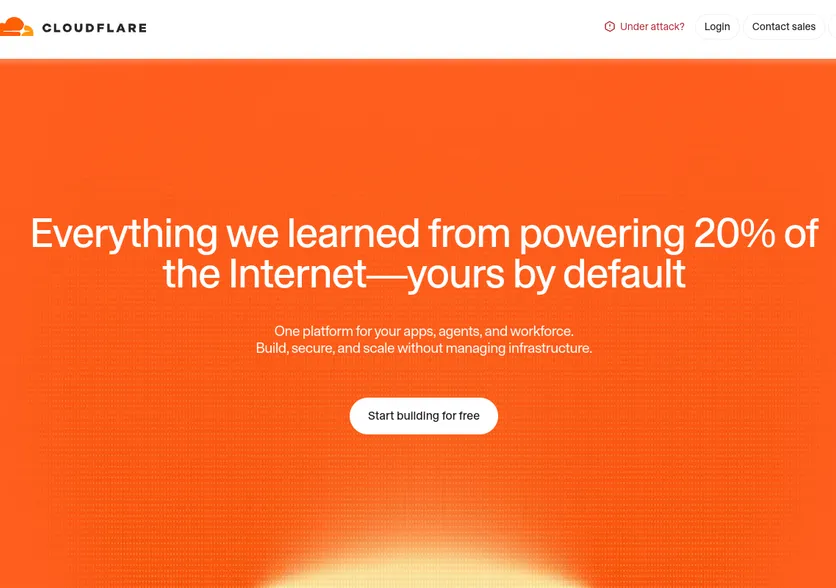
This Cloudflare Zero Trust service replaces the VPN by checking the user and the device before every login to the store admin panel. A free plan covers up to fifty users with basic access controls, which is enough for most small brands and their contractors. One dashboard handles access, browsing and DNS filtering, so the team manages the whole remote-access setup from a single screen.
What we like
- Zero-trust access without a VPN to maintain
- Free plan covers a fifty-person team
- One dashboard for access, browsing and DNS filtering
Watch out for
- Advanced controls need the custom Enterprise plan
- Setup assumes someone comfortable with DNS and policies
How to try it
- Open the Cloudflare Zero Trust plans page and start with the free plan
- Connect your identity provider and add your first application
- Test access from a remote device before you switch the team over
2. NordLayer
Best for: Ecommerce brands that need a business VPN with a dedicated gateway
Paid tool Starting price: $8/user/month · Eight dollars per user a month billed annually for the Core plan; higher tiers add dedicated servers and advanced controls and are priced above Core; monthly billing costs more
Free plan: No free plan; free trial available
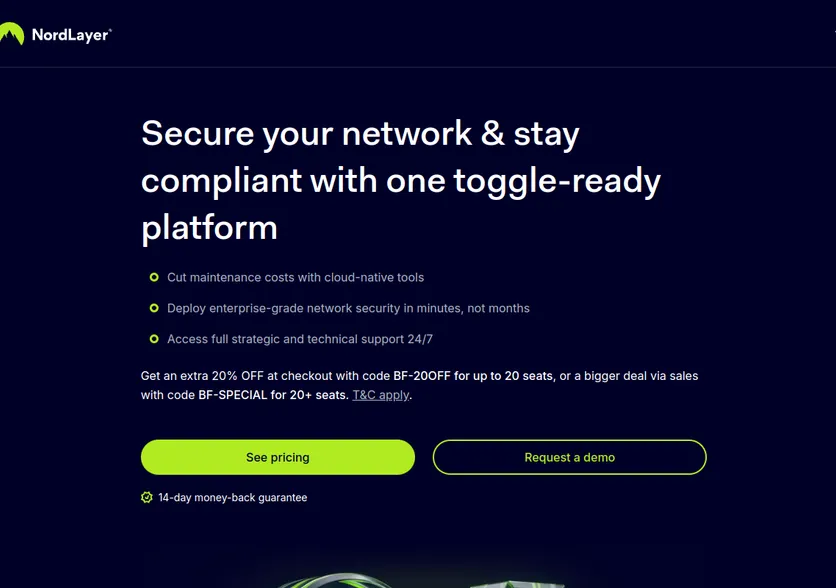
This NordLayer service gives a brand a business VPN with a dedicated gateway option, so staff on public Wi-Fi connect through a fixed address the store can trust. Single sign-on and device posture checks are included, which means a lost or non-compliant device can be blocked before it reaches the admin panel. A simple admin panel lets a small team run the whole VPN without a network specialist.
What we like
- Business VPN with a dedicated gateway option
- Single sign-on and device posture checks included
- Simple admin panel that a small team runs alone
Watch out for
- Advanced controls sit on the higher tiers
- No free plan, so the trial is the only test
How to try it
- Open the NordLayer pricing page and start the free trial
- Create a gateway for your office network
- Enrol one remote worker and test the connection before rollout
3. Duo
Best for: Ecommerce brands that want push approvals staff actually complete
Paid tool Starting price: $3/user/month · Three dollars per user a month billed annually for Essentials; Advantage costs six dollars per user a month and adds adaptive policies and device health checks
Free plan: Free plan for up to 10 users
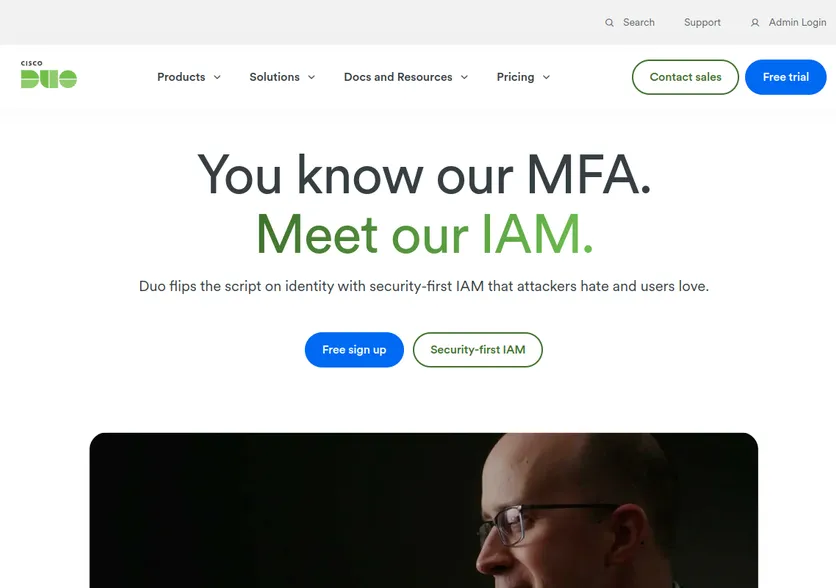
This Duo service protects logins with push approvals that staff tap on their phone, which is why it is the easiest multifactor authentication to roll out to a busy team. It works with almost every VPN and cloud app, so the same second factor covers the store, the email and the shipping tool. A free plan covers a ten-person team, which means a small brand can add multifactor authentication without spending anything.
What we like
- Push approvals that staff actually complete
- Works with almost every VPN and cloud app
- Free plan covers a ten-person team
Watch out for
- Adaptive access policies need the Advantage plan
- Reporting is basic on the entry tier
How to try it
- Open the Duo site and start with the free plan
- Connect Duo to your VPN or cloud apps
- Enrol one team in push approvals before a full rollout
4. Okta
Best for: Ecommerce brands that want single sign-on across many apps
Paid tool Starting price: $2/user/month · Two dollars per user a month for single sign-on on annual billing; multifactor authentication costs three dollars per user a month and the adaptive plans cost five and six dollars per user a month
Free plan: No free plan; 30-day free trial
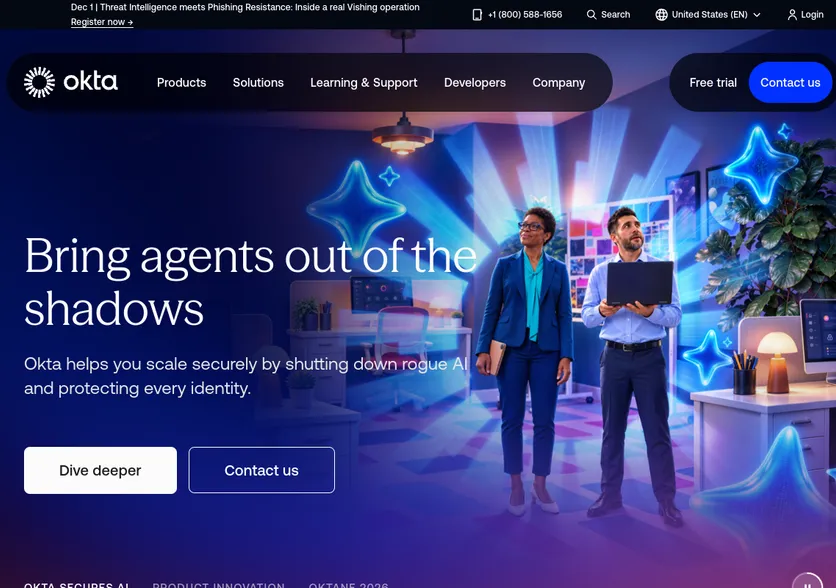
This Okta service offers the largest catalogue of ready-made app integrations, so the store, the email and the shipping tool all sit behind one login. Single sign-on that staff set up in minutes cuts the password fatigue that leads to reused passwords across the team. Strong admin controls suit a growing brand, though multifactor authentication is a separate paid add-on rather than part of the entry plan.
What we like
- Largest catalogue of ready-made app integrations
- Single sign-on that staff set up in minutes
- Strong admin controls for growing teams
Watch out for
- Multifactor authentication is a separate paid add-on
- Costs climb fast once you add adaptive features
How to try it
- Open the Okta pricing page and compare single sign-on with multifactor authentication
- Start the free trial and connect your three most-used apps
- Turn on multifactor authentication for admin accounts first
5. 1Password Business
Best for: Ecommerce brands sharing logins for the store and payment tools
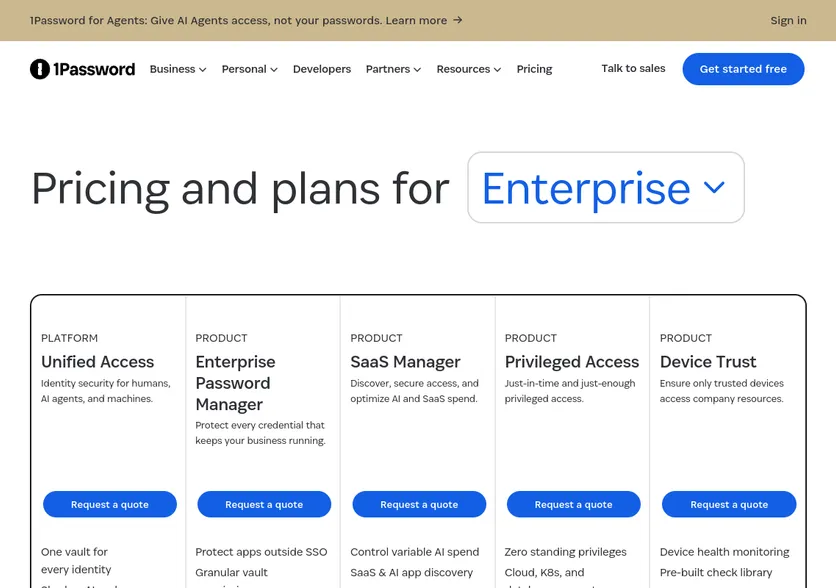
Paid tool Starting price: $8.99/user/month · Eight dollars and ninety-nine cents per user a month billed annually, or one hundred and seven dollars and eighty-eight cents per user a year; the Teams Starter Pack costs twenty-four dollars and ninety-five cents a month flat for up to ten members; monthly billing costs ten dollars and ninety-nine cents per user
Free plan: No free plan; 14-day free trial
This 1Password Business plan includes single sign-on and automated provisioning, so a new hire gets access to the store tools on day one and a leaver loses it the same day. Watchtower alerts flag weak and reused passwords across the team vaults, and every user gets a free Families plan for personal use. The price is nearly double the cheapest vault here, which is the trade-off for the provisioning features a growing brand needs.
What we like
- Single sign-on and automated provisioning included on Business
- Watchtower alerts flag weak and reused passwords
- Every user gets a free Families plan
Watch out for
- No free plan, so the trial is the only way to test it
- Nearly double the price of the cheapest vault here
How to try it
- Open the 1Password business pricing page and start the fourteen-day trial
- Import your shared logins into one team vault
- Turn on single sign-on and Watchtower alerts before you invite the team
6. Keeper Business
Best for: Ecommerce brands that want the cheapest business vault
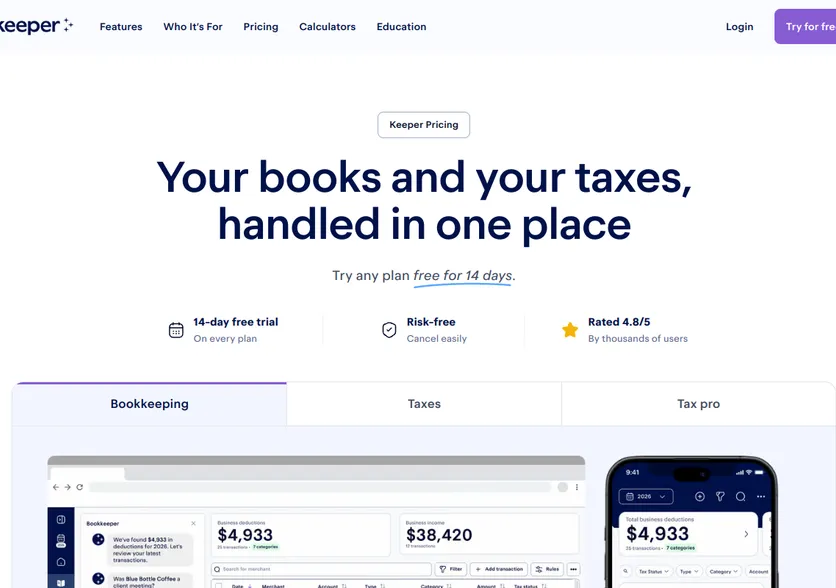
Paid tool Starting price: $2/user/month · Two dollars per user a month billed annually for Business Starter, covering five to ten users; Business costs four dollars per user a month with shared team folders and delegated administration, and Enterprise costs six dollars per user a month
Free plan: No free plan; 14-day free trial
This Keeper Business vault costs two dollars per user a month for Starter, the cheapest business vault in this comparison. Zero-knowledge encryption keeps the stored logins private even from Keeper itself, and a free Family plan is included for every user on Business. Shared team folders let the staff use the store and payment apps without anyone seeing the password itself.
What we like
- Cheapest business vault in this comparison
- Zero-knowledge encryption with strong compliance certifications
- Free Family plan included for every user on Business
Watch out for
- Starter caps at ten users before the price doubles
- Single sign-on and provisioning wait for Enterprise
How to try it
- Open the Keeper pricing page and start the fourteen-day trial
- Create shared folders for each team or site
- Turn on two-factor authentication for every vault before you invite staff
7. LastPass
Best for: Ecommerce brands that want low-cost vaults with admin-enforced multifactor
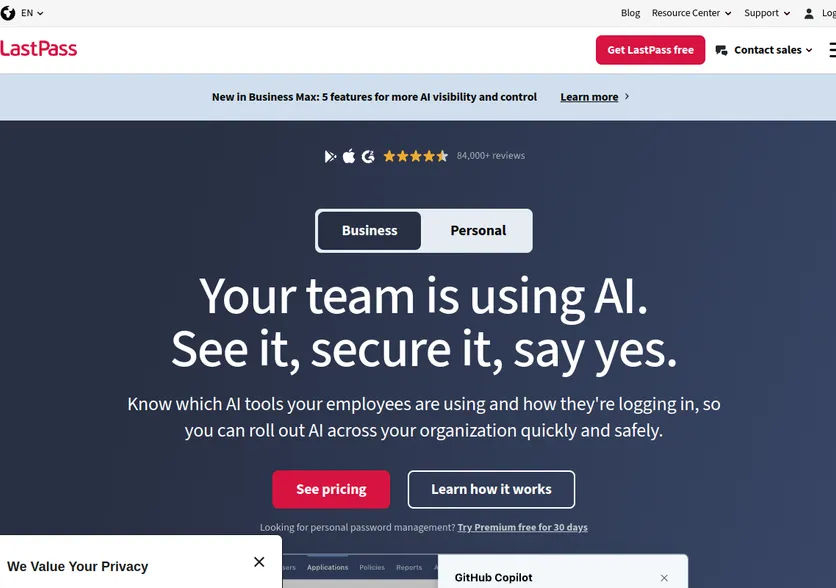
Paid tool Starting price: $4.25/user/month · Four dollars and twenty-five cents per user a month billed annually for Teams, covering up to fifty users; Business costs seven dollars per user a month with directory integrations and reporting, and Business Max costs eleven dollars per user a month
Free plan: No free plan; 14-day free trial
This LastPass Teams plan costs four dollars and twenty-five cents per user a month, the lowest entry price among the full-featured business vaults here. Admin-enforced multifactor authentication applies to every plan, and FIDO2 passwordless login with hardware key support is included. Teams caps at fifty users before an upgrade is needed, which is enough room for a brand that is still growing its staff.
What we like
- Lowest entry price among the full-featured business vaults
- Admin-enforced multifactor authentication on every plan
- FIDO2 passwordless login and hardware key support included
Watch out for
- Teams caps at fifty users before you must upgrade
- Single sign-on is limited to three apps on Business
How to try it
- Open the LastPass pricing page and start the fourteen-day trial
- Import your team logins into shared folders
- Require multifactor authentication for every vault before rollout
8. Cookiebot
Best for: Ecommerce brands that need a consent banner for shoppers
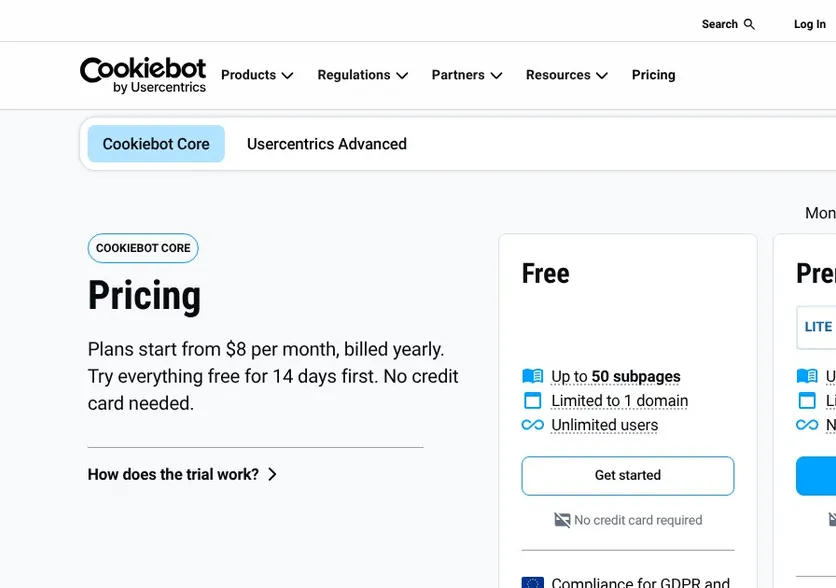
Paid tool Starting price: $8/month · Eight dollars a month per domain for Premium Lite, covering one domain with up to fifty subpages and all premium features; Premium Lite rises to ten dollars a month for invoices on or after the thirtieth of November 2026; a free plan covers one domain with limited features
Free plan: Free plan for one domain with up to 50 subpages
This Cookiebot tool scans the storefront for trackers automatically, then publishes a consent banner that blocks them until shoppers agree. The banner works in many languages with no coding, which suits a brand that sells to customers in several regions. A free plan covers one small domain, so a brand can test the scanner on the live shop before paying for the premium features.
What we like
- Automatic cookie scanning finds trackers for you
- Consent banner in many languages with no coding
- Free plan covers a small site
Watch out for
- Priced per domain, so multi-site owners pay per site
- Premium Lite rises to ten dollars a month from late November 2026
How to try it
- Open the Cookiebot pricing page and start the fourteen-day trial
- Run the scanner on your site and review the cookies it finds
- Publish the banner and check it blocks trackers before consent
Prices above were checked on each vendor’s own website on Nov 27, 2026 and can change — the vendor’s page is the final word. Vendor links are editorial: nobody paid to be listed or ranked here. Vendors who want a featured listing can see how it works on our Get listed page.
How an ecommerce brand should lock down store access
Start with the admin panel: turn on multifactor authentication for every account that can touch orders, refunds or customer data, and give contractors the smallest access that lets them do their job. A password manager with shared team folders stops the shared spreadsheet of store logins that most small brands still use. Zero-trust access replaces the old VPN by checking the user and the device before every login, which matters when staff work from home.
Do not forget the storefront itself: a consent banner keeps the shop compliant with privacy law, and a VPN or zero-trust gateway protects staff on public Wi-Fi. When a tool prices per user, count the contractors and part-time staff as well as the full-time team, because the bill grows with every seat. Test the free plan first, since several tools here cover a small team for free.
Before you buy
- Turn on multifactor authentication for every store admin account first
- Count contractors and part-time staff when you price per-user tools
- Replace the shared spreadsheet of logins with a team password vault
- Check the free plan limits before you pay for a tier you may not need
- Make sure the consent banner covers the regions your shoppers come from
Official websites
Official websites of the products reviewed above. Features and prices were checked against these sites when this guide was written, and they can change, so confirm on the vendor site before you buy.
Frequently asked questions
What is the cheapest security setup for an ecommerce brand?
Cloudflare Zero Trust has a free plan for up to fifty users, Duo has a free plan for up to ten users, and Okta single sign-on costs two dollars per user a month. Keeper Business costs two dollars per user a month for the vault, and Cookiebot has a free plan for one domain. A small brand can cover admin access, multifactor authentication and the password vault for under ten dollars a user a month.
Do ecommerce brands need a VPN or zero-trust tool?
Yes, because staff and contractors log in to the store admin panel from home networks and public Wi-Fi, where a plain connection can be intercepted. A business VPN such as NordLayer encrypts the connection, while a zero-trust tool such as Cloudflare Zero Trust checks the user and the device before every login. Zero-trust is the stronger choice for a store because it controls access to the admin panel itself, not just the network.
How do we protect customer payment data?
Never store card numbers yourself, because the payment processor handles that under its own compliance, and your job is to protect the admin accounts that can reach orders and refunds. Turn on multifactor authentication for every admin, use a password manager for store logins, and limit each staff member to the access they need. A consent banner from Cookiebot or Termly covers the privacy law side of the storefront.
What is the difference between single sign-on and multifactor authentication?
Single sign-on lets staff log in once and reach every app without a separate password for each one, while multifactor authentication asks for a second proof, such as a phone approval, after the password. Single sign-on reduces password fatigue and multifactor authentication blocks stolen passwords from working alone. Okta sells single sign-on from two dollars per user a month and multifactor authentication from three dollars.
Should we buy a password manager for the whole team?
Yes, because an ecommerce team shares logins for the store, the payment processor, the shipping tool and the social accounts, and a shared spreadsheet is the most common way those logins leak. Keeper Business costs two dollars per user a month for Starter and LastPass Teams costs four dollars and twenty-five cents. The vault lets each person log in with their own account while the passwords stay hidden, and removing a leaver takes one click.
Compare the eight tools above, then start with the free plans for access and consent before you pay for anything.
Browse Business Tools tools