On this page
Hotels are a prime target because they hold guest names, payment details and passport data across front desk computers, booking systems and staff phones, and a breach can shut down check-ins on a busy weekend. Staff turnover is high, contractors need system access, and the guest Wi-Fi network sits next to the business network. We compared seven tools on published price, coverage for mixed devices and how much they help a team with no security staff. CrowdStrike Falcon Go is our first pick — self-serve endpoint protection with device control for small fleets.
How we researched this
We started with the security tools a hotel can buy without a sales call, then read each price on the vendor site on November 27, 2026 and noted the free plan or trial each one carries. We judged them for a property that runs front desk and booking systems, gives staff and contractors network access, and protects guest payment data. We dropped quote-only endpoint and identity vendors because a hotel needs a published price it can compare before a sales call.
Compare the tools
| Name | Best for | Starting price | Free plan | |
|---|---|---|---|---|
 CrowdStrike Falcon Go | Hotels that want strong endpoint protection without a sales call | $59.99/device/year | No free plan; free trial available | Visit |
| SentinelOne Singularity | Hotels that want autonomous response and ransomware rollback | $69.99/endpoint/year | No free plan; 30-day free trial | Visit |
 Huntress Managed EDR | Hotels with fifty or more endpoints and no IT staff | $8.99/endpoint/month | No free plan; demo available | Visit |
 NordLayer | Hotels that need a business VPN for staff on shared networks | $8/user/month | No free plan; free trial available | Visit |
 Okta | Hotels that want single sign-on across booking and property systems | $2/user/month | No free plan; 30-day free trial | Visit |
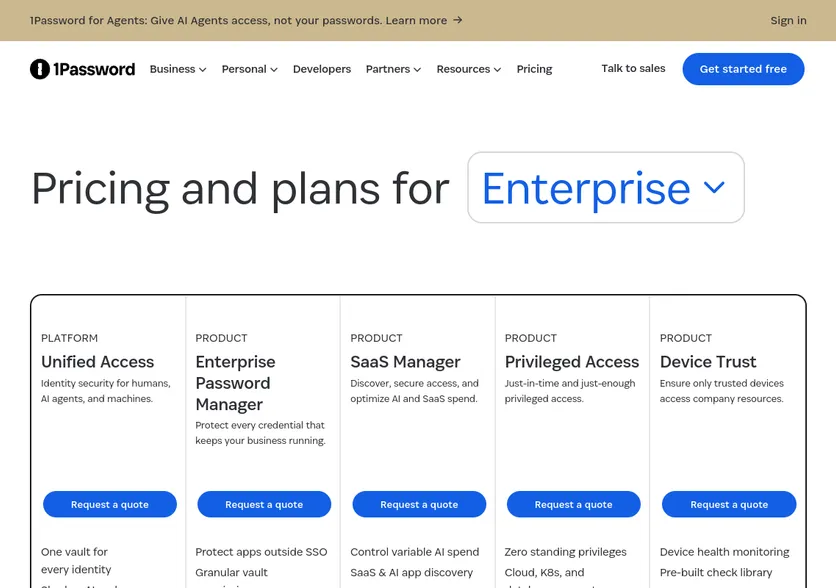
 1Password Business | Hotels sharing logins for property and booking systems | $8.99/user/month | No free plan; 14-day free trial | Visit |
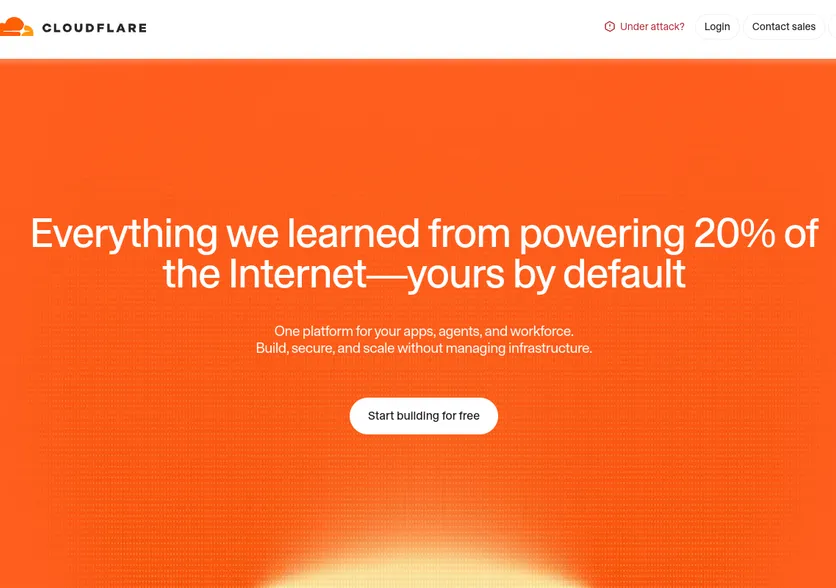
| Cloudflare Zero Trust | Hotels that want zero-trust access with a free plan | $7/user/month | Free plan for up to 50 users | Visit |
The cybersecurity software for hotels, compared
1. CrowdStrike Falcon Go
Best for: Hotels that want strong endpoint protection without a sales call
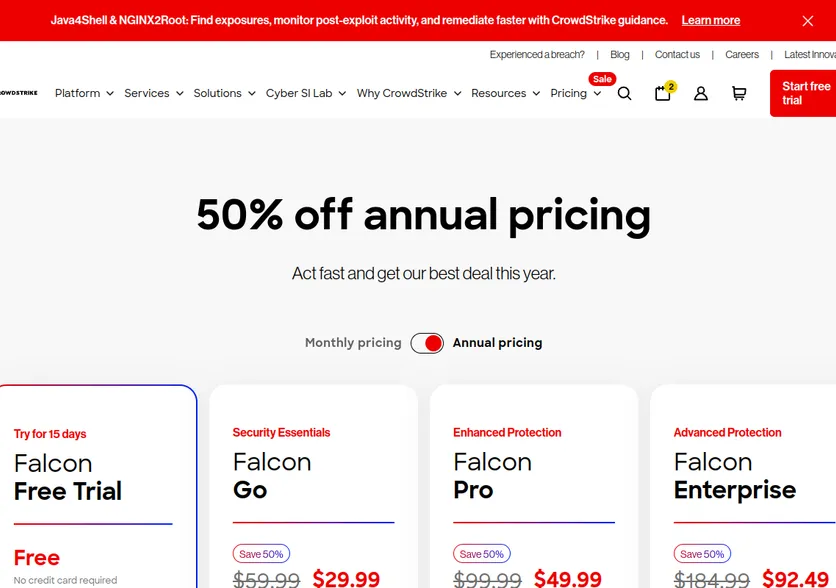
Paid tool Starting price: $59.99/device/year · Fifty-nine dollars and ninety-nine cents per device a year for Falcon Go on annual billing, capped at one hundred devices; Falcon Pro costs ninety-nine dollars and ninety-nine cents and Falcon Enterprise costs one hundred and eighty-four dollars and ninety-nine cents per device a year; monthly billing costs seven dollars and ninety-nine cents per device a month for Go
Free plan: No free plan; free trial available
This CrowdStrike Falcon Go plan is a self-serve purchase with no sales call, which suits a hotel that wants to buy protection and get back to running the property. Next-generation antivirus with device control is included, so USB drives can be blocked on front desk machines. A cloud console manages every device from one screen, and the agent is lightweight enough to run on the front desk computer without slowing check-ins.
What we like
- Next-generation antivirus with device control included
- Self-serve purchase with no sales call for small fleets
- Cloud console that manages every device from one screen
Watch out for
- Falcon Go stops at one hundred devices before you must move up
- Full detection and response waits for the Enterprise bundle
How to try it
- Open the CrowdStrike Falcon Go page and start the free trial
- Install the agent on a test laptop and a test desktop
- Check the detection alerts and the device control rules before you roll it out
2. SentinelOne Singularity
Best for: Hotels that want autonomous response and ransomware rollback
Paid tool Starting price: $69.99/endpoint/year · Sixty-nine dollars and ninety-nine cents per endpoint a year for Singularity Core on annual billing for five to one hundred workstations; Control costs seventy-nine dollars and ninety-nine cents, Complete costs one hundred and seventy-nine dollars and ninety-nine cents and Commercial costs two hundred and twenty-nine dollars and ninety-nine cents; Enterprise is quoted and every purchase goes through a partner
Free plan: No free plan; 30-day free trial
For a hotel that cannot afford a front desk outage, this SentinelOne Singularity agent responds to threats on the device itself, killing and quarantining malware without waiting for a human to approve the action. One-click ransomware rollback on the Complete plan restores encrypted files, which is the feature that saves a weekend when an attack hits the front desk. A single agent covers endpoints and cloud workloads, so the same protection follows the property from the office to the booking system.
What we like
- Autonomous response that kills and quarantines threats on the device
- One-click ransomware rollback on the Complete plan
- Single agent covers endpoints and cloud workloads
Watch out for
- Full detection and response costs more than double the Core price
- Every purchase goes through an authorized partner
How to try it
- Open the SentinelOne packages page and compare Core with Complete
- Start the thirty-day trial on a small group of workstations
- Test the rollback on a quarantined file before a full rollout
3. Huntress Managed EDR
Best for: Hotels with fifty or more endpoints and no IT staff
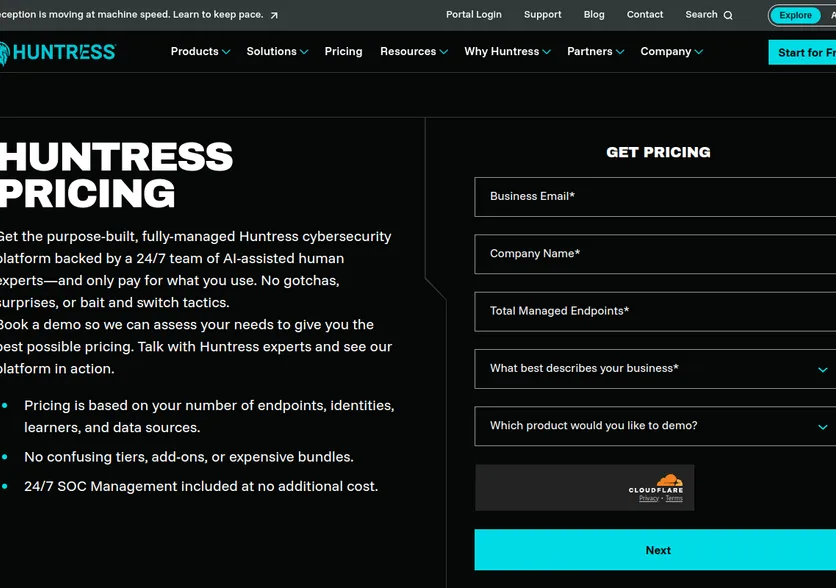
Paid tool Starting price: $8.99/endpoint/month · Eight dollars and ninety-nine cents per endpoint a month for Managed EDR at the fifty to ninety-nine endpoint band on a twelve-month term; the rate falls to seven dollars and ninety-nine cents at one hundred endpoints and five dollars and forty-nine cents at five hundred; direct buyers need a fifty-seat minimum per product
Free plan: No free plan; demo available
For a hotel with many departments, this Huntress Managed EDR service watches alerts around the clock from a staffed security operations centre. Managed Microsoft Defender antivirus is included at no extra cost, and ransomware canaries catch encryption before it spreads to the booking system. The direct purchase needs at least fifty endpoints per product, so this is the pick for a larger property with many departments.
What we like
- A staffed security operations centre watches alerts around the clock
- Managed Microsoft Defender antivirus is included at no extra cost
- Ransomware canaries catch encryption before it spreads
Watch out for
- Direct purchase needs at least fifty endpoints per product
- Identity and log monitoring are priced as separate products
How to try it
- Open the Huntress pricing page and check the Managed EDR band for your endpoint count
- Book a demo and ask how the security operations centre handles a real alert
- Trial the agent on a small group of endpoints before you enrol the fleet
4. NordLayer
Best for: Hotels that need a business VPN for staff on shared networks
Paid tool Starting price: $8/user/month · Eight dollars per user a month billed annually for the Core plan; higher tiers add dedicated servers and advanced controls and are priced above Core; monthly billing costs more
Free plan: No free plan; free trial available
This NordLayer service gives a hotel a business VPN with a dedicated gateway option, so staff working from shared networks connect through a fixed address the property can trust. Single sign-on and device posture checks are included, which means a lost or non-compliant device can be blocked before it reaches the booking system. A simple admin panel lets a small team run the whole VPN without a network specialist.
What we like
- Business VPN with a dedicated gateway option
- Single sign-on and device posture checks included
- Simple admin panel that a small team runs alone
Watch out for
- Advanced controls sit on the higher tiers
- No free plan, so the trial is the only test
How to try it
- Open the NordLayer pricing page and start the free trial
- Create a gateway for your office network
- Enrol one remote worker and test the connection before rollout
5. Okta
Best for: Hotels that want single sign-on across booking and property systems
Paid tool Starting price: $2/user/month · Two dollars per user a month for single sign-on on annual billing; multifactor authentication costs three dollars per user a month and the adaptive plans cost five and six dollars per user a month
Free plan: No free plan; 30-day free trial
This Okta service offers the largest catalogue of ready-made app integrations, so the property management system, the email and the booking channels all sit behind one login. Single sign-on that staff set up in minutes cuts the password fatigue that leads to reused passwords across the team. Strong admin controls suit a growing property, though multifactor authentication is a separate paid add-on rather than part of the entry plan.
What we like
- Largest catalogue of ready-made app integrations
- Single sign-on that staff set up in minutes
- Strong admin controls for growing teams
Watch out for
- Multifactor authentication is a separate paid add-on
- Costs climb fast once you add adaptive features
How to try it
- Open the Okta pricing page and compare single sign-on with multifactor authentication
- Start the free trial and connect your three most-used apps
- Turn on multifactor authentication for admin accounts first
6. 1Password Business
Best for: Hotels sharing logins for property and booking systems
Paid tool Starting price: $8.99/user/month · Eight dollars and ninety-nine cents per user a month billed annually, or one hundred and seven dollars and eighty-eight cents per user a year; the Teams Starter Pack costs twenty-four dollars and ninety-five cents a month flat for up to ten members; monthly billing costs ten dollars and ninety-nine cents per user
Free plan: No free plan; 14-day free trial
This 1Password Business plan includes single sign-on and automated provisioning, so a new hire gets access to the property systems on day one and a leaver loses it the same day. Watchtower alerts flag weak and reused passwords across the team vaults, and every user gets a free Families plan for personal use. The price is nearly double the cheapest vault here, which is the trade-off for the provisioning features a hotel with high turnover needs.
What we like
- Single sign-on and automated provisioning included on Business
- Watchtower alerts flag weak and reused passwords
- Every user gets a free Families plan
Watch out for
- No free plan, so the trial is the only way to test it
- Nearly double the price of the cheapest vault here
How to try it
- Open the 1Password business pricing page and start the fourteen-day trial
- Import your shared logins into one team vault
- Turn on single sign-on and Watchtower alerts before you invite the team
7. Cloudflare Zero Trust
Best for: Hotels that want zero-trust access with a free plan
Paid tool Starting price: $7/user/month · Seven dollars per user a month for the Zero Trust Standard plan on annual billing; a free plan covers up to fifty users with basic access controls and Enterprise is custom-quoted
Free plan: Free plan for up to 50 users
This Cloudflare Zero Trust service replaces the VPN by checking the user and the device before every login to the booking system. A free plan covers up to fifty users with basic access controls, which is enough for most small hotels and their contractors. One dashboard handles access, browsing and DNS filtering, so the team manages the whole remote-access setup from a single screen.
What we like
- Zero-trust access without a VPN to maintain
- Free plan covers a fifty-person team
- One dashboard for access, browsing and DNS filtering
Watch out for
- Advanced controls need the custom Enterprise plan
- Setup assumes someone comfortable with DNS and policies
How to try it
- Open the Cloudflare Zero Trust plans page and start with the free plan
- Connect your identity provider and add your first application
- Test access from a remote device before you switch the team over
Prices above were checked on each vendor’s own website on Nov 27, 2026 and can change — the vendor’s page is the final word. Vendor links are editorial: nobody paid to be listed or ranked here. Vendors who want a featured listing can see how it works on our Get listed page.
How a hotel should protect guests, staff and bookings
Protect the front desk first, because the computers that run check-ins and payments hold the guest data attackers want most. Keep the guest Wi-Fi network separate from the business network, so a guest device can never reach the booking system. A password manager with shared folders stops the front desk from sharing one login for the property management system, which is the most common way a hotel account gets compromised.
Plan for staff turnover by giving every employee their own account and removing access on the day they leave, instead of sharing a single login that outlives the person. When a tool prices per user, count the seasonal and part-time staff as well as the full-time team, because the bill grows with every seat. Test the agent on one front desk computer and one housekeeping tablet before you roll it out to the whole property.
Before you buy
- Protect the front desk and booking computers before anything else
- Keep guest Wi-Fi separate from the business network at all times
- Give every staff member their own account and remove it when they leave
- Count seasonal and part-time staff when you price per-user tools
- Test the agent on one front desk PC before a property-wide rollout
Official websites
Official websites of the products reviewed above. Features and prices were checked against these sites when this guide was written, and they can change, so confirm on the vendor site before you buy.
Frequently asked questions
What is the cheapest security tool for a hotel?
Cloudflare Zero Trust has a free plan for up to fifty users, and Okta single sign-on costs two dollars per user a month. Keeper Business costs two dollars per user a month for the vault, and CrowdStrike Falcon Go costs fifty-nine dollars and ninety-nine cents per device a year. A small hotel can cover zero-trust access, single sign-on and the password vault for under ten dollars a user a month.
Should hotel guest Wi-Fi be on the same network as the front desk?
No, never, because a guest device on the same network can reach the booking system, the payment terminal and the staff computers. Keep the guest network isolated with its own password and bandwidth limit, and put the front desk, the booking system and the payment terminals on a separate business network. A zero-trust tool such as Cloudflare Zero Trust adds a second layer by checking the user and the device before every login.
How do hotels handle staff turnover securely?
Give every employee their own account for the property management system, the email and the booking tools, and remove each account on the day the person leaves. A password manager with shared folders lets staff use the systems without seeing the passwords, so a leaver cannot take the logins with them. Single sign-on through Okta or 1Password makes the removal one click instead of a reset across five systems.
What happens if ransomware hits the front desk?
Ransomware encrypts the booking system and the guest data, and the front desk cannot check guests in until the files are restored. Keep a backup of the booking data off the device and test restoring it before you need it, because a backup the ransomware can reach is no backup at all. SentinelOne Complete includes one-click ransomware rollback, and Huntress uses canaries to catch encryption early. Never pay the ransom without professional advice, because payment does not guarantee recovery.
Do hotels need a password manager for the front desk?
Yes, because the front desk, housekeeping and management all share logins for the property management system, the booking channels and the payment tool, and a shared spreadsheet is the most common way those logins leak. 1Password Business costs eight dollars and ninety-nine cents per user a month with single sign-on and provisioning, and Keeper Business costs two dollars per user a month for Starter.
Compare the seven tools above, then start a free trial on one front desk computer before you protect the whole property.
Browse Business Tools tools