On this page
A startup has everything an attacker wants and almost nothing to defend it: customer data in the cloud, admin accounts shared across the team, and laptops that leave the office every day. The first breach can cost the customer trust that took a year to build, and the first enterprise deal can hinge on a security questionnaire. We compared eight tools on published price, coverage for remote teams and how much they help a company with no security staff. CrowdStrike Falcon Go is our first pick — self-serve endpoint protection with device control for small fleets.
How we researched this
We started with the security tools a startup can buy without a sales call, then read each price on the vendor site on November 27, 2026 and noted the free plan or trial each one carries. We judged them for a small remote team that stores customer data in the cloud, shares admin logins, and works from laptops on home networks. We dropped quote-only endpoint and identity vendors because a startup needs a published price it can compare before a sales call.
Compare the tools
| Name | Best for | Starting price | Free plan | |
|---|---|---|---|---|
 CrowdStrike Falcon Go | Startups that want strong endpoint protection without a sales call | $59.99/device/year | No free plan; free trial available | Visit |
| SentinelOne Singularity | Startups that want autonomous response and ransomware rollback | $69.99/endpoint/year | No free plan; 30-day free trial | Visit |
 Bitdefender GravityZone | Startups that want the lowest per-device endpoint price | $38.50/device/year | No free plan; 30-day free trial | Visit |
 ESET PROTECT | Startups running older hardware and mixed operating systems | $42.20/device/year | No free plan; 30-day free trial | Visit |
 Huntress Managed EDR | Startups with fifty or more endpoints and no security staff | $8.99/endpoint/month | No free plan; demo available | Visit |
 JumpCloud | Startups that want directory and device management in one login | $9/user/month | Free plan for up to 10 users and 10 devices | Visit |
 NordLayer | Startups that need a business VPN for remote work | $8/user/month | No free plan; free trial available | Visit |
 1Password Business | Startups sharing logins for cloud tools and admin accounts | $8.99/user/month | No free plan; 14-day free trial | Visit |
The cybersecurity software for startups, compared
1. CrowdStrike Falcon Go
Best for: Startups that want strong endpoint protection without a sales call
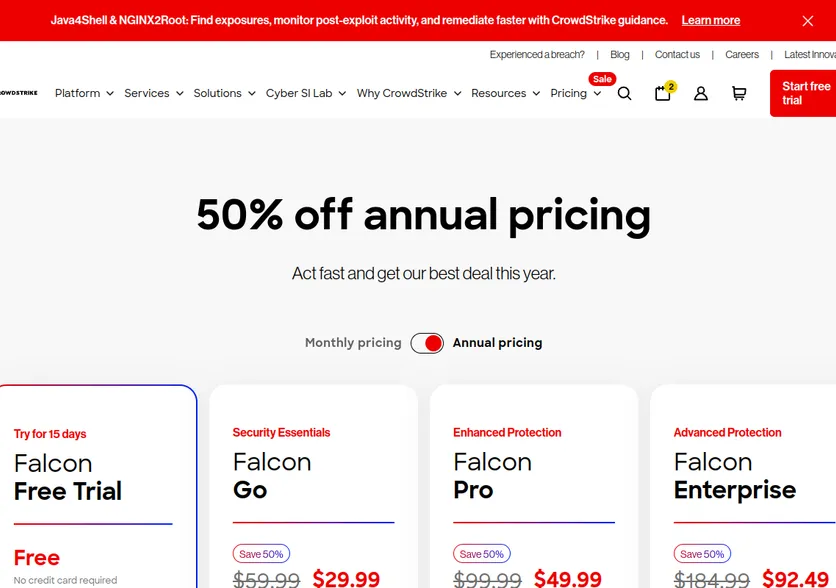
Paid tool Starting price: $59.99/device/year · Fifty-nine dollars and ninety-nine cents per device a year for Falcon Go on annual billing, capped at one hundred devices; Falcon Pro costs ninety-nine dollars and ninety-nine cents and Falcon Enterprise costs one hundred and eighty-four dollars and ninety-nine cents per device a year; monthly billing costs seven dollars and ninety-nine cents per device a month for Go
Free plan: No free plan; free trial available
This CrowdStrike Falcon Go plan is a self-serve purchase with no sales call, which suits a startup that wants to buy protection and get back to building. Next-generation antivirus with device control is included, so USB drives can be blocked on team laptops. A cloud console manages every device from one screen, and the agent is lightweight enough to run on a developer laptop without slowing the build.
What we like
- Next-generation antivirus with device control included
- Self-serve purchase with no sales call for small fleets
- Cloud console that manages every device from one screen
Watch out for
- Falcon Go stops at one hundred devices before you must move up
- Full detection and response waits for the Enterprise bundle
How to try it
- Open the CrowdStrike Falcon Go page and start the free trial
- Install the agent on a test laptop and a test desktop
- Check the detection alerts and the device control rules before you roll it out
2. SentinelOne Singularity
Best for: Startups that want autonomous response and ransomware rollback
Paid tool Starting price: $69.99/endpoint/year · Sixty-nine dollars and ninety-nine cents per endpoint a year for Singularity Core on annual billing for five to one hundred workstations; Control costs seventy-nine dollars and ninety-nine cents, Complete costs one hundred and seventy-nine dollars and ninety-nine cents and Commercial costs two hundred and twenty-nine dollars and ninety-nine cents; Enterprise is quoted and every purchase goes through a partner
Free plan: No free plan; 30-day free trial
For a startup with no security staff, this SentinelOne Singularity agent responds to threats on the device itself, killing and quarantining malware without waiting for a human to approve the action. One-click ransomware rollback on the Complete plan restores encrypted files, which is the feature that saves a release when an attack hits a build machine. A single agent covers endpoints and cloud workloads, so the same protection follows the startup from laptops to the cloud.
What we like
- Autonomous response that kills and quarantines threats on the device
- One-click ransomware rollback on the Complete plan
- Single agent covers endpoints and cloud workloads
Watch out for
- Full detection and response costs more than double the Core price
- Every purchase goes through an authorized partner
How to try it
- Open the SentinelOne packages page and compare Core with Complete
- Start the thirty-day trial on a small group of workstations
- Test the rollback on a quarantined file before a full rollout
3. Bitdefender GravityZone
Best for: Startups that want the lowest per-device endpoint price
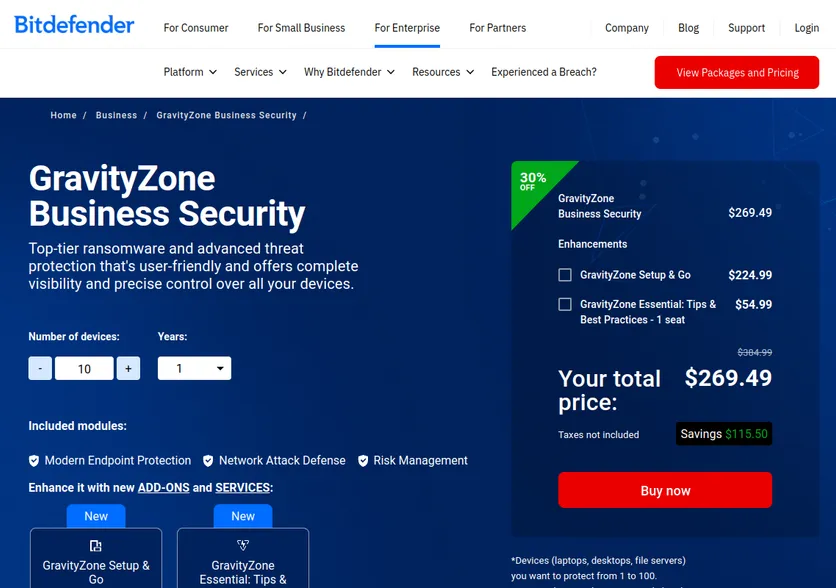
Paid tool Starting price: $38.50/device/year · Thirty-eight dollars and fifty cents per device a year for Business Security at the ten-device list price of three hundred and eighty-four dollars and ninety-nine cents a year; Small Business Security lists at thirty-two dollars and fifty cents per device a year and Business Security Premium at eighty-eight dollars; a thirty percent first-term promotion is shown on the vendor store
Free plan: No free plan; 30-day free trial
For a bootstrapped startup, this Bitdefender GravityZone plan carries the lowest published per-device price among the standalone endpoint vendors in this comparison. A central cloud console lets the founder set policies for every laptop from one screen, which matters when the team works remotely. The protection record in independent lab tests is strong, so a startup gets enterprise-grade detection for the price of a basic antivirus.
What we like
- Lowest published per-device price among the standalone endpoint vendors here
- Central cloud console with policy control for every device
- Award-winning protection record in independent lab tests
Watch out for
- Full endpoint detection and response needs the Premium tier
- Online purchase stops at one hundred devices
How to try it
- Open the Bitdefender business page and pick the ten-device Business Security pack
- Install the agent from the cloud console on a test machine
- Set the web access and device control policies before you enrol the fleet
4. ESET PROTECT
Best for: Startups running older hardware and mixed operating systems
Paid tool Starting price: $42.20/device/year · Forty-two dollars and twenty cents per device a year for PROTECT Entry at the five-device price of two hundred and eleven dollars a year, with a five-device minimum; Advanced costs fifty-four dollars and ninety cents and Complete costs sixty-seven dollars and fifty cents per device a year
Free plan: No free plan; 30-day free trial
This ESET PROTECT agent is light enough to run well on older hardware, which fits the second-hand laptops a bootstrapped startup hands to new hires. The per-device price falls as the fleet grows, and the central console manages Windows, Mac, Linux and mobile from one place. Entry is prevention only with no incident investigation, so a team that wants to hunt threats should compare the Advanced plan before buying.
What we like
- Light agent that runs well on older hardware
- Per-device price falls as the fleet grows
- Central console manages Windows, Mac, Linux and mobile
Watch out for
- Entry is prevention only with no incident investigation
- Five-device minimum even for a three-person team
How to try it
- Open the ESET PROTECT page and start the thirty-day trial
- Enrol your five oldest machines first to test the light agent claim
- Compare Entry with Advanced before you pay for encryption and sandboxing
5. Huntress Managed EDR
Best for: Startups with fifty or more endpoints and no security staff
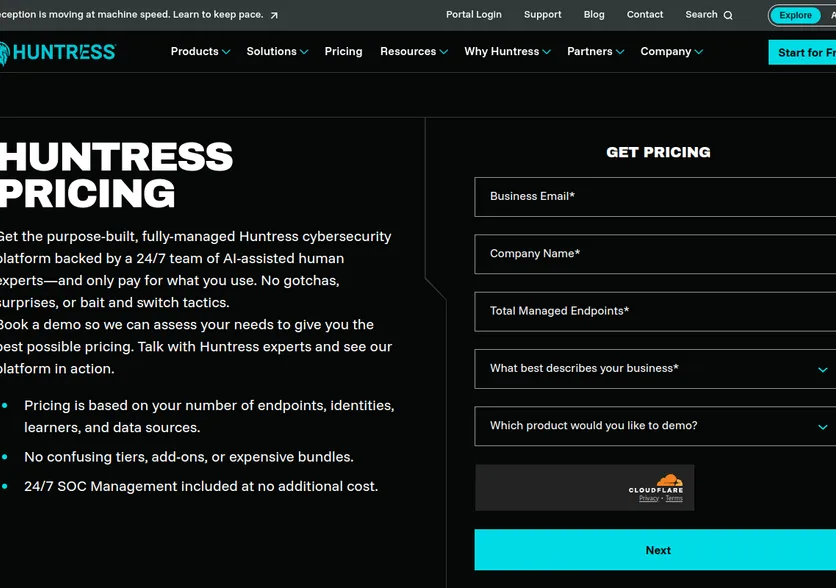
Paid tool Starting price: $8.99/endpoint/month · Eight dollars and ninety-nine cents per endpoint a month for Managed EDR at the fifty to ninety-nine endpoint band on a twelve-month term; the rate falls to seven dollars and ninety-nine cents at one hundred endpoints and five dollars and forty-nine cents at five hundred; direct buyers need a fifty-seat minimum per product
Free plan: No free plan; demo available
For a startup that has already grown past the early stage, this Huntress Managed EDR service watches alerts around the clock from a staffed security operations centre. Managed Microsoft Defender antivirus is included at no extra cost, and ransomware canaries catch encryption before it spreads across the team. The direct purchase needs at least fifty endpoints per product, so this is the pick for a startup that has already grown past the early stage.
What we like
- A staffed security operations centre watches alerts around the clock
- Managed Microsoft Defender antivirus is included at no extra cost
- Ransomware canaries catch encryption before it spreads
Watch out for
- Direct purchase needs at least fifty endpoints per product
- Identity and log monitoring are priced as separate products
How to try it
- Open the Huntress pricing page and check the Managed EDR band for your endpoint count
- Book a demo and ask how the security operations centre handles a real alert
- Trial the agent on a small group of endpoints before you enrol the fleet
6. JumpCloud
Best for: Startups that want directory and device management in one login
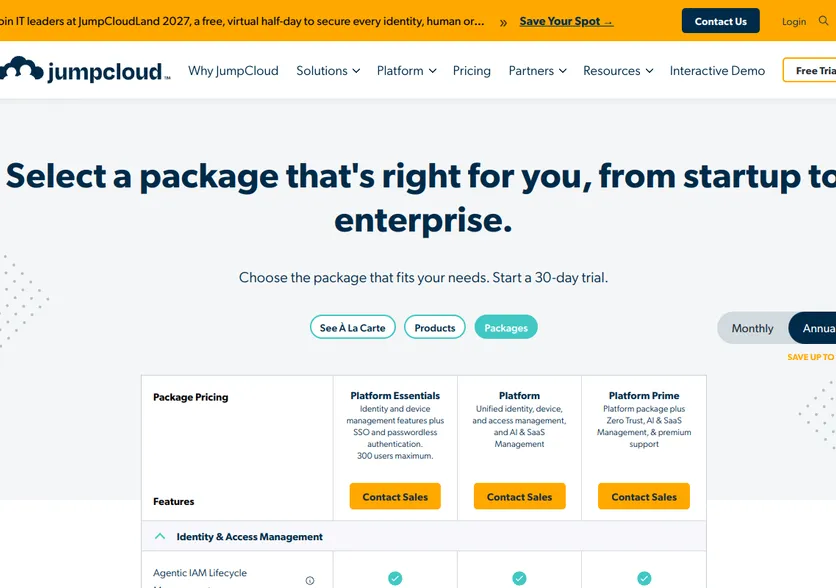
Paid tool Starting price: $9/user/month · Nine dollars per user a month billed annually for Device Management, or eleven dollars billed monthly; the single sign-on package costs eleven dollars and Device Identity Management costs thirteen dollars per user a month
Free plan: Free plan for up to 10 users and 10 devices
This JumpCloud service combines a cloud directory with device management, so a startup can manage user accounts and the laptops they use from one login. It covers Windows, Mac, Linux, iOS and Android, which suits a team that mixes device types from day one. A free plan covers up to ten users and ten devices, which is enough for an early-stage team to start without paying.
What we like
- Directory and device management in one login
- Covers Windows, Mac, Linux, iOS and Android
- Free plan covers a ten-person team
Watch out for
- Suspended users are still billed as normal users
- The full platform needs the thirteen-dollar package
How to try it
- Open the JumpCloud pricing page and start the thirty-day trial
- Import your users into the cloud directory
- Enrol one device per operating system before a full rollout
7. NordLayer
Best for: Startups that need a business VPN for remote work
Paid tool Starting price: $8/user/month · Eight dollars per user a month billed annually for the Core plan; higher tiers add dedicated servers and advanced controls and are priced above Core; monthly billing costs more
Free plan: No free plan; free trial available
This NordLayer service gives a startup a business VPN with a dedicated gateway option, so staff on home networks and public Wi-Fi connect through a fixed address the team can trust. Single sign-on and device posture checks are included, which means a lost or non-compliant device can be blocked before it reaches the company apps. A simple admin panel lets a small team run the whole VPN without a network specialist.
What we like
- Business VPN with a dedicated gateway option
- Single sign-on and device posture checks included
- Simple admin panel that a small team runs alone
Watch out for
- Advanced controls sit on the higher tiers
- No free plan, so the trial is the only test
How to try it
- Open the NordLayer pricing page and start the free trial
- Create a gateway for your office network
- Enrol one remote worker and test the connection before rollout
8. 1Password Business
Best for: Startups sharing logins for cloud tools and admin accounts
Paid tool Starting price: $8.99/user/month · Eight dollars and ninety-nine cents per user a month billed annually, or one hundred and seven dollars and eighty-eight cents per user a year; the Teams Starter Pack costs twenty-four dollars and ninety-five cents a month flat for up to ten members; monthly billing costs ten dollars and ninety-nine cents per user
Free plan: No free plan; 14-day free trial
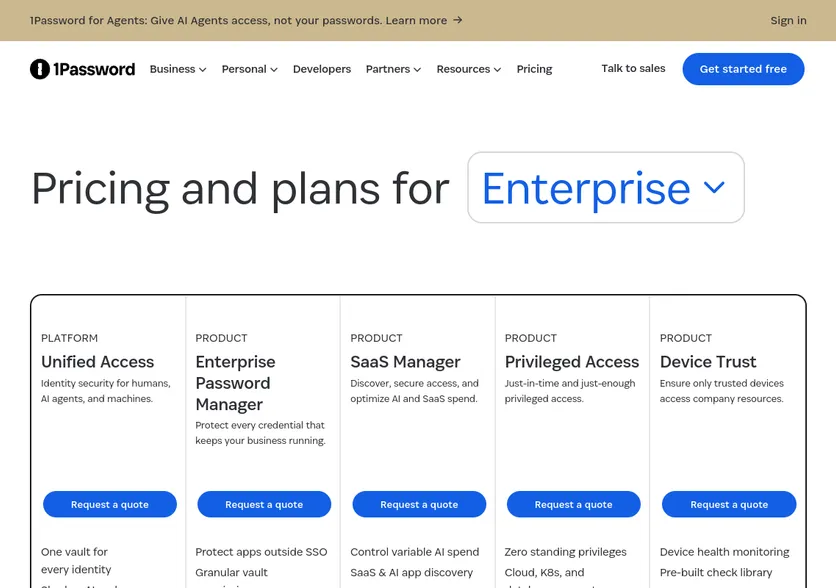
This 1Password Business plan includes single sign-on and automated provisioning, so a new hire gets access to the company tools on day one and a leaver loses it the same day. Watchtower alerts flag weak and reused passwords across the team vaults, and every user gets a free Families plan for personal use. The price is nearly double the cheapest vault here, which is the trade-off for the provisioning features a growing startup needs.
What we like
- Single sign-on and automated provisioning included on Business
- Watchtower alerts flag weak and reused passwords
- Every user gets a free Families plan
Watch out for
- No free plan, so the trial is the only way to test it
- Nearly double the price of the cheapest vault here
How to try it
- Open the 1Password business pricing page and start the fourteen-day trial
- Import your shared logins into one team vault
- Turn on single sign-on and Watchtower alerts before you invite the team
Prices above were checked on each vendor’s own website on Nov 27, 2026 and can change — the vendor’s page is the final word. Vendor links are editorial: nobody paid to be listed or ranked here. Vendors who want a featured listing can see how it works on our Get listed page.
How a startup should build its first security stack
Start with the two things that stop most attacks: endpoint protection on every laptop, and multifactor authentication on every account that touches customer data. A password manager with shared team folders replaces the shared spreadsheet of logins that most startups still use, and single sign-on makes removing a leaver one click instead of a reset across ten apps. These three layers cost less than one hour of downtime from a ransomware attack.
Do not buy the enterprise tier on day one, because the entry plans here cover a team of ten to fifty people with room to grow. When a tool prices per user, count the contractors and part-time staff as well as the full-time team, because the bill grows with every seat. Test the free plan or trial on a few laptops first, then roll the winner out to the whole team in one week.
Before you buy
- Turn on multifactor authentication for every account touching customer data
- Protect every laptop, including the ones staff use at home
- Replace the shared login spreadsheet with a team password vault
- Count contractors and part-time staff when you price per-user tools
- Start with the entry tier and upgrade only when you hit a real limit
Official websites
Official websites of the products reviewed above. Features and prices were checked against these sites when this guide was written, and they can change, so confirm on the vendor site before you buy.
Frequently asked questions
What is the cheapest security stack for a startup?
Cloudflare Zero Trust has a free plan for up to fifty users, Okta single sign-on costs two dollars per user a month, and Keeper Business costs two dollars per user a month for the vault. CrowdStrike Falcon Go costs fifty-nine dollars and ninety-nine cents per device a year, and Bitdefender GravityZone costs thirty-eight dollars and fifty cents per device a year.
Do startups need endpoint protection or is a password manager enough?
Both, because they stop different attacks: a password manager stops stolen and reused passwords, while endpoint protection stops malware, ransomware and malicious downloads on the laptop itself. A startup that buys only a vault still loses to a phishing email that installs malware, and a startup that buys only endpoint protection still loses to a reused password. The three together cost less than a single hour of downtime.
How do we handle security when the team works remotely?
Use zero-trust access such as Cloudflare Zero Trust to check the user and the device before every login, instead of trusting the office network that no longer exists. A business VPN such as NordLayer encrypts the connection on public Wi-Fi, and a password manager with shared folders keeps the logins under control. Give every employee their own account and remove it on the day they leave, because a shared login cannot be revoked for one person.
What is the difference between endpoint protection and managed detection?
Endpoint protection is software that blocks malware on the laptop, while managed detection adds a staffed security operations centre that watches the alerts and responds around the clock. CrowdStrike Falcon Go and Bitdefender GravityZone are endpoint protection, and Huntress Managed EDR adds the human team on top. A startup with no security staff gets the most value from managed detection once it passes fifty endpoints, which is where Huntress pricing starts.
When should a startup upgrade to a full security platform?
Upgrade when the team passes fifty people, when enterprise customers start asking for SOC 2, or when the free plans and entry tiers run out of seats. The endpoint and identity tools here cover a startup until that point, and the compliance platforms in our cybersecurity compliance comparison take over from there. Watch the device caps on the entry endpoint plans, because a one hundred device ceiling arrives faster than expected.
Compare the eight tools above, then start a free trial on two laptops before you roll protection out to the whole team.
Browse Business Tools tools