On this page
Founders lose deals when diligence files scatter across email threads and shared folders, and investors notice the mess before they notice the metrics. The eight tools below run a secure data room for a private raise, with prices checked on each vendor site on November 27, 2026. The list runs from forty-five dollars a month to three hundred and ninety-nine dollars a month, and most tools offer a free trial to start. SecureDocs is our first pick — the flat-rate data room with unlimited users, documents and storage.
How we researched this
We started with the data rooms founders actually use for private raises, then read each price on the vendor site on November 27, 2026 and noted the free trial each plan carries. We judged them for a founder sharing a deck and diligence files with several investors, weighing flat pricing, storage limits and the controls that keep documents from leaking. We dropped iDeals, Firmex, Datasite, Intralinks and DealRoom because none publishes a list price, and Papermark because its published prices are in euros rather than dollars.
Compare the tools
| Name | Best for | Starting price | Free plan | |
|---|---|---|---|---|
| SecureDocs | Founders who want one flat price for the whole raise | $250/month | No free plan; 14-day free trial | Visit |
| CapLinked | Founders who need a room running today with no long-term contract | $399/month | No free plan; 14-day free trial | Visit |
| Ansarada | Founders who want to pay for the size of the deal | $99/month | Free until live: billing starts at first external guest or 90 days | Visit |
| Digify | Founders who share sensitive documents by link | $140/month | No free plan; 7-day free trial | Visit |
| FirmRoom | Small teams that want a simple per-gigabyte price | $395/month | No free plan; 14-day free trial | Visit |
| Orangedox | Founders on a tight budget who already use Google Drive or Dropbox | $55/month | No free plan; 14-day free trial, no card | Visit |
 DocSend | Founders who want analytics on every page an investor reads | $45/user/month | No free plan; 14-day free trial | Visit |
| Peony | Founders with a large diligence set who want unlimited rooms and storage | $52/admin/month | Free plan: 50 documents, 500 MB storage | Visit |
The data room software for private fundraising, compared
1. SecureDocs
Best for: Founders who want one flat price for the whole raise
Paid tool Starting price: $250/month · Two hundred and fifty dollars a month on the twelve-month plan billed annually, or four hundred dollars a month on the three-month plan billed quarterly, with unlimited users, documents and storage; a fourteen-day free trial is included
Free plan: No free plan; 14-day free trial
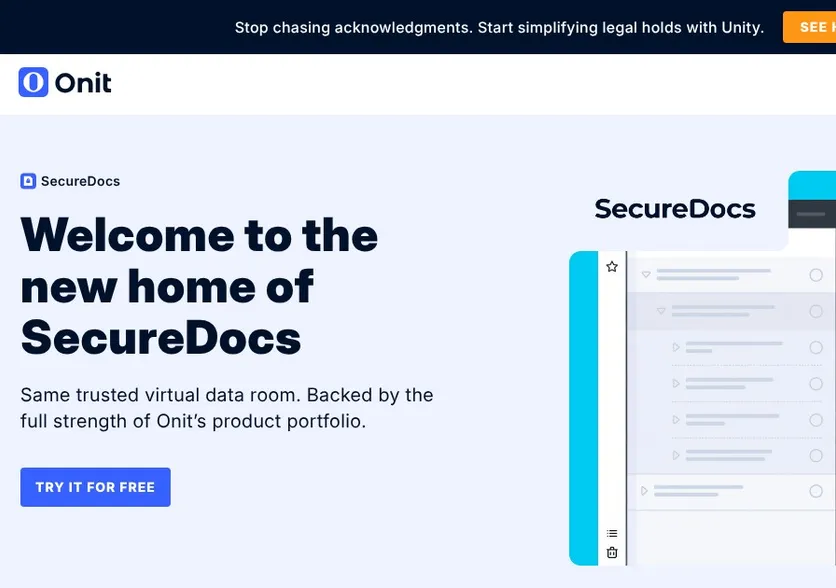
SecureDocs is the flat-rate data room for founders who want one price for the whole raise, with unlimited users, documents and storage on every plan. This SecureDocs plan costs two hundred and fifty dollars a month on the twelve-month plan billed annually, with support available around the clock. A startup sharing a deck and diligence files gets a clean room, watermarking and activity tracking without counting seats or gigabytes.
What we like
- Flat rate with unlimited users and storage
- Support available around the clock
- Watermarking and activity tracking included
Watch out for
- The cheapest rate needs a twelve-month commitment
- No free plan, so the trial is the only test
How to try it
- Open the SecureDocs site and start the fourteen-day trial
- Upload the pitch deck and diligence documents
- Invite investors and watch who opens each file
2. CapLinked
Best for: Founders who need a room running today with no long-term contract
Paid tool Starting price: $399/month · Three hundred and ninety-nine dollars a month flat for the Team plan with five gigabytes of storage, unlimited guest users and ten admins, while Enterprise starts at five hundred and fifty dollars a month; a fourteen-day free trial is included
Free plan: No free plan; 14-day free trial
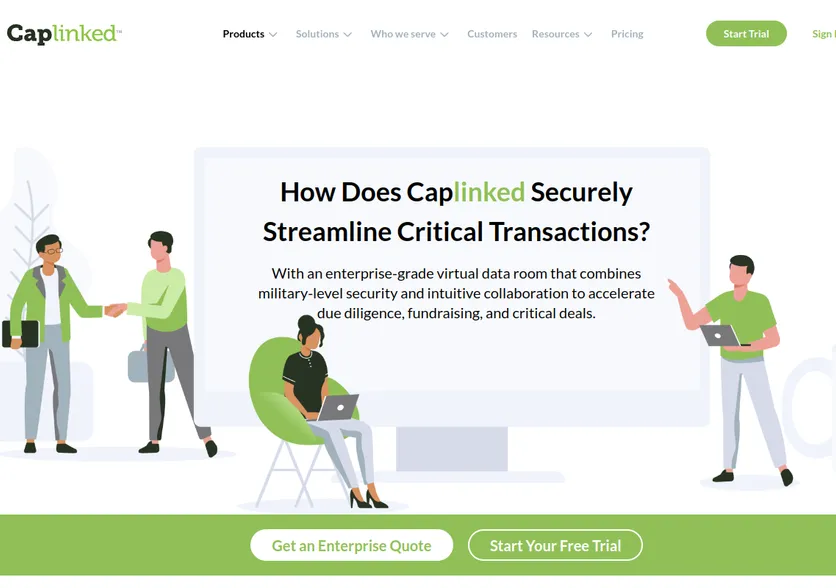
CapLinked is the data room for founders who need a room running today, with a flat monthly price and no long-term contract locking the raise in. This CapLinked Team plan costs three hundred and ninety-nine dollars a month flat and covers five gigabytes of storage with unlimited guest users and ten admins. A team courting several investors gets document tracking, question handling and permission controls without an annual commitment.
What we like
- Flat monthly price with no long-term contract
- Unlimited guest users on the Team plan
- Document tracking with permission controls
Watch out for
- Five gigabytes of storage can fill fast on a big raise
- No free plan, so the trial is the only test
How to try it
- Open the CapLinked site and start the fourteen-day trial
- Upload diligence files and set permissions per investor
- Track document views and answer questions in the room
3. Ansarada
Best for: Founders who want to pay for the size of the deal
Paid tool Starting price: $99/month · Ninety-nine dollars a month for the fifty megabyte Essentials plan billed month to month, or sixty-nine dollars a month on a twelve-month term; larger plans run from one hundred and eighty-nine dollars to one thousand four hundred and seventy-nine dollars a month, and billing starts only when the room goes live
Free plan: Free until live: billing starts at first external guest or 90 days
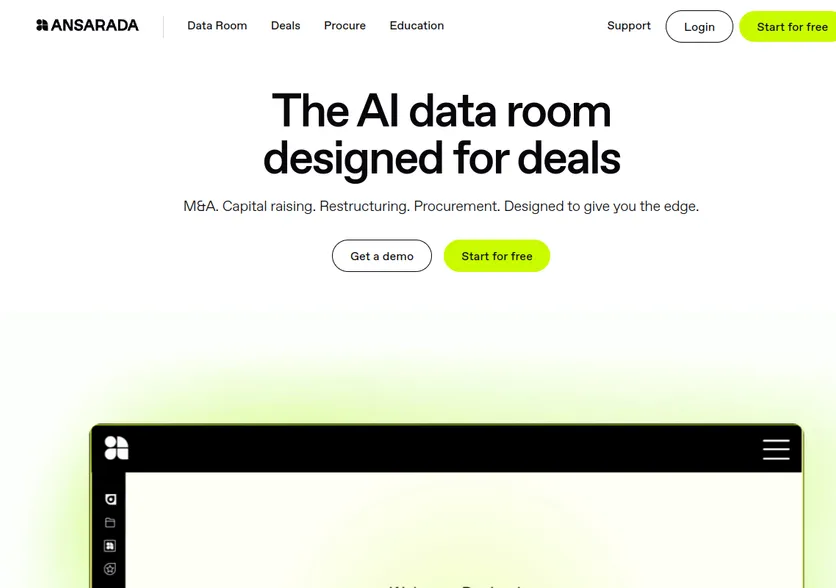
Ansarada is the data room for founders who want to pay for the size of the deal, with published prices that start small and grow with the room. This Ansarada Essentials plan costs ninety-nine dollars a month for fifty megabytes billed month to month, or sixty-nine dollars a month on a twelve-month term. A founder with a lean data room gets AI-assisted document checks, permission controls and billing that starts only when the room goes live.
What we like
- Billing starts only when the room goes live
- Prices scale with the size of the deal
- AI-assisted document checks included
Watch out for
- Fifty megabytes is small for a document-heavy raise
- Higher tiers jump sharply in price
How to try it
- Open the Ansarada site and build the data room free
- Upload documents and run the AI document checks
- Invite the first external guest to start billing
4. Digify
Best for: Founders who share sensitive documents by link
Paid tool Starting price: $140/month · One hundred and forty dollars a month billed annually for the Pro plan, or one hundred and ninety dollars a month billed monthly, with one user, three data rooms, fifty guests and one hundred gigabytes; the Team plan costs three hundred and seventy-five dollars a month billed annually and a seven-day trial is included
Free plan: No free plan; 7-day free trial
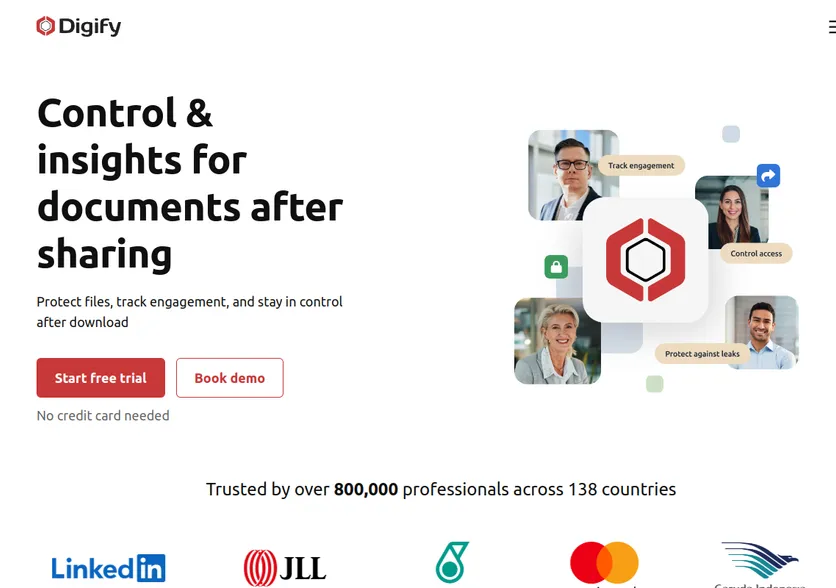
Digify is the data room for founders who send sensitive documents by link, with watermarking and access expiry on every file shared. This Digify Pro plan costs one hundred and forty dollars a month billed annually and covers one user, three data rooms, fifty guests and one hundred gigabytes. A startup sharing a pitch deck gets link tracking, download controls and a seven-day trial before paying.
What we like
- Watermarking and expiry on every shared link
- Tracks who opens each document and for how long
- Three data rooms on the Pro plan
Watch out for
- Only one user on the Pro plan
- The trial lasts seven days, shorter than most rivals
How to try it
- Open the Digify site and start the seven-day trial
- Upload the deck and set an expiry on the link
- Send the link and watch who opens it and for how long
5. FirmRoom
Best for: Small teams that want a simple per-gigabyte price
Paid tool Starting price: $395/month · Three hundred and ninety-five dollars a month for two gigabytes with unlimited users and one room per plan, billed monthly with no annual option; five gigabytes costs six hundred and ninety-five dollars a month and ten gigabytes costs nine hundred and ninety-five dollars; a fourteen-day trial is included
Free plan: No free plan; 14-day free trial
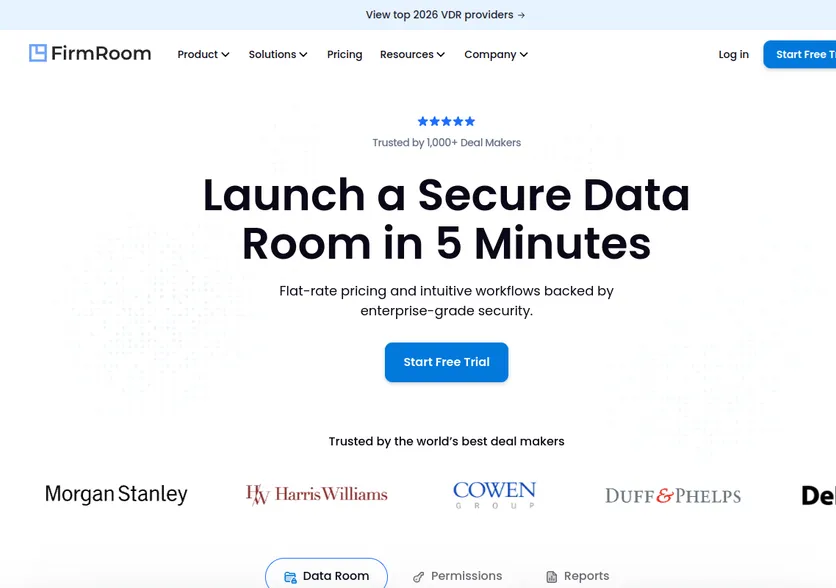
FirmRoom is the data room for founders who want a simple per-gigabyte price and one room that does the whole job. This FirmRoom plan costs three hundred and ninety-five dollars a month for two gigabytes with unlimited users, billed monthly with no annual option. A small team gets one room, unlimited viewers and straightforward storage pricing without an annual contract.
What we like
- Unlimited users on every plan
- Simple per-gigabyte pricing with no annual lock-in
- One room covers the whole raise
Watch out for
- Only one room per plan
- Two gigabytes is small for a large diligence set
How to try it
- Open the FirmRoom site and start the fourteen-day trial
- Upload the diligence set into the single room
- Invite unlimited viewers and track their activity
6. Orangedox
Best for: Founders on a tight budget who already use Google Drive or Dropbox
Paid tool Starting price: $55/month · Fifty-five dollars a month billed yearly for the Starter plan, or seventy-five dollars a month billed monthly, with one admin, five data rooms and fifteen participants per room; the Business plan costs sixty-five dollars a month billed annually and a fourteen-day free trial needs no card
Free plan: No free plan; 14-day free trial, no card
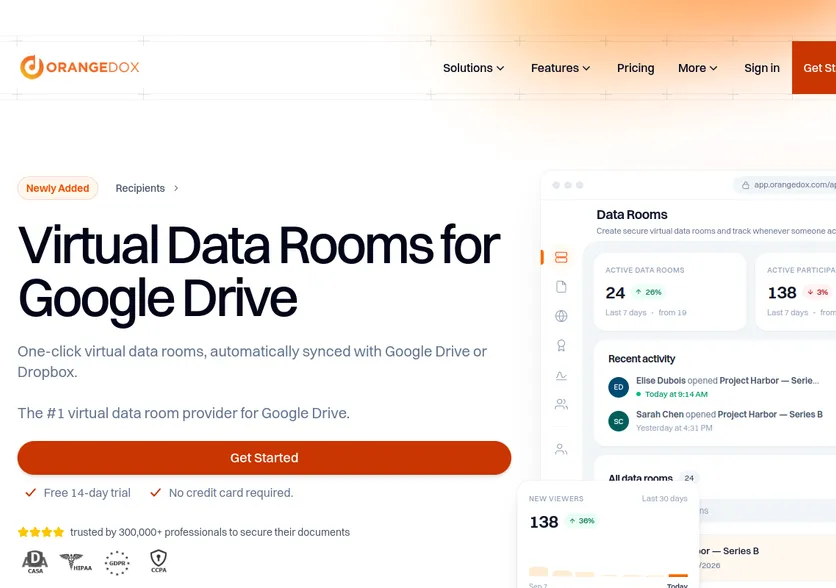
Orangedox is the data room for founders who already live in Google Drive or Dropbox, keeping files where they are while adding tracking and permissions. This Orangedox Starter plan costs fifty-five dollars a month billed yearly and covers one admin, five data rooms and fifteen participants per room. A founder on a tight budget gets investor tracking, document analytics and a fourteen-day trial that needs no card.
What we like
- Files stay in Google Drive or Dropbox
- Cheapest paid plan in this comparison
- Trial needs no card to start
Watch out for
- Only one admin on the Starter plan
- Files live in Drive or Dropbox, not in Orangedox itself
How to try it
- Open the Orangedox site and start the fourteen-day trial
- Connect Google Drive or Dropbox as the file store
- Create a data room and share it with investors
7. DocSend
Best for: Founders who want analytics on every page an investor reads
Paid tool Starting price: $45/user/month · Forty-five dollars per user a month billed annually for the Standard plan, or sixty-five dollars a month billed monthly; the Personal plan costs ten dollars per user a month billed annually and Advanced Data Rooms costs one hundred and eighty dollars a month for three users billed annually
Free plan: No free plan; 14-day free trial
DocSend is the data room for founders who care as much about the pitch as the room, with analytics that show which investor read which page. This DocSend Standard plan costs forty-five dollars per user a month billed annually and covers document tracking with granular permissions. A team running a raise gets link analytics, e-signatures and advanced data rooms on the higher plans without leaving Dropbox.
What we like
- Page-level analytics on every investor read
- E-signatures included on higher plans
- Built by Dropbox, so it fits existing workflows
Watch out for
- Advanced data rooms need the higher-priced plan
- Per-user pricing grows with every teammate added
How to try it
- Open the DocSend site and start the fourteen-day trial
- Upload the pitch deck and set link permissions
- Send the link and read the per-page analytics
8. Peony
Best for: Founders with a large diligence set who want unlimited rooms and storage
Paid tool Starting price: $52/admin/month · Fifty-two dollars per admin a month billed annually for the Data Room plan, or seventy-five dollars a month billed monthly, with unlimited rooms, documents and storage; the Business plan costs thirty dollars per admin a month billed annually and viewers are always free
Free plan: Free plan: 50 documents, 500 MB storage
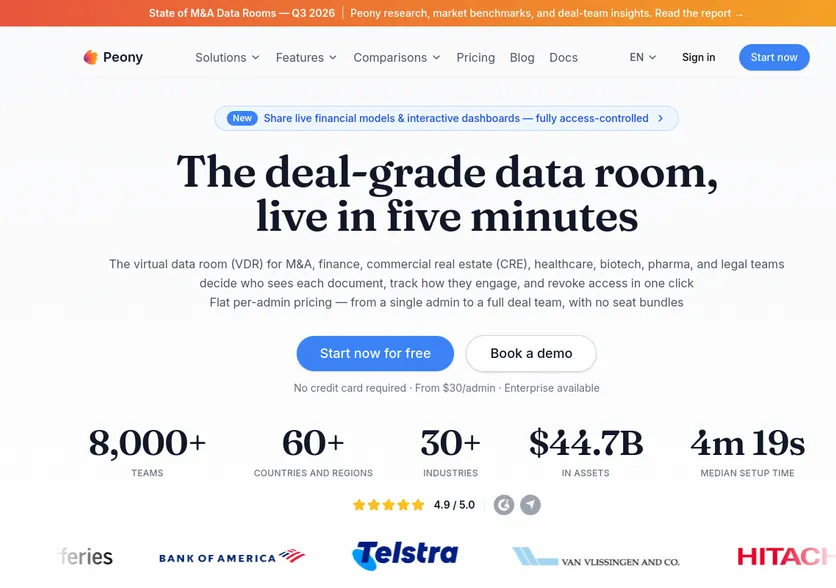
Peony is the data room for founders who want unlimited everything at a per-admin price, with no storage or room limits to watch. This Peony Data Room plan costs fifty-two dollars per admin a month billed annually and covers unlimited rooms, documents and storage. A startup with a large diligence set gets viewers free forever, a free plan to start and a seven-day trial on the paid plan.
What we like
- Unlimited rooms, documents and storage
- Viewers are always free
- Free plan covers fifty documents to start
Watch out for
- Only admins pay, so costs rise with the team
- A newer vendor with a smaller track record here
How to try it
- Open the Peony site and start on the free plan
- Create a data room and upload the diligence documents
- Upgrade to the Data Room plan for unlimited storage
Prices above were checked on each vendor’s own website on Nov 27, 2026 and can change — the vendor’s page is the final word. Vendor links are editorial: nobody paid to be listed or ranked here. Vendors who want a featured listing can see how it works on our Get listed page.
What a fundraising data room costs in 2026
A fundraising data room charges by the month, by the user or by the gigabyte, and the meter decides the bill more than the headline price. DocSend starts at forty-five dollars per user a month, Peony at fifty-two dollars per admin a month, and SecureDocs at two hundred and fifty dollars a month flat with unlimited users and storage. A solo founder pays least on a per-user plan, while a team with ten investors and three advisers pays least on a flat rate.
Start with a trial on two rooms and invite one friendly investor to each. Watch the analytics to see which pages they read, then revoke access and check how fast the room responds. Pick the room your investors find easy to use, because a data room that confuses guests slows the raise more than any feature gap.
Before you buy
- Check whether the price covers unlimited users, because a per-seat data room gets expensive once investors and lawyers join.
- Confirm storage is included in the price, because a low gigabyte cap forces an upgrade mid-raise.
- Test watermarking and download controls, because a room that lets anyone forward the deck defeats the point.
- Ask when billing starts, because a room that charges from setup costs money before any investor sees it.
- Check the audit trail before you sign, because a founder who cannot see who read what cannot run a raise.
Official websites
Official websites of the products reviewed above. Features and prices were checked against these sites when this guide was written, and they can change, so confirm on the vendor site before you buy.
Frequently asked questions
Which data room software is best for private fundraising in 2026?
SecureDocs is the best overall pick at two hundred and fifty dollars a month, pairing a flat rate with unlimited users, documents and storage. DocSend is the best pick for pitch analytics at forty-five dollars per user a month, showing which investor read which page. Peony is the best value pick at fifty-two dollars per admin a month with unlimited rooms and storage.
How much does data room software cost for a fundraise?
Prices in this list run from forty-five dollars per user a month for DocSend Standard to three hundred and ninety-nine dollars a month for CapLinked Team, with most rooms landing between fifty-five and two hundred and fifty dollars a month. Per-user pricing suits a solo founder, while flat monthly pricing suits a team with many investors and advisers. Add storage overage to the subscription before you compare totals.
Do founders need a data room for a private raise?
Yes, because investors expect a single secure link, not a pile of email attachments. A data room controls who sees what, watermarks downloads and logs every view, which protects the company and impresses the investor. A raise run from email looks disorganised, and disorganisation costs term-sheet leverage.
What is a virtual data room?
A virtual data room is a secure online space where a company shares diligence documents with investors under permission controls, watermarking and activity tracking. Unlike a shared drive, a data room logs who opened each file and for how long, and access can be revoked in one click. That control is what separates a data room from a folder link.
What should a founder check before buying data room software?
Check the storage cap first, because a two-gigabyte room fills fast on a document-heavy raise. Look for watermarking, download controls and a full audit trail, since those are the features that protect the company. Test the trial with a real investor invite, because a room that confuses guests will slow the raise down.
Need everyday business help too? Try Toolsvine's free business tools right in your browser.
Browse Business Tools tools