On this page
Remote work runs on meetings, and meetings run on memory: who said what, who owns the next step, and which call holds the decision. The AI tools below record, transcribe and summarise those meetings, and two of them plan the day around them. Fireflies is our first pick — it joins calls on its own, writes readable summaries, and its free plan covers unlimited transcription.
How we researched this
We looked for emerging AI tools with a published dollar price and a plan a remote team can buy without a sales call, then read each price on the vendor site on November 27, 2026. We judged them on meeting notes, transcription, scheduling and focus protection, and on the free plan or trial each one carries. Quote-only tools and tools with no published price were left out.
Compare the tools
| Name | Best for | Starting price | Free plan | |
|---|---|---|---|---|
 Fireflies | Remote teams that want automatic meeting notes and summaries | $10/user/month | Free plan: unlimited transcription, 3 AI summaries a month, 800 minutes storage per seat | Visit |
 Otter | Teams that want live transcription and searchable meeting text | $8.33/user/month | Free Basic plan: 300 minutes a month | Visit |
 Krisp | Remote workers who need clean call audio and meeting notes | $8/user/month | Free plan: unlimited transcription, limited daily AI notes; 7-day trial | Visit |
 Motion | Remote teams that want AI to plan each day around priorities | $19/seat/month | No free plan; 7-day free trial | Visit |
 Reclaim | Remote workers who want focus time protected from meetings | $10/user/month | Free Lite plan available | Visit |
 Fathom | Teams that want free unlimited recording with AI summaries | $15/user/month | Free plan: unlimited recordings and transcriptions | Visit |
 Fellow | Teams that want agendas, notes and action items in one tool | $7/user/month | Free plan: 5 AI notes and recordings per user, lifetime | Visit |
 Sembly | Teams that want meeting intelligence with speaker insights | $20/user/month | No free plan; trial terms on the vendor pricing page | Visit |
The emerging AI software for remote teams, compared
1. Fireflies
Best for: Remote teams that want automatic meeting notes and summaries
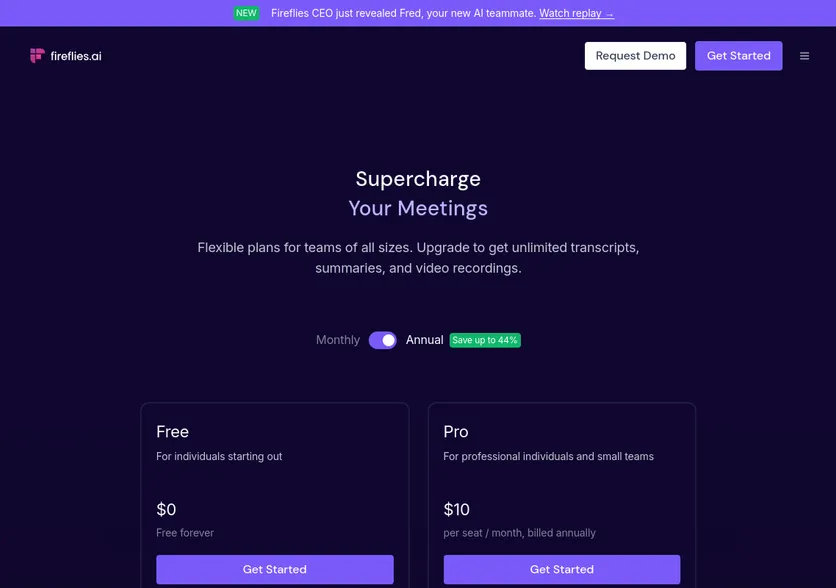
Paid tool Starting price: $10/user/month · Ten dollars per user per month for the Pro plan billed annually, or eighteen dollars billed monthly; Business costs nineteen dollars a month billed annually and Enterprise thirty-nine dollars a month billed annually only
Free plan: Free plan: unlimited transcription, 3 AI summaries a month, 800 minutes storage per seat
This Fireflies plan is the meeting-notes pick here, recording calls and turning them into searchable notes with AI summaries. It joins the call on its own, so nobody has to remember to hit record, and the notes can be shared with teammates who missed the meeting. The free plan covers unlimited transcription, which makes it easy to try before paying.
What we like
- Joins calls on its own and records without anyone remembering
- AI summaries turn an hour of talk into readable notes
- Free plan covers unlimited transcription
Watch out for
- AI summaries on the free plan are limited to three a month
- The price rises steeply from Pro to Business
How to try it
- Connect Fireflies to your calendar and video tool
- Let it join the next team call and record it
- Share the AI summary with anyone who missed the meeting
2. Otter
Best for: Teams that want live transcription and searchable meeting text
Paid tool Starting price: $8.33/user/month · Eight dollars thirty-three cents per user per month for the Pro plan billed annually, or sixteen dollars ninety-nine cents billed monthly; Business costs nineteen dollars ninety-nine cents a month billed annually
Free plan: Free Basic plan: 300 minutes a month
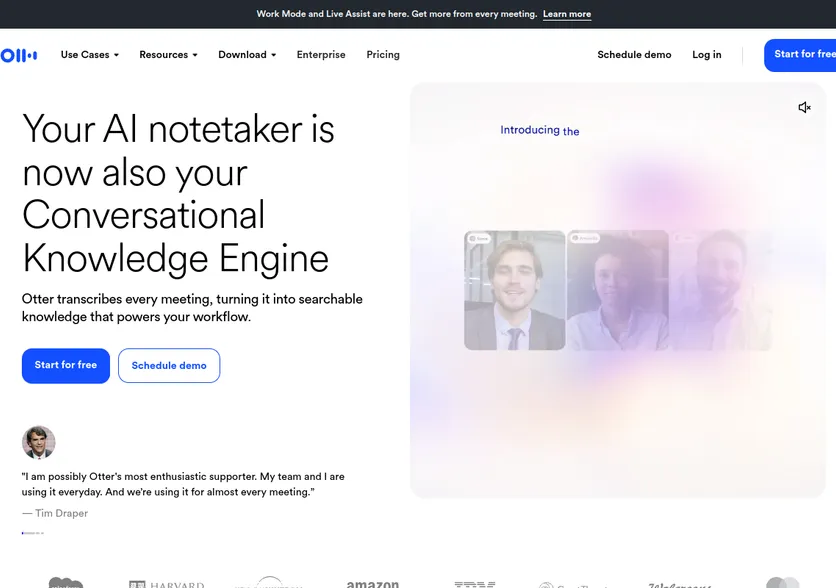
This Otter plan is the live-transcription pick here, turning speech into text in real time during a call. The transcript is searchable, so a teammate can find one decision in a month of meetings without replaying anything. Otter also works for in-person meetings, which helps a hybrid team that meets in a room sometimes.
What we like
- Live transcription during the call, not after it
- Searchable transcripts find one decision in a month of meetings
- Works for in-person meetings as well as video calls
Watch out for
- The free plan caps at three hundred minutes a month
- Business features need the higher plan
How to try it
- Connect Otter to your calendar and video tool
- Turn on live transcription for the next call
- Search the transcript for the decision and share it
3. Krisp
Best for: Remote workers who need clean call audio and meeting notes
Paid tool Starting price: $8/user/month · Eight dollars per user per month for the Core plan billed annually, or sixteen dollars billed monthly; Advanced costs fifteen dollars a month billed annually and thirty dollars billed monthly
Free plan: Free plan: unlimited transcription, limited daily AI notes; 7-day trial
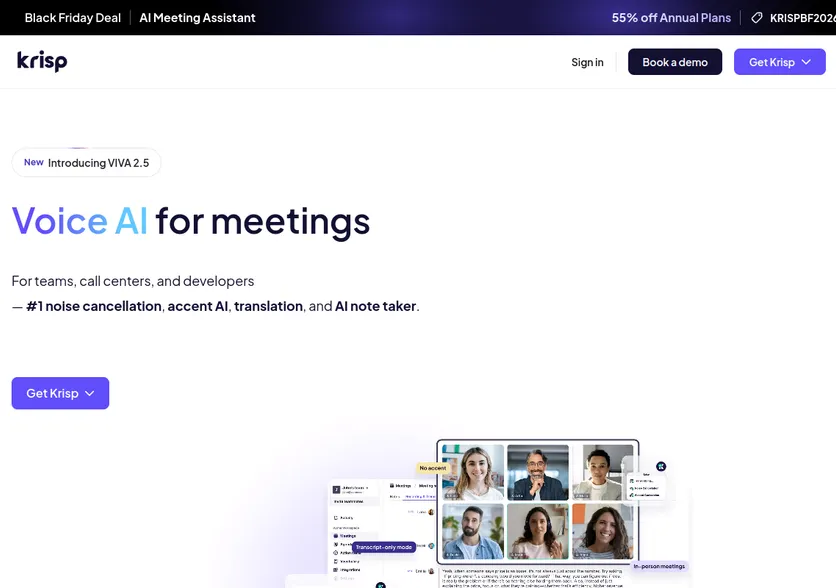
This Krisp plan is the noise-cancelling pick here, removing background noise from calls so a remote team sounds professional from any room. It also transcribes meetings and writes AI notes, so one subscription covers both sound and notes. The free plan includes unlimited transcription, with AI notes limited each day.
What we like
- Noise cancelling makes any room sound professional
- Transcription and AI notes included in the same plan
- Free plan covers unlimited transcription
Watch out for
- AI notes on the free plan are limited each day
- Advanced features need the higher plan
How to try it
- Install Krisp and turn on noise cancelling
- Join the next call and check the audio quality
- Review the AI notes after the call and share them
4. Motion
Best for: Remote teams that want AI to plan each day around priorities
Paid tool Starting price: $19/seat/month · Nineteen dollars per seat per month for the Pro AI plan; Business AI costs twenty-nine dollars per seat per month; the pricing page shows a pay-annually toggle with savings of thirty-three percent; a seven-day free trial is included
Free plan: No free plan; 7-day free trial
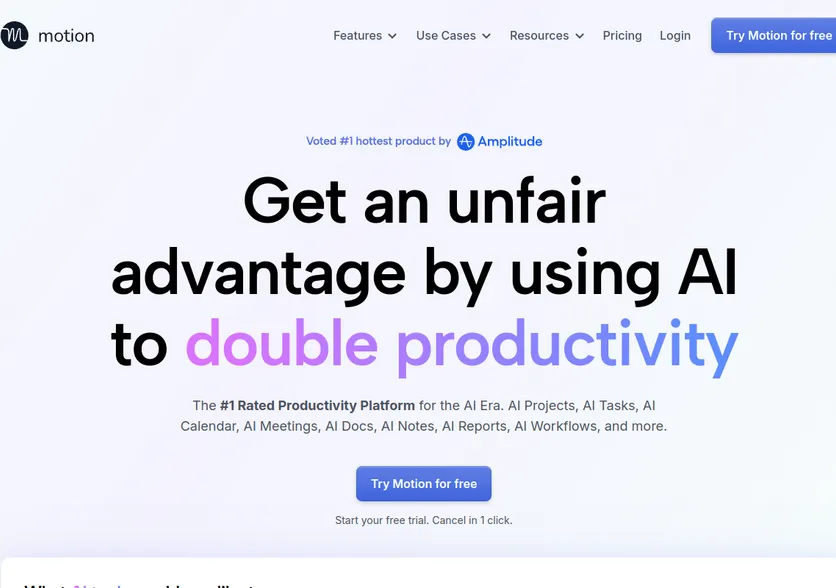
This Motion plan is the scheduling pick here, using AI to build each day around the team's real priorities. It reschedules tasks automatically when a meeting runs over, so the plan survives the day instead of breaking at the first change. The price is per seat, so a team should count the seats before committing.
What we like
- Builds each day around real priorities, not a fixed list
- Reschedules automatically when a meeting runs over
- AI assistant handles the planning, not the user
Watch out for
- No free plan, only a seven-day trial
- Per-seat pricing adds up for a large team
How to try it
- Connect your calendar and add the tasks for the week
- Let Motion build the first day around your priorities
- Check the plan after a meeting runs over and see it reschedule
5. Reclaim
Best for: Remote workers who want focus time protected from meetings
Paid tool Starting price: $10/user/month · Ten dollars per user per month for the Starter plan; older pages listed eight dollars a month, but the vendor's own 2026 pages list ten dollars; a free Lite plan is included
Free plan: Free Lite plan available
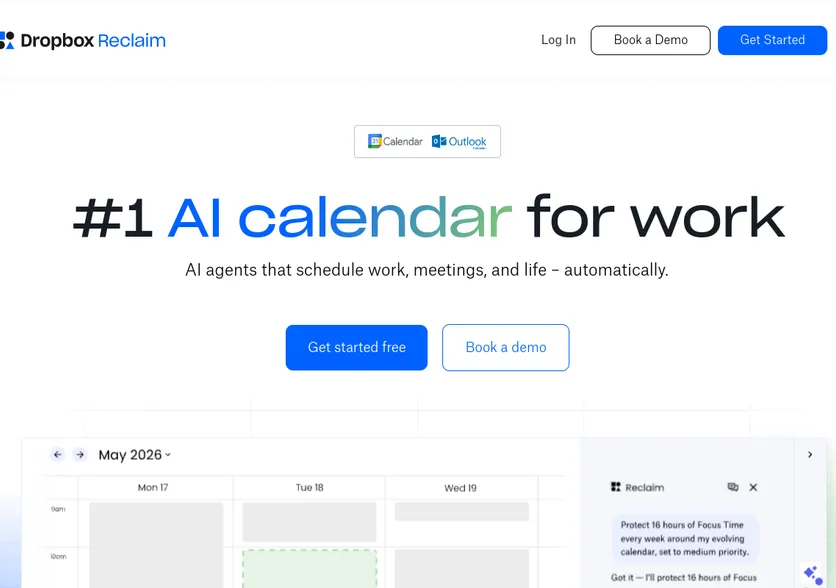
This Reclaim plan is the calendar-defence pick here, blocking focus time and lunch automatically so meetings cannot eat the whole day. It syncs tasks from the tools the team already uses and fits them around the calendar, which keeps the plan honest. The free Lite plan covers the basics for a solo worker.
What we like
- Blocks focus time and lunch automatically
- Syncs tasks from the tools the team already uses
- Free Lite plan for solo workers
Watch out for
- Team features need the paid Starter plan
- Less powerful than Motion for full-day planning
How to try it
- Connect your calendar and your task tool
- Set the hours you want protected for focus
- Check the calendar after a week and see the focus blocks hold
6. Fathom
Best for: Teams that want free unlimited recording with AI summaries
Paid tool Starting price: $15/user/month · Fifteen dollars per user per month for the Team plan billed annually, or nineteen dollars billed monthly, with a two-user minimum; Premium costs sixteen dollars a month billed annually for individuals and Business twenty-five dollars a month billed annually
Free plan: Free plan: unlimited recordings and transcriptions
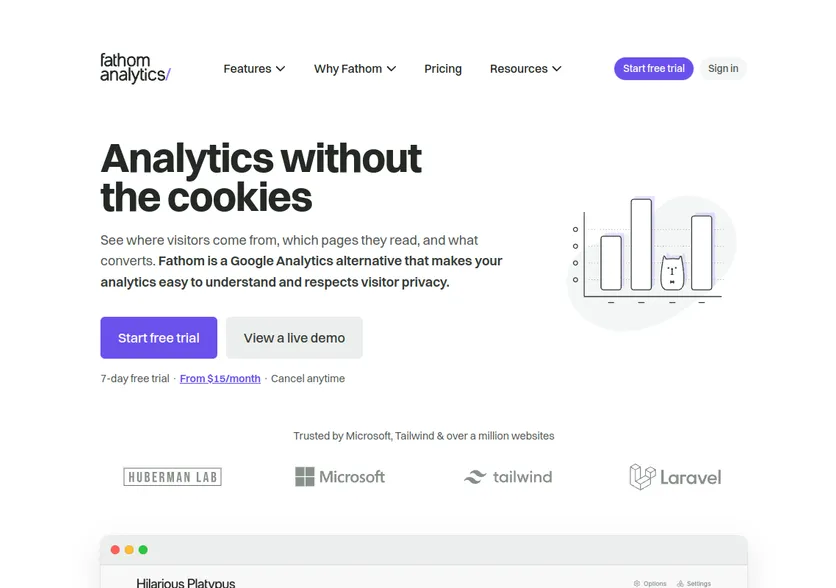
This Fathom plan is the free-start pick here, with unlimited recordings and transcriptions on the free plan. The AI summaries highlight the decisions and action items, and the highlights can be shared as clips. The Team plan adds shared folders and coaching, which suits a manager who reviews calls.
What we like
- Free plan covers unlimited recordings and transcriptions
- AI summaries highlight decisions and action items
- Shareable clips from any part of a call
Watch out for
- Team plan needs at least two users
- Coaching features sit on the higher plans
How to try it
- Install Fathom and let it record the next call
- Read the AI summary and check the action items
- Share a clip of the key decision with the team
7. Fellow
Best for: Teams that want agendas, notes and action items in one tool
Paid tool Starting price: $7/user/month · Seven dollars per user per month for the Team plan billed annually, or eleven dollars billed monthly; Business costs fifteen dollars a month billed annually and Enterprise twenty-five dollars a month billed annually from ten users; Solo costs nineteen dollars a month billed annually for one person
Free plan: Free plan: 5 AI notes and recordings per user, lifetime
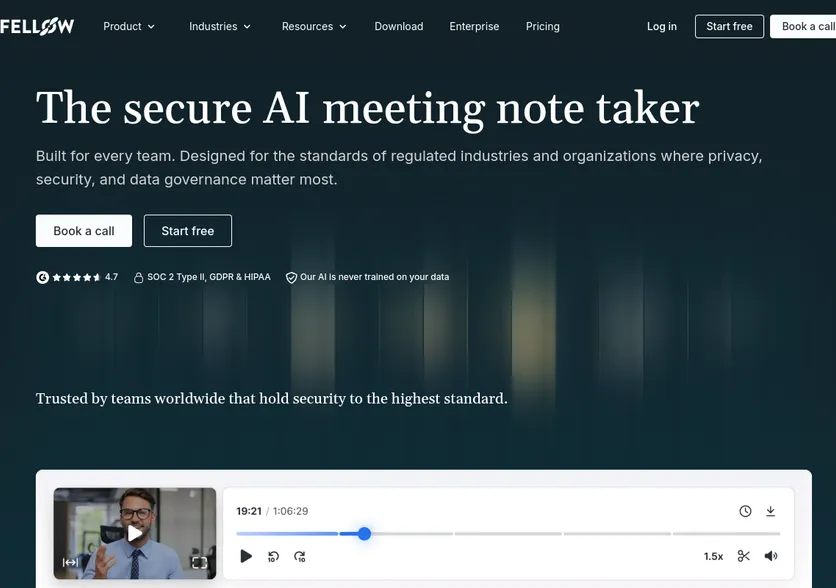
This Fellow plan is the cheapest paid pick here, at seven dollars per user per month billed annually. It combines meeting notes with agendas and action items, so the meeting starts with a plan and ends with owners for every task. The recent rebrand changed the name but not the product, which still focuses on meetings that end with decisions.
What we like
- Cheapest paid plan here at seven dollars a user
- Agendas, notes and action items in one place
- Action items get an owner, so nothing is forgotten
Watch out for
- The free plan covers only five AI notes per user, ever
- Enterprise pricing starts at ten users
How to try it
- Create an agenda for the next team meeting
- Take notes in Fellow during the call
- Assign an owner to every action item before you close
8. Sembly
Best for: Teams that want meeting intelligence with speaker insights
Paid tool Starting price: $20/user/month · Twenty dollars per user per month for the Pro plan billed annually, or twenty-nine dollars billed monthly; Basic costs ten dollars a month billed annually for one user only, and MAX costs thirty dollars a month billed annually
Free plan: No free plan; trial terms on the vendor pricing page
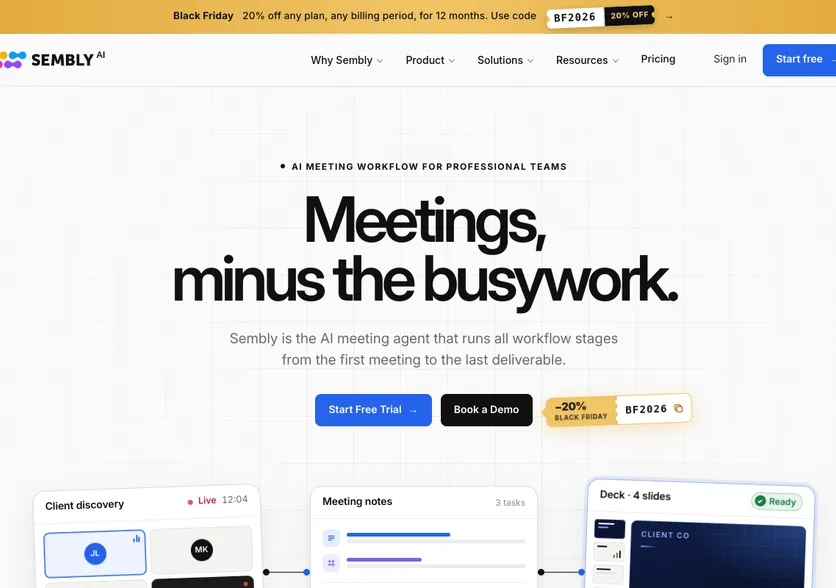
This Sembly plan is the meeting-intelligence pick here, turning calls into searchable notes with action items and speaker insights. It joins the call automatically and writes the summary, so a remote team can catch up without watching a recording. The Pro plan suits a team that meets often, while the cheaper Basic plan covers one user only.
What we like
- Joins calls automatically and writes the summary
- Speaker insights show who said what in each meeting
- Searchable notes across every call
Watch out for
- No free plan, only a trial on the vendor terms
- The Basic plan covers one user only, so teams need Pro
How to try it
- Connect Sembly to your calendar and video tool
- Let it join the next call and write the summary
- Search the notes for a decision from last month
Prices above were checked on each vendor’s own website on Nov 27, 2026 and can change — the vendor’s page is the final word. Vendor links are editorial: nobody paid to be listed or ranked here. Vendors who want a featured listing can see how it works on our Get listed page.
How a remote team should use AI without losing the human part
Start with one tool, not five: pick the meeting recorder first, because notes are the pain every remote team feels. Let it join the calls for two weeks, then check whether anyone actually reads the summaries before you pay for more. Share the notes with people who missed the call, and keep the decisions in one place so nobody has to replay an hour of video.
Protect focus time with a scheduling tool, because a calendar full of meetings leaves no time to do the work. Check the privacy settings before you record anyone, and tell the team the call is being recorded. Keep the AI summaries short: a summary nobody reads is just a longer meeting in text form.
Before you buy
- Check the free plan limits before you pay for meeting notes
- Confirm the tool joins calls on its own, with no manual start
- Make sure summaries include action items with an owner
- Test the transcription quality on an accented or noisy call
- Price the tool per user at your real team size
Official websites
Official websites of the products reviewed above. Features and prices were checked against these sites when this guide was written, and they can change, so confirm on the vendor site before you buy.
Frequently asked questions
What is the cheapest AI meeting tool for a remote team?
Fellow costs seven dollars per user per month billed annually, the cheapest paid plan in this comparison. Otter costs eight dollars thirty-three cents per user per month billed annually, and Krisp costs eight dollars a month billed annually. Fireflies and Fathom both have free plans with unlimited transcription, so a small team can start without paying. For a team that pays, Fellow is the cheapest way in.
Do these tools record calls without anyone pressing record?
Most of them do. Fireflies, Fathom and Sembly join the call automatically once they are connected to your calendar, so nobody has to remember to hit record. Otter and Krisp also transcribe live, though the setup differs by plan. Always tell the team the call is being recorded, and check the privacy settings before the first recording.
What is the difference between Fireflies and Otter?
Fireflies is built around meeting summaries: it joins the call, records it and writes a readable summary with action items, and its free plan covers unlimited transcription. Otter is built around live transcription: it turns speech into text in real time, and the transcript is searchable across every meeting. Fireflies suits a team that reads summaries; Otter suits a team that searches transcripts.
Can AI really plan my day?
Motion and Reclaim try. Motion builds each day around your priorities and reschedules tasks automatically when a meeting runs over, so the plan survives the day. Reclaim blocks focus time and lunch automatically, and fits tasks around the calendar. Neither one replaces judgement: check the plan each morning, and move anything the AI got wrong. Used that way, they save an hour a week of planning.
Is it legal to record a meeting with AI?
It depends on where your team is. Some places need only one person to consent, while others need everyone on the call to agree. Tell the team before the first recording, and turn on the recording notice the tool provides. Check the rules for every country your team works from, because a recording made without consent can create legal trouble even when the tool makes it easy.
Start with the free plan, let the tool record two weeks of calls, and only pay once the team actually reads the summaries.
Browse AI Tools (In-Browser, No API) tools