On this page
A remote hire should not spend the first week waiting for a laptop, a login and a contract that arrived by post. The tools below were picked for teams that hire across cities and countries, where onboarding happens on video calls and in shared documents, not in an office. We compared nine platforms on published price, e-signatures and how well they handle time zones and global payroll. Rippling is our first pick, because it unifies payroll, HR, IT and devices in one flow, so a hire in any country starts with everything ready.
How we researched this
We started with onboarding tools that publish a per-person or flat monthly price and work for staff in more than one country or time zone, then read each price on the vendor site on November 27, 2026. We judged them for a remote team that needs e-signatures, device shipping and a first-day checklist that works over video. We dropped quote-only HR platforms and tools that had stopped publishing a price, because a remote team needs a number it can budget and a tool that goes live in days, not months.
Compare the tools
| Name | Best for | Starting price | Free plan | |
|---|---|---|---|---|
 Rippling | Remote teams that hire across countries and time zones | $8/user/month + $40/month base fee | No free plan; eligible startups get 6 months free | Visit |
 Gusto | Remote teams that need payroll and onboarding together | $49/month + $6/person/month | No free plan; demo available | Visit |
 Connecteam | Remote teams with hires who work from home or on site | $29/month per hub | Free Small Business plan for up to 10 users | Visit |
 BambooHR | Remote teams that want HR and onboarding in one system | $10/employee/month | No free plan; 14-day free trial | Visit |
 Workable | Remote teams hiring fast with a big applicant flow | $299/month | No free plan; 15-day free trial | Visit |
 Breezy HR | Remote teams that hire often and want unlimited users | $157/month | No free plan; 14-day free trial | Visit |
 Eddy | Small remote teams that want HR and payroll in one place | $4/person/month + $50/month base fee | No free plan; free trial available | Visit |
 TalentLMS | Remote teams that must train hires on procedures and compliance | $119/month | Free plan for up to 5 users and 10 courses | Visit |
 Factorial | Remote teams that want a simple HR system with onboarding | $8/user/month | No free plan; 14-day free trial | Visit |
The employee onboarding software for remote teams, compared
1. Rippling
Best for: Remote teams that hire across countries and time zones
Paid tool Starting price: $8/user/month + $40/month base fee · Eight dollars per user a month plus a monthly base fee, confirmed in Rippling's own pricing FAQ; the forty dollar base fee is the published small-business figure, so confirm the exact base fee on a quote.
Free plan: No free plan; eligible startups get 6 months free
This Rippling plan is built for teams that hire in more than one country, because it unifies payroll, HR, IT and spend. A new hire gets pay, devices and access in a single flow, so nobody waits a week for a laptop. The price starts at eight dollars per user a month plus a monthly base fee, and every product is quoted separately, so ask for a full quote before you budget.

What we like
- Payroll, HR, IT and spend in one platform
- One flow for pay, devices and access
- Eligible startups get six months free
Watch out for
- Every product is quoted separately
- The base fee is not stated on the pricing page
How to try it
- Ask for a full quote covering payroll and onboarding
- Set up the first hire flow with pay and devices
- Add the app management module for device access
2. Gusto
Best for: Remote teams that need payroll and onboarding together
Paid tool Starting price: $49/month + $6/person/month · Forty-nine dollars a month plus six dollars per person a month for the Simple plan; Plus is eighty dollars plus twelve dollars, Premium is one hundred and eighty dollars plus twenty-two dollars, and Contractor Only is thirty-five dollars plus six dollars.
Free plan: No free plan; demo available
This Gusto plan runs payroll, benefits, time tracking and onboarding for a remote team that wants one system for the whole hire. The Simple plan covers payroll and benefits administration, while Plus adds hiring, onboarding and time tracking, so a remote team should buy Plus if onboarding is the goal. Contractor payments are covered too, which suits a team that mixes employees and contractors across countries.

What we like
- Payroll, benefits and onboarding in one system
- Plus adds hiring, onboarding and time tracking
- Contractor payments are covered too
Watch out for
- Onboarding features wait for the Plus plan
- Per-person fees add up fast for a large team
How to try it
- Start with the Simple plan and add Plus for onboarding
- Set up payroll, benefits and time tracking first
- Build the onboarding checklist for the first hire
3. Connecteam
Best for: Remote teams with hires who work from home or on site
Paid tool Starting price: $29/month per hub · Twenty-nine dollars a month per hub for the Basic plan, billed annually for the first thirty users, or thirty-five dollars billed monthly; Advanced is forty-nine dollars and Expert is ninety-nine dollars, with extra users from fifty cents a month.
Free plan: Free Small Business plan for up to 10 users
This Connecteam plan gives a remote team a mobile app for onboarding, training and communication, which suits hires who work from home or on site. The HR and Skills hub covers onboarding, courses and documents, while the Communications hub adds chat and updates for the whole team. Pricing is per hub, so a team that wants both hubs should budget for two subscriptions, and the free Small Business plan covers ten users.

What we like
- Mobile app that works for staff with no desk
- Onboarding, courses and documents in one hub
- Free Small Business plan covers ten users
Watch out for
- Hubs are priced separately, so two hubs cost twice as much
- Extra users add a small per-person charge
How to try it
- Start on the free Small Business plan with ten users
- Build the onboarding course in the HR hub
- Add the Communications hub for chat and updates
4. BambooHR
Best for: Remote teams that want HR and onboarding in one system
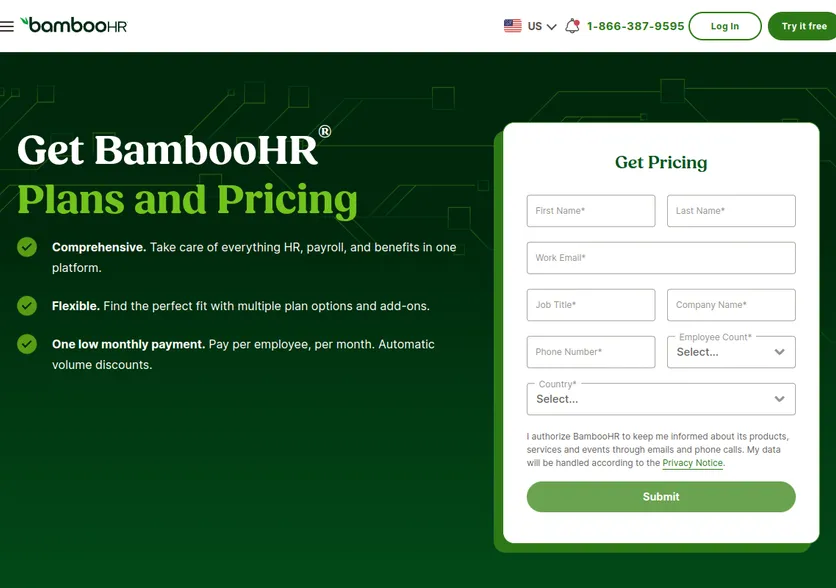
Paid tool Starting price: $10/employee/month · Ten dollars per employee a month for the Core plan, with Pro at seventeen dollars and Elite at twenty-five dollars; Core costs a flat two hundred and fifty dollars a month for up to twenty-five employees.
Free plan: No free plan; 14-day free trial
This BambooHR plan gives a remote team one HR system for hiring, onboarding, time off and performance, so every employee record lives in one place. Core includes a new hire packet, an onboarding checklist and e-signatures, which means a remote hire can sign forms from home before the first day. Core costs ten dollars per employee a month, with a flat rate for small teams of twenty-five people or fewer.
What we like
- New hire packet, checklist and e-signatures in Core
- Flat rate for small teams of twenty-five or fewer
- Strong reports on turnover and onboarding
Watch out for
- Payroll and benefits cost extra on top of Core
- No free plan, only a fourteen-day trial
How to try it
- Start a 14-day trial with one new hire
- Build the new hire packet and onboarding checklist
- Send the first packet by e-signature before day one
5. Workable
Best for: Remote teams hiring fast with a big applicant flow
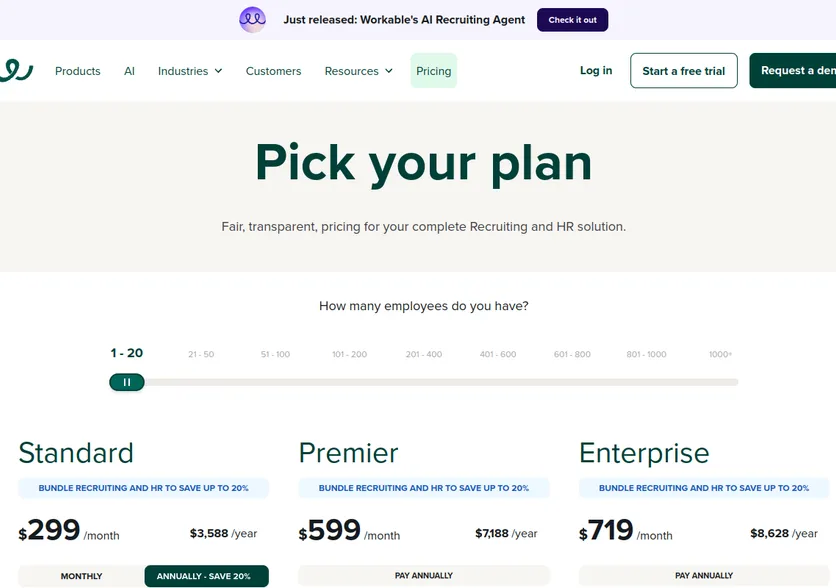
Paid tool Starting price: $299/month · Two hundred and ninety-nine dollars a month for the Standard plan, billed annually at three thousand five hundred and eighty-eight dollars a year; Premier is five hundred and ninety-nine dollars and Enterprise is seven hundred and nineteen dollars, and the old one hundred and forty-nine dollar Starter tier no longer appears on the live pricing page.
Free plan: No free plan; 15-day free trial
This Workable plan is built for a remote team that hires in volume, because it combines recruiting with HR tools, including employee onboarding. A candidate can move from interview to first day in one system, with no handover between tools and no lost paperwork. Standard costs two hundred and ninety-nine dollars a month and covers the recruiting and HR bundle, while Premier and Enterprise add more seats and features.
What we like
- Recruiting and onboarding in one system
- Strong AI sourcing and screening tools
- Fifteen-day free trial to test it
Watch out for
- Standard is pricey for a small remote team
- No free plan, only a fifteen-day trial
How to try it
- Start a 15-day trial with one open role
- Build the onboarding checklist in the HR features
- Move the first hired candidate to onboarding
6. Breezy HR
Best for: Remote teams that hire often and want unlimited users
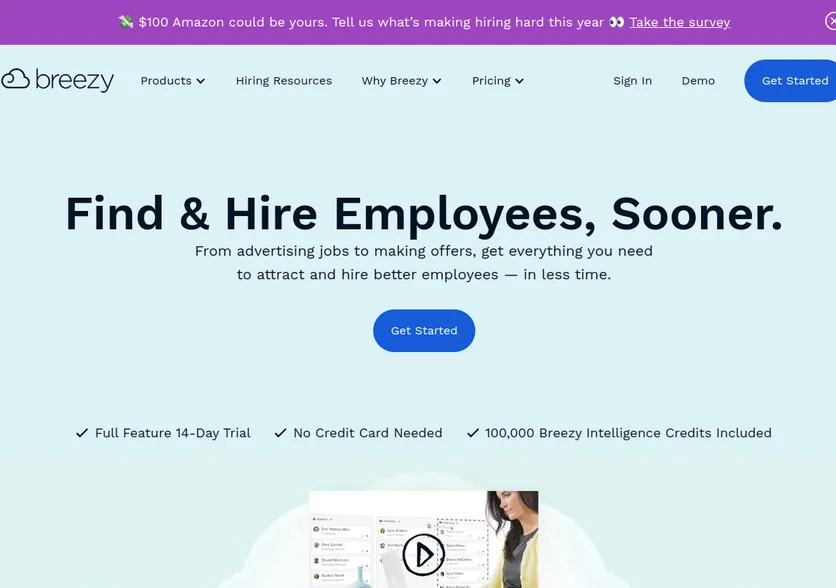
Paid tool Starting price: $157/month · One hundred and fifty-seven dollars a month billed annually for the Startup plan, or one hundred and eighty-nine dollars billed monthly; Growth is two hundred and seventy-three dollars and Business is four hundred and thirty-nine dollars billed annually, and every plan includes unlimited users.
Free plan: No free plan; 14-day free trial
This Breezy HR plan gives a remote team recruiting and onboarding for a flat monthly rate with unlimited users, which suits a team that hires in waves. Startup costs one hundred and fifty-seven dollars a month billed annually, while Growth and Business add more features at higher rates. Every plan includes unlimited users, so the price never grows when the team does, with a fourteen-day trial to test it.
What we like
- Flat monthly rate with unlimited users
- Good onboarding workflow and templates
- Fourteen-day free trial to test it
Watch out for
- No free plan, only a fourteen-day trial
- Onboarding add-on costs extra on some plans
How to try it
- Start a 14-day trial with one open role
- Build the onboarding workflow for the first hire
- Add the onboarding add-on when you need it
7. Eddy
Best for: Small remote teams that want HR and payroll in one place
Paid tool Starting price: $4/person/month + $50/month base fee · Four dollars per person a month plus a fifty dollar monthly base fee for the Starter plan; Growth is eight dollars per person plus a seventy-five dollar base fee, the payroll add-on is six dollars per person plus fifty dollars, and the hiring add-on is one hundred and ninety-nine dollars a month.
Free plan: No free plan; free trial available
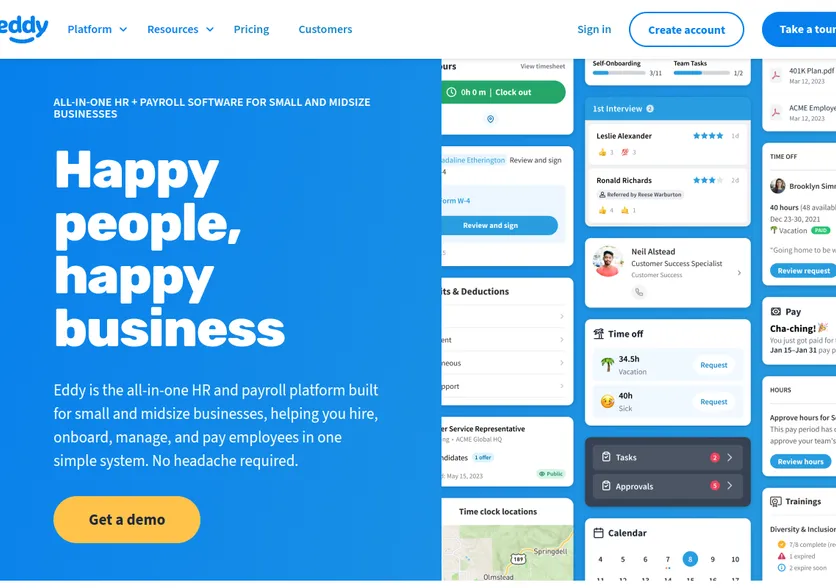
This Eddy plan covers hiring, onboarding, time tracking and payroll for a small remote team, which suits a team that wants one system without enterprise complexity. Starter costs four dollars per person a month plus a fifty dollar monthly base fee, while Growth adds more features at eight dollars per person. Payroll is an add-on at six dollars per person a month, so budget for payroll on top.
What we like
- Hiring, onboarding and payroll in one place
- Low per-person price for small teams
- Free trial to test the full flow
Watch out for
- Payroll is an add-on, not included in Starter
- Base fee applies on top of the per-person price
How to try it
- Start a free trial with one new hire
- Build the onboarding checklist and paperwork flow
- Add the payroll add-on when you are ready
8. TalentLMS
Best for: Remote teams that must train hires on procedures and compliance
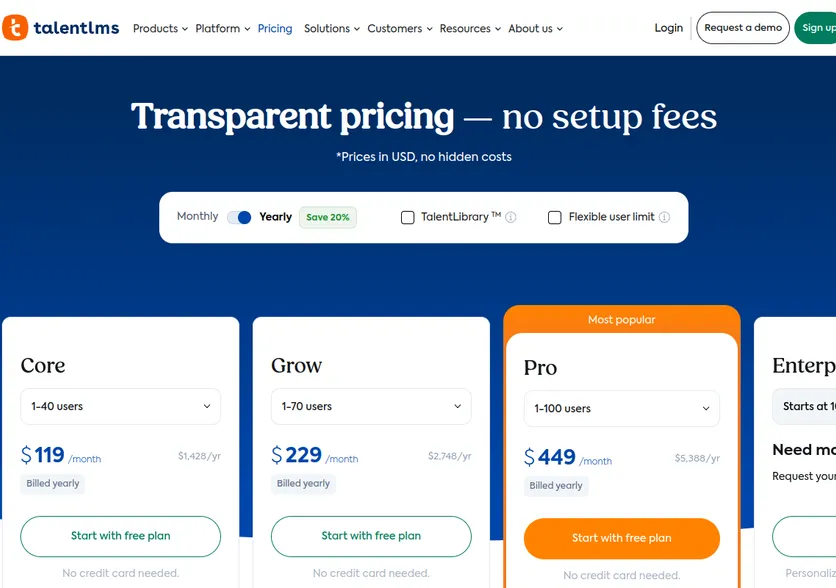
Paid tool Starting price: $119/month · One hundred and nineteen dollars a month billed annually for the entry paid plan, covering up to forty users; some older listings still show ninety-nine dollars, and the one hundred and nineteen dollar figure matches multiple November 2026 reads of the vendor's pricing; the free plan covers up to five users.
Free plan: Free plan for up to 5 users and 10 courses
This TalentLMS plan runs online training for remote staff, so a team can prove every hire finished the courses. The entry paid plan costs one hundred and nineteen dollars a month billed annually and covers up to forty users, while the free plan covers five users and ten courses. Some older listings still show ninety-nine dollars, so confirm the current price on the vendor page before you budget.
What we like
- Strong course builder with compliance tracking
- Free plan covers five users and ten courses
- Works on mobile for staff on the move
Watch out for
- Some older listings still show ninety-nine dollars
- Higher tiers are quoted, not published
How to try it
- Start on the free plan with five users
- Build the compliance course for the first hire
- Upgrade when you pass five users or ten courses
9. Factorial
Best for: Remote teams that want a simple HR system with onboarding
Paid tool Starting price: $8/user/month · Eight dollars per user a month for Factorial Core, which includes onboarding and offboarding; further modules such as time tracking, performance and recruitment are quoted separately, and a fourteen-day trial is available.
Free plan: No free plan; 14-day free trial
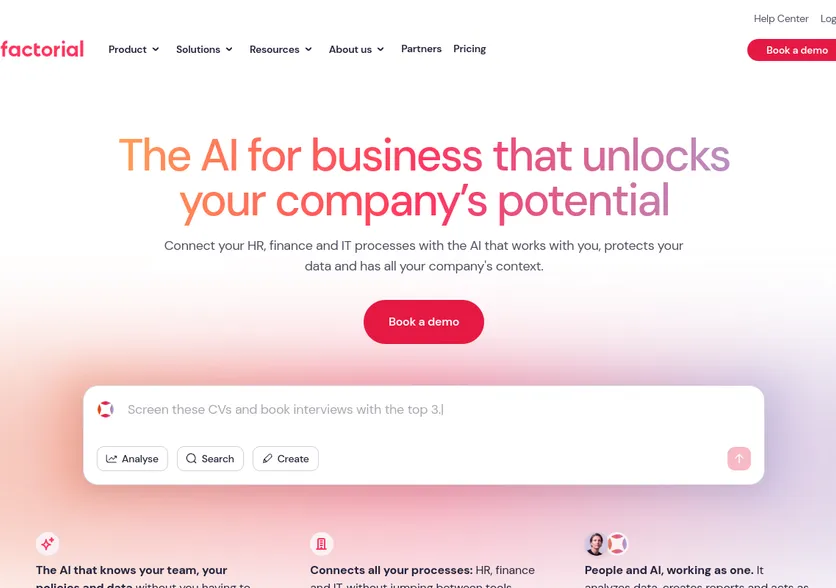
This Factorial plan covers HR, time off, documents and onboarding in one system, which suits a remote team that wants simple software without enterprise complexity. Core starts at eight dollars per user a month and includes onboarding and offboarding, while further modules such as time tracking, performance and recruitment are quoted separately. A fourteen-day trial lets HR test the full flow with one real hire before paying.
What we like
- Onboarding and offboarding included in Core
- Simple interface that HR learns fast
- Fourteen-day free trial to test it
Watch out for
- Extra modules are quoted, not published
- No free plan, only a fourteen-day trial
How to try it
- Start a 14-day trial with one new hire
- Build the onboarding checklist and document flow
- Add the time tracking module when you need it
Prices above were checked on each vendor’s own website on Nov 27, 2026 and can change — the vendor’s page is the final word. Vendor links are editorial: nobody paid to be listed or ranked here. Vendors who want a featured listing can see how it works on our Get listed page.
How a remote team should onboard a hire who never visits the office
Send everything before day one, not on it. The contract, the laptop and the login should all be ready before the hire starts, so the first day is about meeting the team, not chasing IT. Use e-signatures for every form, and set up a video call for the first morning, so the hire meets a real person instead of reading a handbook alone. A remote hire who waits a week for access will start looking for another job.
Keep time zones in mind when you plan the first week. Schedule the welcome call at a time that works for the hire, not just for headquarters, and record the training so the hire can watch it later. Check whether the plan charges per user or a flat rate, because a flat rate is often cheaper once you pass twenty-five people. Give one person ownership of onboarding, because a remote checklist with no owner turns into a pile of forms that nobody chases.
Before you buy
- Check whether the plan includes e-signatures and a first-day checklist
- Ask whether the tool ships laptops and handles devices in other countries
- Make sure training works across time zones, not just at headquarters
- Count the staff you will onboard this year before you pick a tier
- Pick a tool with a free trial so HR can test one real remote hire
Official websites
Official websites of the products reviewed above. Features and prices were checked against these sites when this guide was written, and they can change, so confirm on the vendor site before you buy.
Frequently asked questions
What is the best onboarding software for a fully remote team?
Rippling is the strongest pick for a team that hires across countries, because it unifies payroll, HR, IT and devices in one flow. Gusto Plus suits a team that needs payroll and onboarding together, while Connecteam suits a team whose hires work on mobile. Pick the tool that matches how your team already pays people, because the cheapest onboarding is the one you do not have to bolt onto a separate payroll system.
Can remote hires sign contracts and forms online?
Yes, most of the tools here include e-signatures. BambooHR Core signs the new hire packet, and Gusto, Rippling, Eddy and Factorial all sign forms digitally as part of onboarding. Check that the plan you buy includes e-signatures, because some vendors charge extra for the signing feature on their cheapest tier, and a remote hire should never have to print and post a form.
How do you onboard a hire in another country?
Start with a tool that handles global payroll and local compliance, such as Rippling, which unifies payroll and HR across countries. Gusto covers contractor payments in other countries, which suits a team that hires contractors abroad. Check whether the tool ships laptops and handles devices in that country, because a hire who waits weeks for a laptop will start work late no matter how good the paperwork is.
What does onboarding software cost for a remote team?
Eddy Starter costs four dollars per person a month plus a fifty dollar base fee, so a team of twenty pays about one hundred and thirty dollars. BambooHR Core costs a flat two hundred and fifty dollars a month for up to twenty-five people, while Connecteam's free plan covers ten users. Workable Standard at two hundred and ninety-nine dollars a month is the priciest and suits a team that hires in volume.
How do you train a remote hire who never visits the office?
Use online courses that the hire can watch at any hour, such as TalentLMS, which tracks every course and proves the hire finished it. Connecteam runs courses and documents on mobile, which suits hires who work from home or on site. Record the welcome and training videos once, so every hire gets the same start, and check the completion record before the first week ends.
Compare the nine tools above, then run one real remote hire through a free trial before you move onboarding off paper.
Browse Business Tools tools