On this page
Contractors train crews on jobsites, in trucks and in site trailers, not in classrooms, so the training software has to work on a phone with a weak signal and prove every worker finished the safety course. A spreadsheet sign-in sheet cannot do that when a client asks for records. TalentCards leads this comparison as the cheapest fit at eighty cents per user a month, with short mobile lessons crews actually finish. We checked every price on the vendor site on November 27, 2026.
How we researched this
We started with training tools that work on phones and track completions, because contractors train crews on jobsites rather than in classrooms, then read each price on the vendor site on November 27, 2026 and noted the free plan or trial each one carries. We judged them for a firm that needs safety records, mobile access and a price that fits a small crew. We dropped quote-only learning platforms because a contractor needs a published price to budget around.
Compare the tools
| Name | Best for | Starting price | Free plan | |
|---|---|---|---|---|
| TalentCards | Contractors whose crews learn on phones between jobs | $0.80/user/month | Free plan for up to 5 users | Visit |
 TalentLMS | Contractors that need a full LMS for a growing workforce | $119/month | Free plan for up to 5 users and 10 courses | Visit |
 360Learning | Contractors whose crews learn best from their own experts | $8/active user/month | No free plan; 30-day free trial | Visit |
 ProProfs Training Maker | Contractors that need cheap simple courses for crews | $1.99/active learner/month | Free plan for up to 10 learners | Visit |
| iSpring LMS | Contractors that need auditable safety and compliance records | $6.91/active user/month | No free plan; 14-day free trial | Visit |
| Coggno | Contractors that need ready-made safety courses without building them | $5/user/month | No free plan; free trial available | Visit |
 Mitti Training | Contractors with field crews and safety training needs | $115/month | Free plan for up to 10 seats | Visit |
| GoSkills | Contractors that want simple courses plus a skills library | $8/person/month | No free plan; free trial available | Visit |
The employee training software for contractors, compared
1. TalentCards
Best for: Contractors whose crews learn on phones between jobs
Paid tool Starting price: $0.80/user/month · Standard plan at eighty cents per user a month billed annually, or one dollar a month on monthly billing; Premium at one dollar twenty cents a month billed annually; sold in fifty-user blocks from fifty users up to two thousand; free plan for up to five users
Free plan: Free plan for up to 5 users
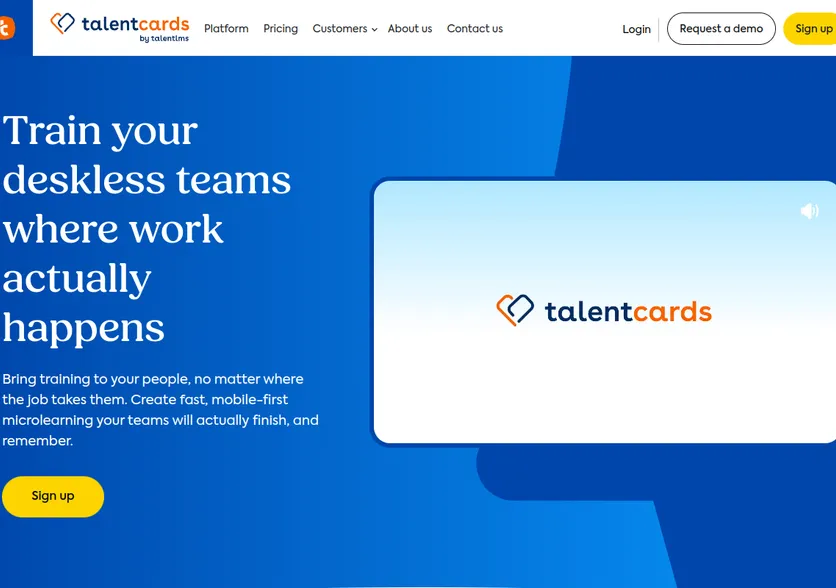
This TalentCards app delivers short flashcard lessons to phones, which suits crews who learn between jobs rather than at a desk. A foreman can push a five-minute refresher on a procedure or a safety rule and see who completed it before the next shift. At eighty cents per user a month billed annually it is the cheapest tool in this comparison, and the free plan covers up to five users.
What we like
- Mobile-first microlearning for field crews
- Cheapest price in this comparison
- Offline access for jobsites with weak signal
Watch out for
- Not a full LMS for long structured courses
- Fifty-user minimum on paid plans
How to try it
- Build a short card set for one procedure or safety rule
- Send it to the crew through the mobile app
- Check completions before the next shift starts
2. TalentLMS
Best for: Contractors that need a full LMS for a growing workforce
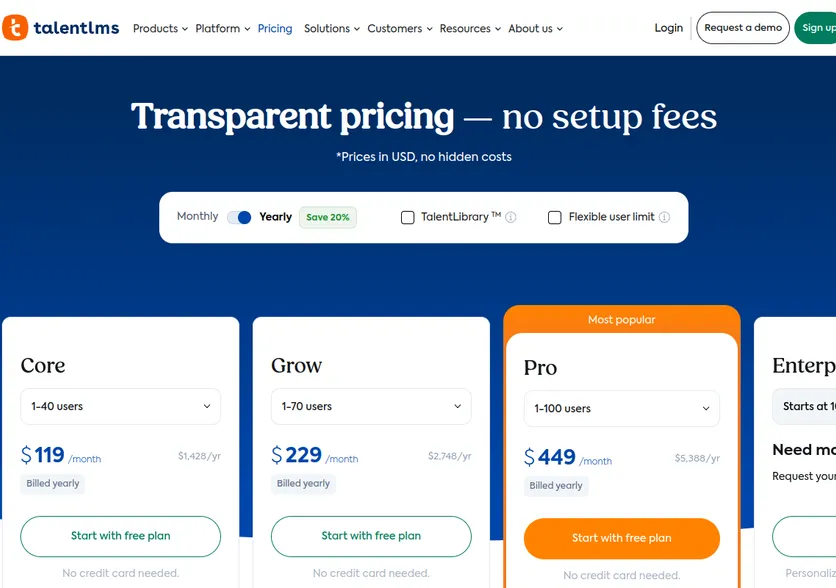
Paid tool Starting price: $119/month · Core plan at one hundred nineteen dollars a month billed annually for up to forty users; one hundred forty-nine dollars a month on monthly billing; Grow at two hundred twenty-nine dollars and Pro at four hundred forty-nine dollars a month billed annually
Free plan: Free plan for up to 5 users and 10 courses
This TalentLMS platform is a full learning system that handles onboarding, safety courses and certifications for a contracting firm in one place. Branches let a company separate crews or sites while keeping one admin view of every completion. The Core plan costs one hundred nineteen dollars a month billed annually for up to forty users, with a free plan for five users and ten courses.
What we like
- Full LMS with branches for crews and sites
- Certification tracking for jobsite requirements
- Free plan for up to 5 users and 10 courses
Watch out for
- Core plan is limited to forty users
- Mobile experience is weaker than TalentCards
How to try it
- Set up a branch for each crew or site
- Create onboarding and safety courses with certificates
- Track completions and renewals from one dashboard
3. 360Learning
Best for: Contractors whose crews learn best from their own experts
Paid tool Starting price: $8/active user/month · Team plan at eight dollars per active user a month billed monthly for up to one hundred users; Business and Enterprise are quote-only; thirty-day free trial
Free plan: No free plan; 30-day free trial
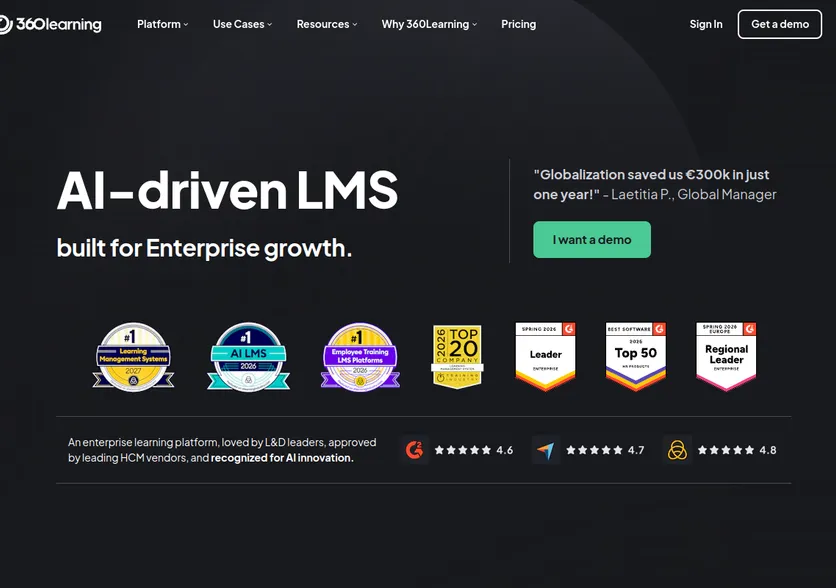
This 360Learning platform lets experienced crew leaders turn jobsite know-how into short courses, so new hires learn the company way of doing things. Collaborative authoring means a senior foreman can record a procedure once and every crew can learn it the same way. The Team plan costs eight dollars per active user a month billed monthly for up to one hundred users.
What we like
- Crew leaders create the training themselves
- Fast path from jobsite know-how to a course
- Simple Team plan with no seat minimum
Watch out for
- Business and Enterprise plans are quote-only
- Per-user pricing climbs as more crews join
How to try it
- Ask senior crew leaders to record key procedures
- Turn the recordings into short courses with quizzes
- Assign courses to new hires before their first job
4. ProProfs Training Maker
Best for: Contractors that need cheap simple courses for crews
Paid tool Starting price: $1.99/active learner/month · Essentials plan at one dollar ninety-nine cents per active learner a month billed annually for up to one hundred learners; Business at three dollars ninety-nine cents and Business Complete Elite at four dollars ninety-eight cents; free plan covers up to ten learners
Free plan: Free plan for up to 10 learners
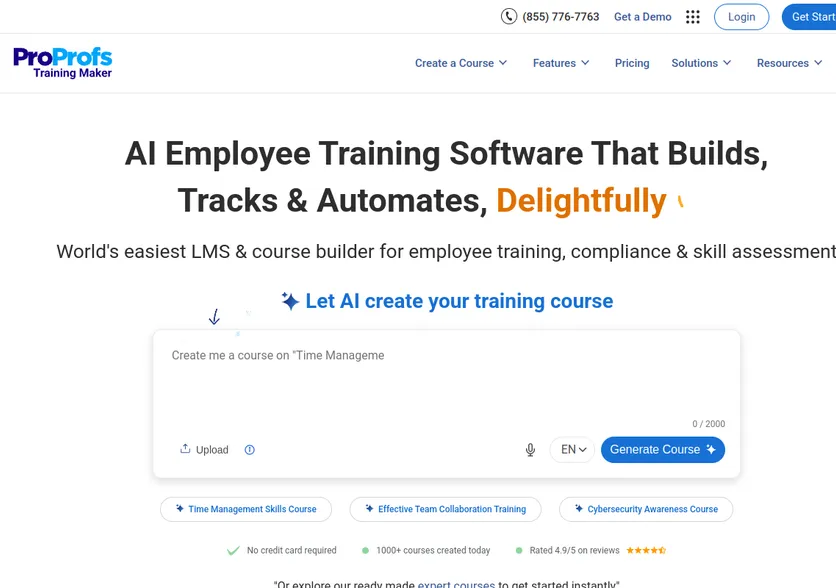
This ProProfs Training Maker tool is the cheapest way to build simple courses for a contracting firm, with per-learner pricing from one dollar ninety-nine cents a month. A company can create toolbox talks, equipment checklists and onboarding courses without a training department. The free plan covers up to ten learners, so a foreman can test a course with one crew first.
What we like
- Lowest per-learner price for simple courses
- Simple builder with quizzes and certificates
- Free plan for up to 10 learners
Watch out for
- Essentials plan is limited to one hundred learners
- Lacks the deep reporting of a full LMS
How to try it
- Build a short course for one toolbox talk or procedure
- Add a quiz and a certificate for completion
- Assign the course to the crew and track results
5. iSpring LMS
Best for: Contractors that need auditable safety and compliance records
Paid tool Starting price: $6.91/active user/month · Business plan at six dollars ninety-one cents per active user a month at one hundred users, eight thousand two hundred eighty-six dollars a year, billed annually; smaller teams pay more per user, eleven dollars sixty-three cents at twenty-five users and nine dollars thirty-two cents at fifty; larger bands drop to four dollars forty-six cents at three hundred users; only active users are billed
Free plan: No free plan; 14-day free trial
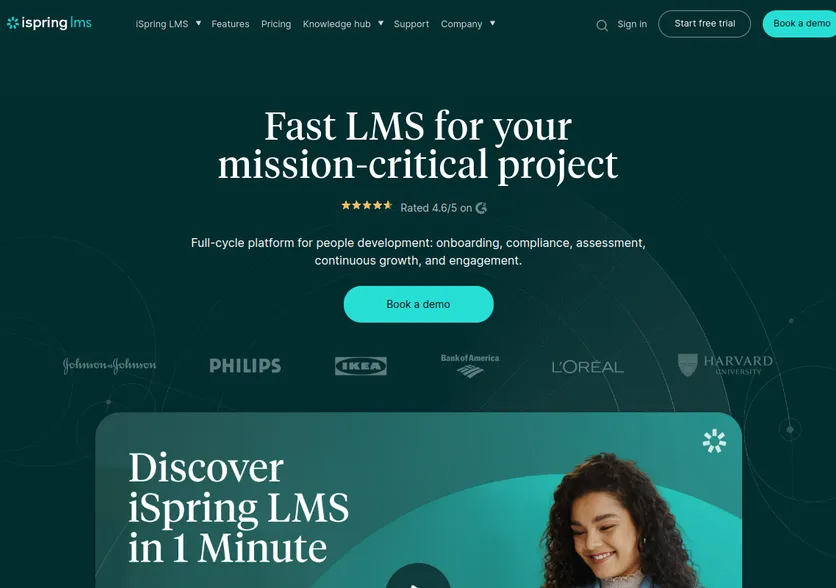
This iSpring LMS platform tracks course completions and certificates, which suits a contractor that must prove every worker finished safety training before stepping on site. Only active users are billed, so seasonal crews and short-term hires do not inflate the monthly cost. Quizzes and detailed reports give auditors a clean record without extra paperwork.
What we like
- Only active users are billed each month
- Certificates and detailed completion reports
- Strong quiz and assessment tools
Watch out for
- No free plan, only a 14-day trial
- Small crews pay more per user than large firms
How to try it
- Upload safety and onboarding courses
- Assign courses by role and set completion deadlines
- Export completion reports for clients and audits
6. Coggno
Best for: Contractors that need ready-made safety courses without building them
Paid tool Starting price: $5/user/month · Prime plan at five dollars per user a month billed annually, or sixty dollars per user a year, with a ten-user minimum; individual courses are also sold a la carte from nine dollars ninety-five cents; Enterprise is quote-only
Free plan: No free plan; free trial available
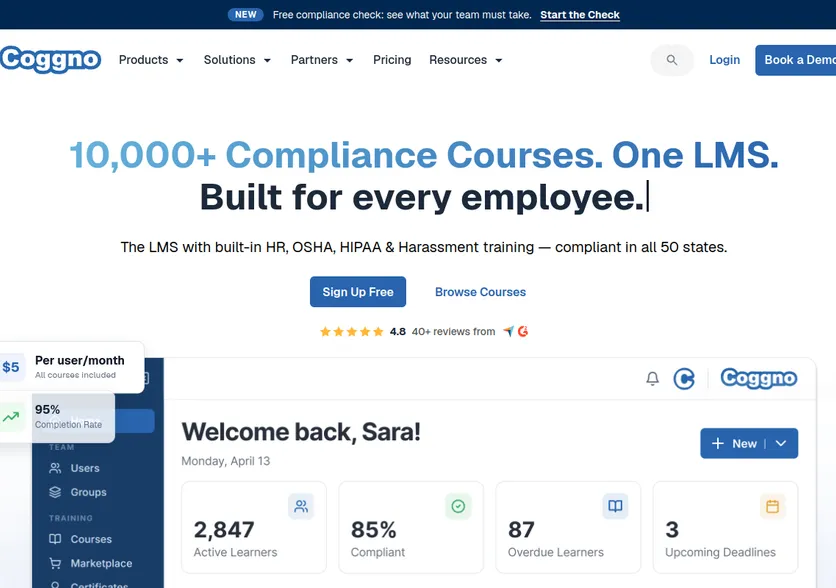
This Coggno marketplace gives a contractor a ready catalog of safety and compliance courses, including OSHA topics, without building content from scratch. Courses can be assigned by role and completions are tracked for client and audit records. The Prime plan starts at five dollars per user a month with a ten-user minimum, which suits a small safety team.
What we like
- Large catalog of ready-made safety courses
- Audit-ready completion records
- Low per-user price with a ten-user minimum
Watch out for
- No free plan, only a free trial
- Catalog quality varies by course provider
How to try it
- Browse the catalog for safety and compliance topics
- Assign courses to the crews that need them
- Export completion records for clients and audits
7. Mitti Training
Best for: Contractors with field crews and safety training needs
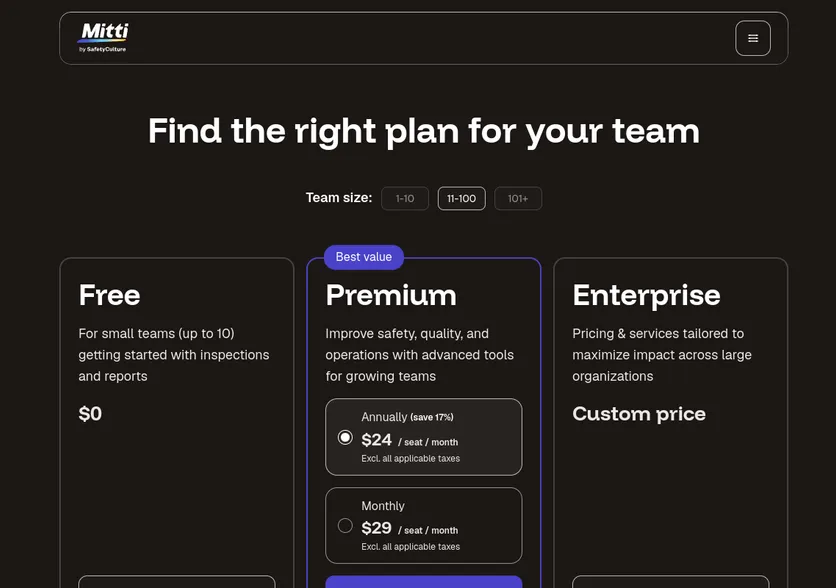
Paid tool Starting price: $115/month · Training is a paid add-on to Mitti Premium at twenty-four dollars per seat a month billed annually; the Small allowance costs one hundred fifteen dollars a month billed annually, or one thousand one hundred eighty-eight dollars a year, for up to twenty learners, and Medium is two hundred twenty-five dollars a month for up to fifty; organizations created before November twenty-four, twenty twenty-six still have Training included in Premium
Free plan: Free plan for up to 10 seats
This Mitti Training add-on delivers safety and field training to phones, which suits crews who learn on site rather than at a desk. Training is a paid add-on to Mitti Premium, with a Small allowance at one hundred fifteen dollars a month billed annually for up to twenty learners. The platform also covers inspections and incident reporting, so training and safety records sit together.
What we like
- Mobile training built for field crews
- Training and safety records in one place
- Free plan for up to ten seats
Watch out for
- Training is now a paid add-on, not included in Premium
- Small allowance covers only twenty learners
How to try it
- Add the Training add-on to a Mitti Premium plan
- Assign safety courses to each crew
- Track completions alongside inspection records
8. GoSkills
Best for: Contractors that want simple courses plus a skills library
Paid tool Starting price: $8/person/month · LMS Pro at eight dollars per person a month billed annually with a two-license minimum; Courses at sixteen dollars and Platinum at nineteen dollars per person a month billed annually
Free plan: No free plan; free trial available
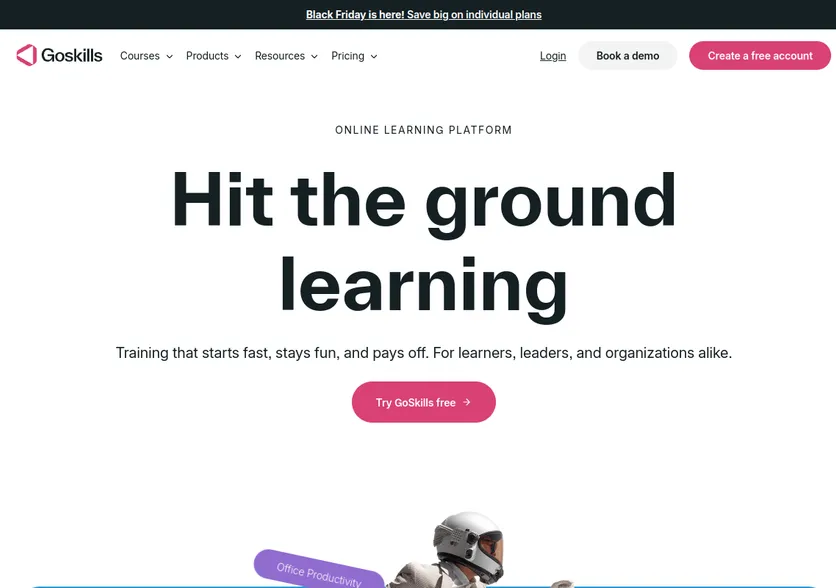
This GoSkills platform combines a learning system with a library of business and software courses, so a contractor can train office staff and crews from one place. The LMS Pro plan costs eight dollars per person a month billed annually with a two-license minimum. A company can also use the ready course library for Excel, project management and leadership skills.
What we like
- LMS plus a ready course library in one price
- Low per-person price with a two-license minimum
- Simple setup for a small firm
Watch out for
- Course library is stronger on office skills than trades
- No free plan, only a free trial
How to try it
- Set up the LMS for crews and office staff
- Pick courses from the library for office roles
- Build short custom courses for jobsite procedures
Prices above were checked on each vendor’s own website on Nov 27, 2026 and can change — the vendor’s page is the final word. Vendor links are editorial: nobody paid to be listed or ranked here. Vendors who want a featured listing can see how it works on our Get listed page.
How a contractor should roll out crew training
Start with one crew and the three courses that matter most: site safety orientation, the equipment certification your clients ask for, and the company procedure that new hires get wrong most often. Assign the training before the first shift, not after, and check completions at the morning toolbox talk. A crew that finishes a five-minute refresher on a phone is far more likely to learn than one handed a forty-page manual.
Keep the records in the training tool, not in a filing cabinet, because a client audit can ask for proof with a day of notice. When a certification nears expiry, the system should flag it before the worker is pulled off a job. Review completions weekly with foremen, and retire any course that crews skip or fail repeatedly, because a course nobody finishes is a warning that the content is wrong.
Before you buy
- Check offline access, since crews often train where the signal is weak
- Confirm the tool tracks certifications that jobsites and clients require
- Ask whether per-user minimums fit a small crew or force you to pay for empty seats
- Make sure training records export cleanly for audits and client requests
- Test the mobile app with one crew before a yearly contract
Official websites
Official websites of the products reviewed above. Features and prices were checked against these sites when this guide was written, and they can change, so confirm on the vendor site before you buy.
Frequently asked questions
What is the cheapest employee training software for contractors?
TalentCards is the cheapest at eighty cents per user a month billed annually, and it is built for phones, which is exactly how most crews learn. ProProfs Training Maker is next at one dollar ninety-nine cents per active learner a month for simple courses. If your crews need full structured courses rather than short refreshers, TalentLMS starts at one hundred nineteen dollars a month for up to forty users.
Can training software prove safety compliance on a jobsite?
Yes, if the platform tracks completions, certificates and expiry dates. iSpring LMS, TalentLMS and Coggno all produce completion reports that auditors and clients accept, and TalentCards records each microlearning completion with a time stamp. Keep the records in one place and export them before a client audit, rather than hunting through email and paper sign-in sheets.
Does training software work for crews that never sit at a desk?
Yes, and it is the best fit for crews that move between sites. TalentCards and Mitti Training are built for phones with offline access, so a worker can finish a refresher in the truck or the site trailer. A desktop-only LMS will sit unused, because crews rarely sit at a computer during the working day.
Can we trial these tools with one crew first?
Most tools here offer a free plan or a free trial, so you can test with one crew for two weeks before paying. Pick the crew that will give honest feedback, and check whether they finish the first course on their phones without help. If they do, the tool fits your crews; if they do not, no feature list will fix it.
What training should a contractor assign first?
Start with the training that jobsites and clients actually ask for, such as safety orientation, equipment certification and site-specific procedures. Put the onboarding course first, because a new hire who finishes training before the first shift is safer and faster. Add advanced skills later, once the basic training habit is in place.
Compare the eight tools above, then trial the best fit with one crew on a live job before you train the whole company.
Browse Business Tools tools