On this page
Capacity planning asks one question every morning: which trucks and drivers are free, and where can they earn the most today. The dedicated systems for that job, including McLeod LoadMaster, Descartes and DAT One, publish no prices, so this list covers the priced tools that answer the same question honestly. TruckingOffice leads the list because it plans loads, trucks and drivers in one low-priced system for one to two trucks at twenty-five dollars a month, and the other seven tools are ranked on the same practical test: whether a carrier can see available capacity and place it on paying freight.
How we researched this
We checked every price on the vendor pricing page on November 27, 2026, and only included tools with a published US dollar list price and a free trial. McLeod LoadMaster, Descartes Transportation Management and DAT One publish no prices, so they are not in this list. Prices change, so confirm the current figure on the vendor site before you buy.
Compare the tools
| Name | Best for | Starting price | Free plan | |
|---|---|---|---|---|
| TruckingOffice | Owner-operators and small fleets planning loads and trucks | $25/month | 30-day free trial, no credit card required | Visit |
| TruckLogics | Carriers that want capacity, settlements and IFTA in one system | $39.95/month | 7-day free trial | Visit |
| Truckstop | Carriers that place free capacity on the freight market | $35/3 users/month | No free plan; a $35 application fee applies and is credited to the first month | Visit |
| AscendTMS | Small office teams that want a free start with driver pay reports | $69/user/month | Free basic plan available; 30-day free trial | Visit |
| Datatruck | Carriers that want pay tied to per-truck profit | $99/month | Free plan available; 7-day free trial with full access | Visit |
| Vektor TMS | Carriers with ten to twenty-five trucks that want per-truck pricing | $30/active truck/month | No free plan; 14-day free trial, no card required | Visit |
 Fleetio | Fleets that plan capacity from utilization and downtime data | $4/vehicle per month | Free trial | Visit |
 Azuga | Carriers that plan capacity from live location and driver data | $25/vehicle per month | Free demo | Visit |
The fleet capacity planning software for trucking fleets, compared
1. TruckingOffice
Best for: Owner-operators and small fleets planning loads and trucks
Paid tool Starting price: $25/month · Twenty-five dollars a month on the Basic plan for one to two trucks, fifty-five dollars for three to seven trucks and ninety dollars for eight or more; Pro is thirty-five, seventy-five and one hundred and thirty dollars for the same bands, and the Broker plan is forty-five dollars a month
Free plan: 30-day free trial, no credit card required
This TruckingOffice plan costs twenty-five dollars a month for one to two trucks, and it plans loads, dispatch and mileage in one system built for small carriers. Basic covers full truckload work, while Pro at thirty-five dollars adds less-than-truckload loads and a load planner. There are no per-user fees, so the dispatcher and the owner can both work in the system for the same price.
What we like
- Built for owner-operators and small fleets
- No per-user fees for the whole office
- Thirty-day free trial with no card required
Watch out for
- Settlements and factoring tools need the Pro plan
- The ELD is sold separately at twenty-five dollars a truck
How to try it
- Enter the load and assign it to an available truck
- Plan the trip with mileage by state
- Track the load through dispatch to invoicing
2. TruckLogics
Best for: Carriers that want capacity, settlements and IFTA in one system
Paid tool Starting price: $39.95/month · Thirty-nine dollars and ninety-five cents a month on the Owner Operator plan for one to two trucks, or thirty-five dollars and ninety-six cents a month billed yearly; Small Fleet is seventy-nine dollars and ninety-five cents for three to seven trucks, and the Mid-Size and Large Fleet bands are one hundred and ninety-nine dollars and ninety-six cents and two hundred and forty-nine dollars and ninety-five cents
Free plan: 7-day free trial
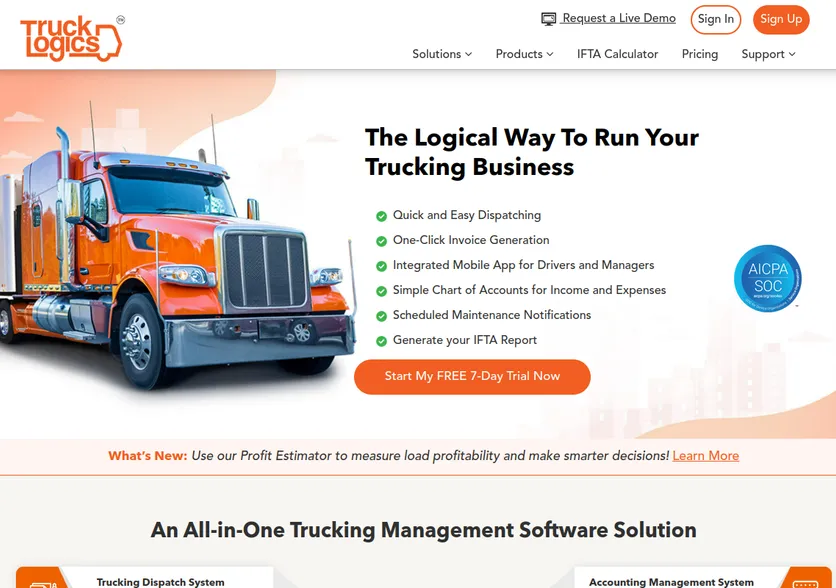
This TruckLogics plan costs thirty-nine dollars and ninety-five cents a month for one to two trucks, or thirty-five dollars and ninety-six cents a month billed yearly. Dispatch, accounting, driver settlements, deductions and IFTA reports share one database, so a truck that looks free on the dispatch board is also free in the pay and tax records. Imports from Motive and Samsara pull miles and fuel into the same view.
What we like
- Settlements, deductions and IFTA share one system
- Imports miles and fuel from Motive and Samsara
- QuickBooks export for the back office
Watch out for
- The price jumps sharply at eight trucks
- The free trial is only seven days
How to try it
- Plan loads on the dispatch board for available trucks
- Record driver settlements and deductions per load
- Pull IFTA miles and fuel from the same data
3. Truckstop
Best for: Carriers that place free capacity on the freight market
Paid tool Starting price: $35/3 users/month · Thirty-five dollars per three users per month on the Dry Van Basic load board plan; Pro is one hundred and twenty-nine dollars, and a thirty-five dollar application fee applies and is credited toward the first month
Free plan: No free plan; a $35 application fee applies and is credited to the first month
This Truckstop plan costs thirty-five dollars per three users per month on the Dry Van Basic load board, and it helps carriers match available trucks to freight opportunities. Load search, truck postings, rate data and broker checks show where capacity earns the most, and a free Truckstop TMS is included with the Basic plan. A thirty-five dollar application fee applies and is credited toward the first month.
What we like
- Load board with rate data and broker checks
- Free Truckstop TMS included with Basic
- Covers dry van, reefer and flatbed boards
Watch out for
- No free plan, only paid plans
- Dispatch depth depends on the TMS, not the board
How to try it
- Post available trucks to the load board
- Search loads and check the rate data before booking
- Use the included TMS to dispatch the booked load
4. AscendTMS
Best for: Small office teams that want a free start with driver pay reports
Paid tool Starting price: $69/user/month · Sixty-nine dollars per user per month on the Entry plan; Premium is one hundred and nineteen dollars and Pro is one hundred and forty-nine dollars, and the vendor never charges for drivers, trucks or loads
Free plan: Free basic plan available; 30-day free trial
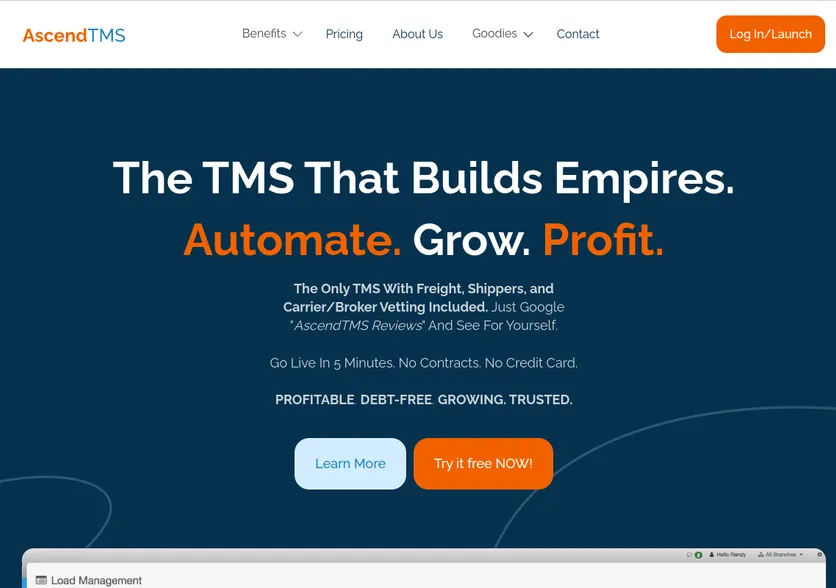
This AscendTMS plan costs sixty-nine dollars per user per month, and it never charges for drivers, trucks or loads. Driver pay reports cover per-mile, percentage and hourly arrangements, so capacity decisions can weigh what each driver costs, not just whether a truck is free. A free basic plan is available, and the thirty-day free trial covers the paid plans.
What we like
- Never charges for drivers, trucks or loads
- Driver pay reports in per-mile, percentage and hourly
- Free basic plan available
Watch out for
- Per-user pricing adds up as the office grows
- Premium and Pro tiers cost much more per user
How to try it
- Add trucks, drivers and loads without per-unit charges
- Plan capacity against driver pay reports
- Use the free plan to start and upgrade when the office grows
5. Datatruck
Best for: Carriers that want pay tied to per-truck profit
Paid tool Starting price: $99/month · Ninety-nine dollars a month on the Basic plan; Pro is two hundred and ninety-nine dollars a month for up to nineteen trucks, and every new account gets a seven-day trial with full access
Free plan: Free plan available; 7-day free trial with full access
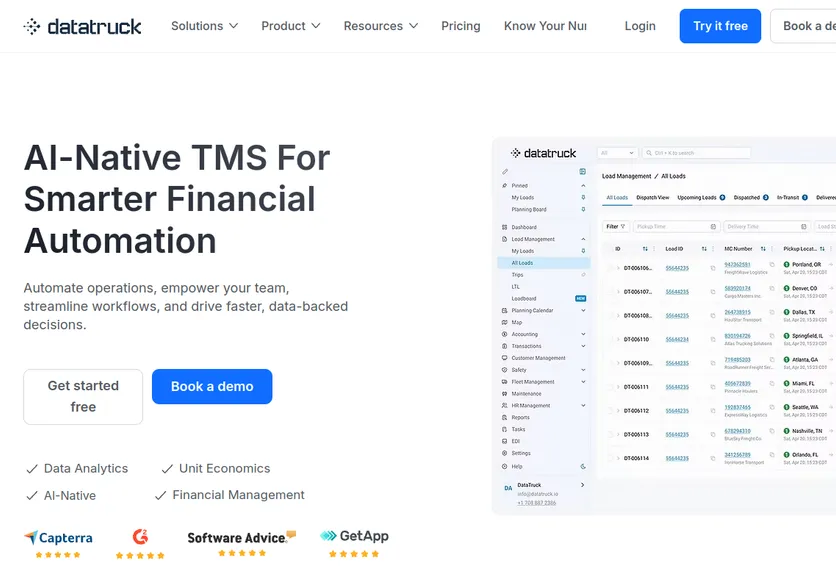
This Datatruck plan costs ninety-nine dollars a month, and it puts dispatch, drivers, accounting and driver settlements on one database. Capacity planning becomes a profit question, because each truck shows its own revenue and cost before the next load is assigned. Pro at two hundred and ninety-nine dollars a month covers up to nineteen trucks, and every new account gets a seven-day trial with full access.
What we like
- Pay tied to per-truck profit on one database
- Free plan available for light use
- Seven-day trial with full access
Watch out for
- Pro triples the price for larger fleets
- The trial is only seven days
How to try it
- See each truck revenue and cost before assigning the next load
- Dispatch from the same database as accounting
- Settle drivers from the load record
6. Vektor TMS
Best for: Carriers with ten to twenty-five trucks that want per-truck pricing
Paid tool Starting price: $30/active truck/month · Thirty dollars per active truck per month with a three hundred dollar monthly minimum for the first ten trucks; a fourteen-day free trial is included and no card is required
Free plan: No free plan; 14-day free trial, no card required
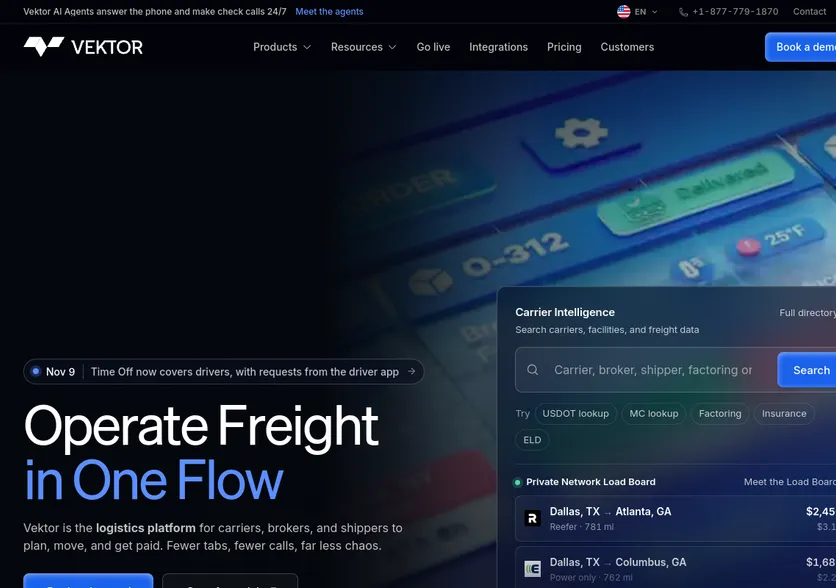
This Vektor TMS plan costs thirty dollars per active truck per month, with a three hundred dollar monthly minimum for the first ten trucks. Dispatch, settlements, IFTA and compliance share one system, so capacity, pay and paperwork move together. A fourteen-day free trial needs no card, which makes it easy to test on a real dispatch week.
What we like
- Per-truck pricing fits ten to twenty-five truck fleets
- Dispatch, settlements and IFTA in one system
- Fourteen-day free trial with no card
Watch out for
- The three hundred dollar minimum bites small fleets
- No free plan beyond the trial
How to try it
- Assign loads to active trucks on the dispatch board
- Settle drivers from the same load record
- Track IFTA and compliance per truck
7. Fleetio
Best for: Fleets that plan capacity from utilization and downtime data
Paid tool Starting price: $4/vehicle per month · Four dollars per vehicle per month billed annually on the Essential plan (five dollars on monthly billing); Professional is seven dollars and Premium is ten dollars per vehicle per month
Free plan: Free trial
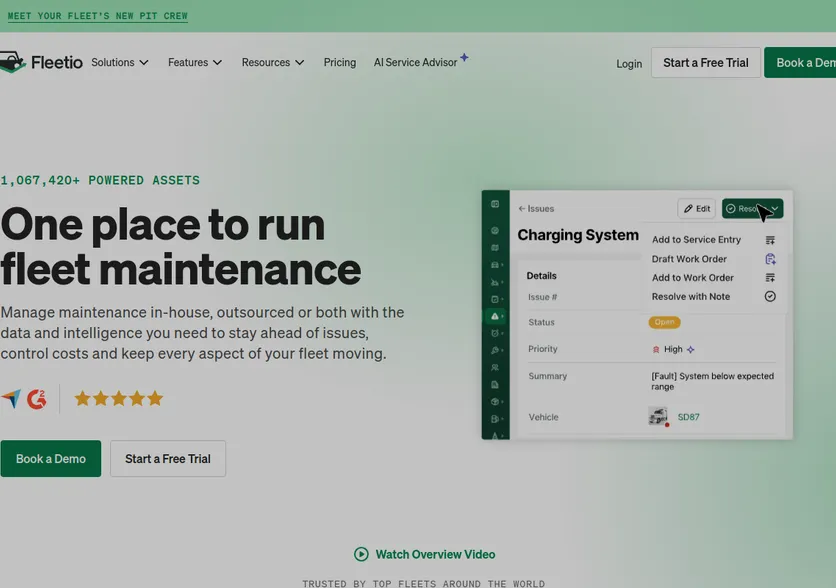
This Fleetio plan costs four dollars per vehicle per month billed annually, and it shows capacity through utilization: which trucks are in service, which are down for repair, and what each one costs per mile. A planner can see at a glance how many trucks are actually available today, rather than how many the fleet owns on paper. Telematics integrations add live location where it matters.
What we like
- Shows truly available trucks, not just owned trucks
- Cost per mile guides which truck takes the load
- Low entry price with a free trial
Watch out for
- Live tracking depends on integrations
- No load board or freight matching built in
How to try it
- Check which trucks are in service and which are down
- Rank trucks by cost per mile before assigning loads
- Use downtime reports to plan around maintenance
8. Azuga
Best for: Carriers that plan capacity from live location and driver data
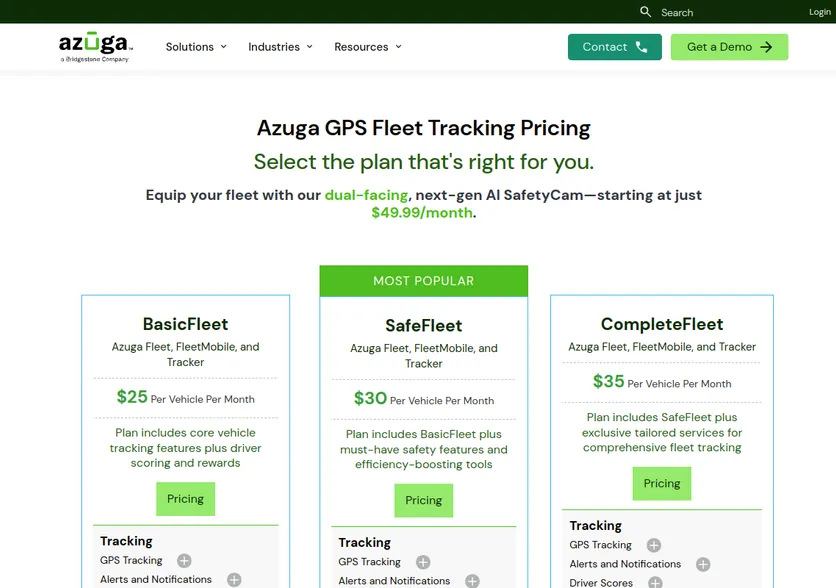
Paid tool Starting price: $25/vehicle per month · Twenty-five dollars per vehicle per month on the BasicFleet plan; SafeFleet is thirty dollars and CompleteFleet is thirty-five dollars, and the SafetyCam AI dash cameras are a paid add-on per vehicle on top of the tracking plans
Free plan: Free demo
This Azuga plan costs twenty-five dollars per vehicle per month, and it feeds capacity decisions with live location, trip data and driver scores. A dispatcher can see which trucks are near the next load, which drivers are fresh, and which ones need a break. Geofences and maintenance scheduling add the last two facts a capacity plan needs: where the truck is, and whether it is fit to go.
What we like
- Live location and driver data feed the dispatch board
- Driver scores show who is fit for the long run
- Published per-vehicle pricing with no sales call needed
Watch out for
- The AI dashcam is a paid add-on per vehicle
- Contracts can run for several years with renewal increases
How to try it
- Check live locations against the next load
- Review driver scores before assigning a long run
- Use maintenance alerts to keep trucks available
Prices above were checked on each vendor’s own website on Nov 27, 2026 and can change — the vendor’s page is the final word. Vendor links are editorial: nobody paid to be listed or ranked here. Vendors who want a featured listing can see how it works on our Get listed page.
How a trucking fleet should plan capacity
Start by counting available trucks, not owned trucks. A fleet with twenty trucks and four in the shop has sixteen units of capacity, and a plan built on twenty will fail by Friday. Check each tool for the three facts a capacity plan needs: which trucks are free, which drivers are available, and what the next load pays. Load boards answer the third question, dispatch systems answer the first two, and telematics proves the answers in real time. Finally, watch the price bands: several tools in this list jump sharply at eight trucks, so model the cost at your next fleet size, not just your current one.
Before you buy
- Count available trucks, not owned trucks, when you measure capacity
- Check the tool shows free trucks, available drivers and load rates together
- Model the price at your next fleet size, since several plans jump at eight trucks
- Confirm settlements and IFTA draw on the same load data as dispatch
- Trial the system on a real dispatch week with live loads, not demo data
Official websites
Official websites of the products reviewed above. Features and prices were checked against these sites when this guide was written, and they can change, so confirm on the vendor site before you buy.
Frequently asked questions
What is fleet capacity planning software used for in trucking?
It helps carriers match available trucks and drivers to loads and demand, so capacity is used profitably and gaps are visible early. Tools range from dispatch-centered systems to telematics platforms and freight matching networks. The right fit depends on whether your planning question is internal scheduling or market placement, and many fleets use one of each.
Should I choose a dispatch system or a telematics platform for capacity planning?
A dispatch-centered system such as TruckingOffice or TruckLogics suits fleets that plan loads and driver assignments in one place. Telematics platforms such as Azuga provide the operational data that informs planning but are not dedicated planning suites. Many fleets combine both, with the dispatch system owning the plan and the telematics data proving which trucks are actually free.
How do load boards fit into capacity planning?
Load boards such as Truckstop help carriers find freight for available trucks and position capacity in the market. They complement internal dispatch planning rather than replace it. Fleets focused on market freight visibility often pair a load board with a transportation management system, so the board finds the freight and the dispatch system runs the trucks.
What is the cheapest capacity planning software for a trucking fleet?
TruckingOffice is cheapest at twenty-five dollars a month for one to two trucks, followed by Truckstop at thirty-five dollars per three users a month and TruckLogics at thirty-nine dollars and ninety-five cents a month. Fleetio is four dollars per vehicle per month for utilization data. Watch the price bands: TruckLogics jumps to one hundred and ninety-nine dollars and ninety-six cents at eight trucks.
Can these tools work together in one fleet operation?
Yes, many fleets pair a transportation management system for dispatch and capacity with telematics for visibility and a load board for market freight. Integration options vary by vendor, so confirm connections before committing. Matching tools to your specific planning workflow matters more than stacking features, and the cheapest combination is usually one dispatch system, one tracker and one load board.
Compare the eight tools above, then trial the dispatch board on a real week of loads before you pay for a full year.
Browse Business Tools tools