On this page
Running out of a bestseller or sitting on dead stock costs a small business in lost sales and in cash tied up on a shelf. The tools below keep counts accurate across a shop, a storeroom and an online store, without a warehouse team or an enterprise budget. Zoho Inventory leads the list because it pairs a free plan with purchase orders, multichannel stock sync and a twenty-nine dollar paid tier, and the other seven tools are ranked on the same test: how fast an owner can see what is in stock and act on it.
How we researched this
We checked every price on the vendor pricing page on November 28, 2026, and only included tools with a published US dollar list price and a free trial or free plan. The big enterprise names in this category publish no prices, so they are not in this list. Prices change, so confirm the current figure on the vendor site before you buy.
Compare the tools
| Name | Best for | Starting price | Free plan | |
|---|---|---|---|---|
 Veeqo | Small sellers who want cheap multichannel stock sync with free shipping tools | $19/month | Free Shipping plan; no free Inventory plan | Visit |
| BoxHero | Tiny teams that want simple stock tracking with a free plan | $24/month | Free Personal plan for 100 items and one user | Visit |
 Zoho Inventory | Small businesses that want purchase orders and multichannel stock at a low price | $29/month | Free plan for 50 orders a month | Visit |
 Sortly | Owners who want visual stock tracking with photos and barcodes | $49/month | Free plan for 100 items and one user | Visit |
 Square | Shops that already take payments through Square and want stock in the same system | $49/month | Free plan with basic inventory features | Visit |
 inFlow Inventory | Small businesses outgrowing spreadsheets that need full stock and order control | $99/month | Free 14-day trial; no free plan | Visit |
 Fishbowl Inventory | Small businesses with a warehouse that need manufacturing and QuickBooks depth | $229/month | Free trial; no free plan | Visit |
 Katana | Small makers and manufacturers that build products to order | $299/month | Free plan for 30 SKUs | Visit |
The inventory control software for small business, compared
1. Veeqo
Best for: Small sellers who want cheap multichannel stock sync with free shipping tools
Paid tool Starting price: $19/month · Nineteen dollars per month for the Inventory plan, priced by order volume; the Shipping plan is free, and the High Volume plan starts at three hundred and fifty dollars per month
Free plan: Free Shipping plan; no free Inventory plan
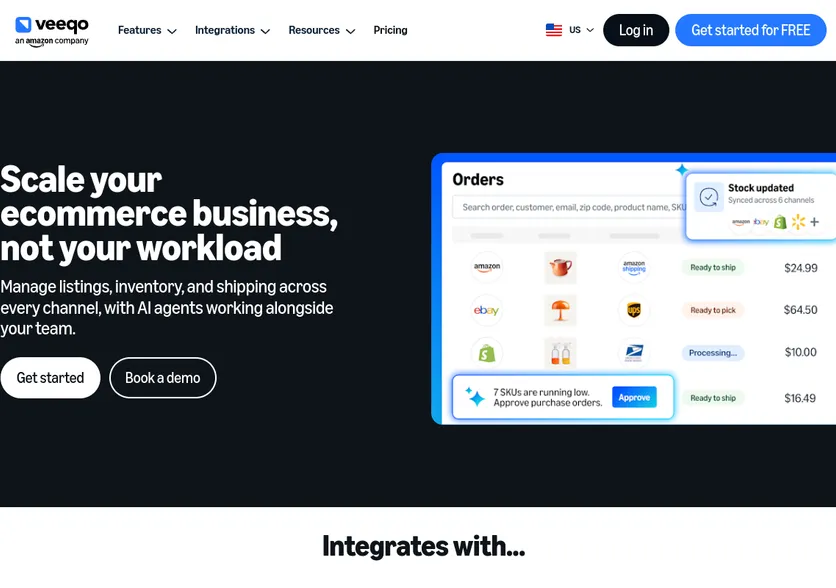
This Veeqo plan costs nineteen dollars per month, and it syncs stock across Amazon, Shopify, eBay and other channels so a sale on one site updates every listing. The free Shipping plan covers labels and order management, while the paid Inventory plan adds stock sync, demand forecasting and digital picking. For a small seller the draw is the low entry price, but the cost rises with order volume, so check your monthly order count first.
What we like
- Stock syncs across every connected sales channel
- Free Shipping plan covers labels and orders
- Low nineteen dollar entry price for inventory
Watch out for
- Inventory price rises with order volume
- Forecasting is basic compared with dedicated planning tools
How to try it
- Connect your sales channels and import products into one catalog
- Turn on stock sync so every sale updates all listings at once
- Set low-stock alerts and reorder from the same dashboard
2. BoxHero
Best for: Tiny teams that want simple stock tracking with a free plan
Paid tool Starting price: $24/month · Twenty-four dollars per team per month billed annually, or two hundred and eighty-eight dollars per year; monthly billing is thirty dollars per team
Free plan: Free Personal plan for 100 items and one user
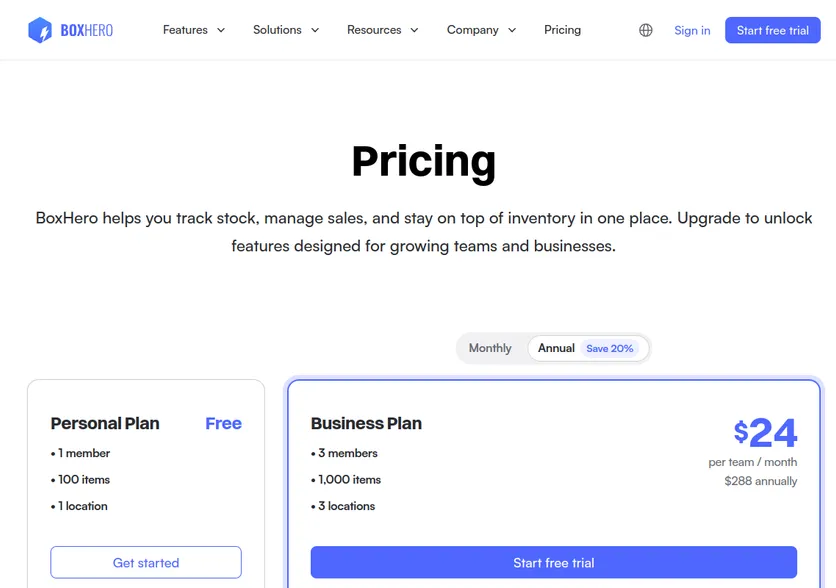
BoxHero keeps things deliberately simple: this BoxHero plan costs twenty-four dollars per team per month billed annually, and it tracks stock, sales and purchases across up to three locations. The free Personal plan covers one hundred items for a single user, and the paid plan adds low-stock alerts, barcode printing and unlimited transaction history. It is the lightest tool in this list, which suits a shop that wants accurate counts without learning a warehouse system.
What we like
- Flat per-team price covers every member
- Free plan is genuinely usable for tiny catalogs
- Mobile app with barcode scanning included
Watch out for
- No demand forecasting or purchase planning
- One thousand item cap on the Business plan
How to try it
- Import items from a spreadsheet or add them with the mobile app
- Record sales and purchases as they happen to keep counts live
- Set low-stock alerts and print barcodes for the shelf
3. Zoho Inventory
Best for: Small businesses that want purchase orders and multichannel stock at a low price
Paid tool Starting price: $29/month · Twenty-nine dollars per month billed annually on the Standard plan; monthly billing is thirty-nine dollars per month, and the free plan covers fifty orders a month
Free plan: Free plan for 50 orders a month
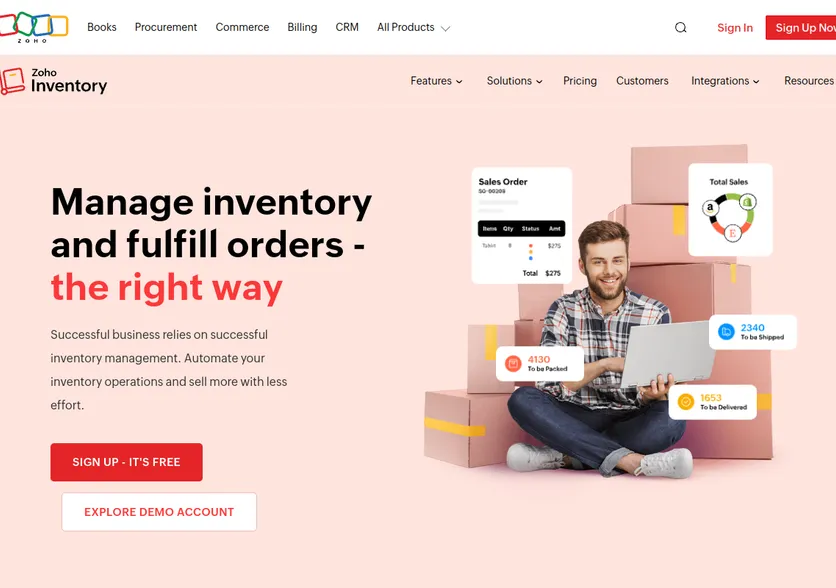
Zoho Inventory is the value pick in this list. This Zoho Inventory plan costs twenty-nine dollars per month billed annually, and it covers purchase orders, sales orders, stock tracking and multichannel sync in one system. It connects to Amazon, eBay, Shopify and Etsy, and it talks to Zoho Books and other accounting tools, so stock and money stay in step. The free plan handles fifty orders a month, which lets a new business start before it pays anything.
What we like
- Purchase orders and multichannel sync at a low price
- Free plan covers fifty orders a month
- Connects to Zoho Books and major marketplaces
Watch out for
- Advanced warehouse features need higher plans
- Some reports are limited on the Standard plan
How to try it
- Import products and connect your sales channels to sync stock
- Raise purchase orders when stock falls to the reorder point
- Review the stock summary before ordering to avoid overbuying
4. Sortly
Best for: Owners who want visual stock tracking with photos and barcodes
Paid tool Starting price: $49/month · Forty-nine dollars per month on the Advanced plan; the twenty-four dollar figure on some pages is a first-year annual promotion only, and the annual rate from year two is twenty percent off the monthly price
Free plan: Free plan for 100 items and one user
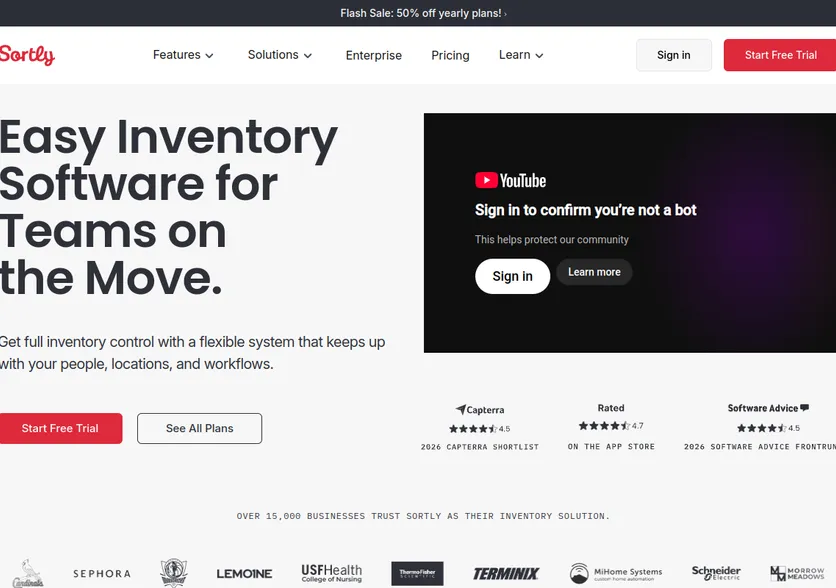
Sortly is built for owners who think in photos rather than spreadsheets. This Sortly plan costs forty-nine dollars per month, and every item gets a photo, a barcode and a location, so anyone on the team can find stock without asking. Check-ins and check-outs keep counts honest, and low-stock alerts flag what needs ordering. It is the fastest tool here to set up, though it is lighter on purchase orders and accounting than Zoho or inFlow.
What we like
- Photo-based stock is easy for any team member
- Barcode scanning works from a phone
- Free plan covers one hundred items
Watch out for
- Purchase orders are basic compared with Zoho
- The twenty-four dollar price is a first-year promo only
How to try it
- Photograph each item and scan or print its barcode
- Assign items to folders and locations so the team finds them fast
- Check items in and out and watch low-stock alerts
5. Square
Best for: Shops that already take payments through Square and want stock in the same system
Paid tool Starting price: $49/month · Forty-nine dollars per location per month on the Plus plan; Premium is one hundred and forty-nine dollars per location per month, and the Free plan costs nothing
Free plan: Free plan with basic inventory features
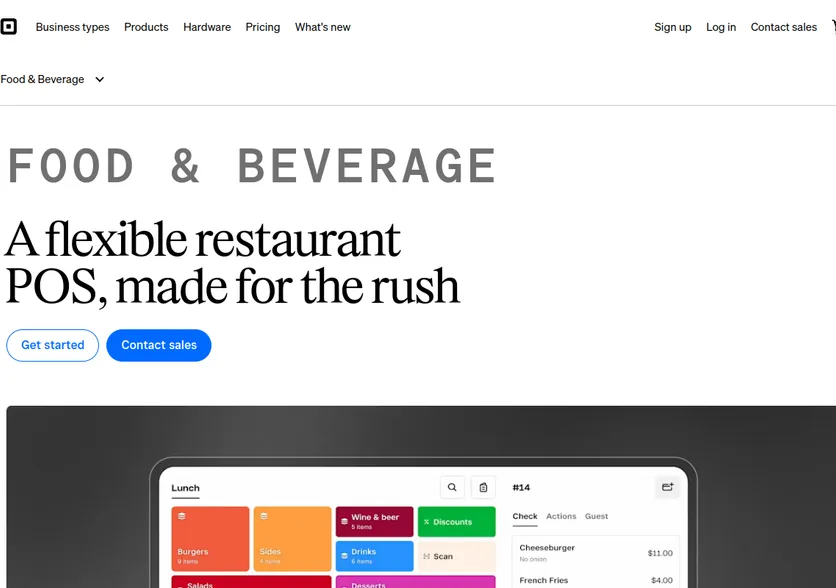
Square Plus suits shops that already take payments through Square and want stock in the same system. This Square plan costs forty-nine dollars per location per month, and it adds stock counts, purchase orders, receiving and cost tracking to the free point of sale. Sales at the till update stock automatically, so the count is never a day behind. The catch is the per-location pricing, which adds up fast for a business with several shops.
What we like
- Till sales update stock automatically
- Purchase orders and receiving included
- No separate system to learn for Square users
Watch out for
- Price is per location, so multi-shop costs stack up
- Forecasting needs the Premium plan
How to try it
- Add products with stock counts in the Square dashboard
- Raise purchase orders and receive stock against them
- Check cost tracking and low-stock alerts each week
6. inFlow Inventory
Best for: Small businesses outgrowing spreadsheets that need full stock and order control
Paid tool Starting price: $99/month · Ninety-nine dollars per month billed annually on the Lite plan; monthly billing is one hundred and twenty-nine dollars, and Core is two hundred and ninety-nine dollars per month
Free plan: Free 14-day trial; no free plan
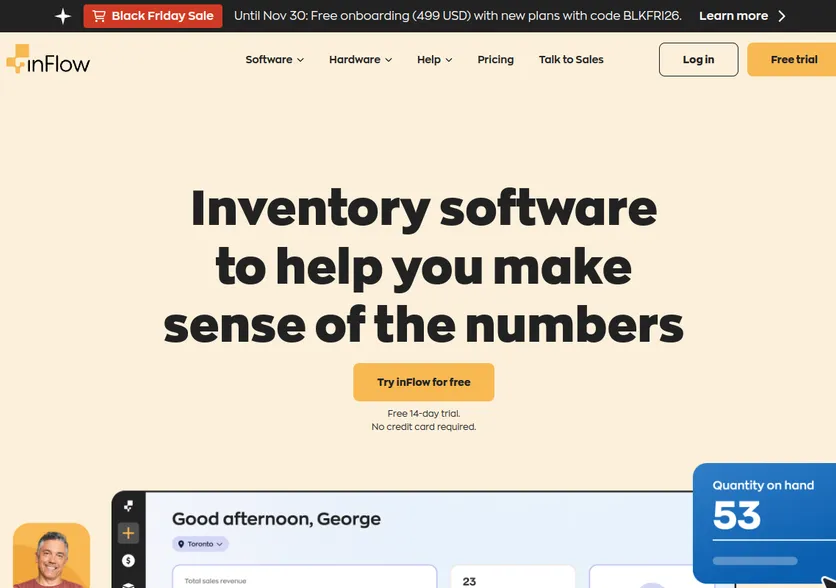
inFlow Inventory is the step up when spreadsheets stop working. This inFlow Inventory plan costs ninety-nine dollars per month billed annually, and it handles stock across locations, sales orders, purchase orders and barcode scanning in one desktop and cloud system. It suits businesses with a few thousand SKUs that need proper receiving and pick lists without paying for a warehouse platform. Core and higher plans require a paid onboarding package, so budget for that as well.
What we like
- Full stock, order and purchase control in one tool
- Barcode scanning and pick lists included
- Works for businesses with thousands of SKUs
Watch out for
- Onboarding package is required on Core and higher plans
- No free plan, only a fourteen-day trial
How to try it
- Import products and set up locations and barcode labels
- Raise sales orders and pick, pack and ship from the same screen
- Run a stock count and reorder from low-stock reports
7. Fishbowl Inventory
Best for: Small businesses with a warehouse that need manufacturing and QuickBooks depth
Paid tool Starting price: $229/month · Two hundred and twenty-nine dollars per month billed annually on the Essentials plan for two users; Growth is four hundred and twenty-nine dollars and Scale is seven hundred and twenty-nine dollars per month
Free plan: Free trial; no free plan
Fishbowl is the heaviest tool in this list, and it earns its price for businesses with a real warehouse. This Fishbowl Inventory plan costs two hundred and twenty-nine dollars per month billed annually, and it covers stock, manufacturing, work orders and barcode picking with a deep QuickBooks integration. It suits teams that build, assemble or kit products and need to track raw materials as well as finished goods. An implementation package is required, so the first bill is higher than the monthly figure.
What we like
- Manufacturing and work orders included
- Deep QuickBooks integration for accounting
- Barcode picking across multiple warehouses
Watch out for
- Implementation package adds to the first-year cost
- Overkill for a shop with no warehouse
How to try it
- Set up warehouses, locations and bins for every product
- Create bills of materials and work orders for assemblies
- Pick and pack with barcodes and sync to QuickBooks
8. Katana
Best for: Small makers and manufacturers that build products to order
Paid tool Starting price: $299/month · Two hundred and ninety-nine dollars per month for the Core plan; a free plan covers thirty SKUs, and Manufacturing, Traceability and Warehouse are paid add-ons
Free plan: Free plan for 30 SKUs
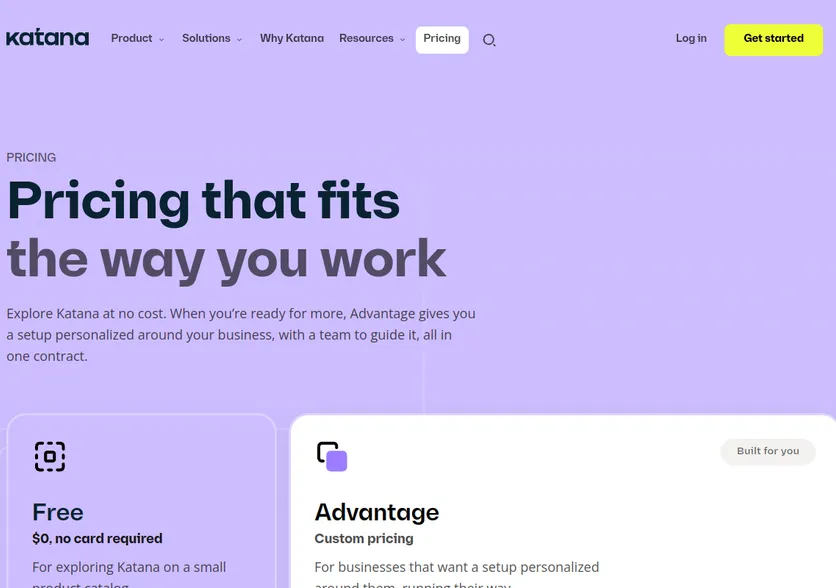
Katana is made for small businesses that make things rather than just resell them. This Katana plan costs two hundred and ninety-nine dollars per month, and it ties raw materials, production orders and finished stock together so a maker always knows what can be built today. It connects to Shopify, WooCommerce and QuickBooks, and the free plan covers thirty SKUs for a business testing the idea. Manufacturing, traceability and warehouse features are paid add-ons on top of the Core price.
What we like
- Raw materials and production in one view
- Strong Shopify and QuickBooks integrations
- Free plan for thirty SKUs to start
Watch out for
- Manufacturing features are paid add-ons
- Expensive if you only resell finished goods
How to try it
- Add products with bills of materials for everything you make
- Create production orders and allocate raw materials to them
- Track finished stock and sync sales to your store
Prices above were checked on each vendor’s own website on Nov 28, 2026 and can change — the vendor’s page is the final word. Vendor links are editorial: nobody paid to be listed or ranked here. Vendors who want a featured listing can see how it works on our Get listed page.
How a small business should run inventory control day to day
Start with one source of truth. Pick a single system for stock counts and make every sale, return and delivery update it, because counts that live in two places will disagree within a week. Count the twenty products that sell fastest every week and the rest once a month, and set a reorder point for each fast seller so ordering becomes routine instead of a panic. Check the slow movers every quarter and mark down or bundle anything that has not sold in ninety days, since dead stock is cash that cannot be spent. Finally, review one number each Monday: the value of stock on hand against the value sold last week, and adjust orders until the two stay in balance.
Before you buy
- Check that stock syncs across your shop, storeroom and online store from one count
- Confirm whether purchase orders, receiving and low-stock alerts are included in the price
- Ask how many locations, users and SKUs the plan covers before the price rises
- Count any onboarding or implementation fee separately from the monthly subscription
- Run a trial with your real product list and one full reorder cycle before you commit
Official websites
Official websites of the products reviewed above. Features and prices were checked against these sites when this guide was written, and they can change, so confirm on the vendor site before you buy.
Frequently asked questions
What is inventory control software for a small business?
It is software that tracks how much stock you have, where it sits and when to reorder. The tools in this list cover stock counts, purchase orders, low-stock alerts and sales channel sync, so a sale in the shop or online updates the same count. For a small business the point is simple: fewer stockouts, less dead stock and no more guessing from a spreadsheet.
How much does inventory control software cost for a small business?
The tools in this list start at nineteen dollars a month for Veeqo and twenty-four dollars for BoxHero, with Zoho Inventory at twenty-nine dollars a month billed annually. Sortly and Square cost forty-nine dollars a month, inFlow is ninety-nine dollars, and Fishbowl and Katana run two hundred and twenty-nine to two hundred and ninety-nine dollars. Free plans cover small catalogs on Zoho, Sortly, BoxHero and Katana.
What does Zoho Inventory cost for a small business?
Zoho Inventory costs twenty-nine dollars a month billed annually on the Standard plan, or thirty-nine dollars on monthly billing. The free plan covers fifty orders a month with basic stock tracking. It includes purchase orders, sales orders, multichannel stock sync and connections to Amazon, eBay, Shopify and Etsy, plus Zoho Books for accounting.
Which inventory control tool is easiest for a small shop to start with?
Sortly is the easiest start, because stock is tracked with photos and barcodes and the free plan covers one hundred items. BoxHero is nearly as simple and costs twenty-four dollars a team a month billed annually. If you also need purchase orders and multichannel sync, Zoho Inventory is the better long-term pick, since it grows from a free plan to a full system.
Do I need a warehouse system, or will a simple stock tracker do?
A simple tracker is enough if you sell from one location and resell finished goods, which covers most small shops. Move to a warehouse tool such as Fishbowl or inFlow when you hold stock in several locations, build or assemble products, or need barcode picking and work orders. Start simple and upgrade only when the simple tool is clearly slowing you down.
Compare the eight tools above, then start with a free plan or trial on the tool that matches how your business already tracks stock before you pay for a full year.
Browse Business Tools tools