On this page
A remote team cannot walk to the shelf to check a count. The buyer, the warehouse worker and the founder may be in three time zones, and they all need the same numbers at the same time. The tools below run entirely in the cloud, with mobile access for the people on the floor. Zoho Inventory leads the list because it is priced per organization, not per user, at $29 a month, and the other seven tools are ranked on the same practical test: whether the count stays true when nobody is in the same room.
How we researched this
We checked every price on the vendor pricing page on November 28, 2026, and only included tools with a published US dollar list price and a free trial or demo. Tools that publish no prices are not in this list. Prices change, so confirm the current figure on the vendor site before you buy.
Compare the tools
| Name | Best for | Starting price | Free plan | |
|---|---|---|---|---|
 Zoho Inventory | Remote teams that want per-organization pricing | $29/month | Free plan (50 orders a month, 1 user) | Visit |
 Sortly | Remote teams counting stock on phones from anywhere | $49/month | Free plan (100 items, 1 user) | Visit |
 Odoo | Remote teams that want every app sharing one cloud database | $31.10/user/month | Free plan (One App Free, unlimited users) | Visit |
 Cin7 Core | Remote teams that need one stock count across channels and warehouses | $349/month | Free trial (14 days) | Visit |
 inFlow Inventory | Remote teams that want cloud stock, orders and purchasing in one place | $99/month | Free trial (14 days) | Visit |
 Ordoro | Remote teams that want unlimited users and warehouses for one price | $499/month | Free trial (15 days) | Visit |
 ShipStation | Remote teams that want one cloud queue for every channel's orders | $14.99/month | Free trial | Visit |
 Shopify | Remote teams running a store with stock in the cloud | $29/month | Free trial (3 days) | Visit |
The inventory management software for remote teams, compared
1. Zoho Inventory
Best for: Remote teams that want per-organization pricing
Paid tool Starting price: $29/month · Standard is twenty-nine dollars a month billed annually per organization, or thirty-nine dollars month to month; Professional is seventy-nine dollars, Premium one hundred and twenty-nine dollars and Enterprise two hundred and forty-nine dollars; the free plan covers fifty orders a month
Free plan: Free plan (50 orders a month, 1 user)
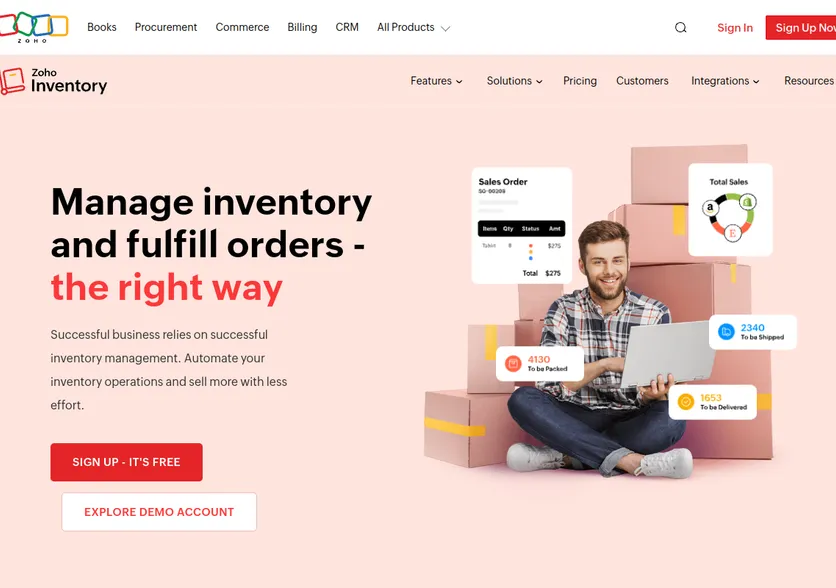
This Zoho Inventory plan costs $29 a month billed annually, and it suits a remote team because it is priced per organization, not per user, so a scattered team stays cheap. Stock, orders and purchasing live in the cloud, and the Zoho Books link keeps the accounts current without anyone retyping figures. A free plan covers fifty orders a month for a team that is just starting out.
What we like
- Priced per organization, not per user, so teams stay cheap
- A free plan that a small operation can genuinely run on
- Deep links to Zoho Books, CRM and the rest of Zoho
Watch out for
- Order, user and location caps push growing sellers up the tiers
- Serial and batch tracking need the higher plans
How to try it
- Add your products and connect your sales channels
- Set reorder points and let purchase orders follow demand
- Sync stock with Zoho Books so the accounts stay current
2. Sortly
Best for: Remote teams counting stock on phones from anywhere
Paid tool Starting price: $49/month · Advanced lists at forty-nine dollars a month; the twenty-four dollars a month shown on the page is a fifty percent first-year discount, and a twenty percent discount applies after the first year; Ultra lists at one hundred and forty-nine dollars and Premium at two hundred and ninety-nine dollars
Free plan: Free plan (100 items, 1 user)
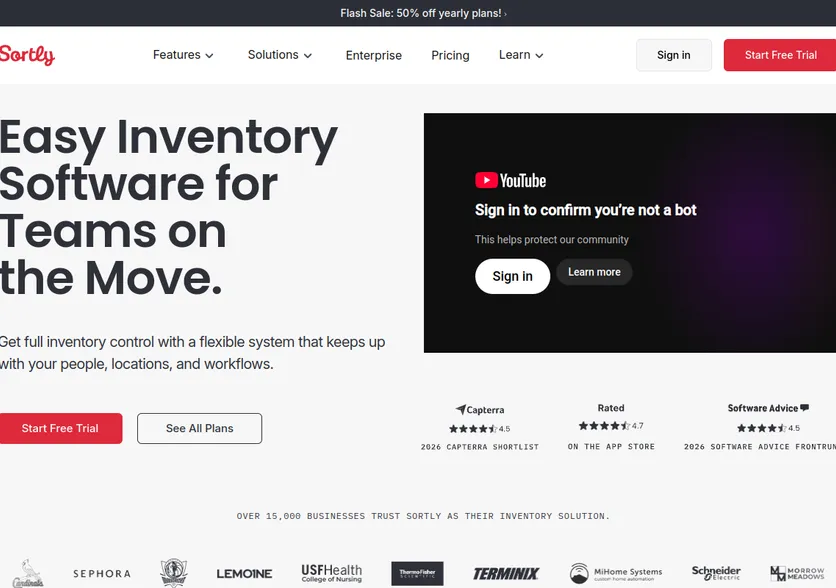
This Sortly plan costs $49 a month, and it works for a remote team because the whole system is visual, mobile and cloud-based. A warehouse worker scans items in, a manager checks counts from another city, and low-stock alerts keep everyone ahead. The free plan covers one hundred items for a team that is just starting.
What we like
- Visual, photo-led inventory that a team learns in an afternoon
- QR labels and a mobile app make counts fast on site
- A genuinely useful free plan for a small stock list
Watch out for
- The advertised rate is a first-year discount, not the list price
- Purchase orders and deeper permissions need the higher plans
How to try it
- Photograph each item and add it with a quantity and location
- Print QR labels so anyone can scan and update stock
- Set low-stock alerts and check items in and out by job
3. Odoo
Best for: Remote teams that want every app sharing one cloud database
Paid tool Starting price: $31.10/user/month · Standard lists at thirty-one dollars and ten cents per user per month billed annually; the first twelve months cost twenty-four dollars and ninety cents, then the listed price applies; Custom lists at sixty-one dollars; One App Free covers one app with unlimited users
Free plan: Free plan (One App Free, unlimited users)
This Odoo plan costs $31.10 per user per month billed annually, and it suits a remote team because every app shares one cloud database. Inventory, sales, purchasing and projects sit together, so a team spread across time zones works from the same numbers. One flat per-user price keeps the bill simple as the team grows.
What we like
- One flat per-user price unlocks every app in the suite
- Inventory, manufacturing, sales and accounting share one database
- A genuinely free one-app plan for a single job
Watch out for
- The headline rate is a first-year discount that rises after twelve months
- Setup takes real configuration effort before it pays off
How to try it
- Turn on the Inventory, Sales and Purchase apps for your team
- Set up warehouses, locations and routes for your stock
- Add Manufacturing or Accounting when the business outgrows stock alone
4. Cin7 Core
Best for: Remote teams that need one stock count across channels and warehouses
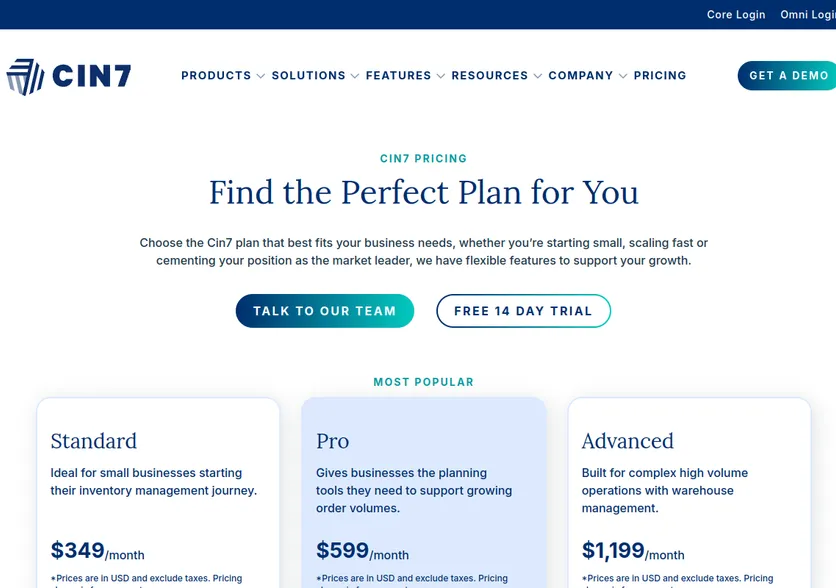
Paid tool Starting price: $349/month · Standard is three hundred and forty-nine dollars a month for five users, two integrations and six thousand sale orders a year; Pro is five hundred and ninety-nine dollars and Advanced one thousand one hundred and ninety-nine dollars; prices are in US dollars excluding tax for new customers
Free plan: Free trial (14 days)
This Cin7 Core plan costs $349 a month, and it gives a remote team one stock count shared across every channel and warehouse. A buyer in one city and a warehouse team in another see the same numbers, and demand forecasting helps the team order ahead instead of reacting. Five users are included on Standard, which covers most small remote teams.
What we like
- One stock count shared across channels, warehouses and wholesale
- More than seven hundred integrations with accounting and shipping
- Built-in demand forecasting on every plan
Watch out for
- Standard allows only two integrations, so a third channel costs extra
- Order-volume caps push growing brands to Pro quickly
How to try it
- Connect your sales channels so stock syncs from one count
- Set reorder points and raise purchase orders from low-stock alerts
- Check demand forecasts before committing to a large buy
5. inFlow Inventory
Best for: Remote teams that want cloud stock, orders and purchasing in one place
Paid tool Starting price: $99/month · Lite is ninety-nine dollars a month billed annually, or one hundred and twenty-nine dollars month to month, for two team members and one location; Core is two hundred and ninety-nine dollars, Pro four hundred and ninety-nine dollars and Max six hundred and ninety-nine dollars billed annually; a four hundred and ninety-nine dollar onboarding package is required on most plans
Free plan: Free trial (14 days)
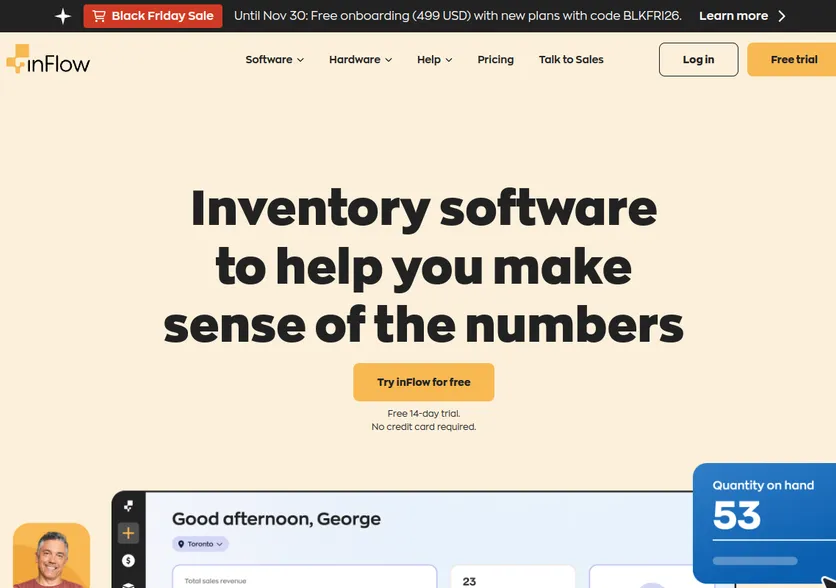
This inFlow Inventory plan costs $99 a month billed annually, and it works well for a remote team because the whole system lives in the cloud with desktop and mobile access. Stock, orders and purchasing sit in one place, so a warehouse worker, a buyer and a founder in three time zones see the same numbers. Flat-rate plans with named team members keep the cost visible as the team grows.
What we like
- Flat-rate pricing that stays predictable as the team grows
- Unlimited products, sales and purchase orders on every plan
- Works on desktop and mobile with barcode scanning
Watch out for
- Lite covers only two team members and one location
- Serial and lot tracking are paid add-ons below Enterprise
How to try it
- Import your products and set reorder points per location
- Raise purchase orders and receive stock against them
- Pick, pack and ship orders from the same screen
6. Ordoro
Best for: Remote teams that want unlimited users and warehouses for one price
Paid tool Starting price: $499/month · Pro is four hundred and ninety-nine dollars a month and includes inventory management, kitting, purchase orders and multi-warehouse tracking; Express at fifty-nine dollars a month is shipping only, and Enterprise is nine hundred and ninety-nine dollars a month
Free plan: Free trial (15 days)
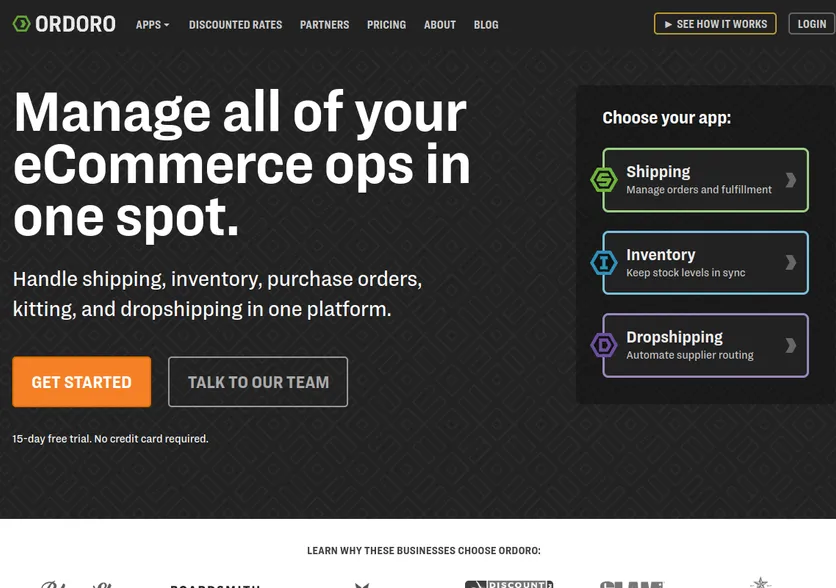
This Ordoro plan costs $499 a month on the Pro plan, and it gives a remote team unlimited users across unlimited warehouses and channels for one flat price. A buyer, a warehouse team and a founder in different places see the same stock count, and automation rules keep orders moving without anyone chasing them. The price is high, but the user count never raises it.
What we like
- Unlimited warehouses, channels and users on the inventory plans
- Kitting, bundling and allocation without an enterprise price
- Shipping, inventory and dropshipping can share one account
Watch out for
- Inventory starts at four hundred and ninety-nine dollars a month on the Pro plan
- Orders past one thousand a month cost one hundred dollars per extra thousand
How to try it
- Connect your stores and warehouses to one stock count
- Set up kitting and bundling for multi-item orders
- Let automation rules route orders to the right warehouse
7. ShipStation
Best for: Remote teams that want one cloud queue for every channel's orders
Paid tool Starting price: $14.99/month · Starter is fourteen dollars and ninety-nine cents a month for fifty shipments; Standard is twenty-nine dollars and ninety-nine cents a month; advanced inventory with scan to receive, purchase orders and forecasting needs the Pro plan from three hundred and forty-nine dollars and ninety-nine cents a month
Free plan: Free trial
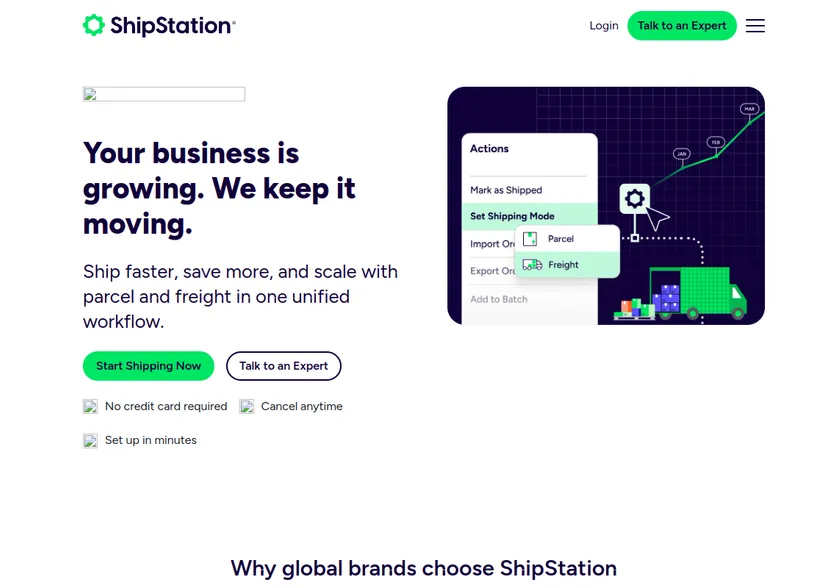
This ShipStation plan costs $14.99 a month, and it suits a remote team because orders from every channel land in one cloud queue. A fulfilment worker prints labels, a manager checks the queue from another city, and automation rules handle carrier choice and packaging. The low entry price makes it an easy first shipping tool for a scattered team.
What we like
- The cheapest way to ship from many channels in one place
- Automation rules cut label work to almost nothing
- Discounted carrier rates on every plan
Watch out for
- Real inventory depth only arrives on the Pro plan at three hundred and fifty dollars
- It is shipping-first, so stock control is thinner than a dedicated system
How to try it
- Connect your stores so orders flow into one queue
- Set up automation rules for carriers, packaging and labels
- Add the Pro plan when you need purchase orders and forecasting
8. Shopify
Best for: Remote teams running a store with stock in the cloud
Paid tool Starting price: $29/month · Basic is twenty-nine dollars a month billed annually, or thirty-nine dollars month to month; Grow is eighty-nine dollars and Advanced three hundred and fifty-nine dollars billed annually; card rates start at 2.9 percent plus thirty cents on Basic
Free plan: Free trial (3 days)
This Shopify plan costs $29 a month billed annually, and it suits a remote team because the store, stock and orders all live in the cloud. A founder, a designer and a fulfilment partner in different places see the same inventory, and the app ecosystem adds warehouse features as the team grows. The Basic plan covers ten inventory locations.

What we like
- Storefront, checkout and stock in one system
- Ten inventory locations included on the Basic plan
- The largest app ecosystem for adding warehouse features
Watch out for
- Serious forecasting and purchase orders need paid apps
- Card and transaction fees sit on top of the subscription
How to try it
- Add products with variants, SKUs and barcodes
- Set inventory levels per location and enable low-stock alerts
- Connect a fulfillment app when orders outgrow manual packing
Prices above were checked on each vendor’s own website on Nov 28, 2026 and can change — the vendor’s page is the final word. Vendor links are editorial: nobody paid to be listed or ranked here. Vendors who want a featured listing can see how it works on our Get listed page.
How a remote team should run inventory from anywhere
Choose cloud-only tools with a real mobile app, because the person counting stock is rarely at a desk. Price per organization or flat-rate, not per user, since a scattered team grows in headcount faster than in revenue. Give every location its own stock count and its own owner, because a count with no owner drifts within weeks. Use automation rules for reordering and order routing, so routine decisions do not wait for someone to wake up in another time zone. Finally, test the mobile app on a real count during the trial, since that is where remote teams live or die.
Before you buy
- Check that the mobile app supports scanning and counts, not just viewing
- Confirm the price is flat-rate or per organization, not per user
- Ask whether every location has its own stock count and owner
- Make sure automation rules can reorder and route orders unattended
- Test a stock count from a phone during the trial
Official websites
Official websites of the products reviewed above. Features and prices were checked against these sites when this guide was written, and they can change, so confirm on the vendor site before you buy.
Frequently asked questions
What is the best inventory software for remote teams?
Zoho Inventory is the best overall pick because it costs $29 a month billed annually per organization, so a scattered team stays cheap no matter how many people join. Sortly suits a team that counts stock on phones, while Odoo fits one that wants inventory, sales and accounting in a single cloud database. The right choice depends on whether price, mobile counting or breadth matters most.
How much does inventory software for a remote team cost?
Prices in this list run from $14.99 a month for ShipStation Starter to $349 a month for Cin7 Core and Ordoro. Zoho Inventory is $29 a month, Sortly lists at $49 a month and inFlow Lite is $99 a month billed annually. Per-user pricing, such as Odoo at $31.10 per user, grows with the team, so flat-rate plans suit remote teams best.
Can a remote team manage a warehouse without being there?
Yes, with a cloud system and a mobile app. The warehouse team scans stock in and out on phones, while managers check counts, orders and low-stock alerts from anywhere. Sortly and inFlow are strong on mobile counting, while Cin7 Core and Ordoro give managers the full picture across warehouses. The key is one system that everyone trusts.
Do remote teams need multi-location inventory?
Most do, even with one warehouse, because stock also sits with a 3PL, a retail partner or a home office. The tools in this list track stock per location, so each place has its own count. Zoho Inventory covers two locations on Standard, inFlow Core covers five, and Cin7 Core includes unlimited locations on every plan.
Which tool is easiest for a remote team to adopt?
Sortly is the easiest to adopt because its photo-led interface needs almost no training and works from a phone. Zoho Inventory is the cheapest serious option with a free plan for 50 orders a month. Odoo is the most powerful but needs real setup time, so it suits a team with someone to own the implementation.
Compare the eight tools above, then start with a free trial on the tool that fits how scattered your team is and where your stock actually sits.
Browse Business Tools tools