On this page
Wholesale on WooCommerce means two prices for every product, two kinds of customer, and stock that must stay honest across both. The tools below add tiered pricing, customer groups and bulk order forms to a WooCommerce store, then keep the stock count in step with every sale. B2BKing leads the list because it covers pricing rules, quotes and subaccounts in one plugin for a $299.50-a-year list price, and the other seven tools are ranked on the same practical test: how cleanly trade buyers can order without breaking retail stock.
How we researched this
We checked every price on the vendor pricing page on November 28, 2026, and only included tools with a published US dollar list price. WooCommerce's own official wholesale extension does not publish a price on its public page, so it is not in this list. Prices change, so confirm the current figure on the vendor site before you buy.
Compare the tools
| Name | Best for | Starting price | Free plan | |
|---|---|---|---|---|
| B2BKing | WooCommerce stores that run a full trade operation with quotes and subaccounts | $299.50/year | Free Lite version on WordPress.org | Visit |
| Wholesale Suite | WooCommerce stores that want simple role-based wholesale pricing at a low cost | $198/year | Free core plugin on WordPress.org | Visit |
 Zoho Inventory | Wholesale sellers who also sell on Shopify, Amazon or eBay and need one stock count | $29/month | Free plan for 50 orders a month | Visit |
 inFlow Inventory | Wholesale teams that need orders, picking and purchasing in one flat-priced system | $99/month | Free trial | Visit |
 Cin7 Core | Wholesale sellers with several warehouses and channels that must never oversell | $499/month | Free demo | Visit |
 Katana | Wholesale sellers who make or assemble what they sell and need production stock | $299/month | Free trial | Visit |
 ShipStation | Wholesale sellers who ship hundreds of orders and need cheap, fast fulfilment | $14.99/month | Free trial | Visit |
 Ordoro | Wholesale sellers who want inventory, orders and shipping under one roof | $499/month | Free trial | Visit |
The inventory management software for WooCommerce wholesale, compared
1. B2BKing
Best for: WooCommerce stores that run a full trade operation with quotes and subaccounts
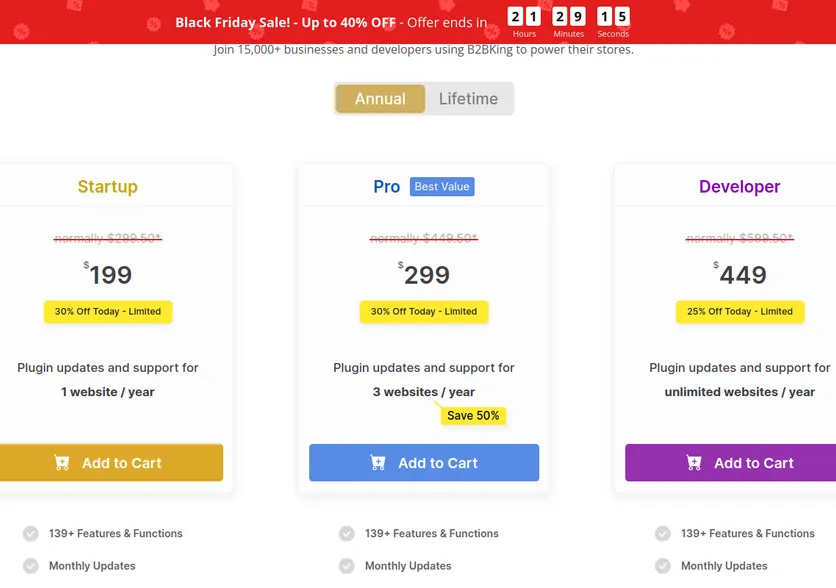
Paid tool Starting price: $299.50/year · Two hundred and ninety-nine dollars and fifty cents a year is the Startup list price for one site; the vendor currently sells the first year at $199, and the footnote states all renewals are at full price. Pro is $449.50 and Developer is $599.50 a year at list price
Free plan: Free Lite version on WordPress.org
For Woocommerce wholesale, this B2BKing plugin lists at two hundred and ninety-nine dollars and fifty cents a year for Startup on one site, and it turns a standard WooCommerce store into a trade counter. Customer groups get their own prices, buyers request quotes and negotiate, subaccounts let a company order under one account, and tiered discounts reward bigger orders. It is the most complete single-plugin option here, which is why the setup takes longer than the simpler pricing plugins.
What we like
- Pricing rules, quotes and subaccounts in one plugin
- Tiered discounts and tax exemptions built in
- Free Lite version covers groups and simple rules
Watch out for
- First-year price is lower than the renewal price
- Feature-rich, so setup takes real time
How to try it
- Create customer groups and set a price rule for each one
- Turn on the bulk order form and the request-a-quote button
- Let buyers add subaccounts so a whole company orders under one account
2. Wholesale Suite
Best for: WooCommerce stores that want simple role-based wholesale pricing at a low cost
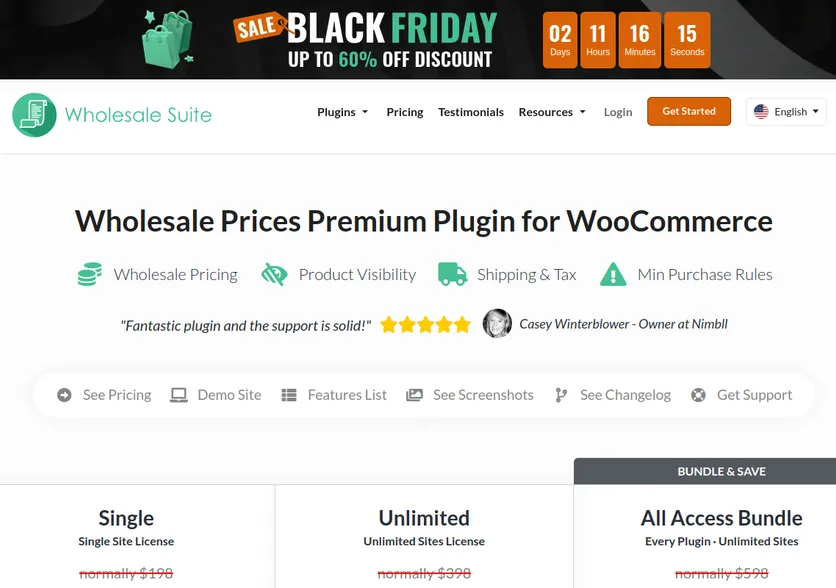
Paid tool Starting price: $198/year · One hundred and ninety-eight dollars a year is the Wholesale Prices Premium list price for one site; the vendor page currently shows $99 a year as a 50% first-year offer, with renewals at full price, and the unlimited-sites license lists at $398 a year
Free plan: Free core plugin on WordPress.org
For Woocommerce wholesale, this Wholesale Suite plugin lists at one hundred and ninety-eight dollars a year for one site, and it adds role-based pricing, tiered bulk discounts and minimum order rules to WooCommerce. The free core plugin on WordPress.org covers basic wholesale prices, while the premium add-ons split ordering, lead capture, payments and quotes into separate plugins you buy only if you need them. It is the modular choice: pay for one piece at a time instead of the whole suite.
What we like
- Free core plugin with paid add-ons bought separately
- Role pricing and tiered discounts included
- Minimum order rules per customer group
Watch out for
- Each premium plugin is priced separately
- Quotes need the separate Wholesale Quotes plugin
How to try it
- Install the free Wholesale Prices plugin and set a role price
- Add the order form so trade buyers order in bulk fast
- Set a minimum order value per customer group
3. Zoho Inventory
Best for: Wholesale sellers who also sell on Shopify, Amazon or eBay and need one stock count
Paid tool Starting price: $29/month · Twenty-nine dollars per organization a month billed annually on the Standard plan, or $39 billed monthly; Professional is $79, Premium is $129 and Enterprise is $249 a month billed annually
Free plan: Free plan for 50 orders a month
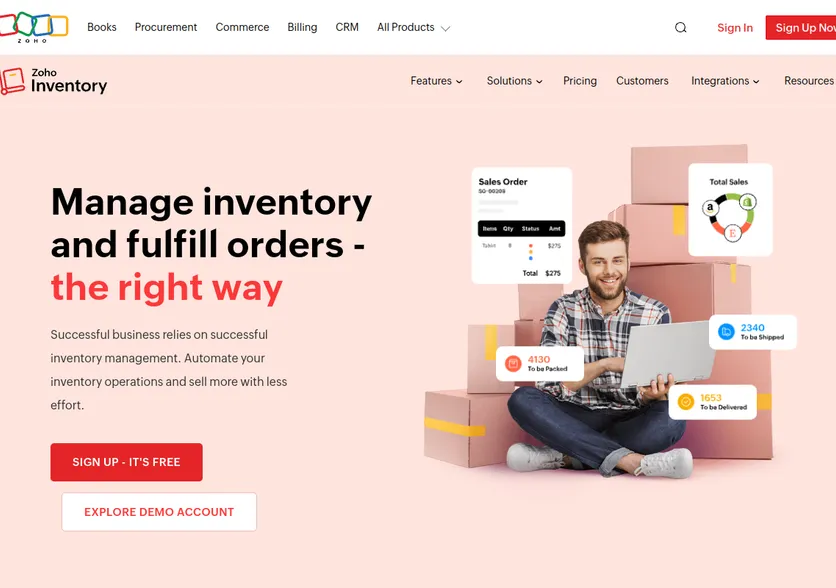
For Woocommerce wholesale, this Zoho Inventory plan costs twenty-nine dollars per organization a month billed annually, and it syncs stock across WooCommerce, Shopify, Amazon and eBay from one record. A wholesale order on WooCommerce drops the same stock count a marketplace listing reads, purchase orders refill it, and composite items bundle products that ship together. The free plan covers fifty orders a month, so a small wholesaler can prove the sync before paying.
What we like
- Stock sync across WooCommerce and marketplaces
- Priced per organization, not per user
- Free plan covers fifty orders a month
Watch out for
- Order caps rise only on higher plans
- No built-in trade pricing rules
How to try it
- Connect WooCommerce and the other sales channels to one stock record
- Set reorder points per warehouse and raise purchase orders
- Use composite items to sell bundles that draw down real stock
4. inFlow Inventory
Best for: Wholesale teams that need orders, picking and purchasing in one flat-priced system
Paid tool Starting price: $99/month · Ninety-nine dollars a month billed annually on the Lite plan, or $129 billed monthly; Core is $299, Pro is $499 and Max is $699 a month billed annually, and a $499 onboarding package is required on most plans
Free plan: Free trial
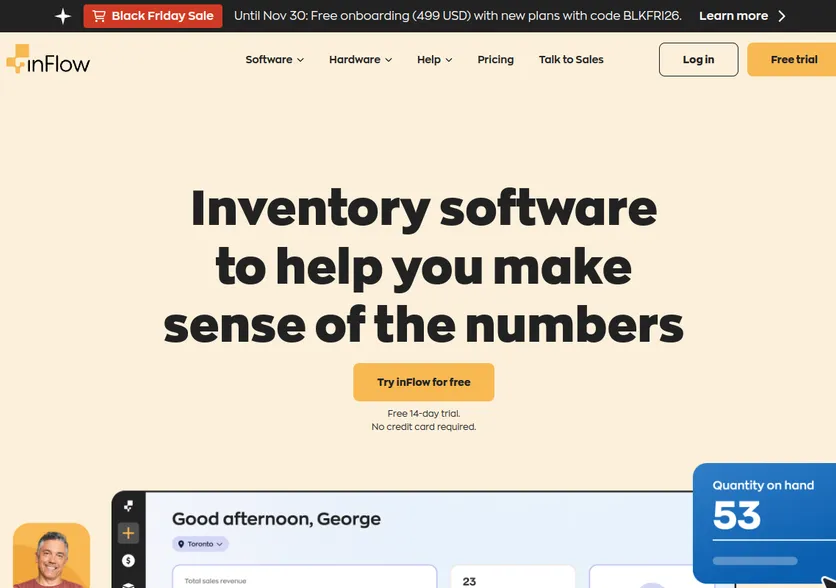
For Woocommerce wholesale, this inFlow Inventory plan costs ninety-nine dollars a month billed annually, and it runs stock, sales orders, purchase orders and picking for two team members at a flat price. A wholesaler can take a bulk order, pick it from the warehouse, and ship it without retyping the order into another tool, while B2B showroom features are available as an add-on. The price is the same whether one person or two use it, which keeps budgeting simple.
What we like
- Orders, purchasing and fulfilment in one system
- Flat price for two team members
- B2B showroom available as an add-on
Watch out for
- Lot and serial tracking are paid add-ons
- A $499 onboarding package applies on most plans
How to try it
- Take the wholesale order and pick it against live stock
- Raise purchase orders when the low-stock report flags a line
- Ship from the same screen and sync the tracking number
5. Cin7 Core
Best for: Wholesale sellers with several warehouses and channels that must never oversell
Paid tool Starting price: $499/month · Three hundred and forty-nine dollars a month for the Standard plan; Retailing is $475 and Manufacturing is $525 a month, with an annual-billing discount equal to one month free
Free plan: Free demo
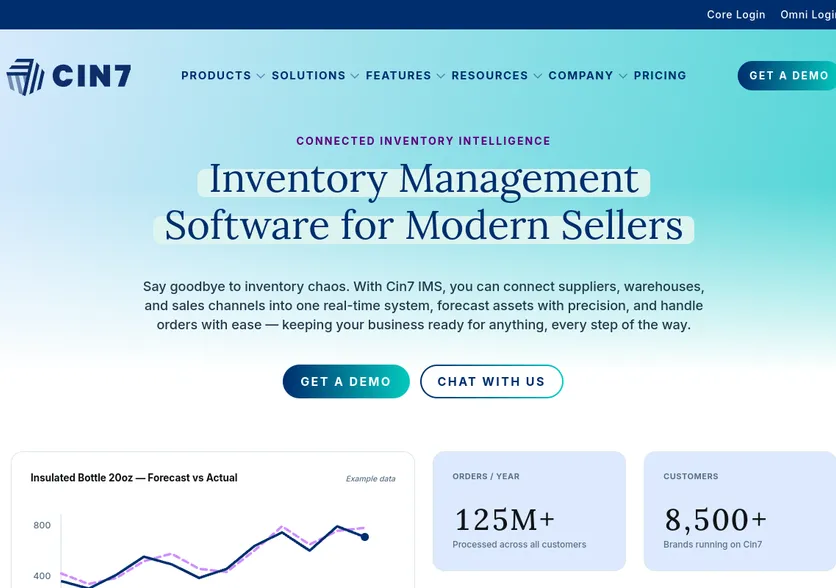
For Woocommerce wholesale, this Cin7 Core plan costs three hundred and forty-nine dollars a month, and it keeps one true stock count across WooCommerce, marketplaces and every warehouse. A bulk order updates the count everywhere at once, so a trade buyer never buys stock that a retail order just took. Barcode scanning, landed costs and accounting sync come with it, which is the kit a wholesaler needs once volume makes spreadsheets dangerous.
What we like
- Real-time stock across channels and warehouses
- Barcode scanning and cost tracking included
- Accounting sync with QuickBooks and Xero
Watch out for
- Pro price is high for a small wholesaler
- Setup takes longer than the plugin options here
How to try it
- Connect WooCommerce and every marketplace to one stock record
- Set reorder points per warehouse and automate purchase orders
- Track landed costs so wholesale margins stay honest
6. Katana
Best for: Wholesale sellers who make or assemble what they sell and need production stock
Paid tool Starting price: $299/month · Two hundred and ninety-nine dollars a month for the Starter plan billed annually; higher plans add more users, locations and advanced manufacturing features
Free plan: Free trial
For Woocommerce wholesale, this Katana plan costs two hundred and ninety-nine dollars a month billed annually, and it tracks materials through production to finished stock that WooCommerce sells. A maker can see which raw materials are committed to open orders, build exactly what is needed, and sell from live finished-stock levels. It suits wholesalers who manufacture, not resellers who only move boxes, because the production side is where it earns its price.

What we like
- Production and sales share one stock record
- Materials committed to open orders are visible
- Real-time stock across sales channels
Watch out for
- Built for makers, not pure resellers
- Advanced reporting sits on higher plans
How to try it
- Record raw materials and commit them to open wholesale orders
- Build finished products and update stock the moment production ends
- Sell on WooCommerce from live finished-stock levels
7. ShipStation
Best for: Wholesale sellers who ship hundreds of orders and need cheap, fast fulfilment
Paid tool Starting price: $14.99/month · Fourteen dollars and ninety-nine cents a month for the Starter plan; higher plans add more shipments, users and branded tracking pages, and monthly billing costs more than annual billing
Free plan: Free trial
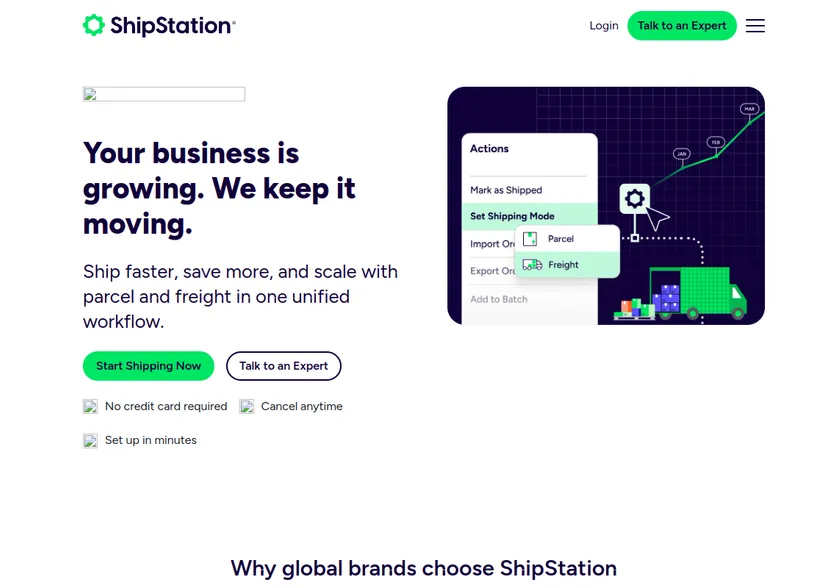
For Woocommerce wholesale, this ShipStation plan costs fourteen dollars and ninety-nine cents a month, and it pulls orders from WooCommerce and every other channel into one shipping queue. Bulk labels, discounted carrier rates and branded tracking pages cut the cost of every parcel, while stock counts update as orders ship. It is a shipping tool with inventory awareness rather than a full stock system, so pair it with a proper inventory tool once the warehouse grows.
What we like
- Cheapest shipping entry price on this list
- Bulk labels and discounted carrier rates
- Branded tracking pages on higher plans
Watch out for
- Not a full inventory system on its own
- Shipment limits rise only on higher plans
How to try it
- Connect WooCommerce and import open orders automatically
- Print bulk labels at the discounted carrier rate
- Send branded tracking so trade buyers see where their order is
8. Ordoro
Best for: Wholesale sellers who want inventory, orders and shipping under one roof
Paid tool Starting price: $499/month · Four hundred and ninety-nine dollars a month on the Pro plan, which is where inventory management, kitting and purchase orders start; Express at fifty-nine dollars a month is shipping only, and Enterprise is nine hundred and ninety-nine dollars a month
Free plan: Free trial
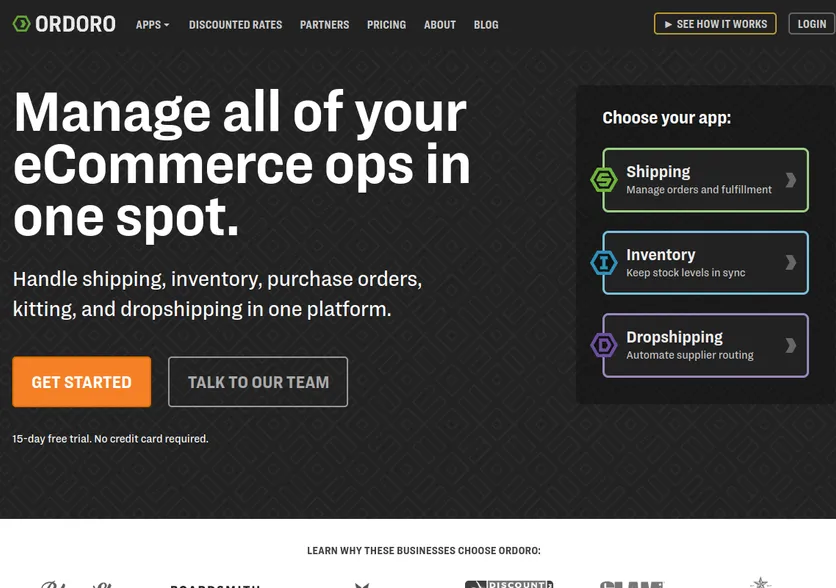
For Woocommerce wholesale, this Ordoro plan costs four hundred and ninety-nine dollars a month on the Pro plan, and it covers inventory, order management and shipping in a single subscription. A wholesaler can take a bulk order, pick it, print the label and update the stock count without leaving the system, and dropshipping rules send some orders straight to the supplier. The price is high for a small store, but it replaces two or three separate subscriptions for a busy one.
What we like
- Inventory, orders and shipping in one subscription
- Dropshipping rules built in
- Unlimited users on the Pro plan
Watch out for
- Pro price is high for a small wholesaler
- Setup takes longer than a shipping-only tool
How to try it
- Import WooCommerce orders into one queue with every channel
- Pick, pack and print labels from the same screen
- Set dropship rules so supplier orders never touch your shelf
Prices above were checked on each vendor’s own website on Nov 28, 2026 and can change — the vendor’s page is the final word. Vendor links are editorial: nobody paid to be listed or ranked here. Vendors who want a featured listing can see how it works on our Get listed page.
How a WooCommerce wholesaler should run trade and retail stock
Keep one stock count and two price lists. Let the wholesale plugin own the prices, the customer groups and the quotes, and let the inventory tool own the count, so a trade order and a retail order can never sell the same unit twice. Set a minimum order value for trade accounts and a reorder point for every line that sells in bulk, because wholesale stockouts lose whole accounts, not single sales. Finally, test the full loop with a real trade buyer before launch: register, see the trade price, order in bulk, and watch the stock fall.
Before you buy
- Check that trade prices stay hidden from retail shoppers and guests
- Confirm whether the stock count updates in real time across every sales channel
- Ask whether the first-year price is the renewal price, and budget on the renewal figure
- Count the cost of each premium add-on separately before you compare plugin suites
- Run a trial with one real trade order, from registration to shipment, before you commit
Official websites
Official websites of the products reviewed above. Features and prices were checked against these sites when this guide was written, and they can change, so confirm on the vendor site before you buy.
Frequently asked questions
What is inventory management software for WooCommerce wholesale?
It is software that adds trade pricing, customer groups, bulk order forms and quotes to a WooCommerce store, then keeps the stock count honest across retail and wholesale orders. The tools in this list do that through dedicated wholesale plugins or multichannel inventory systems. None of them replaces WooCommerce itself, but they stop a trade buyer from seeing retail prices or buying stock that is already sold.
Which tool is cheapest for WooCommerce wholesale?
Wholesale Suite is cheapest, with a free core plugin and Wholesale Prices Premium listed at one hundred and ninety-eight dollars a year for one site, currently sold at ninety-nine dollars for the first year. B2BKing follows with a Startup list price of two hundred and ninety-nine dollars and fifty cents a year. Compare the renewal price, not the first-year offer, because that is what you pay from year two.
What does B2BKing cost for WooCommerce wholesale?
B2BKing lists Startup at two hundred and ninety-nine dollars and fifty cents a year for one site, currently sold at one hundred and ninety-nine dollars for the first year. Pro is four hundred and forty-nine dollars and fifty cents a year at list price, and Developer is five hundred and ninety-nine dollars and fifty cents. The vendor footnote states all renewals are at full price, and a free Lite version covers groups and simple pricing rules.
Do I need a separate inventory tool if I use a wholesale plugin?
Yes, once you sell on more than one channel or hold stock in more than one place. A wholesale plugin owns prices, groups and quotes inside WooCommerce, while an inventory tool owns the count across every channel and warehouse. Zoho Inventory, inFlow and Cin7 on this list do the counting job, and ShipStation or Ordoro handle the shipping that follows the sale.
Can these tools hide retail prices from trade buyers, or the other way round?
Yes, that is the core job of the wholesale plugins. B2BKing and Wholesale Suite both hide prices from guests and show trade prices only to logged-in trade groups, with tax exemptions and quote buttons on top. The inventory tools on this list do not do price hiding themselves, so pair one with a wholesale plugin if guest pricing is part of your store.
Compare the eight tools above, then start with a free trial on the tool that matches how your trade buyers already order.
Browse Business Tools tools