On this page
An auto repair shop runs on IT more than most owners admit: the diagnostic tablet, the shop management system, the parts computer and the customer Wi-Fi all have to work when a car is on the lift. When one of them fails, the bay stops. Atera leads this list because its $129-a-technician-a-month plan covers unlimited endpoints with patching, monitoring and remote access in one console, and the other eight tools are judged on the same practical test: how fast they get a shop's systems back to work.
How we researched this
We checked every price on the vendor pricing page on November 28, 2026, and only included tools with a published US dollar list price and a free trial or free plan. The big names in this category, including Datto, Kaseya and ConnectWise, publish no prices, so they are not in this list. Prices change, so confirm the current figure on the vendor site before you buy.
Compare the tools
| Name | Best for | Starting price | Free plan | |
|---|---|---|---|---|
 Atera | Auto repair shops that want one console for every endpoint | $129/technician/month | 30-day free trial | Visit |
 Syncro | Auto repair shops that want RMM plus billing in one tool | $129/user/month | Free trial | Visit |
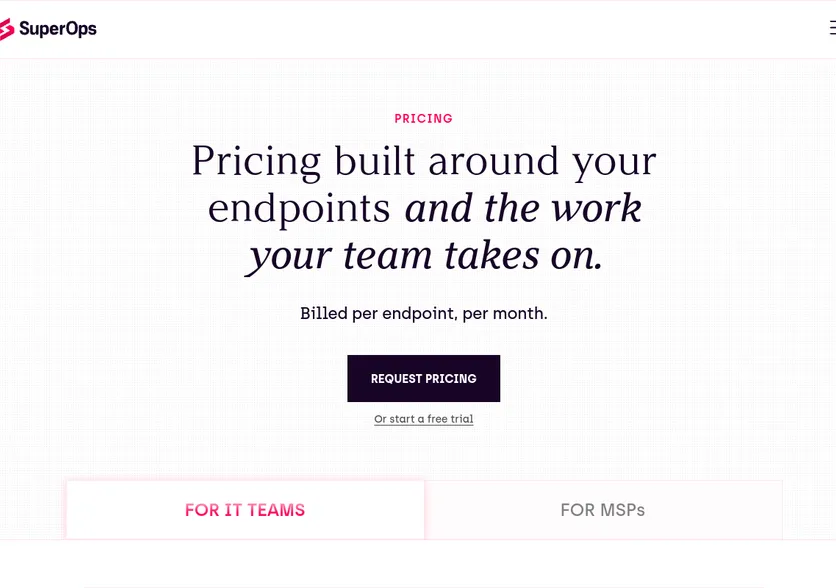
 SuperOps | Auto repair shops that want per-technician pricing with a low entry | $99/technician/month | Free trial | Visit |
 Domotz | Auto repair shops with one site and many connected devices | $35/site/month | 14-day free trial | Visit |
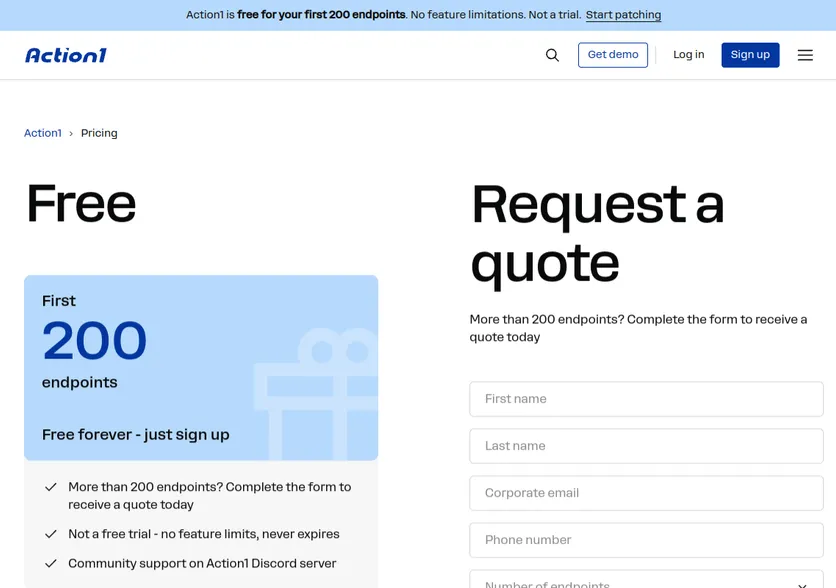
 Action1 | Auto repair shops that want patching free for a small fleet | $4/endpoint/month | Free forever for the first 200 endpoints | Visit |
 Freshservice | Repair shops that need IT tickets handled properly | $19/agent/month | Free trial | Visit |
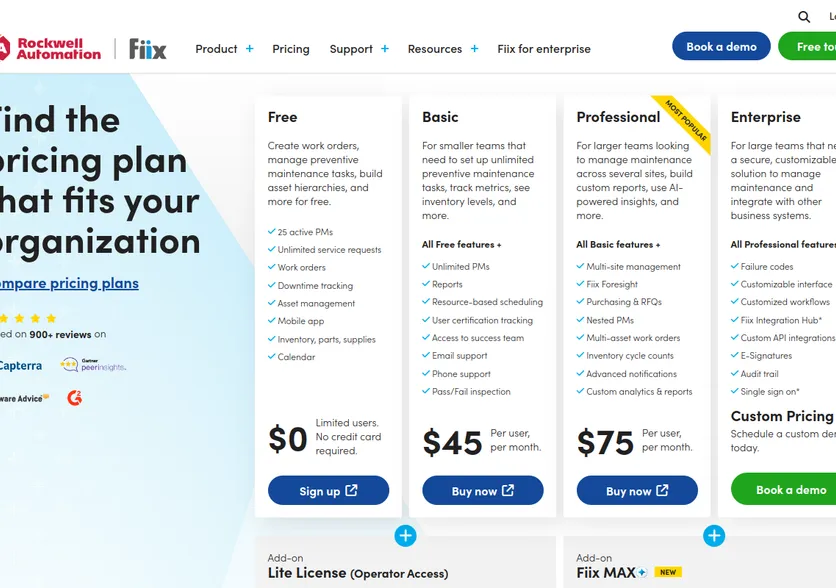
 Fiix | Repair shops that maintain their own lifts and diagnostic rigs | $45/user/month | Free plan with 25 active preventive maintenance tasks | Visit |
 UpKeep | Repair shops that manage equipment and IT together | $24/user/month | Free trial | Visit |
 MaintainX | Auto repair shops that want simple maintenance tracking on a phone | $20/user/month | Free Basic plan | Visit |
The IT management software for auto repair shops, compared
1. Atera
Best for: Auto repair shops that want one console for every endpoint
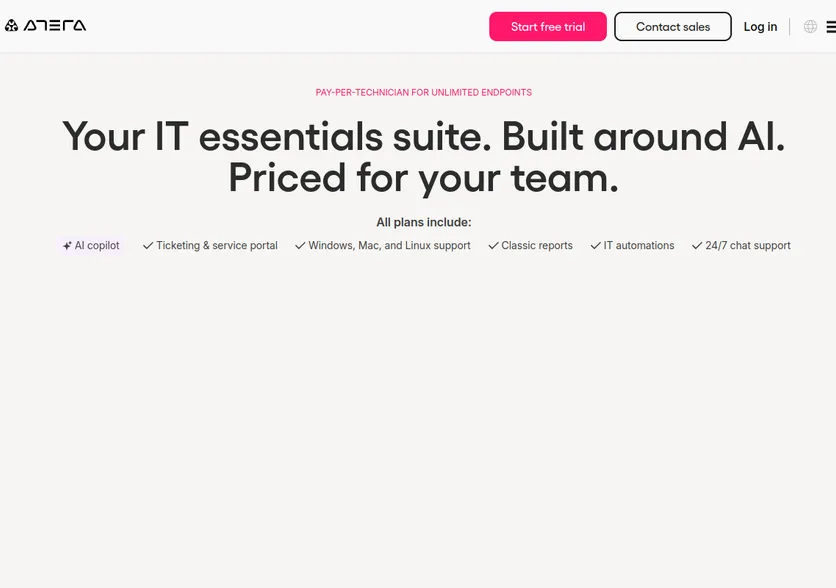
Paid tool Starting price: $129/technician/month · MSP Pro $129 per technician a month billed annually, or $139 on monthly billing; Growth $159 a month; Power $209; IT Dept Professional $149; unlimited endpoints on every plan
Free plan: 30-day free trial
This Atera plan costs $129 per technician a month billed annually, and it covers unlimited endpoints with monitoring, patching, remote access and ticketing in one console. A shop owner can see every diagnostic tablet and office computer at once, and fix most issues remotely without walking to the bay. The AI Copilot is included free on all plans, which helps a small team triage tickets faster.
What we like
- Unlimited endpoints on every plan
- Monitoring, patching and ticketing in one console
- AI Copilot included free on all plans
Watch out for
- Per-technician pricing suits small teams, not large ones
- The Growth plan price varies between sources, so confirm it
How to try it
- Install the Atera agent on every shop computer and tablet
- Set up monitoring alerts for the diagnostic and office machines
- Fix issues remotely and track tickets to completion
2. Syncro
Best for: Auto repair shops that want RMM plus billing in one tool
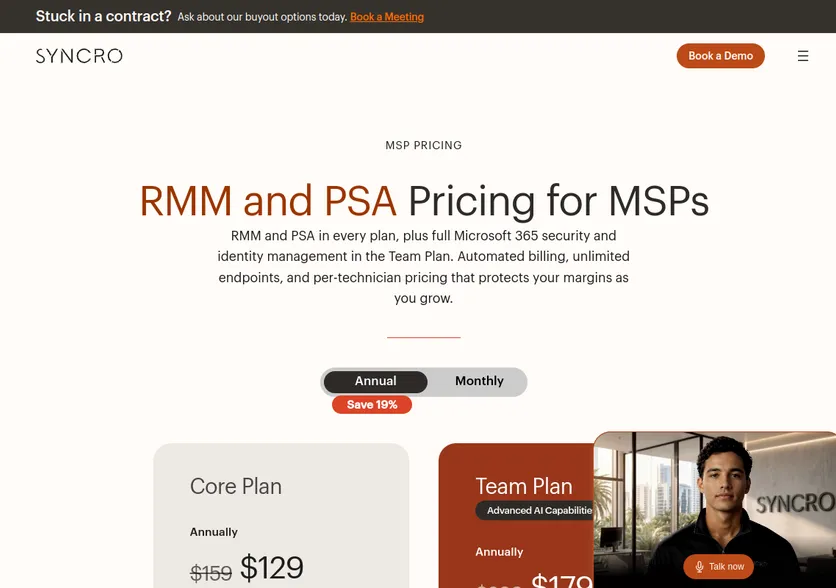
Paid tool Starting price: $129/user/month · MSP Core $129 per user a month billed annually, or $159 on monthly billing; Team $179; IT Teams $179; unlimited endpoints on every plan
Free plan: Free trial
This Syncro plan costs $129 per user a month billed annually, and it pairs remote monitoring with ticketing, billing and a customer portal in one system. A shop can monitor its computers, raise tickets for the ones that fail, and invoice the work without a second tool. Unlimited endpoints come on every plan, so the bill follows the team size, not the device count.
What we like
- RMM, ticketing and billing share one system
- Unlimited endpoints on every plan
- Customer portal keeps clients informed
Watch out for
- AI features become usage-based after January 2027
- Billing features suit MSPs more than single shops
How to try it
- Install the Syncro agent on every shop computer and tablet
- Set up monitoring alerts and ticket rules for common failures
- Invoice repair work through the built-in billing system
3. SuperOps
Best for: Auto repair shops that want per-technician pricing with a low entry
Paid tool Starting price: $99/technician/month · MSP RMM only $99 per technician a month billed annually, or $109 on monthly billing; Pro $129; Super $159; IT teams Prime from $1.50 per endpoint a month
Free plan: Free trial
This SuperOps plan costs $99 per technician a month billed annually for RMM only, and it covers monitoring, patching and remote access for the shop's computers. Each RMM licence covers 150 endpoints, which is more than a repair shop will ever need, and the Pro plan adds PSA ticketing for $129. The per-technician model suits a shop with one or two IT people and a dozen machines.
What we like
- Lowest per-technician entry at $99 a month
- Each licence covers 150 endpoints
- Modern interface that is quick to learn
Watch out for
- RMM only on the entry plan, ticketing costs more
- Per-endpoint pricing for IT teams works differently
How to try it
- Install the SuperOps agent on every shop computer and tablet
- Set up patch policies for the diagnostic and office machines
- Upgrade to Pro when the shop needs PSA ticketing
4. Domotz
Best for: Auto repair shops with one site and many connected devices
Paid tool Starting price: $35/site/month · $35 per site or collector a month with unlimited devices and all features included; volume pricing falls to $17.50 a site on a 12-month term; the vendor pricing page shows euros, while the vendor blog states $35 for US buyers
Free plan: 14-day free trial
This Domotz plan costs $35 per site a month, and it monitors every device on the shop network with unlimited devices and all features included. The diagnostic tablet, the parts computer, the printer and the customer Wi-Fi all show on one map, with alerts when one goes offline. Volume pricing falls to $17.50 a site for larger operations, and a 14-day trial covers the whole setup.
What we like
- Unlimited devices and all features for $35 a site
- Network map shows every device at a glance
- Volume pricing falls to $17.50 a site
Watch out for
- Priced per site, so multi-site shops pay per location
- The vendor pricing page shows euros, not dollars
How to try it
- Install a Domotz collector on the shop network
- Let it map every connected device automatically
- Set up alerts for the machines that stop work when they fail
5. Action1
Best for: Auto repair shops that want patching free for a small fleet
Paid tool Starting price: $4/endpoint/month · Growth $4 per endpoint a month billed annually above 200 endpoints, plus a mandatory support fee that is not published; free forever for the first 200 endpoints; Enterprise is custom above 1,000 endpoints
Free plan: Free forever for the first 200 endpoints
This Action1 plan costs $4 per endpoint a month billed annually above 200 endpoints, and it is free forever for the first 200, which covers any repair shop. Patch management, software deployment and remote desktop run from the cloud with no feature limits on the free tier. The mandatory support fee above 200 endpoints is not published, so a growing shop should ask for the full quote before it passes that line.
What we like
- Free forever for the first 200 endpoints
- No feature limits on the free tier
- Cloud console with nothing to install on a server
Watch out for
- The support fee above 200 endpoints is not published
- Patching only, no full ticketing or PSA
How to try it
- Install the Action1 agent on every shop computer
- Set up patch policies for Windows and third-party apps
- Use remote desktop to fix issues without visiting the machine
6. Freshservice
Best for: Repair shops that need IT tickets handled properly
Paid tool Starting price: $19/agent/month · Starter $19 per agent a month billed annually, or $29 on monthly billing; Growth $49; Pro $99; Enterprise by quote
Free plan: Free trial
For a repair shop that needs IT tickets handled properly, Freshservice pairs ticketing with asset discovery for $19 per agent a month billed annually. A broken diagnostic tablet becomes a tracked job with the device record attached, so the fix is documented and the history is kept. The entry plan covers the basics, and Growth at $49 adds the automation a busier shop needs.

What we like
- Ticketing and asset discovery share one system
- Incidents link to the exact device involved
- Low entry price at $19 an agent a month
Watch out for
- Asset management is an add-on cost on some plans
- Deeper automation needs the Growth plan
How to try it
- Set up ticket channels for the shop staff to report issues
- Link tickets to the affected device from the asset register
- Track repeat failures per machine to spot hardware to replace
7. Fiix
Best for: Repair shops that maintain their own lifts and diagnostic rigs
Paid tool Starting price: $45/user/month · Basic $45 per user a month; Professional $75; Enterprise by quote; a free plan covers 25 active preventive maintenance tasks
Free plan: Free plan with 25 active preventive maintenance tasks
Fiix keeps a repair shop's own equipment running for $45 per user a month on Basic. Work orders, preventive maintenance and parts records cover the lifts, compressors and diagnostic rigs, so a breakdown becomes a scheduled job instead of a surprise. The free plan covers 25 active preventive maintenance tasks, which suits a small shop starting with its most critical equipment.
What we like
- Work orders, maintenance and parts share one system
- Free plan covers 25 preventive maintenance tasks
- Repair history per asset supports replacement planning
Watch out for
- Single sign-on costs extra on Enterprise
- API integrations are limited below Enterprise
How to try it
- Add lifts, compressors and diagnostic rigs as assets
- Schedule preventive maintenance for each piece of equipment
- Raise work orders for breakdowns and track parts used
8. UpKeep
Best for: Repair shops that manage equipment and IT together
Paid tool Starting price: $24/user/month · Essential $24 per user a month billed annually; Premium $55; the old Lite plan at $20 is retired
Free plan: Free trial
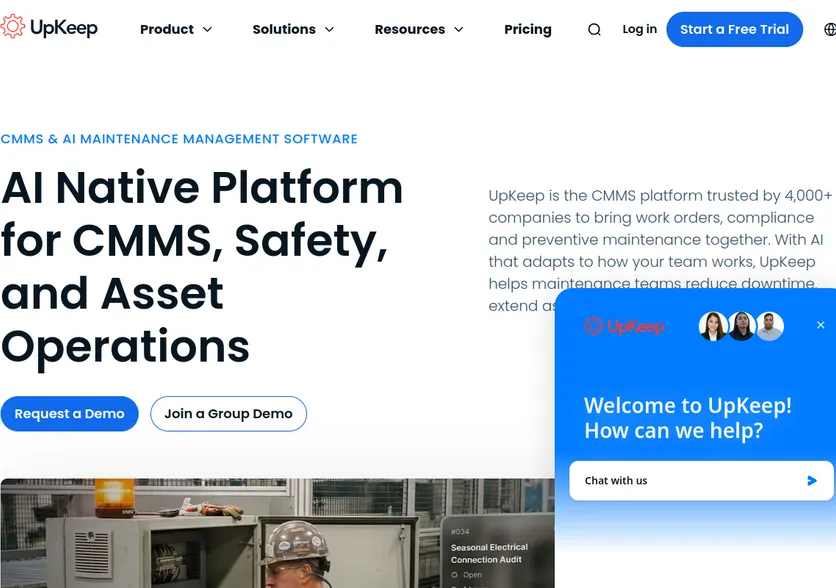
UpKeep manages a repair shop's equipment and IT together for $24 per user a month billed annually on Essential. Work orders and preventive maintenance cover the lifts and compressors, while asset records track the diagnostic tablets and office computers. The mobile app lets a technician update jobs from the bay, and the free trial lets a shop test it on one location first.
What we like
- Work orders and asset records share one system
- Preventive maintenance schedules keep equipment serviced
- Mobile app suits technicians working in the bay
Watch out for
- No free plan, only a free trial
- Parts inventory and deeper reporting need Premium
How to try it
- Add shop equipment and IT assets to one register
- Schedule preventive maintenance for lifts and compressors
- Raise work orders from the mobile app when something breaks
9. MaintainX
Best for: Auto repair shops that want simple maintenance tracking on a phone
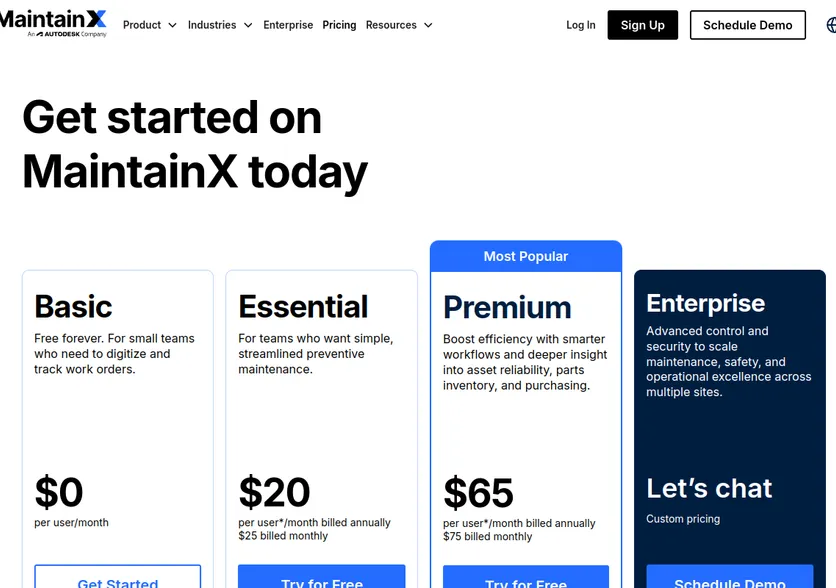
Paid tool Starting price: $20/user/month · Essential $20 per user a month billed annually, or $25 on monthly billing; Premium $65; Basic is free; Enterprise is custom; MaintainX is now part of Autodesk, which completed its purchase in August 2026
Free plan: Free Basic plan
This MaintainX plan costs $20 per user a month billed annually, and it is the simplest maintenance tool in this list: work orders, procedures and asset records on a phone app the whole shop can use. A technician photographs a broken lift, raises a work order with the photo attached, and tracks the repair to completion. The free Basic plan covers unlimited work orders, which lets a small shop start without paying.
What we like
- Simplest maintenance tool in this list
- Phone app the whole shop can use
- Free Basic plan covers unlimited work orders
Watch out for
- The step from Essential to Premium is large
- Now owned by Autodesk, so the roadmap may change
How to try it
- Add shop equipment as assets with photos
- Raise work orders with photos when something breaks
- Track repairs to completion and review history per asset
Prices above were checked on each vendor’s own website on Nov 28, 2026 and can change — the vendor’s page is the final word. Vendor links are editorial: nobody paid to be listed or ranked here. Vendors who want a featured listing can see how it works on our Get listed page.
How an auto repair shop should run its IT
Start with the bay, not the office. The diagnostic tablet and the shop management computer are the two machines that stop work when they fail, so monitor those first and patch them on a schedule. Keep one system as the home for tickets, so a broken printer and a dead tablet both become tracked jobs instead of shouted requests. Put the shop network on a map with alerts, because a Wi-Fi outage during a diagnostic session costs more than a month of monitoring. Finally, give the shop a simple maintenance routine for its own equipment, since a lift that fails mid-job costs far more than the software that would have flagged it.
Before you buy
- Check that monitoring covers the diagnostic tablets and shop systems, not only office PCs
- Confirm whether the price is per technician, per device or per site before you compare
- Ask how remote access works, since most shop fixes happen without a visit
- Count the cost at your real device count, including free tiers that cover small fleets
- Run a trial on one real breakdown, from ticket to fixed machine, before you commit
Official websites
Official websites of the products reviewed above. Features and prices were checked against these sites when this guide was written, and they can change, so confirm on the vendor site before you buy.
Frequently asked questions
What is IT management software for auto repair shops?
It is software that monitors, patches and fixes the computers a repair shop depends on, from diagnostic tablets to the shop management system. The tools in this list cover remote monitoring, ticketing, patching and maintenance, from free for small fleets to $129 a technician a month. A shop needs it because a failed computer stops a bay, and a bay that stops earns nothing.
How much does IT management software cost for an auto repair shop?
The tools in this list start free: Action1 is free for the first 200 endpoints, and MaintainX Basic is free with unlimited work orders. Paid plans run from $19 an agent a month on Freshservice and $20 a user a month on MaintainX, to $99 a technician a month on SuperOps and $129 on Atera and Syncro. A shop with one IT person and a dozen machines pays roughly $100 to $130 a month.
Which tool is best for a small auto repair shop?
Action1 is the cheapest start, since patching is free for the first 200 endpoints, which covers any shop. MaintainX is the best pick for the shop's own equipment, with work orders and procedures on a phone app for $20 a user a month. Atera is the best all-round choice at $129 a technician a month, with unlimited endpoints and remote access in one console.
Do I need an IT person to use these tools?
Not necessarily. Action1, Domotz and MaintainX are built for teams without a dedicated IT person, with cloud consoles and phone apps that a shop owner can run. Atera, Syncro and SuperOps are MSP tools, so they suit a shop that hires an outside IT provider or has a technician who handles IT. The practical test is the trial: if the owner can run it for a week, the shop can run it.
Can these tools manage the shop's own equipment too?
Yes, Fiix, UpKeep and MaintainX are maintenance tools as well as IT tools. They track work orders, preventive maintenance and parts for lifts, compressors and diagnostic rigs, so a breakdown becomes a scheduled job. The RMM tools in this list monitor computers only, so a shop that wants both needs one tool from each side, or a maintenance tool that also tracks IT assets.
Compare the nine tools above, then start with a free trial on the tool that matches how your shop already handles breakdowns before you pay for a full year.
Browse Business Tools tools