On this page
Remote coding lives or dies on the reference: when two coders in different states pick different codes for the same visit, the claim comes back denied. The seven tools below give a distributed team one shared encoder, one billing flow and one record to work from. Codify by AAPC leads because fifteen dollars a month buys the standard AAPC code lookup, and the rest are judged on the same test: how consistently they turn a remote team's notes into clean, payable codes.
How we researched this
We checked every price on the vendor pricing page on November 28, 2026, and only included tools with a published US dollar list price. Athenahealth, eClinicalWorks, Epic, NextGen, Nuance Clintegrity, CodaMetrix, Fathom and Solventum publish no prices, so they are not in this list. Prices change, so confirm the current figure on the vendor site before you buy.
Compare the tools
| Name | Best for | Starting price | Free plan | |
|---|---|---|---|---|
| Codify by AAPC | Remote coders who want the standard AAPC reference | $15/month | 14-day free trial | Visit |
| Find-A-Code | Remote teams that want one encoder with everything | $45/month | 2-week free trial | Visit |
| Optum EncoderPro | Remote teams coding for Medicare and private payers | $299.95/user/year | 30-day free trial | Visit |
| EZClaim | Remote teams that bill for several practices | $199/month | Free demo | Visit |
| Tebra | Remote coders working inside a Tebra practice | $99/provider/month | Free demo | Visit |
| RXNT | Remote teams that bill in-house on a modular platform | $213/provider/month | Free demo | Visit |
| AdvancedMD | Remote teams that want one unified cloud suite | $130/provider/month | Free demo | Visit |
The medical coding software for remote teams, compared
1. Codify by AAPC
Best for: Remote coders who want the standard AAPC reference
Paid tool Starting price: $15/month · Fifteen dollars a month for Search on a twelve-month subscription, or ten dollars for AAPC members; Basic is forty-eight dollars, Pro Fee is fifty-seven dollars and Complete is sixty-six dollars, with lower member prices on every tier
Free plan: 14-day free trial
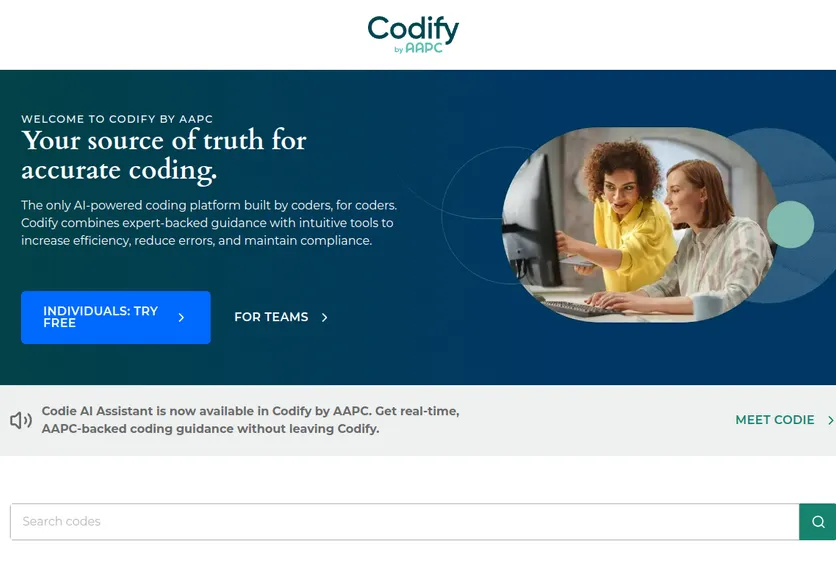
Codify Search is fifteen dollars a month on a twelve-month subscription, or ten dollars for AAPC members, and it is the code lookup remote coders reach for first. It covers CPT, HCPCS and ICD-10 search with official descriptors, lay terms and an E/M calculator, with NCCI edits on the higher tiers. A distributed team can standardise on the same reference, so two coders working from different states still pick the same code.
What we like
- CPT, HCPCS and ICD-10 lookup in one place
- Lower prices for AAPC members on every tier
- NCCI edits and fee schedules on higher plans
Watch out for
- The AI assistant is an add-on, not included
- Team pricing is quoted, not published
How to try it
- Sign up for Search or Basic per coder
- Set the code sets the team needs
- Share the reference across the remote team
2. Find-A-Code
Best for: Remote teams that want one encoder with everything
Paid tool Starting price: $45/month · Forty-five dollars a month for Professional, or four hundred fifty dollars a year; Expert is seventy-five dollars and Facility or ASC is ninety-five dollars. Each plan includes twenty AI assistant responses per user a month
Free plan: 2-week free trial
Find-A-Code Professional is forty-five dollars a month, or four hundred fifty dollars a year, and it is the online encoder with the broadest reference library in this list. Coders search by keyword, index or code builder across ICD-10, CPT and HCPCS, with NCCI validators, fee tools and claim scrubbing built in. The AI assistant answers coding questions with links to sources, capped at twenty responses per user a month.
What we like
- ICD-10, CPT and HCPCS in one encoder
- NCCI validators and fee tools included
- AI assistant with sourced answers
Watch out for
- AI answers are capped at twenty a month
- No free plan, only a trial with a demo
How to try it
- Choose Professional or Expert per coder
- Set up the code sets and validators
- Use the AI assistant for tricky crosswalks
3. Optum EncoderPro
Best for: Remote teams coding for Medicare and private payers
Paid tool Starting price: $299.95/user/year · Two hundred ninety-nine dollars and ninety-five cents per user for Standard on a twelve-month licence; Professional is five hundred forty-nine dollars and ninety-five cents and Expert is nine hundred ninety-nine dollars and ninety-five cents, with add-ons sold separately
Free plan: 30-day free trial
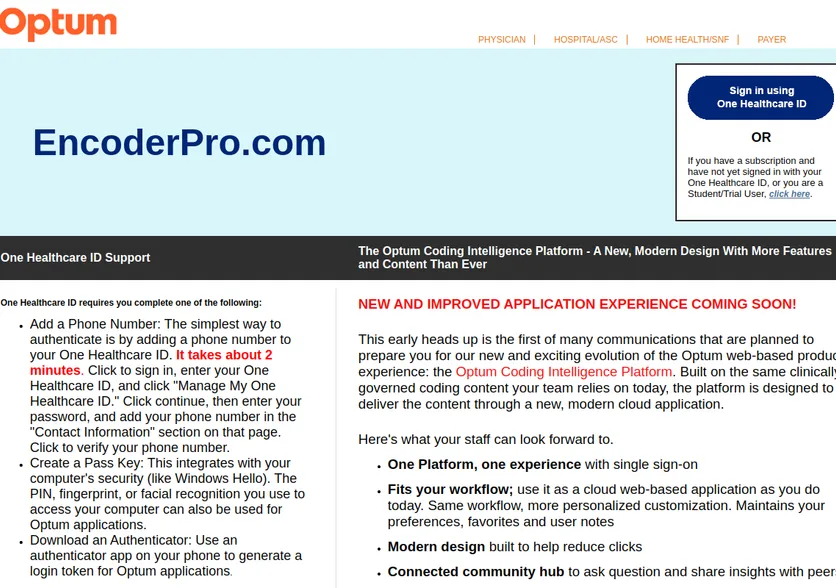
EncoderPro Standard is two hundred ninety-nine dollars and ninety-five cents per user for a twelve-month licence, and it is the long-established Optum encoder for ambulatory coding. It packages the content of Optum coding books, including ICD-10, CPT and HCPCS references with lay descriptions, into one online subscription. The Expert tier adds a compliance editor and a Medicare fee calculator, which suits remote teams that code for many payers.
What we like
- Optum coding book content online
- Lay descriptions that speed up code selection
- Monthly code updates included at no charge
Watch out for
- Add-ons such as Coding Clinic cost extra
- The term is not shown beside the price on the listing
How to try it
- Pick Standard, Professional or Expert per coder
- Add the modules the team needs
- Use the search to verify codes before submitting
4. EZClaim
Best for: Remote teams that bill for several practices
Paid tool Starting price: $199/month · One hundred ninety-nine dollars a month for the first user on monthly billing, or one hundred eighty-nine dollars billed annually; each additional user is one hundred forty-nine dollars and extra company files cost forty dollars a month. Clearinghouse fees may apply on top
Free plan: Free demo
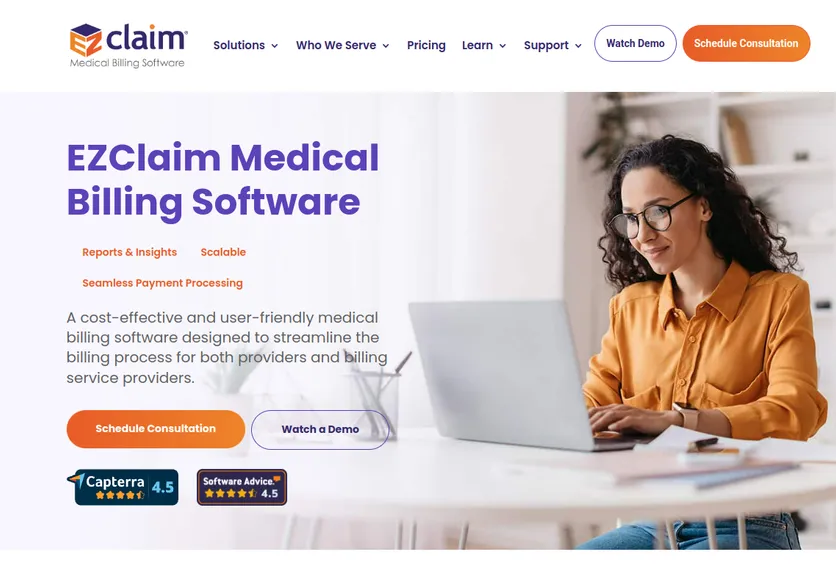
EZClaim is one hundred ninety-nine dollars a month for the first user on monthly billing, and it is the standalone billing software a remote coding team pairs with any EHR. It handles claim scrubbing, electronic submission, payment posting and patient statements, with a company file per client practice. The flat per-user price makes budgeting simple for a distributed team, though clearinghouse fees may apply on top.
What we like
- Flat per-user pricing that is easy to budget
- A company file per client practice
- Claim scrubbing and payment posting built in
Watch out for
- Clearinghouse fees may apply on top
- No EHR, so it sits beside another system
How to try it
- Set up the first user and company file
- Import patients, providers and payers
- Submit a test claim and post the payment
5. Tebra
Best for: Remote coders working inside a Tebra practice
Paid tool Starting price: $99/provider/month · Ninety-nine dollars a month for EHR Starter per non-physician provider, for practices under one hundred claims a month; the full Practice Essentials bundle is three hundred ninety-nine dollars for a non-physician provider and five hundred ninety-nine dollars for a physician. The forty-nine-dollar figure covers patient experience and marketing only, not the EHR
Free plan: Free demo
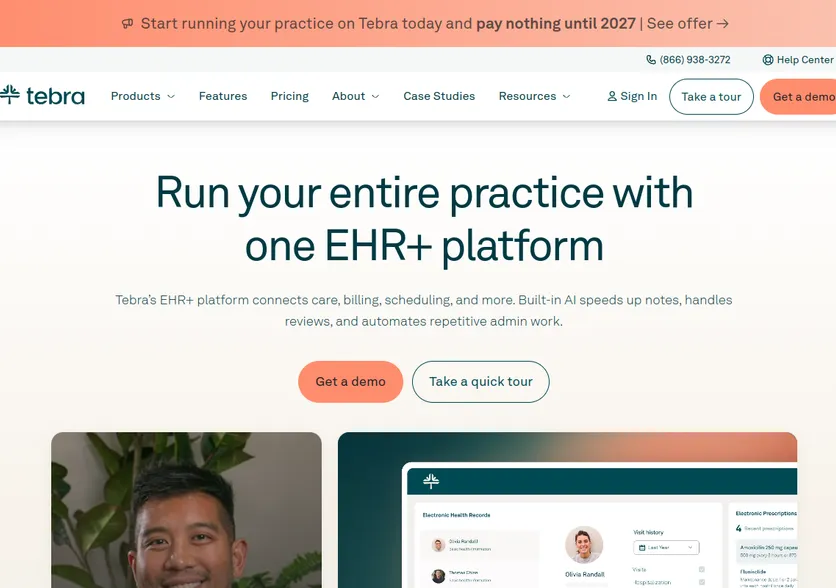
A remote coding team working inside a Tebra practice pays ninety-nine dollars a month per non-physician provider for EHR Starter, for practices under one hundred claims a month. The Kareo-based EHR gives coders charting, e-prescribing and telehealth in the same system as billing, so codes are checked against the record rather than a separate file. Budget for the full bundle if the practice needs billing too, since the forty-nine-dollar tier is marketing only.
What we like
- EHR, billing and patient tools in one platform
- Kareo heritage gives it strong billing DNA
- Codes checked against the clinical record
Watch out for
- The forty-nine-dollar tier is marketing only, not EHR
- The full bundle costs far more than Starter
How to try it
- Choose the single solution or the full bundle
- Set up coding templates for the specialties
- Connect billing and file the first claims
6. RXNT
Best for: Remote teams that bill in-house on a modular platform
Paid tool Starting price: $213/provider/month · Two hundred thirteen dollars per provider a month for the PM Bundle, which adds medical billing and practice scheduling; the EHR Bundle is one hundred twenty-six dollars but excludes billing, and the Full Suite is three hundred thirty-five dollars with unlimited claims
Free plan: Free demo
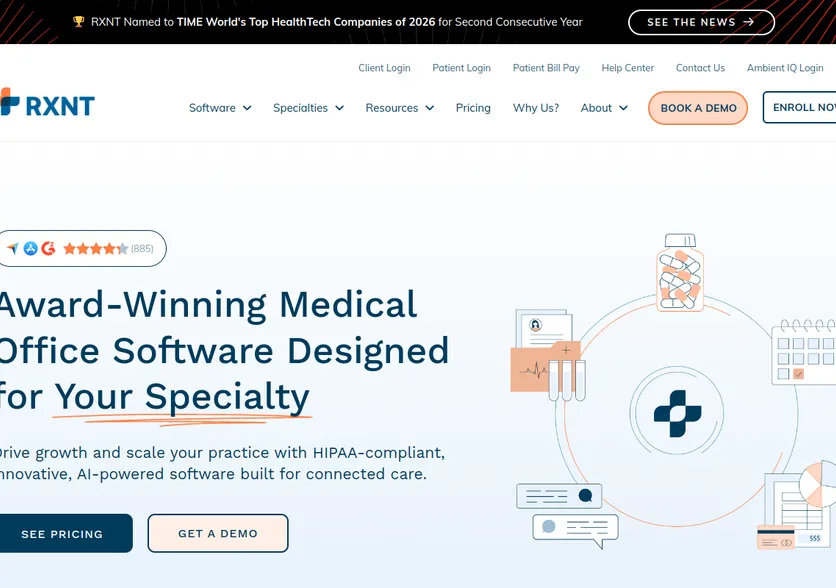
A remote coding team on the RXNT PM Bundle pays two hundred thirteen dollars per provider a month, and gets medical billing and practice scheduling added to the record system. Claims, scheduling, e-prescribing and an AI documentation tool sit in one modular platform that a distributed team can use from anywhere. The one hundred twenty-six-dollar EHR Bundle excludes billing entirely, so a coding team should price the PM Bundle or the three hundred thirty-five-dollar Full Suite.
What we like
- Medical billing built into the PM Bundle
- AI documentation tool included
- Modular pricing that grows with the team
Watch out for
- The cheapest bundle excludes billing entirely
- Two hundred thirteen dollars is steep for a small team
How to try it
- Choose the PM Bundle or the Full Suite
- Set up billing rules and claim scrubbing
- Connect e-prescribing and the patient portal
7. AdvancedMD
Best for: Remote teams that want one unified cloud suite
Paid tool Starting price: $130/provider/month · One hundred thirty dollars per provider a month for the Mental Health module, the lowest published starting price; Physical Medicine is three hundred ninety-nine dollars and other specialties range from four hundred twenty-nine to one thousand seventy dollars per provider a month
Free plan: Free demo
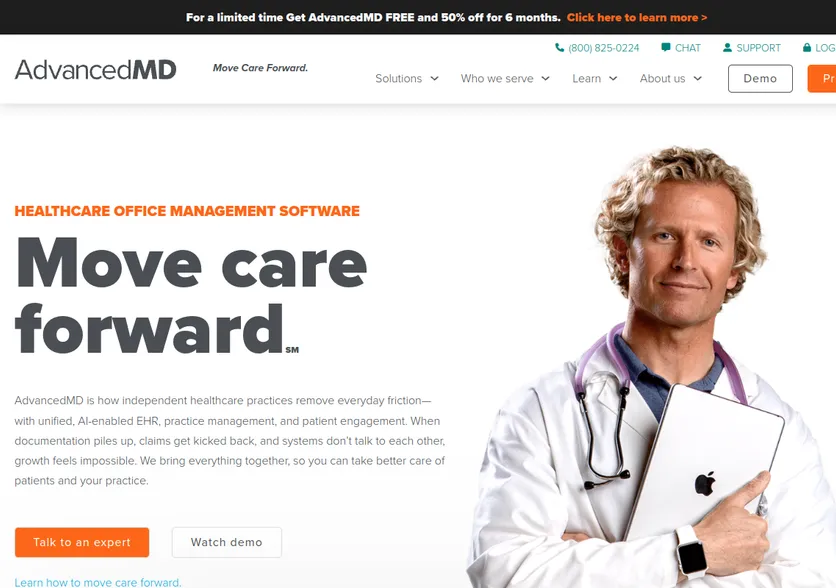
AdvancedMD starts at one hundred thirty dollars per provider a month for its Mental Health module, and it is the unified cloud suite for EHR, practice management, billing and patient engagement. A remote coding team gets scheduling, charting and billing in one system, with specialty pricing that varies widely by field. Confirm the specialty price in writing, since Physical Medicine is three hundred ninety-nine dollars and other specialties reach one thousand seventy dollars.
What we like
- EHR, billing and engagement in one cloud suite
- Scales from solo providers to group practices
- A long track record with independent practices
Watch out for
- Specialty pricing varies widely and is not fully published
- Configuration takes longer than on narrow tools
How to try it
- Confirm the specialty price in writing
- Set up the EHR and billing workflows
- Train the remote team on the coding queue
Prices above were checked on each vendor’s own website on Nov 28, 2026 and can change — the vendor’s page is the final word. Vendor links are editorial: nobody paid to be listed or ranked here. Vendors who want a featured listing can see how it works on our Get listed page.
How to run a remote coding team without denied claims
Start with one shared encoder, because a team that uses different references will code the same visit differently. Pick the code sets the team actually needs, turn on the NCCI edit checks, and agree on a rule for ambiguous cases before the first claim goes out. Separate coding from billing in the workflow, so a coder never also approves their own claim, and track denials by code and by coder. Finally, keep the reference current, since code sets change every year and an outdated encoder is a denial machine.
Before you buy
- Confirm the encoder covers the code sets the team actually uses, not just the common ones
- Check whether NCCI edits and claim scrubbing are included or cost extra
- Ask if the price is per coder and multiply it by the whole remote team
- Make sure updates arrive automatically, since code sets change every year
- Test the audit trail, because remote work needs proof of who coded what
Official websites
Official websites of the products reviewed above. Features and prices were checked against these sites when this guide was written, and they can change, so confirm on the vendor site before you buy.
Frequently asked questions
What is medical coding software for remote teams?
It is software that helps distributed coders turn clinical notes into the standard codes insurers pay on, such as ICD-10, CPT and HCPCS, and then get those codes into clean claims. Encoders provide the code lookup, crosswalks and edit checks, while billing tools handle submission and payment posting. A remote team needs both layers to work from one shared system, or coders in different places will code the same visit differently.
How much does medical coding software cost?
Entry prices in this list run from fifteen dollars a month for Codify Search to two hundred ninety-nine dollars and ninety-five cents per user a year for EncoderPro Standard. Most remote teams land between forty-five and one hundred ninety-nine dollars a month: Find-A-Code Professional is forty-five dollars, Tebra EHR Starter is ninety-nine dollars, AdvancedMD starts at one hundred thirty dollars and EZClaim is one hundred ninety-nine dollars.
Which coding tool is best for a small remote team?
Codify by AAPC is the strongest start, because fifteen dollars a month buys the standard code lookup with official descriptors and an E/M calculator. Find-A-Code is the close second at forty-five dollars, adding NCCI validators, fee tools and claim scrubbing in one encoder. EZClaim suits a team that also does the billing, at one hundred ninety-nine dollars a month for the first user.
Do remote coders need an EHR as well as an encoder?
Yes, in practice. An encoder checks codes, but the coder still needs the clinical record to code from, and the claim still needs a billing system to submit it. Tebra, RXNT and AdvancedMD bundle the record, billing and coding checks in one platform, while Codify, Find-A-Code and EncoderPro pair with an EHR the practice already runs. EZClaim sits in the middle as billing software that works beside any EHR.
Can I try medical coding software for free?
Yes. Codify offers a fourteen-day free trial on every plan, Find-A-Code offers a two-week trial with a demo, and EncoderPro offers a thirty-day trial that cancels automatically. EZClaim, Tebra, RXNT and AdvancedMD offer a free demo instead of a trial. Use the trial to code real notes, since a demo with sample codes hides the workflow.
Compare the seven tools above, then start with a free trial on the tool that matches the team's code sets before you pay for a full year.
Browse Health & Fitness Calculators tools