On this page
A climbing gym sells passes, books belay classes and checks members in at the front desk, and the software should handle all three without slowing the queue. The eight tools below do that job at very different prices, from a free start for a small gym to a full platform for a busy site. Mindbody leads the list because it pairs memberships and class booking with a consumer app for seventy-nine dollars a month per location, and the other seven tools are ranked on the same practical test: how much of the gym workflow they cover for the price.
How we researched this
We checked every price on the vendor pricing page on November 28, 2026, and only included tools with a published US dollar list price, leaving out Glofox, Exercise.com and ABC Fitness Solutions, which publish no prices for their gym plans. Prices change, so confirm the current figure on the vendor site before you buy.
Compare the tools
| Name | Best for | Starting price | Free plan | |
|---|---|---|---|---|
 Mindbody | Climbing gyms that want the best-known booking and membership platform | $79/month | Free demo | Visit |
 PushPress | Gyms that want a modern platform with a free plan to start | $79/month | Free plan | Visit |
| RhinoFit | Small climbing gyms that want one flat monthly price | $57/month | Free trial | Visit |
 Gymdesk | Gyms that want simple per-member billing with a free trial | $75/month | 30-day free trial | Visit |
 WellnessLiving | Gyms that want bookings, marketing and a branded app in one place | $69/month | Free trial | Visit |
 TeamUp | Gyms that want flexible pricing by active customer count | $119/month | 30-day free trial | Visit |
| Virtuagym | Climbing gyms that want coaching and programming tools built in | $46/month | Free trial | Visit |
| Wodify | CrossFit-style gyms that want programming and member management together | $199/month | Free demo | Visit |
The membership software for climbing gyms, compared
1. Mindbody
Best for: Climbing gyms that want the best-known booking and membership platform
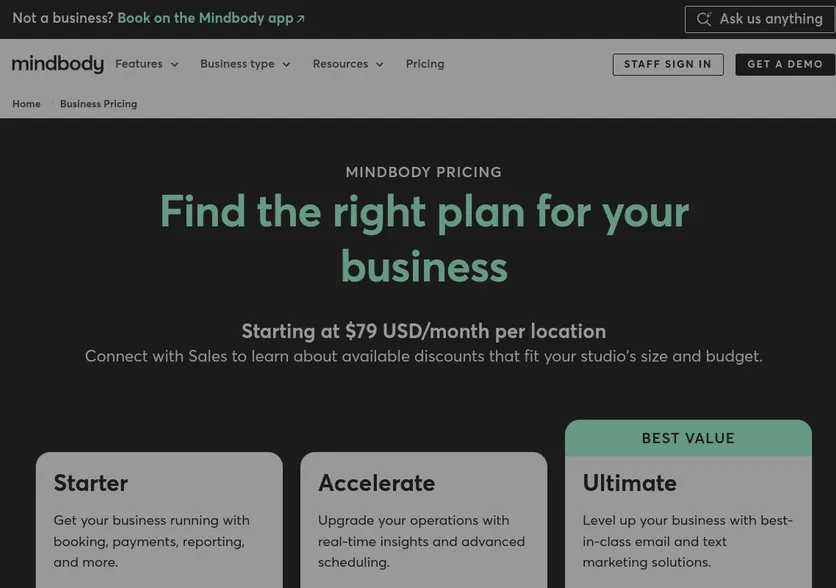
Paid tool Starting price: $79/month · Seventy-nine dollars per month per location on the Starter plan in North America and Asia, with unlimited team members; Accelerate and Ultimate are quoted by sales, and a 20 percent fee capped at thirty dollars applies to first purchases from new clients through the Mindbody app
Free plan: Free demo
This Mindbody plan costs seventy-nine dollars a month per location, and it handles memberships, class bookings and payments for a gym of any size. A climbing gym can sell passes, run belay classes and take payments from one dashboard, with a consumer app that brings in new climbers. That reach is why it suits a gym that wants bookings and discovery in the same system.
What we like
- Class booking, memberships and payments in one place
- A consumer app that helps new climbers find the gym
- Unlimited team members on the entry plan
Watch out for
- Some guides quote ninety-nine dollars a month, so confirm the current list price
- Higher tiers are quoted, so scaling costs are not public
How to try it
- Set up membership types, class schedules and pricing
- Connect payment processing and publish the booking page
- List the gym on the Mindbody app to reach new climbers
2. PushPress
Best for: Gyms that want a modern platform with a free plan to start
Paid tool Starting price: $79/month · Seventy-nine dollars per month to start, with a free plan available; Pro is listed at $159 per month and Max at $229 per month by third-party directories
Free plan: Free plan
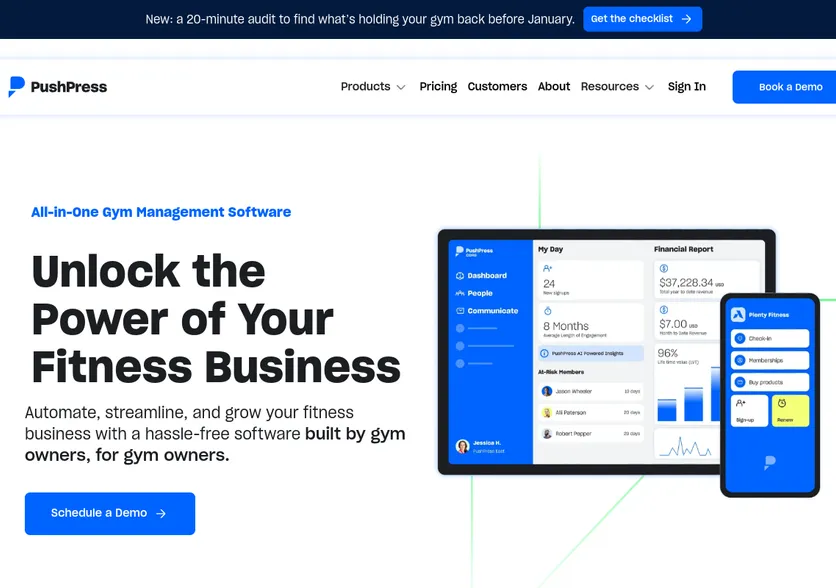
This PushPress plan costs seventy-nine dollars a month to start, and it covers memberships, class bookings and payments with a free plan underneath. A climbing gym can test the full workflow without paying, then move to a paid plan when the roster grows. The platform also includes a member app and check-in tools, which suits a gym that wants the front desk to run from a tablet.
What we like
- A free plan that lets a gym start without paying
- Member app and check-in tools included
- Automated billing with failed-payment follow-up
Watch out for
- Higher tier prices come from directories, not the vendor page
- Smaller gyms may not need the full platform it sells
How to try it
- Create membership plans and class schedules in the dashboard
- Set up the member app and front-desk check-in
- Turn on automated billing and failed-payment recovery
3. RhinoFit
Best for: Small climbing gyms that want one flat monthly price
Paid tool Starting price: $57/month · Fifty-seven dollars per month flat on the Standard plan with unlimited members; a Start-Up tier is free for up to 20 active users, and 24/7 door access control starts at $99 per month
Free plan: Free trial
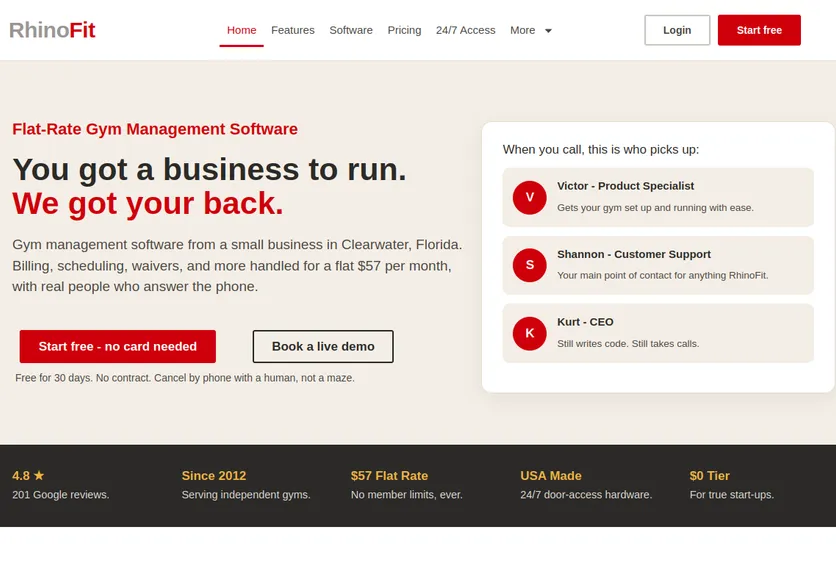
This RhinoFit plan costs fifty-seven dollars a month flat, and it covers unlimited members with no per-member charge. A small climbing gym can grow the roster without the bill moving, which makes budgeting simple for an owner-run gym. The platform includes class scheduling, payments and a member app, plus door access control as an add-on for gyms that run unstaffed hours.
What we like
- One flat price with unlimited members included
- Door access control available for unstaffed hours
- A free start-up tier for up to twenty active users
Watch out for
- Door access costs extra on top of the flat price
- Fewer third-party integrations than the bigger platforms
How to try it
- Add membership plans and set up class schedules
- Connect payments and enable member check-in
- Add door access control if the gym runs unstaffed hours
4. Gymdesk
Best for: Gyms that want simple per-member billing with a free trial
Paid tool Starting price: $75/month · Seventy-five dollars per month for up to 50 members with Gymdesk Payments, rising to $100 for 51 to 100 members, $150 for 101 to 150 and $200 for 151 to 250; using your own processor adds $25 per month, with a 30-day free trial
Free plan: 30-day free trial
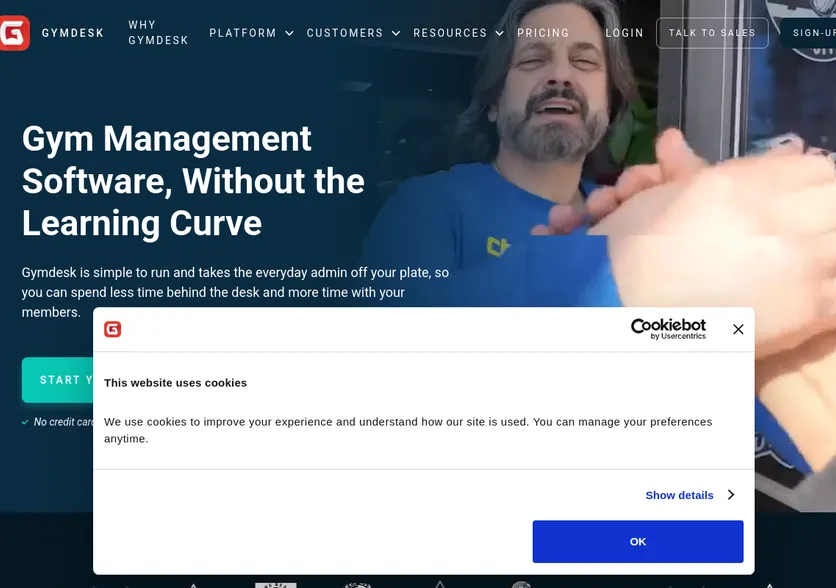
This Gymdesk plan costs seventy-five dollars a month for up to fifty members, and it prices by member count rather than by feature tier. A climbing gym pays for the members it has and moves up a band as the roster grows, which keeps the entry bill low. The platform covers bookings, payments and a member app, with a thirty-day trial to test the full setup before paying.
What we like
- Clear pricing bands tied to member count
- A thirty-day trial with no card needed up front
- Member app and online bookings included
Watch out for
- The price band jumps as soon as the roster crosses a limit
- Using your own payment processor adds a monthly surcharge
How to try it
- Set up membership plans and the class timetable
- Connect Gymdesk Payments or your own processor
- Publish the member app and open online bookings
5. WellnessLiving
Best for: Gyms that want bookings, marketing and a branded app in one place
Paid tool Starting price: $69/month · Sixty-nine dollars per month on the Starter plan for one staff member, or sixty-two dollars per month billed annually; Business is $199 and BusinessPro is $349 per month, while advertised thirty-nine dollar figures are a two-month 80 percent off promotion and not the list price
Free plan: Free trial
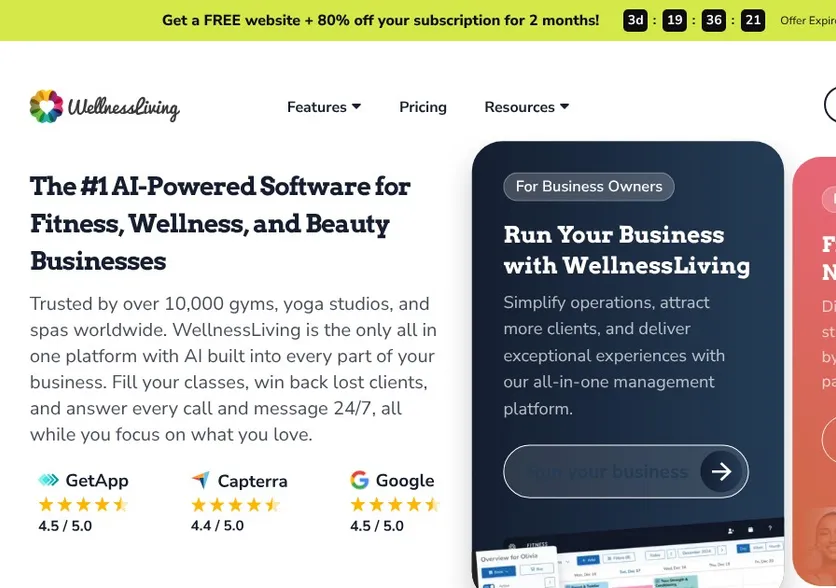
This WellnessLiving plan costs sixty-nine dollars a month, and it combines class booking with marketing tools and a client app. A climbing gym can run promotions, send automated reminders and sell memberships without a separate marketing tool. The entry plan covers one staff member, which suits a small gym where one person runs the front desk and the bookings.
What we like
- Booking, marketing and client app in one subscription
- Automated reminders that cut down on no-shows
- A branded app option for gyms that want their own look
Watch out for
- The entry plan covers only one staff member
- Promotional prices on the site are not the list price
How to try it
- Build the class schedule and set membership pricing
- Turn on automated reminders and review requests
- Publish the branded client app for bookings
6. TeamUp
Best for: Gyms that want flexible pricing by active customer count
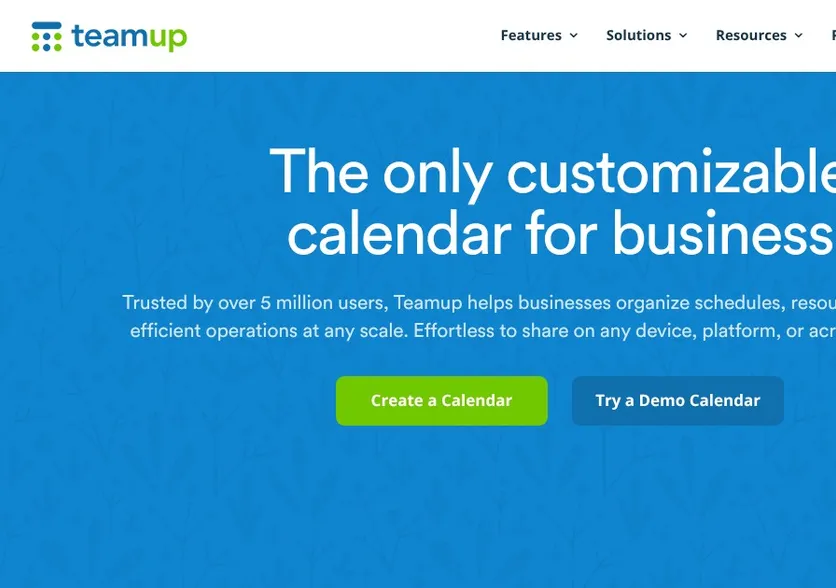
Paid tool Starting price: $119/month · One hundred nineteen dollars per month for up to 100 active customers, then $189 for 101 to 200, $219, $249, $289 and $379 for 501 or more; a branded app is $99 per month as an add-on, with a 30-day free trial
Free plan: 30-day free trial
This TeamUp plan costs one hundred nineteen dollars a month for up to one hundred active customers, and it prices by how many members actually use the gym. A climbing gym with a seasonal roster pays for active members rather than for everyone on the books. The platform covers class bookings, memberships and payments, with a branded app available as an add-on.
What we like
- Pricing by active customers, not total members
- Class packs and recurring memberships in one place
- A branded app add-on for gyms that want it
Watch out for
- The price steps up as active customers cross each band
- The branded app costs extra on top of the monthly plan
How to try it
- Import the member list and set up class packs
- Enable online bookings and recurring membership billing
- Add the branded app if the gym wants its own look
7. Virtuagym
Best for: Climbing gyms that want coaching and programming tools built in
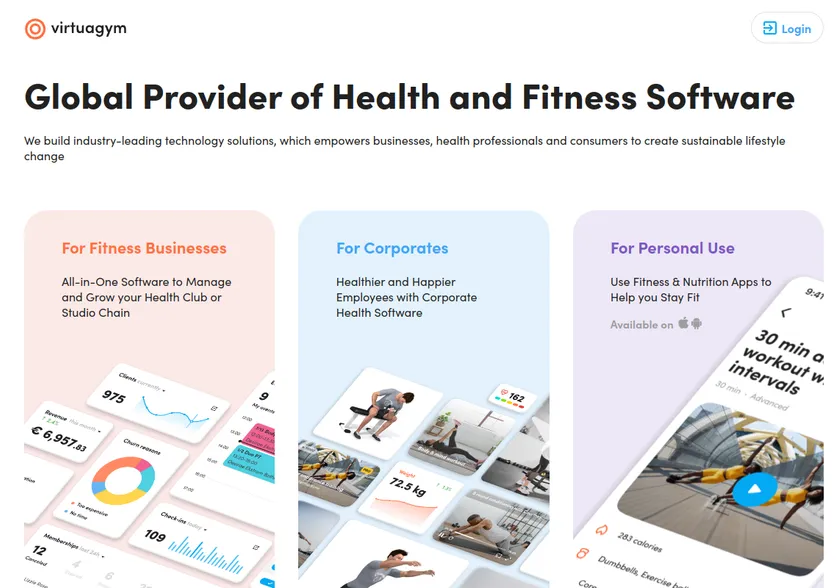
Paid tool Starting price: $46/month · Forty-six dollars per month billed annually on the Manage plan for up to 20 clients, or fifty-one dollars month to month; All-in-One is $82 per month billed annually, with prices rising by client band to $438 per month at 2,500 clients on a 12-month term
Free plan: Free trial
This Virtuagym plan costs forty-six dollars a month billed annually for up to twenty clients, and it pairs membership management with coaching and workout programming. A climbing gym that runs training programs and coaching sessions can manage members and their programs in the same place. The price rises by client band, so a gym pays more only as its coaching roster grows.
What we like
- Coaching and workout programming built into the same tool
- A member app with training plans and progress tracking
- Per-location pricing that suits a single gym
Watch out for
- The entry price covers only twenty clients before the band rises
- The English pricing page redirects to a demo form from some regions
How to try it
- Set up memberships and add coaching program templates
- Invite members to the app and assign their programs
- Track attendance and progress from the dashboard
8. Wodify
Best for: CrossFit-style gyms that want programming and member management together
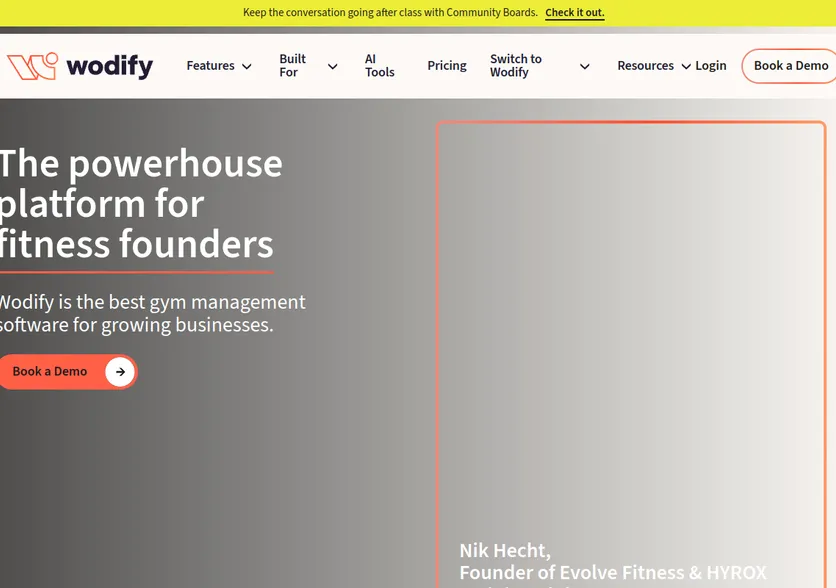
Paid tool Starting price: $199/month · One hundred ninety-nine dollars per month on the Essentials plan at the regular list price, or ninety-nine dollars per month when booked through a demo; Accelerate is $299 or $199 with a demo and Ultimate is $499 or $399 with a demo
Free plan: Free demo
This Wodify plan costs one hundred ninety-nine dollars a month, and it is built for gyms that program workouts for their members. A climbing gym that runs structured training can publish workouts, track results and manage memberships from one system. The platform also covers retail sales and payments, which suits a gym that sells gear and chalk alongside memberships.
What we like
- Workout programming and member results in one tool
- Retail sales and payments built into the platform
- Designed for gyms that run coached group training
Watch out for
- The demo-booked rate is a discount, not the list price
- The entry price is high for a gym that only needs bookings
How to try it
- Publish the training program and class schedule
- Set up memberships and recurring billing
- Track member results and sell retail from the same dashboard
Prices above were checked on each vendor’s own website on Nov 28, 2026 and can change — the vendor’s page is the final word. Vendor links are editorial: nobody paid to be listed or ranked here. Vendors who want a featured listing can see how it works on our Get listed page.
How to move a climbing gym onto membership software
Start with the front desk, not the website. Watch how members check in today, because a tool that slows the queue will cost more in lost sign-ups than it saves in software fees. Move the waiver online first, since that is the step every new climber hits, and let members buy day passes from their phones before they arrive. Set up automatic billing and failed-payment reminders early, because chasing expired cards is the job nobody wants. Finally, keep the class schedule visible in the member app, and let coaches see who is coming before the session starts.
Before you buy
- Confirm the price covers every location, because most gym tools charge per site
- Check whether class booking, door access and retail sales are included or cost extra
- Ask if members can freeze, cancel and rejoin from the app without staff help
- Make sure the tool handles drop-ins, guest passes and day rates for climbers
- Test the check-in flow at the front desk, since a slow queue loses new members
Official websites
Official websites of the products reviewed above. Features and prices were checked against these sites when this guide was written, and they can change, so confirm on the vendor site before you buy.
Frequently asked questions
What is membership software for a climbing gym?
Membership software for a climbing gym stores the member list, sells passes, books classes and takes payments from one dashboard. It also handles the things a gym needs every day: check-in at the front desk, waivers for new climbers, and day passes for visitors. The tools in this list differ mainly in price, in whether they charge per location or per member, and in how much coaching and retail they cover.
How much does Mindbody cost for a climbing gym?
Mindbody costs seventy-nine dollars a month per location on the Starter plan, with unlimited team members included. Some guides quote ninety-nine dollars a month, because the vendor page has shown both figures, so confirm the current list price before you buy. Higher tiers are quoted by sales rather than published, and a fee applies to first purchases from new clients through the Mindbody app.
Can a climbing gym start on a free plan?
Yes, with PushPress, which has a free plan, and RhinoFit, which has a free Start-Up tier for up to twenty active users. Both let a small gym run memberships and bookings without a monthly fee at the start. When the roster grows, PushPress starts at seventy-nine dollars a month and RhinoFit at fifty-seven dollars a month flat with unlimited members.
Which tool is cheapest for a small climbing gym?
RhinoFit is the cheapest paid plan at fifty-seven dollars a month flat with unlimited members, which suits a small gym that wants a predictable bill. Virtuagym is cheaper still at forty-six dollars a month billed annually, but only for up to twenty clients, so the price rises as the roster grows. For a gym with more than fifty members, compare the flat price against the per-member bands before choosing.
How do I choose between these gym tools?
Pick the tool that matches how the gym sells. If most members book classes on their phones, Mindbody and PushPress make that easy. If the gym runs unstaffed hours, RhinoFit adds door access control. If coaching and training programs are the product, Wodify and Virtuagym cover programming as well as memberships. Start with a trial and test check-in at the front desk, because that is where a bad tool hurts first.
Compare the eight tools above, then start with a free trial or the free plan on the tool that fits how your gym already runs before you pay for a full year.
Browse Health & Fitness Calculators tools