On this page
Selling on Shopify and Amazon at once means the same item can sell twice while the stock count still says one. The seven tools below keep one inventory count across both channels, pull every order into one queue and warn you before stock runs out. Veeqo leads the list because its free Shipping plan already handles labels, and its Inventory plan adds stock sync from nineteen dollars a month, and the other six are ranked on the same practical test: how much of the multichannel job they cover for the price.
How we researched this
We checked every price on the vendor pricing page on November 28, 2026, and only included tools with a published US dollar list price. The platforms that sell by quote, including ChannelAdvisor, Zentail at enterprise scale and Brightpearl, publish no usable list price, so they are not in this list. Prices change, so confirm the current figure on the vendor site before you buy.
Compare the tools
| Name | Best for | Starting price | Free plan | |
|---|---|---|---|---|
 Veeqo | Sellers who want free shipping tools with a cheap upgrade to stock sync | $19/month | Free Shipping plan | Visit |
 Zoho Inventory | Small sellers who want a real free plan and per-organization pricing | $29/month | Free plan up to 50 orders | Visit |
 Sellbrite | Sellers who want one catalog listed on every marketplace | $29/month | Free plan up to 30 orders | Visit |
 inFlow Inventory | Small wholesalers who need real stock control without enterprise software | $89/month | 14-day free trial | Visit |
 SKULabs | Ecommerce brands running their own pick, pack and ship operation | $299/month | No free plan; 30-day money-back guarantee | Visit |
 Cin7 Core | Growing brands that outgrew simple stock counters | $349/month | Free demo | Visit |
 Linnworks | High-volume sellers who need automation across many channels | $449/month | Free demo | Visit |
The multichannel inventory software for shopify and amazon, compared
1. Veeqo
Best for: Sellers who want free shipping tools with a cheap upgrade to stock sync
Paid tool Starting price: $19/month · Nineteen dollars a month from on the Inventory plan, priced by monthly order volume; the Shipping plan is free with unlimited shipments, and High Volume starts at three hundred and fifty dollars a month
Free plan: Free Shipping plan
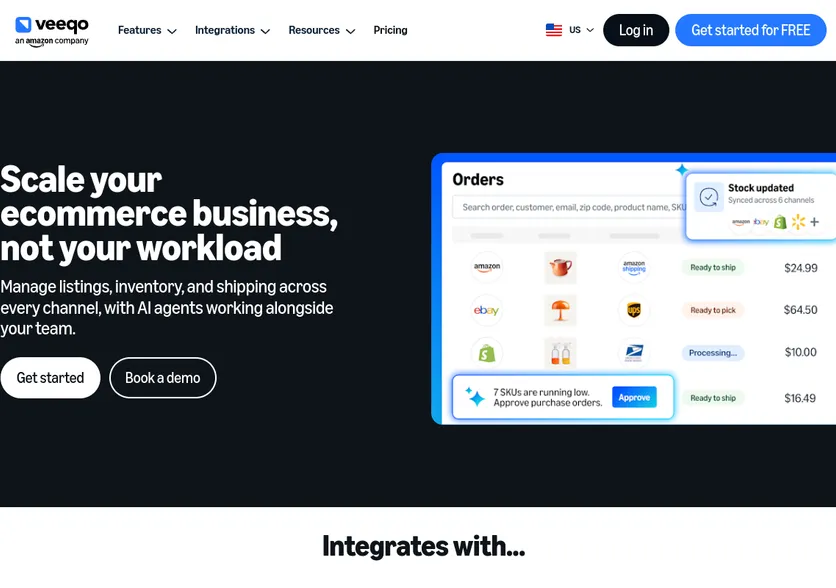
Owned by Amazon, Veeqo starts its Inventory plan at nineteen dollars a month, and its free Shipping plan already prints labels for unlimited orders. The Inventory plan adds automated stock sync across Amazon, Shopify, eBay and Walmart, demand forecasting and digital picking, so a seller stops overselling the same item on two channels. The catch is the volume pricing: the nineteen-dollar figure rises with monthly order count, so price it at your real volume.
What we like
- Free Shipping plan with unlimited shipments
- Stock sync across Amazon, Shopify, eBay and Walmart
- Pre-negotiated carrier rates with cash back in credits
Watch out for
- Stock sync only starts on the paid Inventory plan
- Inventory price rises with monthly order volume
How to try it
- Start on the free Shipping plan and print labels
- Connect Shopify and Amazon and turn on stock sync
- Check the Inventory price at your monthly order volume
2. Zoho Inventory
Best for: Small sellers who want a real free plan and per-organization pricing
Paid tool Starting price: $29/month · Twenty-nine dollars per organization a month billed annually on the Standard plan, or thirty-nine dollars month to month; Professional is seventy-nine dollars, Premium is one hundred and twenty-nine dollars and Enterprise is two hundred and forty-nine dollars billed annually
Free plan: Free plan up to 50 orders
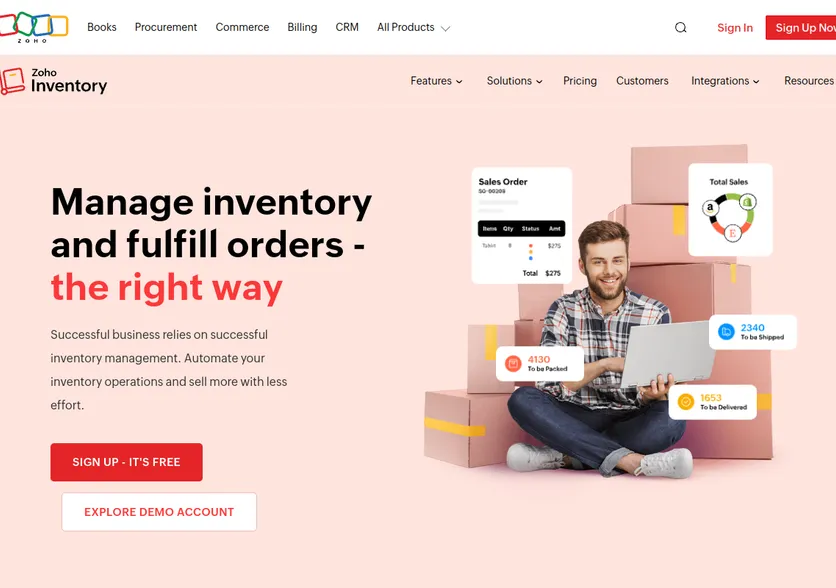
Priced per organization rather than per user, Zoho Inventory costs twenty-nine dollars a month on its Standard plan billed annually, and the free plan covers fifty orders a month. Standard raises that to five hundred orders, three users and two locations, with composite items, dropshipping and backordering included. The Zoho Books link keeps stock and accounts in step, which suits a seller already inside the Zoho family.
What we like
- Free plan a real business can run on
- Priced per organization, not per user
- Dropshipping, backordering and composite items on Standard
Watch out for
- Order, user and location caps need paid add-ons as volume grows
- Best inside the Zoho ecosystem, weaker outside it
How to try it
- Run the free plan up to fifty orders a month
- Connect Shopify and Amazon and sync the catalog
- Upgrade to Standard when orders pass fifty a month
3. Sellbrite
Best for: Sellers who want one catalog listed on every marketplace
Paid tool Starting price: $29/month · Twenty-nine dollars a month on the Pro 100 plan for up to one hundred orders; Pro 500 is seventy-nine dollars and Pro 2K is one hundred and seventy-nine dollars; the Shopify version of Pro 100 is nineteen dollars a month, and annual billing brings Pro 100 to twenty-four dollars a month per vendor-sourced listings
Free plan: Free plan up to 30 orders
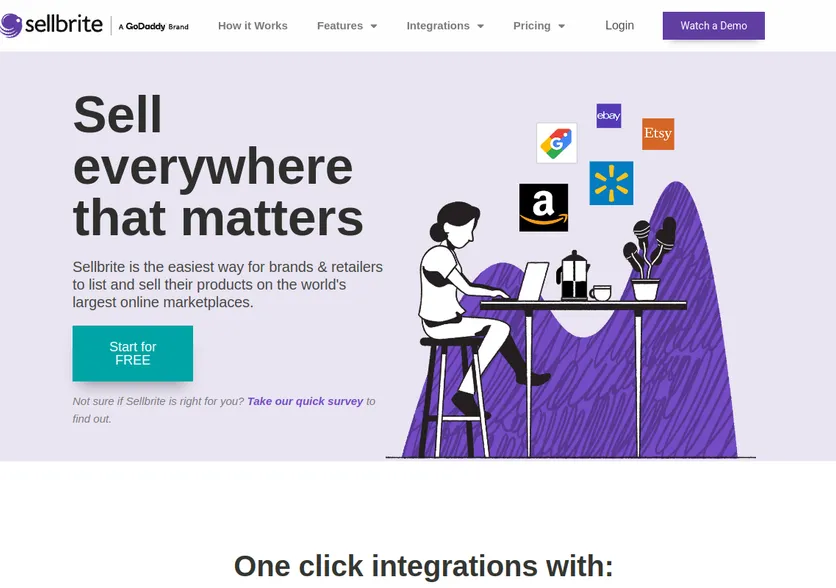
From GoDaddy, Sellbrite costs twenty-nine dollars a month on Pro 100, and its free plan covers thirty orders a month across unlimited channels, SKUs and users. It creates listings from one catalog, syncs inventory and prices across Amazon, eBay, Walmart, Etsy and Shopify, and routes orders back to one queue. Amazon FBA orders never count toward the order limit, which keeps the tier honest for sellers who fulfill through Amazon.
What we like
- Free plan with unlimited channels, SKUs and users
- Amazon FBA orders never count toward the limit
- Fifteen-minute inventory and price sync on paid plans
Watch out for
- The free plan syncs only every two hours
- FBA inventory integration costs nineteen dollars a month extra
How to try it
- List the catalog on one marketplace from the free plan
- Connect the second channel and watch the stock sync
- Upgrade to Pro 100 when orders pass thirty a month
4. inFlow Inventory
Best for: Small wholesalers who need real stock control without enterprise software
Paid tool Starting price: $89/month · Eighty-nine dollars a month billed annually on the Entrepreneur plan for two users and one location; Small Business is listed at two hundred and nineteen dollars a month in some reads and two hundred and forty-nine dollars in others, so confirm the tier at signup
Free plan: 14-day free trial
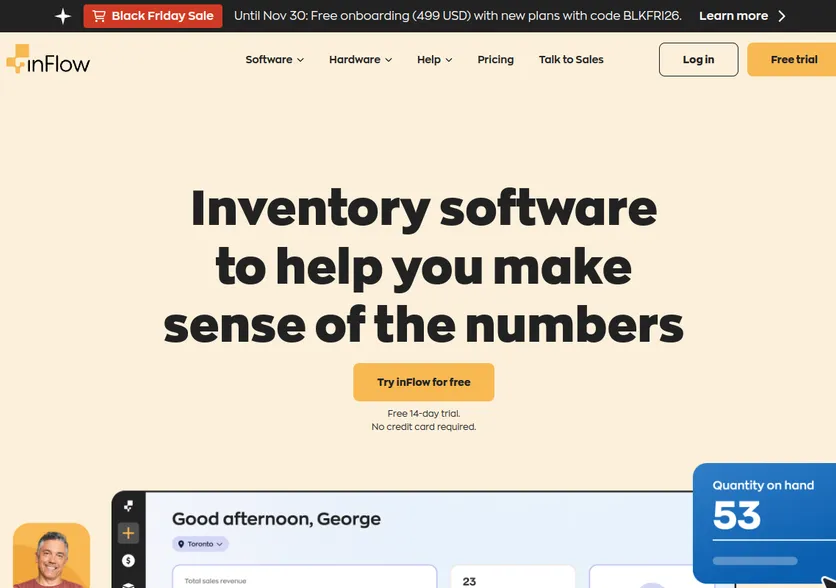
Built for product businesses that sell to other businesses, inFlow Inventory costs eighty-nine dollars a month on its Entrepreneur plan billed annually, and it covers stock control, purchase orders, sales orders and barcode scanning in one system. The Entrepreneur plan caps orders at one hundred a month with a twenty-cent charge per extra order, so a seller with spiky volume should price the overage, not just the headline. It links with Shopify, QuickBooks Online and Xero.
What we like
- Purchase orders, sales orders and barcode scanning in one system
- Manufacturing and assembly for firms that build what they sell
- Links with Shopify, QuickBooks Online and Xero
Watch out for
- The entry plan caps orders at one hundred a month
- No free tier, only a fourteen-day trial
How to try it
- Start the fourteen-day trial with the real catalog
- Set reorder points for the top twenty SKUs
- Connect QuickBooks and check the stock values match
5. SKULabs
Best for: Ecommerce brands running their own pick, pack and ship operation
Paid tool Starting price: $299/month · Two hundred and ninety-nine dollars a month on the Starter plan for one thousand orders, three users, two warehouses and ten thousand SKUs; Growth is seven hundred and ninety-nine dollars and Pro is nine hundred and ninety-nine dollars, with extra users at one hundred and twenty dollars each on Starter
Free plan: No free plan; 30-day money-back guarantee
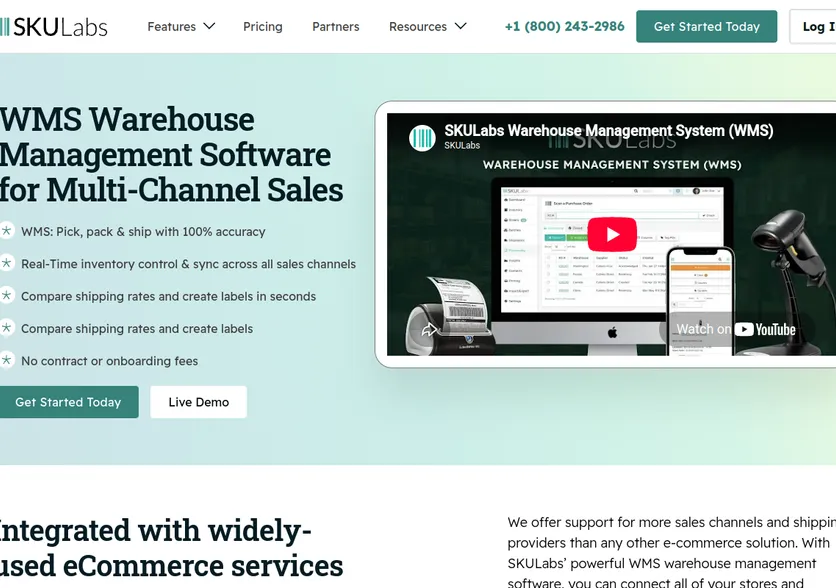
For a brand that picks, packs and ships in house, SKULabs costs two hundred and ninety-nine dollars a month on its Starter plan, and it puts warehouse execution next to the inventory count. Guided barcode scanning, order routing, cartonization and multi-warehouse stock sit in the same system, with a thirty-day money-back guarantee instead of a free trial. Orders past the one-thousand cap cost twenty cents each, so a growing brand should watch the overage line.
What we like
- Guided barcode scanning on the entry plan
- Clear published limits on orders, users and warehouses
- Thirty-day money-back guarantee
Watch out for
- No free plan or trial, only the guarantee
- Extra users cost one hundred and twenty dollars each a month
How to try it
- Count last month's orders against the one-thousand cap
- Map the warehouse bins and print barcode labels
- Run the first pick wave with guided scanning
6. Cin7 Core
Best for: Growing brands that outgrew simple stock counters
Paid tool Starting price: $349/month · Three hundred and forty-nine dollars a month on the Core Standard plan; Pro and higher tiers are priced by quote and add advanced warehousing, manufacturing and B2B portal features
Free plan: Free demo
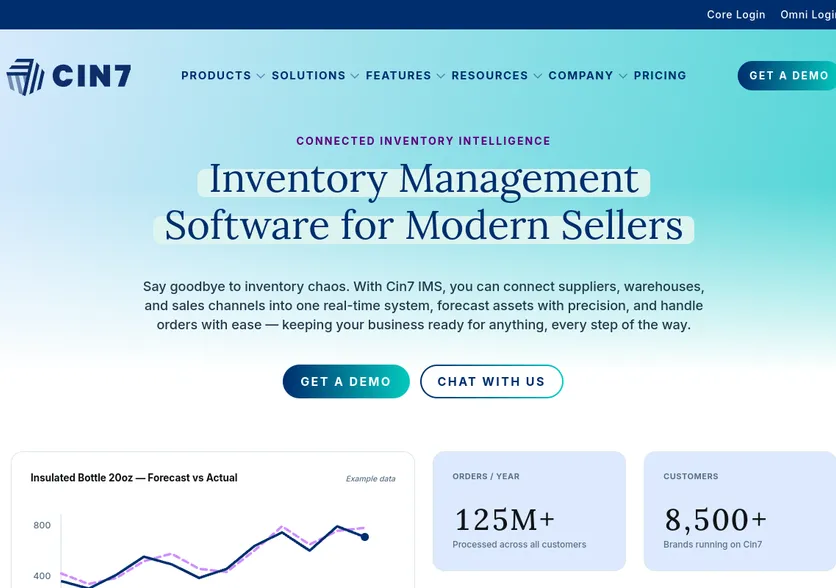
Now the mid-market arm of Cin7, Cin7 Core costs three hundred and forty-nine dollars a month on its Standard plan, and it is the step up when a seller outgrows a simple stock counter. It covers multichannel inventory, orders, purchasing and warehousing across Shopify, Amazon and dozens of other channels, with landed cost tracking and a B2B portal on higher tiers. The price is flat rather than order-based, so a high-volume seller can forecast it exactly.
What we like
- Flat monthly price, not order-based billing
- Landed cost tracking and purchasing in the same system
- Dozens of channel and accounting integrations
Watch out for
- Higher tiers are quoted, not published
- Setup takes longer than on the cheaper tools
How to try it
- Book a demo with the real channel list
- Import the catalog and map the warehouses
- Turn on landed cost tracking for the top suppliers
7. Linnworks
Best for: High-volume sellers who need automation across many channels
Paid tool Starting price: $449/month · Four hundred and forty-nine dollars a month starting, per the vendor blog; Linnworks no longer publishes a full price list on its pricing page, so confirm the current figure with sales before budgeting
Free plan: Free demo
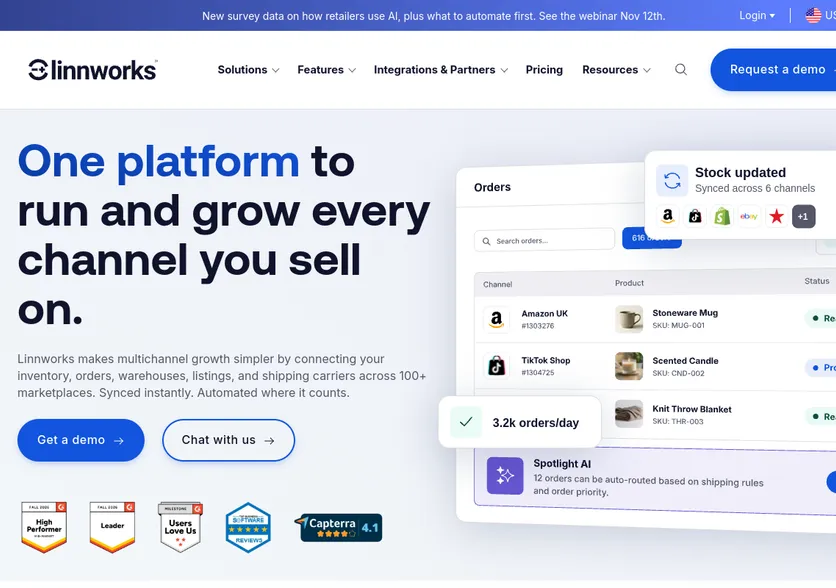
A long-running multichannel platform, Linnworks starts at four hundred and forty-nine dollars a month, and it is built for sellers whose order volume already justifies a serious system. It automates listings, inventory, orders and shipping rules across marketplaces and storefronts, with warehouse and courier integrations that the cheaper tools do not match. The price is a starting figure rather than a published tier, so treat the demo as the real quote.
What we like
- Deep automation for listings, orders and shipping rules
- Warehouse and courier integrations at scale
- Long track record with multichannel sellers
Watch out for
- No full price list published, only a starting figure
- Too expensive for a seller under a few hundred orders a month
How to try it
- Book a demo and bring the real order volume
- List every channel and courier that must connect
- Ask for the total price in writing before signing
Prices above were checked on each vendor’s own website on Nov 28, 2026 and can change — the vendor’s page is the final word. Vendor links are editorial: nobody paid to be listed or ranked here. Vendors who want a featured listing can see how it works on our Get listed page.
How to stop overselling the same item on two channels
Start with the stock count, not the listing tool. A seller who oversells needs real-time sync first, and the cheapest tools sync every two hours, which is slow enough to oversell a fast item on a busy day. Check the sync interval on the plan you would actually buy, then count the order caps: free plans stop at thirty or fifty orders a month, and paid plans jump in steps that follow volume. Next, check which channels are included, because some tools list Amazon and Shopify but charge extra for Walmart or Etsy. Finally, run both channels live for a week and watch whether the counts stay true after every sale and return.
Before you buy
- Check the stock sync interval on the plan you would actually buy, not the top tier
- Count your monthly orders against the free and paid plan caps
- Confirm every channel you sell on is included without an add-on fee
- Test a return on one channel and watch the stock count recover
- Price the tool at your real order volume, not its entry figure
Official websites
Official websites of the products reviewed above. Features and prices were checked against these sites when this guide was written, and they can change, so confirm on the vendor site before you buy.
Frequently asked questions
What is multichannel inventory software for Shopify and Amazon?
It is software that keeps one stock count for every product across Shopify, Amazon and other channels, and updates that count the moment an item sells anywhere. The tools in this list also pull orders from every channel into one queue, route them to the right warehouse and flag low stock before it runs out. Without it, a seller who lists the same item twice can sell it twice.
How much does Veeqo cost for inventory sync?
Veeqo Inventory starts at nineteen dollars a month, priced by monthly order volume, and the Shipping plan is free with unlimited shipments. High Volume starts at three hundred and fifty dollars a month. The free plan covers shipping only, so stock sync, demand forecasting and digital picking all start on the paid Inventory plan.
Which tool is best for a small Shopify and Amazon seller?
Zoho Inventory is the best value start, with a free plan up to fifty orders a month and Standard at twenty-nine dollars a month billed annually. Veeqo is the cheapest upgrade path, with free shipping tools and Inventory from nineteen dollars a month. Sellbrite suits a seller whose main job is listings, from twenty-nine dollars a month.
Can I manage Shopify and Amazon inventory for free?
Yes, up to a point. Zoho Inventory is free up to fifty orders a month, Veeqo Shipping is free with unlimited shipments, and Sellbrite is free up to thirty orders a month. The free plans cover a real test, but stock sync across channels usually needs a paid plan, so expect to pay once volume grows.
Why does my stock count go wrong across channels?
It usually goes wrong because the sync is too slow or a channel is missing. A free plan that syncs every two hours can oversell a fast item, and a tool that does not cover one of your channels leaves that stock count separate. Returns make it worse, because a returned item must add stock back on every channel at once. Check the sync interval and the return flow before you buy.
Compare the seven tools above, then start with a free plan on the tool that matches your order volume before you pay for a full year.
Browse Business Tools tools