On this page
Business notification software covers two different jobs: alerting staff when a system breaks, and sending messages to customers in an app, by email or by push. The nine tools below were compared on which job each one does, how it charges and which channels it supports. PagerDuty leads for incident alerts because its on-call rotas and escalation rules page the right person for twenty-one dollars a user a month, while OneSignal and Novu lead for customer messages.
How we researched this
We checked every price on the vendor pricing page on November 28, 2026, and only included tools with a published US dollar list price or published usage rate. OneSignal Growth is nineteen dollars a month plus usage, and older reads listing nine dollars are stale against the November 2026 vendor page. Prices change, so confirm the current figure on the vendor site before you buy.
Compare the tools
| Name | Best for | Starting price | Free plan | |
|---|---|---|---|---|
 PagerDuty | Teams that need incident alerts with on-call rotas and escalation | $21/user/month | Free plan | Visit |
 OneSignal | Apps and sites that need push, email and in-app messages | $19/month | Free plan | Visit |
 Pushwoosh | App teams that want push plus customer journeys | $7/1,000 MAU/month | Free plan | Visit |
 Novu | Developer teams that want open-source notification infrastructure | $30/month | Free plan | Visit |
 Knock | Product teams that need notification workflows with preferences | $250/month | Free plan | Visit |
 Courier | Developer teams that want one API for email, push and SMS | $0.005/send | Free plan | Visit |
 MagicBell | Products that need a real-time notification inbox | $249/month | Free plan | Visit |
 Pusher Beams | Apps already using Pusher that need transactional push | $29/month | Free plan | Visit |
| Pushover | Small teams that need simple push alerts on a tiny budget | $5 one-time | No free plan | Visit |
The notification software for businesses, compared
1. PagerDuty
Best for: Teams that need incident alerts with on-call rotas and escalation
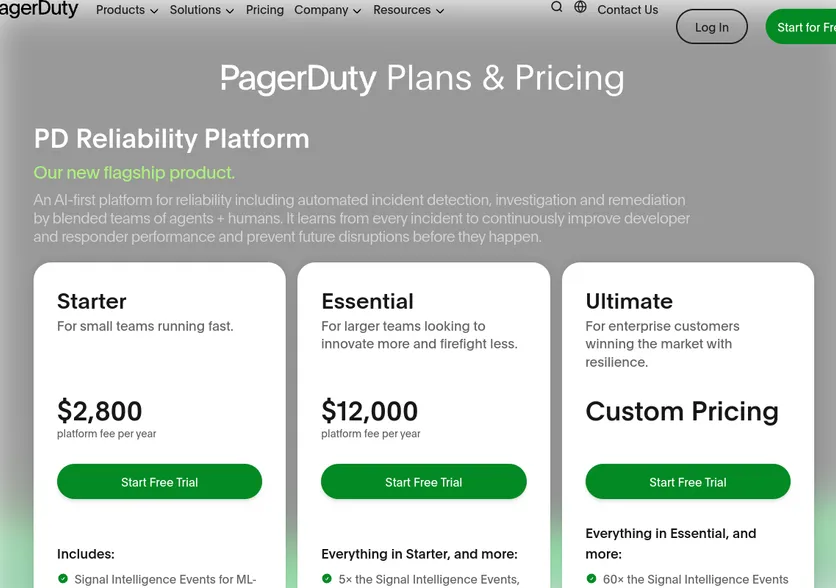
Paid tool Starting price: $21/user/month · Twenty-one dollars per user a month on the Digital plan billed annually; Professional and Business tiers add automation and analytics at quoted or higher published rates
Free plan: Free plan
For teams that page people when systems break, PagerDuty Digital plan costs twenty-one dollars per user a month. It is the standard for incident alerts, with on-call schedules, escalation rules and integrations that page the right person when a system breaks. Alert grouping cuts noise during a major incident, and the free plan lets a small team try basic alerting before paying.
What we like
- On-call schedules with escalation rules
- Alert grouping that cuts incident noise
- Deep integrations with monitoring tools
Watch out for
- Costs rise with every user on the rota
- Advanced automation needs higher tiers
How to try it
- Create a service and connect your monitoring
- Set up an on-call rota with escalation
- Test an alert end to end before going live
2. OneSignal
Best for: Apps and sites that need push, email and in-app messages
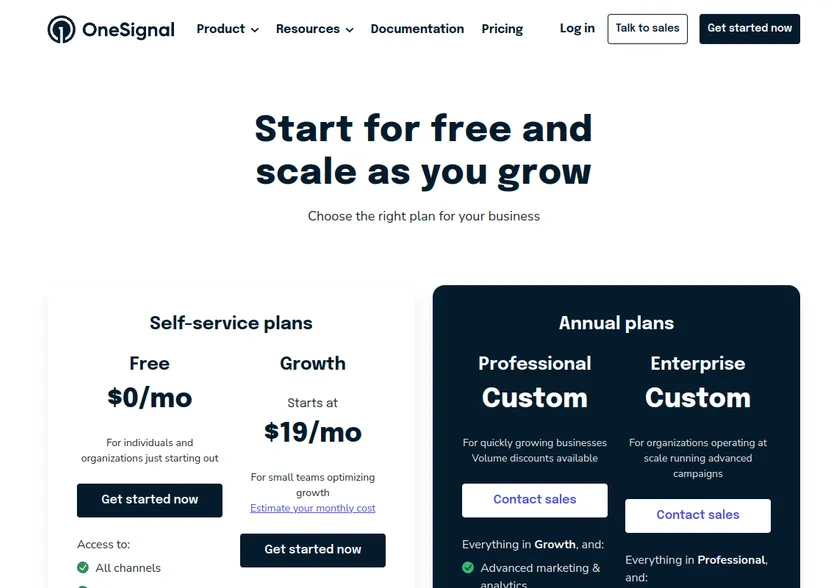
Paid tool Starting price: $19/month · Nineteen dollars a month on the Growth plan plus twelve thousandths of a dollar per mobile monthly active user and four thousandths per web push subscriber; older reads list nine dollars, which is stale against the November 2026 vendor page
Free plan: Free plan
For apps that message customers on every channel, OneSignal Growth plan costs nineteen dollars a month plus usage. It covers mobile and web push with email and in-app messages, and its free tier lets small senders start with unlimited mobile push for up to one thousand monthly active users. Segments, smart delivery timing and A/B testing help target messages without spamming an audience that can revoke permission in one tap.
What we like
- Push, email and in-app messages in one tool
- Free tier for small senders
- Segments with smart delivery timing
Watch out for
- Advanced features and higher volumes are paid
- Usage charges grow with audience size
How to try it
- Create an app and add your push keys
- Build a segment for your first campaign
- Test delivery on real devices before launch
3. Pushwoosh
Best for: App teams that want push plus customer journeys
Paid tool Starting price: $7/1,000 MAU/month · Seven dollars per one thousand monthly active users a month on the Push plan; Omnichannel is thirteen dollars per one thousand monthly active users and Email only is five dollars per one thousand recipients
Free plan: Free plan
For app teams that want journeys, not just pushes, Pushwoosh Push plan costs seven dollars per one thousand monthly active users a month. It covers push on mobile and web plus customer journeys that trigger messages from user behaviour, so a message can follow what a customer actually did. Projects stay free up to one thousand monthly active users, which makes it easy to test campaigns on a real app before committing.

What we like
- Push across mobile and web
- Customer journeys triggered by behaviour
- Free up to one thousand monthly active users
Watch out for
- MAU billing counts anyone who receives a message
- Setup takes more time than a simple push tool
How to try it
- Create a project and add your app keys
- Build a journey triggered by a key action
- Send a test push to your own devices first
4. Novu
Best for: Developer teams that want open-source notification infrastructure
Paid tool Starting price: $30/month · Thirty dollars a month on the Pro plan with thirty thousand workflow runs; the free plan covers ten thousand runs a month and self-hosting the open-source edition is free
Free plan: Free plan
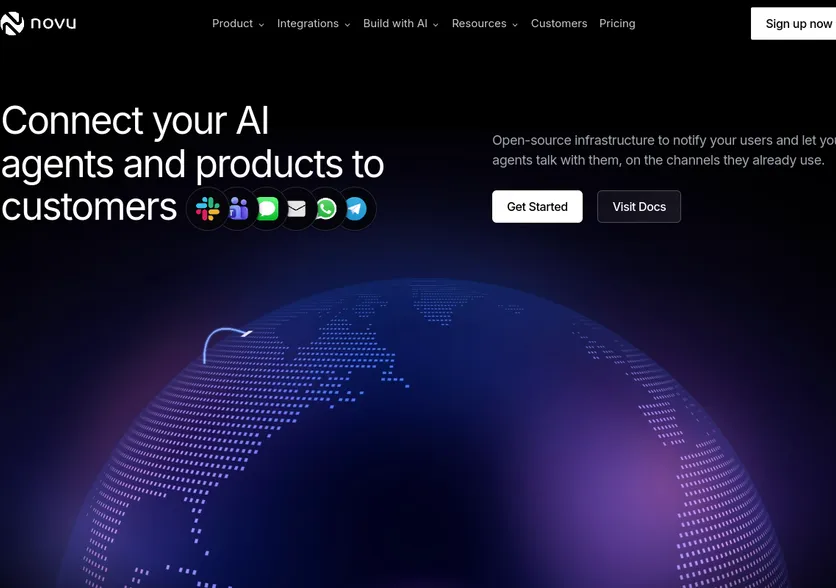
For developer teams that want to own their messaging, Novu Pro plan costs thirty dollars a month. It gives developers open-source notification infrastructure with workflows across email, push, SMS and in-app channels, so one system owns every message a product sends. Teams can self-host the community edition or use the managed cloud, and template management keeps every channel consistent.
What we like
- Open-source and self-hostable
- Workflows across email, push, SMS and in-app
- Template management in one place
Watch out for
- Self-hosting adds maintenance work
- Cloud pricing depends on volume
How to try it
- Install Novu or sign up for the cloud
- Build a workflow with your channels and templates
- Send a test notification through each channel
5. Knock
Best for: Product teams that need notification workflows with preferences
Paid tool Starting price: $250/month · Two hundred and fifty dollars a month on the Starter plan with fifty thousand messages, then half a cent per message; the free plan covers ten thousand messages a month
Free plan: Free plan
For product teams that need preference controls, Knock Starter plan costs two hundred and fifty dollars a month. It helps product teams build notification workflows, manage user preferences and deliver across channels from one system, so users control what they receive. Preference handling is a real strength, since a user can mute one category without losing the messages that matter.
What we like
- Notification workflows with preference controls
- Cross-channel delivery from one system
- Templates that keep messages consistent
Watch out for
- Developer focused, so business users need engineering help
- Usage-based pricing needs volume modelling
How to try it
- Define your notification types and channels
- Set up preference categories for users
- Test a workflow with a small audience first
6. Courier
Best for: Developer teams that want one API for email, push and SMS
Paid tool Starting price: $0.005/send · Half a cent per send after a free allowance of ten thousand sends a month; higher volumes are quoted by sales
Free plan: Free plan
For developer teams that want one messaging API, Courier charges half a cent per send after a free monthly allowance. It sits in front of email, push, SMS and in-app channels, so developers send through one API and switch providers without rewriting code. Provider failover means a message still goes out when one provider fails, and templates keep every channel looking consistent.
What we like
- One API for many channels
- Provider failover for reliable delivery
- Templates shared across channels
Watch out for
- Developer focused, so non-technical teams need help
- Routing rules take time to learn
How to try it
- Connect your providers to Courier
- Build a template for your first message type
- Send a test through each channel
7. MagicBell
Best for: Products that need a real-time notification inbox
Paid tool Starting price: $249/month · Two hundred and forty-nine dollars a month on the Startup plan; the free Builder plan covers one thousand deliveries
Free plan: Free plan
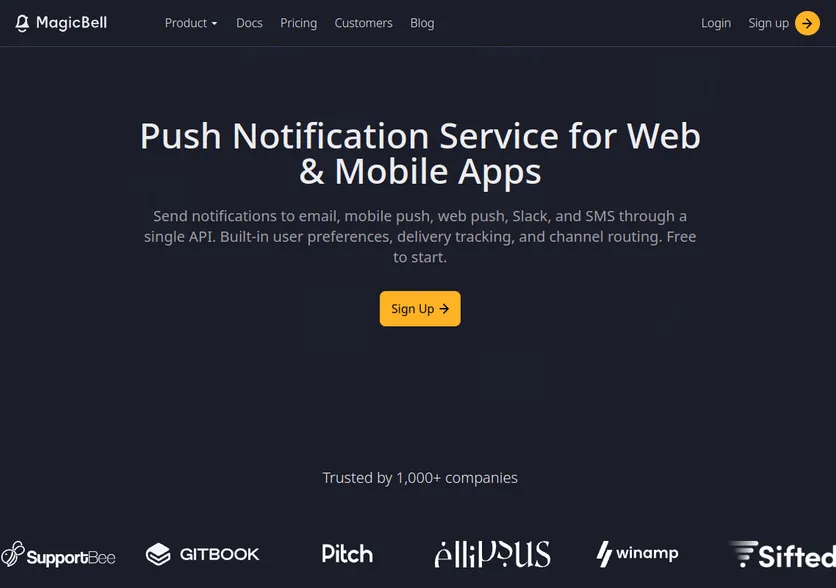
For products that need an inbox inside the app, MagicBell Startup plan costs two hundred and forty-nine dollars a month. It adds a real-time notification inbox inside your product, so users see alerts without leaving the app they are already using. Setup is fast compared with building an inbox from scratch, and multi-channel options cover email and push alongside the inbox.
What we like
- Real-time in-app notification inbox
- Easy developer setup
- Multi-channel options beyond the inbox
Watch out for
- Expensive starting price for small teams
- Smaller review base than larger rivals
How to try it
- Add the inbox component to your product
- Connect your notification sources
- Test delivery and support response during the trial
8. Pusher Beams
Best for: Apps already using Pusher that need transactional push
Paid tool Starting price: $29/month · Twenty-nine dollars a month on the Startup plan for ten thousand subscribers; the free Sandbox plan covers one thousand subscribers
Free plan: Free plan
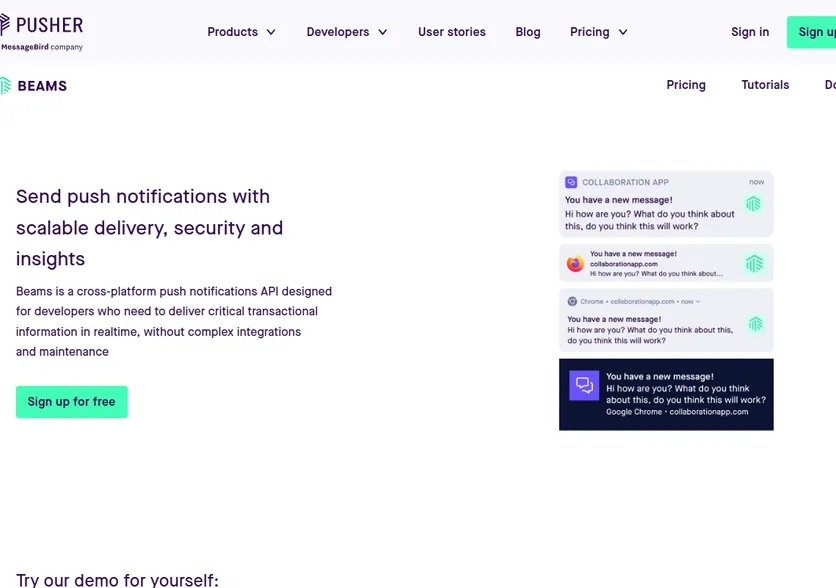
For apps already running on Pusher, Pusher Beams Startup plan costs twenty-nine dollars a month. It delivers transactional push for apps already using Pusher realtime, with interests-based targeting that keeps implementation simple. The clean developer API fits teams that already know Pusher, and the sandbox plan lets a team test delivery before paying.
What we like
- Clean developer API for push
- Interests-based targeting
- Fits apps already using Pusher
Watch out for
- Push only, with no email or SMS
- Pricing details sit behind the self-serve flow
How to try it
- Create a Beams instance for your app
- Subscribe devices to interests
- Send a test push to one interest group
9. Pushover
Best for: Small teams that need simple push alerts on a tiny budget
Paid tool Starting price: $5 one-time · Five dollars once per platform, with no monthly fee and no free plan
Free plan: No free plan
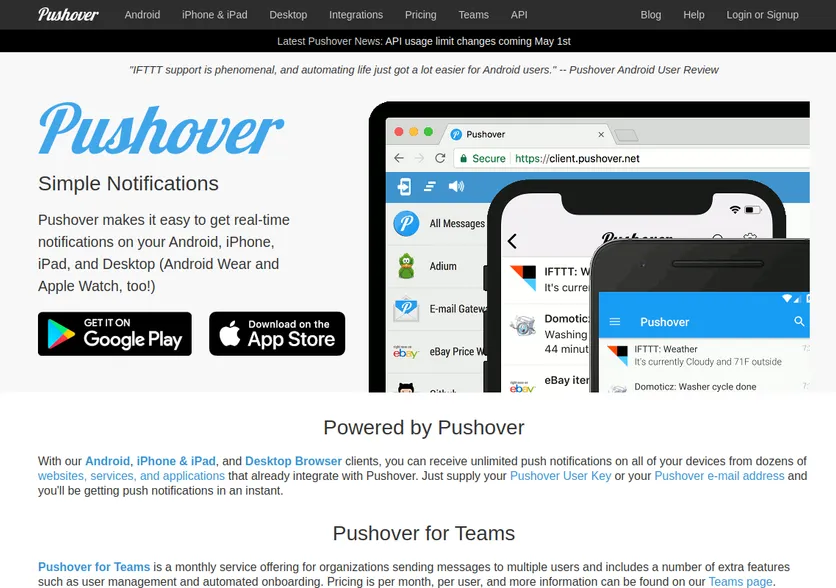
For small teams that need alerts on a tiny budget, Pushover costs five dollars once per platform. It is a simple, low-cost way to send push alerts to phones, with a straightforward API that a small team can wire up in an afternoon. There is no subscription to manage, which suits hobby projects and system alerts that do not need a full platform.
What we like
- Simple push API
- Low one-time cost
- Works on mobile without a subscription
Watch out for
- Limited team and reporting features
- Not a full notification platform
How to try it
- Create an application and get a token
- Send a test alert to your phone
- Add Pushover to your monitoring alerts
Prices above were checked on each vendor’s own website on Nov 28, 2026 and can change — the vendor’s page is the final word. Vendor links are editorial: nobody paid to be listed or ranked here. Vendors who want a featured listing can see how it works on our Get listed page.
How to split staff alerts from customer messages
Separate the two jobs first, because incident tools need escalation, quiet hours and on-call schedules, while customer tools need consent, templates and preference controls. A tool that does one job well may fail at the other, so many firms run two tools rather than forcing one to cover both. Test delivery in real conditions by sending test alerts to phones on different networks, and confirm who gets paged if the first person does not respond. Watch volume and seat costs together, since incident tools charge per user while message tools charge per send, and a growing team and a growing audience can both push the bill up. Finally, keep a short list of must-have features before you start a trial, and move on if a tool fails a must-have test.
Before you buy
- Separate staff alerts from customer messages before you shortlist any tool
- Confirm escalation, quiet hours and on-call schedules work for urgent alerts
- Test delivery on real phones and networks, including what happens on failure
- Model both seat costs and per-send volume costs as your team and audience grow
- Check plan limits on users, messages, storage and exports before you pay
Official websites
Official websites of the products reviewed above. Features and prices were checked against these sites when this guide was written, and they can change, so confirm on the vendor site before you buy.
Frequently asked questions
What is the best notification software for businesses?
PagerDuty leads for incident alerts, while OneSignal, Courier and Knock lead for customer and product messages. The best pick depends on whether you alert staff, customers or both, since one tool rarely covers both jobs well. The nine tools in this list cover both sides, from PagerDuty at twenty-one dollars a user a month to Pushover at five dollars once.
How much does PagerDuty cost for incident alerts?
PagerDuty Digital costs twenty-one dollars per user a month, and the free plan lets a small team try basic alerting before paying. Higher tiers add automation and analytics at higher published rates. For that price a team gets on-call schedules, escalation rules and alert grouping that cuts noise during a major incident.
Is there free notification software for businesses?
Yes, PagerDuty, OneSignal, Novu and others offer free tiers, but limits apply to users or volume, so check the caps against your real numbers. Pushover is a low one-time cost option at five dollars per platform for simple push alerts. A free tier is a fair way to test delivery before committing to a paid plan.
What is the difference between push and incident notifications?
Push notifications go to customers in an app or browser, while incident notifications alert staff when a system breaks. Incident tools add escalation and on-call schedules, so the right person gets paged if the first does not respond. Customer tools add consent, templates and preference controls instead.
Do I need SMS as well as push?
For urgent staff alerts, yes, since push can be muted or delayed and a phone call or SMS still gets through. For marketing messages, email and push are often enough, with SMS reserved for time-sensitive cases. Tools such as PagerDuty for staff and OneSignal for customers cover each side well.
Compare the nine tools above, then start with a free plan on the tool that covers the job you actually need before you pay for a full year.
Browse Business Tools tools