On this page
Government contractors onboard under rules most companies never meet: security forms, clearance paperwork, certified payroll and contract-specific training, all before the hire touches a project. The seven tools below handle that paperwork with prices you can check before you book a demo, and none of them needs a sales call to learn the entry cost. Rippling leads the list because it keeps HR, IT and payroll on one employee record for eight dollars per employee a month, and the rest are ranked on the same test: how much of the contractor onboarding job they cover for the price.
How we researched this
We checked every price on the vendor pricing page on November 28, 2026, and only included tools with a published US dollar list price. The big suites that usually serve government contractors, including Workday, SAP, Oracle, Dayforce, ADP Workforce Now and Paycom, publish no prices and sell by quote, so they are not in this list. Prices change, so confirm the current figure on the vendor site before you buy.
Compare the tools
| Name | Best for | Starting price | Free plan | |
|---|---|---|---|---|
 Rippling | Government contractors that want HR, IT and payroll on one record | $8/employee/month | No free plan; free demo | Visit |
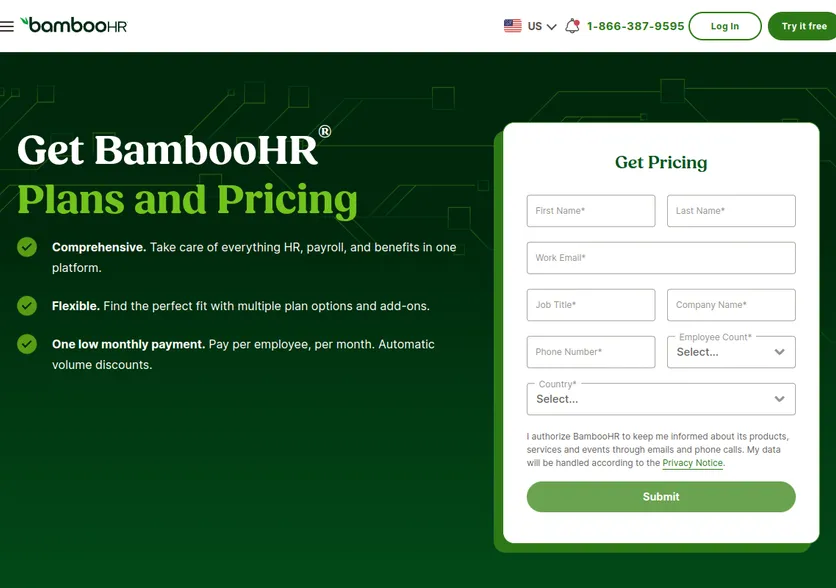
 BambooHR | Contractors onboarding cleared staff on a tight deadline | $10/employee/month | Free trial | Visit |
 Gusto | Contractors that bill labour by the hour and want payroll included | $49/month | Free demo | Visit |
 DocuSign | Contractors that need compliant e-signatures on every form | $25/user/month | No free plan; 30-day free trial | Visit |
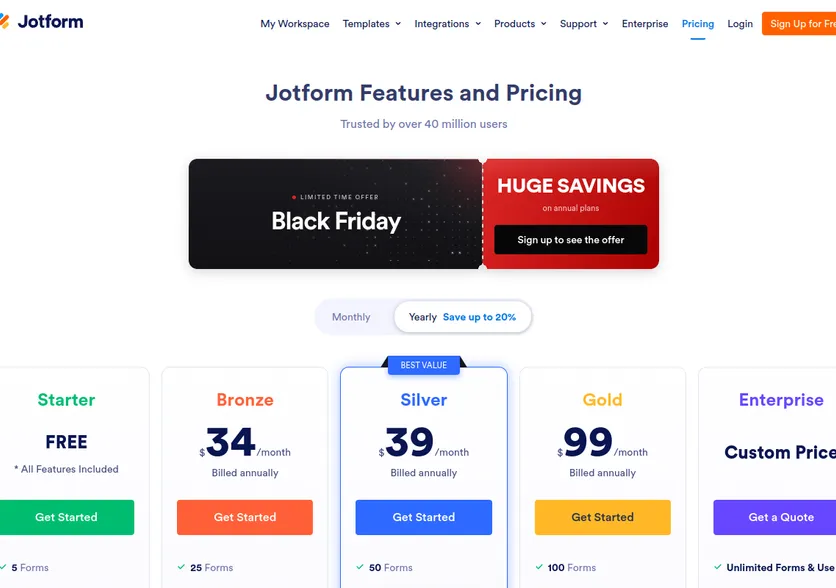
 Jotform | Contractors that need security questionnaires as online forms | $34/month | Free plan | Visit |
 GoCo | Contractors that want onboarding and benefits admin at the lowest price | $5/employee/month | Free demo | Visit |
 Trainual | Contractors that repeat the same cleared-role onboarding again and again | $249/month | Free trial | Visit |
The onboarding software for government contractors, compared
1. Rippling
Best for: Government contractors that want HR, IT and payroll on one record
Paid tool Starting price: $8/employee/month · Eight dollars per employee a month for the Unity base platform, plus a thirty-five to forty dollar monthly base fee; payroll adds about eight dollars per employee a month billed annually, or ten dollars month to month, and each extra module adds roughly four to twelve dollars per employee a month. Rippling publishes no dollar figures on its own pricing page, so these figures are the widely reported buyer and analyst consensus for 2026, and the final total always comes from a sales quote
Free plan: No free plan; free demo
For a government contractor, eight dollars per employee a month is the entry point to a Rippling platform that keeps clearance paperwork, onboarding tasks and IT access on one record. Rippling automates offer letters, device provisioning and app access from a single workflow, so a cleared hire arrives with accounts ready before the project start date. The catch is the modular bill: every useful add-on costs extra, and the final total always comes from a sales quote.

What we like
- One employee record drives HR, IT and payroll together
- Automated device and app provisioning for new hires
- Workflows that handle multi-state and clearance paperwork
Watch out for
- Every module beyond Unity is priced separately
- No dollar figures on the vendor pricing page itself
How to try it
- Create the Unity employee record and define the onboarding workflow
- Add the payroll, benefits or IT modules your contracts need
- Assign devices, apps and paperwork so day one starts ready
2. BambooHR
Best for: Contractors onboarding cleared staff on a tight deadline
Paid tool Starting price: $10/employee/month · Ten dollars per employee a month on the Core plan for teams of twenty-six or more employees, or two hundred and fifty dollars a month flat for teams of twenty-five or fewer; Pro is seventeen dollars per employee a month and Elite is twenty-five dollars, with payroll and benefits as add-ons
Free plan: Free trial
A contractor onboarding cleared staff on a deadline will find BambooHR Core at ten dollars per employee a month, and the packet system keeps every form accounted for. BambooHR pairs offer-letter e-signatures with new-hire packets, automated task lists and a self-service portal that answers the questions every new starter asks. The platform stays simple enough for a small contracts team to run, although payroll and the deepest reporting cost extra.
What we like
- Onboarding packets keep every form accounted for
- Offer letters and e-signatures built in
- Self-service portal that cuts HR inbox traffic
Watch out for
- Advanced reporting needs the Pro or Elite tier
- Payroll and benefits cost extra on top of Core
How to try it
- Build a new-hire packet with tasks, forms and documents
- Send the offer letter and collect e-signatures before day one
- Track completion in the dashboard and chase missing items
3. Gusto
Best for: Contractors that bill labour by the hour and want payroll included
Paid tool Starting price: $49/month · Forty-nine dollars a month plus six dollars per person on the Simple plan; Plus is eighty dollars a month plus twelve dollars per person and Premium is one hundred and eighty dollars a month plus twenty-two dollars per person. The Contractor Only plan closed to new signups on October 1, 2026
Free plan: Free demo
Gusto Simple starts at forty-nine dollars a month plus six dollars per person, and that payroll-first design fits a contractor that bills labour by the hour. Gusto runs offer letters, tax forms, direct deposit and benefits enrolment from a single new-hire flow, and it files payroll taxes in every state automatically. The trade-off is depth: Gusto handles payroll brilliantly, while companies needing heavy HR workflows or clearance tracking will outgrow it.

What we like
- Payroll, tax filing and onboarding in one flow
- Automatic payroll tax filing in every state
- Simple setup with no implementation project
Watch out for
- HR depth is lighter than on the big enterprise suites
- No dedicated clearance or security-form tracking
How to try it
- Set up the company profile and payroll tax details
- Invite the new hire to complete forms and direct deposit
- Enrol them in benefits and run the first pay cycle
4. DocuSign
Best for: Contractors that need compliant e-signatures on every form
Paid tool Starting price: $25/user/month · Twenty-five dollars per user a month on the Standard plan billed annually, or thirty dollars billed monthly on the annual plan and forty-five dollars month to month; Business Pro is forty dollars per user a month billed annually. Standard and Business Pro allow one hundred envelopes per user a year, and the older forty-five dollar figure was the month-to-month rate, not the annual list price
Free plan: No free plan; 30-day free trial
Twenty-five dollars per user a month buys DocuSign Standard on annual billing, and that price covers the compliant e-signatures a government contractor needs on every offer and security form. DocuSign sends envelopes for signature, tracks who has signed, and stores a tamper-evident record that stands up in an audit. The Standard plan allows one hundred envelopes per user a year, which is plenty for onboarding, although heavy contract volume will need the Business Pro tier.

What we like
- Tamper-evident signatures with a full audit trail
- Templates speed up repeat forms and security packets
- Tracks every envelope until it is signed
Watch out for
- One hundred envelopes a year per user on Standard
- Advanced bulk sending needs Business Pro
How to try it
- Upload the offer letter or security form as a template
- Add signature fields and send the envelope to the hire
- Track completion and store the signed record
5. Jotform
Best for: Contractors that need security questionnaires as online forms
Paid tool Starting price: $34/month · Thirty-four dollars a month billed annually on the Bronze plan, or thirty-nine dollars month to month; Silver is thirty-nine dollars a month billed annually and Gold is ninety-nine dollars billed annually. The free Starter plan covers five forms and one hundred submissions a month, and HIPAA compliance is available only from Gold. The vendor page currently shows a Black Friday promotion, and the headline here is the standard list price
Free plan: Free plan
Thirty-four dollars a month buys Jotform Bronze on annual billing, and the form builder turns security questionnaires and onboarding packets into fillable online forms. Jotform offers thousands of templates for HR forms, background-check consent and policy acknowledgements, with conditional logic that shows only the questions each hire must answer. The Bronze plan covers twenty-five forms, although HIPAA-compliant data collection needs the Gold tier.
What we like
- Thousands of HR and onboarding form templates
- Conditional logic hides irrelevant questions
- Responses collect in one searchable inbox
Watch out for
- HIPAA compliance needs the Gold plan
- Bronze covers only twenty-five forms
How to try it
- Pick a template for the form or questionnaire you need
- Add conditional logic and signature fields
- Share the link and collect responses in one inbox
6. GoCo
Best for: Contractors that want onboarding and benefits admin at the lowest price
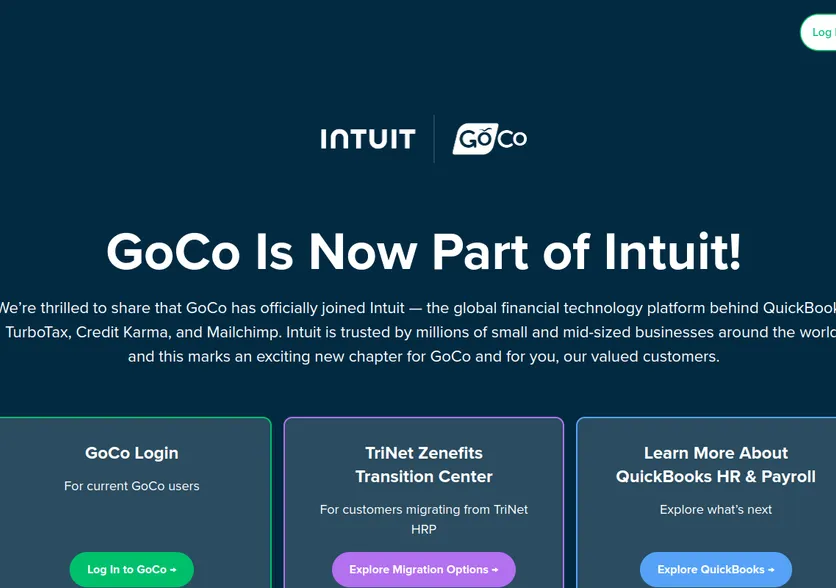
Paid tool Starting price: $5/employee/month · Five dollars per employee a month is the last-listed rate, with the vendor page no longer showing prices; GoCo is now part of Intuit and new buyers are directed through QuickBooks. Treat the figure as last-published rather than a live list price and confirm the current rate with sales before budgeting
Free plan: Free demo
GoCo's last-listed five dollars per employee a month still makes it the cheapest benefits-and-onboarding pairing in this list, even after the move to Intuit. GoCo builds magic-document workflows that collect signatures, tax forms and policy acknowledgements from new hires before day one. The catch is the ownership change: GoCo is now part of Intuit, new buyers go through QuickBooks, and the vendor no longer publishes prices on its own site.
What we like
- Magic documents collect every signature in one flow
- Strong benefits administration for the price
- Lightweight setup compared with enterprise suites
Watch out for
- Vendor no longer publishes prices on its own site
- New buyers are routed through QuickBooks
How to try it
- Build a magic-document workflow for the new-hire packet
- Send forms and policies for signature before day one
- Sync enrolment data into benefits and payroll
7. Trainual
Best for: Contractors that repeat the same cleared-role onboarding again and again
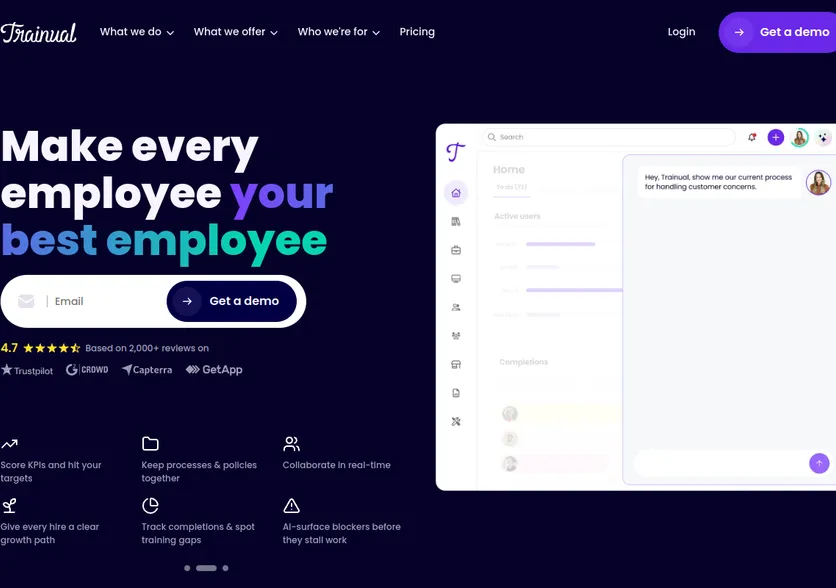
Paid tool Starting price: $249/month · Two hundred and forty-nine dollars a month on the Core plan for ten seats, billed annually; Pro is three hundred and nineteen dollars a month and Premium is three hundred and ninety-nine dollars, plus a one-thousand-dollar one-time implementation fee. Trainual no longer publishes prices on its own website, so these are the last-published figures from July 2026 and the current rate comes from a demo quote
Free plan: Free trial
Trainual's last-published Core price of two hundred and forty-nine dollars a month buys a playbook system that a contractor can reuse for every cleared role it hires. Trainual lets a company record every repeatable task once, assign it by role, and test new hires on the material before they touch live work. The structure scales across contracts and locations, although a one-thousand-dollar one-time implementation fee sits on top of the subscription.
What we like
- Turns tribal knowledge into documented playbooks
- Role-based assignments scale across contracts
- Quizzes confirm new hires actually learned the material
Watch out for
- Implementation fee adds one thousand dollars up front
- Current prices come from a demo quote, not the website
How to try it
- Document each role's processes, policies and tasks
- Assign the playbook to new hires by role or contract
- Test completion and track who still needs training
Prices above were checked on each vendor’s own website on Nov 28, 2026 and can change — the vendor’s page is the final word. Vendor links are editorial: nobody paid to be listed or ranked here. Vendors who want a featured listing can see how it works on our Get listed page.
How to onboard a government contractor hire without missing a compliance step
Build the checklist from the contract, not from a generic template. Every federal contract adds its own forms, training and clearance steps, and a hire cleared for one project may still miss a requirement on the next. Start the paperwork the day the offer is accepted, because clearance forms and background checks take longer than any software setup. Keep every signed document in one place with an audit trail, and review the packet weekly until the hire is fully cleared, because a single missing signature can delay a project start.
Before you buy
- Confirm the tool handles clearance paperwork and security forms, not just generic offer letters
- Check whether e-signatures meet federal standards for the contracts you work under
- Ask if the price covers payroll tax filing for employees working in multiple states
- Make sure onboarding tasks can be assigned by contract or clearance level, not only by role
- Test the audit trail, because a missing signature can hold up a whole project start
Official websites
Official websites of the products reviewed above. Features and prices were checked against these sites when this guide was written, and they can change, so confirm on the vendor site before you buy.
Frequently asked questions
What is the best onboarding software for government contractors?
Rippling leads for most government contractors because it keeps HR, IT and payroll on one employee record for eight dollars per employee a month plus a base fee, with device provisioning built in. DocuSign is the pick when compliant e-signatures matter most, at twenty-five dollars per user a month. BambooHR fits a smaller contracts team that wants simple onboarding packets from ten dollars per employee a month.
How much does DocuSign cost for a government contractor?
DocuSign Standard costs twenty-five dollars per user a month billed annually and includes a tamper-evident audit trail on every envelope, which is what federal work usually requires. The plan allows one hundred envelopes per user a year, and templates speed up repeat security forms. Business Pro at forty dollars per user a month adds bulk sending for teams with heavy contract volume.
Why are Workday and ADP not in this list?
Workday, SAP, Oracle, Dayforce, ADP Workforce Now and Paycom all sell by quote and publish no prices on their websites, so they cannot be compared on price in a list like this one. They are strong enterprise suites, and a large contractor should still request quotes from them. This list only includes tools with a published US dollar list price you can check before booking a demo.
How do I keep contractor onboarding compliant?
Start with the signature and the audit trail. Every offer, security form and policy acknowledgement needs a tamper-evident record of who signed and when, because a missing signature can hold up a project start. Then assign onboarding tasks by contract or clearance level rather than by generic role, so nothing required for one contract leaks into another. Finally, test the whole flow with one hire before the next contract starts.
Is there a free way to start contractor onboarding?
Jotform offers a free Starter plan with five forms and one hundred submissions a month, which covers a small pilot of questionnaires and consent forms. BambooHR, Trainual and DocuSign all offer free trials or demos, so you can test the workflow with a real new hire before paying. No tool in this list runs a full contractor onboarding program for free, so budget for a paid plan once the pilot proves the fit.
Compare the seven tools above, then start with a free trial or demo on the tool that fits your contracts before you commit to a yearly plan.
Browse Business Tools tools