On this page
A nonprofit that never asks its community what it needs is guessing, and guessing wastes donations. The nine tools below help a nonprofit survey donors, volunteers and the people it serves, from a completely free form to a research-grade platform. Jotform leads because registered nonprofits get fifty percent off a tool that covers surveys, signups and donations for thirty-four dollars a month.
How we researched this
We checked every price on the vendor pricing page on November 28, 2026, and only included tools with a published US dollar list price, or a euro list price where the vendor bills in euros. The quote-only research suites that sell by sales call, including Qualtrics Research Core, publish no prices, so they are not in this list. Prices change, so confirm the current figure on the vendor site before you buy.
Compare the tools
| Name | Best for | Starting price | Free plan | |
|---|---|---|---|---|
 Jotform | Nonprofits that want a discount and a full form tool | $34/month | Free plan (5 forms, 100 submissions) | Visit |
| Google Forms | Nonprofits that want a free survey with no limits | $0 | Free plan | Visit |
 Typeform | Nonprofits that want surveys supporters enjoy answering | $28/month | Free plan | Visit |
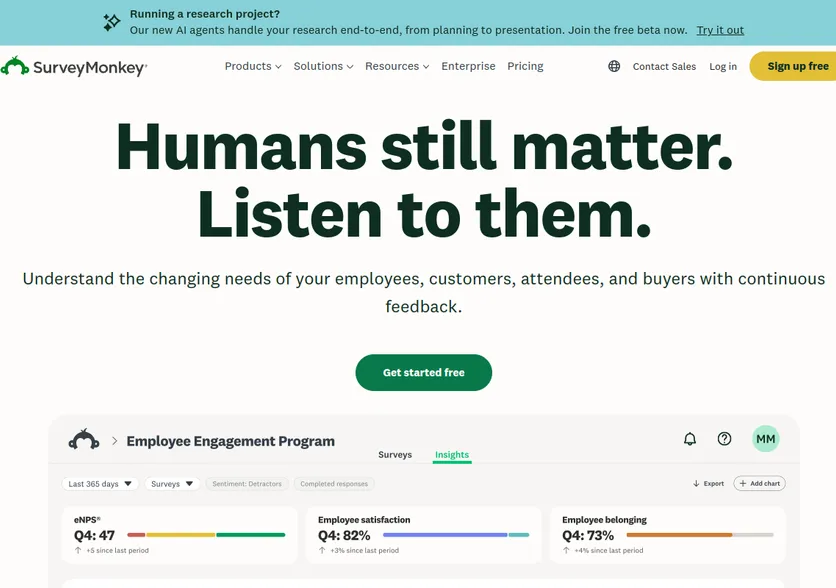
 SurveyMonkey | Nonprofits that need research-grade surveys | $34/month | Free plan | Visit |
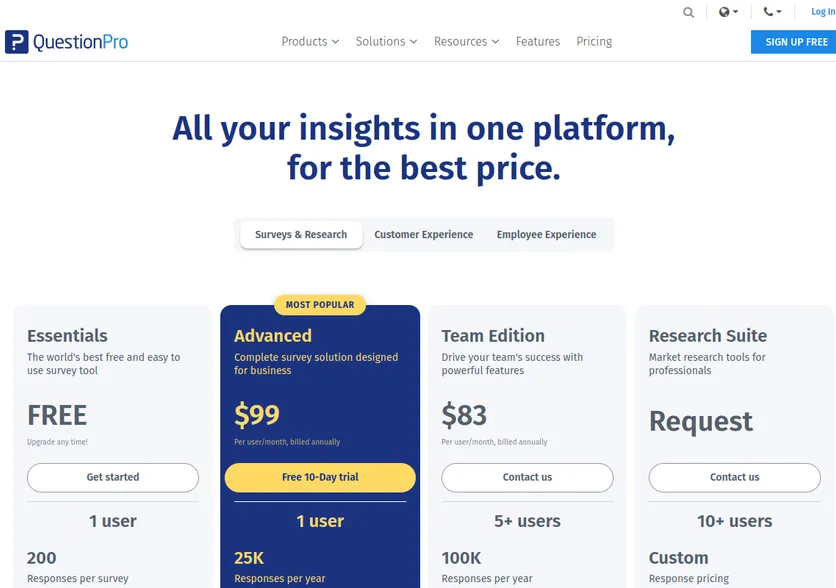
 QuestionPro | Nonprofits that need complex survey logic | $99/user/month | Free plan (Essentials) | Visit |
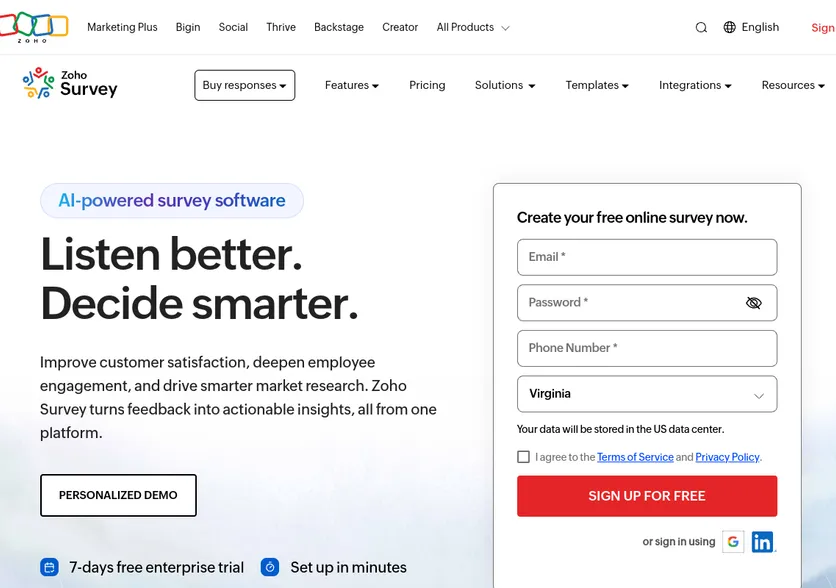
 Zoho Survey | Nonprofits already using Zoho apps | $25/month | Free plan | Visit |
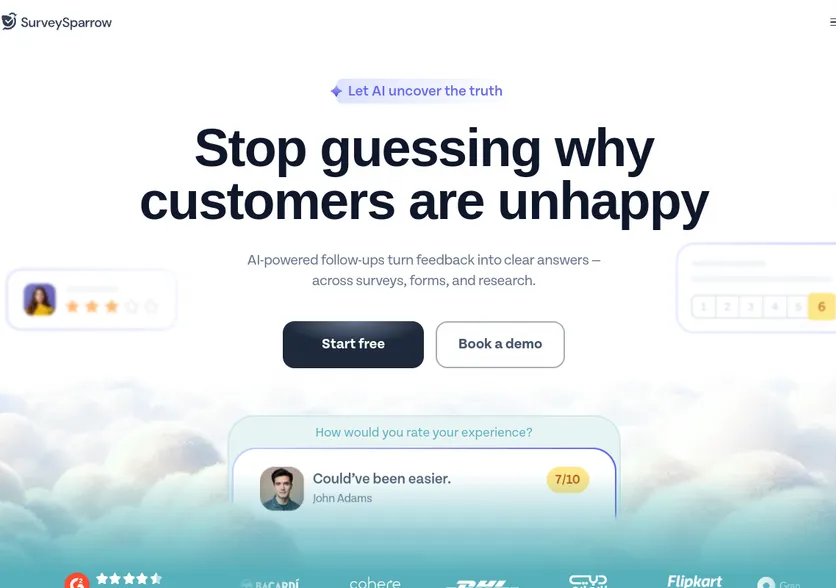
 SurveySparrow | Nonprofits that want friendly chat-style surveys | $19/month | Free plan | Visit |
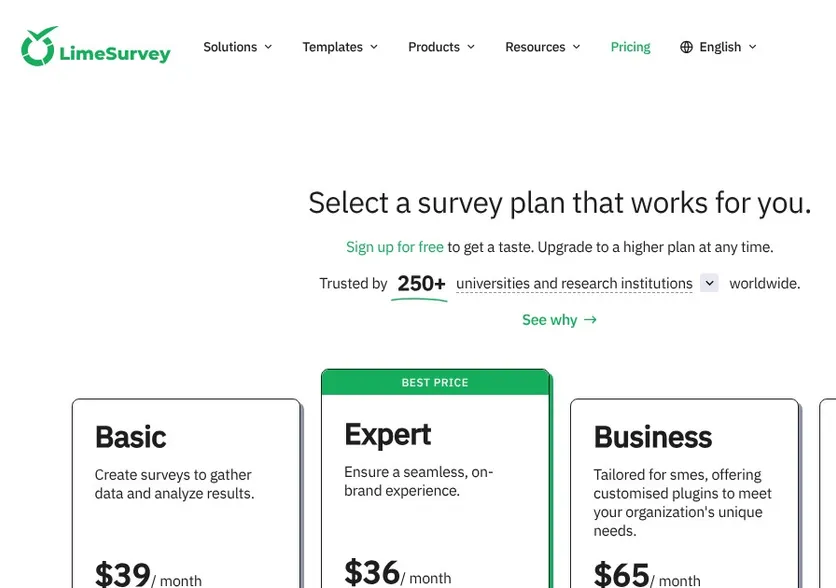
 LimeSurvey | Nonprofits that want to own their survey data | €34/month | Free plan (Community Edition, self-hosted) | Visit |
| SoGoSurvey | Nonprofits that want white-label surveys | $25/month | Free plan (Basic) | Visit |
The online survey software for nonprofits, compared
1. Jotform
Best for: Nonprofits that want a discount and a full form tool
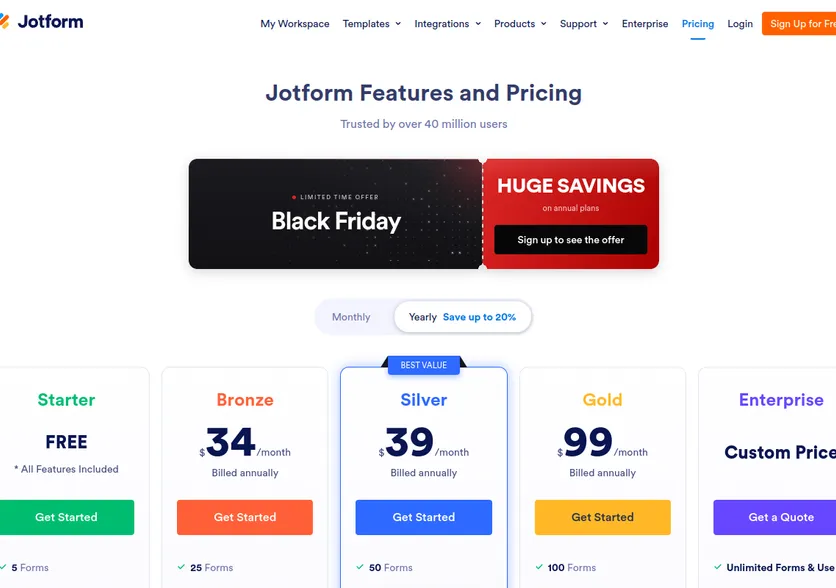
Paid tool Starting price: $34/month · Thirty-four dollars a month billed annually; thirty-nine dollars billed monthly; Silver is thirty-nine dollars and Gold is ninety-nine dollars a month billed annually; nonprofits get fifty percent off Bronze, Silver and Gold
Free plan: Free plan (5 forms, 100 submissions)
A nonprofit that needs surveys, forms and donations in one place will get the best deal here, since this Jotform plan costs thirty-four dollars a month billed annually on Bronze, and registered nonprofits get fifty percent off. The drag-and-drop builder covers volunteer signups, event registrations and feedback surveys with thousands of templates, and submissions land in tidy tables. It is the best overall pick for a nonprofit that wants one form tool for every job.
What we like
- Fifty percent nonprofit discount on paid plans
- Thousands of templates for surveys and signups
- Submissions land in tidy, exportable tables
Watch out for
- The free plan covers only five forms
- The discount needs nonprofit verification
How to try it
- Apply for the fifty percent nonprofit discount
- Pick a template for the survey or signup form
- Share the form and export the submissions when done
2. Google Forms
Best for: Nonprofits that want a free survey with no limits
Paid tool Starting price: $0 · Zero dollars with a Google account; there is no paid tier and no pricing page, so there is nothing to upgrade to when response volume grows
Free plan: Free plan
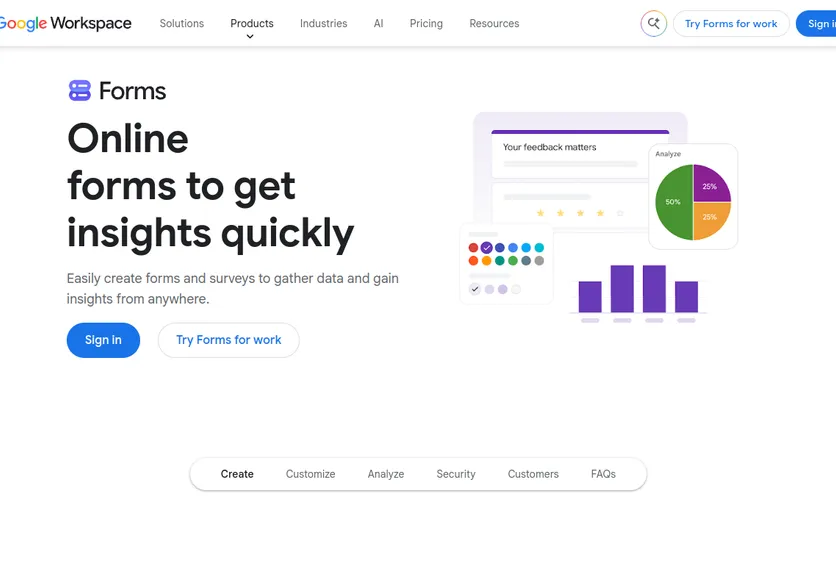
A nonprofit with no budget for surveys will find everything it needs here, since this Google Forms plan costs zero dollars with a Google account, and it offers unlimited surveys, unlimited questions and unlimited responses for free. The results land in a Google Sheet automatically, and the forms work on any phone or computer. It is the best free pick in this list, and the right start for any nonprofit that has never run a survey.
What we like
- Completely free with unlimited responses
- Results land in a Google Sheet automatically
- Works on any phone or computer
Watch out for
- No logic jumps or advanced survey features
- No dedicated support for survey problems
How to try it
- Create a form from a template or from scratch
- Add questions and set the response destination to Sheets
- Share the link and read the results in the spreadsheet
3. Typeform
Best for: Nonprofits that want surveys supporters enjoy answering
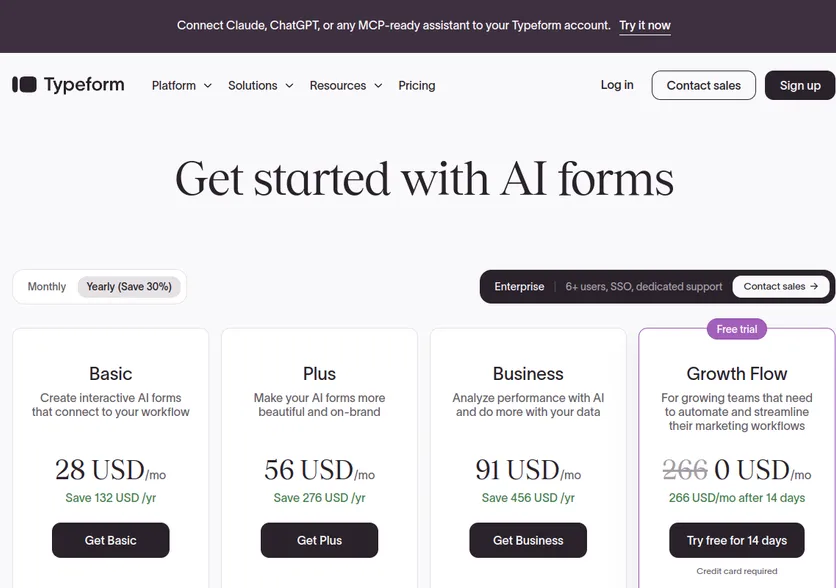
Paid tool Starting price: $28/month · Twenty-eight dollars a month billed annually; thirty-nine dollars billed monthly; Plus is fifty-six dollars and Business is ninety-one dollars a month billed annually
Free plan: Free plan
A nonprofit that needs donors and volunteers to actually finish the survey will get the best completion rates here, since this Typeform plan costs twenty-eight dollars a month billed annually on Basic, and it asks one beautiful question at a time. The friendly design suits donor feedback and volunteer satisfaction surveys, and the results arrive as charts anyone can read. It is the best pick for a nonprofit that values answers over volume.
What we like
- One-question-at-a-time design lifts completion rates
- Logic jumps skip irrelevant questions
- Charts anyone on the team can read
Watch out for
- No nonprofit discount published
- Response limits push busy teams up a tier
How to try it
- Pick a template for donor or volunteer feedback
- Add logic jumps so supporters skip irrelevant questions
- Share the link and read the results in the dashboard
4. SurveyMonkey
Best for: Nonprofits that need research-grade surveys
Paid tool Starting price: $34/month · Thirty-four dollars a month billed annually on Advantage, per a November 24, 2026 read of the vendor pricing page; Standard is thirty-five dollars a month billed monthly and Premier is ninety-nine dollars a month billed annually; older 2026 reads showed Advantage at thirty-nine dollars; Team Advantage starts at twenty-five dollars per user a month with a three-user minimum
Free plan: Free plan
A nonprofit that reports survey results to funders will want the rigour here, since this SurveyMonkey plan costs thirty-four dollars a month billed annually on Advantage, and it pairs a huge question bank with analysis tools that show trends and significance. The templates cover community needs, program feedback and volunteer satisfaction, and the results export cleanly for grant reports. It is the best pick for a nonprofit that needs answers it can defend to a funder.
What we like
- Research-grade templates for program feedback
- Analysis shows trends and significance
- Results export cleanly for grant reports
Watch out for
- Older reads showed Advantage at thirty-nine dollars
- The free plan limits visible responses
How to try it
- Pick a template for community or program feedback
- Send the survey by email, link or social post
- Export the results for the grant report
5. QuestionPro
Best for: Nonprofits that need complex survey logic
Paid tool Starting price: $99/user/month · Ninety-nine dollars per user a month on Advanced with a one-year term; Team Edition is eighty-three dollars per user a month; Essentials is the free plan
Free plan: Free plan (Essentials)
A nonprofit that runs needs assessments with branching and quotas will find the power here, since this QuestionPro plan costs ninety-nine dollars per user a month on Advanced, and it handles the survey logic that simpler tools cannot. Its forty-plus question types cover every research need, and the free Essentials plan lets a small nonprofit start without paying. It is the most capable survey engine in this list for a nonprofit with demanding research.
What we like
- Branching, piping and quotas for complex surveys
- More than forty question types
- Free Essentials plan for starting out
Watch out for
- The highest price in this list
- No published nonprofit discount
How to try it
- Build the survey with branching and piping
- Set quotas for each community segment
- Export the raw data for the program report
6. Zoho Survey
Best for: Nonprofits already using Zoho apps
Paid tool Starting price: $25/month · Twenty-five dollars a month billed annually on Plus; thirty-five dollars billed monthly; Basic is seven dollars and forty-two cents a month billed annually, Pro is thirty-five dollars and Enterprise is seventy-five dollars; dollar figures are third-party reads of the vendor page, which prices by currency and location
Free plan: Free plan
A nonprofit that already runs on Zoho will find the cheapest survey seat here, since this Zoho Survey plan costs twenty-five dollars a month billed annually on Plus, and it plugs straight into Zoho CRM and Zoho Campaigns. Responses can trigger follow-ups with donors, and the reports update as answers arrive. It is the best value for a nonprofit that wants surveys inside its Zoho workspace.
What we like
- Plugs straight into Zoho CRM and Campaigns
- Responses can trigger donor follow-ups
- Lowest survey price in this list
Watch out for
- Dollar figures are third-party reads, not vendor-confirmed
- Design options are plainer than Typeform
How to try it
- Create a survey from a template or from scratch
- Connect it to Zoho CRM to follow up with donors
- Share the link and watch reports update live
7. SurveySparrow
Best for: Nonprofits that want friendly chat-style surveys
Paid tool Starting price: $19/month · Nineteen dollars a month billed annually on Basic for two thousand five hundred responses a year and one user; Starter is thirty-nine dollars on sale against a forty-nine dollar list and Business is seventy-nine dollars against a ninety-nine dollar list; terms add a seven percent automatic increase on every annual renewal
Free plan: Free plan
A nonprofit that wants surveys to feel like a conversation will like the chat format here, since this SurveySparrow plan costs nineteen dollars a month billed annually on Basic, and it asks questions in a chat bubble that supporters answer one at a time. The friendly style lifts completion rates among volunteers and donors, and the dashboard shows responses as they arrive. It is the cheapest paid survey in this list for a nonprofit that wants warm surveys.
What we like
- Chat-style surveys lift completion rates
- Dashboard shows responses as they arrive
- Lowest paid price in this list
Watch out for
- Basic covers only one user and twenty-five hundred responses
- Terms add a seven percent increase on renewal
How to try it
- Pick a chat survey template
- Customise the questions and the chat style
- Share the link and watch responses arrive live
8. LimeSurvey
Best for: Nonprofits that want to own their survey data
Paid tool Starting price: €34/month · Thirty-four euros a month billed monthly on Cloud Basic for one thousand responses a month and one admin; Expert is twenty-nine euros a month billed annually and Business is seventy-five euros; checkout is in euros and the dollar display is informational only
Free plan: Free plan (Community Edition, self-hosted)
A nonprofit that wants to own its survey data outright will find the open-source route here, since this LimeSurvey plan costs thirty-four euros a month billed monthly on Cloud Basic, and it offers a free self-hosted edition alongside the managed cloud. The cloud plan covers a thousand responses a month with unlimited questions, and the data stays under the nonprofit control. It is the best pick for a nonprofit that values data ownership over polish.
What we like
- Free open-source edition to self-host
- Unlimited questions and surveys on cloud plans
- Data stays under the nonprofit control
Watch out for
- Checkout is in euros, not dollars
- The interface is plainer than the newer tools
How to try it
- Start a cloud account or install the free edition
- Build the survey with unlimited questions
- Share the link and export the results when done
9. SoGoSurvey
Best for: Nonprofits that want white-label surveys
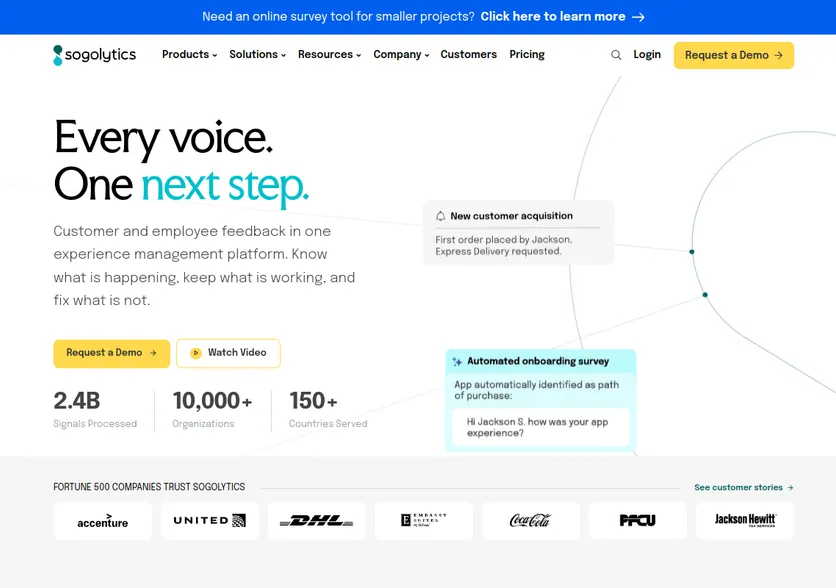
Paid tool Starting price: $25/month · Twenty-five dollars a month on Plus, per multiple November 2026 directory reads; Pro and Premium figures vary across directories from sixty-six to one hundred and ninety-nine dollars a month, so confirm the upper tiers with the vendor; the product now trades as Sogolytics
Free plan: Free plan (Basic)
A nonprofit that sends surveys under its own name will like the white-label options here, since this SoGoSurvey plan costs twenty-five dollars a month on Plus, and it lets the nonprofit use its own URL, colours and logo on every survey. The advanced logic and reporting cover serious community research, and the platform now trades as Sogolytics. It is a solid pick for a nonprofit that wants surveys to look like its own work.
What we like
- White-label surveys under the nonprofit own URL
- Advanced logic and reporting included
- Free Basic plan for trying the platform
Watch out for
- Upper-tier prices vary across directories
- The rebrand to Sogolytics confuses some buyers
How to try it
- Set up the white-label domain and branding
- Build the survey with advanced logic
- Send it from the nonprofit own URL
Prices above were checked on each vendor’s own website on Nov 28, 2026 and can change — the vendor’s page is the final word. Vendor links are editorial: nobody paid to be listed or ranked here. Vendors who want a featured listing can see how it works on our Get listed page.
How a nonprofit surveys its community without survey fatigue
Ask only when the answer will change a decision, because a community asked every week stops answering at all. Keep the survey under five minutes and under ten questions, and send it by the channel the community already uses, whether that is email, text or a link at an event. Share the results back afterwards, in plain language, so supporters see their answers mattered. Finally, thank every respondent and tell them what changed because of the survey, since gratitude is what brings them back next time, and invite them to the next event as a thank you.
Before you buy
- Check whether the vendor offers a nonprofit discount before paying full price
- Make sure the free plan covers the response volume the nonprofit needs
- Ask if the tool works in the languages the community speaks
- Confirm the survey exports data the nonprofit can keep and share
- Test the survey on a phone, since most supporters answer from one
Official websites
Official websites of the products reviewed above. Features and prices were checked against these sites when this guide was written, and they can change, so confirm on the vendor site before you buy.
Frequently asked questions
What is the best online survey software for nonprofits?
Jotform is the best overall pick for nonprofits, at thirty-four dollars a month billed annually on Bronze, because registered nonprofits get fifty percent off and the tool covers surveys, signups and donations in one place. Google Forms is the best free pick, with unlimited surveys and responses for zero dollars. Typeform is the best experience at twenty-eight dollars a month billed annually for surveys supporters actually finish.
Does Jotform offer a nonprofit discount?
Jotform offers a fifty percent discount on Bronze, Silver and Gold plans for registered nonprofits, which cuts Bronze from thirty-four dollars to seventeen dollars a month billed annually. The discount needs nonprofit verification, so apply with the organisation's registration details before paying. The free plan covers five forms and one hundred submissions, which suits a small nonprofit starting out.
Can a nonprofit run surveys for free?
Yes, with Google Forms, which is completely free with unlimited surveys, questions and responses, and with the free plans on Jotform, Typeform, SurveyMonkey, QuestionPro, Zoho Survey, SurveySparrow and LimeSurvey. Free plans usually cap responses or visible results, but Google Forms has no cap at all. A nonprofit with no budget should start with Google Forms and add a paid tool only when it needs logic or branding.
What is the cheapest survey software for nonprofits?
SurveySparrow is the cheapest paid survey here at nineteen dollars a month billed annually on Basic, covering twenty-five hundred responses a year for one user. Zoho Survey Plus and SoGoSurvey Plus are both twenty-five dollars a month. With the fifty percent nonprofit discount, Jotform Bronze drops to seventeen dollars a month billed annually, which makes it the cheapest full-featured option for a registered nonprofit.
How should a nonprofit write a survey supporters will answer?
Keep it under ten questions, because every extra question costs answers, and send it within a day of the event or interaction while the experience is fresh. Ask one thing per question and offer the survey in the languages the community speaks. Share the results back with supporters afterwards, since people answer again when they see their feedback changed something.
Compare the nine tools above, then start with a free plan or the nonprofit discount on the one that fits how the nonprofit already hears from supporters before paying for a full year.
Browse Business Tools tools