On this page
A logistics operation that cannot see its loads, costs and delays in one place is driving blind, and a spreadsheet updated once a week is not fast enough for dispatch. The eight tools below turn shipment, fleet and warehouse data into dashboards a manager can read in a minute. Power BI leads because it pairs live dashboards with the Microsoft tools most operations already use for fourteen dollars per user a month.
How we researched this
We checked every price on the vendor pricing page on November 28, 2026, and only included tools with a published US dollar list price. The quote-only enterprise BI platforms that sell by sales call, including Sisense, Domo and GoodData, publish no flat prices, so they are not in this list. Prices change, so confirm the current figure on the vendor site before you buy.
Compare the tools
| Name | Best for | Starting price | Free plan | |
|---|---|---|---|---|
 Power BI | Logistics teams that already run on Microsoft | $14/user/month | Free plan | Visit |
 Tableau | Logistics teams that want the deepest visual analysis | $75/user/month | Free plan (Tableau Public) | Visit |
 Zoho Analytics | Small logistics teams that want the lowest price | $24/month | Free plan (2 users, 10,000 rows) | Visit |
 Databox | Logistics teams that want KPI scorecards | $47/month | Free plan (3 data sources) | Visit |
| Bold BI | Logistics teams that embed dashboards in apps | $999/month | Free plan (Community License) | Visit |
 Metabase | Logistics teams that want open-source reporting | $575/month | Free plan (open source, self-hosted) | Visit |
 Qlik Sense | Logistics teams that explore data freely | $30/user/month | No free plan; 14-day free trial | Visit |
 Klipfolio | Logistics teams that want real-time KPI dashboards | $99/month | Free plan (2 editor users) | Visit |
The operational reporting software for logistics, compared
1. Power BI
Best for: Logistics teams that already run on Microsoft
Paid tool Starting price: $14/user/month · Fourteen dollars per user a month on Pro, per November 2026 reads of the vendor pricing page; Premium Per User is twenty-four dollars a user a month; older directories still show ten and twenty dollars, the pre-April 2025 figures; Pro is included in Microsoft 365 E5
Free plan: Free plan
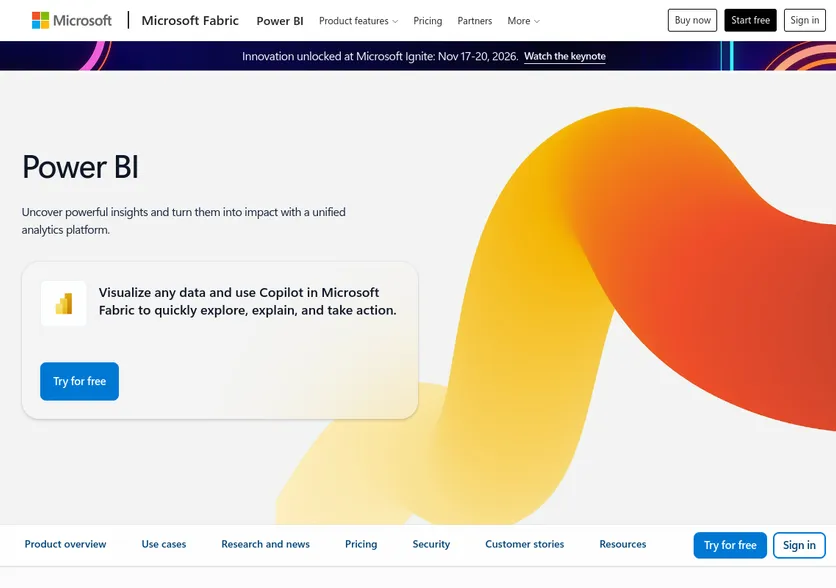
A logistics operation that already runs on Microsoft will get the most for its money here, since this Power BI plan costs fourteen dollars per user a month on Pro, and it turns shipment, fleet and warehouse data into live dashboards inside the tools the team already opens. Its connectors pull from Excel, SQL and Azure, and the mobile app puts the daily numbers in a dispatcher's pocket. It is the best overall pick for a Microsoft shop that needs operational reporting.
What we like
- Live dashboards inside the Microsoft tools teams already use
- Connectors for Excel, SQL and Azure
- Mobile app puts daily numbers in a dispatcher pocket
Watch out for
- Older directories still show ten dollars for Pro
- Premium capacity starts near five thousand dollars a month
How to try it
- Connect the shipment and fleet data sources
- Build dashboards for on-time delivery and cost per load
- Share the dashboards with dispatchers on mobile
2. Tableau
Best for: Logistics teams that want the deepest visual analysis
Paid tool Starting price: $75/user/month · Seventy-five dollars per user a month billed annually on Creator in the Standard edition; Enterprise Creator is one hundred and fifteen dollars; Explorer is forty-two dollars and Viewer is fifteen dollars a user a month in Standard; every deployment needs at least one Creator and contracts are annual
Free plan: Free plan (Tableau Public)
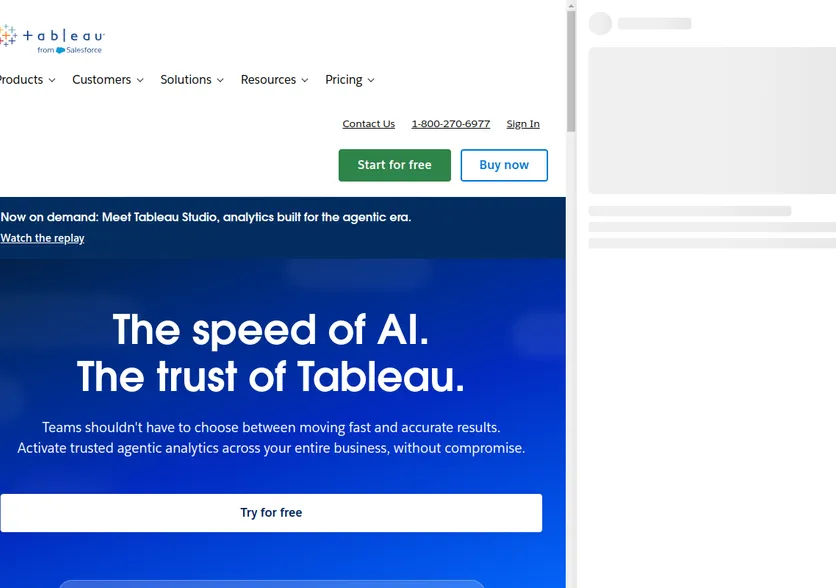
A logistics team that needs to dig into delivery data and find why loads run late will find the depth here, since this Tableau plan costs seventy-five dollars per user a month billed annually on Creator in the Standard edition, and it turns raw shipment data into interactive dashboards anyone can explore. Viewers at fifteen dollars a user a month can read the dashboards without editing them, so the whole operation sees the same numbers. It is the most powerful visual tool in this list for a team with an analyst.
What we like
- Interactive dashboards anyone can explore
- Viewer licences let the whole operation read the numbers
- Strongest visual analysis in this list
Watch out for
- The priciest tool in this list
- Contracts are annual with no monthly option
How to try it
- Connect the shipment data and build a first dashboard
- Publish it to Tableau Cloud for the team
- Give dispatchers Viewer licences to read the numbers
3. Zoho Analytics
Best for: Small logistics teams that want the lowest price
Paid tool Starting price: $24/month · Twenty-four dollars a month billed annually on Basic for two users and half a million rows; Standard is forty-eight dollars, Premium is one hundred and fifteen dollars and Enterprise is four hundred and fifty-five dollars a month billed annually; one November 2026 read lists Enterprise at four hundred and forty-five dollars
Free plan: Free plan (2 users, 10,000 rows)
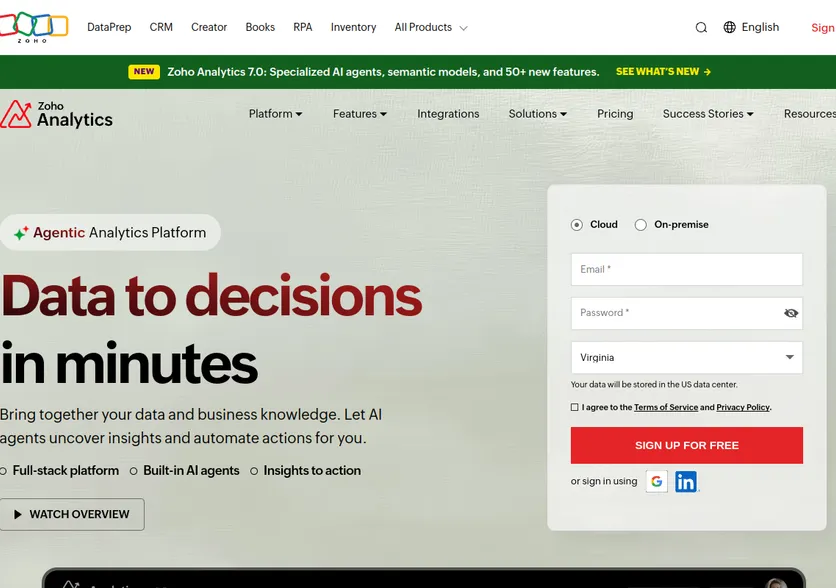
A small logistics team that needs real reporting on a tight budget will find the lowest paid price here, since this Zoho Analytics plan costs twenty-four dollars a month billed annually on Basic, and it covers two users and half a million rows with connectors for QuickBooks, Shopify and Salesforce. The prebuilt reports show delivery costs and margins without an analyst, and the free plan covers two users and ten thousand rows. It is the best value in this list for a small operation.
What we like
- Lowest paid price in this list
- Prebuilt reports for delivery costs and margins
- Connectors for QuickBooks, Shopify and Salesforce
Watch out for
- Basic syncs data only once a day
- One November 2026 read lists Enterprise at four hundred and forty-five dollars
How to try it
- Connect QuickBooks and the shipment data
- Open the prebuilt reports for delivery costs
- Share the dashboard with the operations manager
4. Databox
Best for: Logistics teams that want KPI scorecards
Paid tool Starting price: $47/month · Forty-seven dollars a month billed annually on Starter; fifty-nine dollars billed monthly; Professional is one hundred and thirty-five dollars a month; one November 2026 read lists different plan names with Analyst at sixty-four dollars, so confirm the tier names at checkout; one directory claims the free tier ended July 1, 2025, but most November 2026 reads still list it
Free plan: Free plan (3 data sources)
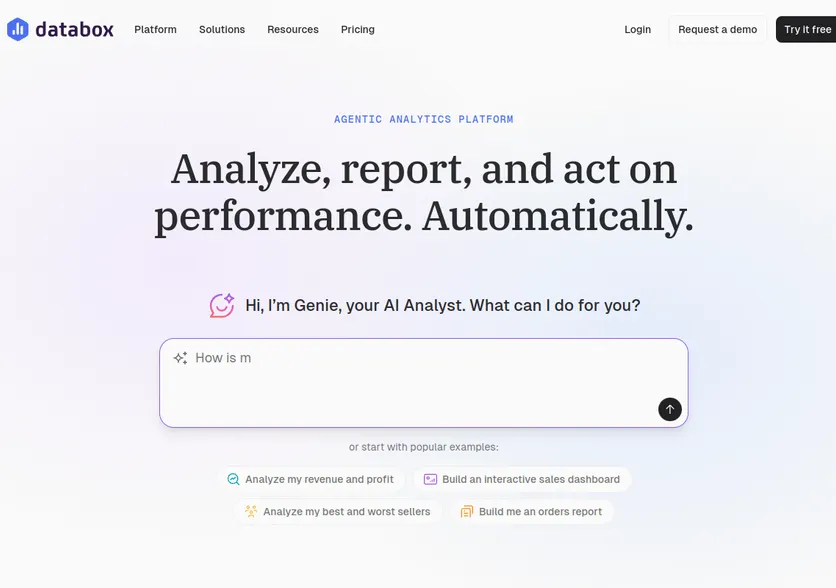
A logistics team that wants a simple scorecard of its key numbers will find it here, since this Databox plan costs forty-seven dollars a month billed annually on Starter, and it pulls KPIs from more than a hundred sources into one mobile-friendly dashboard. The scorecards show on-time delivery, cost per load and driver performance at a glance, and the alerts flag a metric the moment it slips. It is the best pick for a manager who wants the numbers without building reports.
What we like
- KPI scorecards from more than a hundred sources
- Mobile-friendly dashboards for managers on the move
- Alerts flag a slipping metric the moment it moves
Watch out for
- Plan names differ across November 2026 reads
- No SQL connections on the lower tiers
How to try it
- Connect the shipment and fleet data sources
- Build a scorecard for on-time delivery and cost per load
- Turn on alerts for metrics that slip below target
5. Bold BI
Best for: Logistics teams that embed dashboards in apps
Paid tool Starting price: $999/month · Nine hundred and ninety-nine dollars a month on Cloud Edition for one hundred users, then five dollars per additional user; On-Premises per-user is four hundred and ninety-nine dollars a month for one hundred users and per-application is one thousand nine hundred and ninety-nine dollars a month with unlimited users; thirty-day trial
Free plan: Free plan (Community License)
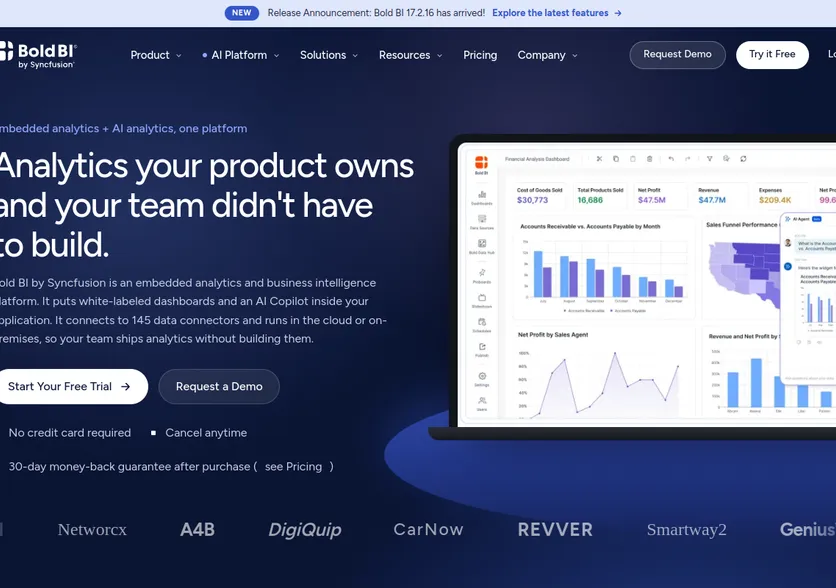
A logistics company that puts dashboards inside its own customer portal will find the embedding here, since this Bold BI plan costs nine hundred and ninety-nine dollars a month on Cloud Edition for one hundred users, and it offers a JavaScript SDK for React, Angular and Vue plus white-labelling and row-level security. The flat price covers a hundred users, so a portal with many customer logins stays predictable. It is the best embedding pick in this list for a team that builds its own apps.
What we like
- JavaScript SDK for embedding in customer portals
- Flat price for a hundred users
- White-labelling and row-level security included
Watch out for
- Cloud Edition does not support multi-tenancy
- The flat price is high for a small team
How to try it
- Connect the shipment and warehouse data
- Build the dashboards for the customer portal
- Embed them with the JavaScript SDK
6. Metabase
Best for: Logistics teams that want open-source reporting
Paid tool Starting price: $575/month · Five hundred and seventy-five dollars a month on Pro with ten users included, then twelve dollars per extra user; billed annually at five hundred and seventeen dollars and fifty cents a month; Starter is one hundred dollars a month with five users; older reads still show Pro at five hundred dollars, the pre-October 2025 figure; Enterprise starts at twenty thousand dollars a year
Free plan: Free plan (open source, self-hosted)
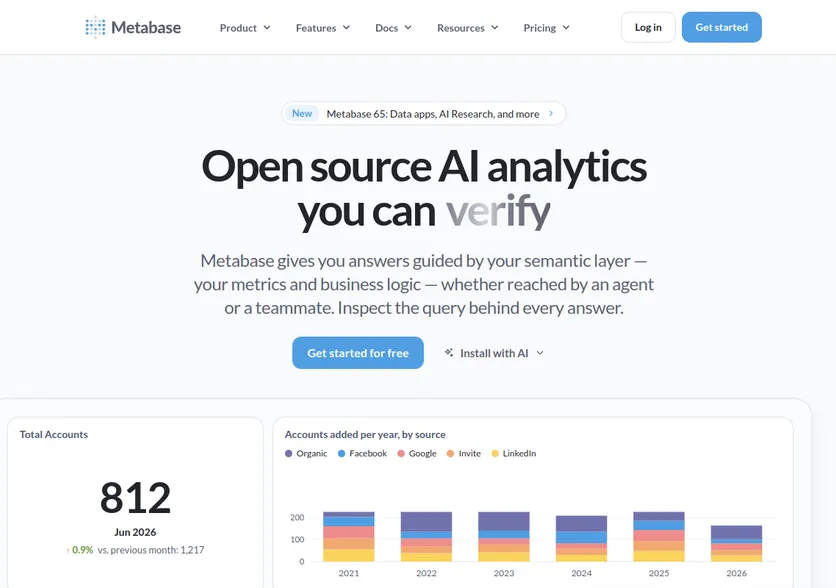
A logistics team with a database and a small budget will find the open-source route here, since this Metabase plan costs five hundred and seventy-five dollars a month on Pro with ten users included, and the free open-source edition runs on the team's own server at no software cost. The visual query builder lets managers ask questions without SQL, and the dashboards update as new shipment data lands. It is the best pick for a team that owns its data and its server.
What we like
- Free open-source edition to self-host
- Visual query builder needs no SQL
- Dashboards update as new data lands
Watch out for
- Older reads still show Pro at five hundred dollars
- Self-hosting needs someone to run the server
How to try it
- Connect the shipment database
- Build questions in the visual query builder
- Save the questions as dashboards for the team
7. Qlik Sense
Best for: Logistics teams that explore data freely
Paid tool Starting price: $30/user/month · Thirty dollars per user a month billed annually on Standard; pricing varies by deployment and user type, and Qlik Cloud capacity starts at three hundred dollars a month billed annually, so confirm the quote for larger deployments
Free plan: No free plan; 14-day free trial
A logistics team that wants to explore its data without waiting for an analyst will like the freedom here, since this Qlik Sense plan costs thirty dollars per user a month billed annually, and its associative engine lets anyone click through shipments, routes and costs to find what drives delays. The guided analytics apps turn common questions into dashboards, and the AI assistant answers plain-language questions about the data. It is the best exploration pick in this list for a curious operations team.
What we like
- Associative engine lets anyone explore the data
- Guided apps turn common questions into dashboards
- AI assistant answers plain-language questions
Watch out for
- Pricing varies by deployment and user type
- The interface takes learning before it feels fast
How to try it
- Connect the shipment and route data
- Build a guided analytics app for on-time delivery
- Ask the AI assistant plain-language questions about delays
8. Klipfolio
Best for: Logistics teams that want real-time KPI dashboards
Paid tool Starting price: $99/month · Ninety-nine dollars a month, per the vendor's own 2026 pages; older reads listed a forty-nine dollar Starter tier, which no longer appears in current pricing; Free covers two editor users and Pro adds more editors and data services
Free plan: Free plan (2 editor users)
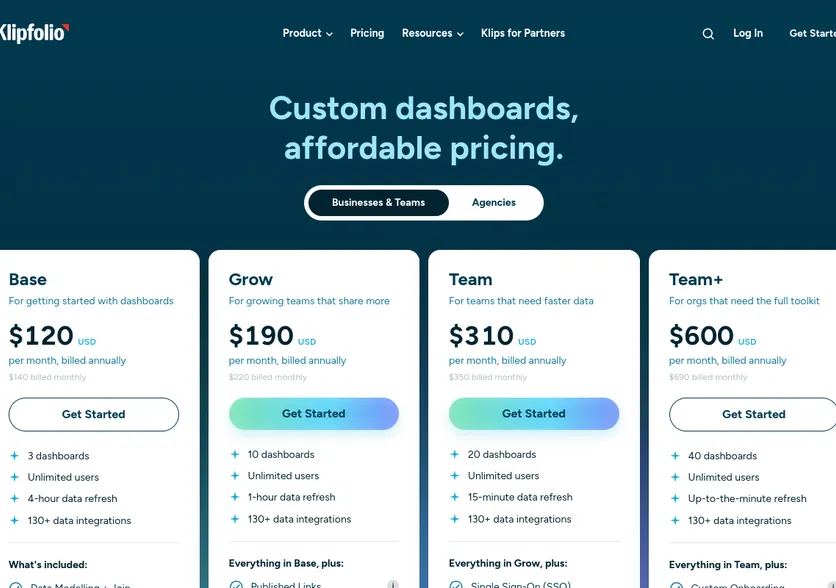
A logistics team that watches delivery performance in real time will find the live dashboards here, since this Klipfolio plan costs ninety-nine dollars a month, and it connects to more than a hundred and thirty data sources with Excel-like formulas the team already knows. The dashboards refresh as new shipment data arrives, and the free plan covers two editors for trying the platform. It is the best real-time pick in this list for an operations team that lives on its numbers.
What we like
- Real-time dashboards from more than a hundred and thirty sources
- Excel-like formulas the team already knows
- Free plan covers two editors for trying it out
Watch out for
- Older reads listed a forty-nine dollar Starter tier
- Premium connectors cost extra
How to try it
- Connect the shipment and fleet data sources
- Build a real-time dashboard with formulas
- Share it with dispatchers and managers
Prices above were checked on each vendor’s own website on Nov 28, 2026 and can change — the vendor’s page is the final word. Vendor links are editorial: nobody paid to be listed or ranked here. Vendors who want a featured listing can see how it works on our Get listed page.
How a logistics team picks the five numbers that matter
Start with the five numbers that decide the day, which are usually on-time delivery, cost per load, empty miles, warehouse throughput and driver utilisation, and put them on one dashboard everyone sees. Connect the data sources before buying dashboards, because a reporting tool with no live data is just a pretty picture. Review the dashboard in the morning meeting, not at month end, since a number that is a week old cannot change a load today. Finally, give dispatchers the mobile app, because the numbers only help if the people moving freight can see them.
Before you buy
- Check whether the tool connects to the TMS and WMS the operation already uses
- Make sure dashboards refresh often enough for live dispatch decisions
- Ask how many rows and users the plan covers before the price jumps
- Confirm reports export to spreadsheets for sharing with carriers
- Test a dashboard on a phone, since dispatchers work from the yard
Official websites
Official websites of the products reviewed above. Features and prices were checked against these sites when this guide was written, and they can change, so confirm on the vendor site before you buy.
Frequently asked questions
What is the best operational reporting software for logistics?
Power BI is the best overall pick for logistics reporting, at fourteen dollars per user a month on Pro, because it pairs live dashboards with the Microsoft tools most operations already use. Zoho Analytics is the best value at twenty-four dollars a month billed annually for a small team. Databox is the best for simple KPI scorecards at forty-seven dollars a month billed annually, with alerts when a metric slips.
How much does Power BI cost for logistics reporting?
Power BI Pro costs fourteen dollars per user a month, per November 2026 reads of the vendor pricing page, while Premium Per User is twenty-four dollars a user a month. Older directories still show ten and twenty dollars, which were the prices before the April 2025 increase. Pro is included in Microsoft 365 E5, so a team on that plan may already have it without paying extra.
Can a logistics team report for free?
Yes, with Power BI, Zoho Analytics, Databox, Bold BI, Metabase and Klipfolio, which all offer genuine free plans or a free open-source edition. Tableau offers a free Tableau Public plan, though all work on it is public. Qlik Sense is the exception here, with no free plan and only a fourteen-day trial, so a team that wants a free start should pick from the first group.
How much does Tableau cost for logistics reporting?
Tableau Creator costs seventy-five dollars per user a month billed annually in the Standard edition, or one hundred and fifteen dollars in the Enterprise edition, while Explorer is forty-two dollars and Viewer is fifteen dollars a user a month in Standard. Every deployment needs at least one Creator, and contracts are annual. Older reads showed Creator at seventy dollars, which was the Tableau Server price before the current Standard and Enterprise split.
Which tool is best for real-time KPI dashboards in logistics?
Databox and Klipfolio are the best picks for real-time KPI dashboards here. Databox pulls KPIs from more than a hundred sources into mobile-friendly scorecards with alerts, starting at forty-seven dollars a month billed annually. Klipfolio connects to more than a hundred and thirty sources with live refresh and Excel-like formulas, starting at ninety-nine dollars a month. Pick Databox for simplicity and Klipfolio for formula control.
Compare the eight tools above, then start with a free plan or trial on the one that matches how the logistics operation already tracks its loads before paying for a full year.
Browse Business Tools tools