On this page
Specialty clinics live or die by the referral: a new patient arrives with scans, lab results and a referring doctor's notes, and the intake form has to capture all of it without a second phone call. The eight tools below handle that job for clinics of every size, from a solo specialist to a multi-provider practice. Jane App leads because it pairs online intake with scheduling and charting for fifty-nine dollars a month, and the rest are ranked on how well they fit a specialist workflow.
How we researched this
We checked every price on the vendor pricing page on November 28, 2026, and only included tools with a published US dollar list price. The big hospital EHR platforms that sell intake by quote, including athenahealth, eClinicalWorks, NextGen and AdvancedMD, publish no prices, so they are not in this list. Prices change, so confirm the current figure on the vendor site before you buy.
Compare the tools
| Name | Best for | Starting price | Free plan | |
|---|---|---|---|---|
 Jane App | Specialty clinics that want intake and scheduling together | $59/month | No free plan; free demo available | Visit |
 Zanda | Solo specialists who want the lowest full-platform price | $29/month | No free plan; 14-day free trial | Visit |
| IntakeQ | Specialty clinics with long condition-specific forms | $54.90/month | No free plan; 14-day free trial | Visit |
 Cliniko | Multi-provider clinics that want every feature included | $45/month | No free plan; 30-day free trial | Visit |
 Carepatron | New specialty clinics that want a free intake start | $31/user/month | Free plan | Visit |
 SimplePractice | Specialists who run telehealth alongside in-person visits | $49/month | No free plan; 30-day free trial | Visit |
| CharmHealth | Clinics with uneven monthly volume | $0.50/encounter | Free plan (under 50 encounters/month) | Visit |
| Practice Fusion | Specialty practices that need a full EHR | $199/provider/month | No free plan; 14-day free trial | Visit |
The patient intake software for specialty clinics, compared
1. Jane App
Best for: Specialty clinics that want intake and scheduling together
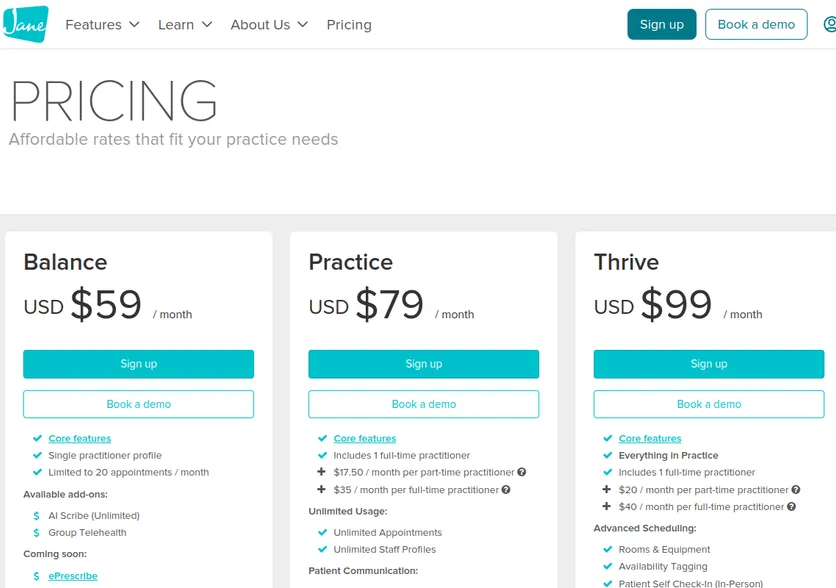
Paid tool Starting price: $59/month · Fifty-nine dollars a month for one practitioner on the Balance plan; higher tiers add more practitioners and features, and prices are in US dollars
Free plan: No free plan; free demo available
Specialty clinics that want patients to arrive with paperwork finished get the smoothest setup here, because this Jane App plan costs fifty-nine dollars a month for one practitioner on the Balance plan. Intake forms, online booking and charting share one login, so the referral notes and the completed history sit beside each other when the specialist opens the chart. It is the most polished option in this list for a clinic that values a calm front desk.
What we like
- Online intake forms patients complete before the visit
- Scheduling, charting and billing in one login
- Clean interface that front-desk staff learn fast
Watch out for
- The entry plan covers one practitioner, so multi-clinician teams pay more
- No free plan, so the only way to test it is a demo
How to try it
- Create the intake form with the fields the clinic needs for every new patient
- Send the form link with the booking confirmation so patients arrive prepared
- Review the completed form in the chart before the first appointment
2. Zanda
Best for: Solo specialists who want the lowest full-platform price
Paid tool Starting price: $29/month · Twenty-nine dollars a month for a single practitioner; Zanda was formerly Power Diary, and the price is in US dollars
Free plan: No free plan; 14-day free trial
A solo specialist who needs proper intake at the lowest full-platform price finds it here, since this Zanda plan costs twenty-nine dollars a month for a single practitioner. The templates cover consent and history for allied health, and the client portal collects the forms before the appointment. It is the cheapest complete system in this list, and the savings leave room for the clinic's other tools.
What we like
- Intake forms, scheduling and notes in one affordable plan
- Templates for allied health that cut setup time
- Client portal and reminders included from the start
Watch out for
- A small brand, so third-party integrations are fewer than the big names
- The low price covers one practitioner only
How to try it
- Pick an intake template and adjust the questions for the clinic
- Add the form to the booking flow so every new patient completes it
- Check the submitted form against the chart at the first visit
3. IntakeQ
Best for: Specialty clinics with long condition-specific forms
Paid tool Starting price: $54.90/month · Fifty-four dollars and ninety cents a month for Forms Only with one practitioner, plus twenty dollars per additional practitioner; a low-volume plan is twenty-nine dollars and ninety cents a month capped at ten submissions; Practice Management is eighty-four dollars and ninety cents a month
Free plan: No free plan; 14-day free trial
When the specialty is rare and the intake form is long, this IntakeQ plan costs fifty-four dollars and ninety cents a month for Forms Only with one practitioner. Unlimited templates mean the clinic can build a different form for every condition it treats, with attachments for scans and e-signatures for consent. It suits a clinic that already has scheduling and only needs intake done properly.
What we like
- Purpose-built intake forms with e-signatures and attachments
- Unlimited templates on the standard Forms Only plan
- HIPAA business associate agreement included
Watch out for
- Scheduling and the client portal need the dearer Practice Management plan
- Per-practitioner pricing adds up fast in a busy clinic
How to try it
- Build the intake form from a template and add the clinic logo
- Email the secure form link to new patients after they book
- Review submissions in the dashboard and flag anything missing
4. Cliniko
Best for: Multi-provider clinics that want every feature included
Paid tool Starting price: $45/month · Forty-five dollars a month for one practitioner, with every feature included; two to five practitioners cost ninety-five dollars a month and the top band is three hundred and ninety-five dollars for twenty-six to two hundred practitioners; SMS reminders cost ten cents each
Free plan: No free plan; 30-day free trial
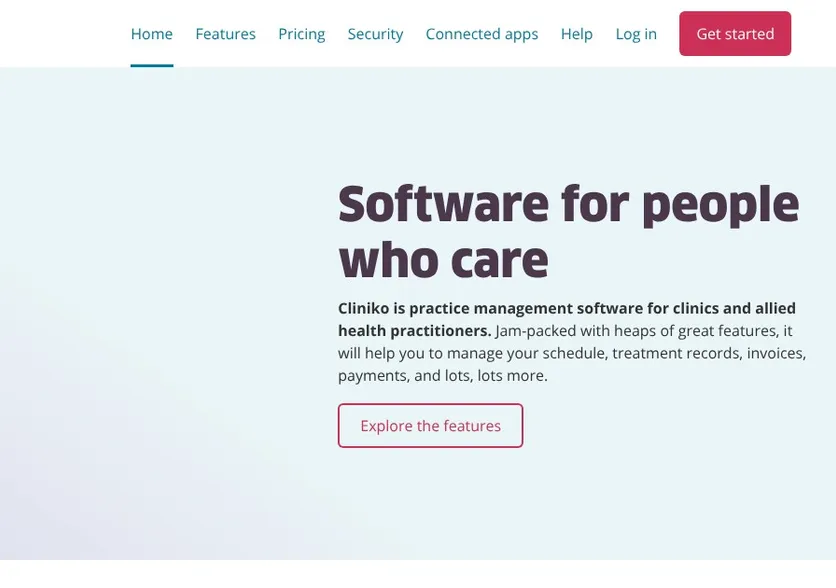
Multi-provider specialty clinics that want one price for everything get a fair deal here, because this Cliniko plan costs forty-five dollars a month for one practitioner with every feature included. Booking, intake, notes, telehealth and invoicing all come in the one price, and the bill only moves when the headcount moves. It is the best value in this list for a growing specialty team.
What we like
- Every feature on every plan, so the price only moves with headcount
- Online booking, treatment notes and invoicing in one place
- Unlimited admin and reception users at no extra cost
Watch out for
- SMS reminders are billed separately at ten cents a message
- No free plan, only a thirty-day trial
How to try it
- Set up the practitioner calendar and the online booking page
- Attach the intake form to each new booking
- Send the appointment reminder and review the notes after the visit
5. Carepatron
Best for: New specialty clinics that want a free intake start
Paid tool Starting price: $31/user/month · Thirty-one dollars per user a month on Plus billed annually, or thirty-nine dollars billed monthly; Advanced is thirty-nine dollars billed annually; a fifty percent introductory offer for the first six months is not the list price; the free plan covers unlimited clients with one gigabyte of storage
Free plan: Free plan
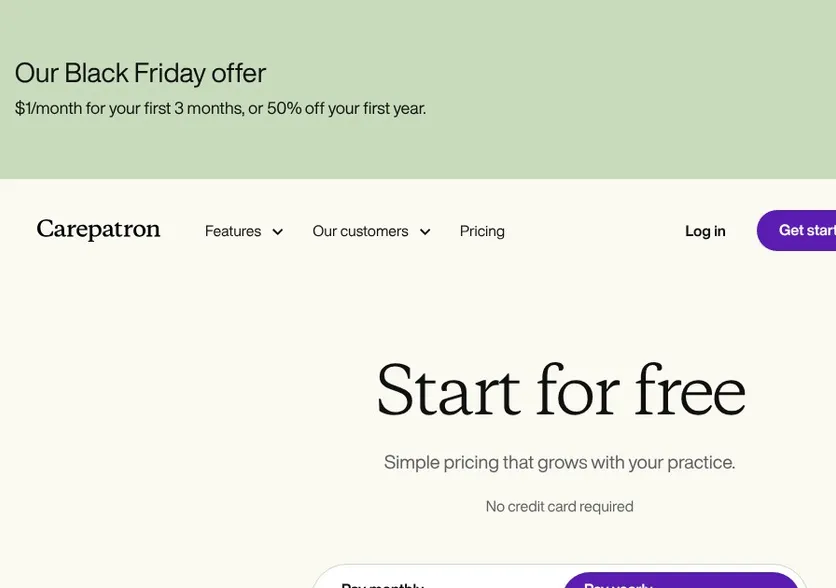
A specialty clinic that is just opening its doors gets a working system for free here, since this Carepatron plan costs thirty-one dollars per user a month on Plus billed annually, and the free plan covers unlimited clients. The portal collects intake forms, telehealth runs inside the same app, and the AI scribe drafts notes the clinic would otherwise pay extra for. It is the best free starting point in this list.
What we like
- A real free plan with unlimited clients and an AI scribe
- Client portal, telehealth and online payments in one app
- AI notes included, which most rivals charge extra for
Watch out for
- The free plan caps at one hundred appointments and has no reminders
- Insurance claims start on Plus, not on the free plan
How to try it
- Create the workspace and invite the team
- Build the intake form and share it through the client portal
- Let the AI scribe draft the note and review it before signing
6. SimplePractice
Best for: Specialists who run telehealth alongside in-person visits
Paid tool Starting price: $49/month · Forty-nine dollars a month on Starter; Essential is seventy-nine dollars and Plus is ninety-nine dollars a month; a fifty percent discount on the first three months is a new-customer offer, not the list price; insurance claims cost from thirty-nine cents each
Free plan: No free plan; 30-day free trial
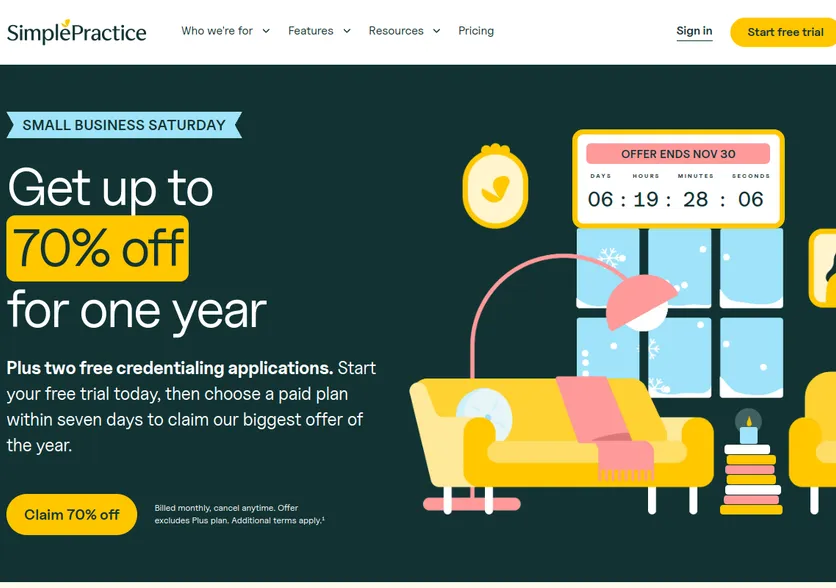
Specialists who see patients by telehealth as well as in person get a strong portal here, since this SimplePractice plan costs forty-nine dollars a month on Starter. The intake packet, secure messaging and telehealth all live in the client portal, so remote patients complete everything without a phone call. It is the best-looking option here, though reminders only start on Essential.
What we like
- Polished client portal with secure messaging and telehealth
- Paperless intake with e-signatures built in
- Strongest brand recognition among therapy practices
Watch out for
- Appointment reminders only start on Essential at seventy-nine dollars
- Insurance claims are billed per claim on top of the subscription
How to try it
- Create the intake packet with the forms the practice needs
- Invite clients to the portal and let them complete the packet online
- Check the signed forms in the client file before the session
7. CharmHealth
Best for: Clinics with uneven monthly volume
Paid tool Starting price: $0.50/encounter · Fifty cents per encounter on the Encounter Plan with a twenty-five dollar monthly minimum; the Provider Plan is two hundred dollars per provider a month with unlimited encounters, and a three hundred and fifty dollar option adds extra credits; e-prescribing and telehealth are paid add-ons
Free plan: Free plan (under 50 encounters/month)
A specialty clinic with uneven monthly volume should price intake by the visit, and this CharmHealth plan costs fifty cents per encounter on the Encounter Plan with a twenty-five dollar monthly minimum. Quiet months cost almost nothing, the free plan covers under fifty encounters a month, and the full EHR sits behind the intake forms. It is the most flexible billing model in this list.

What we like
- A free plan for practices under fifty encounters a month
- Pay per encounter, so quiet months cost almost nothing
- Full EHR with scheduling, billing and a patient portal
Watch out for
- E-prescribing, telehealth and claims are paid add-ons
- The Encounter Plan bill grows with every visit, so busy months get dear
How to try it
- Create the practice and add the providers
- Set up the patient portal and the intake forms
- Record each encounter and let the plan bill per visit
8. Practice Fusion
Best for: Specialty practices that need a full EHR
Paid tool Starting price: $199/provider/month · One hundred and ninety-nine dollars per provider a month billed monthly with a required annual commitment, before taxes; each provider licence includes three signing staff licences and unlimited non-signing staff; billing services are quoted separately
Free plan: No free plan; 14-day free trial
A specialty practice that wants a real EHR behind its intake, with labs and e-prescribing included, finds it here, because this Practice Fusion plan costs one hundred and ninety-nine dollars per provider a month. The price is clear and per provider, with three signing staff licences included, and the patient portal collects intake before the visit. It is the dearest option here, and the annual commitment locks the practice in.

What we like
- Cloud EHR with e-prescribing and lab connections included
- One clear per-provider price with no tier maze
- Patient portal and scheduling in the same system
Watch out for
- The annual commitment locks the practice in for a year
- Billing services are a separate quoted service, not included
How to try it
- Create the practice and add each provider licence
- Connect the lab and e-prescribing integrations
- Invite patients to the portal and send intake forms before visits
Prices above were checked on each vendor’s own website on Nov 28, 2026 and can change — the vendor’s page is the final word. Vendor links are editorial: nobody paid to be listed or ranked here. Vendors who want a featured listing can see how it works on our Get listed page.
How to build an intake form a specialist actually reads
Start from the referral, not from a generic template, because a specialty clinic needs the referring doctor's question answered before anything else. Ask for scans and lab results as attachments on the form itself, so the specialist opens one chart instead of chasing three inboxes. Keep the patient-facing questions short and plain, and put the clinical detail in a second section the patient can skip if it does not apply. Review every submission the day before the visit, and call the patient only when something is missing, so the appointment itself stays about treatment.
Before you buy
- Confirm the tool lets you build different intake forms for each condition the clinic treats
- Check whether patients can attach scans and lab results to the form itself
- Ask if the vendor signs a HIPAA business associate agreement on the plan you would buy
- Make sure intake, scheduling and charting share one record instead of three logins
- Test the form with a real referral case, including attachments, before paying for a year
Official websites
Official websites of the products reviewed above. Features and prices were checked against these sites when this guide was written, and they can change, so confirm on the vendor site before you buy.
Frequently asked questions
What is patient intake software for specialty clinics?
It is software that collects a new patient's history, referral details, scans, lab results and consent before the first specialist appointment, usually through online forms the patient completes at home. Good tools attach documents to the form, store the signed answers in the patient chart, and remind patients who have not finished, so the specialist opens a complete record instead of chasing paperwork.
How much does Jane App cost for a specialty clinic?
Jane App costs fifty-nine dollars a month for one practitioner on the Balance plan, which includes online intake forms, scheduling, charting and billing in one login. Higher tiers add more practitioners and features, and prices are in US dollars. There is no free plan, so the only way to try it is a demo, but the fifty-nine dollar entry price covers the full intake workflow.
Can a specialty clinic collect intake forms for free?
Yes, with Carepatron, which offers a free plan covering unlimited clients, telehealth, a client portal and an AI scribe, capped at one hundred appointments with no reminders or insurance claims. CharmHealth also offers a free plan for practices under fifty encounters a month. Both are genuine free tiers, so a new specialty clinic can run intake without paying while it builds volume.
Which intake tool is best for a specialty clinic with uneven volume?
CharmHealth is the best fit for uneven volume, at fifty cents per encounter with a twenty-five dollar monthly minimum, so quiet months cost almost nothing. The free plan covers under fifty encounters a month, and the Provider Plan at two hundred dollars a month suits steady volume. Clinics with predictable volume should compare the flat monthly plans above instead.
Do these intake tools handle scans and lab results?
IntakeQ lets patients attach scans and documents to the intake form, and CharmHealth and Practice Fusion store lab results and imaging connections inside the EHR record. Jane App, Cliniko and Zanda keep attachments with the patient chart as well. Check the storage limits on the plan you buy, because some tools cap document storage on the entry tier.
Compare the eight tools above, then start with the free Carepatron or CharmHealth plan or a trial of the tool that matches the clinic's referral flow before paying for a full year.
Browse Business Tools tools