On this page
Mid-size companies hold enough privileged accounts to be a target and too few staff to run an enterprise identity program. The seven tools below secure those accounts at prices a mid-size budget can actually see before a sales call. ManageEngine PAM360 leads because its entry band costs seven thousand nine hundred and ninety-five dollars a year with a published ladder, and the rest are ranked on how much control each dollar buys.
How we researched this
We checked every price on the vendor pricing page or in multiple agreeing November 2026 reads of vendor-owned pages, and only included tools with a published US dollar price. CyberArk, BeyondTrust, Delinea, Wallix, Senhasegura and One Identity publish no prices and sell by quote, so they are not in this list. Prices change, so confirm the current figure on the vendor site before you buy.
Compare the tools
| Name | Best for | Starting price | Free plan | |
|---|---|---|---|---|
| ManageEngine PAM360 | Mid-size teams that want a published price ladder | $7,995/year | Free edition (1 admin, 10 resources) | Visit |
| StrongDM | Mid-size teams securing servers and databases | $50/user/month | 14-day free trial | Visit |
| Teleport | Mid-size teams moving to certificate-based access | $5/user/month | Free Starter tier | Visit |
| Devolutions PAM | Mid-size IT teams already using Remote Desktop Manager | $50/user/month | Free trial | Visit |
| HashiCorp Vault | Mid-size teams with secrets across clouds and databases | $0.50/secret/month | Free tier (25 secrets) | Visit |
| ManageEngine Password Manager Pro | Mid-size teams that mainly need password vaulting | $595/year | 30-day free trial | Visit |
| ManageEngine Access Manager Plus | Mid-size teams that need live session monitoring | $495/year | Free trial | Visit |
The privileged access management software for mid-size, compared
1. ManageEngine PAM360
Best for: Mid-size teams that want a published price ladder
Paid tool Starting price: $7,995/year · Seven thousand nine hundred and ninety-five dollars a year for ten administrators and twenty-five keys on the English subscription, with maintenance included; larger bands run to $49,995 a year for 200 administrators and 1,000 keys, and the multilingual build costs about twenty percent more
Free plan: Free edition (1 admin, 10 resources)
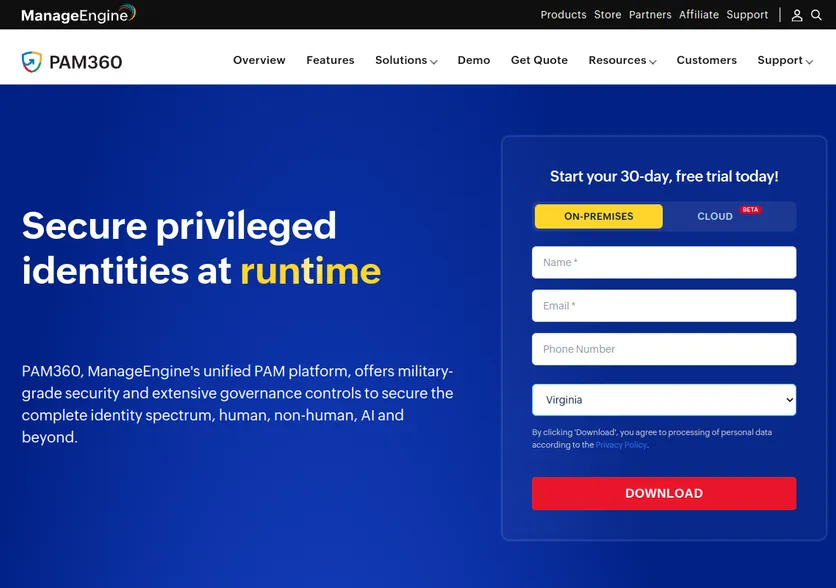
A mid-size company usually counts its privileged accounts in dozens, not hundreds, and this ManageEngine PAM360 plan costs seven thousand nine hundred and ninety-five dollars a year for ten administrators and twenty-five keys. It unifies vaulting, session recording, just-in-time access and key management in one console, with a free edition for one administrator to test on. The published ladder means the bill is known before any sales call, which is rare in this category.
What we like
- Published ladder from 10 to 200 administrators
- Vaulting, sessions, JIT access and keys in one console
- Free edition for one admin and ten resources
Watch out for
- Priced by administrators and keys, not by people
- Entry band may be large for a team with few admins
How to try it
- Count the administrators and keys the estate actually needs
- Try the free edition on a small set of resources
- Pick the band that covers the next year of growth
2. StrongDM
Best for: Mid-size teams securing servers and databases
Paid tool Starting price: $50/user/month · Fifty dollars per user a month, billed annually per vendor-supplied November 2026 reads; there is no free tier, and a team of twenty-five privileged users pays one thousand two hundred and fifty dollars a month before volume discounts
Free plan: 14-day free trial
Mid-size engineering teams live in terminals and database clients, and this StrongDM plan costs fifty dollars per user a month. One client connects staff to servers, databases, clusters and web apps through a gateway that logs every query and command against a named user. Short-lived credentials replace shared passwords, so nothing standing is left for an attacker to steal.
What we like
- One client for SSH, RDP, databases and Kubernetes
- Every session logged against a named user
- Short-lived credentials replace shared passwords
Watch out for
- Fifty dollars per user adds up fast past 25 users
- No credential vaulting in the traditional sense
How to try it
- Install the client on each admin workstation
- Connect the servers and databases through the gateway
- Review the audit log for the first week of sessions
3. Teleport
Best for: Mid-size teams moving to certificate-based access
Paid tool Starting price: $5/user/month · Five dollars per user a month on Team billed annually, with Business at ten dollars per user a month, per November 2026 reads of the vendor pricing page; the free Community Edition covers organizations under 100 employees, while Enterprise is priced per resource and quoted, so confirm the commercial terms before buying
Free plan: Free Starter tier
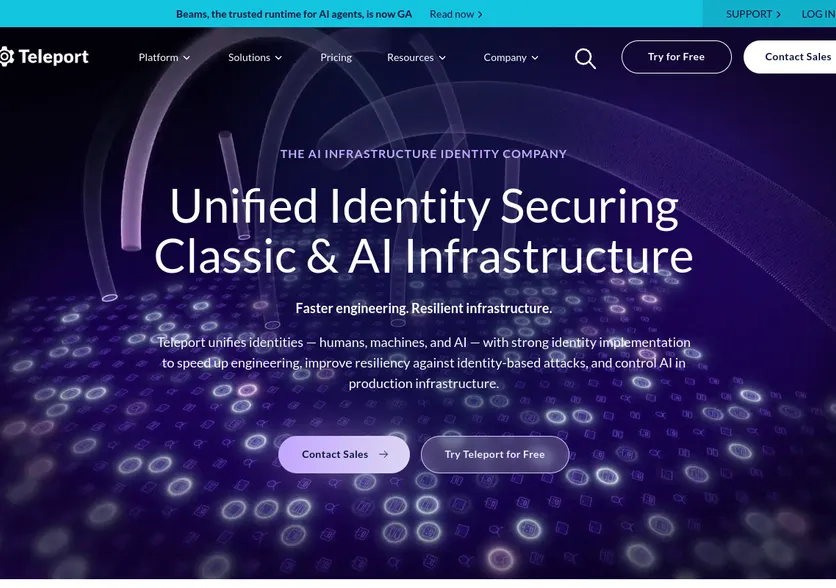
For a mid-size team moving to certificate-based access, this Teleport plan costs five dollars per user a month on Team billed annually. It replaces standing SSH keys and database passwords with short-lived certificates that expire after minutes or hours, and access requests with approvals are built into the workflow. The free Starter tier and open source edition let a team prove the model before paying.
What we like
- Short-lived certificates replace standing keys
- Access requests and approvals built in
- Free Starter tier and open source edition
Watch out for
- Legacy systems that cannot use certificates need another path
- Commercial Enterprise pricing is quoted per resource
How to try it
- Set up the proxy in front of the servers and databases
- Define who may request access to each resource
- Test an access request and its expiry end to end
4. Devolutions PAM
Best for: Mid-size IT teams already using Remote Desktop Manager
Paid tool Starting price: $50/user/month · Fifty dollars per user a month billed annually for the PAM package, which includes Remote Desktop Manager, the vault and Gateway; the Starter Pack for up to five users costs twenty-five dollars per user a month, and teams of 100 or more move to quoted enterprise pricing
Free plan: Free trial
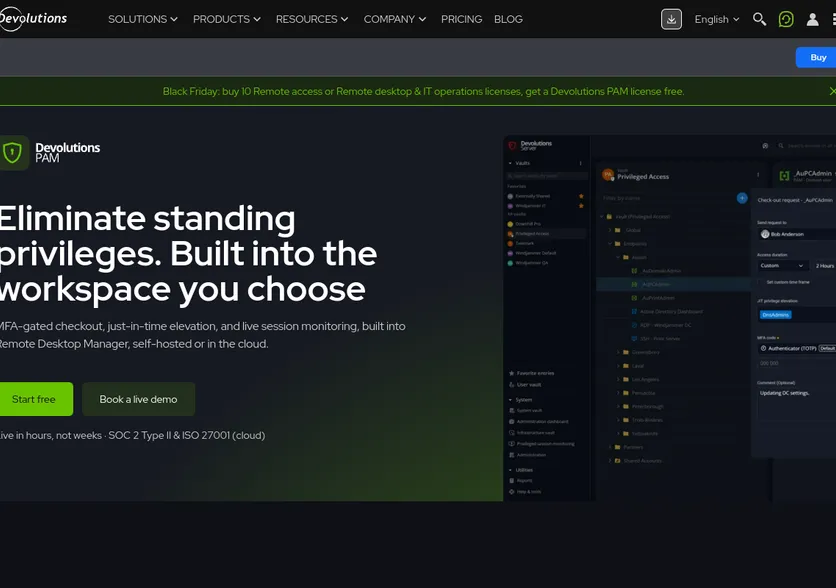
A mid-size IT team that already lives in Remote Desktop Manager gets enterprise-style controls without an enterprise sales cycle here, since this Devolutions PAM plan costs fifty dollars per user a month billed annually. It discovers privileged accounts, automates password rotation, approves checkouts and enforces just-in-time elevation, with session recording throughout. The Starter Pack halves the price for teams of five or fewer.
What we like
- Discovers accounts and automates password rotation
- Checkout approvals and just-in-time elevation included
- Starter Pack at $25 per user for up to five users
Watch out for
- Teams of 100 or more move to quoted enterprise pricing
- Built around the Remote Desktop Manager workspace
How to try it
- Install the PAM package beside Remote Desktop Manager
- Run discovery across the servers and accounts
- Turn on rotation and checkout approvals for the riskiest accounts
5. HashiCorp Vault
Best for: Mid-size teams with secrets across clouds and databases
Paid tool Starting price: $0.50/secret/month · Fifty cents per secret a month on Vault Secrets software as a service, with a free tier of twenty-five secrets; one conflicting read lists three to ten cents per secret, and self-managed Enterprise and HCP Vault Dedicated clusters are priced separately, so confirm the SaaS figure at checkout
Free plan: Free tier (25 secrets)
Secrets sprawl across clouds, databases and pipelines in a mid-size estate, and this HashiCorp Vault plan costs fifty cents per secret a month on Vault Secrets software as a service. It stores static secrets, mints short-lived dynamic credentials for databases and cloud accounts, handles encryption as a service and logs every access in detail. The free tier covers 25 secrets, so a team can start on the real workload.
What we like
- Dynamic secrets for databases and cloud accounts
- Encryption as a service with detailed audit logs
- Free tier covers 25 secrets to start
Watch out for
- Enterprise pricing is quote-based
- Self-hosting the open source edition is real operational work
How to try it
- List the secrets and services that need vaulting
- Start the free tier on the most sensitive secrets
- Move database credentials to dynamic secrets first
6. ManageEngine Password Manager Pro
Best for: Mid-size teams that mainly need password vaulting
Paid tool Starting price: $595/year · Five hundred and ninety-five dollars a year for Standard with two administrators; Premium is $1,395 a year for five administrators and Enterprise is $3,995 a year for ten; perpetual licences are also published
Free plan: 30-day free trial
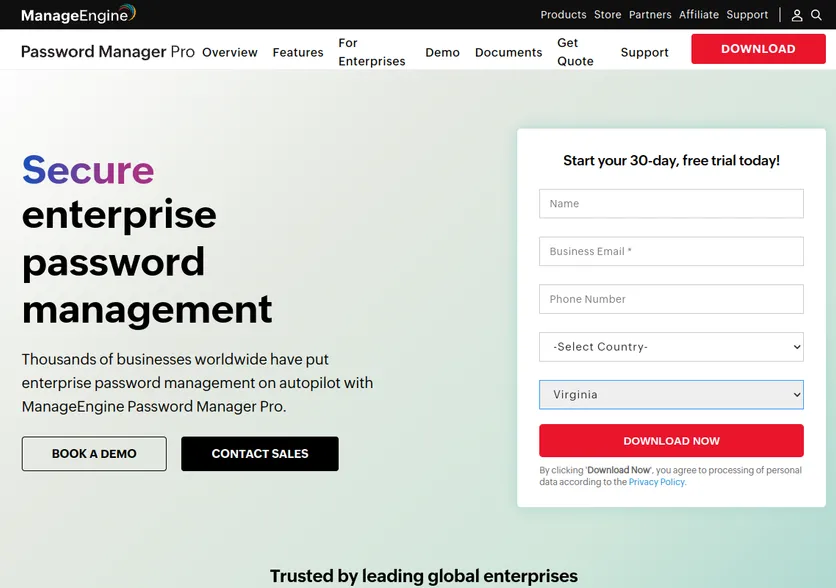
When the job is mainly vaulting and rotating privileged passwords rather than full session brokering, this ManageEngine Password Manager Pro plan costs five hundred and ninety-five dollars a year for Standard with two administrators. It is an on-premises vault for shared credentials, documents and digital identities, with automated rotation and a 30-day trial. It is the cheapest entry point in this list by a wide margin.
What we like
- On-premises vault with automated password rotation
- Cheapest entry point in this list at $595 a year
- Licensed by administrator, not by user
Watch out for
- Standard lacks session recording and APIs
- No cloud-hosted option for teams that want one
How to try it
- Install the vault on premises and add the administrators
- Import the privileged accounts and documents
- Turn on rotation for the highest-risk passwords
7. ManageEngine Access Manager Plus
Best for: Mid-size teams that need live session monitoring
Paid tool Starting price: $495/year · Four hundred and ninety-five dollars a year to start, per November 2026 directory reads of the vendor pricing page; it covers privileged session management with real-time monitoring and auditing, and larger deployments are quoted
Free plan: Free trial
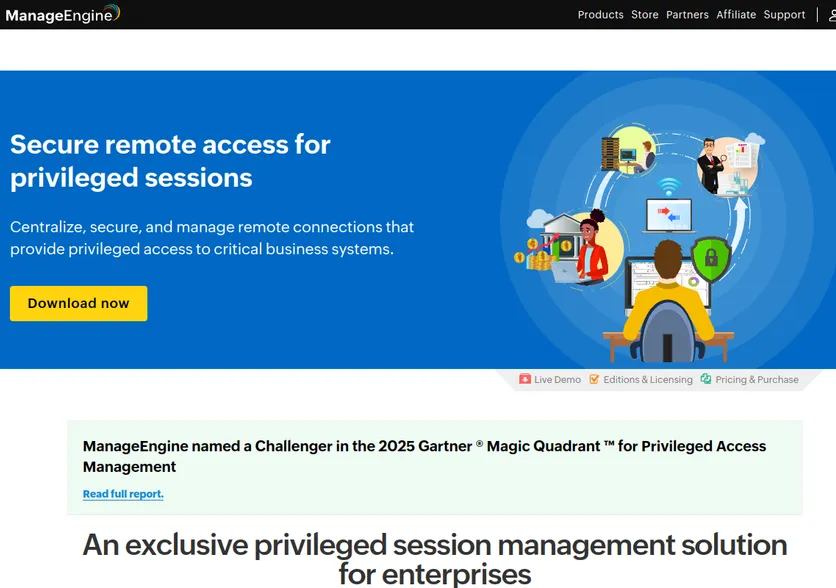
Remote sessions to critical systems need a broker that watches them live, and this ManageEngine Access Manager Plus plan costs four hundred and ninety-five dollars a year to start. It regulates access to remote systems with real-time monitoring and comprehensive auditing, so every privileged session is visible while it happens. It pairs naturally with a password vault for teams that need both halves.
What we like
- Real-time monitoring of privileged sessions
- Comprehensive audit trail for every session
- Lowest starting price for session management here
Watch out for
- Session brokering only, not a full credential vault
- Larger deployments are quoted rather than published
How to try it
- Connect the critical systems to the session broker
- Define which users may open each session
- Review the live monitoring and audit reports weekly
Prices above were checked on each vendor’s own website on Nov 28, 2026 and can change — the vendor’s page is the final word. Vendor links are editorial: nobody paid to be listed or ranked here. Vendors who want a featured listing can see how it works on our Get listed page.
How a mid-size team should buy privileged access management
Count the privileged accounts first, because every vendor prices a different unit: administrators, users, secrets or keys, and the cheapest headline can hide the biggest bill. Decide whether the team needs a vault, a session broker or both, since some tools do one job well and the other not at all. Test on the riskiest accounts rather than the whole estate, and keep the trial short: a week of real sessions shows more than a month of slide decks. Finally, check the audit trail before signing, because proving who did what is the point of the purchase.
Before you buy
- Count privileged accounts, admins and secrets before comparing any headline price
- Decide whether the team needs vaulting, session brokering or both jobs
- Ask what unit the quote uses so rival prices compare like with like
- Test the tool on the riskiest accounts during the trial period
- Check the audit trail and reporting before signing a contract
Official websites
Official websites of the products reviewed above. Features and prices were checked against these sites when this guide was written, and they can change, so confirm on the vendor site before you buy.
Frequently asked questions
What is the best privileged access management software for a mid-size company?
ManageEngine PAM360 is the best overall pick for most mid-size companies, starting at seven thousand nine hundred and ninety-five dollars a year with a published ladder and a free edition. StrongDM suits engineering teams at fifty dollars per user a month with full audit logs, and Teleport suits teams moving to certificate-based access from five dollars per user a month. Pick by the unit each vendor prices, not by the headline alone.
How much does ManageEngine PAM360 cost?
ManageEngine PAM360 costs seven thousand nine hundred and ninety-five dollars a year for ten administrators and twenty-five keys on the English subscription, with maintenance included. Larger bands run to forty-nine thousand nine hundred and ninety-five dollars a year for 200 administrators and 1,000 keys, and the multilingual build costs about twenty percent more. A free edition covers one administrator and ten resources forever.
Is there free privileged access management software?
Yes, Teleport offers a free Community Edition for organizations under 100 employees and under ten million dollars in revenue, plus a free Starter tier. ManageEngine PAM360 offers a free edition for one administrator and ten resources, and HashiCorp Vault offers a free tier covering 25 secrets. Full commercial PAM suites are paid, so budget on the published prices above once the team outgrows the free tiers.
Why do most PAM vendors not publish prices?
Most enterprise PAM vendors price by quote because the bill depends on the number of privileged accounts, endpoints, sessions and deployment model, which vary widely between buyers. CyberArk, BeyondTrust, Delinea, Wallix, Senhasegura and One Identity all sell this way. The tools in this list are the exceptions that publish a figure, which is why a mid-size team can budget them without a sales call.
What is the difference between a vault and a session broker?
A vault stores and rotates privileged passwords and credentials, which is the job of Password Manager Pro and HashiCorp Vault. A session broker sits between the user and the target system, watching and recording the session live, which is the job of Access Manager Plus and StrongDM. Full suites like PAM360 and Devolutions PAM do both, while Teleport replaces both with short-lived certificates.
Compare the seven tools above, then trial the one that prices the unit the team actually counts before signing a contract.
Browse Business Tools tools