On this page
Most auto repair shops lose the customer long before the phone rings: a driver checks the services page, looks at the prices, then leaves without booking. The eight tools below show exactly where that happens, so a shop can fix the page instead of guessing. Mixpanel leads because it tracks the whole booking funnel for twenty dollars a month, and the rest are ranked on how clearly they show a small shop what visitors actually do.
How we researched this
We checked every price on the vendor pricing page on November 28, 2026, and only included tools with a published US dollar list price for auto repair shops. The enterprise platforms that sell by quote, including Pendo, FullStory, Contentsquare, Glassbox and Quantum Metric, publish no starting price, so they are not in this list. Prices change, so confirm the current figure on the vendor site before you buy.
Compare the tools
| Name | Best for | Starting price | Free plan | |
|---|---|---|---|---|
 Mixpanel | Auto repair shop that want funnels without a data team | $20/month | Free plan (1M events a month) | Visit |
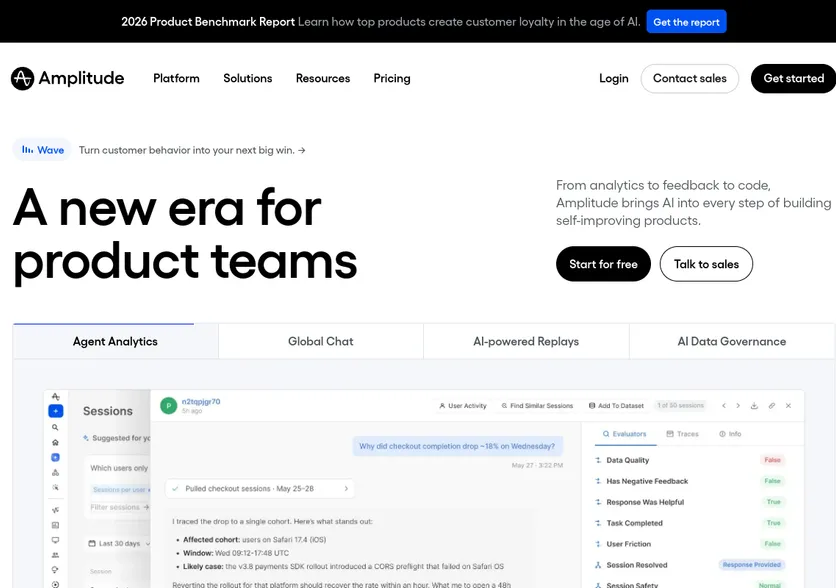
 Amplitude | Auto repair shop that want deep analytics with replay included | $49/month | Free Starter plan | Visit |
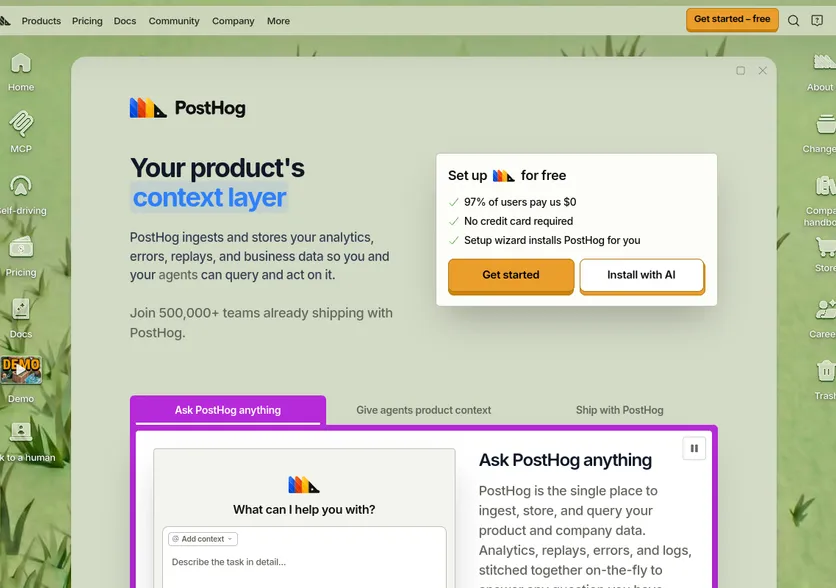
 PostHog | Auto repair shop that want one tool for analytics and replay | $50/1M events | Free plan (1M events a month) | Visit |
 Hotjar | Auto repair shop that want to watch real visitor behaviour | $32/month | Free Basic plan | Visit |
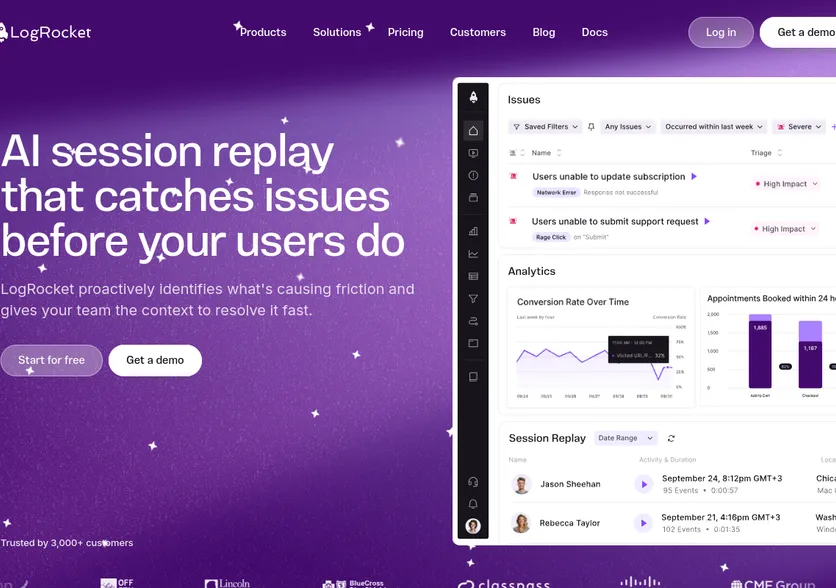
 LogRocket | Auto repair shop that need to debug broken sessions | $99/month | Free plan (1,000 sessions a month) | Visit |
 Smartlook | Auto repair shop that want replay and funnels on a budget | $55/month | Free plan (3,000 sessions a month) | Visit |
 Mouseflow | Auto repair shop that want to fix leaky forms | $31/month | Free plan (500 sessions a month) | Visit |
 Crazy Egg | Auto repair shop that want the simplest heatmaps | $29/month | Free Instant Heatmaps plan | Visit |
The product analytics software for auto repair shops, compared
1. Mixpanel
Best for: Auto repair shop that want funnels without a data team
Paid tool Starting price: $20/month · Twenty dollars a month billed annually ($28 billed monthly) for Growth; the first 1M events a month are free and the price rises with volume, about $100 a month at 1.5M events a month billed annually; Enterprise is quoted
Free plan: Free plan (1M events a month)
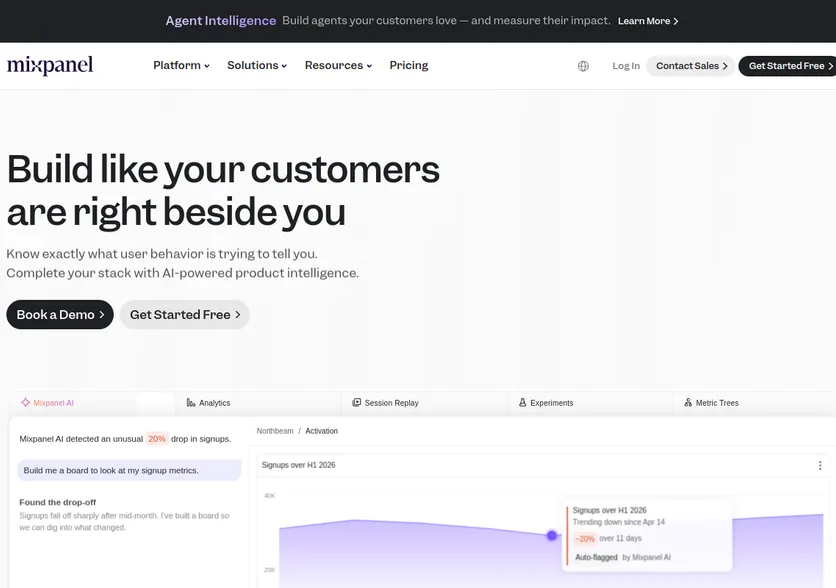
For a auto repair shop that wants to see which pages turn visitors into booked jobs, this Mixpanel plan costs twenty dollars a month billed annually, and it shows the funnel step by step instead of guessing. The free plan covers one million events a month with core reports, so a small team can run it for months before paying anything. Growth adds unlimited saved reports, experiments and feature flags, plus a data modelling layer for teams that outgrow simple funnels.
What we like
- Free plan covers one million events a month
- Funnels, retention and cohorts in one place
- Unlimited seats on every plan
Watch out for
- The bill climbs fast once event volume passes the free million
- Session replay and feature flags cost extra as add-ons
How to try it
- Install the tracking snippet or SDK on the website
- Define the key events, such as a booking or a form submit
- Build a funnel report and check where visitors drop off
2. Amplitude
Best for: Auto repair shop that want deep analytics with replay included
Paid tool Starting price: $49/month · Forty-nine dollars a month on Plus for up to 300,000 monthly tracked users or 25 million events; billed the same monthly or annually with no annual discount; Growth and Enterprise are quoted
Free plan: Free Starter plan
A auto repair shop that needs to know why visitors leave before becoming booked jobs gets that answer here, since this Amplitude plan costs forty-nine dollars a month, and it pairs product analytics with session replay in one place. Starter is free for up to ten thousand monthly tracked users, so a small team can start without a card. Plus adds behavioural cohorts, feature tagging and ten thousand session replays a month, which is where the real insight lives.
What we like
- Plus covers 300,000 monthly tracked users for a flat rate
- Behavioural cohorts and session replay included on Plus
- Unlimited seats, so the whole team can look at the data
Watch out for
- Growth and Enterprise pricing is quote-only, so costs jump past Plus
- The dual meter of users and events makes bills harder to predict
How to try it
- Add the Amplitude SDK to the website or app
- Send the events that mark each step toward a booking
- Open the funnel report and segment it by traffic source
3. PostHog
Best for: Auto repair shop that want one tool for analytics and replay
Paid tool Starting price: $50/1M events · Fifty dollars per million events above the free first million a month, with the rate falling as volume rises; identified events cost more than anonymous ones, about $198 for the first paid million; Boost and Scale plans add support and extras from $250 and $750 a month
Free plan: Free plan (1M events a month)
A auto repair shop that wants analytics, recordings and feature flags under one login will find the bill stays small here, because this PostHog plan costs fifty dollars per million events above the free first million, and it charges only for the events actually sent. The same account covers product analytics, session replay, feature flags, surveys and error tracking, so one install replaces several tools. There are no seat fees and no minimum, and a billing limit caps the monthly spend.
What we like
- One million free events a month across analytics and replay
- Analytics, replay, flags and surveys in one account
- Open source core with no seat fees or minimums
Watch out for
- Identified-user events cost several times the anonymous rate
- The per-product meters make the total bill hard to forecast
How to try it
- Install the PostHog snippet on the website
- Turn on autocapture so clicks and pageviews record themselves
- Set a billing limit, then open the funnel and replay reports
4. Hotjar
Best for: Auto repair shop that want to watch real visitor behaviour
Paid tool Starting price: $32/month · Thirty-two dollars a month billed annually ($39 billed monthly) for Observe Plus with 100 daily sessions; Business is $80 a month billed annually for 500 daily sessions and Scale is $171; Hotjar is now part of Contentsquare and its pricing page redirects there, so confirm the figure on the Contentsquare page
Free plan: Free Basic plan
For a auto repair shop that wants to watch how visitors actually use its site before they become booked jobs, this Hotjar plan costs thirty-two dollars a month billed annually, and it records sessions and builds heatmaps from real visits. Basic is free for thirty-five daily sessions with unlimited heatmaps, which is enough to learn the tool. Plus removes Hotjar branding from surveys and adds filters, while Business adds funnels and frustration signals.
What we like
- Heatmaps, recordings and surveys in one subscription
- Free Basic plan with unlimited heatmaps
- Surveys and feedback widgets included on every plan
Watch out for
- Business session limits scale steeply with traffic, so costs can jump
- The pricing page now redirects to Contentsquare, which splits the product into three bills
How to try it
- Paste the Hotjar tracking code into the site header
- Let recordings and heatmaps collect for a week
- Watch the sessions with the most rage clicks first
5. LogRocket
Best for: Auto repair shop that need to debug broken sessions
Paid tool Starting price: $99/month · Ninety-nine dollars a month on Team for ten thousand sessions a month; Professional is listed at $460 a month in some November 2026 reads and $500 in others, so confirm it before buying; Enterprise is quoted
Free plan: Free plan (1,000 sessions a month)
When a auto repair shop keeps hearing that the site feels broken but cannot reproduce the fault, this LogRocket plan costs ninety-nine dollars a month, and it replays the exact session where the visitor got stuck. LogRocket pairs every replay with console logs, network requests and front-end state, so a developer can see exactly what broke. That pairing is what separates it from replay-only tools, and it is why engineering teams pick it.
What we like
- Replays include console logs and network requests
- Redux and Vuex state inspection for debugging
- Error tracking sits beside the replay, not in another tool
Watch out for
- Team caps at ten thousand sessions, so busy sites outgrow it fast
- Professional pricing is reported differently across sources
How to try it
- Install the LogRocket SDK on the website
- Reproduce the reported bug and open its session replay
- Share the replay link with the developer who owns the fix
6. Smartlook
Best for: Auto repair shop that want replay and funnels on a budget
Paid tool Starting price: $55/month · Fifty-five dollars a month on Pro for five thousand sessions a month; the free plan covers three thousand sessions with one month of history; Enterprise is quoted
Free plan: Free plan (3,000 sessions a month)
A auto repair shop that wants recordings, heatmaps and funnels without a five-figure contract gets all three here, since this Smartlook plan costs fifty-five dollars a month, and it covers five thousand sessions a month on Pro. Pro adds three months of data history, twenty event definitions and five funnels on top of the free plan. Mobile app recording is included, which matters for teams whose customers book from a phone.

What we like
- Recordings, heatmaps and funnels for fifty-five dollars a month
- Mobile app recording included on Pro
- Free plan with three thousand sessions a month
Watch out for
- Five thousand sessions a month is small for a busy site
- Pro keeps only three months of data history
How to try it
- Add the Smartlook script to the website
- Create a funnel for the booking or enquiry flow
- Filter recordings to the sessions that dropped out of the funnel
7. Mouseflow
Best for: Auto repair shop that want to fix leaky forms
Paid tool Starting price: $31/month · Thirty-one dollars a month billed annually ($39 billed monthly) for Starter with five thousand sessions a month; Growth is $109 a month billed annually for fifteen thousand sessions; Business is $219 and Pro is $399
Free plan: Free plan (500 sessions a month)
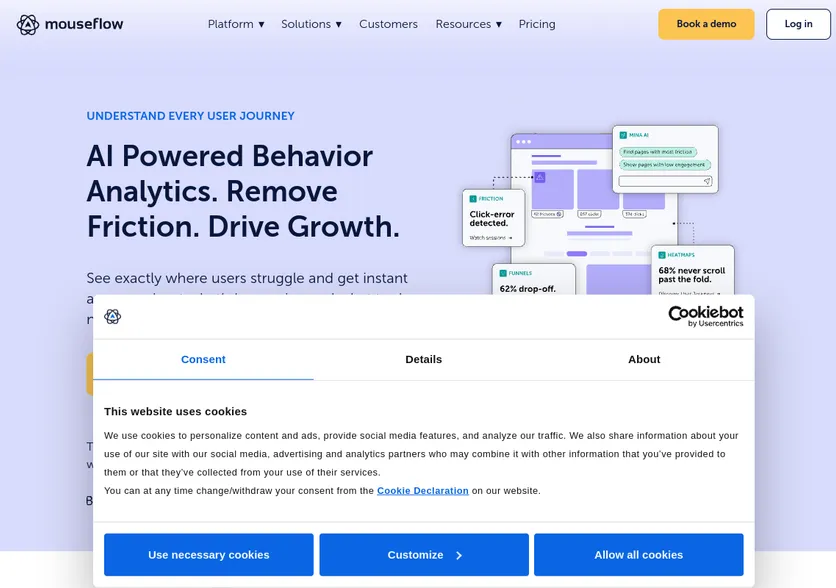
For a auto repair shop that wants to know which form fields lose visitors before they become booked jobs, this Mouseflow plan costs thirty-one dollars a month billed annually, and it scores every session for friction automatically. Mouseflow scores every session for friction, so the worst visits surface without watching hours of video. Its form analytics show exactly which field visitors abandon, which is the feature most teams end up using daily.
What we like
- Friction scores surface the worst sessions automatically
- Form analytics show which fields lose visitors
- GDPR-friendly hosting with an EU data centre
Watch out for
- Starter covers one website only, so multi-site teams pay more
- No mobile app SDK, so native apps are not covered
How to try it
- Install the Mouseflow tracking code on the site
- Open the friction report and sort by the highest score
- Watch the top friction sessions and fix the worst page first
8. Crazy Egg
Best for: Auto repair shop that want the simplest heatmaps
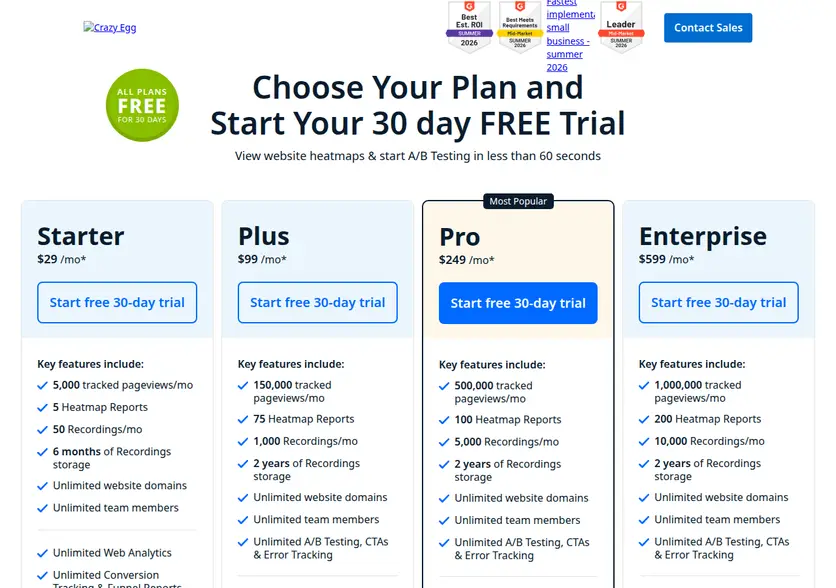
Paid tool Starting price: $29/month · Twenty-nine dollars a month billed annually on Starter, charged as one $348 annual payment with no self-serve monthly toggle; Standard is $49, Plus is $99 and Pro is $249 a month billed annually; a free Instant Heatmaps plan covers one thousand sessions a day
Free plan: Free Instant Heatmaps plan
A auto repair shop that wants simple heatmaps and a quick A/B test without learning a heavy platform will like this, because this Crazy Egg plan costs twenty-nine dollars a month billed annually, and it covers the basics in one dashboard. Crazy Egg invented the heatmap category and still keeps it simple: snapshots, scrollmaps, recordings and A/B testing in one dashboard. The free Instant Heatmaps plan is genuinely free forever, which no other paid tool here offers.
What we like
- Heatmaps, scrollmaps, recordings and A/B testing in one place
- Free Instant Heatmaps plan with no card required
- Snapshot reports are the easiest to read in this list
Watch out for
- Every plan bills annually by default with no monthly toggle
- Starter meters pageviews, not sessions, so the cap is tighter than it looks
How to try it
- Add the Crazy Egg script to the pages to test
- Take a snapshot and let it collect a few hundred visits
- Run an A/B test on the page element visitors ignore
Prices above were checked on each vendor’s own website on Nov 28, 2026 and can change — the vendor’s page is the final word. Vendor links are editorial: nobody paid to be listed or ranked here. Vendors who want a featured listing can see how it works on our Get listed page.
How a auto repair shop should start with product analytics
Start with the booking page, not the homepage, because that is where an auto repair shop makes or loses money. Install one tool, not three, and let it collect a full week of real traffic before changing anything. Look at the funnel first: the step with the biggest drop is the fix that pays for the tool. Watch ten sessions a week, no more, and write down the one change each session suggests. A auto repair shop that does this for a month will know more about its website than a year of guessing ever taught it.
Before you buy
- Check whether the tool prices by events, sessions or users, because the meter decides the real monthly bill
- Make sure the free plan covers the auto repair shop traffic volume, not just a demo-sized sample of visits
- Ask whether session replay and heatmaps are included in the plan or sold as paid add-ons
- Confirm the tool works without a developer, or budget the setup time honestly before signing up
- Test the tool on the real auto repair shop website for two weeks before paying for a full year
Official websites
Official websites of the products reviewed above. Features and prices were checked against these sites when this guide was written, and they can change, so confirm on the vendor site before you buy.
Frequently asked questions
What is product analytics software for auto repair shops?
It is software that records what visitors do on a auto repair shop website, from the first page they open to the moment they become booked jobs or leave. It turns those visits into funnels, retention reports and heatmaps, so the team can see which pages earn enquiries and which ones lose them.
How much does Mixpanel cost?
Mixpanel costs twenty dollars a month billed annually on the Growth plan, or twenty-eight dollars a month billed monthly. The free plan covers one million events a month, so a small auto repair shop can run it for months before paying. The bill rises with event volume, reaching about one hundred dollars a month at one and a half million events.
Can I use product analytics for free?
Yes, with several tools in this list. Mixpanel, Amplitude and PostHog all offer free plans that cover between ten thousand monthly tracked users and one million events a month, and Hotjar, Smartlook, Mouseflow and Crazy Egg have free tiers too. Free plans cap sessions or events, so a busy auto repair shop website will outgrow them, but they are genuine free tiers rather than trials.
Which product analytics tool is best for a small auto repair shop?
Mixpanel is the best pick for a small auto repair shop, because the free plan covers a million events a month and Growth costs twenty dollars a month. Mouseflow is the better choice if the booking form is the problem, since its friction scores show exactly which field loses visitors. Start on a free plan and pay only when the traffic outgrows it.
Do I need a developer to set up product analytics?
No, not for the tools in this list. Each one installs with a tracking snippet pasted into the website header, or a small plugin on WordPress and Shopify, and the reports appear within a day. A developer helps only if the auto repair shop wants custom events tracked, such as a specific booking step, and even that is usually a one-hour job. Start with the default autocapture and add custom events later.
Compare the eight tools above, then start with the free plan or trial on the tool that matches how the auto repair shop already tracks visitors before paying for a full year.
Browse Business Tools tools