On this page
A dental practice plans services, marketing and equipment the same way a product team plans features, and a roadmap keeps it all visible. We verified eight tools with published prices, and Productboard leads at nineteen dollars a maker a month on annual billing, turning patient feedback into a prioritised plan. The rest run from five to fifty-nine dollars a user a month, so a small practice can plan properly without a corporate budget.
How we researched this
We only listed tools with a published dollar price verified in November 2026, which is why the roadmap tools that price by quote are absent. Each tool was judged on how easy it is for a small practice to learn, whether the whole team can contribute without extra seats, and whether the roadmap stays readable for partners and staff. Prices below are headline list prices on annual billing where the vendor offers it.
Compare the tools
| Name | Best for | Starting price | Free plan | |
|---|---|---|---|---|
 Aha! Roadmaps | Serious roadmapping with strategy, ideas and releases in one place | $59/user/month | No free plan; 30-day free trial | Visit |
 Productboard | Turning customer feedback into a prioritised roadmap | $19/maker/month | Free Starter plan | Visit |
 Roadmunk | Quick, good-looking roadmaps without a big setup | $19/editor/month | Free plan | Visit |
 Craft.io | Product teams that plan in stories and capacities | $19/editor/month | No free plan; 14-day free trial | Visit |
 Trello Standard | Simple visual roadmaps on cards and boards | $5/user/month | Free plan | Visit |
 Notion Plus | Roadmaps living next to docs, wikis and meeting notes | $10/member/month | Free plan | Visit |
 Monday.com Basic | Visual boards for tracking products from idea to shelf | $9/seat/month | Free plan | Visit |
 ClickUp Core | All-in-one work management with roadmap views included | $9/user/month | Free plan | Visit |
The 8 best product roadmap tools for dental practices
1. Aha! Roadmaps
Best for: Serious roadmapping with strategy, ideas and releases in one place
Paid tool Starting price: $59/user/month · Premium costs fifty-nine dollars a user a month when billed annually, or seventy-four dollars month to month. Enterprise is ninety-nine dollars a user a month on annual billing, and Enterprise Plus is one hundred forty-nine dollars, annual only. Prices rise three percent a year, and Premium charges for every user.
Free plan: No free plan; 30-day free trial
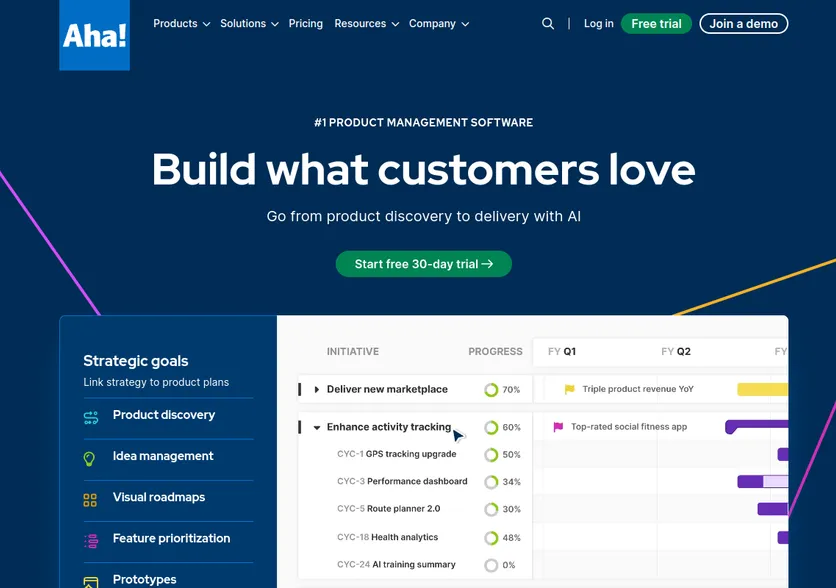
Aha starts at fifty-nine dollars a user a month on annual billing, and it brings strategy and roadmapping together for a practice that plans in quarters. Goals, ideas and releases live in one place, and the shareable roadmap views keep partners and staff aligned. It fits a dental practice that wants one system for planning services and marketing work.
What we like
- Strategy, ideas and roadmaps in one workspace
- Beautiful shareable roadmaps for stakeholders
- Deep reporting on goals and progress
Watch out for
- Premium charges for every user, including viewers
- Prices rise three percent every year
How to try it
- Set up your goals and product strategy
- Score ideas and build your first roadmap
- Share the roadmap link with stakeholders
2. Productboard
Best for: Turning customer feedback into a prioritised roadmap
Paid tool Starting price: $19/maker/month · Essentials costs nineteen dollars a maker a month when billed annually. Pro is fifty-nine dollars a maker a month on annual billing. Some 2026 reads list twenty dollars and fifty dollars, so confirm the current figures at checkout. Only makers are charged; contributors and viewers are free.
Free plan: Free Starter plan
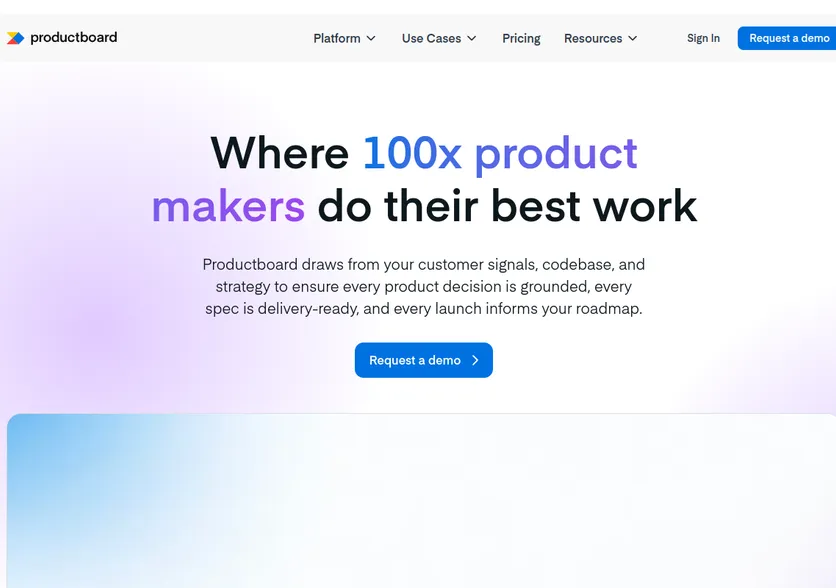
Productboard starts at nineteen dollars a maker a month on annual billing, and it helps a practice turn patient and staff feedback into planned improvements. Only makers pay, so the whole team can contribute ideas without adding seats. It fits a dental practice that wants its service roadmap driven by what patients actually ask for.
What we like
- Feedback hub collects insights from every channel
- Only makers pay, contributors are free
- Clean prioritisation with scores and segments
Watch out for
- Per-maker pricing grows with the product team
- Some 2026 sources disagree on the exact tier prices
How to try it
- Connect your feedback sources like email and Intercom
- Tag insights and link them to features
- Build a roadmap view and share it with the team
3. Roadmunk
Best for: Quick, good-looking roadmaps without a big setup
Paid tool Starting price: $19/editor/month · Starter costs nineteen dollars an editor a month when billed annually, or twenty-nine dollars month to month. Business is forty-nine dollars an editor a month, and Professional is ninety-nine dollars. Extra reviewers cost five dollars a month. Roadmunk is now part of Tempo, and its pricing page redirects there.
Free plan: Free plan
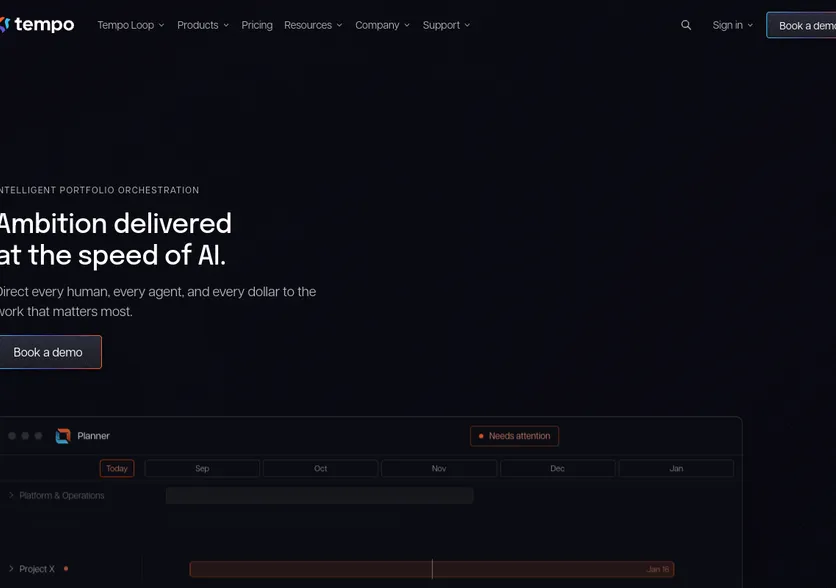
Roadmunk starts at nineteen dollars an editor a month on annual billing, and it makes roadmapping feel effortless for a small practice. Pick a template, add items and dates, and share the view with the team. It fits a dental practice that wants a tidy plan without learning a complex system.
What we like
- Fast to build a roadmap that looks professional
- Timeline and swimlane views for every audience
- Reviewers cost only five dollars a month
Watch out for
- Now sold through Tempo, so branding has changed
- Fewer idea-management features than full suites
How to try it
- Create a roadmap from a template
- Add items, dates and owners on the timeline
- Share the view with reviewers and stakeholders
4. Craft.io
Best for: Product teams that plan in stories and capacities
Paid tool Starting price: $19/editor/month · Starter costs nineteen dollars an editor a month when billed annually, or twenty-four dollars month to month. Pro is seventy-nine dollars an editor a month on annual billing. Enterprise is quoted. Contributors and viewers are free, and a fourteen-day free trial is included.
Free plan: No free plan; 14-day free trial
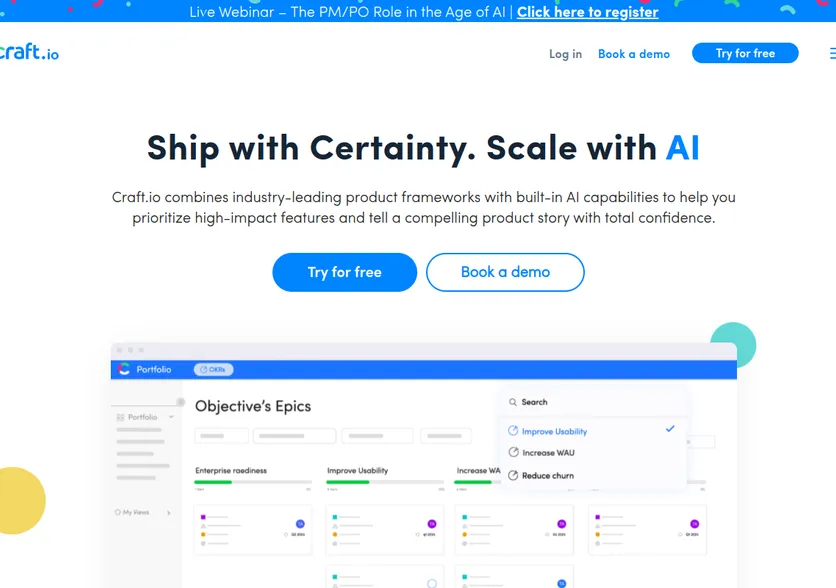
Craft costs nineteen dollars an editor a month on annual billing for Starter, and it adds capacity planning to the roadmap. A practice can see whether the team actually has time for each planned item before committing to dates. It fits a dental practice that plans around chair time and staff availability.
What we like
- Capacity planning built into the roadmap
- Clean interface for prioritising features
- Contributors and viewers are free
Watch out for
- No free plan, only a fourteen-day trial
- Smaller ecosystem than the biggest roadmap tools
How to try it
- Create a product and add your features
- Prioritise with scores and capacity views
- Share the roadmap with stakeholders
5. Trello Standard
Best for: Simple visual roadmaps on cards and boards
Paid tool Starting price: $5/user/month · Standard costs five dollars a user a month when billed annually, or six dollars month to month. Premium is ten dollars a user a month on annual billing. Enterprise is seventeen dollars and fifty cents a user a month, annual only. The free plan covers up to ten collaborators per workspace.
Free plan: Free plan
Trello costs five dollars a user a month on annual billing for Standard, and it is the simplest roadmap tool in this list. Lists become quarters, cards become initiatives, and anyone can move a card when priorities change. It fits a dental practice that wants a plan everyone understands on day one.

What we like
- Easiest board tool to learn in this list
- Free plan covers up to ten collaborators
- Power-Ups add calendars, timelines and more
Watch out for
- Too simple for complex multi-product roadmaps
- Reporting is basic without paid add-ons
How to try it
- Create a board with lists for each quarter
- Add cards for every feature or initiative
- Move cards as priorities change
6. Notion Plus
Best for: Roadmaps living next to docs, wikis and meeting notes
Paid tool Starting price: $10/member/month · Plus costs ten dollars a member a month when billed annually, or twelve dollars month to month. Business is twenty dollars a member a month on annual billing. Full Notion AI is only included from Business. Some older listings show eight and fifteen dollars, which are stale.
Free plan: Free plan
Notion costs ten dollars a member a month on annual billing for Plus, and it keeps a practice roadmap next to its docs, wikis and meeting notes. One database powers board, timeline and calendar views, so the same plan reads differently for each reader. It fits a dental practice that already keeps its knowledge in Notion.

What we like
- Docs, databases and roadmaps in one workspace
- Flexible views: board, timeline, calendar
- Free plan is generous for small teams
Watch out for
- Needs setup to work well as a roadmap tool
- Full AI features need the Business tier
How to try it
- Create a database for your roadmap items
- Add timeline and board views for the same data
- Link roadmap items to specs and meeting notes
7. Monday.com Basic
Best for: Visual boards for tracking products from idea to shelf
Paid tool Starting price: $9/seat/month · Basic costs nine dollars a seat a month when billed annually, or twelve dollars month to month. Standard and Pro tiers cost more for automation and integrations. The free plan covers up to two seats.
Free plan: Free plan
Monday costs nine dollars a seat a month on annual billing for Basic, and it turns a practice roadmap into boards anyone can read. Products, dates and owners sit in one view, with automations nudging the team when things move. It fits a dental practice that wants planning to feel visual, not bureaucratic.

What we like
- Colourful boards anyone can read at a glance
- Templates for product launches and assortments
- Automations handle status changes and reminders
Watch out for
- Costs rise per seat as the team grows
- Not a true PLM system for engineering data
How to try it
- Pick a product launch or assortment template
- Add your products, dates and owners
- Set up automations for status changes
8. ClickUp Core
Best for: All-in-one work management with roadmap views included
Paid tool Starting price: $9/user/month · Core costs nine dollars a user a month when billed annually, or twelve dollars month to month. Business is seventeen dollars a user a month on annual billing. The free plan covers basic task management.
Free plan: Free plan
ClickUp starts at nine dollars a user a month on annual billing for Core, and it gives a small practice a lot of tool for the money. Roadmaps, tasks, docs and automations share one account, and the free plan covers the basics. It fits a dental practice that wants everything in one place without paying for several apps.

What we like
- Dozens of views including Gantt and timeline
- Free plan is genuinely useful
- Automation and docs built in
Watch out for
- So many features it can feel overwhelming
- Roadmap views need setup to look right
How to try it
- Create a space for your product team
- Add lists for features and set statuses
- Switch to the timeline view for the roadmap
Prices above were checked on each vendor’s own website on Nov 28, 2026 and can change — the vendor’s page is the final word. Vendor links are editorial: nobody paid to be listed or ranked here. Vendors who want a featured listing can see how it works on our Get listed page.
How to pick roadmap software for a dental practice
Keep it simple, because a roadmap tool only works if the whole practice actually uses it. A board anyone can read beats a strategy suite nobody opens, so favour tools with a free plan and a gentle learning curve. Check who pays: tools that charge only makers or editors let receptionists, hygienists and associates contribute ideas without a licence for each person. Finally, pick a tool that holds more than the roadmap. A practice that keeps its policies, checklists and meeting notes in the same workspace gets far more value than one that buys a roadmap tool alone.
Before you buy
- Choose a tool the whole practice will actually use every week
- Check whether contributors pay, since the whole team should be able to add ideas
- Start on the free plan and only upgrade when the roadmap earns it
- Pick a tool that also holds docs, checklists and meeting notes
- Make sure the roadmap view is readable for partners and staff alike
Official websites
Official websites of the products reviewed above. Features and prices were checked against these sites when this guide was written, and they can change, so confirm on the vendor site before you buy.
Frequently asked questions
Why does a dental practice need roadmap software?
A dental practice is a small business with a long list of planned work: new services, equipment, marketing campaigns, staff training and premises improvements. Roadmap software turns that list into a dated plan with owners, so nothing gets forgotten and everyone knows what comes next. It also gives partners a shared view of the year, which beats a spreadsheet that only one person updates.
How much does roadmap software cost for a dental practice?
The tools here start at five dollars a user a month for Trello Standard and run to fifty-nine dollars a user a month for Aha Roadmaps Premium. Most of the list sits between nine and nineteen dollars a user a month on annual billing. Several tools offer free plans, and Productboard, Craft and ClickUp let the whole team contribute without paying for every seat.
Which roadmap tool is best for a dental practice?
Productboard is the best overall pick, turning patient and staff feedback into a prioritised plan for nineteen dollars a maker a month. Trello is the simplest option at five dollars a user a month, with boards anyone can use on day one. Notion is the best choice when the practice also wants its docs, wikis and meeting notes in the same workspace.
Can the whole team use it without paying for everyone?
Yes, on several tools here. Productboard charges only makers, so the whole team can contribute feedback for free. Trello's free plan covers up to ten collaborators per workspace, and Notion and ClickUp both offer generous free plans. Aha is the exception: its Premium tier charges for every user, including viewers, so it costs more for a whole-practice rollout.
Is a simple board enough, or do we need a full roadmap suite?
A simple board is enough for most practices. Trello or Notion will hold a year of planned work, and the team will actually use them. A full suite like Aha earns its price only when the practice plans across several locations or needs strategy, scoring and reporting in one place. Start simple, and upgrade only when the board starts to feel cramped.
Pick one of the 8 tools above, start on the free plan, and put your next quarter on the board before you pay anything.
Browse Business Tools tools