On this page
A client services team sells hours and delivers work, so the tool has to track both: the project itself, and whether the job actually makes money. The eight tools below cover that job for firms of every size, from a two-person consultancy to a services firm with dozens of accounts. Scoro leads because its quotes, time tracking and invoicing follow one client job from estimate to payment for twenty-six dollars a user a month, and the rest are ranked on how well they fit client work for the price.
How we researched this
We checked every price on the vendor pricing page on November 28, 2026, and only included tools with a published US dollar list price. The big professional services platforms that sell by quote, including Kantata, Accelo and Workamajig, publish no prices, so they are not in this list, and Teamwork was excluded because November 2026 reads conflict sharply on its plan names and prices. Prices change, so confirm the current figure on the vendor site before you buy.
Compare the tools
| Name | Best for | Starting price | Free plan | |
|---|---|---|---|---|
 Scoro | Service firms that bill clients by the hour | $26/user/month | No free plan; 14-day free trial | Visit |
 Avaza | Small service firms that want one billing tool | $9.96/month | Free plan (1 timesheet user, 5 projects) | Visit |
 Paymo | Small firms that invoice from tracked time | $5.90/user/month | Free plan (1 user) | Visit |
 Asana | Teams that need timelines and portfolios | $10.99/user/month | Free plan (Personal, up to 2 users) | Visit |
 monday.com | Teams that want boards for any workflow | $9/seat/month | Free plan (up to 2 seats) | Visit |
 ClickUp | Small teams that want everything in one app | $9/user/month | Free plan | Visit |
 BigTime | Professional firms that bill by the hour | $20/user/month | No free plan; free trial | Visit |
 Nifty | Teams that want milestones and roadmaps in one place | $10/member/month | Free plan (2 active projects) | Visit |
The project management software for client services teams, compared
1. Scoro
Best for: Service firms that bill clients by the hour
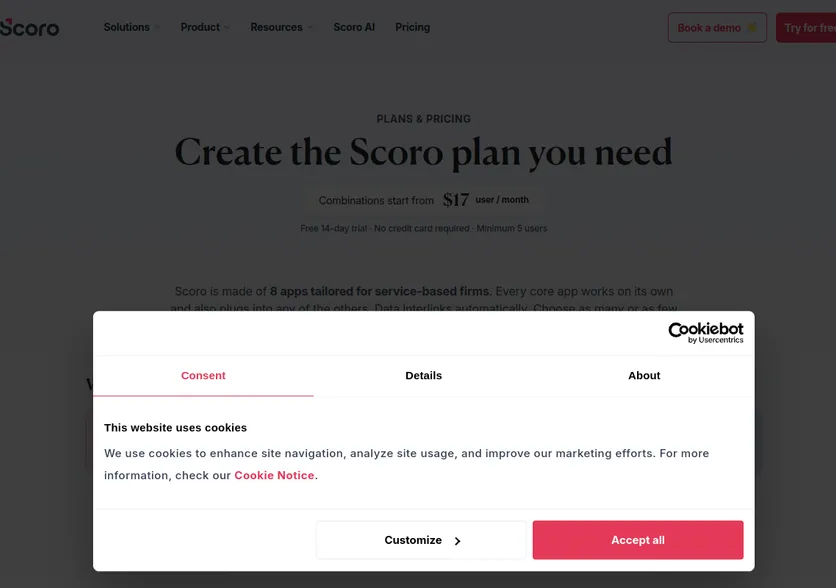
Paid tool Starting price: $26/user/month · Twenty-six dollars per user a month billed annually on Essential ($28 billed monthly); Standard is $37 and Pro is $63 ($42 and $71 monthly); Ultimate is quoted; every plan needs a five-user minimum, so the real entry cost is $130 a month; older listings show $19.90, $33.90 and $55.90
Free plan: No free plan; 14-day free trial
Client services teams that quote, deliver and invoice from one system need this Scoro plan, which costs twenty-six dollars per user a month billed annually, and its profitability reports show which accounts actually earn their fee. Its quotes, projects, time tracking and invoicing follow a client job from first estimate to final payment. Resource planning and profitability reports show which work actually makes money, and the five-seat minimum suits established firms.
What we like
- Quotes, projects, time and invoicing follow one client job
- Profitability reports show which work actually makes money
- Resource planning keeps utilisation visible across the team
Watch out for
- Five-user minimum makes the real entry cost one hundred and thirty dollars a month
- Setup is heavy for teams that only need task lists
How to try it
- Create a client project from a quote and set its budget
- Assign tasks and log time against the project each day
- Check the profitability report before quoting the next job
2. Avaza
Best for: Small service firms that want one billing tool
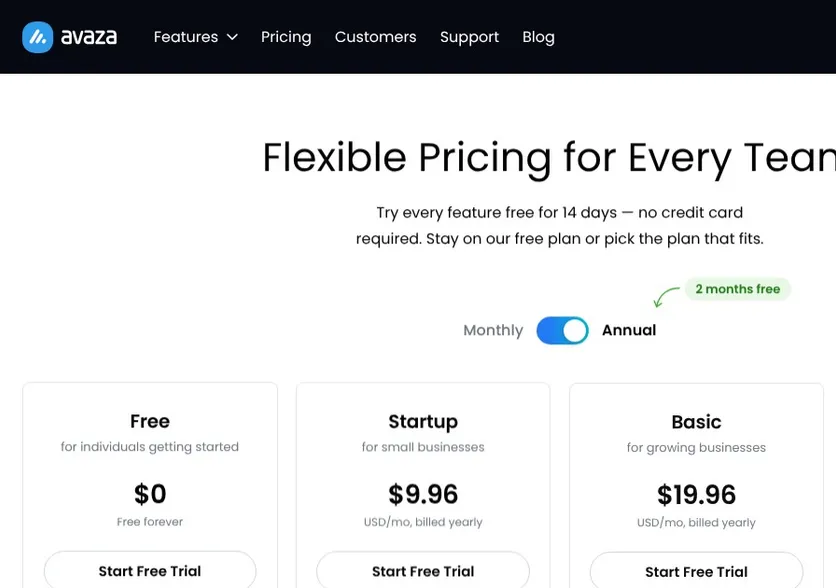
Paid tool Starting price: $9.96/month · Nine dollars and ninety-six cents a month billed annually on Startup ($11.95 billed monthly) for two timesheet users and twenty projects; Basic is $19.96 a month billed annually ($23.95 monthly); Business is $39.96 ($47.95 monthly); flat per-account pricing, not per user, with extra seats from $7 a user a month
Free plan: Free plan (1 timesheet user, 5 projects)
A small services firm that bills by the hour and invoices from tracked time fits this Avaza plan, which costs nine dollars and ninety-six cents a month billed annually, and its flat account price keeps the bill low while the team grows. Its flat account pricing covers projects, time tracking, expenses, scheduling and invoicing without charging per user. It suits small service firms that want one tool for delivery and billing, and extra seats are cheap add-ons.
What we like
- Flat account pricing without charging per user
- Projects, time, expenses, scheduling and invoicing together
- Extra seats are cheap add-ons from seven dollars a month
Watch out for
- Small seat bundles mean larger teams pay for add-ons
- The interface is functional rather than polished
How to try it
- Create a project and set its budget and team
- Log time and expenses against tasks as the work runs
- Raise an invoice from the logged time when the project closes
3. Paymo
Best for: Small firms that invoice from tracked time
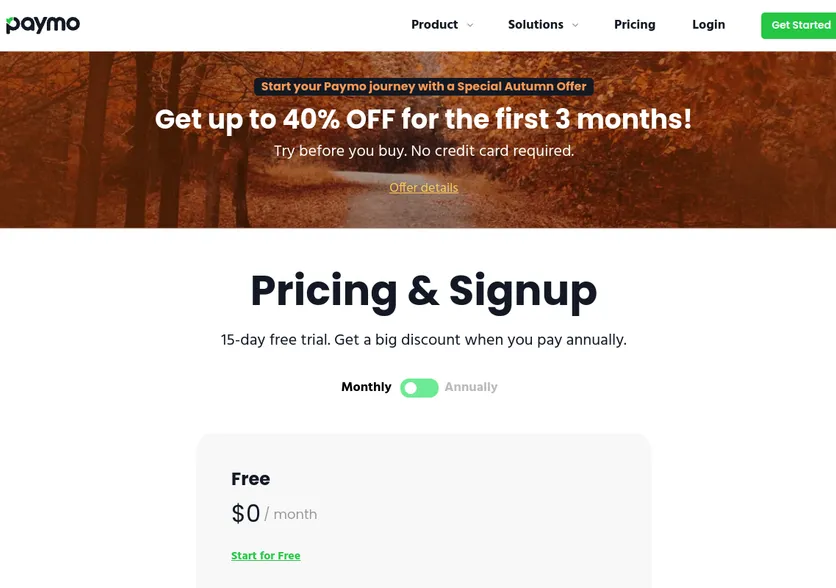
Paid tool Starting price: $5.90/user/month · Five dollars and ninety cents per user a month billed annually on Starter ($9.90 billed monthly); Small Office is $10.90 a user a month billed annually ($15.90 monthly); Business is $16.90 ($23.90 monthly); older listings show $4.95, $9.95 and $20.79
Free plan: Free plan (1 user)
For a services team that wants hours logged to flow straight into the client invoice, this Paymo plan costs five dollars and ninety cents per user a month billed annually, and its profitability reports show the margin on every engagement. Its task management, time tracking and invoicing run together, so hours logged on a project flow straight into the client invoice. Gantt charts and profitability reports arrive on the higher plans, and the free plan covers a solo user.
What we like
- Hours logged flow straight into the client invoice
- Task management, time tracking and invoicing in one place
- Free plan covers a solo user with unlimited time tracking
Watch out for
- Gantt charts and scheduling need the Business plan
- Older listings show lower prices, so confirm the current rate
How to try it
- Create a project and add its tasks and milestones
- Start the timer on each task and log hours as you work
- Generate the invoice from tracked time at the end of the month
4. Asana
Best for: Teams that need timelines and portfolios
Paid tool Starting price: $10.99/user/month · Ten dollars and ninety-nine cents per user a month billed annually ($13.49 billed monthly); Advanced is $24.99 a user a month billed annually ($30.49 monthly); Enterprise is quoted; seats are sold in blocks above five users
Free plan: Free plan (Personal, up to 2 users)
Client services teams juggling many accounts and deadlines will lean on this Asana plan, which costs ten dollars and ninety-nine cents per user a month billed annually, and its portfolios keep every client engagement visible to the partners. Its timeline and board views keep every workstream visible in one place, and custom fields track the details that matter to the team. Automations clear routine status updates from the calendar, and portfolios roll many projects into a single progress view.

What we like
- Timeline and Gantt views with dependencies built in
- Unlimited automations and custom fields on Starter
- Portfolios roll many projects into one progress view
Watch out for
- Seats are sold in blocks above five users, so small teams can overpay
- Goals and workload tracking need the Advanced plan
How to try it
- Create a project from a template and set its timeline and milestones
- Assign owners and due dates, then add custom fields for the details that matter
- Open the portfolio view each week to check progress across every project
5. monday.com
Best for: Teams that want boards for any workflow
Paid tool Starting price: $9/seat/month · Nine dollars per seat a month billed annually on Basic ($12 billed monthly); Standard is $12 a seat a month billed annually ($14 monthly); Pro is $19 ($24 monthly); Enterprise is quoted; paid plans need a three-seat minimum
Free plan: Free plan (up to 2 seats)
A services firm that tracks client work on shared boards will like this monday.com plan, which costs nine dollars per seat a month billed annually, and its dashboards show every account's status at a glance. Its boards bend to almost any workflow, from simple task lists to multi-stage approvals with owners and due dates. Automations move work forward without manual chasing, and dashboards give managers a live view of progress across every project.

What we like
- Boards adapt to almost any workflow without code
- Automations and integrations cover the routine chasing
- Dashboards show live progress across every project
Watch out for
- Paid plans need a three-seat minimum, so solo users pay for three
- Basic has no automations, so most teams need Standard or Pro
How to try it
- Pick a board template and add the columns the workflow needs
- Set up automations for status changes and deadline reminders
- Build a dashboard that pulls progress from every active board
6. ClickUp
Best for: Small teams that want everything in one app
Paid tool Starting price: $9/user/month · Nine dollars per user a month billed annually on Core ($12 billed monthly); Business is $17 a user a month billed annually; Enterprise is quoted; a Max plan at $100 a user a month is listed for AI-heavy teams
Free plan: Free plan
Small client services teams that want docs, tasks and chat in one place can start cheaply with this ClickUp plan, which costs nine dollars per user a month billed annually, and its custom fields track retainers and deliverables. Its docs, whiteboards, goals and chat sit beside tasks, so a team can plan and discuss work without leaving the app. Custom views and automations adapt to almost any process, and the free plan is generous enough for small teams to start properly.

What we like
- Docs, whiteboards, goals and chat sit beside tasks
- Custom views and automations adapt to almost any process
- The free plan is generous enough for small teams to start properly
Watch out for
- The depth of features can overwhelm a team that wants simple boards
- Some advanced reporting sits on the higher Business plan
How to try it
- Create a space for the team and add lists for each active project
- Choose the views each role needs, from board to Gantt to calendar
- Set automations for handoffs so nothing waits on a manual update
7. BigTime
Best for: Professional firms that bill by the hour
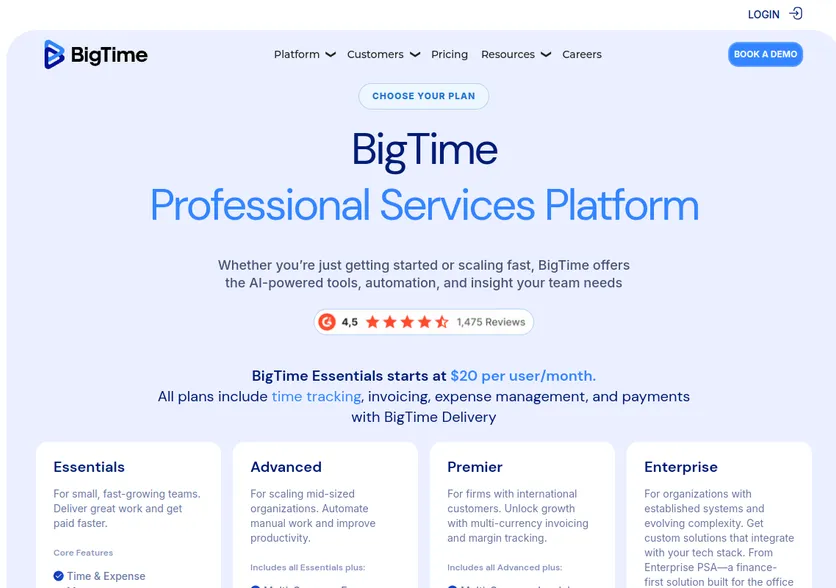
Paid tool Starting price: $20/user/month · Twenty dollars per user a month on Essentials; Advanced is $35 and Premier is $45 a user a month; BigTime Foresight and Projector are quoted or higher; the vendor lists these as monthly rates with no annual discount published
Free plan: No free plan; free trial
Services firms that live on billable hours should consider this BigTime plan, which costs twenty dollars per user a month, and its utilisation reports show who has capacity before the next engagement. Its time tracking, expense management and invoicing are built for firms that bill clients by the hour. Project budgeting and resource planning keep utilisation visible, and QuickBooks integration closes the loop on accounting.
What we like
- Time tracking and invoicing built for firms that bill by the hour
- Project budgeting and resource planning keep utilisation visible
- QuickBooks integration closes the loop on accounting
Watch out for
- No annual discount is published, so the monthly rate is the rate
- The interface is dense for teams that only need simple tasks
How to try it
- Create a project with its budget and billing rates
- Log time and expenses against the project each day
- Review utilisation and invoice the client from the tracked hours
8. Nifty
Best for: Teams that want milestones and roadmaps in one place
Paid tool Starting price: $10/member/month · Ten dollars per member a month billed annually on Pro ($16 billed monthly); Business is $16 a member a month billed annually ($25 monthly); flat team pricing is also sold, with Pro at $79 a month billed annually for up to ten members and Business at $124 for up to thirty; the flat Starter plan was retired in 2026
Free plan: Free plan (2 active projects)
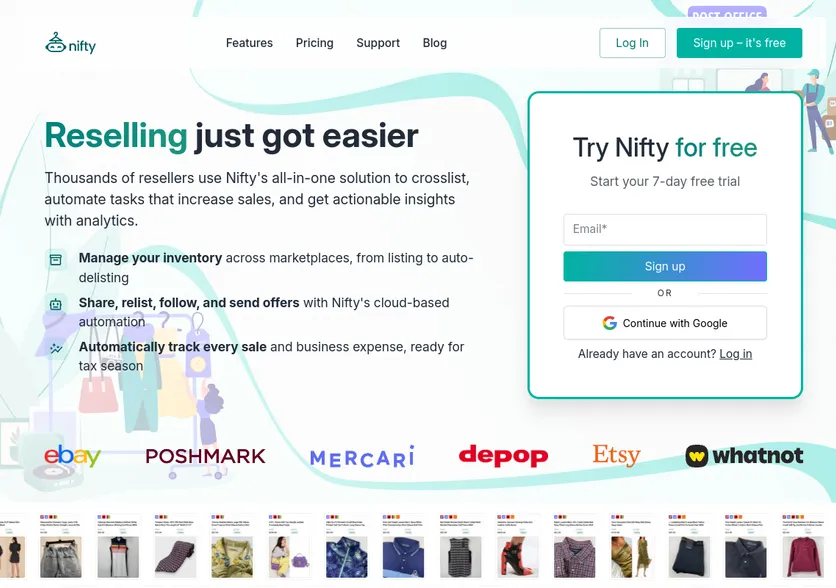
A client services team that wants milestones, docs and time tracking in one workspace fits this Nifty plan, which costs ten dollars per member a month billed annually, and its roadmaps give clients a clear view of delivery. Its milestones, docs, chat and time tracking cover a project from kickoff to delivery in one workspace. Flat team pricing keeps the bill predictable as the team grows, and roadmaps give clients a clear view of progress.
What we like
- Milestones, docs, chat and time tracking in one workspace
- Flat team pricing keeps the bill predictable
- Roadmaps give clients a clear view of progress
Watch out for
- Two pricing ladders make the real cost confusing at first
- The free plan allows only two active projects
How to try it
- Create a project and set its milestones and goals
- Add tasks, docs and chat so the team works in one place
- Share the roadmap with clients so they see progress without asking
Prices above were checked on each vendor’s own website on Nov 28, 2026 and can change — the vendor’s page is the final word. Vendor links are editorial: nobody paid to be listed or ranked here. Vendors who want a featured listing can see how it works on our Get listed page.
How to run client work that actually makes money
Start with a quote for every engagement, because a services team that starts work before agreeing the price will argue about the invoice later. Track hours and expenses against the same job, and compare the real cost with the quote before the work is finished, not after. Give every client a single place for tasks, files and messages so nothing hides in an inbox. Review profitability monthly, retire clients that always lose money, and confirm the next engagement's scope in writing before the team starts.
Before you buy
- Confirm the tool follows a client job from quote to invoice without a second app
- Check whether hours and expenses can be tracked against the same project budget
- Ask if profitability reports show which clients and jobs actually make money
- Make sure clients can see progress and files without needing a paid seat
- Test the tool on a real client engagement before paying, including an invoice round
Official websites
Official websites of the products reviewed above. Features and prices were checked against these sites when this guide was written, and they can change, so confirm on the vendor site before you buy.
Frequently asked questions
What is project management software for client services teams?
It is software that plans and tracks client work, from the first quote through delivery to the final invoice, including tasks, time, expenses and billing. Good tools keep the project, the hours and the money in one place, which matters when a firm lives on billable hours and thin margins.
How much does Scoro cost for client services teams?
Scoro costs twenty-six dollars per user a month billed annually on Essential, or twenty-eight dollars billed monthly. Standard is thirty-seven dollars per user a month billed annually and adds Gantt charts and resource planning. Every plan needs a five-user minimum, so the real entry cost is one hundred and thirty dollars a month.
Can I manage client services work for free?
Yes, with ClickUp, which offers a free plan, and Paymo, which offers a free plan for one user with unlimited time tracking. Both work for a solo consultant with a handful of clients, though storage and features are limited. A growing firm will outgrow either free tier and should compare the paid plans above.
Which tool is best for invoicing from tracked time?
Paymo is the best pick for invoicing, at five dollars and ninety cents per user a month billed annually on Starter, because hours logged on a project flow straight into the client invoice. Avaza is the cheaper alternative for small firms, while Scoro suits firms that need quotes and profitability too.
Which tool is best for a small client services team?
Scoro is the best overall pick for a small team, at twenty-six dollars per user a month, because it follows a client job from quote to invoice. Avaza is the better value pick where the budget is tight, while Paymo suits teams that want invoicing from tracked time above all else.
Compare the eight tools above, then start with a free trial on the tool that matches how the team already quotes, delivers and invoices client work before paying for a full year.
Browse Business Tools tools