On this page
Remote real estate teams live or die by follow-up speed, and a CRM that keeps every lead, call and showing in one shared place is what makes a scattered team feel like one office. The seven tools below cover that job from a real estate specialist built for team routing to general CRMs that adapt to property workflows. Follow Up Boss leads because it connects every lead source and routes each one to the right agent for fifty-eight dollars per user a month, and the rest are ranked on how well they keep a distributed team aligned.
How we researched this
We checked every price on the vendor pricing page on November 28, 2026, and only included tools with a published US dollar list price. BoomTown and Chime publish no prices, so they are not in this list. Prices change, so confirm the current figure on the vendor site before you buy.
Compare the tools
| Name | Best for | Starting price | Free plan | |
|---|---|---|---|---|
 Follow Up Boss | Remote teams that need fast, accountable lead follow-up | $58/user/month | 14-day free trial | Visit |
 Salesforce Sales Cloud | Larger brokerages that want deep customization | $25/user/month | No free plan; 30-day free trial | Visit |
 HubSpot Sales Hub | Teams that want a general CRM with room to grow | $20/seat/month | Free plan (2 users) | Visit |
 Zoho CRM | Small remote teams that want depth at a low price | $14/user/month | Free plan (3 users) | Visit |
 Pipedrive | Teams that want a simple visual pipeline above all | $14/user/month | 14-day free trial | Visit |
 Real Geeks | Teams that want an IDX website and CRM in one bill | $399/month | No free plan | Visit |
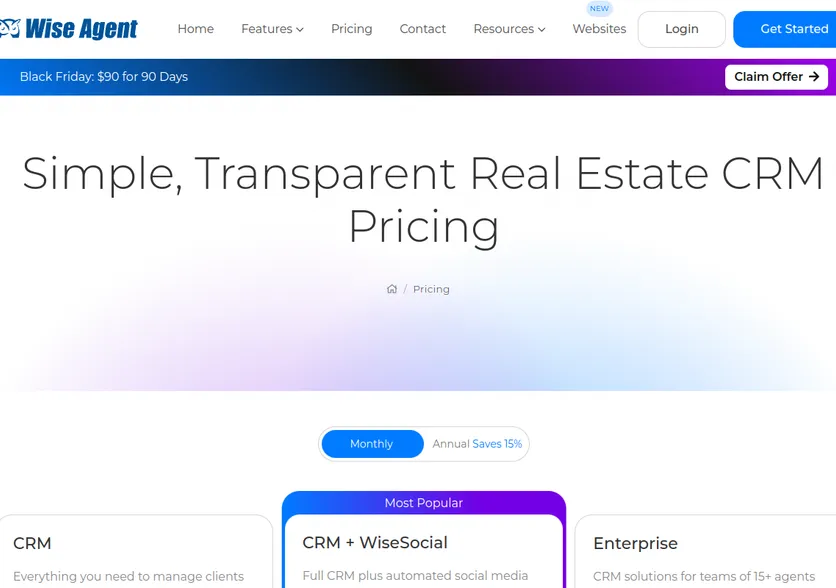
 Wise Agent | Small teams that want one flat price, not per-user billing | $49/month | 14-day free trial | Visit |
The real estate CRM software for remote teams, compared
1. Follow Up Boss
Best for: Remote teams that need fast, accountable lead follow-up
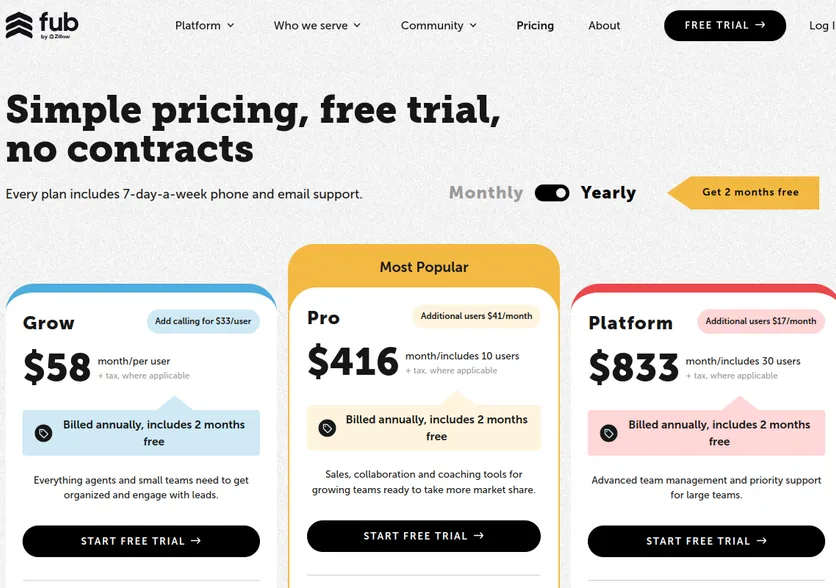
Paid tool Starting price: $58/user/month · Fifty-eight dollars per user a month billed annually ($69 billed monthly); Pro is $499 a month for 10 users and Platform is $1,000 a month for 30 users; calling is a paid add-on on Grow at $39 a user a month ($33 billed annually)
Free plan: 14-day free trial
A remote team that lives or dies by speed to lead gets its money's worth here, because this Follow Up Boss plan costs fifty-eight dollars per user a month billed annually, and it routes every lead to the right agent the moment it arrives. Action plans nudge agents through calls, texts and emails on a set schedule, while the shared dashboard shows managers exactly who followed up and who went quiet. It is the most disciplined option in this list for a team spread across time zones.
What we like
- Connects more than 200 lead sources into one inbox
- Action plans keep calls, texts and emails on schedule
- Team dashboard shows who followed up and who did not
Watch out for
- Calling is a paid add-on on the Grow plan, not included
- Per-user pricing climbs fast as the team grows
How to try it
- Connect each lead source, from portals to your website, into one inbox
- Set up an action plan with timed calls, texts and emails for new leads
- Review the team dashboard daily and reassign any lead that goes quiet
2. Salesforce Sales Cloud
Best for: Larger brokerages that want deep customization
Paid tool Starting price: $25/user/month · Twenty-five dollars per user a month billed annually on the Starter Suite (up to 10 users); Professional is $80, Enterprise is $165 and Unlimited is $330 a user a month billed annually
Free plan: No free plan; 30-day free trial
A brokerage that wants to shape the CRM around its own process rather than accept a fixed real estate workflow will find the room here, since this Salesforce Sales Cloud plan costs twenty-five dollars per user a month billed annually on the Starter Suite. Workflows, objects and reports can be built around how the team actually sells, and the AppExchange adds thousands of industry apps. It suits larger remote teams with someone to administer it, not a team that wants to start selling on day one.
What we like
- Endlessly configurable workflows, objects and reports
- Huge AppExchange marketplace with thousands of apps
- Scales from a small team to a global brokerage
Watch out for
- Needs admin time to set up and maintain properly
- Starter lacks the automation most teams actually need
How to try it
- Map your lead sources and sales stages before touching the setup
- Build custom objects for listings, buyers and showings
- Connect the CRM to your email and calendar for every agent
3. HubSpot Sales Hub
Best for: Teams that want a general CRM with room to grow
Paid tool Starting price: $20/seat/month · Twenty dollars per seat a month at list on Starter; new customers are shown $7 a seat a month billed annually ($10 billed monthly) as a first-year offer; Professional is $90 a seat a month billed annually ($100 billed monthly) plus a $1,500 one-time onboarding fee; Enterprise is $150 a seat a month
Free plan: Free plan (2 users)
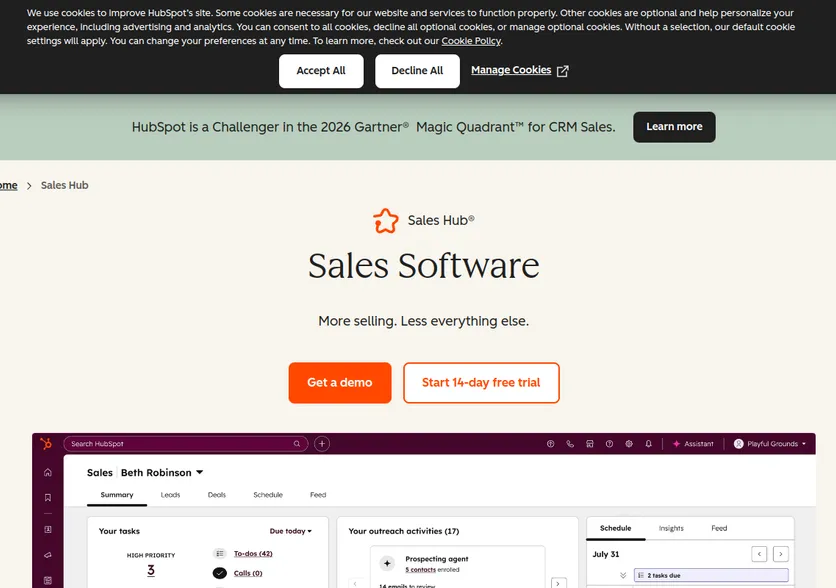
For a remote team that wants a familiar CRM with marketing and service tools waiting in the same platform, this HubSpot Sales Hub plan lists at twenty dollars per seat a month on Starter, with a free CRM for two users underneath it. Contacts, deals and pipelines are easy to learn, and the free tier lets a team start without a purchase order. Real estate features such as IDX websites are not native, so the team configures its own property fields or adds an integration.
What we like
- Free CRM for two users with contacts, deals and pipelines
- Easy to learn, with marketing and service hubs alongside
- Strong integration ecosystem and reporting
Watch out for
- Real estate workflows need configuration or add-ons
- The list price is higher than the new-customer offer shown
How to try it
- Start on the free CRM and map contacts, deals and pipelines
- Add custom properties for listings, price ranges and showings
- Connect your email and set up deal alerts for the team
4. Zoho CRM
Best for: Small remote teams that want depth at a low price
Paid tool Starting price: $14/user/month · Fourteen dollars per user a month billed annually on Standard ($20 billed monthly); Professional is $23, Enterprise is $40 and Ultimate is $52 a user a month billed annually
Free plan: Free plan (3 users)
Budget-conscious remote teams get the most features per dollar here, because this Zoho CRM plan costs fourteen dollars per user a month billed annually on Standard, with a free edition for three users. It covers pipelines, workflows, email integration and calling, and it sits inside a wider suite of business apps the team can adopt later. Property-specific lead routing needs building through configuration, so expect a setup afternoon before the team is fully live.

What we like
- Low entry price with a free edition for three users
- Workflows, pipelines and calling included from Standard
- Part of a wide suite of business apps
Watch out for
- Real estate features need configuration, not ready-made
- Interface can feel busy for brand-new users
How to try it
- Import contacts and set up pipelines for buyers and sellers
- Build workflow rules that assign new leads to the right agent
- Connect email and calling so activity logs itself
5. Pipedrive
Best for: Teams that want a simple visual pipeline above all
Paid tool Starting price: $14/user/month · Fourteen dollars per user a month billed annually ($24 billed monthly); Pipedrive restructured its tiers in 2026 and November 2026 listings disagree on the higher tiers (Growth $24 to $39, Premium $49 to $59 a user a month), so confirm the tier you need on the vendor page
Free plan: 14-day free trial
When the whole remote team just needs to see where every deal stands at a glance, this Pipedrive plan costs fourteen dollars per user a month billed annually, and its visual pipeline does exactly that. Deal stages, activities and reminders are obvious without training, and email sync keeps conversations attached to the right deal. It is a sales-first tool, so real estate lead sources and IDX feeds arrive through integrations rather than natively.

What we like
- Visual deal stages the whole team reads in seconds
- Easy to learn with almost no setup time
- Email sync keeps conversations on the right deal
Watch out for
- Real estate lead sources need integrations to connect
- Higher tiers were restructured in 2026 and prices vary by listing
How to try it
- Create pipeline stages that match your buying and selling process
- Connect each agent email account so messages attach to deals
- Set activity reminders so no lead sits untouched overnight
6. Real Geeks
Best for: Teams that want an IDX website and CRM in one bill
Paid tool Starting price: $399/month · Three hundred and ninety-nine dollars a month on a 12-month term for the platform, including 2 users, plus a $500 one-time setup fee; $599 a month on a 6-month term and $3,990 a year prepaid annually; lead packages are $299 to $599 a month each and IDX feeds are $10 a board a month
Free plan: No free plan
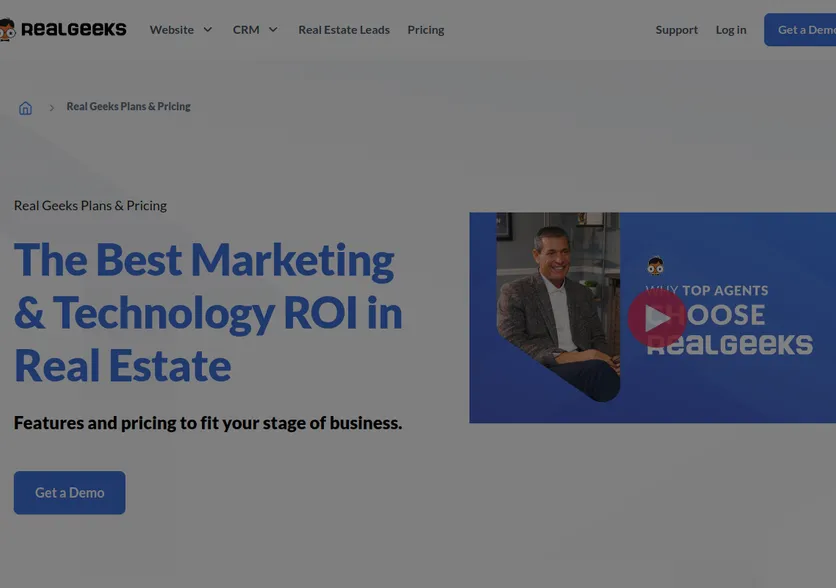
A remote team that wants its website and CRM from one vendor instead of stitching tools together should look here, because this Real Geeks plan costs three hundred and ninety-nine dollars a month on a 12-month term, and it bundles an IDX website with lead management. Website inquiries flow straight into the CRM, and the built-in dialer lets agents call and text from the same screen. It is a bigger commitment than a per-user CRM, with a setup fee and a term contract, so it suits teams ready to standardize on one system.
What we like
- IDX website and CRM in one connected system
- Built-in dialer with unlimited calling and texting
- Lead packages available when the team wants paid leads
Watch out for
- A $500 setup fee and a term contract are required
- The flat price is steep for a very small team
How to try it
- Launch the IDX website and connect your MLS feed
- Set up lead routing so website inquiries reach the right agent
- Train the team on the dialer and follow-up workflows
7. Wise Agent
Best for: Small teams that want one flat price, not per-user billing
Paid tool Starting price: $49/month · Forty-nine dollars a month flat, or $499 a year, covering up to five team members on a shared login; CRM plus WiseSocial is $69 a month; separate logins and extra members cost $20 a month each; some directories still list a $326 a year figure, which conflicts with the vendor page
Free plan: 14-day free trial
Small remote teams watching every dollar will like the flat bill here, because this Wise Agent plan costs forty-nine dollars a month for the whole account, covering up to five team members on a shared login. Drip campaigns, transaction management and commission tracking are included, and support is available around the clock. It leans toward individual agent productivity, so large teams that need separate logins and deep routing will outgrow it sooner than the per-user tools above.
What we like
- Flat $49 a month for up to five team members
- Transaction and commission tracking included
- Round-the-clock support with no contract
Watch out for
- Five members share one login unless you pay extra
- Less team routing depth than Follow Up Boss
How to try it
- Import contacts and set up drip campaigns for past clients
- Log transactions and commissions as deals close
- Use the mobile app to follow up from the field
Prices above were checked on each vendor’s own website on Nov 28, 2026 and can change — the vendor’s page is the final word. Vendor links are editorial: nobody paid to be listed or ranked here. Vendors who want a featured listing can see how it works on our Get listed page.
How to run a remote real estate team on one CRM
Pick the CRM around the lead, not the logo. Trace one inquiry from the portal or website all the way to a closed deal and check that every step is visible to the whole team, including who called, what was said and what happens next. Give each agent a clear routing rule so two people never chase the same buyer, and set a response-time target the team can actually measure. Test the mobile app from a showing, because a remote team lives on phones, and confirm the reporting shows pipeline health without a spreadsheet export.
Before you buy
- Confirm lead sources connect and route to the right agent without manual sorting
- Check the mobile app works fully from showings and open houses
- Ask how permissions and shared visibility work across remote locations
- Verify reporting shows pipeline and follow-up activity without exports
- Test the tool on a real lead before committing the whole team
Official websites
Official websites of the products reviewed above. Features and prices were checked against these sites when this guide was written, and they can change, so confirm on the vendor site before you buy.
Frequently asked questions
What is the best real estate CRM for remote teams?
Follow Up Boss is the best overall pick for remote teams, at fifty-eight dollars per user a month billed annually, because it routes leads from more than 200 sources and keeps follow-up on a timed schedule the whole team can see. Real Geeks suits teams that also need an IDX website, and Wise Agent is the cheapest start at forty-nine dollars a month flat for up to five members.
How much does Follow Up Boss cost per user?
Follow Up Boss Grow costs sixty-nine dollars per user a month on monthly billing, or fifty-eight dollars billed annually, with Pro at four hundred and ninety-nine dollars a month for ten users and Platform at one thousand dollars a month for thirty users. Calling is a paid add-on on Grow at thirty-nine dollars a user a month, or thirty-three dollars billed annually, so budget for it if agents call from the CRM.
Is there a free real estate CRM for remote teams?
Yes. HubSpot offers a free CRM for two users with contacts, deals and pipelines, and Zoho CRM has a free edition for up to three users. Both are genuine free tiers rather than trials, so a small remote team can start organizing leads without paying. Real estate-specific features such as IDX websites and lead routing need configuration or a paid specialist tool.
Do remote real estate teams need a real estate-specific CRM?
Usually yes, if lead volume is high. Real estate CRMs connect portal and website leads and route them automatically, while general CRMs such as Salesforce, HubSpot and Zoho need configuration to do the same. A general CRM can work when the team mainly needs contact and deal tracking and is comfortable building property workflows itself.
Can these CRMs connect to an existing real estate website?
Most can, through integrations or lead capture forms, and Real Geeks goes further by bundling an IDX website with the CRM itself. Follow Up Boss connects more than 200 lead sources, including websites and portals. Check the specific integration for your site platform before buying, since IDX feeds and MLS boards are sometimes billed separately.
Compare the seven tools above, then start with a free trial of the CRM that matches how your remote team actually handles leads before paying for a full year.
Browse Business Tools tools