On this page
Customers notice when a product changes, and a clear release note is the cheapest way to turn that change into trust. The seven tools below publish changelogs, collect feedback and announce releases, from a free plan for a tiny team to a dedicated platform for teams that ship every week. Frill leads because it is the cheapest paid option at twenty-five dollars a month, and the rest are ranked on how well they turn user feedback into a changelog worth reading.
How we researched this
We checked every price on the vendor pricing page on November 28, 2026, and only included tools with a published US dollar list price. Seven tools met the bar, so this list has seven rather than eight. Prices change, so confirm the current figure on the vendor site before you buy.
Compare the tools
| Name | Best for | Starting price | Free plan | |
|---|---|---|---|---|
| LaunchNotes | Teams that want a dedicated release notes platform | $799/month | 14-day free trial | Visit |
| Beamer | Small teams that want announcements plus feedback | $49/month | Free plan (under 1,000 monthly active users) | Visit |
 Canny | Teams that build their roadmap from user feedback | $79/month | Free plan (25 tracked users) | Visit |
| Headway | Small teams that want a simple public changelog | $29/month | Free plan (unlimited changelogs) | Visit |
| AnnounceKit | Teams that want changelogs, roadmaps and tours together | $49/month | 15-day free trial | Visit |
| Featurebase | Teams that want feedback boards with AI summaries | $29/seat/month | Free plan (1 seat, 1 board) | Visit |
| Frill | Small teams that want a cheap feedback and changelog tool | $25/month | 14-day free trial | Visit |
The release notes management software for small business, compared
1. LaunchNotes
Best for: Teams that want a dedicated release notes platform
Paid tool Starting price: $799/month · Seven hundred and ninety-nine dollars a month on Growth billed annually, or nine hundred and ninety-nine dollars monthly; Premium is custom; there is no free plan, and older figures of ninety-nine and two hundred and forty-nine dollars are stale
Free plan: 14-day free trial
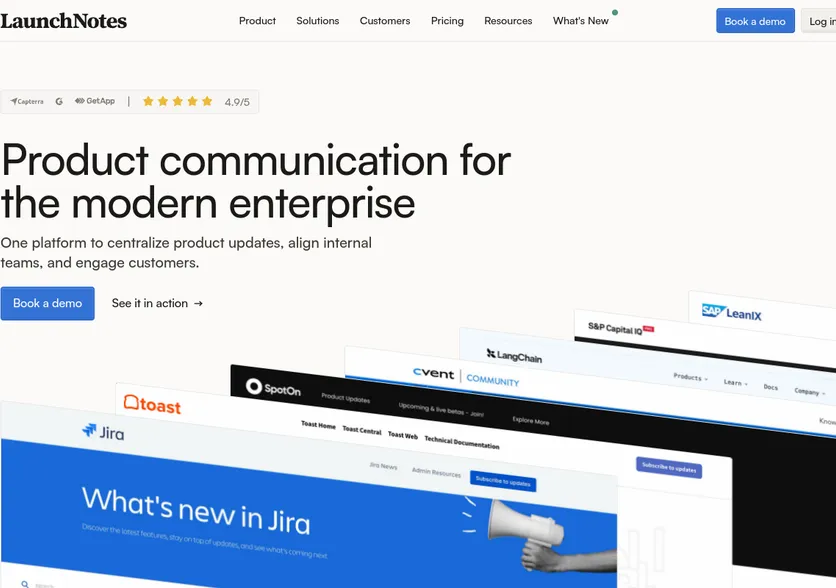
A product team that wants release notes to be a proper product surface, not an afterthought, will find the most dedicated option here, because this LaunchNotes plan costs seven hundred and ninety-nine dollars a month on Growth with annual billing. It publishes changelogs, collects feedback and announces releases in one place, with a Premium tier quoted for larger teams. Older reads show ninety-nine and two hundred and forty-nine dollars, which are stale next to the current vendor page.
What we like
- A dedicated release notes platform, not a side feature
- Changelog, feedback and announcements in one place
- Built for product teams that ship often
Watch out for
- The price is far above every other tool in this list
- No free plan, only a fourteen-day trial
How to try it
- Connect the product and set up the public changelog
- Publish the first release note with the new features
- Share the changelog link in the product and in email
2. Beamer
Best for: Small teams that want announcements plus feedback
Paid tool Starting price: $49/month · Free for under one thousand monthly active users; Starter is forty-nine dollars a month billed annually, or fifty-nine dollars monthly, for five thousand monthly active users; Pro is ninety-nine dollars annually or one hundred and nineteen dollars monthly, and Scale is two hundred and forty-nine or two hundred and ninety-nine dollars; Feedback and NPS are ninety-nine dollar add-ons each
Free plan: Free plan (under 1,000 monthly active users)
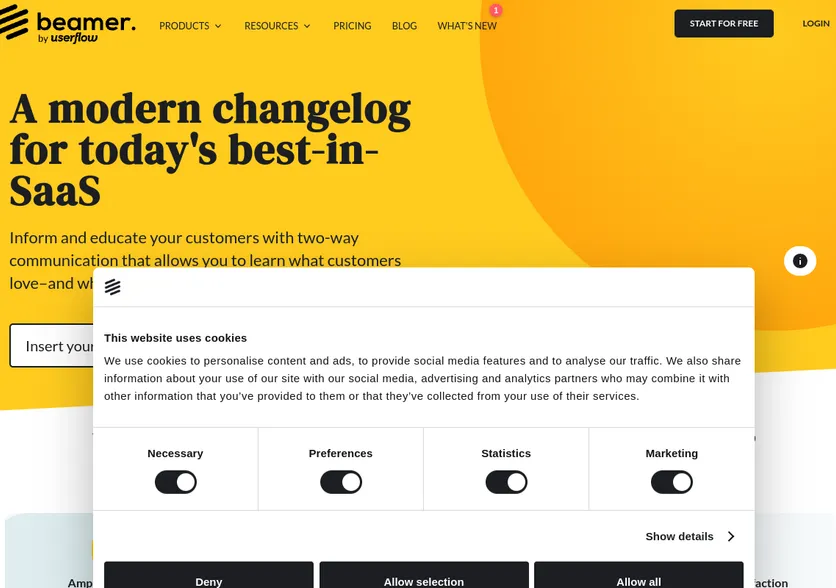
A small team that wants to announce releases, collect feedback and run surveys from one tool will find a flexible option here, because this Beamer plan costs forty-nine dollars a month on Starter with annual billing. The free plan covers under one thousand monthly active users, and the Starter tier covers five thousand. Feedback and NPS are sold as ninety-nine dollar add-ons each, so the real cost depends on which extras the team needs.
What we like
- A free plan for small products under one thousand users
- Changelog, announcements and feedback in one tool
- In-app widget that puts release notes inside the product
Watch out for
- Feedback and NPS cost ninety-nine dollars each as add-ons
- The free plan caps at one thousand monthly active users
How to try it
- Embed the changelog widget in the product
- Publish the first release note and send the announcement
- Turn on feedback collection for the next release
3. Canny
Best for: Teams that build their roadmap from user feedback
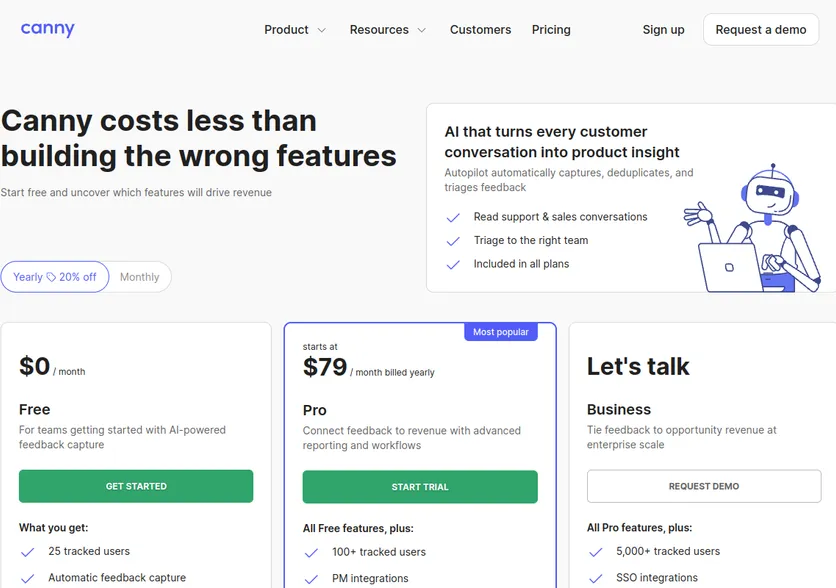
Paid tool Starting price: $79/month · Free for twenty-five tracked users; Pro starts at seventy-nine dollars a month billed annually, or ninety-nine dollars monthly, for one hundred tracked users, and scales up to one thousand and seventy-nine dollars at five thousand tracked users; Business is custom
Free plan: Free plan (25 tracked users)
A team that wants release notes tied to the feedback that caused them will find the best fit here, because this Canny plan starts at seventy-nine dollars a month on Pro with annual billing. It collects feature requests, votes and feedback, then links each release note to the requests it closed, so users can see their ideas ship. The free plan covers twenty-five tracked users, and the price scales with tracked users up to one thousand and seventy-nine dollars at five thousand.
What we like
- Feature requests linked directly to release notes
- Users see their ideas ship, which builds loyalty
- A free plan for small teams to start on
Watch out for
- The price scales fast as tracked users grow
- Changelog features are lighter than a dedicated platform
How to try it
- Create a feedback board and invite users to vote
- Link each release to the requests it closes
- Publish the changelog and notify the voters automatically
4. Headway
Best for: Small teams that want a simple public changelog
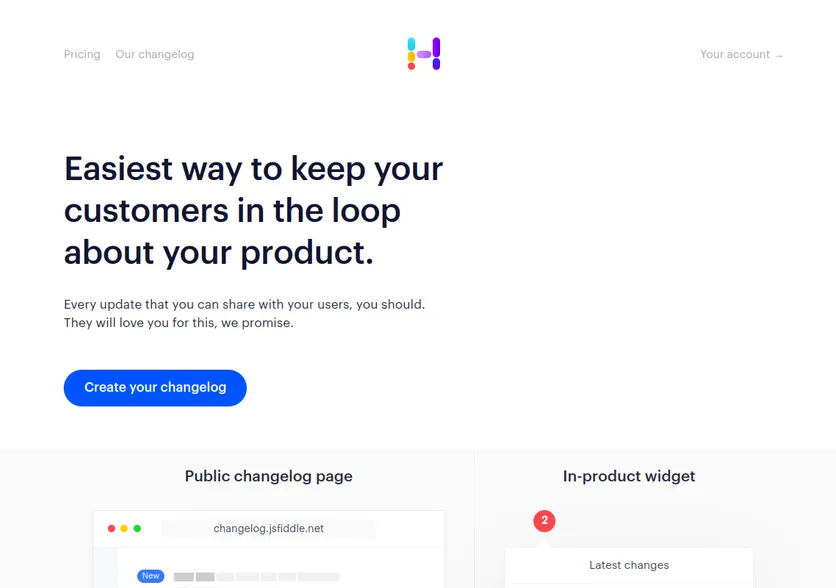
Paid tool Starting price: $29/month · Twenty-nine dollars a month flat on Pro; the free plan allows unlimited changelogs, and Pro adds whitelabeling, a custom domain, team management and a private changelog
Free plan: Free plan (unlimited changelogs)
A small team that wants a simple public changelog without a big monthly bill will find the easiest option here, because this Headway plan costs twenty-nine dollars a month on Pro, flat. The free plan allows unlimited changelogs, and Pro adds whitelabeling, a custom domain, team management and a private changelog. It is the cheapest paid plan in this list and the simplest to run.
What we like
- A free plan with unlimited changelogs
- A flat twenty-nine dollar Pro price with no per-seat charges
- The simplest setup in this list
Watch out for
- No built-in feedback collection
- Fewer features than the bigger platforms
How to try it
- Create the changelog and publish the first release note
- Share the changelog link in the product and in email
- Upgrade to Pro for whitelabeling and a custom domain
5. AnnounceKit
Best for: Teams that want changelogs, roadmaps and tours together
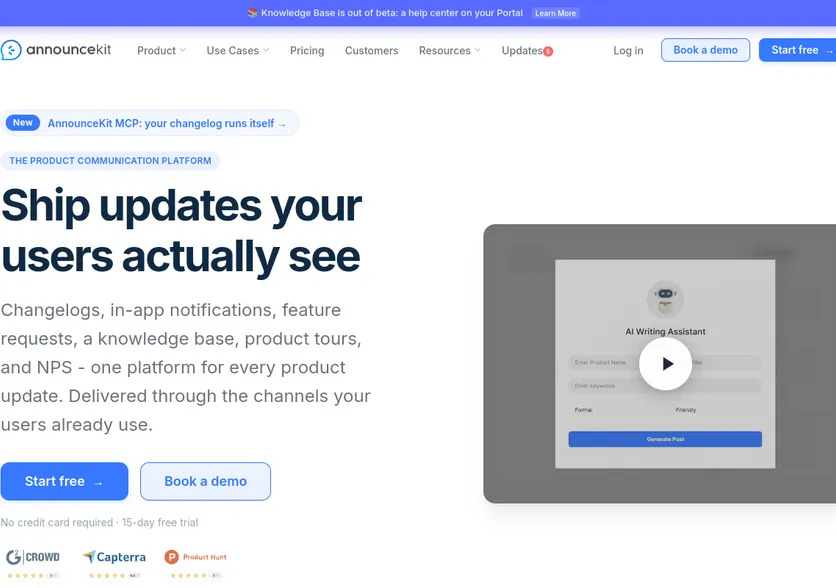
Paid tool Starting price: $49/month · Forty-nine dollars a month on Changelog billed annually, or fifty-nine dollars monthly, with ten thousand monthly active users included; Feature Requests and Roadmap is thirty-nine dollars a month billed annually, and Product Tours is fifty-five dollars; never priced per seat
Free plan: 15-day free trial
A team that wants changelogs, feature requests, roadmaps and product tours in one subscription will find the most complete bundle here, because this AnnounceKit plan costs forty-nine dollars a month on Changelog with annual billing. It includes ten thousand monthly active users, and the Feature Requests and Roadmap plan costs thirty-nine dollars a month while Product Tours costs fifty-five dollars. The price is never per seat, so a big team pays the same as a small one.
What we like
- Changelog, roadmap and product tours in one subscription
- Never priced per seat, so big teams pay the same
- Ten thousand monthly active users included
Watch out for
- Each module is a separate plan, so the full bundle costs more
- No free plan, only a fifteen-day trial
How to try it
- Publish the first changelog and share it with users
- Turn on feature requests and the public roadmap
- Add a product tour for the next major release
6. Featurebase
Best for: Teams that want feedback boards with AI summaries
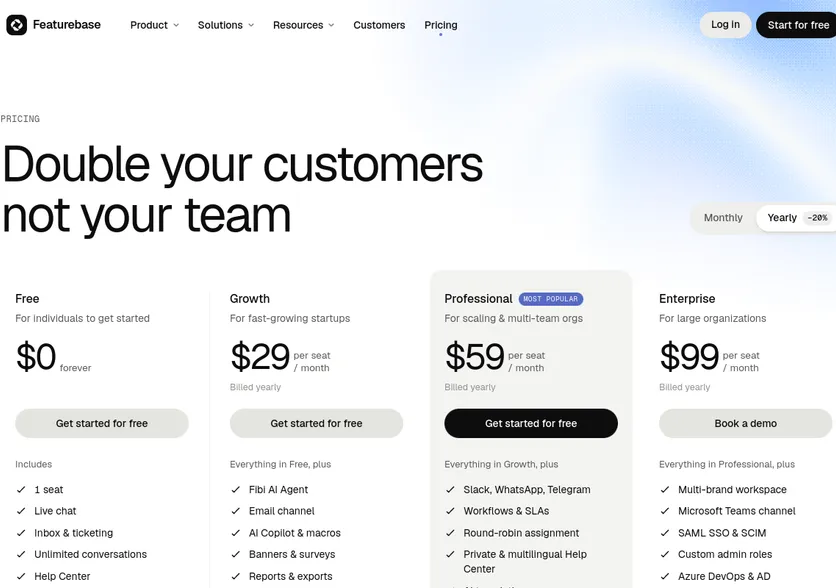
Paid tool Starting price: $29/seat/month · Twenty-nine dollars per seat a month on Growth billed annually, or thirty-seven dollars monthly; Professional is fifty-nine dollars annually or seventy-five dollars monthly, and Enterprise is ninety-nine dollars annually or one hundred and twenty-nine dollars monthly; the free plan covers one seat and one board; AI resolution is forty-nine cents each and branding removal is sixty-nine dollars a month
Free plan: Free plan (1 seat, 1 board)
A team that wants a feedback board that turns user requests into a prioritized roadmap will find a modern option here, because this Featurebase plan costs twenty-nine dollars per seat a month on Growth with annual billing. It collects feedback, prioritizes requests and publishes a changelog, with AI resolution at forty-nine cents per resolution and branding removal at sixty-nine dollars a month. The free plan covers one seat and one board.
What we like
- Feedback boards that turn requests into a roadmap
- AI summaries that speed up triage
- A free plan for a small team to start on
Watch out for
- The per-seat price adds up for a large team
- AI resolution and branding removal are paid extras
How to try it
- Create the feedback board and invite users
- Prioritize the top requests and link them to releases
- Publish the changelog and notify the voters
7. Frill
Best for: Small teams that want a cheap feedback and changelog tool
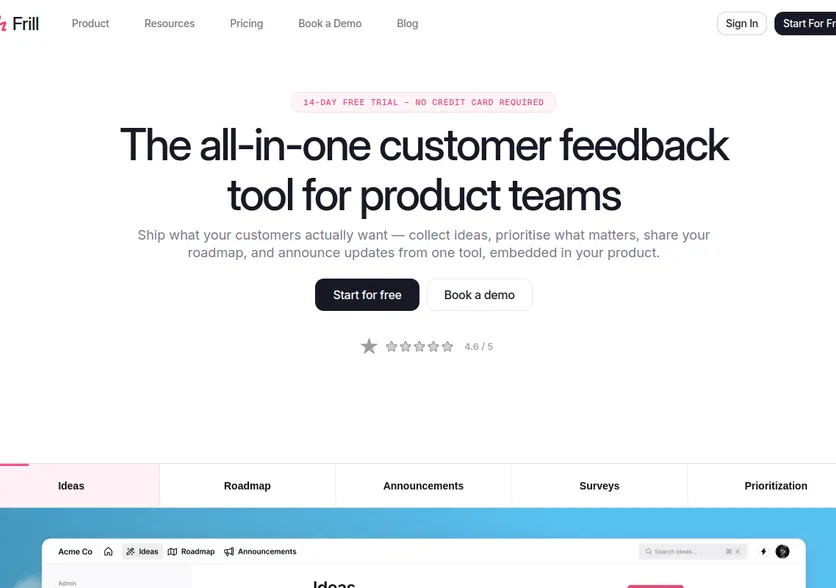
Paid tool Starting price: $25/month · Twenty-five dollars a month on Startup for fifty active ideas; Business is forty-nine dollars, Growth is one hundred and forty-nine dollars and Enterprise starts at three hundred and forty-nine dollars a month; unlimited admins included
Free plan: 14-day free trial
A small team that wants a feedback board and a changelog for the lowest paid price will find the cheapest start here, because this Frill plan costs twenty-five dollars a month on Startup. It covers fifty active ideas, with Business at forty-nine dollars, Growth at one hundred and forty-nine dollars and Enterprise from three hundred and forty-nine dollars. Unlimited admins are included, and a fourteen-day trial lets the team test it first.
What we like
- The cheapest paid plan in this list
- Unlimited admins on every plan
- Simple feedback boards that a small team learns fast
Watch out for
- The Startup plan caps at fifty active ideas
- Fewer features than the bigger feedback platforms
How to try it
- Create the feedback board and invite users to post ideas
- Link the top ideas to the next release
- Publish the changelog and tell the voters what shipped
Prices above were checked on each vendor’s own website on Nov 28, 2026 and can change — the vendor’s page is the final word. Vendor links are editorial: nobody paid to be listed or ranked here. Vendors who want a featured listing can see how it works on our Get listed page.
How to run release notes that customers actually read
Write each release note for the customer, not the developer, and lead with what changed for the user rather than the ticket number. Publish on a regular rhythm, even a short note every week, because a changelog that goes quiet for months looks abandoned. Link each release to the feedback that caused it, so the users who asked for a feature see that it shipped. Send the note where customers already are, inside the product and by email, and keep it short enough to read in under a minute.
Before you buy
- Confirm the changelog is public, private or embeddable in the product as needed
- Check whether feedback collection is included or a paid add-on
- Ask whether the price scales by users, seats or monthly active users
- Make sure the tool sends release emails or in-app alerts without a developer
- Test the editor with a real release note before paying for a year
Official websites
Official websites of the products reviewed above. Features and prices were checked against these sites when this guide was written, and they can change, so confirm on the vendor site before you buy.
Frequently asked questions
What is release notes management software for small business?
It is software that publishes a changelog, collects user feedback on new features, and announces each release to customers. For a small business it replaces the spreadsheet and the email thread with a public page that users can check, so the team spends less time answering what changed and more time building.
What is the cheapest release notes software for a small business?
Frill is the cheapest paid option here, at twenty-five dollars a month on Startup for fifty active ideas. Headway costs twenty-nine dollars a month flat on Pro, with a free plan that allows unlimited changelogs. Beamer has a free plan for under one thousand monthly active users, and Canny has a free plan for twenty-five tracked users.
How much does LaunchNotes cost?
LaunchNotes costs seven hundred and ninety-nine dollars a month on Growth billed annually, or nine hundred and ninety-nine dollars monthly, with Premium quoted for larger teams. There is no free plan, only a fourteen-day trial. Older reads show ninety-nine and two hundred and forty-nine dollars, which are stale next to the current vendor page.
Can a small business manage release notes for free?
Yes, in a limited way. Headway has a free plan with unlimited changelogs, Beamer has a free plan for under one thousand monthly active users, Canny has a free plan for twenty-five tracked users, and Featurebase has a free plan for one seat and one board. A free plan is enough to publish release notes while the product is small.
Which tool is best for a small business?
Frill is the best pick for the lowest price, at twenty-five dollars a month with a fourteen-day trial. Headway is the best pick for the simplest setup, at twenty-nine dollars a month flat with a free plan. Teams that want feedback tied to each release should look at Canny or Featurebase instead.
Compare the seven tools above, then start with a free plan or trial on the tool that matches the team's size and release rhythm before committing to a paid tier.
Browse Developer Tools tools