On this page
Retail reporting has to combine sales, inventory and customer data in one view, or the store owner ends up guessing about stock and margins. The eight tools below do that from the till outwards, from POS systems that report on every sale to analytics platforms that read the data behind them. Lightspeed Retail leads because it unifies POS, inventory and wholesale buying for eighty-nine dollars a month, and the rest are ranked on how clearly they show what is selling and what is stuck.
How we researched this
We checked every price on the vendor pricing page on November 28, 2026, and only included tools with a published US dollar list price. Vend is now Lightspeed Retail, and SAP Business One and Oracle NetSuite Retail both sell by quote, so they are not in this list. Prices change, so confirm the current figure on the vendor site before you buy.
Compare the tools
| Name | Best for | Starting price | Free plan | |
|---|---|---|---|---|
 Lightspeed Retail | Retailers who want POS and inventory reporting together | $89/month | No free plan; 14-day free trial | Visit |
 Shopify | Omnichannel retailers selling online and in store | $29/month | 3-day free trial | Visit |
| Square for Retail | Small shops that want simple retail reporting | $49/location/month | Free plan; 30-day free trial on Plus | Visit |
 Epos Now | Small retailers who want a straightforward till | $39/month | No free plan | Visit |
 Zoho Inventory | Inventory-focused retailers who need stock reports | $29/month | Free plan with 50 orders a month and 1 user; 14-day trial | Visit |
 Tableau | Retailers who want visual reports on all their data | $75/user/month | 14-day free trial | Visit |
 Power BI | Retailers already running Microsoft 365 | $14/user/month | Free plan (personal use, no sharing) | Visit |
 Databox | Retailers who want AI answers on store data | $399/month | No free plan; 14-day free trial | Visit |
The reporting software for retail stores, compared
1. Lightspeed Retail
Best for: Retailers who want POS and inventory reporting together
Paid tool Starting price: $89/month · Eighty-nine dollars a month on Basic billed annually, or one hundred and nine dollars billed monthly; Core is one hundred and forty-nine dollars a month billed annually
Free plan: No free plan; 14-day free trial
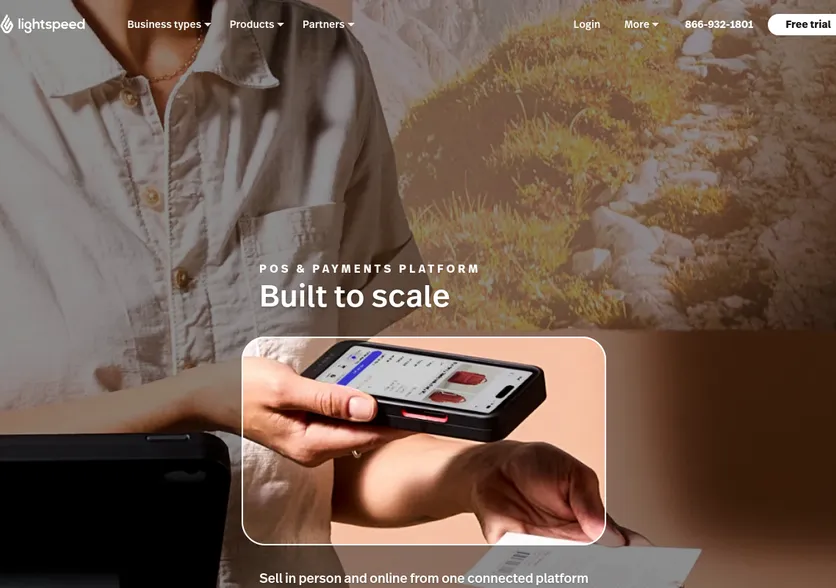
For a retailer, eighty-nine dollars a month billed annually on the Basic plan, or one hundred and nine dollars billed monthly, puts POS, inventory and wholesale buying in one platform, so reports draw from sales and stock at the same time from Lightspeed Retail. Core at one hundred and forty-nine dollars a month billed annually adds more locations and reporting depth. It fits a retailer who wants reporting that shows how inventory moves and how sales perform across locations.
What we like
- POS, inventory and wholesale buying in one place
- Reports draw from sales and stock together
- Built for in-person retail operations
Watch out for
- May be more than a tiny shop needs
- Reporting depth depends on configuration
How to try it
- Import products and stock levels into inventory
- Ring up sales at the POS
- Review sales and stock reports by location
2. Shopify
Best for: Omnichannel retailers selling online and in store
Paid tool Starting price: $29/month · Twenty-nine dollars a month on Basic billed annually, or thirty-nine dollars billed monthly; Grow is eighty-nine dollars and Advanced is three hundred and fifty-nine dollars a month billed annually
Free plan: 3-day free trial
Twenty-nine dollars a month billed annually on the Basic plan, or thirty-nine dollars billed monthly, links in-store and online sales data so reporting reflects both channels in one view from Shopify. Grow at eighty-nine dollars and Advanced at three hundred and fifty-nine dollars a month billed annually add more reporting and lower transaction fees. It fits a retailer who sells online and in store and wants one set of numbers.

What we like
- In-store and online sales in one report
- Inventory stays consistent across channels
- POS hardware and software from one vendor
Watch out for
- Reporting is tied to the Shopify ecosystem
- Advanced analytics may need additional apps
How to try it
- Set up the online store and connect the POS
- Sync inventory across channels
- Review the unified sales and stock reports
3. Square for Retail
Best for: Small shops that want simple retail reporting
Paid tool Starting price: $49/location/month · Forty-nine dollars per location a month on Plus; the Free plan is zero dollars and Premium is one hundred and forty-nine dollars per location; the fee applies to each location
Free plan: Free plan; 30-day free trial on Plus
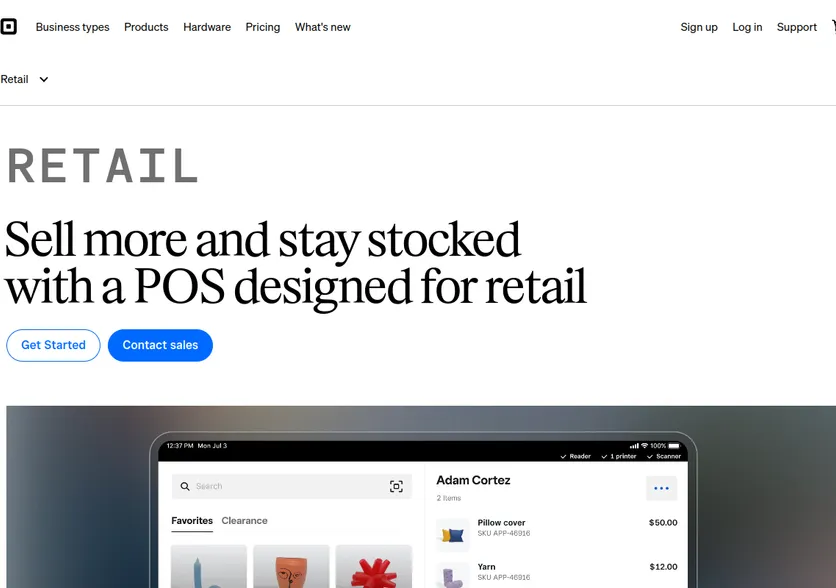
Forty-nine dollars per location a month on the Plus plan buys advanced inventory tools, barcode label printing, cost-of-goods reports and item bundles, with a thirty-day free trial before paying from Square for Retail. The Free plan covers basic POS and inventory at no monthly cost, while Premium at one hundred and forty-nine dollars per location adds priority support and advanced reporting. The fee applies per location, so a three-site operator pays three times.
What we like
- All-in-one inventory, sales and customer data
- Free plan covers basic POS and inventory
- Simple setup with no long contract
Watch out for
- The fee applies to each location separately
- Advanced reporting needs the Premium tier
How to try it
- Set up the item library and inventory
- Ring up sales at the Square POS
- Review daily sales and stock reports
4. Epos Now
Best for: Small retailers who want a straightforward till
Paid tool Starting price: $39/month · Thirty-nine dollars a month for the software-only plan; Premium is sixty-nine dollars; the Complete Solution is three hundred and forty-nine dollars upfront plus thirty-nine dollars a month
Free plan: No free plan
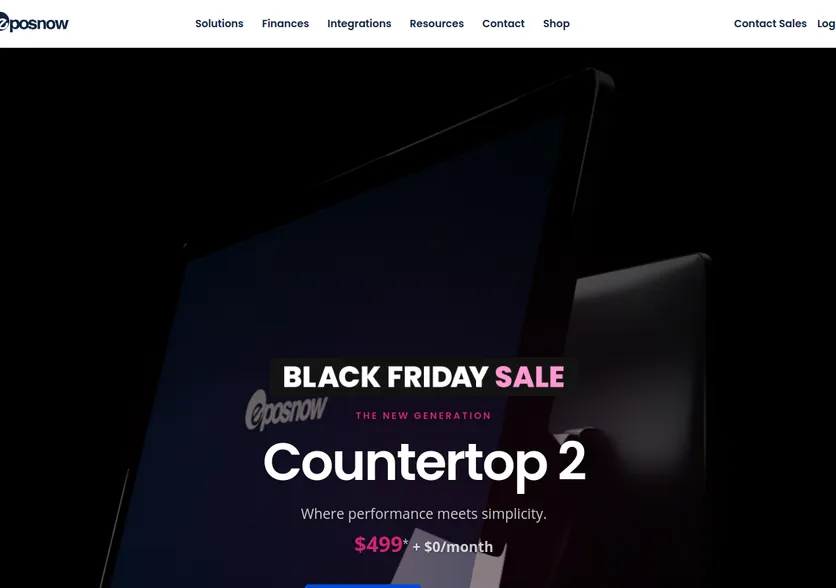
Thirty-nine dollars a month buys the software-only plan with POS, inventory and reporting for a small shop, while Premium at sixty-nine dollars adds more features and the Complete Solution pairs hardware with the software for three hundred and forty-nine dollars upfront plus thirty-nine dollars a month from Epos Now. A thirty-day free trial lets a shop test the till before paying. It fits a small retailer who wants a straightforward till with reporting.
What we like
- POS, inventory and reporting in one system
- Software-only plan from $39 a month
- 30-day free trial to test the till
Watch out for
- Hardware costs extra on the software-only plan
- Advanced features need the Premium tier
How to try it
- Set up products and stock in the till
- Take sales through the POS
- Review the sales and inventory reports
5. Zoho Inventory
Best for: Inventory-focused retailers who need stock reports
Paid tool Starting price: $29/month · Twenty-nine dollars a month per organisation on Standard billed annually; Premium is seventy-nine dollars and Plus is one hundred and twenty-nine dollars a month billed annually
Free plan: Free plan with 50 orders a month and 1 user; 14-day trial
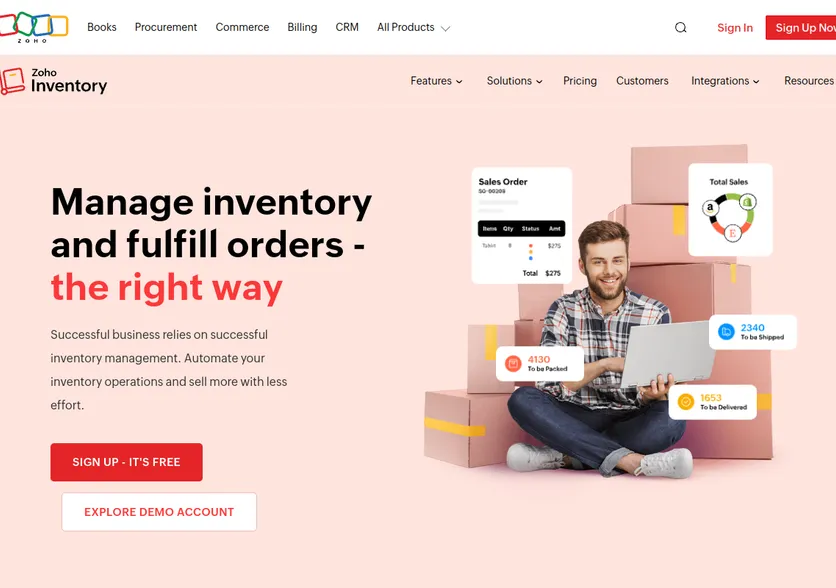
Twenty-nine dollars a month billed annually on the Standard plan per organisation covers inventory, orders, shipping and warehouses with detailed reporting on stock levels and order fulfilment from Zoho Inventory. Premium at seventy-nine dollars and Plus at one hundred and twenty-nine dollars add more users, warehouses and features. It fits an inventory-focused retailer who needs stock and order reporting more than a full till.
What we like
- Handles inventory, orders, shipping and warehouses
- Detailed reporting on stock and fulfilment
- Free plan for fifty orders a month
Watch out for
- Not a full POS, so in-store sales need another tool
- Reporting is inventory-focused, not sales-focused
How to try it
- Import products and set up warehouses
- Track orders from purchase to fulfilment
- Review stock levels and order reports
6. Tableau
Best for: Retailers who want visual reports on all their data
Paid tool Starting price: $75/user/month · Seventy-five dollars per user a month on Creator, Standard edition; Explorer is forty-two dollars and Viewer is fifteen dollars a user a month
Free plan: 14-day free trial
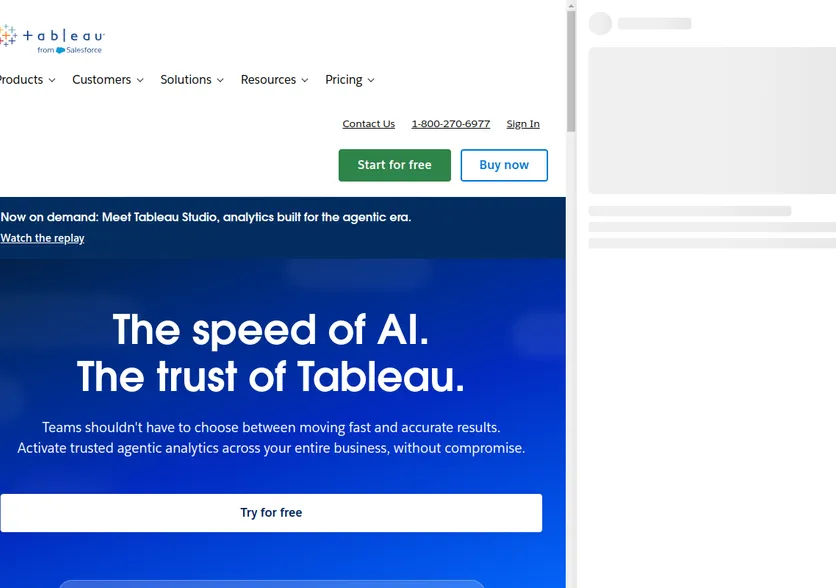
Seventy-five dollars per user a month on the Creator plan buys drag-and-drop analytics that connect sales, inventory and customer data into visual reports a store owner can read at a glance from Tableau. Explorer at forty-two dollars and Viewer at fifteen dollars cover the staff who only read dashboards, so a small chain can run one Creator and many Viewers. It is the strongest analytics layer in this list for a retailer with data in several systems.
What we like
- Drag-and-drop dashboards on almost any database
- Connects sales, inventory and customer data
- Viewer tier is cheap for store managers
Watch out for
- Advanced modelling needs skilled users
- Costs grow as more staff need Creator licences
How to try it
- Connect the POS, inventory and ecommerce data
- Build dashboards for sales and stock
- Share them with store managers
7. Power BI
Best for: Retailers already running Microsoft 365
Paid tool Starting price: $14/user/month · Fourteen dollars per user a month for Pro; Premium Per User is twenty-four dollars a user a month; some older pages still show ten dollars for Pro, which is the retired price
Free plan: Free plan (personal use, no sharing)
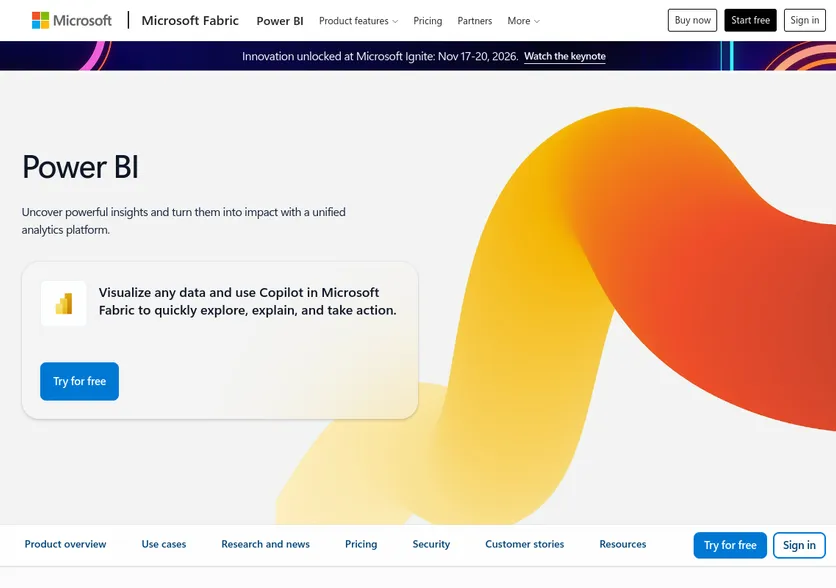
Fourteen dollars per user a month buys Power BI Pro, which turns sales, inventory and customer data into interactive reports that refresh on a schedule and share across stores. Premium Per User at twenty-four dollars adds larger models and more frequent refreshes, and the free desktop app covers personal use. Some older pages still show ten dollars for Pro, but the current list price is fourteen dollars, so confirm it on the vendor page.
What we like
- Interactive reports that share across stores
- Scheduled refresh keeps sales data current
- Fits naturally with Excel and Microsoft 365
Watch out for
- Sharing needs a paid Pro licence for every reader
- Report building needs some analyst skill
How to try it
- Connect the POS and inventory data
- Build the reports with drag-and-drop visuals
- Publish them to the store team workspace
8. Databox
Best for: Retailers who want AI answers on store data
Paid tool Starting price: $399/month · Three hundred and ninety-nine dollars a month billed annually on the Business plan, or four hundred and ninety-nine dollars billed monthly; Agency starts at seventy-nine dollars a month; the old forty-seven, fifty-nine and seventy-one dollar ladders are retired
Free plan: No free plan; 14-day free trial
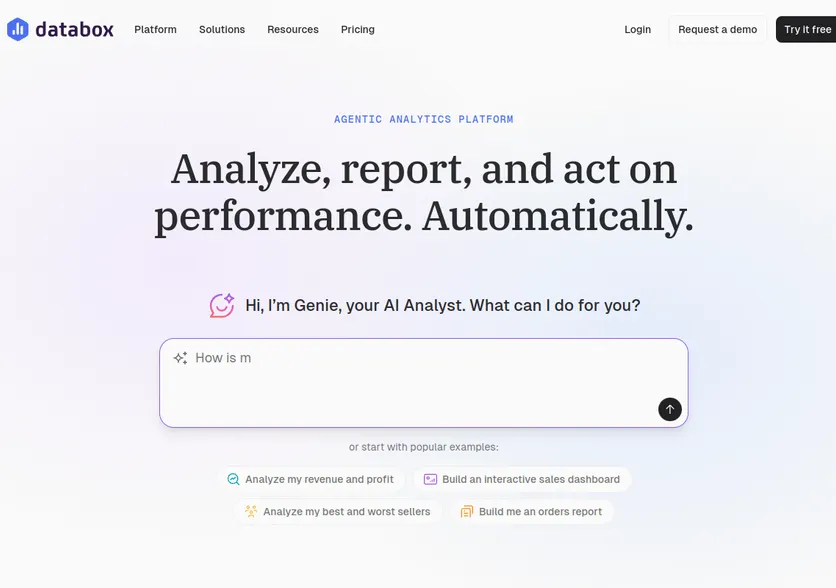
For a retailer, three hundred and ninety-nine dollars a month billed annually on the Business plan, or four hundred and ninety-nine dollars billed monthly, buys a governed analytics platform with an AI analyst that answers plain-language questions about the store's own numbers. The plan covers up to ten users and thirty data sources, and the Agency track starts at seventy-nine dollars a month. Older Databox ladders showing forty-seven or seventy-one dollars a month are retired, so ignore them.
What we like
- AI analyst answers questions in plain language
- Governed semantic layer keeps metrics consistent
- Thirty data sources and ten users included
Watch out for
- No free plan, only a 14-day trial
- The price is steep for a single small shop
How to try it
- Connect the POS, ecommerce and inventory tools
- Define each metric once in the semantic layer
- Ask the AI analyst for sales and stock answers
Prices above were checked on each vendor’s own website on Nov 28, 2026 and can change — the vendor’s page is the final word. Vendor links are editorial: nobody paid to be listed or ranked here. Vendors who want a featured listing can see how it works on our Get listed page.
How to read a retail report without guessing
Start with sell-through, not sales alone, because a product that sold a lot but is now out of stock is a problem, not a win. Compare each category against the same week last year, not against last week, since retail runs on seasons and a weekly wobble means little. Watch the slow movers as closely as the bestsellers, because dead stock ties up the cash that buys the next season. Put the numbers beside the shelf: a report that never changes what gets ordered is just decoration. Count the stock on the shelf, not just in the system, before reordering.
Before you buy
- Check whether the tool reports on both in-store sales and inventory
- Verify integration with your existing POS or ecommerce platform
- Confirm the reporting features available for your store size and channels
- Review how customer data is handled in reports for privacy compliance
- Ensure the tool can export reports in formats you need for accounting
Official websites
Official websites of the products reviewed above. Features and prices were checked against these sites when this guide was written, and they can change, so confirm on the vendor site before you buy.
Frequently asked questions
What should retail stores look for in reporting software?
Retail stores should look for reporting that combines sales, inventory and customer data in one view, with integration to the POS and ecommerce systems so reports reflect all channels. Also consider ease of use, whether the tool exports data for accounting, and whether the price is charged per location or per business, since that changes the total fast.
Can POS systems handle retail reporting on their own?
Many POS systems like Lightspeed Retail, Shopify POS and Square for Retail include reporting features for sales and inventory, and they cover most daily needs for a small shop. Advanced analytics or financial reporting may require additional tools such as Tableau or Power BI, depending on how deep the reporting needs to go.
How much does Lightspeed Retail cost for a store?
Lightspeed Retail costs eighty-nine dollars a month on the Basic plan billed annually, or one hundred and nine dollars billed monthly, with Core at one hundred and forty-nine dollars a month billed annually. That covers POS, inventory and wholesale buying in one platform, which is why it leads this list for retailers who want unified sales and stock reporting.
When should a retailer consider ERP software for reporting?
Retailers should consider ERP software such as SAP Business One or Oracle NetSuite Retail when they need reporting that ties together finance, inventory, sales and purchasing. Both sell by quote, so they are not in this list, and ERP systems are typically better for larger or multi-channel operations with complex reporting requirements.
How does inventory software like Zoho Inventory fit into retail reporting?
Zoho Inventory provides reporting on stock levels, orders and warehouses for twenty-nine dollars a month, which is useful for inventory-focused retailers. It does not replace a POS for in-store sales reporting, so it often works alongside one, and it is a good fit when inventory and order reporting are the main priorities.
Compare the eight tools above, then trial Lightspeed Retail or Square for Retail on the store's own sales data before paying for a full year.
Browse Business Tools tools