On this page
An IT consultancy lives or dies on knowing who is free next week, so capacity planning has to show real availability, not a spreadsheet that is already out of date. The eight tools below cover that job for firms of every size, from a simple leave planner for a ten-person shop to a full utilisation suite for a consultancy with billable targets. Resource Guru leads because it shows availability, leave and utilisation on one clean timeline for five dollars a person a month, and the rest are ranked on how clearly they turn booked hours into billable work.
How we researched this
We checked every price on the vendor pricing page on November 28, 2026, and only included tools with a published US dollar list price. Kantata publishes no prices, so it is not in this list, and Forecast is now part of Accelo, which also sells by quote. Prices change, so confirm the current figure on the vendor site before you buy.
Compare the tools
| Name | Best for | Starting price | Free plan | |
|---|---|---|---|---|
 Resource Guru | Small consultancies that plan by availability | $5/person/month | No free plan; 30-day free trial | Visit |
 Float | Growing firms that forecast capacity months ahead | $7/user/month | No free plan; 30-day free trial | Visit |
| Mosaic | Mid-size firms that track utilisation and budgets together | $9.99/user/month | 30-day free trial | Visit |
 Productive | Firms that want planning, tracking and billing in one place | $10/user/month | No free plan; 14-day free trial | Visit |
 Teamwork | Consultancies already managing client projects in Teamwork | $9.99/user/month | Free plan (up to 5 users) | Visit |
 Runn | Firms that sell future capacity and forecast revenue | $7/person/month | No free plan; 30-day free trial | Visit |
 Toggl Track | Teams that already track time in Toggl Track | $9/user/month | Free plan (up to 3 users) | Visit |
 Paymo | Small firms that want planning and billing at one low price | $5.90/user/month | Free plan (1 user) | Visit |
The resource planning software for IT consultancies, compared
1. Resource Guru
Best for: Small consultancies that plan by availability
Paid tool Starting price: $5/person/month · Five dollars per person a month billed annually on Grasshopper ($6 billed monthly); Blackbelt is eight dollars and Master is twelve dollars a person a month; new pricing effective July 1, 2026
Free plan: No free plan; 30-day free trial
For a consultancy that needs to see who is free before promising a start date, this Resource Guru plan costs five dollars a person a month billed annually, and it puts availability, leave and utilisation on one shared timeline. Managers drag bookings onto the calendar and clash warnings flag double-booked people before a client hears about it, while utilisation reports show billable versus bench time at a glance. It is the lightest tool in this list, and that is its strength for a small firm that wants answers without a setup project.

What we like
- One timeline for availability, leave and utilisation
- Clash warnings stop double-booking before it happens
- Utilisation reports separate billable from bench time
Watch out for
- No built-in time tracking, so hours come from another tool
- Reporting is simpler than the enterprise suites here
How to try it
- Add your people with their roles and working hours
- Book projects onto the timeline and watch for clashes
- Check the utilisation report each week before promising dates
2. Float
Best for: Growing firms that forecast capacity months ahead
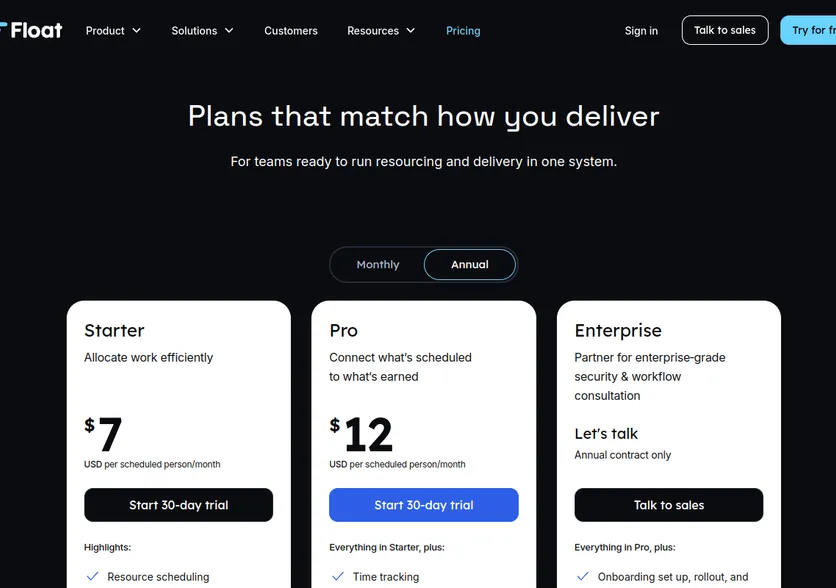
Paid tool Starting price: $7/user/month · Seven dollars per user a month billed annually ($8.50 billed monthly); Pro is twelve dollars billed annually ($14 monthly); Enterprise is quoted; older listings showing six dollars predate the July 2026 price rise
Free plan: No free plan; 30-day free trial
When a consultancy outgrows a shared calendar and needs real forecasting, this Float plan costs seven dollars per user a month billed annually, and it turns scheduled hours into a capacity forecast the partners can trust. The visual schedule shows who is overbooked in red before the week starts, and the reporting views compare planned hours against actuals without exporting to a spreadsheet. It suits a growing firm that needs to plan three months out, not just next week.
What we like
- Visual schedule flags overbooked people in red
- Forecasting compares planned hours with actuals
- Simple enough for the whole team to use daily
Watch out for
- Time tracking needs a separate tool or integration
- The old six-dollar price in some listings predates the July 2026 rise
How to try it
- Import your team and set each person's capacity
- Schedule projects on the timeline for the next quarter
- Review the forecast weekly and rebalance overloaded people
3. Mosaic
Best for: Mid-size firms that track utilisation and budgets together
Paid tool Starting price: $9.99/user/month · Nine dollars and ninety-nine cents per user a month; a 30-day free trial is included; some listings show fifty dollars a user a month, which does not match the vendor's current pricing
Free plan: 30-day free trial
A consultancy that wants utilisation and forecasting in one place without enterprise pricing gets it here, since this Mosaic plan costs nine dollars and ninety-nine cents per user a month, and it pairs a live capacity board with budget tracking per project. The workload view shows who has room and who is buried, while project budgets track fees against planned hours as work progresses. It is a strong middle ground for a firm that has outgrown spreadsheets but does not want a heavyweight suite.

What we like
- Live capacity board shows room and overload at a glance
- Project budgets track fees against planned hours
- Forecasting covers utilisation without enterprise pricing
Watch out for
- No free plan, only a thirty-day trial
- Fewer integrations than the bigger platforms here
How to try it
- Set up projects with budgets and fee targets
- Assign people and watch the workload view daily
- Compare planned and actual hours at each project review
4. Productive
Best for: Firms that want planning, tracking and billing in one place
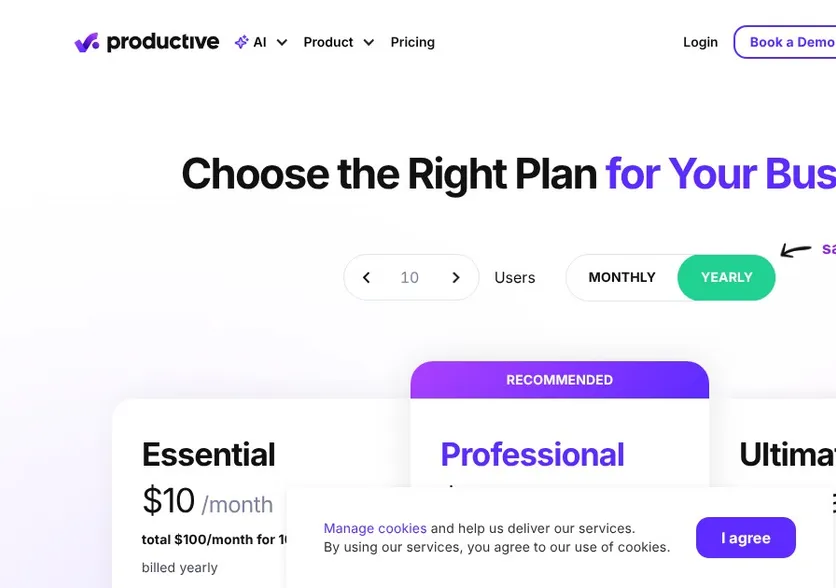
Paid tool Starting price: $10/user/month · Ten dollars per user a month billed annually on Essential ($12 billed monthly); Professional is twenty-five dollars billed annually ($29 monthly); Ultimate is quoted; a three-seat minimum applies
Free plan: No free plan; 14-day free trial
For a consultancy that bills by the hour and needs profitability per project, this Productive plan costs ten dollars per user a month billed annually, and it combines resource planning with time tracking, invoicing and budgets in one system. The capacity planner shows availability across the whole firm, while project budgets warn when a job is about to run over its fee. It fits a firm that wants one system from first estimate to final invoice.
What we like
- Planning, time tracking and invoicing in one system
- Project budgets warn before a job runs over its fee
- Profitability reports show margin per client and project
Watch out for
- A three-seat minimum applies on paid plans
- The interface has more to learn than the simpler planners here
How to try it
- Create projects with budgets and billable rates
- Plan capacity on the timeline before each sprint
- Check profitability reports at month end
5. Teamwork
Best for: Consultancies already managing client projects in Teamwork
Paid tool Starting price: $9.99/user/month · Nine dollars and ninety-nine cents per user a month on Basics; Accelerate is twenty-four dollars and ninety-nine cents; Scale is quoted; the free plan covers up to five users
Free plan: Free plan (up to 5 users)
A consultancy that runs client projects in sprints needs planning that sits beside the work itself, and this Teamwork plan costs nine dollars and ninety-nine cents per user a month, with workload views built into the project tool. The planner shows who is free across all active projects, and time tracking feeds straight into the same workload view so plans stay honest. It is the natural pick for a firm that already manages client work in Teamwork.

What we like
- Workload views sit inside the project tool
- Time tracking feeds the same capacity view
- Client portals keep work visible without extra logins
Watch out for
- Advanced resource features sit on the higher tiers
- The free plan caps at five users
How to try it
- Set up client projects with tasks and milestones
- Open the workload view and balance assignments
- Log time against tasks to keep capacity honest
6. Runn
Best for: Firms that sell future capacity and forecast revenue
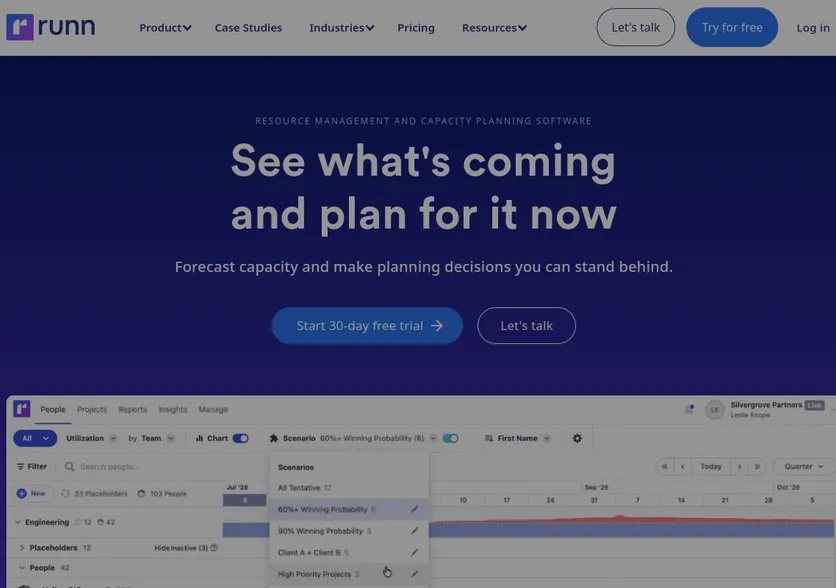
Paid tool Starting price: $7/person/month · Seven dollars per person a month billed annually on Lite ($9 billed monthly); Standard is eleven dollars billed annually ($13 monthly); Advanced is quoted; a twenty-seat minimum applies, so the smallest Lite bill is one hundred and forty dollars a month
Free plan: No free plan; 30-day free trial
When a consultancy needs to know whether it can take on another client next month, this Runn plan costs seven dollars per person a month billed annually, and it forecasts capacity and revenue from the same schedule. The planner shows future utilisation weeks ahead, and the reporting views turn booked hours into a revenue forecast the partners can quote from. It suits a firm that sells future capacity and needs the numbers to back every promise.
What we like
- Capacity and revenue forecasts come from one schedule
- Future utilisation is visible weeks ahead
- Simple charts the whole team can read
Watch out for
- A twenty-seat minimum puts the smallest Lite bill at one hundred and forty dollars a month
- No free plan, only a thirty-day trial
How to try it
- Add people with their cost and billable rates
- Schedule upcoming projects to test future capacity
- Read the revenue forecast before committing to new work
7. Toggl Track
Best for: Teams that already track time in Toggl Track
Paid tool Starting price: $9/user/month · Nine dollars per user a month billed annually on Starter ($12 billed monthly); Premium is sixteen dollars billed annually ($24 billed monthly); the free plan covers up to three users; a capacity add-on is five dollars per user a month; some June 2026 reads showed Premium at eighteen dollars, which appears stale
Free plan: Free plan (up to 3 users)
A consultancy that already tracks time and wants planning on top of it will find it here, because this Toggl Track plan costs nine dollars per user a month billed annually, and its capacity view sits beside the time entries the team already logs. Managers see planned versus actual hours per person without a second system, and the reporting shows where billable time actually goes. It is the cheapest way onto planning for a team that already lives in Toggl Track.

What we like
- Capacity planning sits beside the time entries
- Planned versus actual hours per person in one view
- The free plan covers up to three users
Watch out for
- Capacity features are an add-on at five dollars per user a month
- Planning is lighter than the dedicated tools here
How to try it
- Turn on the capacity add-on for your team
- Plan hours per person for the coming weeks
- Compare planned and logged hours at week end
8. Paymo
Best for: Small firms that want planning and billing at one low price
Paid tool Starting price: $5.90/user/month · Five dollars and ninety cents per user a month on Solo; Plus is ten dollars and ninety cents and Pro is sixteen dollars and ninety cents; the free plan covers one user
Free plan: Free plan (1 user)
For a small consultancy that wants planning and time tracking at the lowest price in this list, this Paymo plan costs five dollars and ninety cents per user a month, and it covers scheduling, time tracking and invoicing without a separate tool. The team scheduler shows who is booked and who is free, while invoices pull straight from the tracked hours. It is the best value pick for a firm of a few people that needs the basics done well.

What we like
- Scheduling, time tracking and invoicing in one app
- Lowest entry price in this list
- Invoices pull straight from tracked hours
Watch out for
- Resource views are simpler than the dedicated planners here
- The free plan covers only one user
How to try it
- Add your team and their hourly rates
- Schedule work on the team planner for the week
- Invoice clients from the tracked hours at month end
Prices above were checked on each vendor’s own website on Nov 28, 2026 and can change — the vendor’s page is the final word. Vendor links are editorial: nobody paid to be listed or ranked here. Vendors who want a featured listing can see how it works on our Get listed page.
How to plan consultancy capacity without overbooking anyone
Start with real capacity, not headcount: subtract leave, training and bench time before promising any dates, because a planner that assumes everyone is free all week will overbook within a fortnight. Plan three weeks ahead at minimum, since most consultancies sell work that starts next month, and review the plan every Monday so slippage shows up before a client does. Keep billable targets visible beside the schedule, and when utilisation passes eighty-five percent for more than two weeks, hire or push back, because a team that runs hot for a month will lose people, not just hours.
Before you buy
- Check whether the tool shows leave and availability beside project bookings, not on a separate screen
- Confirm utilisation reporting separates billable hours from bench time and internal work
- Ask if the price covers every planner or only some seats, since per-person pricing adds up fast
- Make sure the tool warns about clashes before a booking is saved, not after the week starts
- Test the tool with a real project and a real team before paying for a full year
Official websites
Official websites of the products reviewed above. Features and prices were checked against these sites when this guide was written, and they can change, so confirm on the vendor site before you buy.
Frequently asked questions
What is resource planning software for IT consultancies?
It is software that shows who is available, who is booked and who is on leave, so a consultancy can promise start dates it can actually keep. Good tools track utilisation against billable targets, warn about double-booked people and forecast capacity weeks ahead, which matters when the whole business is selling its people's time.
How much does Resource Guru cost for a consultancy?
Resource Guru costs five dollars a person a month billed annually on Grasshopper, or six dollars billed monthly. Blackbelt is eight dollars and Master is twelve dollars a person a month, and every plan includes a thirty-day free trial, so a small firm can test it on a real project before paying.
Can I plan consultancy capacity for free?
Yes, with limits. Teamwork offers a free plan for up to five users, Toggl Track is free for up to three users, and Paymo is free for one user. These free tiers suit a tiny firm, but a consultancy with more people will need a paid plan to cover the whole team.
Which tool is best for a small IT consultancy?
Resource Guru is the best overall pick for a small consultancy, at five dollars a person a month, because it shows availability, leave and utilisation on one clean timeline. Paymo is the best value at five dollars and ninety cents a user a month, since it adds time tracking and invoicing to the same price.
Do these tools track billable hours too?
Some do and some do not. Productive, Paymo and Teamwork track time and bill it inside the same system, while Resource Guru, Float and Runn focus on planning and need a separate time tracker. If billing from the plan matters to you, choose a tool that tracks hours as well as schedules them.
Compare the eight tools above, then start with a free trial on the tool that matches how the consultancy already plans its people's time before paying for a full year.
Browse Business Tools tools