On this page
Remote sales teams cannot rely on hallway conversations or a shared office whiteboard, so the engagement software has to carry the whole workflow: finding prospects, running sequences across time zones and showing every rep what happened next. The eight tools below do that job at very different prices, from fifteen dollars a seat to about fifty dollars a user a month. Apollo.io leads because it combines a contact database with multichannel sequences in one subscription, and the rest are ranked on how well they keep a distributed team selling while the reps sleep.
How we researched this
We checked every price on the vendor pricing page on November 28, 2026, and only included tools with a published US dollar list price. The big enterprise platforms that sell engagement by quote, including Outreach and Salesloft, publish no prices, so they are not in this list. Prices change, so confirm the current figure on the vendor site before you buy.
Compare the tools
| Name | Best for | Starting price | Free plan | |
|---|---|---|---|---|
 Apollo.io | Remote teams that want data and sequences in one tool | $49/user/month | Free plan | Visit |
 Reply.io | Remote teams running multichannel sequences around the clock | $49/user/month | No free plan; 14-day free trial | Visit |
| Yesware | Reps who sell from inside Gmail or Outlook | $15/seat/month | Free plan | Visit |
| Mixmax | Gmail-first teams that want engagement in the inbox | $29/user/month | Free plan | Visit |
| Saleshandy | Small teams sending high-volume cold email | $34/month | No free plan; 7-day free trial | Visit |
 lemlist | Teams that personalise every outreach email | $39/user/month | No free plan; 14-day free trial | Visit |
 Instantly | Teams sending high-volume cold email with warm-up | $37.60/month | No free plan; 14-day free trial | Visit |
 Smartlead | Teams rotating many inboxes for deliverability | $32.50/month | No free plan; 14-day free trial | Visit |
The sales engagement software for remote teams, compared
1. Apollo.io
Best for: Remote teams that want data and sequences in one tool
Paid tool Starting price: $49/user/month · Forty-nine dollars per user a month billed annually ($65 billed monthly); Professional is $79 a user a month billed annually ($99 monthly) and Organization is $119, with a three-seat minimum
Free plan: Free plan
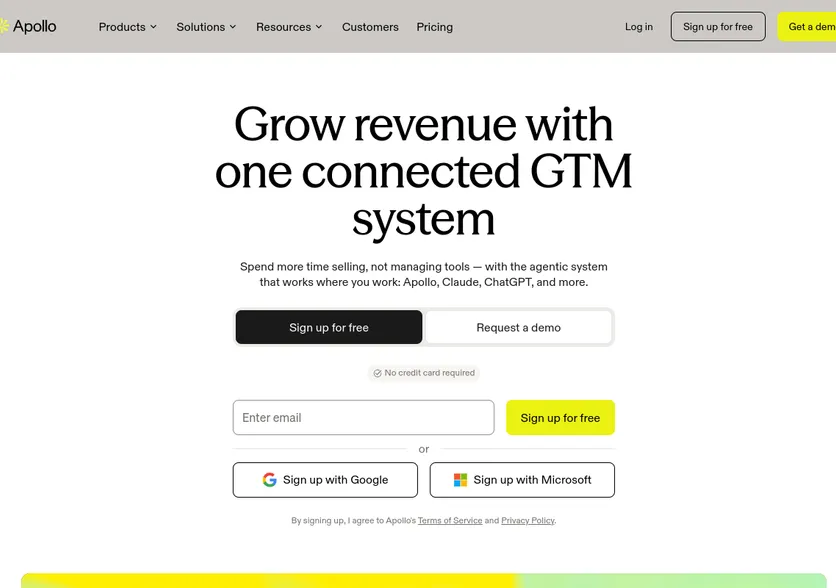
A remote team that wants its contact data and its sequences in one login gets both here, because this Apollo plan costs forty-nine dollars per user a month billed annually and bundles a large contact database with multichannel cadences. Reps can find a prospect, verify the email and start a sequence without leaving the same screen, which matters when the team shares no office and no hallway. The free plan covers a small team testing the workflow, and the paid tiers add more credits, better data and deeper integrations as volume grows.
What we like
- Contact database and sequences in one subscription
- Multichannel cadences with email, LinkedIn and calls
- Free plan for testing the workflow before paying
Watch out for
- Credits cap how many contacts a team can enrich each month
- The cheapest paid tier limits some integrations
How to try it
- Search the database for prospects that match the ideal customer
- Verify the emails, then add the list to a multichannel sequence
- Watch replies in the inbox and move warm leads to a call
2. Reply.io
Best for: Remote teams running multichannel sequences around the clock
Paid tool Starting price: $49/user/month · Forty-nine dollars per user a month billed annually ($59 billed monthly) on Email Volume; Multichannel is $89 a user a month billed annually ($99 monthly); Jason AI SDR starts at $500 a month
Free plan: No free plan; 14-day free trial
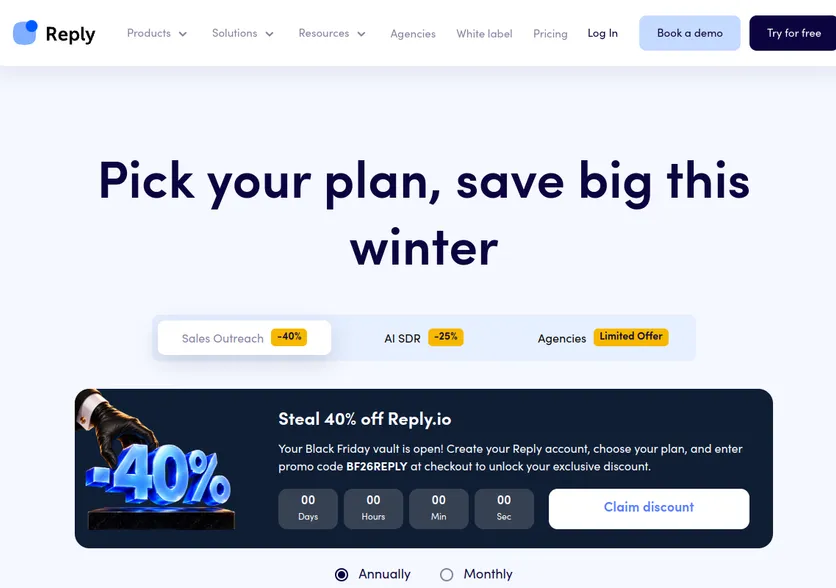
Remote reps who live in different time zones need sequences that keep working while they sleep, and this Reply plan costs forty-nine dollars per user a month billed annually to run them. The Email Volume tier covers one thousand active contacts with email sequences, while the dearer Multichannel tier adds LinkedIn, calls and text messages to the same cadence. An AI agent tier is available for teams that want replies drafted and meetings booked without adding headcount.
What we like
- Sequences run across email, LinkedIn, calls and text
- AI agent tier drafts replies and books meetings
- Deliverability tools protect the sending domain
Watch out for
- Entry tier covers email only, so LinkedIn costs more
- The AI SDR tier starts at a much higher monthly price
How to try it
- Import a prospect list and set the daily sending limits
- Build a multichannel sequence with email, LinkedIn and call steps
- Review reply rates each week and pause steps that underperform
3. Yesware
Best for: Reps who sell from inside Gmail or Outlook
Paid tool Starting price: $15/seat/month · Fifteen dollars per seat a month billed annually ($19 billed monthly) on Pro; Premium is $35 a seat a month billed annually ($45 monthly) and Enterprise is $65 ($85 monthly)
Free plan: Free plan
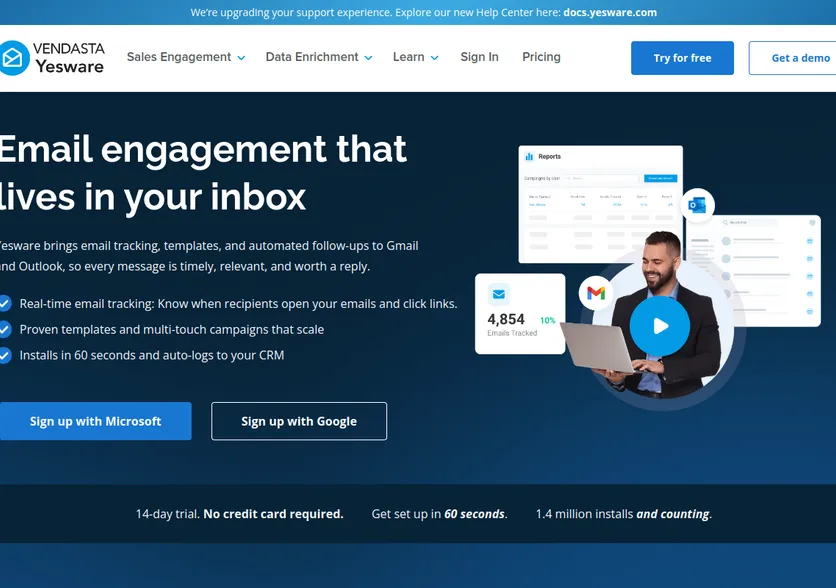
A remote rep who lives inside Gmail or Outlook does not need another app to open, and this Yesware plan costs fifteen dollars per seat a month billed annually while adding tracking, templates and reminders to the inbox itself. Open and reply notifications show the moment a prospect engages, so a rep in one time zone can follow up while the lead is still warm. The free plan covers basic tracking, and the paid tiers add campaigns, reporting and team templates.
What we like
- Works inside Gmail and Outlook with no new app to learn
- Open and reply tracking shows engagement instantly
- Templates and reminders keep follow-ups on schedule
Watch out for
- Campaigns and reporting need the paid tiers
- No built-in contact database, so lists come from elsewhere
How to try it
- Install the Yesware add-on in Gmail or Outlook
- Turn on tracking and save the best emails as templates
- Set reminders on every thread that needs a follow-up
4. Mixmax
Best for: Gmail-first teams that want engagement in the inbox
Paid tool Starting price: $29/user/month · Twenty-nine dollars per user a month billed annually ($34 billed monthly) on Inbox Copilot; Engagement Copilot is $49 ($65 monthly) and Suite is $89 ($105 monthly); the older SMB and Growth names are retired
Free plan: Free plan
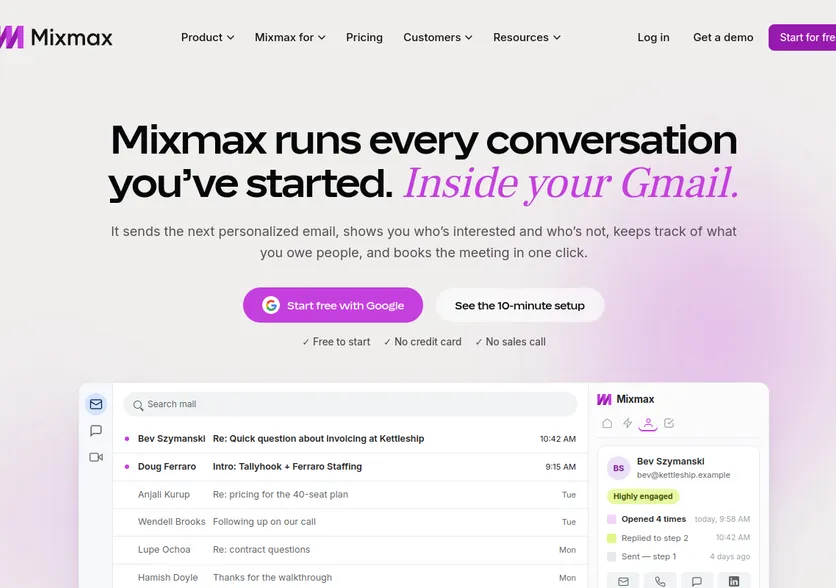
Remote teams that run their pipeline from Gmail get a full engagement layer without leaving the inbox, because this Mixmax plan costs twenty-nine dollars per user a month billed annually. Sequences, polls, surveys and one-click meeting links all work inside Gmail, and the shared templates keep a distributed team sending the same message. The free plan covers the basics, and the dearer tiers add dialer features, rules and CRM automation.
What we like
- Sequences, polls and scheduling inside Gmail
- Shared templates keep a distributed team consistent
- Meeting links and one-click scheduling built in
Watch out for
- The dialer and CRM automation sit on the dearer tiers
- Teams outside Gmail get far less value
How to try it
- Connect Mixmax to Gmail and import the team templates
- Build a sequence with email steps, polls and meeting links
- Review engagement reports and refine the weakest step
5. Saleshandy
Best for: Small teams sending high-volume cold email
Paid tool Starting price: $34/month · Thirty-four dollars a month billed annually ($41 billed monthly) on Starter for one user; Pro is $76 a month billed annually ($99 monthly) and Scale is $149 ($189 monthly); tiers are flat, not per seat
Free plan: No free plan; 7-day free trial
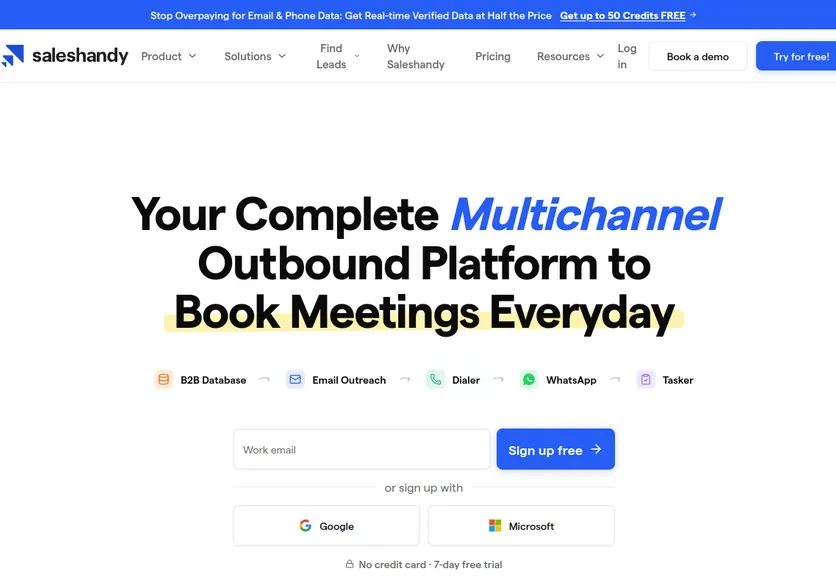
A small remote team that sends cold email in volume cares more about inbox placement than dashboards, and this Saleshandy plan costs thirty-four dollars a month billed annually with deliverability tools built in. The Starter tier covers one user, two thousand active prospects and six thousand emails, with warm-up and inbox rotation included. Higher tiers raise the volume and add agency features, while the flat monthly price means adding a second rep does not double the bill.
What we like
- Warm-up and inbox rotation included at the entry tier
- Flat monthly price, not per seat
- Unlimited team members on higher tiers
Watch out for
- Entry tier covers a single user only
- No built-in contact database, so lists must be imported
How to try it
- Connect the sending mailbox and run warm-up first
- Upload a verified prospect list and set the daily limits
- Launch the sequence and check deliverability reports daily
6. lemlist
Best for: Teams that personalise every outreach email
Paid tool Starting price: $39/user/month · Thirty-nine dollars per user a month billed annually (about $59 billed monthly) on Email Starter; Email Pro is $69 and Multichannel Expert is $99; older $55 and $109 figures are stale
Free plan: No free plan; 14-day free trial
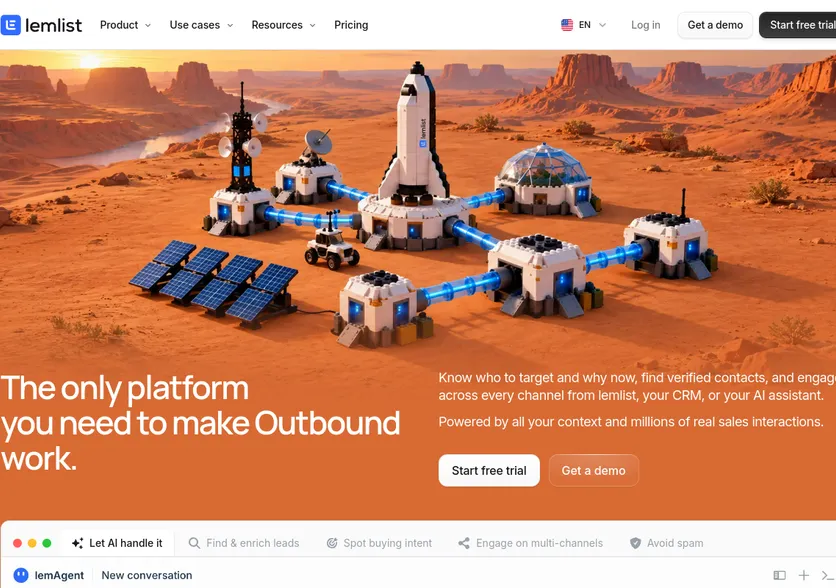
A remote team that personalises every first line with images or video needs an outreach tool built for that, and this lemlist plan costs thirty-nine dollars per user a month billed annually. Custom images, videos and landing pages make each email look hand-written, and the built-in lead database and verification keep lists clean. The dearer tiers add multichannel steps, calls and more sending volume for teams that outgrow email alone.
What we like
- Personalised images and videos at scale
- Built-in lead database with email verification
- Multichannel steps on the dearer tiers
Watch out for
- Personalisation takes setup time for every campaign
- Monthly billing is far above the annual rate
How to try it
- Find or import prospects and verify their emails
- Create a personalised image or video for the first step
- Launch the campaign and test a new first line each week
7. Instantly
Best for: Teams sending high-volume cold email with warm-up
Paid tool Starting price: $37.60/month · Thirty-seven dollars and sixty cents a month billed annually ($47 billed monthly) on Growth; Hypergrowth is $77.60 a month billed annually ($97 monthly); sending only, lead data and CRM are billed separately
Free plan: No free plan; 14-day free trial
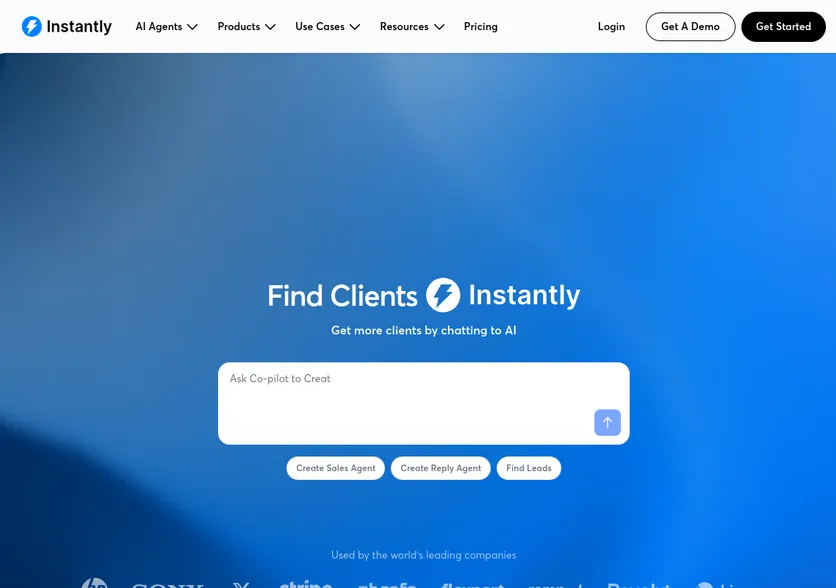
A remote team that runs high-volume cold email needs warm-up and deliverability first, and this Instantly plan costs thirty-seven dollars and sixty cents a month billed annually with unlimited warm-up included. Unlimited sending accounts and automatic inbox rotation protect the domain while volume grows, and the analytics show which subject lines and steps actually book meetings. Lead data and the CRM are billed separately, so the headline price covers sending only.
What we like
- Unlimited warm-up and inbox rotation included
- Unlimited sending accounts on the entry tier
- Clear analytics on meetings booked per campaign
Watch out for
- Lead data and CRM are billed separately
- The vendor is testing bundle-only pricing for new buyers
How to try it
- Connect the sending accounts and start warm-up
- Upload a clean prospect list and set the daily sending cap
- Monitor inbox placement and pause accounts that dip
8. Smartlead
Best for: Teams rotating many inboxes for deliverability
Paid tool Starting price: $32.50/month · Thirty-two dollars and fifty cents a month billed annually ($39 billed monthly) on Base; Pro is $78.30 a month billed annually ($94 monthly); the 50 percent off first month offer is a promotion, not the list price
Free plan: No free plan; 14-day free trial
A remote team that rotates inboxes to protect sender reputation needs that rotation built in, and this Smartlead plan costs thirty-two dollars and fifty cents a month billed annually. Unlimited warm-up and automatic mailbox rotation keep campaigns landing in the inbox, and the master inbox collects replies from every sender in one place. The dearer tiers add more sending volume and client management features for agencies and larger teams.

What we like
- Automatic mailbox rotation protects sender reputation
- Master inbox collects replies from every sender
- Unlimited warm-up on every paid plan
Watch out for
- Higher tiers are needed for serious sending volume
- The first-month discount is a promotion, not the list price
How to try it
- Connect all sending mailboxes to one workspace
- Turn on warm-up and set rotation rules for each campaign
- Answer every reply from the master inbox the same day
Prices above were checked on each vendor’s own website on Nov 28, 2026 and can change — the vendor’s page is the final word. Vendor links are editorial: nobody paid to be listed or ranked here. Vendors who want a featured listing can see how it works on our Get listed page.
How to run outbound from a remote team without losing replies
Give every rep one shared sequence library so a prospect hears the same story no matter who sends it, and set reply handling rules before the first campaign goes out. Rotate sending mailboxes and warm them up for two weeks before any volume, because a burned domain hurts the whole team, not just one rep. Hold a short weekly review of reply rates, bounce rates and meetings booked, and retire any step that has not earned a reply in a month. Keep the handoff to a call in one place, with notes on what the prospect already read, so nobody repeats the first email on the phone.
Before you buy
- Confirm the entry tier covers the channels the team actually uses, not just email
- Check whether the contact database, verification and warm-up are included or billed separately
- Ask how many seats, contacts and sending accounts the headline price really covers
- Make sure sequences, replies and reporting work across time zones without a manager online
- Test deliverability on a small list first, and check where the emails actually land
Official websites
Official websites of the products reviewed above. Features and prices were checked against these sites when this guide was written, and they can change, so confirm on the vendor site before you buy.
Frequently asked questions
What is sales engagement software for remote teams?
It is software that runs the whole outbound workflow for a distributed sales team: finding prospects, sending sequences across email, LinkedIn and calls, tracking opens and replies, and booking meetings. Remote teams need it because there is no shared office to coordinate follow-ups, so the tool has to keep every rep on the same message and every reply visible to the team, no matter the time zone.
How much does Apollo.io cost for a remote team?
Apollo.io costs forty-nine dollars per user a month billed annually on the Basic plan, or sixty-five dollars billed monthly. That plan includes the contact database, email sequences and basic integrations, with a free plan for testing. Professional costs seventy-nine dollars a user a month billed annually and adds more credits, advanced sequences and deeper integrations for busier teams.
Which sales engagement tool is cheapest for a small remote team?
Yesware is the cheapest here, at fifteen dollars per seat a month billed annually on the Pro plan, with a free plan for basic tracking. It works inside Gmail or Outlook, so a small team pays nothing for a new app to learn. Saleshandy is the next cheapest at thirty-four dollars a month flat, which suits a team that sends high-volume cold email from one mailbox.
Do remote teams need multichannel sequences or is email enough?
Email alone works for a small list, but replies rise when the same prospect also sees a LinkedIn message or a call in the same cadence. Reply.io and Apollo.io both run multichannel sequences, while Yesware and Mixmax keep the work inside the inbox. A remote team should pick the channels its buyers actually answer, then automate follow-ups across those channels only.
Why are Outreach and Salesloft missing from this list?
Outreach and Salesloft are the best-known enterprise engagement platforms, but neither publishes a list price, so neither could be verified for this comparison. Both sell by annual contract through a sales call, which puts them out of reach for most small remote teams. Every tool in this list has a published US dollar price that was checked on the vendor site on November 28, 2026.
Compare the eight tools above, then start with a free trial or the free Apollo.io plan on the tool that matches how the remote team already sells before paying for a full year.
Browse Business Tools tools