On this page
Mobile stylists book clients from a car, a kitchen or a client's living room, so scheduling software has to work anywhere and take payment on the spot. The eight tools below cover that job for stylists on the move, from a free plan for a solo stylist to a platform that runs a whole team. Square Appointments leads because it books, reminds and takes payment in one app for twenty-nine dollars per location a month, and the rest are ranked on price, booking features and how well they fit a mobile schedule.
How we researched this
We checked every price on the vendor pricing page on November 28, 2026, and only included tools with a published US dollar list price. Every tool in this list was priced from the vendor's own site, so the figures below are list prices, not quotes. Prices change, so confirm the current figure on the vendor site before you buy.
Compare the tools
| Name | Best for | Starting price | Free plan | |
|---|---|---|---|---|
 Square Appointments | Solo stylists and small salons that want booking plus payments | $29/location/month | Free plan (1 location, 1 staff) | Visit |
 Fresha | Stylists who want bookings plus a client marketplace | $19.95/month | Free plan | Visit |
 Booksy | Stylists who want marketplace bookings to fill chairs | $29.99/month | No free plan; 14-day free trial | Visit |
 GlossGenius | Stylists who want a polished branded booking page | $24/month | No free plan; 14-day free trial | Visit |
 Acuity Scheduling | Stylists who want booking plus a website | $16/month | No free plan; 7-day free trial | Visit |
 Vagaro | Stylists who want booking, payments and marketing together | $30/month | No free plan; 30-day free trial | Visit |
 Mindbody | Busy salons with several stylists and chairs | $79/location/month | No free plan; free demo | Visit |
 Boulevard | Established salons that track client history closely | $143/month | No free plan; free demo | Visit |
The salon scheduling software for mobile stylists, compared
1. Square Appointments
Best for: Solo stylists and small salons that want booking plus payments
Paid tool Starting price: $29/location/month · Twenty-nine dollars per location a month on Plus; Premium is $69 per location a month; card processing is 2.9 percent plus 30 cents online
Free plan: Free plan (1 location, 1 staff)
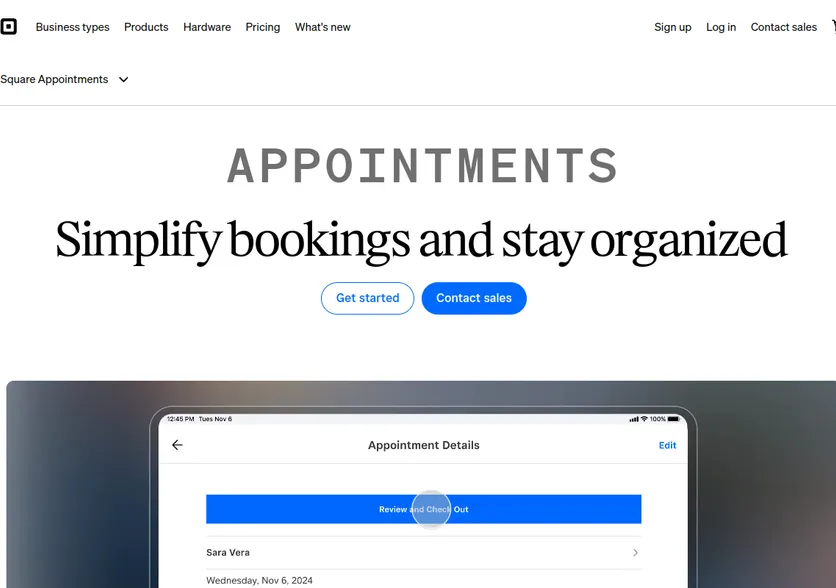
A stylist who books, reminds and takes payment from one app saves hours every week, and this Square Appointments plan costs twenty-nine dollars per location a month on Plus. Clients book online, get automatic reminders and pay by card, so no-shows drop and the day runs on time. The free plan covers one location and one staff member, which is enough for a solo stylist starting out.
What we like
- Booking, reminders and card payments in one app
- Free plan covers one location and one staff member
- Automatic reminders cut no-shows
Watch out for
- Card processing fees add up on every booking
- Premium tier needed for advanced team features
How to try it
- Set up services, prices and working hours
- Share the booking link with clients
- Take card payment when the appointment ends
2. Fresha
Best for: Stylists who want bookings plus a client marketplace
Paid tool Starting price: $19.95/month · Nineteen dollars and ninety-five cents a month on Independent; Team is $14.95 per bookable team member a month; Enterprise is quoted for twenty or more; a 20 percent one-time commission applies to new marketplace clients, with a six-dollar minimum
Free plan: Free plan
A mobile stylist who wants bookings without a monthly bill will like the free start here, because this Fresha plan costs nineteen dollars and ninety-five cents a month on Independent. It books clients, sends reminders and takes payments, with a marketplace that brings new clients to the chair. A twenty percent commission applies to new marketplace clients, with a six-dollar minimum, so check the maths before relying on it.
What we like
- Free plan to start, with paid plans from $19.95
- Marketplace brings new clients to the chair
- Booking, reminders and payments in one app
Watch out for
- Twenty percent commission on new marketplace clients
- Team pricing is per bookable team member
How to try it
- Create the profile and list services and prices
- Share the booking link and turn on reminders
- Take payment after each appointment
3. Booksy
Best for: Stylists who want marketplace bookings to fill chairs
Paid tool Starting price: $29.99/month · Twenty-nine dollars and ninety-nine cents a month, plus twenty dollars per additional team member; in-person processing is 2.49 percent plus 10 cents; Boost takes 30 percent of a new client's first visit
Free plan: No free plan; 14-day free trial
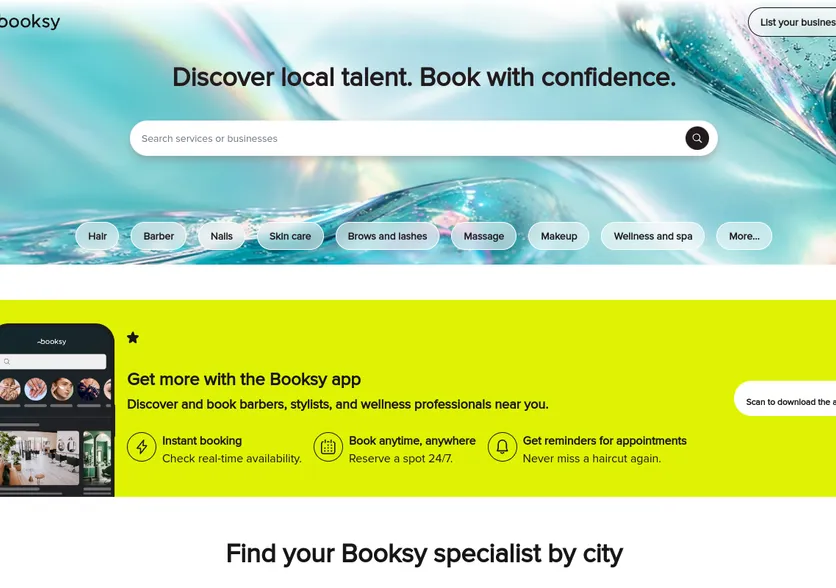
A stylist who wants the phone to ring with new bookings will like the marketplace here, since this Booksy plan costs twenty-nine dollars and ninety-nine cents a month. Clients find the stylist, book online and pay in the app, and Boost puts the profile in front of new clients for a share of their first visit. Each extra team member costs twenty dollars a month, so the bill grows with the team.
What we like
- Marketplace bookings bring new clients
- Booking, payments and reminders in one app
- Boost promotes the profile to nearby clients
Watch out for
- Boost takes 30 percent of a new client's first visit
- Each extra team member costs $20 a month
How to try it
- Set up the profile with services and prices
- Share the booking link and turn on Boost
- Confirm appointments and take payment in the app
4. GlossGenius
Best for: Stylists who want a polished branded booking page
Paid tool Starting price: $24/month · Twenty-four dollars a month billed annually on Standard ($28 billed monthly); Gold is $48 and Platinum is $148 a month billed annually ($56 and $168 billed monthly); in-person processing is 2.4 percent plus 15 cents
Free plan: No free plan; 14-day free trial
A stylist who wants the booking page to look as good as the work will like the polish here, because this GlossGenius plan costs twenty-four dollars a month billed annually. It books clients, sends reminders and takes payments from a branded page, with marketing tools that bring clients back. In-person processing runs at two point four percent plus fifteen cents, which is lower than most rivals here.
What we like
- Branded booking page that looks professional
- Reminders, payments and marketing in one app
- Low in-person processing rate
Watch out for
- No free plan, only a fourteen-day trial
- Gold and Platinum tiers cost much more
How to try it
- Build the branded booking page with services and prices
- Share the link and set up automatic reminders
- Take payment and ask for a review after each visit
5. Acuity Scheduling
Best for: Stylists who want booking plus a website
Paid tool Starting price: $16/month · Sixteen dollars a month billed annually on Starter ($20 billed monthly); Standard is $27 and Premium is $55 a month billed annually ($34 and $69 billed monthly)
Free plan: No free plan; 7-day free trial
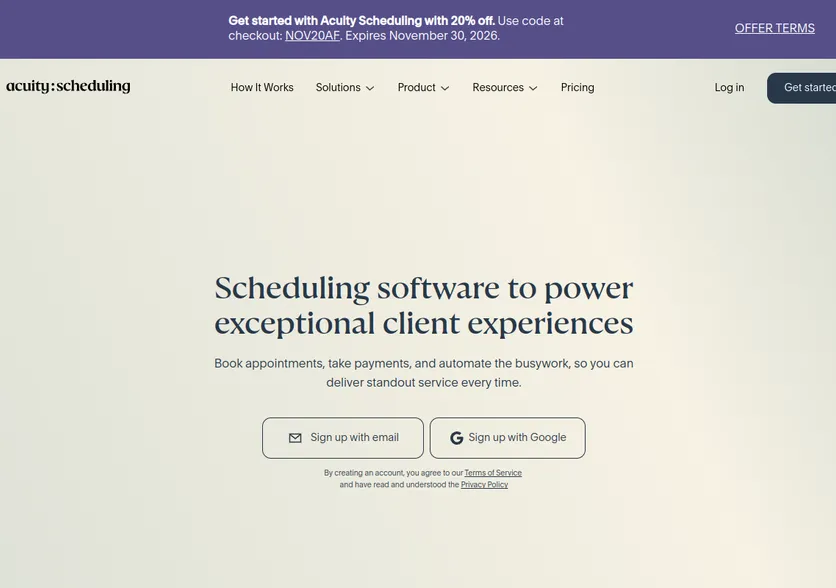
A stylist who books by the hour and needs the calendar to manage itself will like the automation here, since this Acuity Scheduling plan costs sixteen dollars a month billed annually. Clients book, reschedule and pay online, with reminders and intake forms handled automatically. It sits inside Squarespace now, so the booking page can live beside a full website.
What we like
- Clients book, reschedule and pay without a phone call
- Reminders and intake forms run automatically
- Sits inside Squarespace for a full website
Watch out for
- No free plan, only a seven-day trial
- The cheapest plan limits some features
How to try it
- Set up services, durations and availability
- Share the booking link with clients
- Let reminders and payments run automatically
6. Vagaro
Best for: Stylists who want booking, payments and marketing together
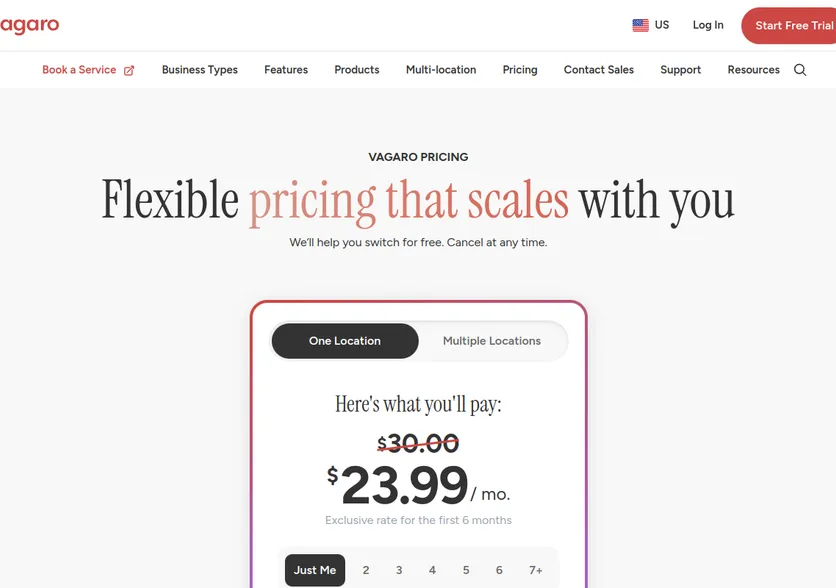
Paid tool Starting price: $30/month · Thirty dollars a month for a single location ($23.99 a month for the first six months); ten dollars per added calendar up to seven; multi-location pricing is custom; add-ons include text marketing from about twenty dollars a month
Free plan: No free plan; 30-day free trial
A stylist who wants one app for booking, payments and marketing will find the breadth here, because this Vagaro plan costs thirty dollars a month for a single location. It books clients, takes payments and runs text marketing, with a marketplace that brings in new bookings. The first six months cost twenty-three dollars and ninety-nine cents a month, so the headline price is not the first bill.
What we like
- Booking, payments and text marketing in one app
- Marketplace brings in new clients
- First six months at a lower introductory price
Watch out for
- The $23.99 figure is only for the first six months
- Add-ons for forms and a branded app cost extra
How to try it
- Set up the salon profile with services and prices
- Share the booking link and turn on reminders
- Use text marketing to fill quiet slots
7. Mindbody
Best for: Busy salons with several stylists and chairs
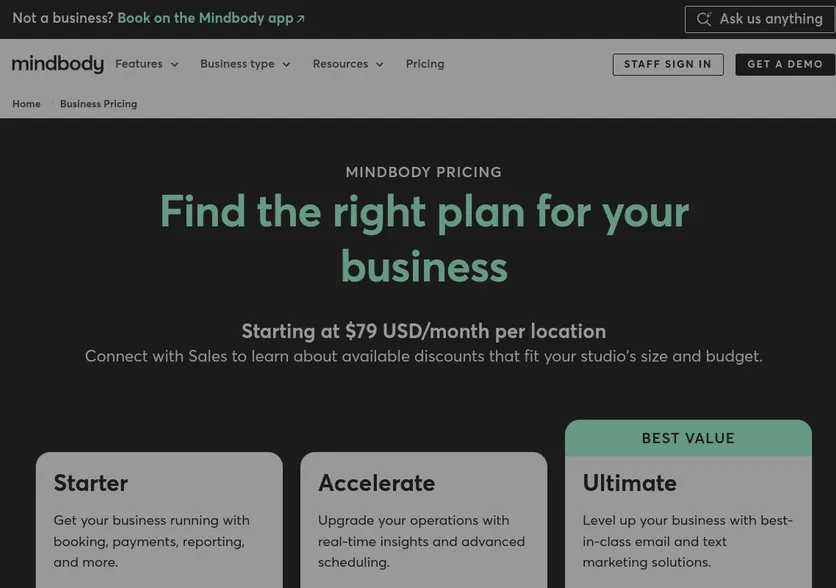
Paid tool Starting price: $79/location/month · Starter from seventy-nine dollars per location a month; Accelerate, Ultimate and Enterprise are quoted, and no free plan or trial is stated
Free plan: No free plan; free demo
A stylist who runs a busy salon with several chairs will find the scale here, because this Mindbody plan starts from seventy-nine dollars per location a month. It books clients, manages staff schedules and takes payments, with a marketplace that fills empty slots. The higher tiers are quoted, so a growing salon should ask for the full price before committing.
What we like
- Scales to multi-chair salons and teams
- Staff scheduling and payments in one platform
- Marketplace fills empty appointment slots
Watch out for
- No free plan or trial is stated
- Higher tiers are quoted, so the real price is unclear
How to try it
- Set up the location, staff and service menu
- Publish the booking page and turn on reminders
- Track bookings and payments in the dashboard
8. Boulevard
Best for: Established salons that track client history closely
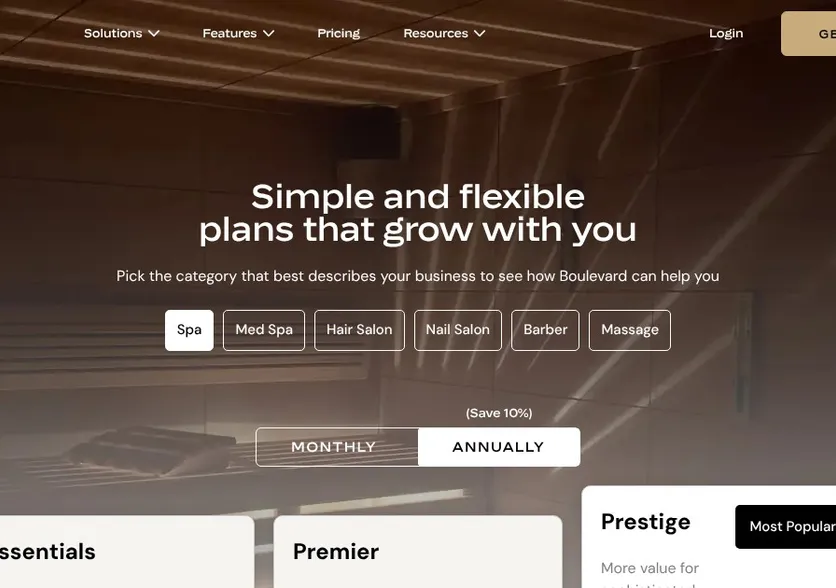
Paid tool Starting price: $143/month · One hundred and forty-three dollars a month billed annually on Essentials ($159 billed monthly); up to five provider calendars and one location; Premier and Prestige tiers cost more, with conflicting published figures, so confirm at checkout
Free plan: No free plan; free demo
A salon that treats every client like a regular will like the client records here, since this Boulevard plan costs one hundred and forty-three dollars a month billed annually. It books clients, tracks their history and preferences, and takes payments, with up to five provider calendars on the entry plan. The price is the highest in this list, so it suits established salons, not solo stylists.
What we like
- Rich client records with history and preferences
- Up to five provider calendars on the entry plan
- Booking, payments and reminders in one app
Watch out for
- The highest entry price in this list
- Published figures for higher tiers conflict, so confirm at checkout
How to try it
- Set up the location and provider calendars
- Import client records and set up services
- Book clients and track their visit history
Prices above were checked on each vendor’s own website on Nov 28, 2026 and can change — the vendor’s page is the final word. Vendor links are editorial: nobody paid to be listed or ranked here. Vendors who want a featured listing can see how it works on our Get listed page.
How to pick scheduling software that keeps a mobile stylist booked
Start with the booking link, because clients should be able to book in under a minute from a phone. Check the reminders: automatic texts and emails are the single best defence against no-shows, and a tool without them costs more than its monthly price. Count the real cost, including card processing, per-team-member fees and marketplace commission, since a cheap plan can take a big cut of every booking. Test the app from a car park, not a desk, because a mobile stylist books and charges clients on the move. Finally, confirm the client list exports cleanly, so the business never belongs to the software.
Before you buy
- Check that clients can book in under a minute from a phone, since slow booking loses clients
- Confirm automatic reminders are included, because texts and emails are the best defence against no-shows
- Count the real cost, including card processing, per-member fees and marketplace commission on every booking
- Test the app from a car park, not a desk, because a mobile stylist books and charges on the move
- Make sure the client list exports cleanly, so the business never belongs to the software
Official websites
Official websites of the products reviewed above. Features and prices were checked against these sites when this guide was written, and they can change, so confirm on the vendor site before you buy.
Frequently asked questions
What is the best salon scheduling software for mobile stylists?
Square Appointments is the best overall pick, at twenty-nine dollars per location a month, because booking, reminders and payments live in one app. Fresha is the best value at nineteen dollars and ninety-five cents a month, and Booksy is best for filling chairs through its marketplace. The right pick depends on budget, team size and whether new clients matter most.
How much does salon scheduling software cost?
Entry prices in this list run from sixteen dollars a month for Acuity Scheduling to one hundred and forty-three dollars a month for Boulevard. Square Appointments costs twenty-nine dollars per location a month, and Fresha costs nineteen dollars and ninety-five cents a month. Card processing, per-member fees and marketplace commission raise the real total, so count them first.
Can I try salon scheduling software for free?
Yes, with Square Appointments and Fresha, which both offer genuine free plans, and Booksy, GlossGenius, Acuity Scheduling and Vagaro, which offer free trials of seven to thirty days. Mindbody and Boulevard offer free demos instead. Use the trial on a real week of bookings, so the stylist learns whether the app fits before paying.
Do mobile stylists need scheduling software?
Yes, once bookings, reminders and payments take more time than the styling itself. Scheduling software books clients while the stylist works, sends reminders that cut no-shows, and takes payment on the spot. A solo stylist can start on a free plan, and a busy stylist will earn the monthly price back in saved admin time alone.
What should a mobile stylist check before paying for scheduling software?
Check that clients can book in under a minute from a phone, confirm automatic reminders are included, and count the real cost including card processing and marketplace commission. Watch for per-member fees that grow with the team. Confirm the client list exports cleanly, and run the free trial on a real week of bookings first.
Compare the eight tools above, then start with a free plan or trial on the tool that matches how the stylist already books clients before paying for a full year.
Browse Business Tools tools