On this page
Security management is mostly log management with a deadline: the team has to find the real incident in a pile of routine events before it becomes a breach. The seven tools below collect, search and correlate those logs, then turn the important ones into incidents a team can actually work. Elastic Security leads because it searches every log fast and starts hosted at ninety-nine dollars a month, and the rest are ranked on how well they help a security team stay ahead of the noise.
How we researched this
We checked every price on the vendor pricing page on November 28, 2026, and only included tools with a published US dollar list price. Splunk Enterprise Security, IBM QRadar, Exabeam and Securonix were left out because all four sell by quote and publish no list price, and Sumo Logic was left out because it publishes no SIEM price at all. Prices change, so confirm the current figure on the vendor site before you buy.
Compare the tools
| Name | Best for | Starting price | Free plan | |
|---|---|---|---|---|
 Elastic Security | Security teams that treat fast search as the foundation | $99/month | Free Basic (self-managed) | Visit |
| Microsoft Sentinel | Microsoft shops that want SIEM billed by ingestion | $4.30/GB | No free plan; 31-day trial | Visit |
 Datadog Cloud SIEM | Operations teams that already live in Datadog | $5/GB | No free plan; 14-day free trial | Visit |
| ManageEngine Log360 Cloud | Managers who want one predictable yearly invoice | $1,095/year | No free plan; 30-day free trial | Visit |
| Blumira | Small businesses with no dedicated security staff | $12/employee/month | No free plan; 30-day free trial | Visit |
| Wazuh Cloud | Teams that want to own their detection stack | $571/month | Free self-hosted (open source) | Visit |
| Graylog Security | Teams whose log volume would punish per-gigabyte billing | $18,000/year | Free Graylog Open (self-hosted) | Visit |
The SIEM software for security management, compared
1. Elastic Security
Best for: Security teams that treat fast search as the foundation
Paid tool Starting price: $99/month · Ninety-nine dollars a month on Elastic Cloud Hosted Standard; Gold is $114, Platinum $131 and Enterprise $184; Serverless Security Analytics starts at nine cents per gigabyte ingested at high volume, with an entry rate of fifty cents per gigabyte in one read — confirm the rate for your volume
Free plan: Free Basic (self-managed)
A security team that wants to search every log before it pays for detection gets its start here, since this Elastic Security plan costs ninety-nine dollars a month on Elastic Cloud Hosted Standard. It indexes logs fast, runs pre-built detection rules and machine learning on top and lets the team run it self-managed for free if they prefer. It is the best pick for a team that treats search as the foundation of security work.
What we like
- Fast search across every log the team collects
- Pre-built detection rules plus machine learning
- Free self-managed Basic or hosted from ninety-nine dollars
Watch out for
- Serverless rates vary by volume, so confirm the entry rate
- Enterprise features need the higher hosted tiers
How to try it
- Choose hosted or self-managed deployment
- Connect the log sources and enable detection rules
- Build dashboards for the incidents that matter
2. Microsoft Sentinel
Best for: Microsoft shops that want SIEM billed by ingestion
Paid tool Starting price: $4.30/GB · Four dollars and thirty cents per gigabyte for Analytics Logs pay as you go in East US; commitment tiers start at one hundred gigabytes a day for $296 a day; a November 2026 read of the Azure Monitor pricing page lists two dollars and thirty cents a gigabyte, which appears to be the Log Analytics ingestion meter alone rather than the Sentinel analysis price
Free plan: No free plan; 31-day trial
A Microsoft shop that wants its SIEM billed by the gigabyte it ingests gets it here, since this Microsoft Sentinel plan costs four dollars and thirty cents per gigabyte for Analytics Logs pay as you go. It pulls logs from Azure, Microsoft 365 and on-premise systems, correlates them into incidents and automates the first response, with commitment tiers that cut the price at volume. It suits a team already invested in the Microsoft stack.
What we like
- Native collection from Azure and Microsoft 365
- Built-in analytics that turn alerts into incidents
- Commitment tiers that cut the price at volume
Watch out for
- Pay-as-you-go billing makes the monthly cost hard to predict
- A two-dollar-thirty read appears to be the ingestion meter alone
How to try it
- Connect the log sources and set the data connectors
- Enable the analytics rules for the environment
- Tune the incidents and automate the first response
3. Datadog Cloud SIEM
Best for: Operations teams that already live in Datadog
Paid tool Starting price: $5/GB · Five dollars per gigabyte analysed a month on annual billing ($6 month to month, $7.50 on demand); twelve months retention included; log ingest is billed separately at ten cents per gigabyte
Free plan: No free plan; 14-day free trial
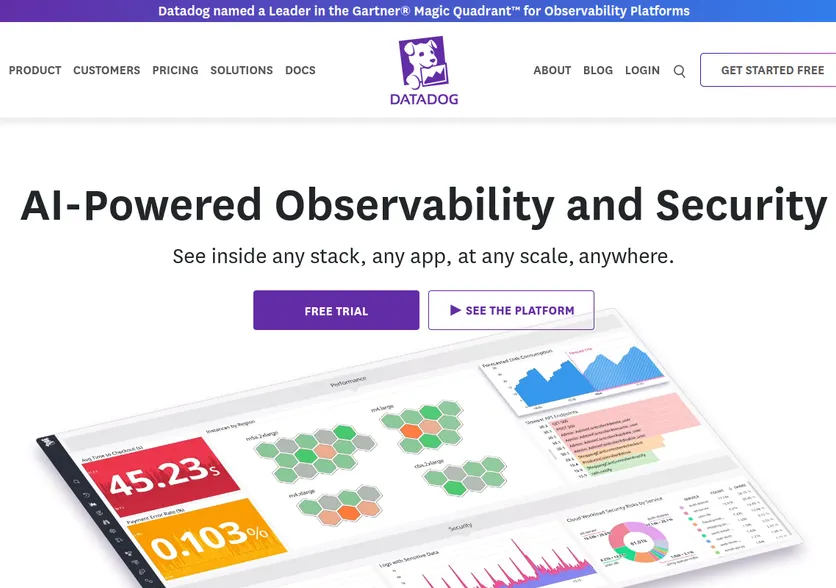
An operations team that already lives in Datadog dashboards gets security on top here, since this Datadog Cloud SIEM plan costs five dollars per gigabyte analysed a month on annual billing. It detects threats in the logs the team already collects, ties them to the infrastructure and application data beside them and keeps twelve months of retention included. It is the pick for a team that wants security and operations on the same screen.
What we like
- SIEM on the logs the team already collects
- Threats tied to infrastructure and application data
- Twelve months retention included in the price
Watch out for
- Log ingest is billed separately at ten cents a gigabyte
- Month-to-month billing rises to six dollars a gigabyte
How to try it
- Enable Cloud SIEM on the existing Datadog account
- Turn on the detection rules for the environment
- Triage the signals and tune the noisy rules
4. ManageEngine Log360 Cloud
Best for: Managers who want one predictable yearly invoice
Paid tool Starting price: $1,095/year · One thousand and ninety-five dollars a year on Professional for ten log sources ($2,695 at twenty-five, $5,295 at fifty); Enterprise is $1,395 a year at ten sources; the on-premises edition starts at $245 a year; search storage add-ons are ten dollars per gigabyte a year on Pro
Free plan: No free plan; 30-day free trial
A manager who wants one yearly invoice for log collection and correlation gets it here, since this ManageEngine Log360 Cloud plan costs one thousand and ninety-five dollars a year on Professional for ten log sources. It collects the logs, correlates the events, watches user behaviour and files the reports auditors ask for, all for one predictable price. It is the best flat-price pick for a team that hates surprise bills.
What we like
- One predictable yearly invoice for the whole SIEM
- Log collection, correlation and user behaviour in one tool
- Audit reports built for compliance reviews
Watch out for
- Professional caps at ten log sources, so growth costs more
- Storage add-ons are priced per gigabyte on top
How to try it
- Connect the ten log sources to the cloud console
- Enable the correlation rules and user behaviour checks
- Schedule the audit reports for the compliance team
5. Blumira
Best for: Small businesses with no dedicated security staff
Paid tool Starting price: $12/employee/month · Twelve dollars per employee a month on Detect, annual contracts only; Respond is $16 and Automate is $21; onboarding is $250 one time on Detect and $500 on Respond; extra agents are three dollars an agent a month; the free tier was retired in 2026
Free plan: No free plan; 30-day free trial
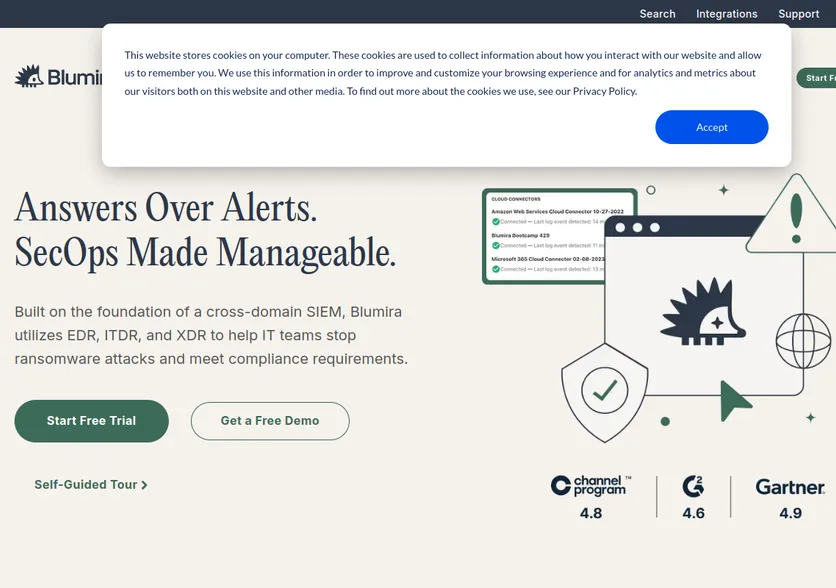
A small business that needs a security team in a box gets it here, since this Blumira plan costs twelve dollars per employee a month on Detect and turns raw logs into finished findings. It collects from cloud and on-premise sources, blocks the known bad automatically and hands the team a prioritised queue with the next step written out. It suits a business with no dedicated security staff at all.
What we like
- Findings arrive triaged with the next step written out
- Unlimited ingestion with a year of retention on all editions
- Automatic blocking of known bad activity
Watch out for
- Annual contracts only, so there is no month-to-month option
- Onboarding costs extra on Detect and Respond
How to try it
- Connect the cloud and on-premise log sources
- Review the triaged findings queue each morning
- Let the automatic blocks run and tune the exceptions
6. Wazuh Cloud
Best for: Teams that want to own their detection stack
Paid tool Starting price: $571/month · Five hundred and seventy-one dollars a month on Small for up to one hundred active agents; Medium is $923 a month for two hundred and fifty agents and Large is $1,467 for five hundred; fourteen-day trial, no card; the self-hosted edition is free and open source
Free plan: Free self-hosted (open source)
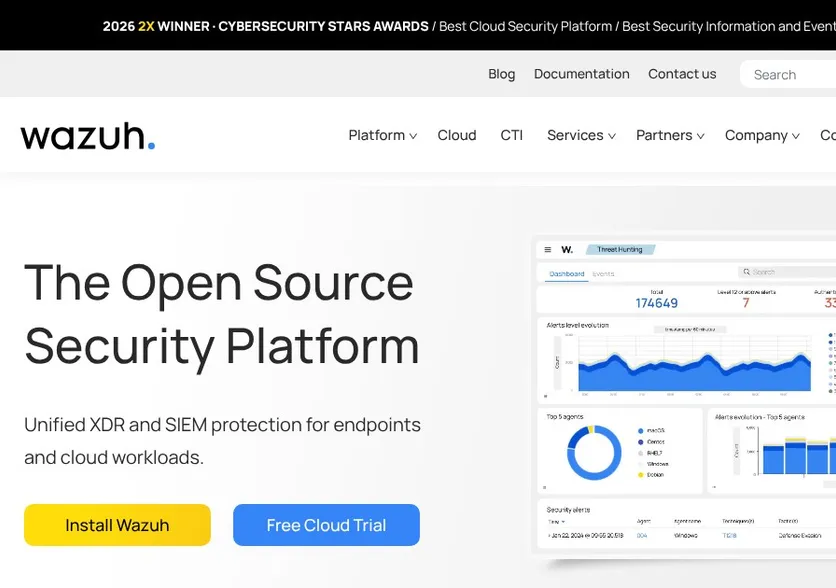
A team that would rather host its own detection than rent it gets a free start here, since this Wazuh Cloud plan costs five hundred and seventy-one dollars a month on Small for up to one hundred active agents. It watches endpoints, detects intrusions, checks compliance and collects logs, and the self-hosted edition is free for teams that run it themselves. It is the pick for a team that wants to own its detection stack.
What we like
- Endpoint detection, intrusion checks and compliance in one tool
- Free self-hosted edition for teams that run it themselves
- Fourteen-day trial with no card required
Watch out for
- Small caps at one hundred agents, so growth costs more
- Self-hosting needs staff time the team may not have
How to try it
- Deploy agents on the endpoints to watch
- Enable the intrusion and compliance rules
- Review the alerts and tune the noisy ones
7. Graylog Security
Best for: Teams whose log volume would punish per-gigabyte billing
Paid tool Starting price: $18,000/year · Eighteen thousand dollars a year from ten gigabytes a day; Enterprise is listed at fifteen thousand dollars a year; Graylog Open is free and self-hosted under the SSPL licence; confirm which edition the quote covers, since the two published figures sit close together
Free plan: Free Graylog Open (self-hosted)
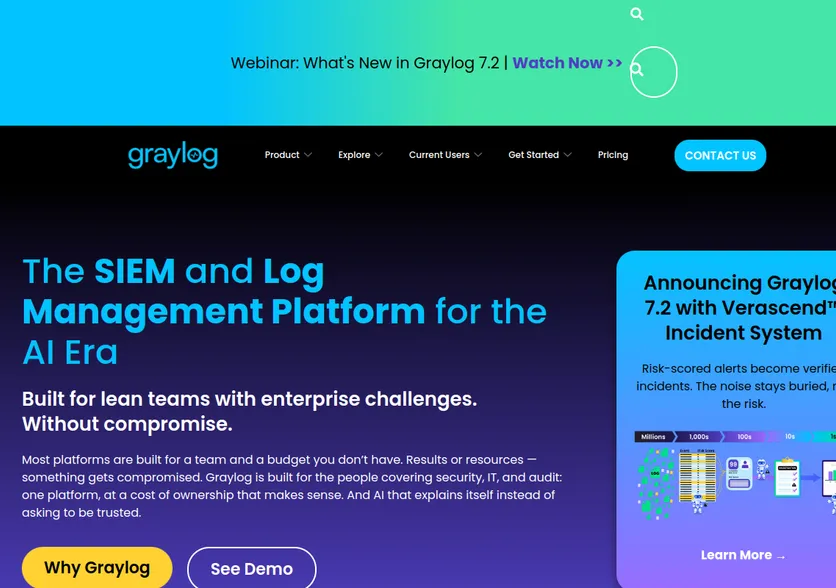
A security team that collects a lot of logs and wants the bill to stay flat gets it here, since this Graylog Security plan costs eighteen thousand dollars a year from ten gigabytes a day and prices by volume, not by user. It searches large log volumes fast, runs security detections on top and keeps the open-source edition free for self-hosted teams. It fits a team whose log volume would make per-gigabyte billing painful.
What we like
- Pricing by volume, not by user or seat
- Fast search across large log volumes
- Free open-source edition for self-hosted teams
Watch out for
- Enterprise is listed near fifteen thousand, so confirm the edition
- Needs log volume to justify the yearly price
How to try it
- Choose hosted Security or self-hosted Open
- Connect the log sources and set the retention
- Enable the security detections and tune the alerts
Prices above were checked on each vendor’s own website on Nov 28, 2026 and can change — the vendor’s page is the final word. Vendor links are editorial: nobody paid to be listed or ranked here. Vendors who want a featured listing can see how it works on our Get listed page.
The SIEM software for security management, compared
Start with the alert queue, because a SIEM that nobody works is just an expensive log store. Count the people who will actually triage findings each day, then pick a tool whose queue fits that team rather than one that floods it. Check the data sources next: if the tool cannot collect from the firewall, the cloud and the endpoints the team already runs, the detections will miss the incidents that matter. Finally, agree the retention the business needs before signing, since a year of logs costs very differently across these seven tools.
Before you buy
- Count the people who will triage findings daily before picking a tool
- Confirm the SIEM collects from the firewall, cloud and endpoints already in use
- Check whether detection rules and compliance reports are included or add-ons
- Agree the retention period the business needs before signing anything
- Test the alert queue with real data, not just the vendor demo
Official websites
Official websites of the products reviewed above. Features and prices were checked against these sites when this guide was written, and they can change, so confirm on the vendor site before you buy.
Frequently asked questions
What is the best SIEM software for security management?
Elastic Security is the best overall pick for most teams, at ninety-nine dollars a month on Elastic Cloud Hosted Standard, because it searches every log fast and runs detection on top. Microsoft Sentinel is the best pick for a Microsoft shop at four dollars and thirty cents per gigabyte. Blumira is the best pick for a small team with no security staff, at twelve dollars per employee a month, since it triages findings for you.
How much does a SIEM cost per month?
It depends on the pricing model. Elastic Cloud Hosted starts at ninety-nine dollars a month, Wazuh Cloud Small is five hundred and seventy-one dollars a month, and Log360 Cloud is one thousand and ninety-five dollars a year. Per-gigabyte tools start at four dollars and thirty cents for Sentinel and five dollars for Datadog, but the monthly total depends entirely on how many gigabytes the team ingests.
Is there a free SIEM tool?
Yes, with limits. Elastic Security has a free self-managed Basic edition, Graylog Open is free and self-hosted, and Wazuh is free and open source when the team hosts it. The hosted versions all cost money. Blumira retired its free tier in 2026 and now offers a thirty-day trial on Automate instead. A team with no hosting capacity should budget for a hosted plan.
What is the difference between Sentinel and Datadog Cloud SIEM?
Sentinel costs four dollars and thirty cents per gigabyte and lives inside Azure and Microsoft 365, so it suits a Microsoft shop. Datadog Cloud SIEM costs five dollars per gigabyte analysed on annual billing and suits a team that already monitors its cloud in Datadog, since the security data sits beside the operations data. Both bill by volume, so the cheaper one depends on what the team already collects.
Do I need a SIEM if I already have antivirus?
Yes, they do different jobs. Antivirus watches individual machines for known malware, while a SIEM collects logs from across the network, correlates them and finds attacks that no single machine can see. A small team can start with Blumira, which triages findings for twelve dollars per employee a month, rather than hiring a security analyst to watch a SIEM queue.
Compare the seven tools above, then count the people who will work the alert queue and start with a trial on the one that fits the team before paying for a full year.
Browse Business Tools tools