On this page
Every empty appointment slot is lost revenue, and a text reminder is the cheapest way to fill it: clients read texts within minutes, while emails sit unread for days. The eight tools below send those reminders automatically. Apptoto leads because it layers reminders over the calendar a business already uses for thirty dollars a month, and the rest are ranked on how reliably they chase confirmations without adding work.
How we researched this
We checked every price on the vendor pricing page on November 28, 2026, and only included tools with a published US dollar list price. Solutionreach, Weave and Demandforce sell by quote and publish no list prices, so they are not in this list. Prices change, so confirm the current figure on the vendor site before you buy.
Compare the tools
| Name | Best for | Starting price | Free plan | |
|---|---|---|---|---|
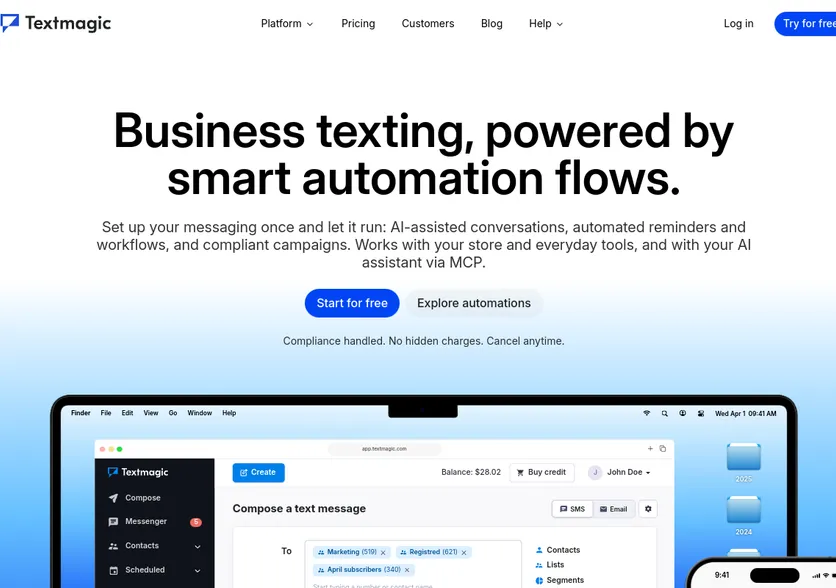
 TextMagic | Businesses that text irregularly and hate subscriptions | $0.049/SMS | Free trial with test credit | Visit |
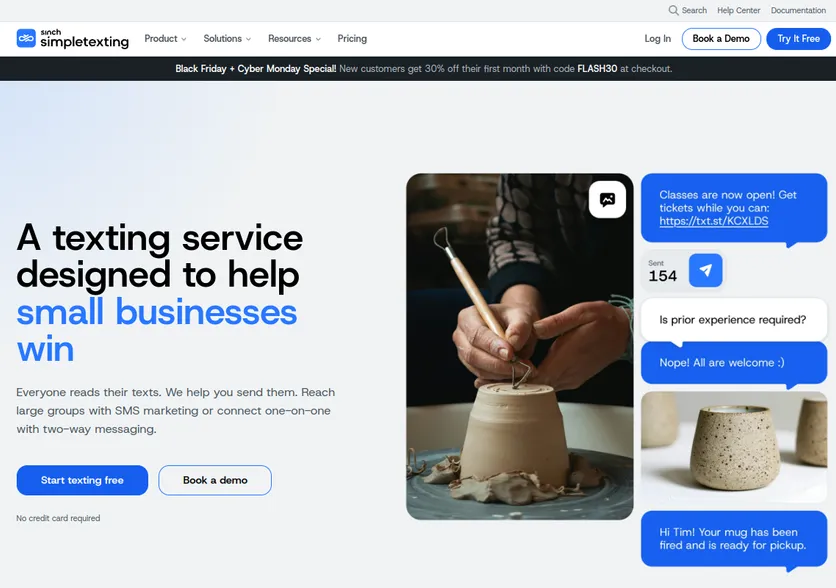
 SimpleTexting | Teams that want the easiest SMS dashboard | $29/month | 14-day free trial | Visit |
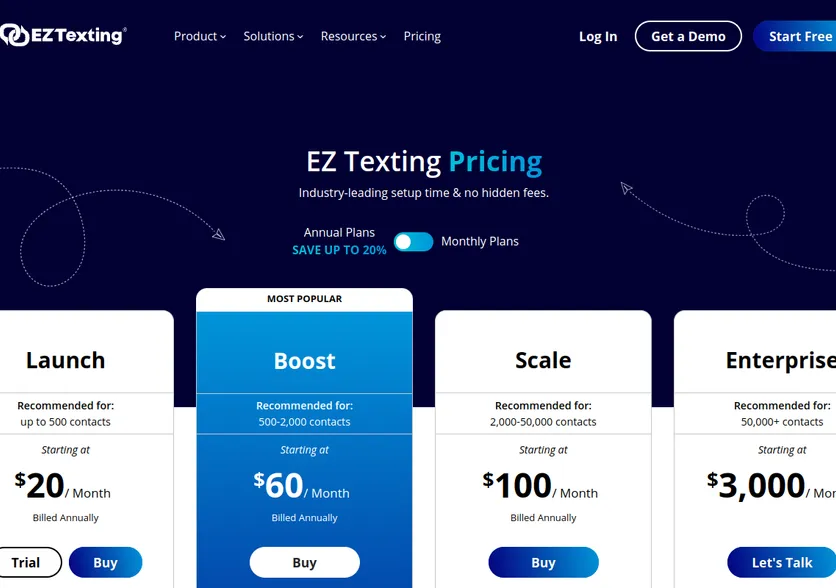
 EZ Texting | Teams sharing one inbox for customer texts | $25/month | 14-day free trial | Visit |
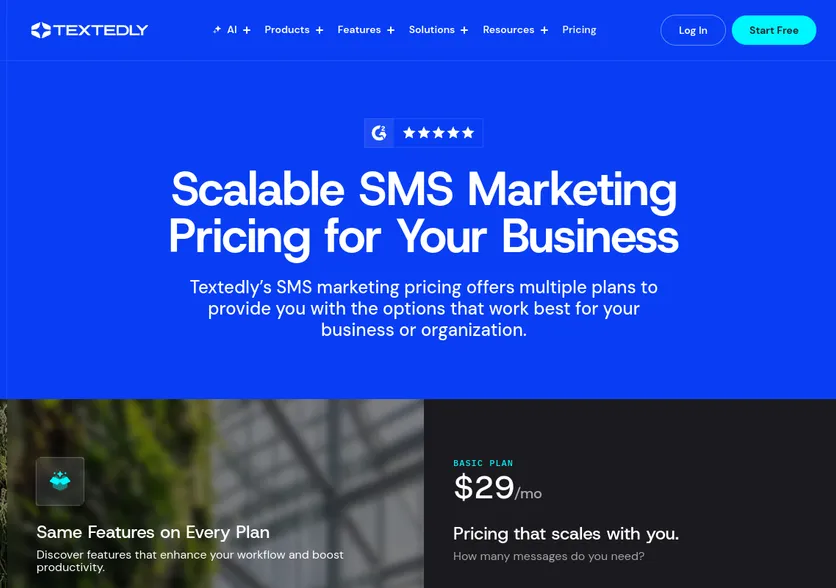
 Textedly | Small lists that want every feature at the entry price | $29/month | 14-day free trial | Visit |
 SlickText | Businesses that text in bursts and want rollover | $29/month | Free trial (no card required) | Visit |
 Apptoto | Service businesses that want reminders layered over their calendar | $30/month | 14-day free trial | Visit |
 GoReminders | Solo providers who want the cheapest dedicated reminder tool | $8/month | 14-day free trial | Visit |
 Trumpia | Businesses that want SMS plus email in one plan | $60/month | 14-day free trial | Visit |
The SMS software for appointment reminders, compared
1. TextMagic
Best for: Businesses that text irregularly and hate subscriptions
Paid tool Starting price: $0.049/SMS · Four and nine-tenths cents per outbound SMS on pay-as-you-go credits, falling to $0.02 at 100,000 messages; a dedicated number is $10 a month and 10DLC registration is $10 a month
Free plan: Free trial with test credit
A business that sends appointment reminders in bursts will like this TextMagic plan, which costs four and nine-tenths cents per SMS on credits that never expire, so a quiet week never triggers a bill. It charges by the message and nothing else: buy credits once, spend them whenever, with no monthly plan to keep paying through quiet months. The bring-your-own-carrier option lets a business connect its own Twilio or Vonage number and pay a penny a message on top.
What we like
- Pay-as-you-go credits that never expire
- Email-to-SMS and two-way messaging included
- Bring-your-own-carrier option cuts the rate to $0.01 a message
Watch out for
- The per-message rate is the highest of the dashboard tools
- A number and 10DLC registration add $20 a month on top
How to try it
- Buy a credit bundle from the pricing calculator
- Rent a dedicated number for sending
- Send a campaign or a one-to-one text from the dashboard
2. SimpleTexting
Best for: Teams that want the easiest SMS dashboard
Paid tool Starting price: $29/month · Twenty-nine dollars a month for 500 credits on a toll-free number ($39 with a local number); 1,000 credits is $49 toll-free; overage is $0.055 a credit
Free plan: 14-day free trial
A business that wants reminders out the door fast will find this SimpleTexting plan costs twenty-nine dollars a month for five hundred credits on a toll-free number, and the dashboard takes minutes to learn. It is the flat-rate choice for teams that want campaigns without a learning curve: pick a credit bundle, get every feature, and send. Three seats are included, and the integrations with Mailchimp and Zapier cover most workflows.
What we like
- The dashboard takes minutes to learn
- Unlimited contacts and keywords on every plan
- Credits roll over and incoming messages are free
Watch out for
- A local number adds $10 a month over toll-free
- Long texts and picture messages use extra credits
How to try it
- Import contacts and set up a text-to-join keyword
- Write the campaign and pick the audience segment
- Schedule it and track replies in the shared inbox
3. EZ Texting
Best for: Teams sharing one inbox for customer texts
Paid tool Starting price: $25/month · Twenty-five dollars a month on Launch billed monthly ($20 billed annually) for 500 credits; Boost is $75 and Scale is $125; Launch carries a $5 a month telecom fee
Free plan: 14-day free trial
A business watching the monthly bill will find the cheapest entry plan here, since this EZ Texting plan costs twenty-five dollars a month for five hundred credits, and the shared inbox keeps every reply in one place. It is the cheapest monthly plan in this list, and it is built around a shared inbox so the whole team can see and answer customer texts. The plans are sized by contacts rather than messages, which suits a business with a big list that texts rarely.
What we like
- Shared team inbox with one user seat included
- AI Compose drafts messages for the team
- Drip campaigns and link tracking from the Boost plan
Watch out for
- Every self-serve plan includes only 500 credits a month
- Launch carries a $5 a month telecom fee
How to try it
- Add contacts and choose a local textable number
- Write the message with AI Compose or by hand
- Send it now or schedule it for the best hour
4. Textedly
Best for: Small lists that want every feature at the entry price
Paid tool Starting price: $29/month · Twenty-nine dollars a month on Basic for 500 messages; Bronze is $49 for 1,000 and Plus is $79 for 2,000; an $8 a month telecom surcharge applies to every plan
Free plan: 14-day free trial
A business that wants reminder sequences to run on their own will find this Textedly plan costs twenty-nine dollars a month for five hundred messages, and drip campaigns are included on every plan. It sells message volume, not features: every plan gets the full platform, including drip campaigns, AI tools and text-to-pay, and only the message allowance changes. That makes the entry plan genuinely useful rather than a stripped-down teaser.
What we like
- Every feature included on every plan
- Drip campaigns and recurring messages built in
- Free incoming messages and unlimited contacts
Watch out for
- An $8 a month telecom surcharge sits on top of every plan
- Extra texts cost $30 per 500 on the entry plan
How to try it
- Import contacts or grow the list with a keyword
- Build a drip sequence with timed messages
- Schedule the campaign and watch replies in the inbox
5. SlickText
Best for: Businesses that text in bursts and want rollover
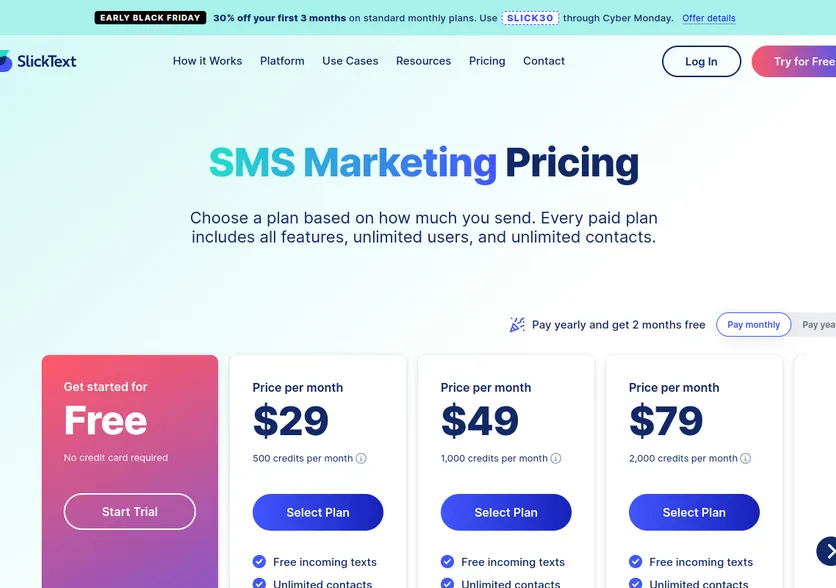
Paid tool Starting price: $29/month · Twenty-nine dollars a month for 500 message credits; 1,000 credits is $49 and 2,000 is $79; annual billing gives two months free and unused credits roll over one term
Free plan: Free trial (no card required)
A business that texts in bursts will find this SlickText plan costs twenty-nine dollars a month for five hundred credits, and unused credits roll over instead of expiring at month end. It is the pick for businesses that text in bursts, because unused credits roll over instead of expiring at month end. Every plan includes every feature and unlimited users, so the only decision is how many credits the month needs.
What we like
- Unused credits roll over for one extra term
- Every feature on every plan, unlimited users
- Free incoming messages and a free sending number
Watch out for
- Carrier fees are passed through on top of the plan
- The free trial has no card but limited credits
How to try it
- Sign up and claim the free sending number
- Build the list with text-to-join keywords
- Send a campaign or set up an automated workflow
6. Apptoto
Best for: Service businesses that want reminders layered over their calendar
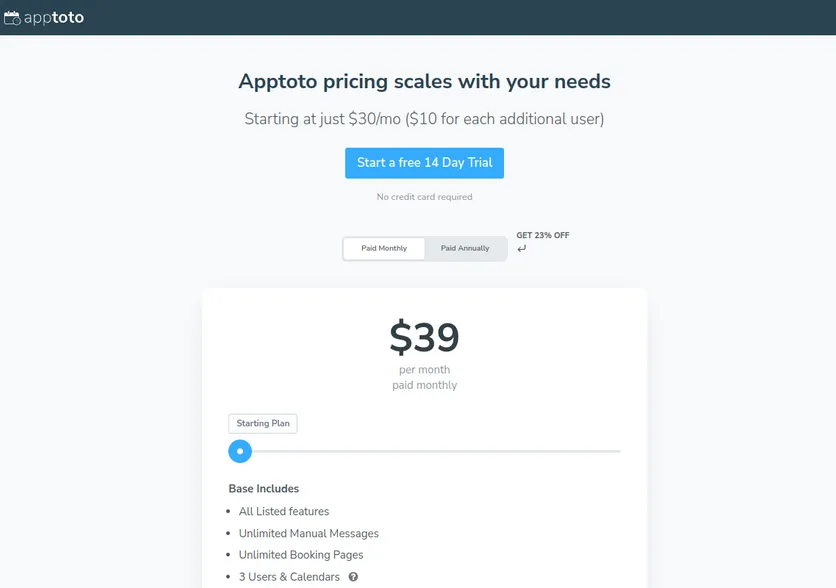
Paid tool Starting price: $30/month · Thirty dollars a month on Standard for one user and calendar ($23.10 billed annually); older listings show a $39 Starter plan for three calendars, so confirm the plan at checkout
Free plan: 14-day free trial
A business that likes its current calendar and only wants the chasing handled will find this Apptoto plan costs thirty dollars a month for one user and calendar, and it sends reminders by text, email or voice automatically. It is built purely around reminders: it watches the calendar a business already uses, reads the appointments, and sends SMS, email or voice reminders before each visit. That focus is why it suits a practice that likes its current calendar and only wants the chasing handled.
What we like
- Sits on top of the calendar the business already uses
- SMS, email and voice reminders in one flow
- Online booking pages included
Watch out for
- Automated messages are capped by credits on the entry plan
- Each extra user costs $10 a month
How to try it
- Connect the calendar Apptoto should watch
- Set the reminder timing for each appointment type
- Let it send texts and follow up afterwards
7. GoReminders
Best for: Solo providers who want the cheapest dedicated reminder tool
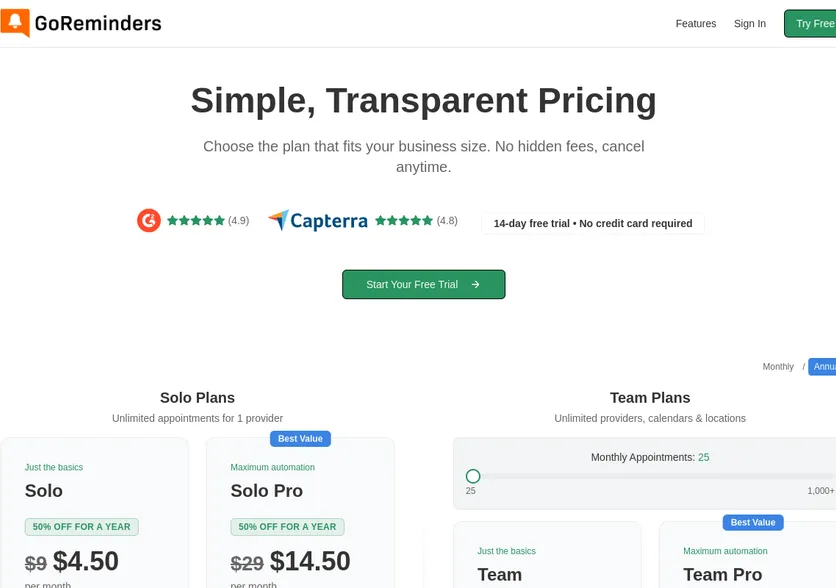
Paid tool Starting price: $8/month · Eight dollars a month on Solo (vendor-supplied pricing); several directories list $9 a month, so confirm the figure at checkout; Solo Pro is $24 a month
Free plan: 14-day free trial
A one-person business that wants the cheapest dedicated reminder tool will find this GoReminders plan costs eight dollars a month, and it sends text and email reminders with confirmations for that price. It keeps the job simple: automated SMS and email reminders, confirmations and calendar integration, with online booking included. There is no booking website to build and no payments module to learn, which is the whole point at this price.
What we like
- The cheapest dedicated reminder tool in this list
- Text and email reminders with confirmations
- Online booking included with no extra setup
Watch out for
- Solo covers one reminder per appointment only
- Two-way messaging and richer features cost extra
How to try it
- Connect a Google, iCloud or Outlook calendar
- Set the reminder schedule for appointments
- Let it text clients and collect confirmations
8. Trumpia
Best for: Businesses that want SMS plus email in one plan
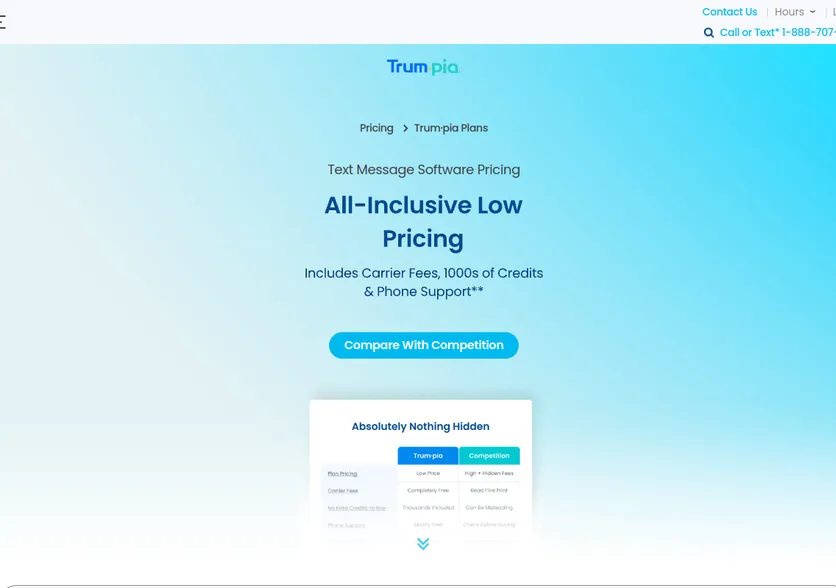
Paid tool Starting price: $60/month · Sixty dollars a month on the Standard plan if paid annually, for 2,000 monthly SMS credits; Smart is $95 a month if paid annually for 3,000 credits; the monthly-billed figure is not published on the pricing page
Free plan: 14-day free trial
A business that wants reminders by text and email from one tool will find this Trumpia plan costs sixty dollars a month if paid annually for two thousand SMS credits, and the automation handles both channels. It bundles SMS with email, so one plan covers both channels and one workflow can move a customer from a text to an inbox. The automation is deeper than the cheaper tools, with scoring and tracking that suit a business sending thousands of messages.
What we like
- SMS and email in every plan
- Automation workflows with scoring and tracking
- Rollover credits on Smart plans
Watch out for
- The headline rate is the annual-billing figure
- Standard plan credits expire after 30 days
How to try it
- Pick a plan size by monthly message volume
- Import contacts and set up keywords
- Build an automation workflow for reminders or offers
Prices above were checked on each vendor’s own website on Nov 28, 2026 and can change — the vendor’s page is the final word. Vendor links are editorial: nobody paid to be listed or ranked here. Vendors who want a featured listing can see how it works on our Get listed page.
How to set up appointment reminders that clients actually confirm
Start with the calendar, not the message, because reminders only work if they trigger from real appointments automatically. Connect the tool to the calendar the business already uses, then set two reminders: one two days before and one on the morning of the appointment. Write the message short, with the date, time and address, and ask for a one-letter reply to confirm. Finally, watch the confirmation replies daily, because a no-reply is the early warning that a slot is about to go empty.
Before you buy
- Confirm the tool connects to the calendar the business already uses, not a new one
- Check whether clients can confirm or reschedule by replying to the text itself
- Make sure a second reminder goes out on the morning of the appointment
- Ask how many messages each plan includes, and what extra reminders cost in a busy month
- Test the reminder flow on your own phone before sending it to real clients
Official websites
Official websites of the products reviewed above. Features and prices were checked against these sites when this guide was written, and they can change, so confirm on the vendor site before you buy.
Frequently asked questions
What is SMS software for appointment reminders?
It is software that sends text reminders to customers before their appointments, usually two days ahead and again on the morning of the visit. Clients can confirm or reschedule by replying, which cuts no-shows and frees staff from chasing people by phone.
How much does Apptoto cost?
Apptoto Standard costs thirty dollars a month for one user and calendar, or twenty-three dollars and ten cents billed annually. Older listings show a thirty-nine dollar Starter plan for three calendars, so confirm the plan at checkout. The HIPAA plan costs two hundred and eight dollars a month.
Which SMS tool is best for appointment reminders?
Apptoto is the best pick for a business that likes its current calendar, since it layers reminders over Google, Outlook or iCloud without replacing anything. GoReminders is the cheapest dedicated tool at eight dollars a month, and it suits a solo provider who wants the simplest possible setup.
How many reminders should a business send per appointment?
Two reminders work best: one two days before the appointment and one on the morning of it. One reminder is easy to forget, and three starts to annoy clients. The morning reminder matters most, because it catches the clients who forgot to put the appointment in their own calendar.
Can I try SMS reminder software for free?
Yes, every tool in this list offers a free trial. Apptoto and GoReminders give fourteen days, Textedly gives fourteen days, and SlickText offers a trial with no card required. The trials include enough messages to run reminders for a full week of real appointments before paying.
Compare the eight tools above, then start a free trial on the one that fits the business's calendar before paying for a full year.
Browse Business Tools tools