On this page
Validation is not paperwork for its own sake: an IQ, OQ or PQ protocol proves a system was installed, works as intended and performs under real conditions. The seven tools below generate those protocols and the reports that close them out. Greenlight Guru leads because it starts at twelve thousand dollars a year and ships validation documentation with every release, and the rest are ranked on how completely they cover validation for the price.
How we researched this
We checked every price on the vendor pricing page on November 28, 2026, and only included tools with a published US dollar list price. ValGenesis, Kneat, Veeva Vault QMS, ZenQMS and Scilife all sell by quote, so they are not in this list. Prices change, so confirm the current figure on the vendor site before you buy.
Compare the tools
| Name | Best for | Starting price | Free plan | |
|---|---|---|---|---|
 Greenlight Guru | Medical device makers preparing for audit | $12,000/year | No free plan; demo by request | Visit |
 Qualio | Life sciences teams wanting one quality platform | $25,000/year | No free plan; demo by request | Visit |
 SimplerQMS | Small life sciences teams without a validation expert | $17,500/year | No free plan; free trial available | Visit |
| Dot Compliance | Small regulated companies needing validation included | $10,000/year | Free trial available | Visit |
| QT9 QMS | Manufacturers wanting every quality module included | $10,000/year | Free trial available | Visit |
 isoTracker | Small teams starting a quality system | $17/user/month | Free trial available | Visit |
| MasterControl | Large regulated companies facing regular audits | $25,000/year | No free plan; demo by request | Visit |
The software for IQ OQ PQ protocol generation, compared
1. Greenlight Guru
Best for: Medical device makers preparing for audit
Paid tool Starting price: $12,000/year · Twelve thousand dollars a year starting on eQMS packages; electronic data capture subscriptions start at nine thousand dollars a year, and implementation is quoted separately; a third-party estimate of six hundred dollars per user a month is not a vendor figure
Free plan: No free plan; demo by request
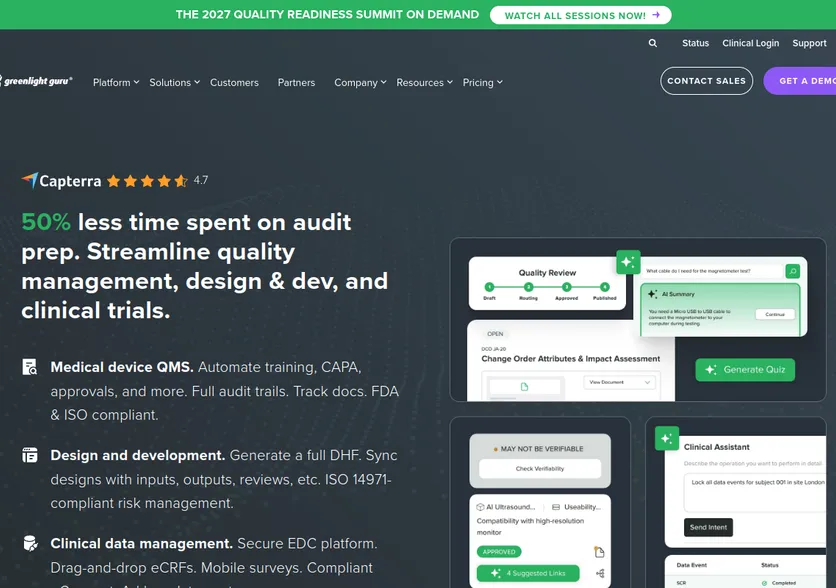
For a medical device company that needs validation built into its quality system, this Greenlight Guru plan costs twelve thousand dollars a year starting, and it ships validation documentation with every release, including the IQ protocol and completed OQ and PQ reports. Its quality workflows cover design controls, risk and complaints in one place. It is the most validation-ready tool here for a device maker preparing for audit.
What we like
- Validation documentation ships with every release
- Design controls, risk and complaints in one place
- Built for medical device regulations
Watch out for
- Implementation is quoted separately
- No free trial, only an interactive tour and demo
How to try it
- Book a demo and map the current quality processes
- Import documents and set up design controls
- Run the first validation with the built-in protocols
2. Qualio
Best for: Life sciences teams wanting one quality platform
Paid tool Starting price: $25,000/year · Twenty-five thousand dollars a year starting on the vendor pricing page, as a flat annual platform fee; the three plans cover five, ten and ten-plus edit users with unlimited basic users, and older listings showing eight hundred dollars a month are superseded
Free plan: No free plan; demo by request
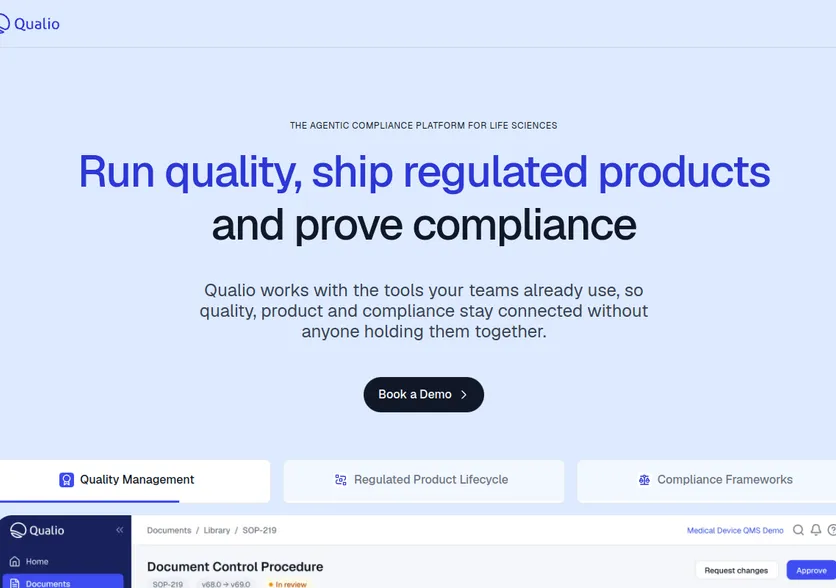
For a life sciences team that wants quality management on one platform, this Qualio plan costs twenty-five thousand dollars a year starting, and it covers documents, training, complaints and suppliers with validation-ready workflows. Its flat annual fee includes unlimited basic users, so the whole company can read and train without extra seats. It is the simplest platform here for a growing regulated team.
What we like
- Documents, training and complaints in one platform
- Flat annual fee with unlimited basic users
- Validation-ready workflows for regulated teams
Watch out for
- The entry price is high for a very small team
- No free plan or free trial
How to try it
- Book a demo and map the quality processes
- Import documents and assign training
- Set up validation workflows for the first system
3. SimplerQMS
Best for: Small life sciences teams without a validation expert
Paid tool Starting price: $17,500/year · Seventeen thousand five hundred dollars a year starting on Starter for up to fifteen users; the price includes implementation, IQ, OQ and PQ validation services, data migration and unlimited live training, with no extra onboarding fees; the one thousand two hundred dollar a month figure in some listings is wrong
Free plan: No free plan; free trial available
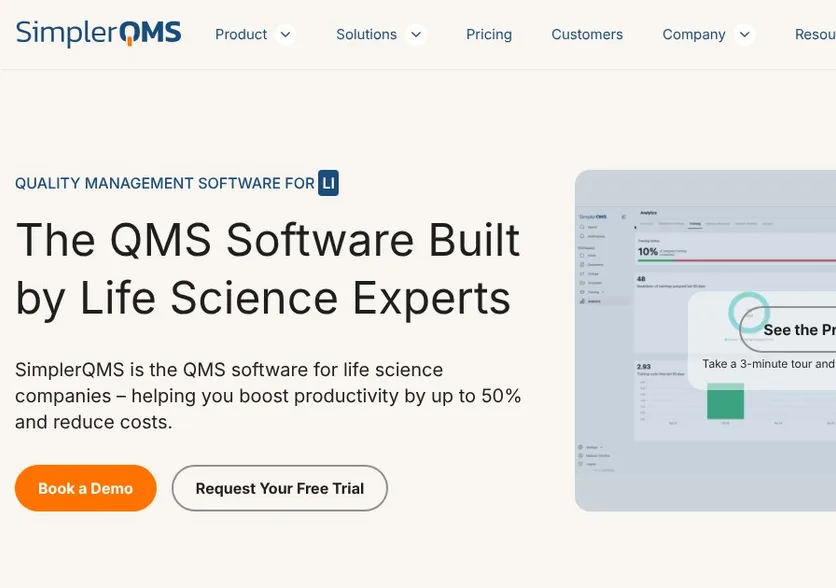
For a small life sciences company that wants validation done for it, this SimplerQMS plan costs seventeen thousand five hundred dollars a year starting, and it includes implementation plus IQ, OQ and PQ validation services in the price. Its templates cover the standard quality processes, and training is unlimited. It is the best supported option here for a team with no in-house validation expert.
What we like
- Validation services included in the price
- Implementation and data migration included
- Unlimited live training for the team
Watch out for
- Starter caps at fifteen users
- Team and Enterprise plans are quoted
How to try it
- Start the free trial and import documents
- Work through the validation service onboarding
- Roll out templates to the quality team
4. Dot Compliance
Best for: Small regulated companies needing validation included
Paid tool Starting price: $10,000/year · Ten thousand dollars a year starting, with validation included, from directory listings; the vendor page was not read directly, so confirm the figure on the vendor site before buying
Free plan: Free trial available
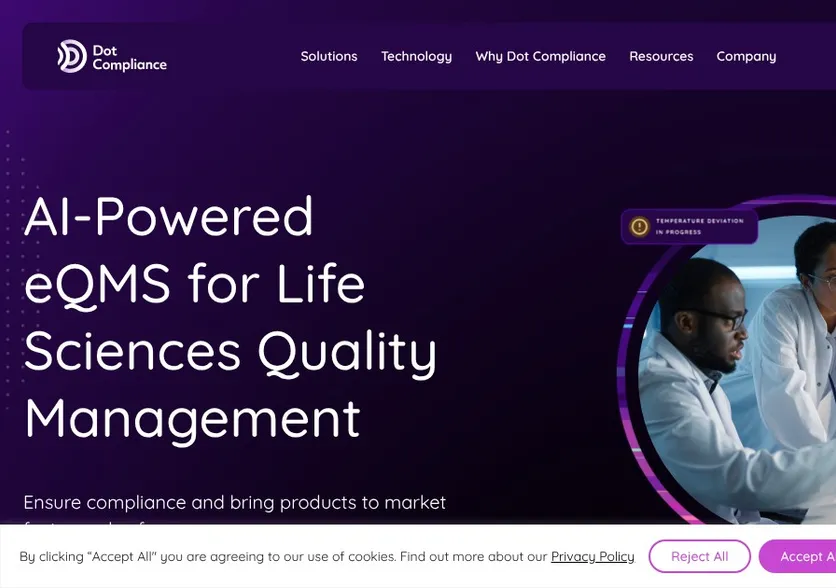
For a regulated team that needs a quality system with validation at the lowest annual price here, this Dot Compliance plan costs ten thousand dollars a year starting, and it covers quality processes with validation included in the subscription. Its cloud setup suits teams that need to be audit-ready without on-premise servers. It is the cheapest annual platform here for a small regulated company.
What we like
- Validation included in the subscription
- Lowest annual starting price in this list
- Cloud setup with no servers to run
Watch out for
- Price is directory-sourced, not read from the vendor page
- Smaller vendor than the big quality platforms
How to try it
- Start the free trial and import quality documents
- Set up the validation workflows
- Run the first protocol and review the report
5. QT9 QMS
Best for: Manufacturers wanting every quality module included
Paid tool Starting price: $10,000/year · Ten thousand dollars a year, including all twenty-five-plus modules, from directory listings; the vendor page was not read directly, so confirm the figure on the vendor site before buying
Free plan: Free trial available
For a manufacturer that wants every quality module in one price, this QT9 QMS plan costs ten thousand dollars a year, and it includes all twenty-five-plus modules, from documents and training to audits and nonconformances. Its modular design lets a team switch on only the processes it needs. It is the most complete single-price quality system here for a manufacturer.
What we like
- All twenty-five-plus modules in one price
- Modules can be switched on as needed
- Covers documents, training, audits and more
Watch out for
- Price is directory-sourced, not read from the vendor page
- Interface feels older than the cloud-first rivals
How to try it
- Start the free trial and pick the modules needed
- Import documents and set up training
- Run the first validation protocol
6. isoTracker
Best for: Small teams starting a quality system
Paid tool Starting price: $17/user/month · Seventeen dollars per user a month, from directory listings, as a recurring subscription priced by users and modules; the vendor page was not read directly, so confirm the figure on the vendor site before buying
Free plan: Free trial available
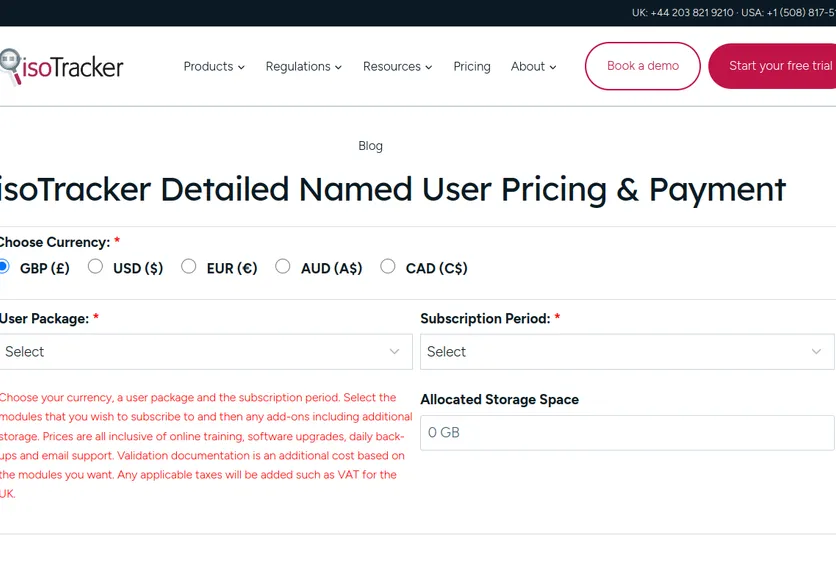
For a small team that wants quality management priced per user, this isoTracker plan costs seventeen dollars per user a month, and it covers document control, complaints, audits and training with validation-ready processes. Its per-user pricing keeps the bill small while the team is small. It is the most flexible budget pick here for a team starting its quality journey.
What we like
- Per-user pricing keeps small teams cheap
- Covers documents, complaints, audits and training
- Modules can be added as the team grows
Watch out for
- Price is directory-sourced, not read from the vendor page
- Fewer integrations than the bigger platforms
How to try it
- Start the free trial and add the team
- Import documents and set up the modules
- Run the first protocol and review the output
7. MasterControl
Best for: Large regulated companies facing regular audits
Paid tool Starting price: $25,000/year · Twenty-five thousand dollars for the first year with a five-licence minimum, from a single directory listing; the figure is not confirmed on the vendor page, so confirm it with MasterControl before buying
Free plan: No free plan; demo by request
For a large regulated company that needs an enterprise quality platform, this MasterControl plan costs twenty-five thousand dollars for the first year, and it runs documents, training, audits and validation across the whole organisation. Its long track record in life sciences suits companies facing regular audits. It is the most established enterprise option here for a team that needs depth and scale.
What we like
- Enterprise quality platform with a long track record
- Documents, training and audits in one system
- Scales across large organisations
Watch out for
- Price is a single directory listing, not vendor-confirmed
- No free trial, only a demo
How to try it
- Book a demo and map the quality processes
- Plan the five-licence minimum rollout
- Import documents and set up validation workflows
Prices above were checked on each vendor’s own website on Nov 28, 2026 and can change — the vendor’s page is the final word. Vendor links are editorial: nobody paid to be listed or ranked here. Vendors who want a featured listing can see how it works on our Get listed page.
How to run a validation that survives an audit
Start from the user requirements, because a protocol that does not trace back to a requirement will not survive an audit. Write the IQ, OQ and PQ protocols before the system goes live, not after, and keep the acceptance criteria measurable so a pass or fail is never a judgement call. Record every deviation as it happens, with its cause and its fix, rather than tidying the record later. Keep the executed protocols with the system record, and review them at every change, since a system that changed without revalidation is the most common audit finding.
Before you buy
- Check whether validation services are included or billed separately, since the service often costs more than the software
- Confirm the tool generates IQ, OQ and PQ protocols, not just document storage with a validation label
- Ask whether the price covers all users or only edit users, since read-only staff still need access
- Make sure the tool traces protocols back to requirements, so an auditor can follow the chain
- Test the tool on one real system before paying, including a full protocol from draft to signed report
Official websites
Official websites of the products reviewed above. Features and prices were checked against these sites when this guide was written, and they can change, so confirm on the vendor site before you buy.
Frequently asked questions
What is software for IQ OQ PQ protocol generation?
It is software that creates and manages the installation, operational and performance qualification protocols for regulated systems, and it records the executed tests and reports that prove the system works as intended. IQ checks the system was installed correctly, OQ checks it works within its limits, and PQ checks it performs under real conditions. The tools here cover quality management with validation built in, from ten thousand dollars a year.
How much does Greenlight Guru cost?
Greenlight Guru starts at twelve thousand dollars a year on eQMS packages, with electronic data capture subscriptions from nine thousand dollars a year. Implementation is quoted separately. Validation documentation ships with every release, including the IQ protocol and completed OQ and PQ reports. There is no free trial, but an interactive tour and a live demo are available.
Can I generate validation protocols for free?
No, not with the tools here. SimplerQMS, Dot Compliance, QT9 and isoTracker offer free trials, and Greenlight Guru offers an interactive tour, but every tool in this list is paid. The cheapest annual starting price is ten thousand dollars a year, and the cheapest per-user price is seventeen dollars per user a month on isoTracker. Budget for validation services too, since several vendors charge for them separately.
Which tool is best for a small life sciences team?
SimplerQMS is the best pick for a small team, at seventeen thousand five hundred dollars a year starting for up to fifteen users, with validation services, implementation and training included. Dot Compliance is the cheapest annual platform, at ten thousand dollars a year starting. isoTracker is the best per-user pick, at seventeen dollars per user a month.
What is the difference between IQ, OQ and PQ?
IQ, or installation qualification, proves the system was installed correctly against its specification. OQ, or operational qualification, proves it works within its operating limits. PQ, or performance qualification, proves it performs consistently under real conditions. A complete validation needs all three, with protocols written before testing and reports signed after, which is what the tools here are built to manage.
Compare the seven tools above, then trial the one that fits the team size and budget on a single real system, and check the full protocol from draft to signed report before paying.
Browse Business Tools tools