On this page
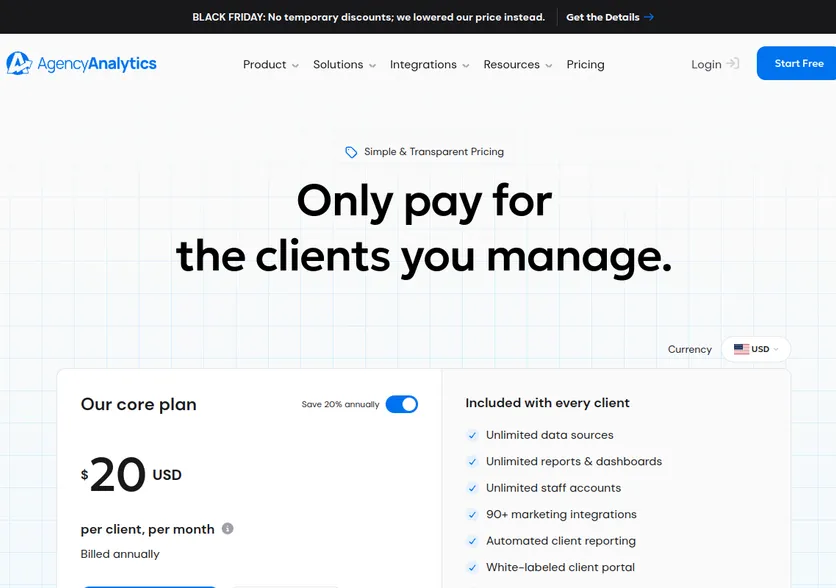
Clients do not want a spreadsheet from every channel; they want one report that shows what the ads, search and social work actually did. The eight tools below pull Google, Meta, LinkedIn and more into branded dashboards and scheduled reports. AgencyAnalytics leads because it charges per client, not per seat, at twenty dollars a client a month billed annually. Pick the tool whose billing model matches how your client list actually grows.
How we researched this
We checked every price on the vendor pricing page on November 28, 2026, and only included tools with a published US dollar list price. Reporting platforms that sell by quote, including TapClicks and NinjaCat, publish no prices, so they are not in this list. Prices change, so confirm the current figure on the vendor site before you buy.
Compare the tools
| Name | Best for | Starting price | Free plan | |
|---|---|---|---|---|
 AgencyAnalytics | Agencies reporting for many clients at once | $20/client/month | 14-day free trial | Visit |
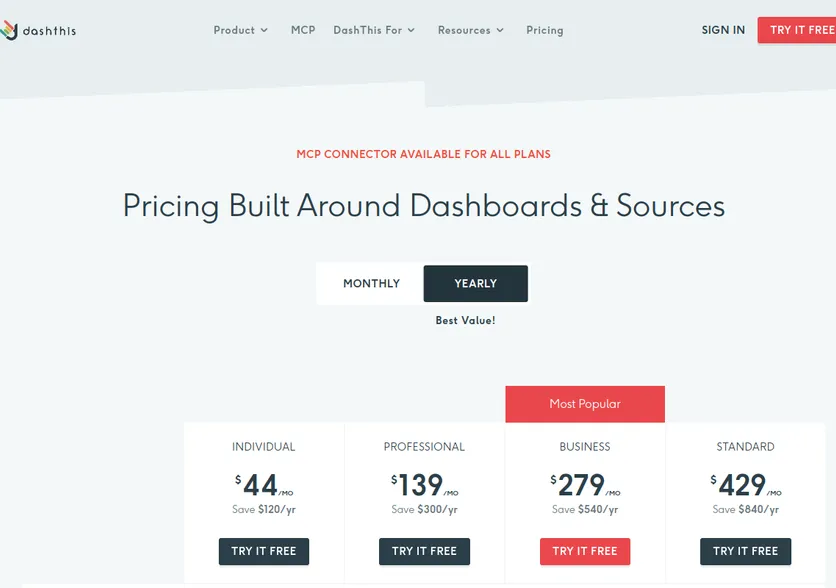
 DashThis | Small agencies that want clean reports fast | $44/month | 14-day free trial | Visit |
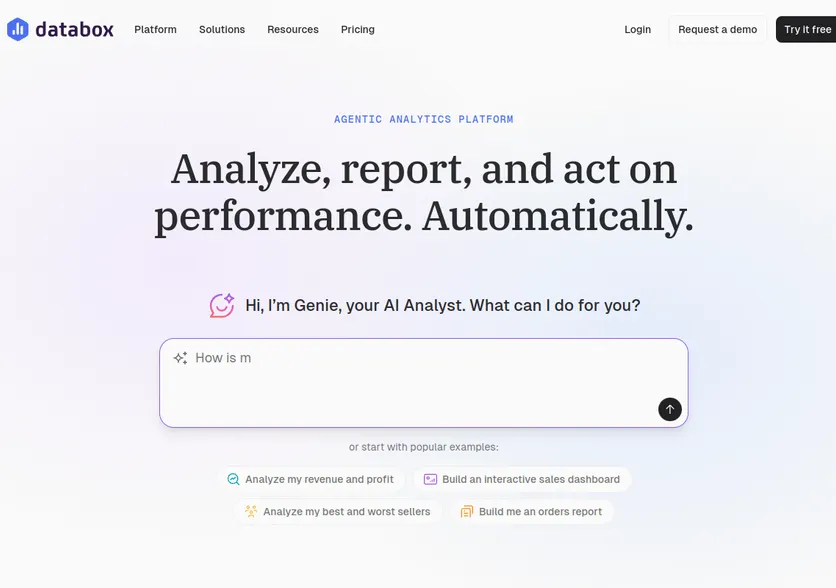
 Databox | Teams that want AI analysis on top of dashboards | $399/month | No free plan | Visit |
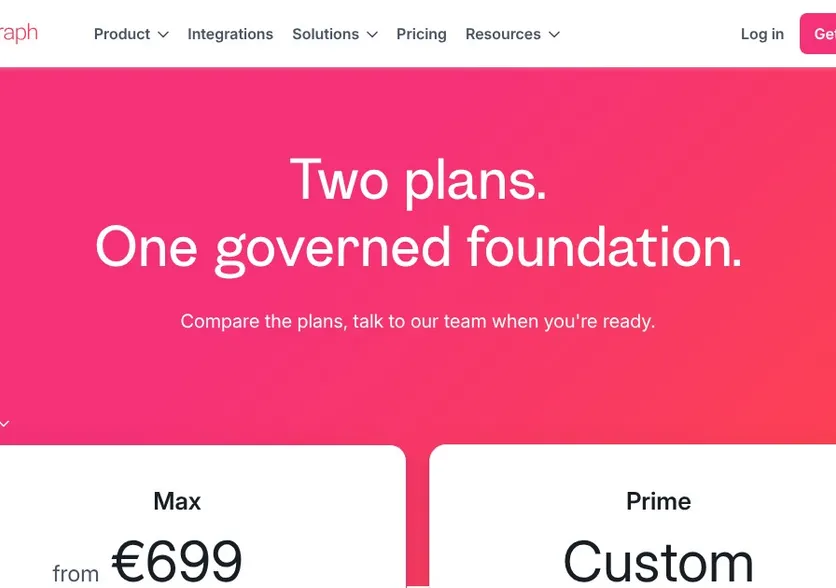
 Whatagraph | Large agencies that need premium-looking reports | $812/month | Demo only | Visit |
 Swydo | Agencies that want one flat predictable price | $69/month | 14-day free trial | Visit |
| Coupler.io | Teams that build reports in Sheets or Looker Studio | $24/month | Free plan | Visit |
 Klipfolio | Teams that build custom dashboards from scratch | $120/month | Free plan | Visit |
| ReportGarden | Small agencies with a stable client roster | $75/month | 14-day free trial | Visit |
The software for multi-channel marketing reports, compared
1. AgencyAnalytics
Best for: Agencies reporting for many clients at once
Paid tool Starting price: $20/client/month · Twenty dollars per client a month billed annually, or twenty-five dollars month to month; the Volume plan for twenty-five or more clients is quoted
Free plan: 14-day free trial
AgencyAnalytics charges by the client, which keeps the bill predictable, and this AgencyAnalytics plan costs twenty dollars per client a month billed annually, covering dashboards and reports across more than eighty integrations. Each client gets a branded portal, reports go out on schedule, and the rank tracker and SEO tools sit in the same system. It is the default pick for agencies that report for many clients.
What we like
- Per-client pricing that scales with your roster
- More than eighty native integrations
- Branded client portals and scheduled reports
Watch out for
- Rank tracking is a paid add-on
- The Volume plan for twenty-five plus clients is quoted
How to try it
- Connect your ad, search and social accounts
- Build a dashboard template for one client
- Clone it across clients and schedule delivery
2. DashThis
Best for: Small agencies that want clean reports fast
Paid tool Starting price: $44/month · Forty-four dollars a month billed yearly, or fifty-four dollars month to month, for three dashboards and fifteen data sources; older directory figures of forty-nine dollars are stale
Free plan: 14-day free trial
DashThis keeps reporting simple and good-looking, and this DashThis plan costs forty-four dollars a month billed yearly for three dashboards and fifteen data sources, pulling Google, Meta and more into clean client reports. Templates do most of the work, so a new client report takes minutes rather than hours, and the fourteen-day trial needs no card. It fits a small agency that wants nice reports without a learning curve.
What we like
- Templates make a new client report in minutes
- Fourteen-day trial with no card required
- Clean dashboards clients actually read
Watch out for
- Only three dashboards on the entry plan
- White-label depth is limited at this tier
How to try it
- Connect your marketing accounts to DashThis
- Pick a template and add your client branding
- Schedule the report to send automatically
3. Databox
Best for: Teams that want AI analysis on top of dashboards
Paid tool Starting price: $399/month · Three hundred and ninety-nine dollars a month billed annually, or four hundred and ninety-nine dollars month to month, on the Business plan for up to ten users and thirty data sources; the Agency plan starts at seventy-nine dollars a month for four clients
Free plan: No free plan
Databox has rebuilt itself around AI analysis, and this Databox plan costs three hundred and ninety-nine dollars a month billed annually on the Business plan for up to ten users and thirty data sources. Its AI analyst watches the numbers, flags what changed and drafts summaries, which saves hours on reporting day. It suits a team that wants insight, not just charts.
What we like
- AI analyst flags changes and drafts summaries
- More than one hundred and thirty integrations
- Goal tracking and alerts built in
Watch out for
- No free plan remains on the current pricing page
- The Business plan is pricey for a small team
How to try it
- Connect your data sources to Databox
- Build dashboards for each channel
- Let the AI analyst summarise the month
4. Whatagraph
Best for: Large agencies that need premium-looking reports
Paid tool Starting price: $812/month · Eight hundred and twelve dollars a month billed annually for the Max plan; the vendor publishes six hundred and ninety-nine euros a month and a later October read shows nine hundred and ninety-nine euros, so confirm the current figure before buying
Free plan: Demo only
Whatagraph is the premium reporting platform in this list, and this Whatagraph plan costs eight hundred and twelve dollars a month billed annually for the Max plan, with fifty source credits included. Reports look genuinely designed rather than assembled, and the platform handles large agencies with custom templates and data blending. It fits an agency that charges premium fees and needs reports to match.
What we like
- Beautiful reports that look designed, not assembled
- Data blending across channels in one view
- Fifty source credits included in Max
Watch out for
- The price is far above the rest of this list
- No monthly billing and no free trial
How to try it
- Connect your channels and assign source credits
- Build a custom report template
- Schedule branded delivery to each client
5. Swydo
Best for: Agencies that want one flat predictable price
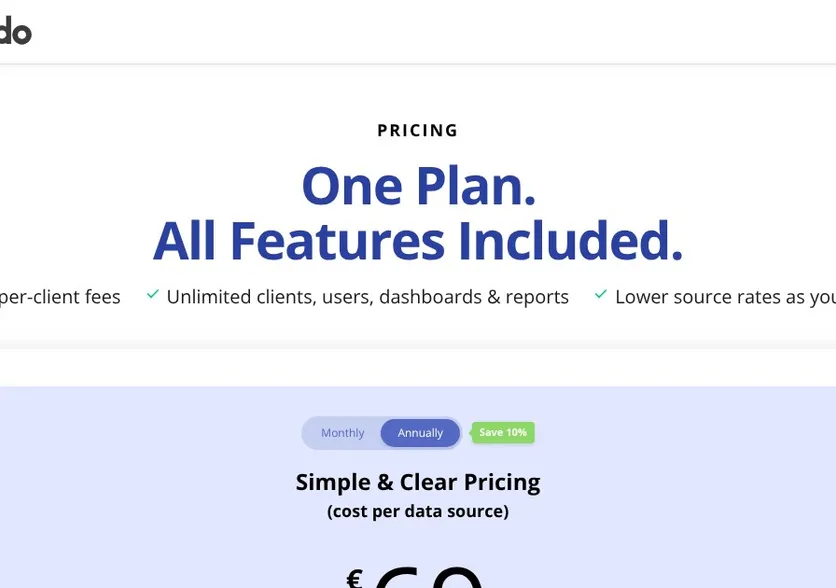
Paid tool Starting price: $69/month · Sixty-nine dollars a month, or sixty-two dollars billed annually, with ten data sources included and unlimited users and clients; extra sources cost four dollars and fifty cents each
Free plan: 14-day free trial
Swydo prices by the data source, which makes the bill easy to predict, and this Swydo plan costs sixty-nine dollars a month, or sixty-two dollars billed annually, with ten data sources included and unlimited users and clients. Every feature and white-labelling is in the base rate, and the monitoring tools watch client accounts between reports. It is the best pick for an agency that hates surprise bills.
What we like
- Unlimited clients, users and reports in the base rate
- Monitoring watches accounts between reports
- White-labelling included, not an add-on
Watch out for
- Only forty native integrations
- SEO rank tracking is a paid add-on
How to try it
- Connect up to ten data sources
- Build a master template for all clients
- Turn on monitoring and schedule reports
6. Coupler.io
Best for: Teams that build reports in Sheets or Looker Studio
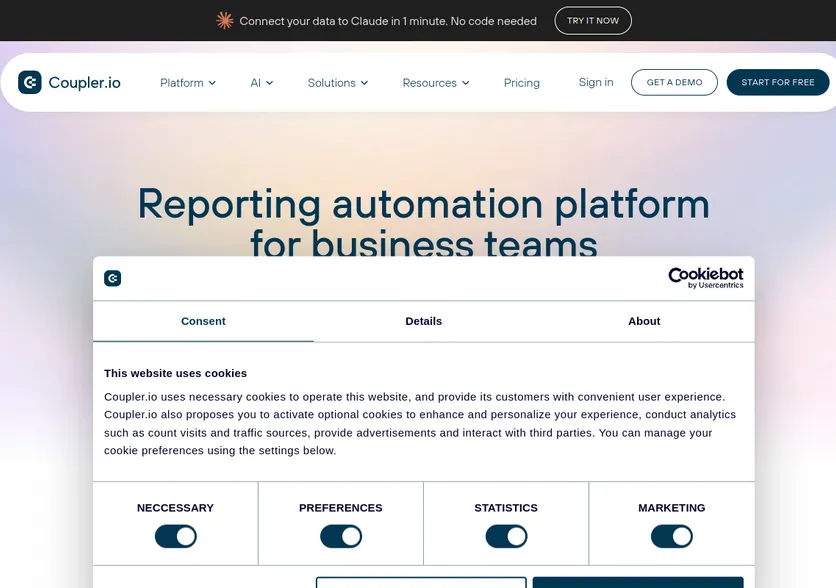
Paid tool Starting price: $24/month · Twenty-four dollars a month billed annually, or thirty-two dollars month to month, on the Starter plan; Active is ninety-nine dollars and Pro is one hundred and ninety-nine dollars billed annually
Free plan: Free plan
Coupler is the data pipeline behind the report, and this Coupler plan costs twenty-four dollars a month billed annually on the Starter plan, moving marketing data into spreadsheets, dashboards and warehouses on a schedule. It connects ads, analytics and CRM tools and keeps the numbers fresh without manual exports. It fits a team that builds reports in Looker Studio or Sheets.
What we like
- Automated data imports replace manual exports
- Free plan for a first pipeline
- Connects ads, analytics and CRM tools
Watch out for
- It moves data rather than designing reports
- Higher tiers are needed for frequent refreshes
How to try it
- Pick your sources and destination
- Set the refresh schedule for each import
- Build the report on the live data
7. Klipfolio
Best for: Teams that build custom dashboards from scratch
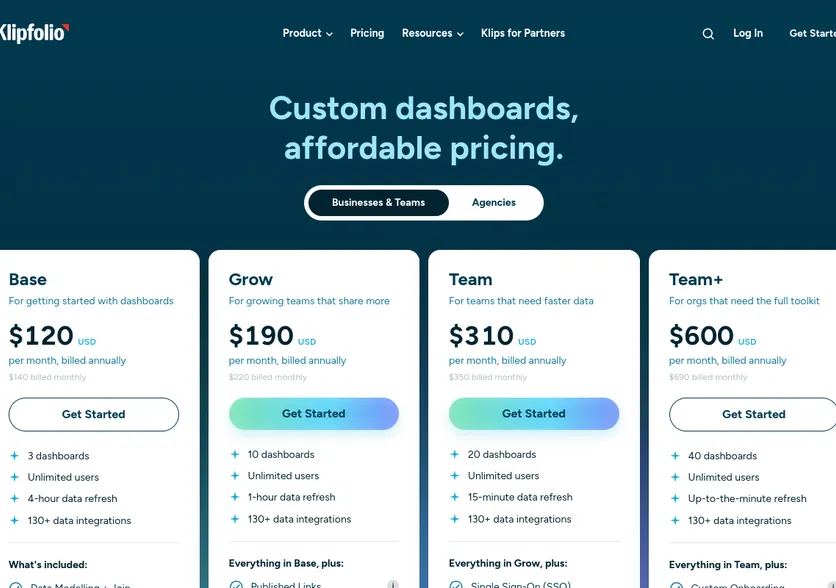
Paid tool Starting price: $120/month · One hundred and twenty dollars a month billed yearly, or one hundred and forty dollars month to month, for the Base plan with three dashboards; the agency Starter plan is one hundred and sixty dollars a month billed yearly
Free plan: Free plan
Klipfolio is the dashboard builder for teams that want control, and this Klipfolio plan costs one hundred and twenty dollars a month billed yearly for the Base plan with three dashboards and unlimited users. The editor lets you combine metrics from many sources into one view, and the free plan is enough to test the workflow. It suits a team that builds custom dashboards rather than using templates.
What we like
- Unlimited users on every plan
- Powerful editor for combining metrics
- Free plan for testing the workflow
Watch out for
- The learning curve is steeper than template tools
- Full white-labelling needs a higher plan or add-on
How to try it
- Connect your data sources to Klipfolio
- Build a dashboard with the Klip editor
- Share it with your team or client
8. ReportGarden
Best for: Small agencies with a stable client roster
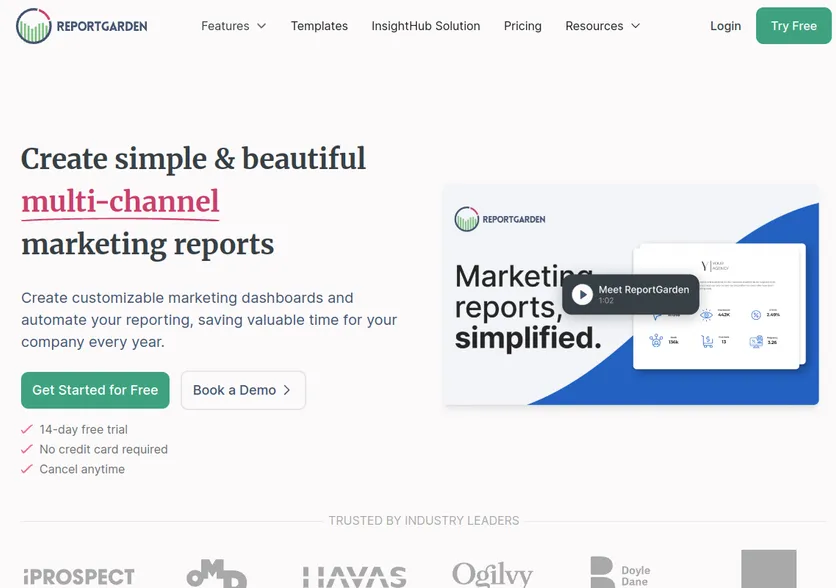
Paid tool Starting price: $75/month · Seventy-five dollars a month for the Standard plan covering up to five clients, listed against an eighty-nine dollar strikethrough; Professional is one hundred and twenty-five dollars a month for ten clients; the annual discount is not published
Free plan: 14-day free trial
ReportGarden keeps agency reporting simple and flat-priced, and this ReportGarden plan costs seventy-five dollars a month for the Standard plan covering up to five clients, with unlimited reports and dashboards. White-labelled PDFs, budgets and client portals are included, and the per-client caps make the bill easy to forecast. It fits a small agency with a stable roster of five to ten clients.
What we like
- Flat pricing by client count, easy to forecast
- White-labelled PDFs and client portal included
- Unlimited reports and dashboards
Watch out for
- No published tier past ten clients
- The annual discount is not published anywhere
How to try it
- Add your clients and connect their accounts
- Pick a template and add your branding
- Schedule white-labelled reports to each client
Prices above were checked on each vendor’s own website on Nov 28, 2026 and can change — the vendor’s page is the final word. Vendor links are editorial: nobody paid to be listed or ranked here. Vendors who want a featured listing can see how it works on our Get listed page.
How to build multi-channel reports clients actually read
Start with the question the report must answer, because a dashboard full of metrics that nobody asked for gets ignored. Pick the five numbers that decide whether the month worked, then build the report around them and leave the rest in an appendix. Use one template for every client so the team stops rebuilding reports from scratch, and set the report to send on the same day each month so clients know when to expect it. Check the data connections before the first send, since a broken integration shows up as a blank chart in front of a client. Finally, add a short written summary at the top of each report, because a client who understands the month in thirty seconds is a client who stays.
Before you buy
- Confirm the tool connects to every channel you report on, including ads and analytics
- Check whether white-labelling is included or sold as a paid add-on
- Ask how the price grows as you add clients, sources or dashboards
- Make sure scheduled reports send automatically on the same day each month
- Test a full report with a real client account before paying for a year
Official websites
Official websites of the products reviewed above. Features and prices were checked against these sites when this guide was written, and they can change, so confirm on the vendor site before you buy.
Frequently asked questions
What is multi-channel marketing reporting software?
It is software that pulls data from every marketing channel, such as Google Ads, Meta, LinkedIn, search and email, into one branded dashboard or report. Instead of exporting a spreadsheet from each platform, the agency sees performance in one place and sends clients a single scheduled report. The best tools also track goals and alert you when numbers move.
How much does marketing reporting software cost?
Prices in this list run from twenty-four dollars a month for a data pipeline to eight hundred and twelve dollars a month for a premium reporting platform. Most agencies land between forty-four and one hundred and twenty dollars a month. The billing model matters as much as the price: per-client, per-dashboard and per-source pricing grow very differently as your roster changes.
Per-client or per-source pricing: which is cheaper?
Per-client pricing wins when each client uses many channels, because the price stays flat no matter how many sources you connect. Per-source pricing wins when clients are simple and use only one or two channels each. Count your real clients and sources, then work out the monthly bill under each model before choosing, since the cheapest headline is rarely the cheapest at your size.
Do these tools white-label reports?
Yes, every tool in this list offers white-labelling, but the terms differ. Swydo and ReportGarden include it in the base plan, while Databox and Klipfolio charge for it as an add-on or on higher tiers. If clients must never see another brand, confirm that white-labelling covers the dashboard, the emailed report and the login page before you buy.
Can I automate client reports completely?
Mostly yes: connect the channels once, build a template, and schedule delivery on the same day each month. The tools will send the report without anyone touching it. The part that stays manual is the written summary at the top, which is also the part clients value most, so budget a few minutes per client to explain what the numbers mean.
Compare the eight tools above, then start with a free trial or the free plan on the tool whose billing model matches your client list before paying for a full year.
Browse Marketing & Ads Calculators tools