On this page
How we researched this
We checked each app store listing and vendor page in November 2026 and kept only apps with a published dollar price. Every app below turns a photo into an avatar, and we weighed entry price, art style range, free tier limits and whether the billing is a fair annual plan or a weekly trap.
Compare the tools
| Name | Best for | Starting price | Free plan | |
|---|---|---|---|---|
| Lensa | Anyone who wants avatars plus a photo editor | $29.99/year | No free plan; 7-day free trial | Visit |
| Reface | Anyone who wants fun face-swap avatar videos | $24.99/year | Free plan (limited features) | Visit |
| Facetune | Anyone who wants a polished professional avatar | $77.99/year | No free plan; 7-day free trial | Visit |
| ToonMe | Anyone who wants a quick cartoon avatar | $4.99/month | Free plan (watermarked, with ads); 3-day free trial | Visit |
| Avatoon | Anyone who wants a customizable cartoon character | $59.99/year | Free plan (limited styles); 3-day free trial | Visit |
| Voila AI Artist | Anyone who wants several art styles in one app | $29.99/year | Free plan (limited styles); 3-day free trial | Visit |
| Dollify | Anyone who hates subscriptions | $6.99 one-time | Free plan (limited slots) | Visit |
| Zmoji | Anyone who wants animated emoji stickers | $99.99/year | Free plan (limited starter set) | Visit |
The software for photo avatar creation, compared
1. Lensa
Best for: Anyone who wants avatars plus a photo editor
Paid tool Starting price: $29.99/year · Twenty-nine dollars and ninety-nine cents a year for Premium; seven dollars and ninety-nine cents a month, and Magic Avatars packs cost three dollars and ninety-nine cents to seven dollars and ninety-nine cents separately, though some reads show thirty-five dollars and ninety-nine cents a year, which is a different regional or promotional figure
Free plan: No free plan; 7-day free trial
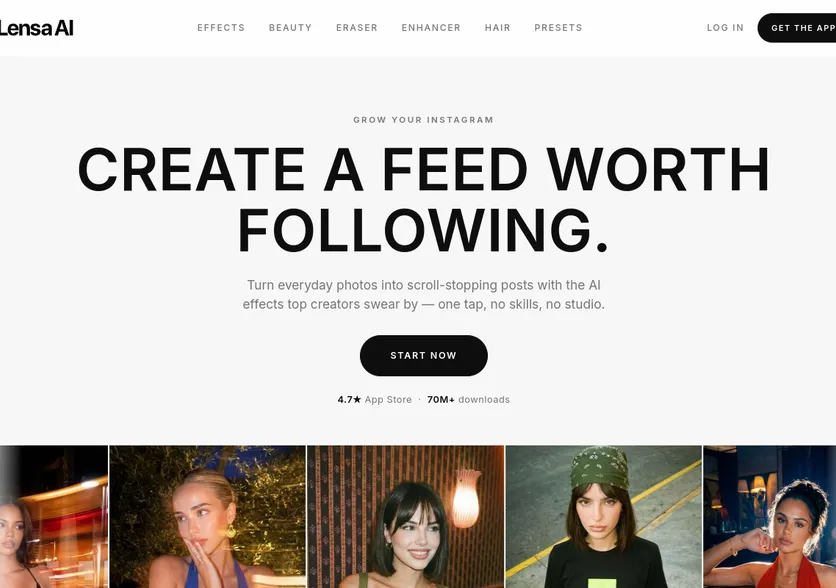
Lensa Premium costs twenty-nine dollars and ninety-nine cents a year, and it is the photo editor behind the viral Magic Avatars, turning selfies into stylized portraits in dozens of art styles. The premium plan unlocks the full editor with retouching and background tools, while avatar packs are bought separately. It is the best overall pick for someone who wants both a good photo editor and standout avatar packs in one app.
What we like
- Magic Avatars packs in dozens of art styles
- Full photo editor with retouching included
- Seven-day free trial to test the premium tools
Watch out for
- Avatar packs cost extra on top of Premium
- Some listings show a higher yearly price
How to try it
- Download the app and open a selfie
- Try a Magic Avatars pack or a style filter
- Save the avatar and share it as a profile picture
2. Reface
Best for: Anyone who wants fun face-swap avatar videos
Paid tool Starting price: $24.99/year · Twenty-four dollars and ninety-nine cents a year for the mobile annual plan; twelve dollars and ninety-nine cents a month and weekly plans from two dollars and forty-nine cents to six dollars and ninety-nine cents, which are best avoided, and the web Unboring Basic plan is ninety dollars and ninety-nine cents a year with Premium at one hundred nineteen dollars and ninety-nine cents a year
Free plan: Free plan (limited features)
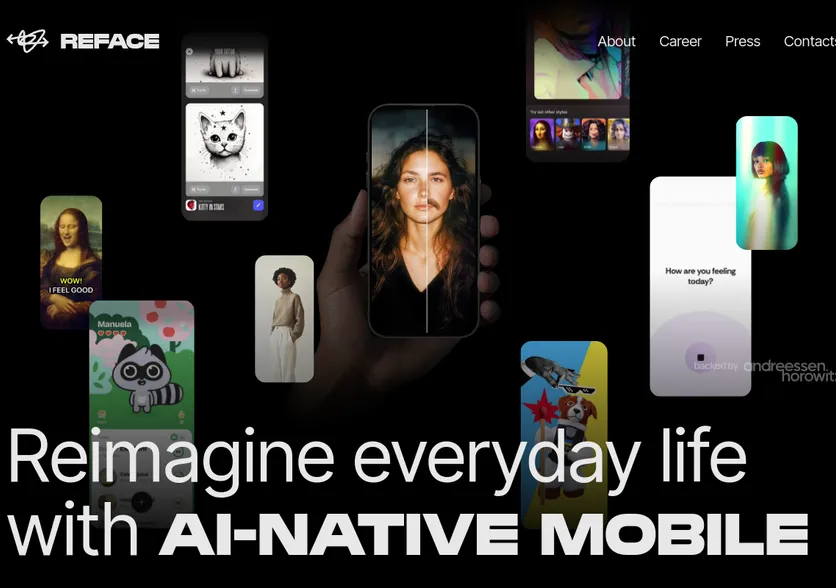
Reface mobile annual costs twenty-four dollars and ninety-nine cents a year, and it is the face-swap specialist here, putting a selfie onto videos, GIFs and photos in seconds. The free plan covers basic swaps with limits, while the annual plan unlocks the full library without the weekly billing trap. It fits someone who wants fun, shareable avatar videos rather than a single static portrait.
What we like
- Face swaps onto videos, GIFs and photos
- Cheapest annual plan in this comparison
- Free plan covers basic swaps
Watch out for
- Weekly billing options are a pricing trap
- Web pricing is much higher than mobile
How to try it
- Download the app and take a selfie
- Pick a video or GIF template
- Swap the face and share the result
3. Facetune
Best for: Anyone who wants a polished professional avatar
Paid tool Starting price: $77.99/year · Seventy-seven dollars and ninety-nine cents a year on the vendor site; twenty-five dollars a month or forty dollars a quarter, and in-app variants of thirty-five dollars and ninety-nine cents and forty-seven dollars and ninety-nine cents a year also appear, so the price depends on where the subscription is bought
Free plan: No free plan; 7-day free trial
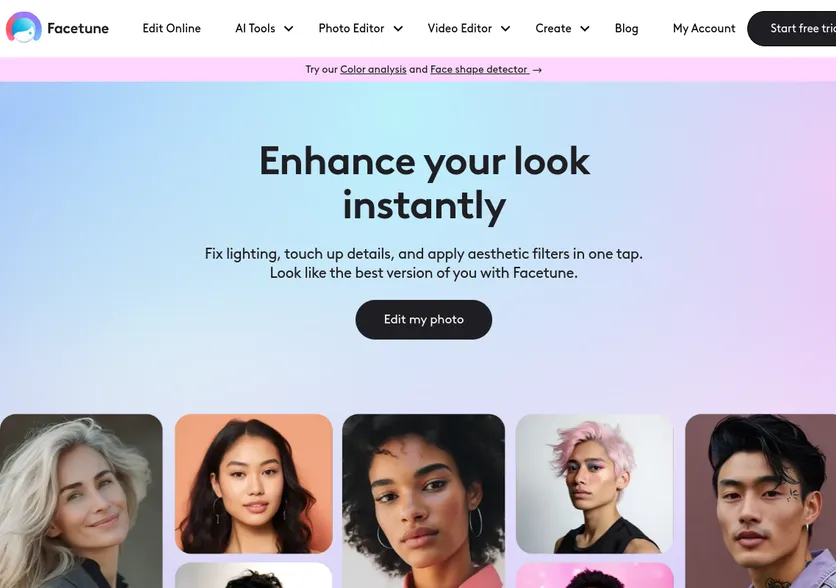
Facetune costs seventy-seven dollars and ninety-nine cents a year on the vendor site, and it is the polished selfie editor here, with retouching, reshaping and AI headshot tools that turn a phone photo into a clean avatar. The seven-day free trial lets a user test the full editor before paying. It suits someone who wants a professional-looking profile picture rather than a cartoon.
What we like
- Best retouching and AI headshot tools here
- Clean results that suit work profiles
- Seven-day free trial to test the editor
Watch out for
- Most expensive yearly plan in this list
- In-app prices differ from the website price
How to try it
- Download the app and open a portrait photo
- Try the retouching and AI headshot tools
- Export the avatar at full resolution
4. ToonMe
Best for: Anyone who wants a quick cartoon avatar
Paid tool Starting price: $4.99/month · Four dollars and ninety-nine cents a month for Pro; the annual plan is listed at twenty-nine dollars and ninety-nine cents a year on the App Store, though one directory lists fifty-nine dollars and ninety-nine cents a year, and the store listing is the fresher source, with prices shown in the app store listing since the vendor publishes no web pricing page
Free plan: Free plan (watermarked, with ads); 3-day free trial
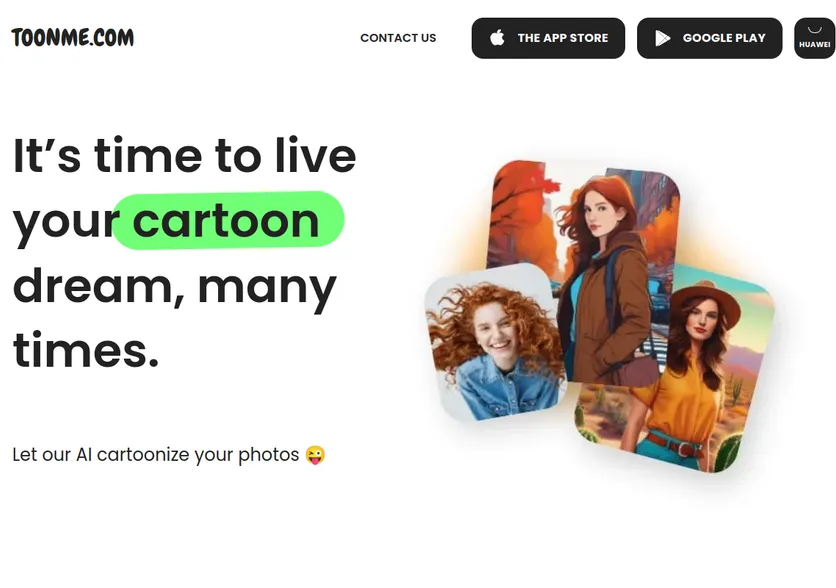
ToonMe Pro costs four dollars and ninety-nine cents a month, and it turns photos into cartoon portraits in a range of hand-drawn and 3D styles with one tap. The free tier works with ads and a watermark, while Pro removes both and unlocks the full style library and high-resolution exports. It is the value pick for someone who wants a cartoon avatar quickly without learning an editor.
What we like
- One-tap cartoon styles in many looks
- Free tier works without paying
- Annual plan listed at twenty-nine dollars and ninety-nine cents a year
Watch out for
- Free tier adds a watermark and shows ads
- Annual price varies between listings
How to try it
- Download the app and open a photo
- Pick a cartoon style and preview it
- Start the three-day trial for watermark-free exports
5. Avatoon
Best for: Anyone who wants a customizable cartoon character
Paid tool Starting price: $59.99/year · Fifty-nine dollars and ninety-nine cents a year for 1-Year Premium on the original IdeaLabs app; a newer app with a similar name lists ToonFace VIP at twenty-three dollars and forty-nine cents a year, so check that the download is the IdeaLabs original, with a one-month Premium at twelve dollars and ninety-nine cents a month and a three-day trial
Free plan: Free plan (limited styles); 3-day free trial
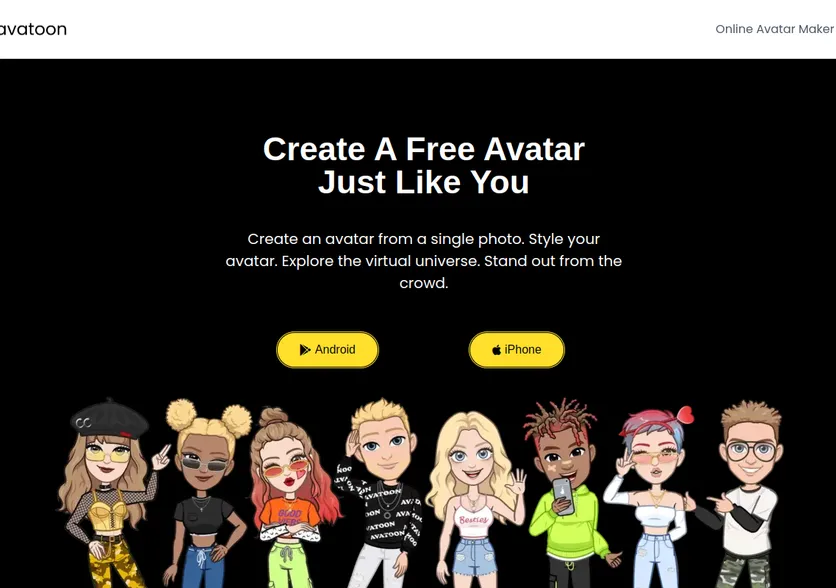
Avatoon Premium costs fifty-nine dollars and ninety-nine cents a year, and it builds a cartoon character from a selfie with deep customization of face, hair, clothes and poses. The app also makes personalized stickers and emoji from the finished avatar, which suits messaging. It fits someone who wants a hand-drawn style avatar with stickers, not just a single portrait.
What we like
- Deep customization of face, hair and outfits
- Personalized stickers and emoji included
- Three-day free trial before paying
Watch out for
- A newer lookalike app lists a different price
- Free tier limits styles and saves
How to try it
- Download the IdeaLabs app and take a selfie
- Customize the face, hair and outfit
- Save the avatar and create a sticker pack
6. Voila AI Artist
Best for: Anyone who wants several art styles in one app
Paid tool Starting price: $29.99/year · Twenty-nine dollars and ninety-nine cents a year; two dollars and ninety-nine cents a week or five dollars and ninety-nine cents a month, with some listings showing fifty-nine dollars and ninety-nine cents a year, and prices are the in-app subscription rates from the App Store listing since the vendor publishes no web pricing page
Free plan: Free plan (limited styles); 3-day free trial
Voila AI Artist costs twenty-nine dollars and ninety-nine cents a year, and it turns photos into 3D cartoons, Renaissance paintings and hand-drawn caricatures in one app. The style range is wider than most rivals here, covering both playful and classic art looks. It suits someone who wants several art styles from one subscription and likes trying a new look each week.
What we like
- Widest style range: 3D cartoon, painting and caricature
- Simple one-tap transformation
- Three-day free trial to test the styles
Watch out for
- Some listings show a higher yearly price
- Free tier limits styles and adds a watermark
How to try it
- Download the app and open a photo
- Try the 3D cartoon and painting styles
- Save the best result as a profile picture
7. Dollify
Best for: Anyone who hates subscriptions
Paid tool Starting price: $6.99 one-time · Six dollars and ninety-nine cents one-time for Premium; this is a one-time unlock, not a subscription, and the free tier limits saved slots, with prices from the app store listing since the vendor publishes no web pricing page
Free plan: Free plan (limited slots)
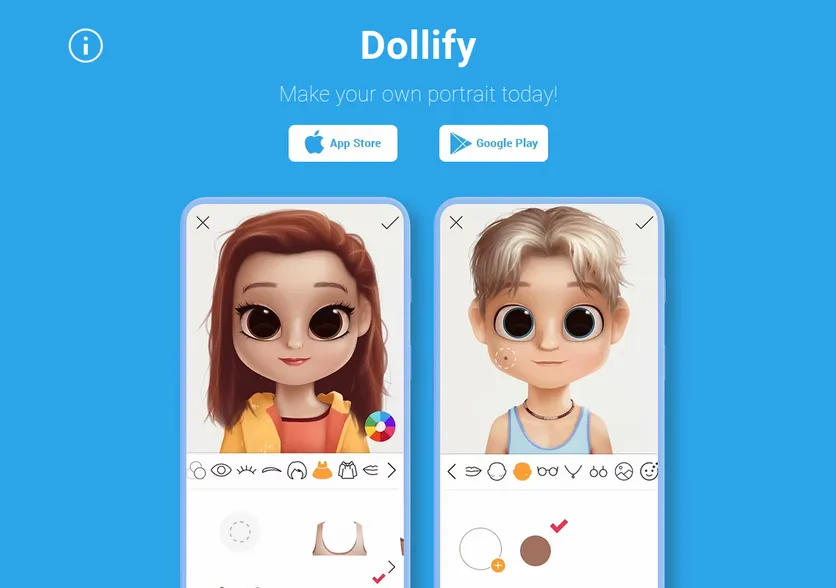
Dollify Premium costs six dollars and ninety-nine cents one time, and it is the only one-time purchase here, unlocking a cute doll-style avatar maker with big eyes and simple customization. The free tier lets a user build avatars but limits how many can be saved. It is the cheapest way into a cartoon avatar for someone who hates subscriptions.
What we like
- Only one-time purchase in this comparison
- Cute doll style that suits social profiles
- No recurring bill to remember or cancel
Watch out for
- Free tier limits saved avatar slots
- Fewer art styles than the AI apps
How to try it
- Download the app and build an avatar
- Try the free tier and check the saved slots
- Buy the one-time Premium unlock for full access
8. Zmoji
Best for: Anyone who wants animated emoji stickers
Paid tool Starting price: $99.99/year · Ninety-nine dollars and ninety-nine cents a year for Zmoji Premium; a sixty-nine dollars and ninety-nine cents a year variant also appears in store listings, and monthly Premium is listed at nine dollars and ninety-nine cents or nineteen dollars and ninety-nine cents a month, with prices from the App Store listing since the vendor publishes no web pricing page
Free plan: Free plan (limited starter set)
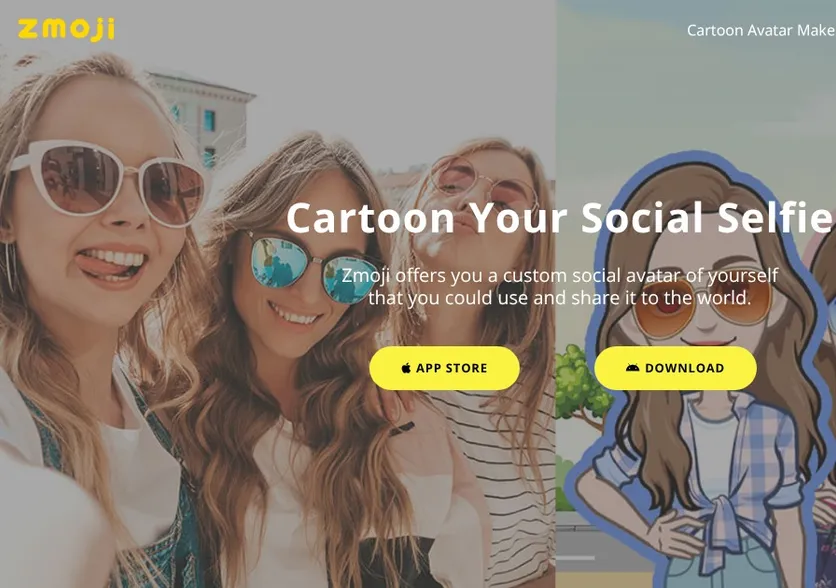
Zmoji Premium costs ninety-nine dollars and ninety-nine cents a year, and it is the animated emoji specialist here, turning a selfie into stickers that blink, smile and mirror facial expressions in real time. The free tier covers a small starter set, while Premium unlocks unlimited avatars and exclusive outfits. It fits someone who wants living stickers for messaging rather than a still profile picture.
What we like
- Animated stickers that mirror facial expressions
- Unlimited avatars on the Premium plan
- Works well for messaging and social apps
Watch out for
- Most expensive yearly plan in this list
- A cheaper yearly variant appears in some listings
How to try it
- Download the app and create an avatar
- Try the animated sticker styles
- Start Premium for unlimited avatars and outfits
Prices above were checked on each vendor’s own website on Nov 28, 2026 and can change — the vendor’s page is the final word. Vendor links are editorial: nobody paid to be listed or ranked here. Vendors who want a featured listing can see how it works on our Get listed page.
Picking the right avatar app
Before you buy
- Decide the look first: cartoon, polished headshot or animated sticker are different products
- Avoid weekly billing, because it can cost far more than the yearly plan over twelve months
- Check the free tier for watermarks and save limits before relying on it
- Confirm the price in the app store, because web and store prices often differ
- Test with one selfie first, since results vary a lot by lighting and face angle
Official websites
Official websites of the products reviewed above. Features and prices were checked against these sites when this guide was written, and they can change, so confirm on the vendor site before you buy.
Frequently asked questions
What is the best photo avatar app?
Lensa is the best overall pick because Premium costs twenty-nine dollars and ninety-nine cents a year and includes a full photo editor plus the viral Magic Avatars packs. Reface is best for fun face-swap videos, Facetune is best for polished headshots and Dollify is the cheapest with a one-time unlock. The right app depends on whether the goal is a cartoon, a headshot or a sticker.
Is there a free avatar app in this list?
Reface, ToonMe, Avatoon, Voila, Dollify and Zmoji all offer free tiers, though each limits styles, saves or exports, and most add a watermark or ads. Lensa and Facetune have no free plan but offer seven-day free trials. The free tiers are fine for testing, but a profile picture usually needs the paid plan.
What does Lensa cost per year?
Lensa Premium costs twenty-nine dollars and ninety-nine cents a year, or seven dollars and ninety-nine cents a month. Magic Avatars packs cost three dollars and ninety-nine cents to seven dollars and ninety-nine cents each on top of Premium. Some listings show thirty-five dollars and ninety-nine cents a year, which appears to be a different regional or promotional figure.
Which avatar app is cheapest?
Dollify Premium is the cheapest overall at six dollars and ninety-nine cents one time, with no recurring bill. Reface mobile annual at twenty-four dollars and ninety-nine cents a year is the cheapest yearly subscription, followed by ToonMe at four dollars and ninety-nine cents a month. Zmoji Premium at ninety-nine dollars and ninety-nine cents a year is the most expensive.
Are weekly avatar subscriptions a good deal?
Weekly plans are usually the worst deal in this list, because two dollars and ninety-nine cents a week still adds up to more than the yearly plan over twelve months. Reface lists weekly plans from two dollars and forty-nine cents to six dollars and ninety-nine cents, and Voila lists two dollars and ninety-nine cents a week. Always compare the yearly price before choosing a weekly option.
Compare the eight apps above, then start with a free trial or the free tier on the app whose style fits the profile picture before paying for a full year.
Browse Image Tools tools