On this page
Stock that sits in the wrong store is money on a shelf, and a chain that cannot move it fast loses sales twice. The eight tools below cover that job for retail chains of every size, from a free starter for one small shop to a platform that routes orders across warehouses. Cin7 Core leads because it tracks inventory across locations, automates purchase orders and syncs with sales channels for three hundred and forty-nine dollars a month on Standard, and the rest are ranked on how much transfer control they give for the price.
How we researched this
We checked every price on the vendor pricing page on November 29, 2026, and only included tools with a published US dollar list price. The quote-only inventory platforms that sell by sales call publish no prices, so they are not in this list. Prices change, so confirm the current figure on the vendor site before you buy.
Compare the tools
| Name | Best for | Starting price | Free plan | |
|---|---|---|---|---|
 Cin7 Core | Chains outgrowing spreadsheets | $349/month | No free plan; 14-day free trial | Visit |
 Lightspeed Retail | Chains selling in-store and online | $89/month | Free demo | Visit |
 Zoho Inventory | Small chains that want one cheap system | $29/month | Free plan (50 orders a month) | Visit |
 Katana | Makers and retailers that also manufacture | $299/month | No free plan; 14-day free trial | Visit |
 Ordoro | High-volume sellers shipping from many warehouses | $499/month | Free trial | Visit |
 ShipStation | Chains that ship from many locations | $14.99/month | No free plan; 30-day free trial | Visit |
 Epos Now | Small chains that want till and stock together | $39/month | No free plan; 30-day free trial | Visit |
 inFlow Inventory | Growing retailers counting stock weekly | $129/month | No free plan; 14-day free trial | Visit |
The stock transfer software for retail chains, compared
1. Cin7 Core
Best for: Chains outgrowing spreadsheets
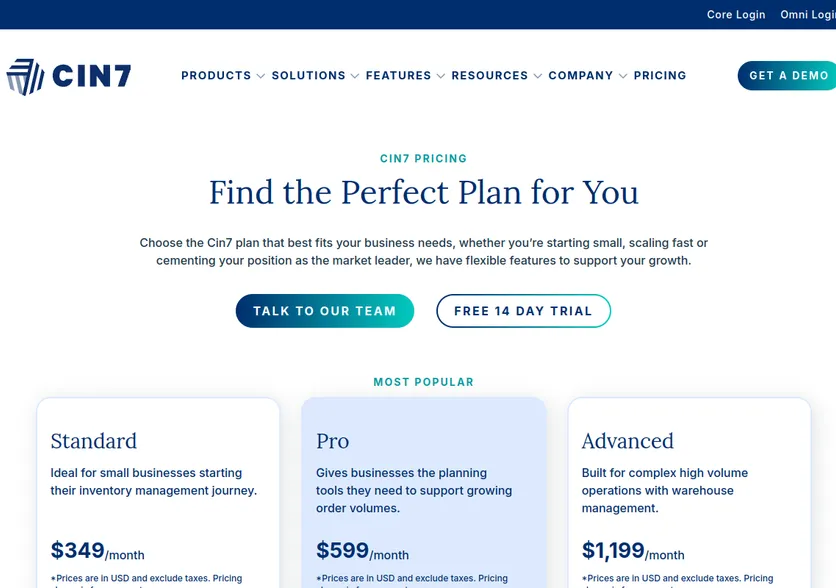
Paid tool Starting price: $349/month · Three hundred and forty-nine dollars a month on Standard; Pro is five hundred and ninety-nine dollars and Advanced is one thousand one hundred and ninety-nine dollars; fourteen-day trial, no free plan; the vendor publishes no billing term, and prices are listed for new customers; the Omni edition is quote-only
Free plan: No free plan; 14-day free trial
Retail chains that move stock between stores and warehouses need one system of record, and this Cin7 Core plan costs three hundred and forty-nine dollars a month on Standard. It tracks inventory across locations, automates purchase orders and syncs with sales channels, so a transfer is a few clicks instead of a phone call. It suits chains that outgrew spreadsheets and need transfers, counts and orders in one place.
What we like
- Inventory, transfers and orders in one system
- Syncs stock with every sales channel
- Purchase orders raised automatically from low stock
Watch out for
- No free plan, so testing needs the fourteen-day trial
- The vendor publishes no billing term for the tiers
How to try it
- Import stock levels for every location
- Set minimum levels and reorder points per store
- Raise the first transfer and watch it sync everywhere
2. Lightspeed Retail
Best for: Chains selling in-store and online
Paid tool Starting price: $89/month · Eighty-nine dollars a month on Basic billed annually (one hundred and nine dollars billed monthly); Core is one hundred and seventy-nine dollars and Plus is three hundred and thirty-nine dollars billed annually; this is the Retail product, not the separate Restaurant product
Free plan: Free demo
A chain that sells in-store and online from the same stock will like this Lightspeed Retail plan, which costs eighty-nine dollars a month on Basic billed annually. It ties the point of sale to inventory, so a transfer between stores updates the web shop at once. Purchase orders, receiving and low-stock alerts run in the same system, which keeps every location honest about what it holds.

What we like
- Point of sale tied directly to inventory
- Transfers update the web shop at once
- Purchase orders and low-stock alerts included
Watch out for
- The Restaurant product is separate, with different pricing
- Advanced reporting sits on the dearer tiers
How to try it
- Add every store and its opening stock levels
- Connect the point of sale and the web shop
- Raise a transfer and check the stock updates everywhere
3. Zoho Inventory
Best for: Small chains that want one cheap system
Paid tool Starting price: $29/month · Twenty-nine dollars a month on Standard billed annually (thirty-nine dollars billed monthly); Professional is seventy-nine dollars, Premium is one hundred and twenty-nine dollars and Enterprise is two hundred and forty-nine dollars billed annually; free plan covers fifty orders a month; Standard covers five hundred orders a month, though one listing shows fifteen hundred
Free plan: Free plan (50 orders a month)
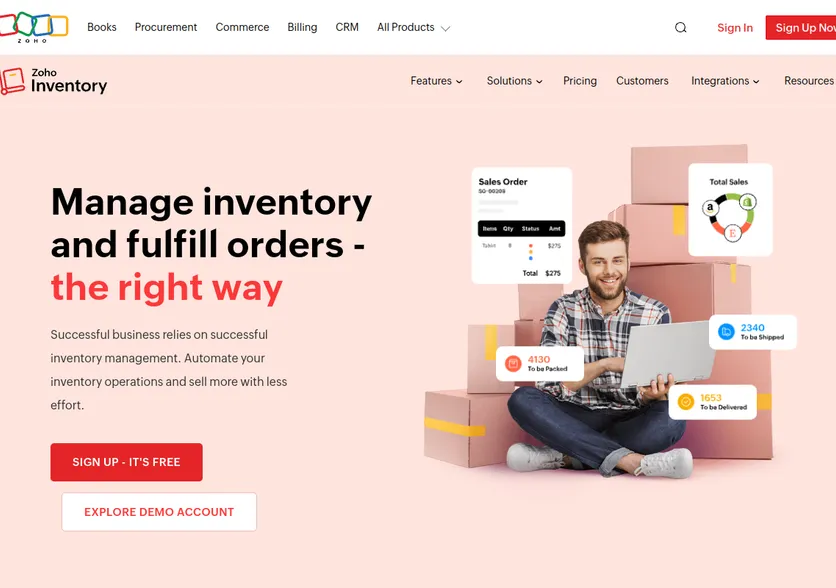
Small chains that want transfers, orders and shipping in one cheap system should look at this Zoho Inventory plan, which costs twenty-nine dollars a month on Standard billed annually. It moves stock between warehouses, raises purchase orders when levels fall and ships from the same screen. The free plan covers fifty orders a month, so a small chain can test it on real transfers before paying.
What we like
- Transfers, orders and shipping in one screen
- Free plan covers fifty orders a month
- Lowest paid entry price in this list
Watch out for
- Order caps differ across listings for the Standard tier
- Multi-warehouse features need the dearer tiers
How to try it
- Add warehouses and set the opening stock
- Set reorder levels for the key products
- Raise the first transfer and ship the first order
4. Katana
Best for: Makers and retailers that also manufacture
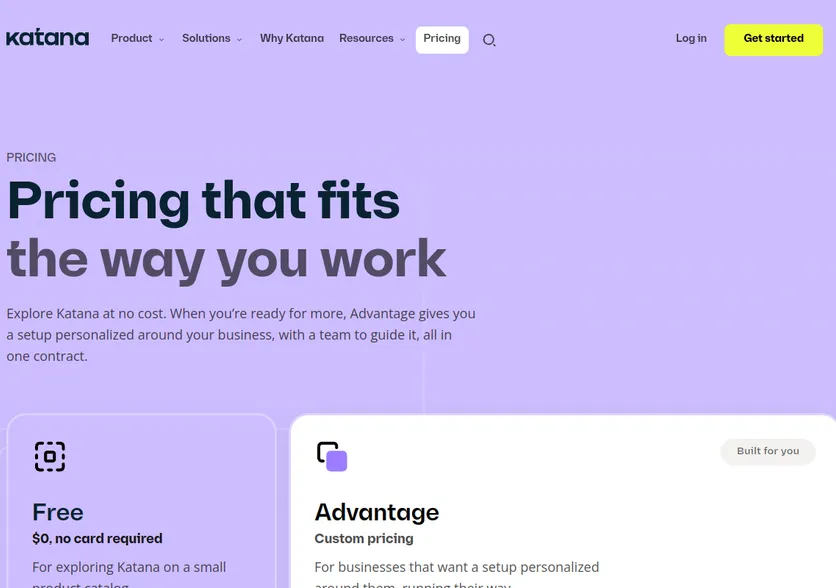
Paid tool Starting price: $299/month · Two hundred and ninety-nine dollars a month on Core; Advantage is a custom tier only; fourteen-day free trial; no free plan listed
Free plan: No free plan; 14-day free trial
Manufacturers and retailers that make as well as sell need stock tied to production, and this Katana plan costs two hundred and ninety-nine dollars a month on Core. It tracks raw materials, work orders and finished goods, then moves stock between locations as orders land. It suits businesses where a transfer starts on the factory floor rather than in the shop.
What we like
- Raw materials, work orders and finished goods tracked together
- Stock moves between locations as orders land
- Production planning built into the inventory system
Watch out for
- No free plan, so testing needs the fourteen-day trial
- The next tier up is custom-priced, not published
How to try it
- Add raw materials and finished goods to the catalogue
- Create a work order and allocate the materials
- Move finished stock to the shop location and sell it
5. Ordoro
Best for: High-volume sellers shipping from many warehouses
Paid tool Starting price: $499/month · Four hundred and ninety-nine dollars a month on Pro; Express is fifty-nine dollars for shipping only and Enterprise is nine hundred and ninety-nine dollars; the older app tiers are no longer published; free trial available
Free plan: Free trial
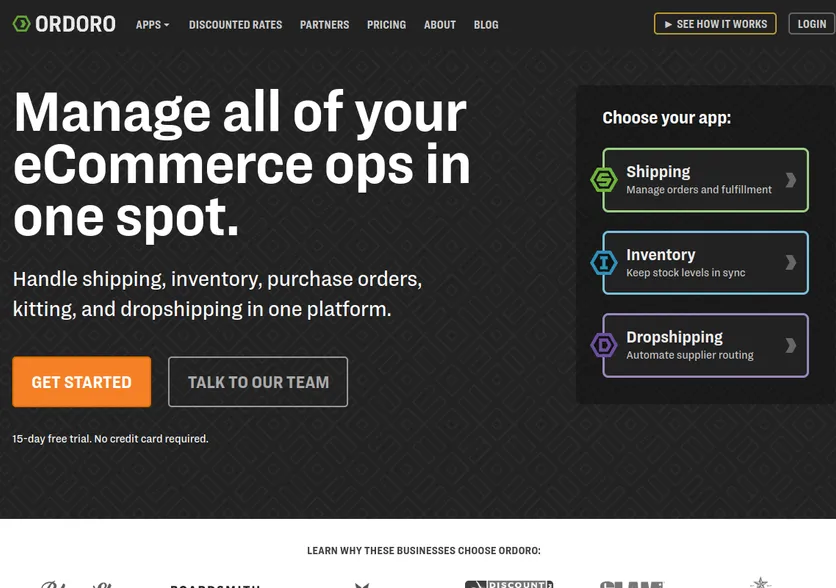
High-volume sellers that ship from several warehouses will find the control here, since this Ordoro plan costs four hundred and ninety-nine dollars a month on Pro. It routes orders to the nearest warehouse, tracks transfers between sites and automates dropshipping rules. It fits sellers whose stock moves daily and whose orders cannot wait for a manual check.
What we like
- Orders routed to the nearest warehouse automatically
- Transfers between sites tracked in one place
- Dropshipping rules run without manual checks
Watch out for
- The dearest tool in this list by a wide margin
- The cheaper Express tier covers shipping only, not inventory
How to try it
- Connect every sales channel and warehouse
- Set the routing rules for orders and transfers
- Run a day of orders and check the routing worked
6. ShipStation
Best for: Chains that ship from many locations
Paid tool Starting price: $14.99/month · Fourteen dollars and ninety-nine cents a month on Starter for fifty shipments (eleven dollars and ninety-nine cents billed annually); Standard is twenty-nine dollars and ninety-nine cents and Premium is three hundred and forty-nine dollars and ninety-nine cents; no free plan, thirty-day trial; the old Bronze, Silver, Growth and Scale tiers are gone
Free plan: No free plan; 30-day free trial
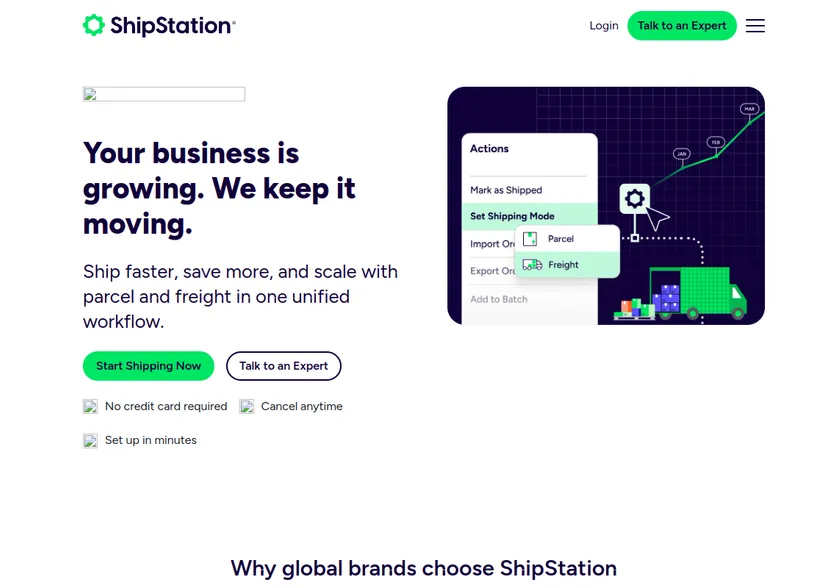
A chain that ships from many locations needs the cheapest way to print labels fast, and this ShipStation plan costs fourteen dollars and ninety-nine cents a month on Starter for fifty shipments. It pulls orders from every sales channel, compares carrier rates and prints labels in batches. It is not a full inventory system, so pair it with a stock tool if transfers need tracking too.
What we like
- Orders pulled from every sales channel at once
- Carrier rates compared before printing labels
- Labels printed in batches for fast dispatch
Watch out for
- Not a full inventory system, so transfers need another tool
- Starter caps at fifty shipments a month
How to try it
- Connect the sales channels and carrier accounts
- Import the first batch of orders
- Compare rates, print labels and dispatch
7. Epos Now
Best for: Small chains that want till and stock together
Paid tool Starting price: $39/month · Thirty-nine dollars a month software-only; Premium is sixty-nine dollars and the Complete Solution is three hundred and forty-nine dollars up front plus thirty-nine dollars a month; thirty-day free trial; no four hundred and ninety-nine dollar figure exists on the vendor page
Free plan: No free plan; 30-day free trial
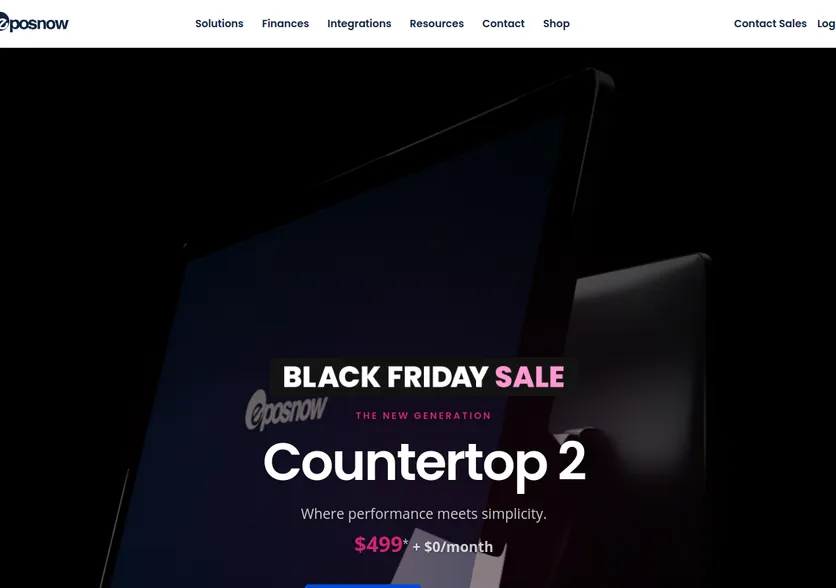
Small chains that want the till and the stockroom in one system get a simple start here, as this Epos Now plan costs thirty-nine dollars a month software-only. It rings up sales, tracks stock across locations and raises purchase orders when shelves run low. The software-only price keeps the entry cheap, though hardware and payment processing cost extra.
What we like
- Point of sale and stock tracking in one system
- Purchase orders raised when shelves run low
- Cheap software-only entry price
Watch out for
- Hardware and payment processing cost extra
- Advanced stock features need the Premium tier
How to try it
- Add products and stock levels for each location
- Set up the till and ring up the first sale
- Check the stock update and raise a purchase order
8. inFlow Inventory
Best for: Growing retailers counting stock weekly
Paid tool Starting price: $129/month · One hundred and twenty-nine dollars a month on Entrepreneur billed annually (one hundred and sixty-one dollars billed monthly); Small Business is three hundred and forty-nine dollars and Mid-Size is six hundred and ninety-nine dollars billed annually; fourteen-day trial, no free plan; older listings of eighty-nine and ninety-nine dollars are stale
Free plan: No free plan; 14-day free trial
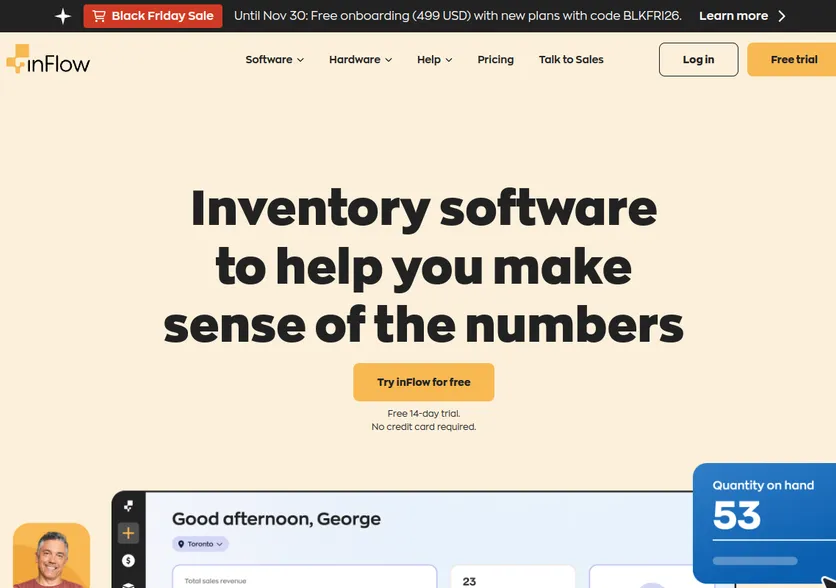
Growing retailers that need strong stock control without enterprise pricing will like this inFlow Inventory plan, which costs one hundred and twenty-nine dollars a month billed annually on Entrepreneur. It tracks stock across locations, handles transfers and assemblies, and reports on what sells and what sits. It suits teams that count stock weekly and want the numbers to match the shelves.
What we like
- Transfers and assemblies handled in one system
- Reports show what sells and what sits
- Strong stock control without enterprise pricing
Watch out for
- Older listings show lower prices that are now stale
- No free plan, so testing needs the fourteen-day trial
How to try it
- Add products and stock levels for every location
- Set up transfers between the shop and the warehouse
- Run the first stock report and check it against the shelves
Prices above were checked on each vendor’s own website on Nov 29, 2026 and can change — the vendor’s page is the final word. Vendor links are editorial: nobody paid to be listed or ranked here. Vendors who want a featured listing can see how it works on our Get listed page.
How to move stock between stores without losing track of it
Count stock before you move it, because a transfer built on a wrong count just moves the error to another store. Give every transfer a number and a reason, so a missing box can be traced back to the shelf it left. Move stock in the system at the same time as the van leaves, not at the end of the week, or the web shop will sell stock that is already gone. Set a minimum level per store and let the system raise the transfer when a store dips below it. Finally, reconcile the receiving store count against the transfer note on arrival, and investigate every gap the same day.
Before you buy
- Check the tool tracks stock per location in real time, not just one total across all stores
- Make sure transfers update the online shop at once, so the web store never sells stock that moved
- Confirm purchase orders raise automatically when a location falls below its minimum level
- Ask whether the price covers all locations or charges extra per store, warehouse or user
- Test a transfer between two real locations on the trial before moving the whole chain across
Official websites
Official websites of the products reviewed above. Features and prices were checked against these sites when this guide was written, and they can change, so confirm on the vendor site before you buy.
Frequently asked questions
What is stock transfer software for retail chains?
It is inventory software that moves stock between stores, warehouses and sales channels while keeping one true count for every product. Good tools track stock per location in real time, raise purchase orders when levels fall, route orders to the nearest warehouse and update the web shop the moment a transfer happens. For retail chains it replaces the phone calls, spreadsheets and guesswork that used to move stock around.
How much does Cin7 Core cost?
Cin7 Core costs three hundred and forty-nine dollars a month on Standard, with Pro at five hundred and ninety-nine dollars and Advanced at one thousand one hundred and ninety-nine dollars. A fourteen-day trial is available, and there is no free plan. The vendor publishes no billing term, and the prices are listed for new customers, while the Omni edition is quote-only.
Can I manage stock transfers for free?
Yes, with Zoho Inventory, which offers a genuine free plan covering fifty orders a month, including transfers between warehouses. A small chain can test real transfers on the free plan before paying. Paid tiers start at twenty-nine dollars a month on Standard billed annually, and add more orders, warehouses and automation as the chain grows.
Which tool is best for a small retail chain?
Zoho Inventory is the best value for a small chain, at twenty-nine dollars a month billed annually, with transfers, orders and shipping in one system and a free plan for fifty orders. Lightspeed Retail is the better pick once the till matters, at eighty-nine dollars a month, because it ties the point of sale to inventory. Cin7 Core suits a chain that has outgrown spreadsheets and needs transfers at scale.
Do I need a separate shipping tool?
Not always, since Zoho Inventory, Cin7 Core and Ordoro all ship orders from the same system that tracks stock. ShipStation is the better pick when shipping is the main job, at fourteen dollars and ninety-nine cents a month for fifty shipments, because it compares carrier rates and prints labels in batches. It is not a full inventory system, so pair it with a stock tool if transfers need tracking too.
Compare the eight tools above, then start with a free plan or trial on the one that matches how your chain actually moves stock, and check whether the price covers every location before paying for a full year.
Browse Business Tools tools