On this page
Filing taxes as a freelancer means business income, home office deductions and quarterly estimates, and the wrong software can cost you money twice. The eight tools below run from free federal filing to a full tax pro review, and every price was checked on the vendor site on November 26, 2026. Most offer a free federal return or a trial, so you can start before paying anything. TurboTax is our first pick — the most complete guided return for self-employed filers.
How we researched this
We started with the tax tools self-employed filers actually use, then read each price on the vendor pricing page on November 26, 2026 and noted the federal and state fees each one carries. We judged them for a freelancer who files business income and wants every deduction found without overpaying for the software. We kept only tools with a published price, and we dropped QuickBooks Self-Employed because Intuit retired it and closed new signups.
Compare the tools
| Name | Best for | Starting price | Free plan | |
|---|---|---|---|---|
 TurboTax | Self-employed filers who want the most complete guided return | $139 | Free Edition for simple federal returns | Visit |
 H&R Block | Self-employed filers who want a storefront and a pro to check the return | $85 | Free online filing for simple returns | Visit |
 TaxAct | Self-employed filers who want a solid online return at a mid-range price | $109.99 | Free federal filing for simple returns | Visit |
 FreeTaxUSA | Self-employed filers who want federal filing free and a cheap state return | $15.99 | Federal filing free for all filers, including self-employed | Visit |
 Keeper | Freelancers who want bookkeeping and a tax pro in one app | $199/year | Free plan for expense tracking; filing is paid | Visit |
 Hurdlr | Freelancers and gig workers who track income all year | $9.99/month | Free plan with basic expense tracking | Visit |
 TaxSlayer | Self-employed filers who want a straightforward online return | $74.99 | Free federal filing for simple returns | Visit |
 FreshBooks | Freelancers who invoice clients and need bookkeeping plus taxes | $23/month | 30-day free trial; no free plan | Visit |
The tax software for self-employed, compared
1. TurboTax
Best for: Self-employed filers who want the most complete guided return
Paid tool Starting price: $139 · Premium plan federal, $139 for tax year 2025 filed in 2026, plus $64 per state; TurboTax no longer sells a separate Self-Employed online tier, freelancers use Premium
Free plan: Free Edition for simple federal returns
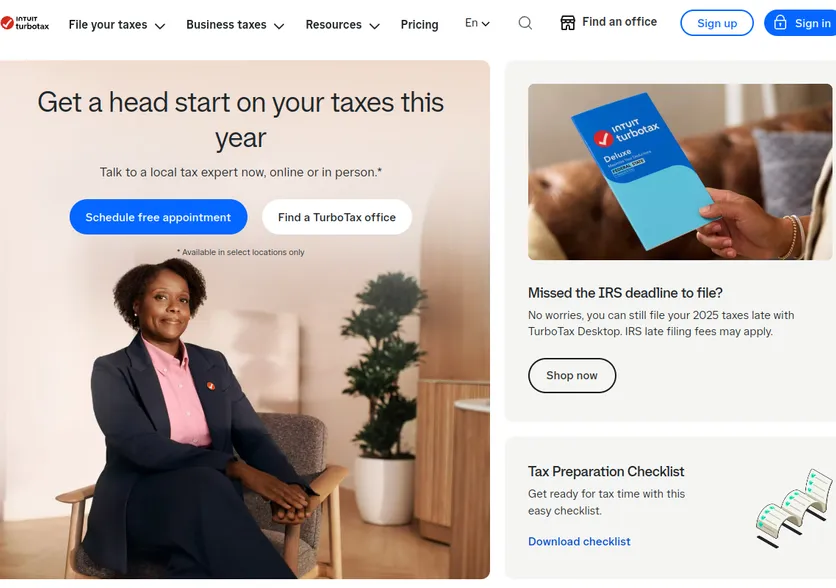
TurboTax Premium is the most thorough guided filing experience for freelancers, walking through business income, deductions and quarterly taxes step by step. This TurboTax Premium plan covers rental property and investments alongside self-employment income, with a review before you file. A freelancer with mixed income will find Premium the safest way to file without missing a deduction.
What we like
- Most complete guidance for freelancers
- Searches hundreds of deductions automatically
- Strong audit support if the IRS asks questions
Watch out for
- Premium federal costs one hundred thirty-nine dollars
- State filing adds sixty-four dollars per state
How to try it
- Open the TurboTax online page and pick the Premium plan
- Enter your business income and expenses step by step
- Review the deductions and file your return
2. H&R Block
Best for: Self-employed filers who want a storefront and a pro to check the return
Paid tool Starting price: $85 · Self-Employed plan federal, $85 plus $37 per state; older reads cite $130 federal plus $49 per state, the October 2026 vendor-page reads confirm $85
Free plan: Free online filing for simple returns
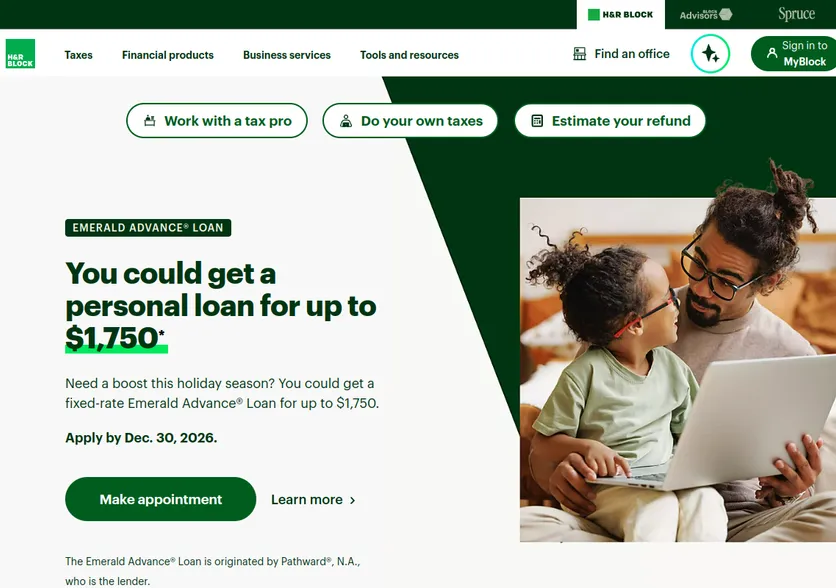
H and R Block Self-Employed is the filing option for people who like the safety net of a real office behind their software. This H and R Block Self-Employed plan covers business income, home office and vehicle deductions with a review from a tax pro. A freelancer who wants human help nearby will find H and R Block the most reassuring choice on this list.
What we like
- Tax pro review included in the plan
- Thousands of offices for in-person help
- Clear guidance for home office deductions
Watch out for
- Self-Employed federal costs eighty-five dollars
- State filing adds thirty-seven dollars per state
How to try it
- Open the H and R Block online filing page and pick Self-Employed
- Enter your freelance income and business expenses
- Have a tax pro review the return before filing
3. TaxAct
Best for: Self-employed filers who want a solid online return at a mid-range price
Paid tool Starting price: $109.99 · Self-Employed plan federal, $109.99 plus $64.99 per state
Free plan: Free federal filing for simple returns
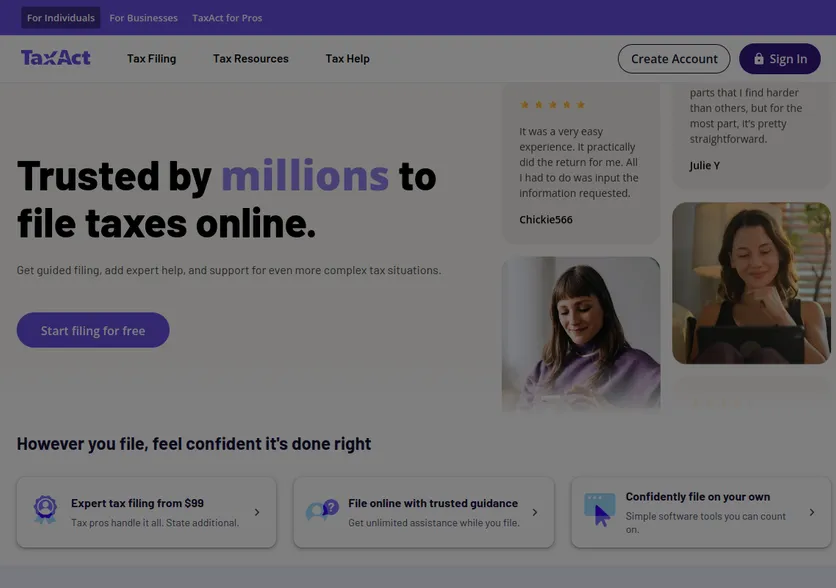
TaxAct Self-Employed is the steady online filer for freelancers, with a clean interview flow and a price that sits between the budget and premium options. This TaxAct Self-Employed plan covers business expenses, home office and vehicle deductions with a maximum refund guarantee. A freelancer who files every year and wants a familiar, no-surprises return will find TaxAct a reliable choice.
What we like
- Clean step-by-step interview flow
- Maximum refund guarantee included
- Good value between budget and premium plans
Watch out for
- Self-Employed federal costs about one hundred ten dollars
- State filing adds about sixty-five dollars per state
How to try it
- Open the TaxAct pricing page and pick Self-Employed
- Answer the interview questions about your business
- Review the refund amount and file
4. FreeTaxUSA
Best for: Self-employed filers who want federal filing free and a cheap state return
Paid tool Starting price: $15.99 · Federal $0 for all filers including self-employed; $15.99 per state return; Deluxe support $7.99, Pro Support $44.99
Free plan: Federal filing free for all filers, including self-employed
FreeTaxUSA is the budget champion for self-employed filers, charging nothing for the federal return no matter how complex your income is. This FreeTaxUSA service files federal returns for free and charges a flat fee per state return, with optional support plans for extra help. A freelancer on a tight budget will find FreeTaxUSA the cheapest way to file a complete self-employed return.

What we like
- Federal filing is free for everyone
- Flat state fee with no surprises
- Optional support plans when you need help
Watch out for
- State returns cost about sixteen dollars each
- Interface is plainer than premium rivals
How to try it
- Open the FreeTaxUSA pricing page and create an account
- Enter your business income and deductions
- Pay the state fee and file the return
5. Keeper
Best for: Freelancers who want bookkeeping and a tax pro in one app
Paid tool Starting price: $199/year · Standard plan, $199 a year for federal plus up to 2 states with tax pro review; Bookkeeping Only $20 a month does not file; Premium $399 a year, Business $1,199 a year
Free plan: Free plan for expense tracking; filing is paid
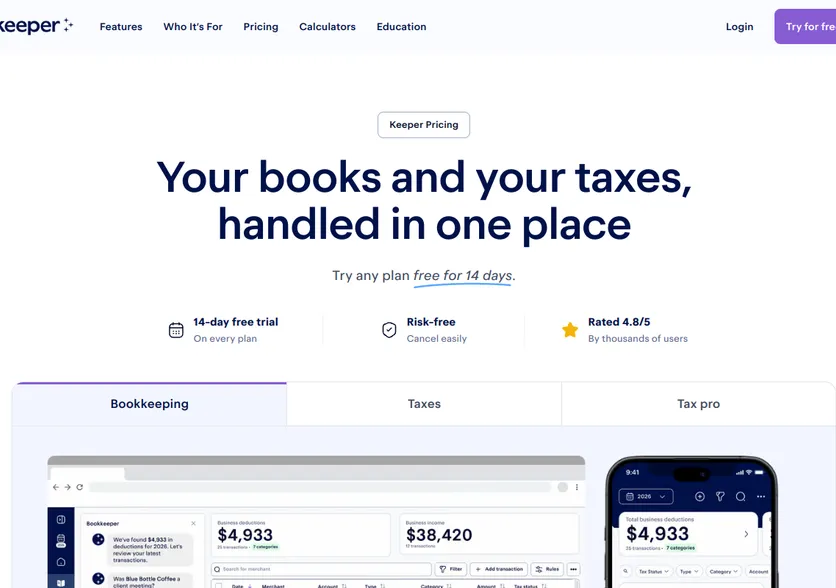
Keeper pairs year-round expense tracking with a tax pro who reviews and signs your return, which suits freelancers who hate paperwork. This Keeper Standard plan covers federal filing plus up to two states, with a tax pro reviewing every deduction. A freelancer who wants someone to check the work will find Keeper the most hands-off option here.
What we like
- Tax pro reviews and signs your return
- Finds deductions all year long
- Handles federal plus two states in one price
Watch out for
- Standard costs one hundred ninety-nine dollars a year
- Bookkeeping-only plan does not file taxes
How to try it
- Open the Keeper pricing page and pick the Standard plan
- Connect your bank and let Keeper find deductions
- Have a tax pro review and file your return
6. Hurdlr
Best for: Freelancers and gig workers who track income all year
Paid tool Starting price: $9.99/month · Premium plan, $9.99 a month or $99.99 a year billed annually; Pro plan $200 a year adds tax filing; the vendor pricing page lists plans without dollar figures, price corroborated from the Hurdlr help center and app store listings
Free plan: Free plan with basic expense tracking
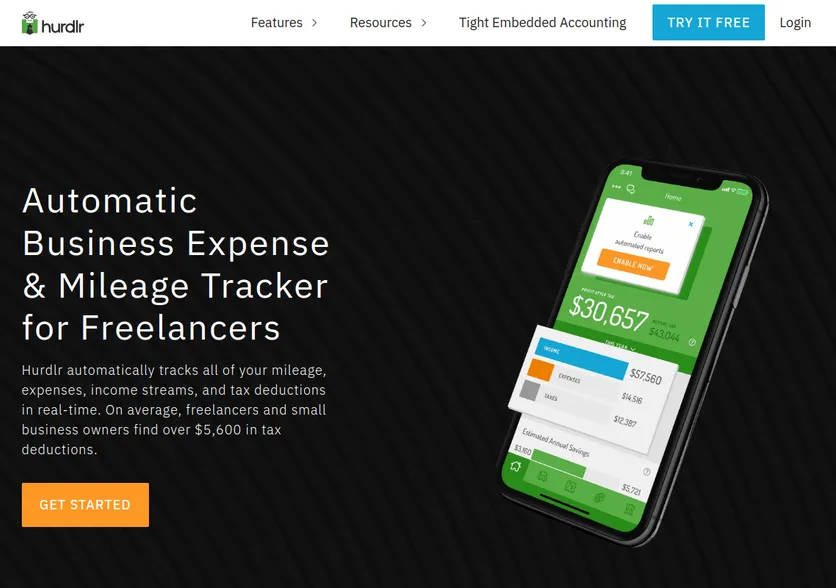
Hurdlr is the year-round tracker for gig workers, automatically logging income, expenses and mileage so tax time takes minutes instead of days. This Hurdlr Premium plan adds unlimited tracking, quarterly tax estimates and profit reports for your business. A driver, courier or freelancer with many small payments will find Hurdlr the best way to stay organized all year.
What we like
- Automatic mileage and expense tracking
- Quarterly tax estimates keep you ahead
- Built for gig workers and drivers
Watch out for
- Premium costs about ten dollars a month
- Tax filing needs the Pro plan at two hundred dollars a year
How to try it
- Open the Hurdlr pricing page and start a trial
- Connect your bank and start logging expenses
- Check your quarterly tax estimate and file when ready
7. TaxSlayer
Best for: Self-employed filers who want a straightforward online return
Paid tool Starting price: $74.99 · Self-Employed plan federal, $74.99 plus $47.99 per state; early-season promo figures around fifty-three dollars are sale prices and are ignored
Free plan: Free federal filing for simple returns
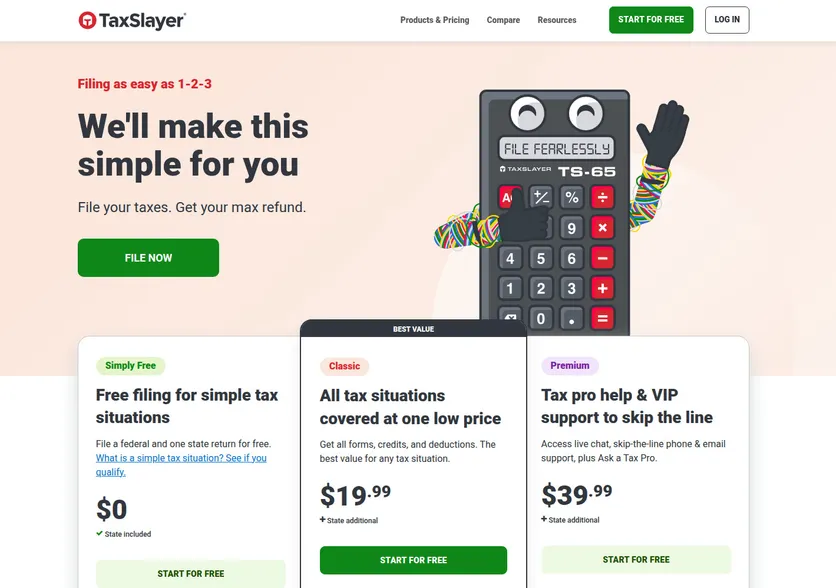
TaxSlayer Self-Employed is the no-nonsense online filer for freelancers, with a simple interview and a price that undercuts the big brands. This TaxSlayer Self-Employed plan covers business income, home office and vehicle deductions with a refund guarantee. A freelancer who wants a quick, affordable return without a learning curve will find TaxSlayer a solid pick.
What we like
- Simple interview with no jargon
- Lower price than the big brands
- Refund guarantee included
Watch out for
- Self-Employed federal costs about seventy-five dollars
- State filing adds about forty-eight dollars per state
How to try it
- Open the TaxSlayer pricing page and pick Self-Employed
- Enter your freelance income and expenses
- Review the return and file
8. FreshBooks
Best for: Freelancers who invoice clients and need bookkeeping plus taxes
Paid tool Starting price: $23/month · Lite plan, $23 a month for 5 billable clients; Plus $43, Premium $70; one-dollar-a-month first-year promo is a sale price and is ignored
Free plan: 30-day free trial; no free plan
FreshBooks is the invoicing and bookkeeping app that freelancers use all year, with tax features that pull your income and expenses straight into your return. This FreshBooks Lite plan covers five billable clients, invoicing and expense tracking for a small freelance business. A freelancer who bills clients every month will find FreshBooks the best way to keep books and taxes in one place.

What we like
- Invoicing and bookkeeping in one app
- Clean reports for tax time
- Easy client and expense tracking
Watch out for
- Lite costs twenty-three dollars a month
- Lite covers only five billable clients
How to try it
- Open the FreshBooks pricing page and start a trial
- Send your first invoice and log an expense
- Review your profit report at tax time
Prices above were checked on each vendor’s own website on Nov 26, 2026 and can change — the vendor’s page is the final word. Vendor links are editorial: nobody paid to be listed or ranked here. Vendors who want a featured listing can see how it works on our Get listed page.
What tax software for self-employed costs in 2026
Most freelancers pay for one filing tool a year, so the federal price plus the state fee is the real budget, not the headline number. This list runs from free federal filing at FreeTaxUSA to one hundred ninety-nine dollars a year for a tax pro review at Keeper, and the state fee adds anywhere from sixteen to sixty-four dollars per state. The headline plan each vendor shows on its own pricing page is the number in the table above, checked on November 26, 2026.
Start with the free federal option on two tools and enter the same income in both. Compare the refund, the deductions found and how confident you feel, then pay for the one that finds the most money. A one-hundred-dollar plan that finds an extra two hundred dollars in deductions pays for itself twice.
Before you buy
- Match the plan to your income type, because a freelancer with a 1099 needs a different plan than a simple wage earner.
- Check the state filing fee separately, because the federal price you see is rarely the total you pay.
- Ask whether a tax pro reviews your return, because a second pair of eyes catches deductions software misses.
- Look at the bookkeeping tools, because tracking expenses all year saves more than any deduction finder.
- File early and keep receipts, because a late return with missing records costs more than any software plan.
Official websites
Official websites of the products reviewed above. Features and prices were checked against these sites when this guide was written, and they can change, so confirm on the vendor site before you buy.
Frequently asked questions
What is the best tax software for self-employed in 2026?
TurboTax Premium, at one hundred thirty-nine dollars federal, is the safest default because it covers business income, rental property and investments with the most thorough guidance. H and R Block Self-Employed is better when you want a tax pro review, at eighty-five dollars federal. FreeTaxUSA wins on price, since federal filing is free and state returns cost about sixteen dollars each.
What is the cheapest tax software for self-employed?
FreeTaxUSA, with federal filing free for all filers and state returns at about sixteen dollars each, is the cheapest way to file a self-employed return. Hurdlr Premium, at about ten dollars a month, is the cheapest year-round tracker for gig workers. TaxSlayer Self-Employed, at about seventy-five dollars federal, is the cheapest full guided return here.
Can self-employed people file taxes for free?
Yes, for the federal return. FreeTaxUSA charges nothing for federal filing no matter how complex your income is, and TurboTax, H and R Block, TaxAct and TaxSlayer all offer free federal filing for simple returns. State returns usually cost extra, from about sixteen dollars at FreeTaxUSA to about sixty-four dollars at TurboTax and TaxAct. Check the state fee before you start.
Is there a TurboTax Self-Employed plan or QuickBooks Self-Employed in 2026?
No, and you should not rely on it. TurboTax no longer sells a separate Self-Employed online tier; freelancers now use the Premium plan at one hundred thirty-nine dollars federal. QuickBooks Self-Employed was retired by Intuit, with users moved to QuickBooks Sole Trader. The tools above are the current options for self-employed filers in 2026.
How do self-employed people save the most on taxes?
Keep every receipt, log every expense and track your mileage all year, then use a tool like Hurdlr or Keeper to organize it. Freelancers can deduct home office costs, vehicle use, software, supplies and part of their health insurance. A tax pro review, included in Keeper Standard and H and R Block Self-Employed, catches deductions that software alone can miss.
Want free tax and paycheck tools too? Try Toolsvine's free US tax calculators right in your browser.
Browse US Tax & Paycheck Calculators tools