On this page
A community fair, a food drive or a neighbourhood clean-up run on the same fuel: volunteers who show up at the right time in the right place. The wrong scheduling tool turns that into a week of reply-all emails and a clipboard of crossed-out names. The eight tools below were priced on November 29, 2026, and range from a free sign-up page to a full volunteer platform. SignUpGenius leads because it gets a shift list live in minutes for eleven dollars and ninety-nine cents a month, and the rest are ranked on how well they fit a community event.
How we researched this
We checked every price on the vendor pricing page on November 29, 2026, and only included tools with a published US dollar list price. The quote-only platforms that dominate this market, including Better Impact, Galaxy Digital and Rosterfy, publish no prices, so they are not in this list. Prices change, so confirm the current figure on the vendor site before you buy.
Compare the tools
| Name | Best for | Starting price | Free plan | |
|---|---|---|---|---|
 SignUpGenius | Community groups that need sign-ups live in minutes | $11.99/month | Free Basic plan | Visit |
 VolunteerHub | Nonprofits running large recurring volunteer programmes | $143/month | No free plan | Visit |
 SignUp.com | Schools and clubs that want cheap ad-free sign-ups | $9.99/month | Free Basic plan | Visit |
 Timecounts | Solo coordinators who want a real volunteer database free | $79/month | Free plan (1 admin, unlimited volunteers) | Visit |
 Golden | Groups that want background checks and waivers included | $100/month | Free Basic plan | Visit |
 Track It Forward | Small groups that mainly need hour tracking | $13.25/month | Free plan (under 25 volunteers) | Visit |
 Bloomerang Volunteer | Nonprofits that already use Bloomerang fundraising | $119/month | No free plan | Visit |
 VolunteerMatters | Mature programmes that need screening and training built in | $239/month | No free plan | Visit |
The volunteer scheduling software for community events, compared
1. SignUpGenius
Best for: Community groups that need sign-ups live in minutes
Paid tool Starting price: $11.99/month · Eleven dollars and ninety-nine cents a month on Starter when paid monthly (eight dollars and ninety-nine cents a month, or one hundred and seven dollars and eighty-nine cents a year, when billed annually); Essentials is twenty-nine dollars and ninety-nine cents a month, Premium is fifty-nine dollars and ninety-nine cents a month, and Enterprise is quoted
Free plan: Free Basic plan
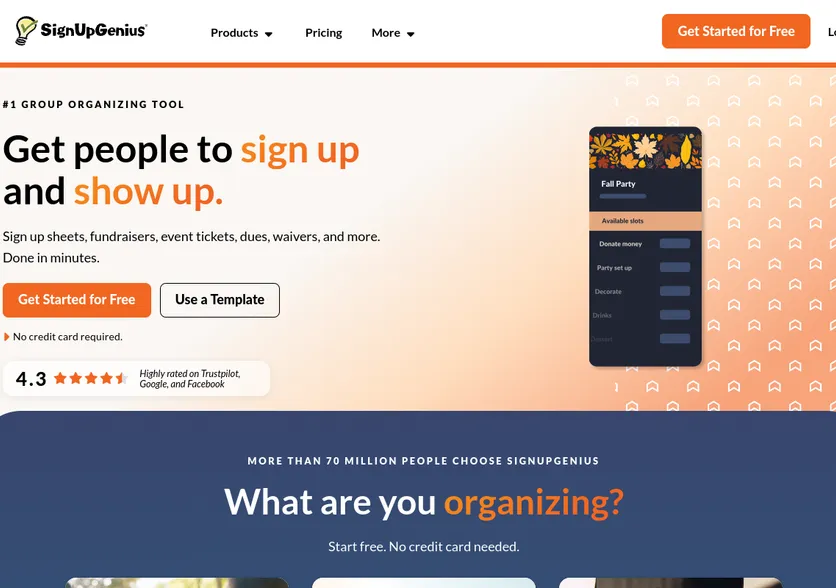
A neighbourhood fair with two hundred volunteer slots to fill needs sign-ups live in minutes, and this SignUpGenius plan costs eleven dollars and ninety-nine cents a month with unlimited sign-ups and reminders. Volunteers join from one link with no account, and organisers can add questions, collect payments and export the list before the day. It is the fastest way to staff a community event when there is no time to train anyone on a new system.
What we like
- Sign-up pages work from one link with no account needed
- Automatic reminders cut no-shows without extra work
- Free Basic plan covers unlimited sign-ups
Watch out for
- The free plan shows ads and lacks custom branding
- Reporting and admin controls sit on the paid tiers
How to try it
- Create a sign-up with slots, dates and locations
- Share the link by email, text or social media
- Send reminders and export the volunteer list before the event
2. VolunteerHub
Best for: Nonprofits running large recurring volunteer programmes
Paid tool Starting price: $143/month · One hundred and forty-three dollars a month on Plus when billed annually (one thousand seven hundred and sixteen dollars a year), plus a setup fee the vendor does not publish; Pro is two hundred and eighty-eight dollars a month and Enterprise is quoted
Free plan: No free plan
A charity that runs the same community events every month needs a volunteer database that remembers people, and this VolunteerHub plan costs one hundred and forty-three dollars a month with landing pages, hour tracking and grant-ready reporting. Returning volunteers sign in, pick shifts and check in at a kiosk, while coordinators see who showed up and who needs a reminder. It suits programmes with hundreds of volunteers better than a simple sign-up page.

What we like
- Tracks hours, events and grant-ready data in one place
- Landing pages and kiosks speed up check-in
- Integrates with donor and membership systems
Watch out for
- The setup fee is not published, so budget for it
- No free plan, so small groups pay from day one
How to try it
- Import volunteers and set up events with roles
- Publish the sign-up page and open registration
- Track hours and pull grant reports after the event
3. SignUp.com
Best for: Schools and clubs that want cheap ad-free sign-ups
Paid tool Starting price: $9.99/month · Nine dollars and ninety-nine cents a month on Starter when paid monthly (eight dollars and thirty-four cents a month, or ninety-nine dollars and ninety-nine cents a year, when billed annually); Plus is twenty-four dollars and ninety-nine cents a month and Max is forty-nine dollars and ninety-nine cents a month; ad-free viewing is a separate nine dollars and ninety-nine cents a month add-on
Free plan: Free Basic plan
A school fair committee working to a tiny budget still needs reliable sign-ups, and this SignUp.com plan costs nine dollars and ninety-nine cents a month with spotlight pages, text reminders and group messaging. Parents and neighbours join from one link, and organisers can hide the ads that the free plan shows to every volunteer. It is the cheapest paid route in this list to a tidy, ad-free sign-up.

What we like
- The cheapest paid tier in this list
- Spotlight pages keep every sign-up in one place
- Text reminders and group messaging included
Watch out for
- The free plan shows ads to every volunteer
- Removing ads costs extra on top of any plan
How to try it
- Build a sign-up with spots and times
- Invite volunteers through the shareable link
- Send reminders and track who confirmed
4. Timecounts
Best for: Solo coordinators who want a real volunteer database free
Paid tool Starting price: $79/month · Seventy-nine dollars a month on Pro when billed annually (nine hundred and forty-eight dollars a year), or eighty-nine dollars a month month to month; the vendor page still shows older fifty-nine and sixty-nine dollar figures in places, so confirm at checkout; Enterprise is quoted and there is no free trial of Pro
Free plan: Free plan (1 admin, unlimited volunteers)
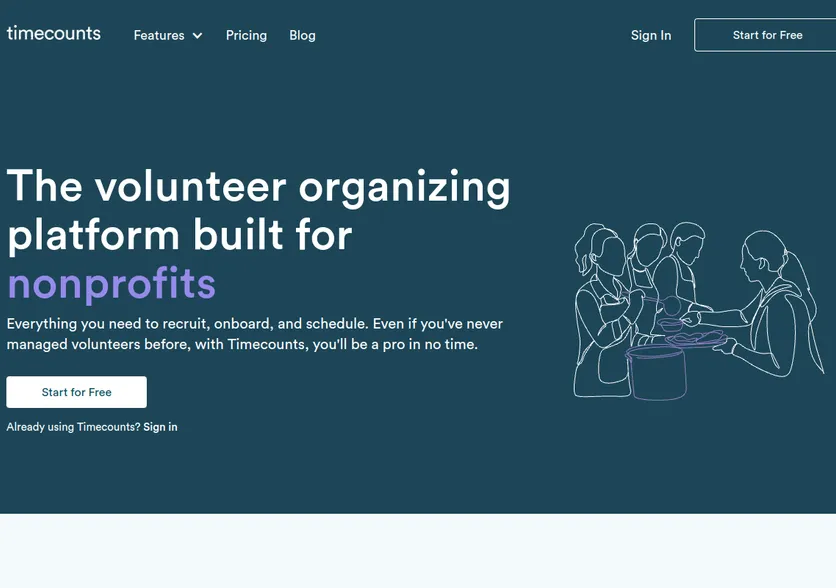
A solo coordinator running a community programme alone needs a real volunteer database for nothing, and this Timecounts plan costs seventy-nine dollars a month once a team grows past one administrator. The free plan covers unlimited volunteers with a branded hub, scheduling and hour logging, while Pro adds screening, document storage and a check-in kiosk. It is the best free starting point in this list for a one-person operation.
What we like
- Free plan covers unlimited volunteers with no time limit
- Branded hub, scheduling and hour logging included free
- Pro adds screening, documents and a check-in kiosk
Watch out for
- The free plan allows only one administrator
- Older pages still show stale fifty-nine dollar pricing
How to try it
- Create the hub and add opportunities with shifts
- Invite volunteers to apply and complete screening
- Log hours and export reports for grants
5. Golden
Best for: Groups that want background checks and waivers included
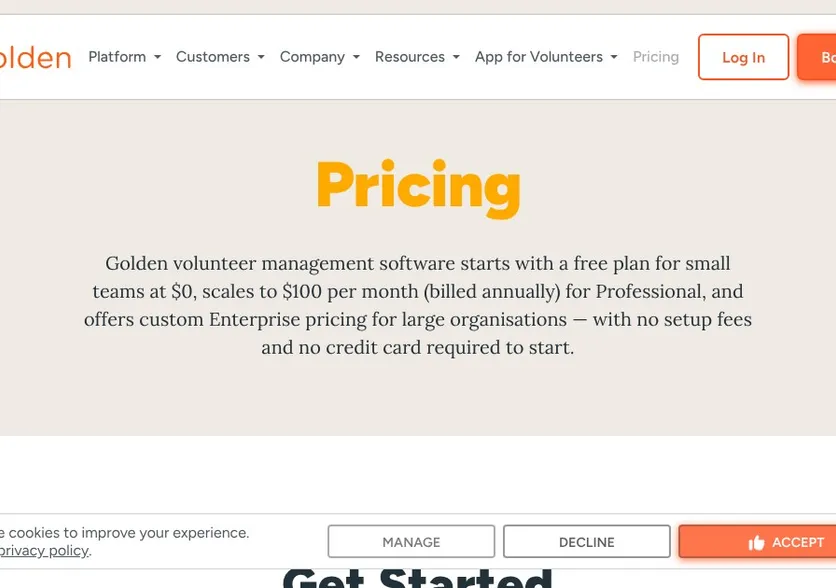
Paid tool Starting price: $100/month · One hundred dollars a month on Professional when billed annually (one hundred and ten dollars a month month to month); Basic is free with unlimited volunteers and five admins; Enterprise is quoted and there are no setup fees
Free plan: Free Basic plan
A community group that vets every volunteer before the event needs checks built into the sign-up, and this Golden plan costs one hundred dollars a month with waivers, background checks and self-scheduling in one app. Volunteers pick their own shifts from a phone, and coordinators track hours and impact without spreadsheets. The free Basic plan already covers unlimited volunteers, so small groups can start without paying.
What we like
- Free Basic plan includes waivers and background checks
- Volunteers self-schedule from a mobile app
- No setup fees on any plan
Watch out for
- Professional is the only paid tier, so scaling means Enterprise
- Reporting depth is thinner than the pricier platforms
How to try it
- Post opportunities and open volunteer self-scheduling
- Collect waivers and run background checks
- Track hours and export impact reports
6. Track It Forward
Best for: Small groups that mainly need hour tracking
Paid tool Starting price: $13.25/month · Thirteen dollars and twenty-five cents a month on Basic when billed annually, priced per one hundred active users; Premium is twenty-five dollars a month and Advanced is thirty-seven dollars a month; annual billing saves twenty percent and older twelve dollar figures in directories are stale
Free plan: Free plan (under 25 volunteers)
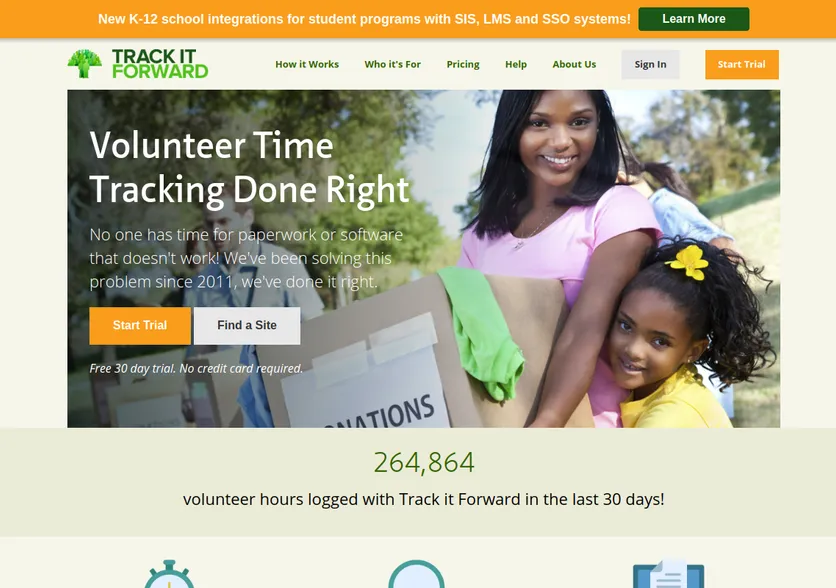
A food bank that mainly needs to prove volunteer hours for grants should not pay for a full platform, and this Track It Forward plan costs thirteen dollars and twenty-five cents a month with sign-ups, hour logging and approvals from any phone. Volunteers log their own hours, coordinators approve them, and the totals export cleanly for reports. It is the cheapest paid plan here for groups that track hours first and schedule second.
What we like
- The cheapest paid plan in this list
- Volunteers log hours from any phone
- Free plan covers groups under twenty-five volunteers
Watch out for
- Priced per one hundred users, so costs step up in blocks
- Event scheduling is lighter than the full platforms
How to try it
- Create the organisation and invite volunteers
- Set up events and let volunteers sign up and log hours
- Approve hours and export the totals
7. Bloomerang Volunteer
Best for: Nonprofits that already use Bloomerang fundraising
Paid tool Starting price: $119/month · One hundred and nineteen dollars a month from, when billed annually (one thousand four hundred and twenty-eight dollars a year); the final price depends on contact count and larger programmes are quoted; unlimited users are included
Free plan: No free plan
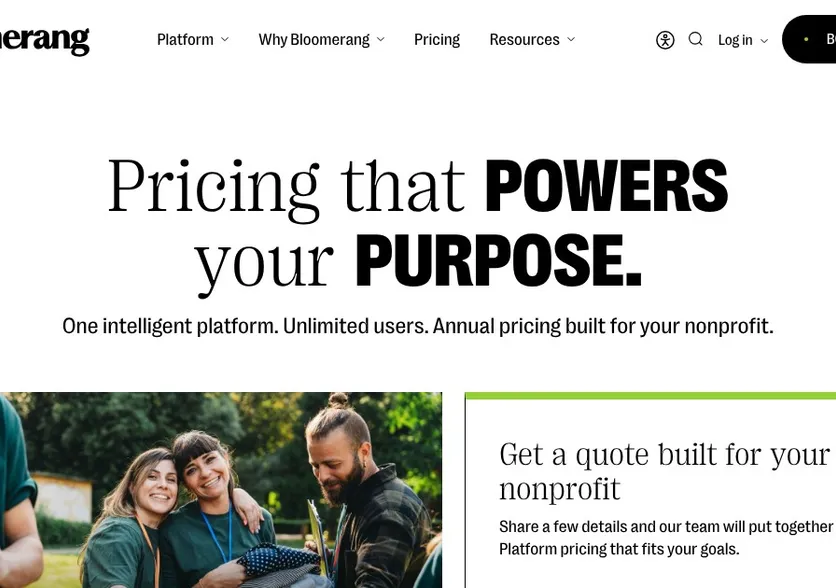
A nonprofit that already raises money through Bloomerang can keep volunteers in the same system, and this Bloomerang Volunteer plan costs one hundred and nineteen dollars a month with recruiting, scheduling and hour tracking for unlimited users. Opportunities, shifts and impact reports sit beside donor records, so the same team sees the whole supporter picture. It fits charities that want one database for giving and volunteering together.
What we like
- Unlimited users on every plan
- Recruiting, scheduling and hours in one system
- Shares data with Bloomerang donor tools
Watch out for
- No free plan, so trials need a demo first
- Final price depends on contacts, so the headline is a floor
How to try it
- Set up the volunteer hub and import contacts
- Publish opportunities and open self-scheduling
- Track hours and report impact to donors
8. VolunteerMatters
Best for: Mature programmes that need screening and training built in
Paid tool Starting price: $239/month · Two hundred and thirty-nine dollars a month on Growing when billed annually (two thousand three hundred and ninety dollars a year), plus a four hundred and ninety-nine dollar setup fee; Professional is four hundred and nineteen dollars a month with a six hundred and ninety-nine dollar setup fee, and Enterprise is quoted; kiosk, training and texting are paid add-ons
Free plan: No free plan
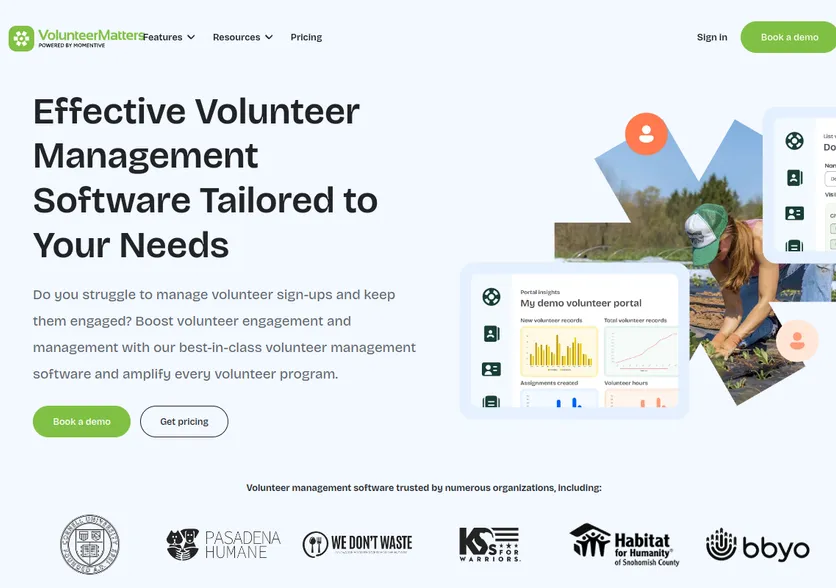
A mature community programme that screens, trains and vets every volunteer needs those steps in one place, and this VolunteerMatters plan costs two hundred and thirty-nine dollars a month with background checks, training courses and youth consent handling built in. Applications, documents and hours flow through one auditable system, and a kiosk handles check-in on the day. It is the most complete option here for programmes with strict compliance rules.
What we like
- Background checks, training and waivers built in
- Youth volunteer rules and parental consent handled
- Kiosk check-in and text recruiting available
Watch out for
- Setup fees run into hundreds of dollars
- Add-ons for kiosk, training and texting cost extra
How to try it
- Configure projects, roles and screening steps
- Open applications and run background checks
- Track hours, training and compliance in one place
Prices above were checked on each vendor’s own website on Nov 29, 2026 and can change — the vendor’s page is the final word. Vendor links are editorial: nobody paid to be listed or ranked here. Vendors who want a featured listing can see how it works on our Get listed page.
How to staff a community event without chasing volunteers
Start with the shift list, not the tool, because a sign-up page cannot fix a rota nobody has planned. Put every role, time and location on the list before inviting anyone, and keep the language plain so a first-time volunteer knows what they are signing up for. Send the link where volunteers already are, by text or social media rather than email alone, and set one reminder the day before and one on the morning. Have a check-in list printed as a backup, because phones run out of battery at outdoor events, and thank every volunteer by name afterwards so they come back next time.
Before you buy
- Check that volunteers can join from one link with no account, because every extra step loses sign-ups
- Confirm the free plan covers the volunteer numbers the event actually needs, not just a demo size
- Ask whether reminders, texts and check-in are included or sold as add-ons
- Make sure hour tracking exports cleanly for grants and sponsor reports
- Test the sign-up on a phone before the event, since most volunteers join from one
Official websites
Official websites of the products reviewed above. Features and prices were checked against these sites when this guide was written, and they can change, so confirm on the vendor site before you buy.
Frequently asked questions
What is volunteer scheduling software for community events?
It is software that turns a list of shifts into sign-up pages volunteers can join from one link, then tracks who confirmed, who showed up and how many hours they worked. Good tools send reminders, handle check-in and export hour totals for grants and sponsor reports, so a coordinator stops chasing volunteers by email and text.
How much does volunteer scheduling software cost for a community event?
Paid plans in this list start at nine dollars and ninety-nine cents a month for SignUp.com and thirteen dollars and twenty-five cents a month for Track It Forward, while full platforms run to two hundred and thirty-nine dollars a month for VolunteerMatters. Several tools offer free plans, so a small event can often run without paying at all.
Can I schedule volunteers for free?
Yes, with SignUpGenius, SignUp.com, Timecounts and Golden, which all offer free plans that cover unlimited volunteers. The free tiers have limits, such as ads on SignUpGenius and SignUp.com, or a single administrator on Timecounts, but they are genuine free plans rather than trials, so a small community event can run on them.
Which tool is best for a small community event?
SignUpGenius is the best pick for a small event, at eleven dollars and ninety-nine cents a month with unlimited sign-ups and reminders, and it gets a shift list live in minutes. Timecounts is the better free option when one coordinator runs everything, since its free plan covers unlimited volunteers with scheduling and hour logging.
Do these tools handle check-in on the day?
Most of them do, with VolunteerHub, VolunteerMatters, Bloomerang Volunteer and Timecounts offering kiosk or mobile check-in, and the simpler tools offering printable rosters as a backup. Check-in matters because it proves who actually showed up, which is what grants and sponsors ask for after the event.
Compare the eight tools above, then start with the free SignUpGenius plan or the free Timecounts plan on the tool that matches how the community event is staffed before paying for a full year.
Browse Business Tools tools