On this page
A retail warehouse that receives stock from many suppliers has one weak point above all: the dock door, where a wrong count today becomes a stockout tomorrow. The eight tools below cover that job for warehouses of every size, from a cheap inventory app to a system that tracks every receipt against its purchase order. Fishbowl leads because it runs receiving, inventory and shipping in one place for two hundred and twenty-nine dollars a month, and the rest are ranked on how cleanly they handle receiving.
How we researched this
We checked every price on the vendor pricing page on November 29, 2026, and only included tools with a published US dollar list price. The enterprise warehouse platforms that sell by quote, including ShipBob, Extensiv, Logiwa, Deposco, Manhattan Active and Blue Yonder, publish no prices, so they are not in this list. Prices change, so confirm the current figure on the vendor site before you buy.
Compare the tools
| Name | Best for | Starting price | Free plan | |
|---|---|---|---|---|
 Fishbowl | Growing brands that need real warehouse control | $229/month | No free plan; free trial available | Visit |
 Cin7 Core | Multi-channel brands that need inventory everywhere | $349/month | 14-day free trial | Visit |
 Katana | Makers and small manufacturers that sell online | $299/month | Free plan (30 SKUs) | Visit |
 inFlow Inventory | Small makers and sellers that need simple stock control | $99/month | 14-day free trial | Visit |
 Zoho Inventory | Small sellers that want cheap, solid inventory | $29/month | Free plan (50 orders a month) | Visit |
 Ordoro | Sellers that want inventory and shipping in one place | $499/month | No free plan; free trial available | Visit |
 ShipStation | Brands that ship every day and want cheap labels | $14.99/month | No free plan; 30-day free trial | Visit |
 SKULabs | Growing sellers that need barcode picking fast | $299/month | No free plan; demo available | Visit |
The warehouse receiving software for retail warehouses, compared
1. Fishbowl
Best for: Growing brands that need real warehouse control
Paid tool Starting price: $229/month · Two hundred and twenty-nine dollars a month on the Essentials plan, the entry inventory plan; higher plans add advanced warehousing and automation, so confirm the tier that fits your order volume before you buy
Free plan: No free plan; free trial available
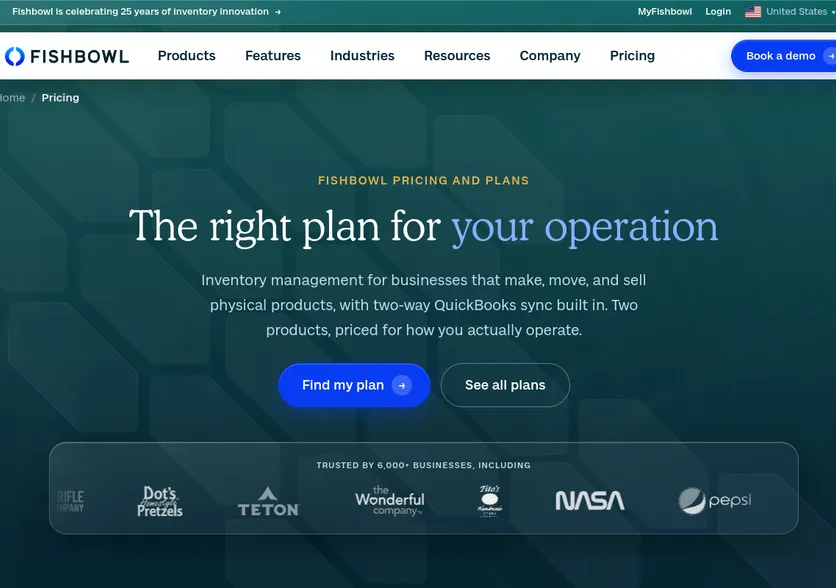
A retail warehouse that receives stock from many suppliers gets full inventory, picking and shipping control with this Fishbowl plan, which costs two hundred and twenty-nine dollars a month. It handles multi-location stock, purchase orders and manufacturing in one place, so a growing brand stops juggling spreadsheets and separate apps. The barcode scanning keeps picks accurate as order volume climbs, which is where a brand usually starts losing money on mispicks.
What we like
- Barcode picking and packing built for warehouse teams
- Tracks inventory across warehouses, channels and locations
- Manufacturing and order tools in the same system
Watch out for
- No free plan, so small teams pay from day one
- Setup takes real work on locations, bins and barcodes
How to try it
- Connect the sales channels and import the product catalog
- Set up warehouse locations and bin layouts for every product
- Run a test order from receipt to shipment before going live
2. Cin7 Core
Best for: Multi-channel brands that need inventory everywhere
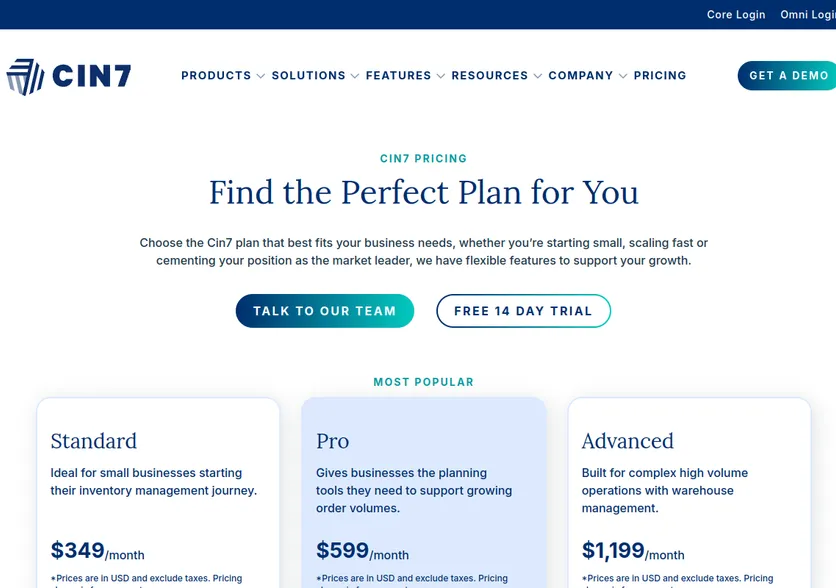
Paid tool Starting price: $349/month · Three hundred and forty-nine dollars a month on Standard (five users, six thousand orders a year, two integrations); Pro is five hundred and ninety-nine dollars a month and Advanced is one thousand one hundred and ninety-nine dollars a month; Omni is quoted; fourteen-day free trial
Free plan: 14-day free trial
A retail warehouse that receives stock from many suppliers gets multi-channel inventory and order control with this Cin7 Core plan, which costs three hundred and forty-nine dollars a month. It keeps stock, orders and suppliers in sync across every channel, so the warehouse always sees the same numbers the storefront shows. The order routing and backorder handling suit brands that sell the same products on several channels at once.
What we like
- Connects Shopify, marketplaces and warehouses in one system
- Handles backorders, bundles and multi-location stock
- Strong reporting on stock value and sell-through
Watch out for
- Standard caps at two integrations, so bigger stacks pay more
- The learning curve is steep for a first warehouse system
How to try it
- Connect Shopify and the other sales channels first
- Import products, stock levels and supplier details
- Map the warehouse locations, then test a full order cycle
3. Katana
Best for: Makers and small manufacturers that sell online
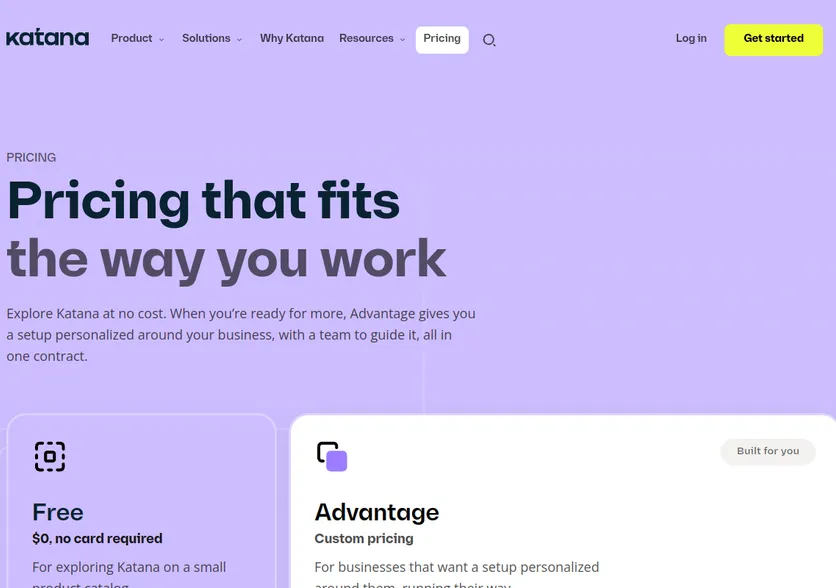
Paid tool Starting price: $299/month · Two hundred and ninety-nine dollars a month on Core; Advantage is a custom tier with no published price; the free plan covers thirty SKUs with unlimited users
Free plan: Free plan (30 SKUs)
A retail warehouse that receives stock from many suppliers gets inventory plus light manufacturing control with this Katana plan, which costs two hundred and ninety-nine dollars a month. It pairs inventory with simple production planning, so a maker knows what to build, what raw materials are on hand and what is ready to ship. The visual board makes stock and production obvious at a glance, which suits small teams without a warehouse manager.
What we like
- Visual production planning that makers actually understand
- Free plan covers thirty products with unlimited users
- Shopify and accounting integrations work out of the box
Watch out for
- Manufacturing depth is light next to a full ERP system
- The paid plan starts high for a very small maker
How to try it
- Add the product catalog with bills of materials
- Connect Shopify and set the warehouse locations
- Plan the first production run and track raw material stock
4. inFlow Inventory
Best for: Small makers and sellers that need simple stock control
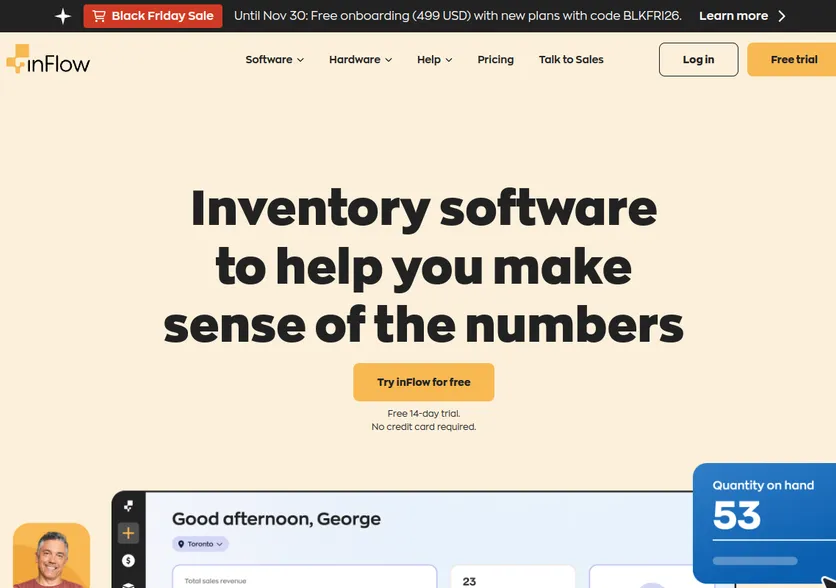
Paid tool Starting price: $99/month · Ninety-nine dollars a month on Lite billed annually ($129 billed monthly); Core is two hundred and ninety-nine dollars a month billed annually and Pro is four hundred and ninety-nine dollars a month billed annually; Max is six hundred and ninety-nine dollars a month billed annually; a four hundred and ninety-nine dollar one-time onboarding fee applies on most plans; fourteen-day free trial
Free plan: 14-day free trial
A retail warehouse that receives stock from many suppliers gets simple inventory, orders and barcode scanning with this inFlow Inventory plan, which costs ninety-nine dollars a month. It keeps inventory simple for a small team, with orders, purchase orders and barcode scanning that a new hire learns in a day. The straightforward design suits a maker or small seller who wants stock control without a warehouse consultant.
What we like
- Easy to learn, with a clean interface for small teams
- Barcode scanning and purchase orders included
- Works on desktop and mobile for warehouse and office
Watch out for
- The one-time onboarding fee applies on most plans
- Multi-warehouse depth is lighter than the dearer tools
How to try it
- Import products and set opening stock levels
- Connect the sales channels for order sync
- Scan a test batch through receiving, picking and packing
5. Zoho Inventory
Best for: Small sellers that want cheap, solid inventory
Paid tool Starting price: $29/month · Twenty-nine dollars a month on Standard billed annually ($39 billed monthly); Professional is seventy-nine dollars a month billed annually and Premium is one hundred and twenty-nine dollars a month billed annually; Enterprise is two hundred and forty-nine dollars a month billed annually; the free plan covers fifty orders a month; an older July 2026 read showed higher tiers, which the November 2026 reads supersede
Free plan: Free plan (50 orders a month)
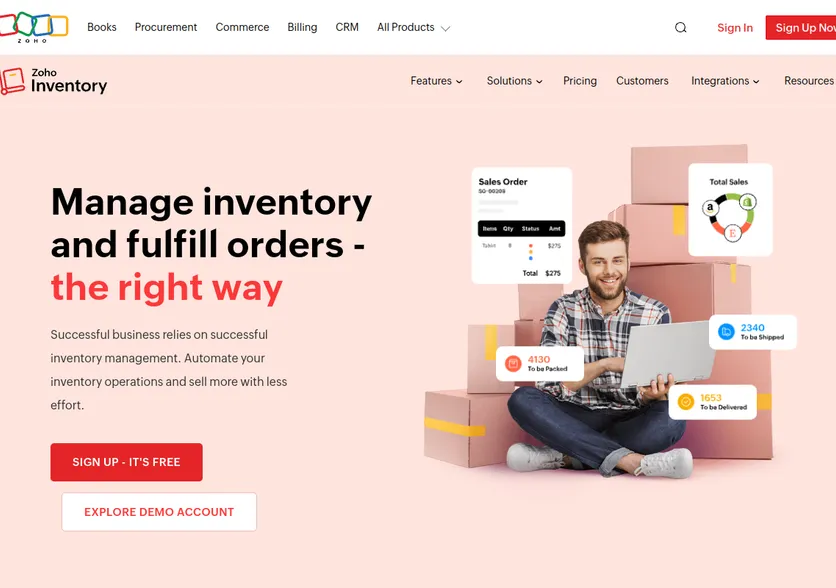
A retail warehouse that receives stock from many suppliers gets low-cost inventory, orders and multi-warehouse stock with this Zoho Inventory plan, which costs twenty-nine dollars a month. It covers inventory, orders and warehouses at a low price, which is why it is the default pick for a small seller on a budget. The free tier lets a new seller run real orders before paying anything, and the paid tiers stay cheap as volume grows.
What we like
- Free plan covers fifty orders a month for tiny sellers
- Multi-warehouse stock and composite items included
- Works smoothly with the rest of the Zoho suite
Watch out for
- Two locations only on the Standard plan
- Advanced warehouse features sit on the dearer tiers
How to try it
- Connect the sales channels and import the catalog
- Set up warehouses and stock levels per location
- Create a purchase order and receive the first shipment
6. Ordoro
Best for: Sellers that want inventory and shipping in one place
Paid tool Starting price: $499/month · Four hundred and ninety-nine dollars a month on Pro; Express is fifty-nine dollars a month for shipping only and Enterprise is nine hundred and ninety-nine dollars a month
Free plan: No free plan; free trial available
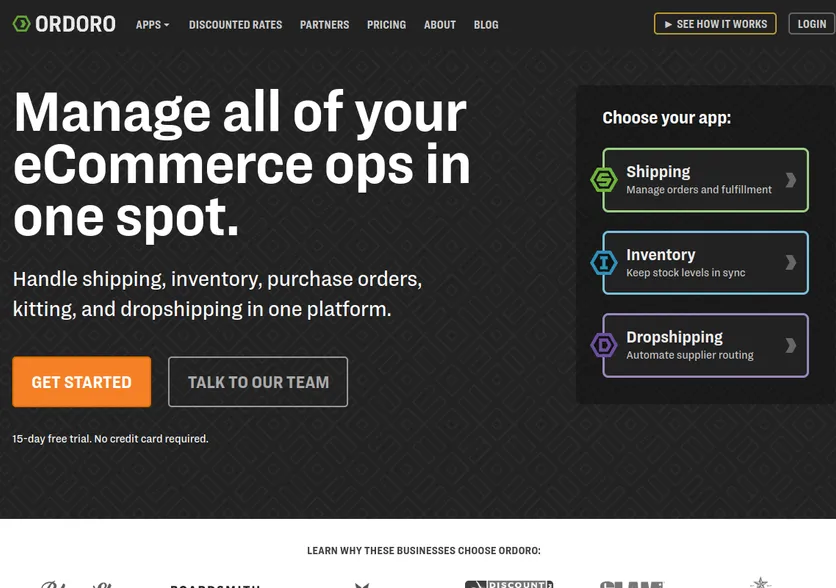
A retail warehouse that receives stock from many suppliers gets inventory, shipping and supplier control in one app with this Ordoro plan, which costs four hundred and ninety-nine dollars a month. It combines inventory with shipping and dropshipping, so a seller can manage stock, suppliers and labels without switching apps. The supplier and purchase-order tools suit sellers who reorder often and track stock by supplier.
What we like
- Shipping, inventory and supplier management in one app
- Dropshipping tools built in for suppliers and purchase orders
- Kitting and bundling for sellers with combined products
Watch out for
- Pro is a big jump from the shipping-only Express plan
- The interface shows its age next to newer tools
How to try it
- Connect the store and import products and stock
- Set up shipping carriers and rate shopping
- Create suppliers and purchase orders for the next restock
7. ShipStation
Best for: Brands that ship every day and want cheap labels
Paid tool Starting price: $14.99/month · Fourteen dollars and ninety-nine cents a month on Starter at fifty shipments ($11.99 billed annually); Standard is twenty-nine dollars and ninety-nine cents a month and Premium is three hundred and forty-nine dollars and ninety-nine cents a month; no free plan, thirty-day trial; the old Bronze, Silver, Growth and Scale tiers ended November 1, 2026
Free plan: No free plan; 30-day free trial
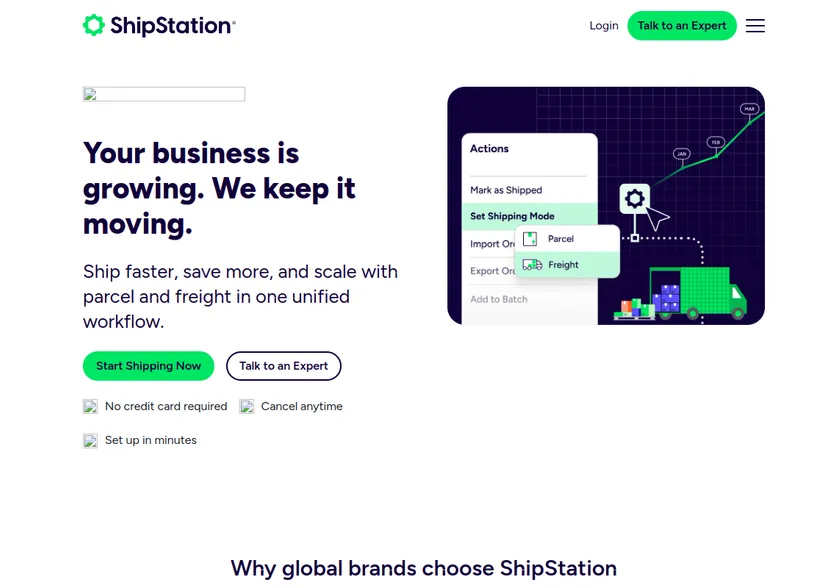
A retail warehouse that receives stock from many suppliers gets fast label printing and carrier rate shopping with this ShipStation plan, which costs fourteen dollars and ninety-nine cents a month. It pulls orders from every channel, compares carrier rates and prints labels fast, which is the daily grind for any shipping warehouse. The automation rules handle the repetitive label and packing-slip work so a small team can ship far more orders.
What we like
- Discounted carrier rates across many carriers at once
- Automation rules that cut manual label work to minutes
- Branded tracking pages and packing slips included
Watch out for
- Starter caps at fifty shipments a month
- Inventory features are lighter than a full warehouse system
How to try it
- Connect the store and import the open orders
- Connect carriers and set automation rules for labels
- Print a test batch and check tracking pages before going live
8. SKULabs
Best for: Growing sellers that need barcode picking fast
Paid tool Starting price: $299/month · Two hundred and ninety-nine dollars a month on Starter (one thousand orders, three users, two channels, two warehouses); Basic is four hundred and ninety-nine dollars a month, Growth is seven hundred and ninety-nine dollars a month, Pro is nine hundred and ninety-nine dollars a month and Enterprise is one thousand nine hundred and ninety-nine dollars a month; Ultimate is quoted; month to month with no contract or onboarding fees
Free plan: No free plan; demo available
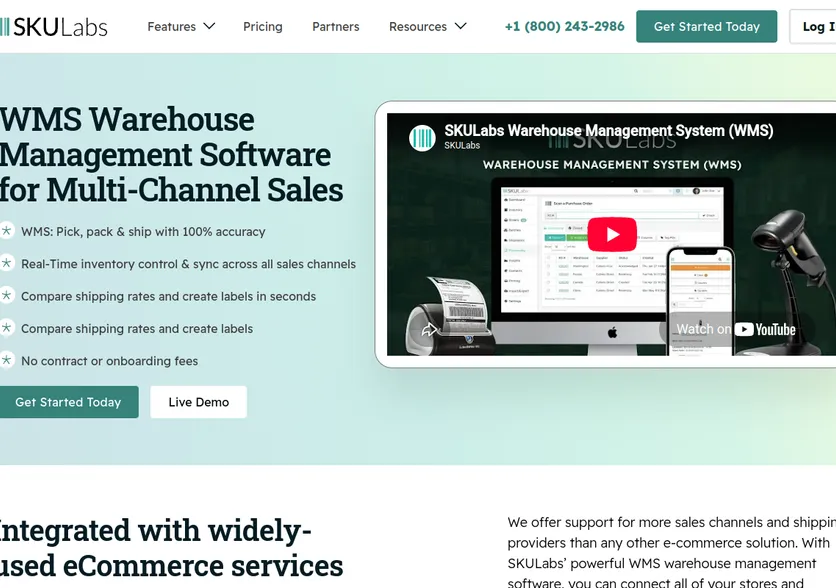
A retail warehouse that receives stock from many suppliers gets barcode picking, packing and multi-channel orders with this SKULabs plan, which costs two hundred and ninety-nine dollars a month. It is built around barcode picking and packing, so a growing seller can move orders faster without hiring more pickers. The month-to-month billing suits a seller that wants to try warehouse software without signing a yearly contract.
What we like
- Barcode picking and packing built for speed
- Month to month with no contract or onboarding fees
- Multi-channel orders in one queue
Watch out for
- Starter caps at one thousand orders a month
- Three users only on the entry plan
How to try it
- Connect the sales channels and import products
- Set up warehouse locations and barcode labels
- Run the mobile picking app through a real order batch
Prices above were checked on each vendor’s own website on Nov 29, 2026 and can change — the vendor’s page is the final word. Vendor links are editorial: nobody paid to be listed or ranked here. Vendors who want a featured listing can see how it works on our Get listed page.
How a retail warehouse receives stock without errors
Match every delivery against its purchase order before anything goes on a shelf, and count it, because the supplier packing slip is not proof of what arrived. Check the product, the quantity and the condition at the dock, and photograph any damage before signing, since a signed delivery is hard to dispute later. Put the stock away the same day it arrives, in its labeled location, so the system count and the shelf count never drift apart. Log any short shipment or damaged item against the supplier straight away, and hold the invoice until the discrepancy is resolved. Count the fast movers weekly and the slow movers monthly, and fix the locations that keep showing errors.
Before you buy
- Confirm deliveries are matched against purchase orders before stock goes on shelves
- Check whether damaged or short deliveries are logged against the supplier automatically
- Ask how the tool handles putaway, so every item lands in a labeled location
- Make sure receiving works by barcode, not by typing quantities by hand
- Test the tool on a real delivery, from dock check to putaway, before going live
Official websites
Official websites of the products reviewed above. Features and prices were checked against these sites when this guide was written, and they can change, so confirm on the vendor site before you buy.
Frequently asked questions
What is warehouse receiving software for retail warehouses?
It is software that runs the dock door, matching every delivery against its purchase order, counting it, checking its condition and putting it away in a labeled location. It stops the two costliest receiving mistakes: accepting stock that never arrived and losing stock that did. Good tools add barcode receiving, so the count is scanned rather than typed by hand.
How much does Fishbowl cost for a retail warehouse?
Fishbowl costs two hundred and twenty-nine dollars a month on the Essentials plan, the entry inventory plan. That covers multi-location stock, purchase orders and manufacturing in one system, with barcode picking and packing for the warehouse team. Higher plans add advanced warehousing and automation, so a warehouse should confirm the tier that fits its order volume before buying.
Can a retail warehouse receive stock for free?
Yes, with limits. Zoho Inventory offers a free plan covering fifty orders a month, and it includes purchase orders and multi-warehouse stock. That is enough for a small retailer receiving a few deliveries a week. A busy retail warehouse receiving daily deliveries will need a paid plan, and Fishbowl is the cheapest full system in this list.
Which tool is best for receiving in a retail warehouse?
Fishbowl is the best overall pick, since it runs receiving, inventory and shipping in one place for two hundred and twenty-nine dollars a month. inFlow suits small retailers that want simple stock control, and Zoho Inventory is the best value for a retailer on a tight budget. SKULabs fits warehouses that want barcode receiving and picking at speed.
How do I stop receiving errors in a retail warehouse?
Match every delivery against its purchase order before anything goes on a shelf, and count it, because the supplier packing slip is not proof of what arrived. Check the product, the quantity and the condition at the dock, and photograph any damage before signing. Put the stock away the same day it arrives, in its labeled location.
Compare the eight tools above, then trial the cheapest paid tier on a real delivery, from dock check to putaway, and keep the one that catches the errors.
Browse Business Tools tools