On this page
Food moves through a distributor warehouse fast, and every pallet carries a temperature, a lot code and a use-by date that somebody has to prove. Paper checklists lose that proof the moment a shift changes. The eight tools below cover safety checks, incident reports and food safety audits, from a free plan for a small depot to a full compliance suite. SafetyCulture leads because it puts inspections, corrective actions and food safety templates in one app for twenty-four dollars a user a month, and the rest are ranked on how well they fit a food warehouse.
How we researched this
We checked every price on the vendor pricing page on November 29, 2026, and only included tools with a published US dollar list price. The big enterprise safety platforms that sell by quote, including KPA, VelocityEHS, Cority, Benchmark Gensuite, EcoOnline, Donesafe, HSI, SafetyChain, FoodLogiQ, TraceGains, ComplianceQuest and MasterControl, publish no prices, so they are not in this list. Prices change, so confirm the current figure on the vendor site before you buy.
Compare the tools
| Name | Best for | Starting price | Free plan | |
|---|---|---|---|---|
 SafetyCulture | Food distributors that want inspections and food safety in one app | $24/user/month | Free plan (up to 10 users) | Visit |
 GoAudits | Small distributors that want cheap, offline audit checklists | $10/user/month | No free plan; 14-day free trial | Visit |
 Safesite | Distributors that want meetings, hazards and inspections in one place | $12.80/member/month | Free demo | Visit |
 GoCanvas | Distributors replacing paper forms with mobile checklists | $29/user/month | No free plan; 14-day free trial | Visit |
 Fluix | Distributors that share forms and approvals across crews | $29/user/month | Free demo | Visit |
 Fieldwire | Distributors coordinating crews and contractors across sites | $39/user/month | Free plan (Basic, 5 users) | Visit |
 Fulcrum | Distributors collecting structured data across many sites | $43/user/month | No free plan; 14-day free trial | Visit |
 EHS Insight | Larger distributors that need full EHS compliance reporting | $5,000/year | Free demo | Visit |
The warehouse safety software for food distributors, compared
1. SafetyCulture
Best for: Food distributors that want inspections and food safety in one app
Paid tool Starting price: $24/user/month · Twenty-four dollars per user a month billed annually on Premium (twenty-nine dollars month to month); Lite seats are five dollars a user a month; the product was rebranded from Mitti in August 2026
Free plan: Free plan (up to 10 users)
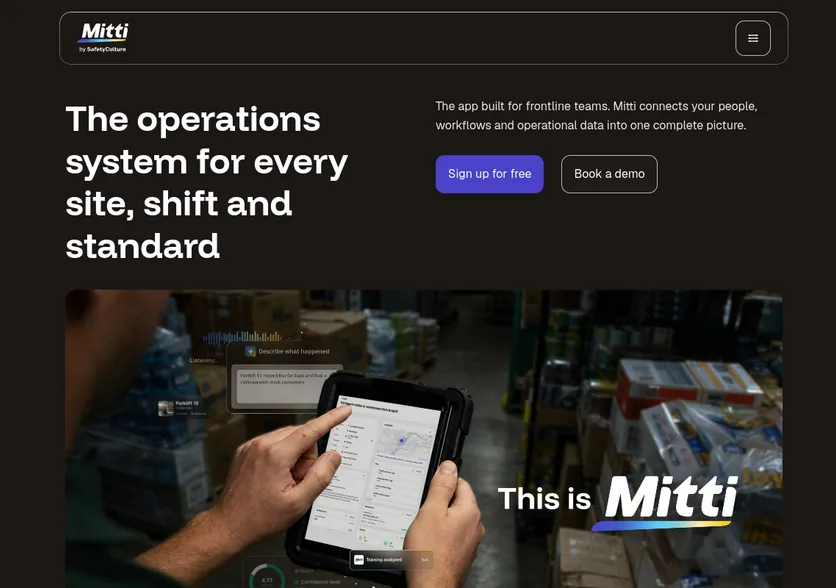
Food distributors that need one app for inspections, audits and corrective actions get it here, since this SafetyCulture plan costs twenty-four dollars a user a month billed annually and covers checklists, photo evidence and issue tracking in the same place. Its food safety templates cover temperature checks, hygiene audits and supplier checks, and every failed item can be assigned with a due date so nothing slips. The free plan covers up to ten users, so a small depot can run real inspections before paying.
What we like
- Food safety templates for temperature, hygiene and supplier checks
- Photo evidence and issue tracking built into every checklist
- Free plan covers up to ten users for a small depot
Watch out for
- The free plan caps at ten users, so bigger depots pay from day one
- Advanced analytics and integrations sit on the higher tiers
How to try it
- Build a temperature and hygiene checklist from the food safety templates
- Assign failed items to named staff with a due date
- Review open actions daily and export the audit trail for the next inspection
2. GoAudits
Best for: Small distributors that want cheap, offline audit checklists
Paid tool Starting price: $10/user/month · Ten dollars per user a month billed annually on Starter (twelve dollars month to month); Enterprise is thirty dollars a user a month
Free plan: No free plan; 14-day free trial
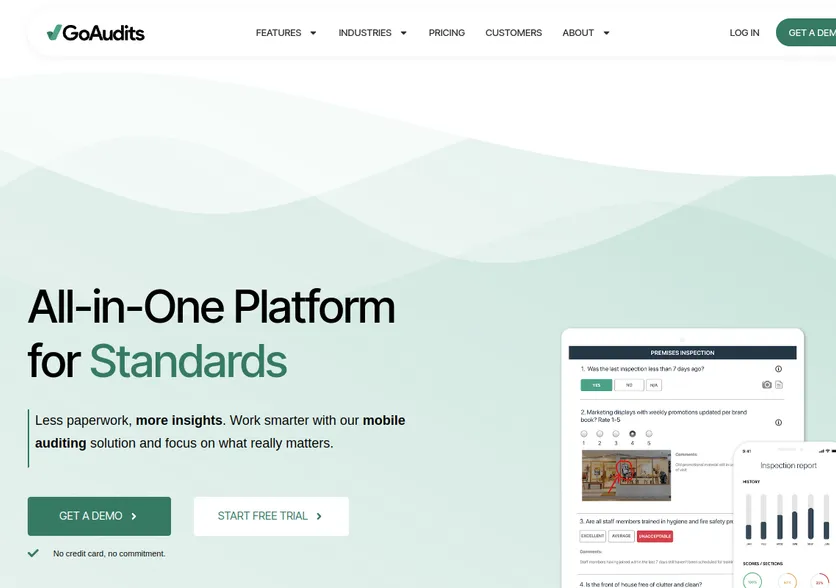
Small food distributors get a capable audit app at the lowest entry price in this list, because this GoAudits plan costs ten dollars a user a month billed annually. Its checklists run offline on a phone, photos and signatures attach to every answer, and the report is ready to share the moment the audit ends. It is the cheapest way to put a proper inspection routine on every shift.
What we like
- Checklists run offline on a phone on the warehouse floor
- Photos and signatures attach to every inspection answer
- Reports are ready to share the moment the audit ends
Watch out for
- No free plan, so every user is paid from the start
- Analytics and integrations are thinner than the dearer tools
How to try it
- Pick a food safety template or build a checklist from scratch
- Run the inspection offline and attach photos to failed items
- Share the finished report with the warehouse manager the same day
3. Safesite
Best for: Distributors that want meetings, hazards and inspections in one place
Paid tool Starting price: $12.80/member/month · Twelve dollars and eighty cents per member a month billed annually, the twenty percent annual discount on the sixteen dollar monthly rate; some November 2026 reads list sixteen dollars as the annual rate, so confirm at checkout
Free plan: Free demo
A distributor that wants safety meetings, incident reports and inspections without a heavy setup will like this Safesite plan, which costs twelve dollars and eighty cents a member a month billed annually. Its hazard reporting and safety meeting tools work from a phone on the warehouse floor, and the dashboard shows open actions across every site at a glance. The annual rate is the discounted figure against a sixteen dollar monthly rate, so check the billing basis at checkout.

What we like
- Safety meetings and toolbox talks run from the same app
- Hazard reporting works from a phone on the warehouse floor
- Dashboard shows open actions across every site at a glance
Watch out for
- No free plan, so a trial is the only way to test it
- Some November 2026 reads list sixteen dollars as the annual rate
How to try it
- Set up the sites and invite the crew to the mobile app
- Log hazards and run safety meetings from the phone
- Track open actions on the dashboard until each one closes
4. GoCanvas
Best for: Distributors replacing paper forms with mobile checklists
Paid tool Starting price: $29/user/month · Twenty-nine dollars per user a month billed annually on Essentials; Pro is thirty-nine dollars and Max is forty-nine dollars; three-user minimum
Free plan: No free plan; 14-day free trial
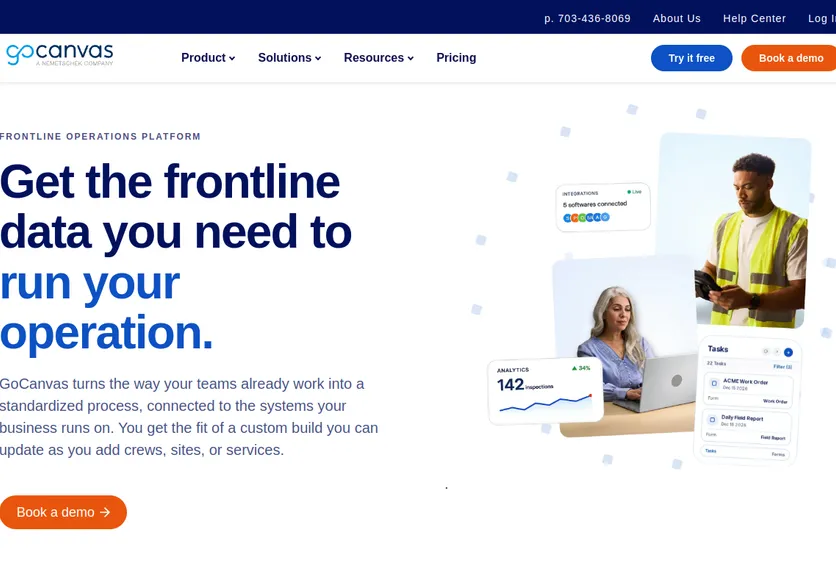
Food distributors still running paper forms for receiving, temperature logs and vehicle checks can move them into this GoCanvas plan, which costs twenty-nine dollars a user a month billed annually. Its drag-and-drop form builder turns a paper checklist into a mobile form in an afternoon, and completed forms sync back to the office as PDFs. Dispatch and workflow tools sit on the higher tiers, so the entry plan is best for forms and data capture alone.
What we like
- Drag-and-drop builder turns a paper form into a mobile form fast
- Completed forms sync back to the office as PDFs
- Works offline and captures photos, signatures and GPS stamps
Watch out for
- Dispatch and workflow tools need the dearer Pro or Max tiers
- Three-user minimum, so a one-person depot pays for three seats
How to try it
- Rebuild the most-used paper form with the drag-and-drop builder
- Publish it to the crew phones and collect the first submissions
- Export completed forms as PDFs for the office file
5. Fluix
Best for: Distributors that share forms and approvals across crews
Paid tool Starting price: $29/user/month · Twenty-nine dollars per user a month on Crews for five or more users; Operations is forty-nine dollars a user a month and Enterprise is quoted
Free plan: Free demo
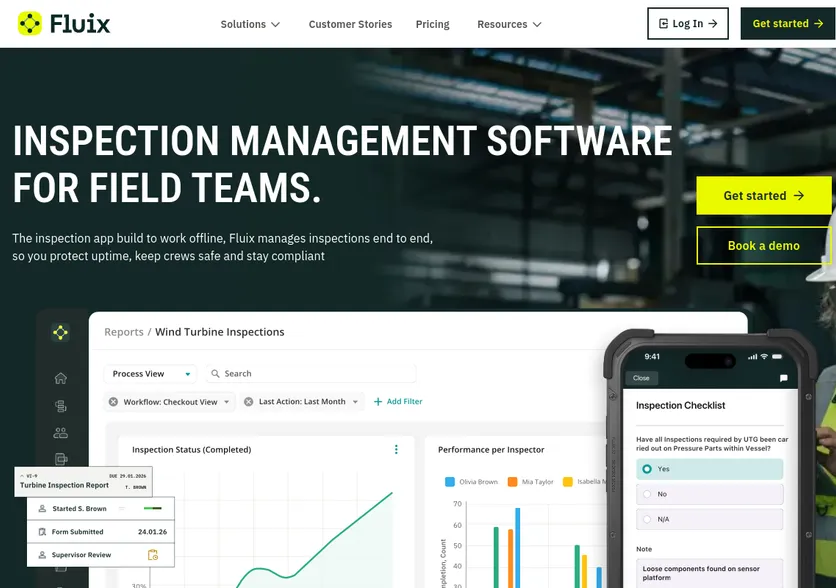
A distributor with field crews and warehouse staff sharing the same documents will like this Fluix plan, which costs twenty-nine dollars a user a month for teams of five or more. Its document workflows route forms for approval, collect e-signatures and keep an audit trail of every version. It is stronger on document flow than on inspection checklists, so pair it with a dedicated audit tool for the full safety routine.
What we like
- Document workflows route forms for approval and e-signature
- Audit trail keeps every version of every form
- Offline capture keeps field crews working without signal
Watch out for
- Stronger on document flow than on inspection checklists
- No free plan, so a demo is the way to judge it
How to try it
- Upload the forms the crews already use every day
- Set up approval steps and e-signatures for each form
- Track submissions and versions from the admin dashboard
6. Fieldwire
Best for: Distributors coordinating crews and contractors across sites
Paid tool Starting price: $39/user/month · Thirty-nine dollars per user a month on Pro; the free Basic plan covers five users and three projects; Business and Enterprise tiers are quoted
Free plan: Free plan (Basic, 5 users)
A distributor coordinating contractors, maintenance crews and safety walkthroughs across sites gets a clear task board here, because this Fieldwire plan costs thirty-nine dollars a user a month. Its plans, tasks and punch lists keep everyone working from the same drawing, and the free Basic plan covers five users and three projects for a small crew. It is a task tool first and a safety tool second, so its inspection features are lighter than the dedicated audit apps.
What we like
- Plans, tasks and punch lists keep every crew on the same page
- Free Basic plan covers five users and three projects
- Photo markups and checklists sit on the drawings themselves
Watch out for
- Inspection features are lighter than the dedicated audit apps
- The dearer tiers are where the reporting depth lives
How to try it
- Upload the site plans and mark up the areas to check
- Assign punch list tasks to the crew with due dates
- Close tasks with photos so the record shows the fix
7. Fulcrum
Best for: Distributors collecting structured data across many sites
Paid tool Starting price: $43/user/month · Forty-three dollars per user a month billed annually on Professional (fifty-five dollars month to month); Elite is fifty-five dollars a user a month billed annually; five-user minimum
Free plan: No free plan; 14-day free trial
A distributor that collects inspection data across many sites and vehicles will find the structure it needs here, since this Fulcrum plan costs forty-three dollars a user a month billed annually. Its form builder handles conditional logic, GPS capture and photo markup, and the data feeds straight into reports without retyping. The five-user minimum and the higher price suit teams that inspect every day rather than once a month.
What we like
- Conditional logic builds smart forms that adapt as you answer
- GPS capture and photo markup pin every record to a place
- Data feeds straight into reports without retyping
Watch out for
- Five-user minimum, so small depots pay for seats they do not use
- The entry price is high for occasional inspections
How to try it
- Build a form with conditional logic for the inspection routine
- Collect records with GPS and photos from the field
- Export the data into reports for the safety manager
8. EHS Insight
Best for: Larger distributors that need full EHS compliance reporting
Paid tool Starting price: $5,000/year · Five thousand dollars a year is the published starting figure for small and mid-size teams, scaling by contacts and modules; no free plan and no free trial is published
Free plan: Free demo
A larger distributor that needs incident management, audits and compliance reporting under one roof will find it in this EHS Insight plan, which starts at five thousand dollars a year. Its modules cover incidents, audits, inspections and corrective actions with reporting that suits a food safety audit. The starting figure scales with contacts and modules, so a quote is the way to price a multi-site rollout.
What we like
- Incidents, audits, inspections and corrective actions in one system
- Reporting that suits a food safety audit
- Modules scale with the size of the operation
Watch out for
- Five thousand dollars a year is only the starting figure
- No free plan and no free trial is published
How to try it
- Pick the modules that match the compliance duties
- Set up incident and audit workflows for each site
- Run the compliance reports ahead of the next audit
Prices above were checked on each vendor’s own website on Nov 29, 2026 and can change — the vendor’s page is the final word. Vendor links are editorial: nobody paid to be listed or ranked here. Vendors who want a featured listing can see how it works on our Get listed page.
How to run food safety checks without drowning in paper
Start with the checks that protect food first: temperatures, hygiene, pest sightings and allergen separation, then add the general safety walks around them. Give every failed item an owner and a due date the moment it is found, because an open action with no name is how a small problem becomes a recall. Photograph the evidence at the time, not later, since a photo taken on the spot settles arguments that a note cannot. Review the open actions every morning in a short stand-up, and close the loop before the next delivery arrives. Keep the records where an auditor can find them in minutes, not in a drawer, because a food safety audit is won or lost on how fast you can prove the checks happened.
Before you buy
- Check that inspections work offline on the warehouse floor, where the signal is weakest
- Make sure temperature, hygiene and allergen checks come as ready-made food safety templates
- Confirm every failed item can be assigned to a named person with a due date
- Ask whether photos, signatures and GPS stamps attach to each inspection answer
- Test the audit export on a real file before paying, so an auditor can read it
Official websites
Official websites of the products reviewed above. Features and prices were checked against these sites when this guide was written, and they can change, so confirm on the vendor site before you buy.
Frequently asked questions
What is warehouse safety software for food distributors?
It is software that runs safety inspections, incident reports and food safety audits in a warehouse that stores and ships food. It replaces paper checklists with mobile forms that capture photos, temperatures and signatures, assigns failed items to named staff, and keeps an audit trail that proves the checks happened when a customer or regulator asks.
How much does SafetyCulture cost?
SafetyCulture costs twenty-four dollars per user a month billed annually on Premium, or twenty-nine dollars month to month. Lite seats are five dollars a user a month, and the free plan covers up to ten users, which is why it leads this list for food distributors that want inspections and food safety templates in one app.
Can I run food safety inspections for free?
Yes, with SafetyCulture, which offers a free plan for up to ten users, and Fieldwire, which offers a free Basic plan for five users and three projects. Both are genuine free tiers rather than trials, so a small depot can run real inspections without paying. Bigger operations will outgrow either free tier and should compare the paid plans above.
Which tool is best for a small food distributor?
GoAudits is the best value for a small distributor, at ten dollars a user a month billed annually, with offline checklists and instant reports. SafetyCulture is the better pick if the depot also needs food safety templates and a free plan to start on. Fieldwire suits depots that coordinate contractors and maintenance crews across sites.
Do these tools work offline in a warehouse?
Most of them do. GoAudits, GoCanvas, Fluix and SafetyCulture all run checklists offline on a phone and sync when the signal returns, which matters on a warehouse floor where the signal is weak. Confirm offline support on the plan you buy, since some features such as photo sync and approvals need a connection to finish.
Compare the eight tools above, then start with a free plan or trial on the one that matches how the warehouse already runs its safety checks before paying for a full year.
Browse Business Tools tools